+86 152 8002 3723
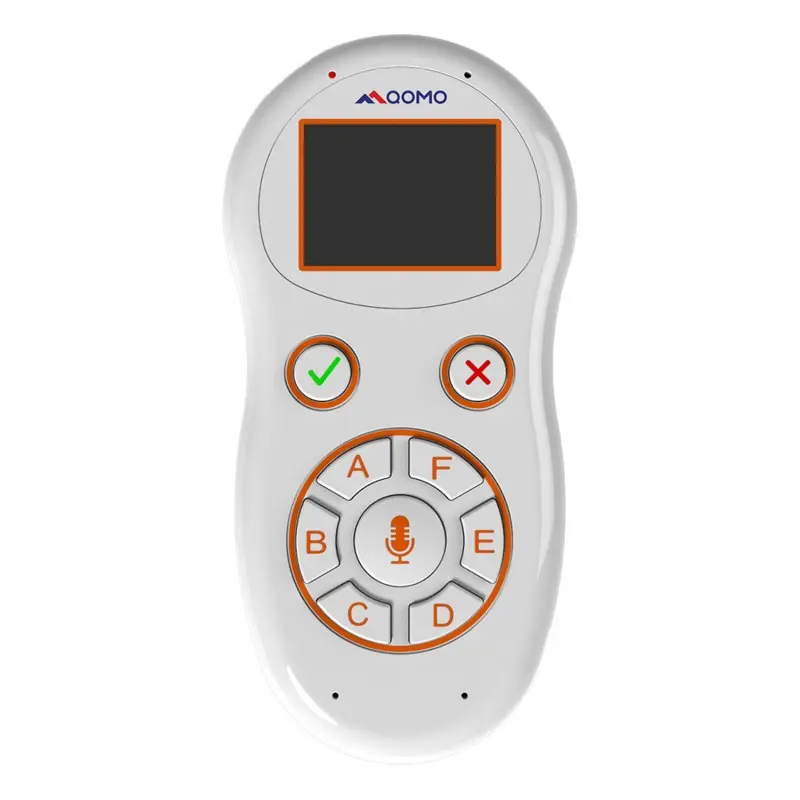
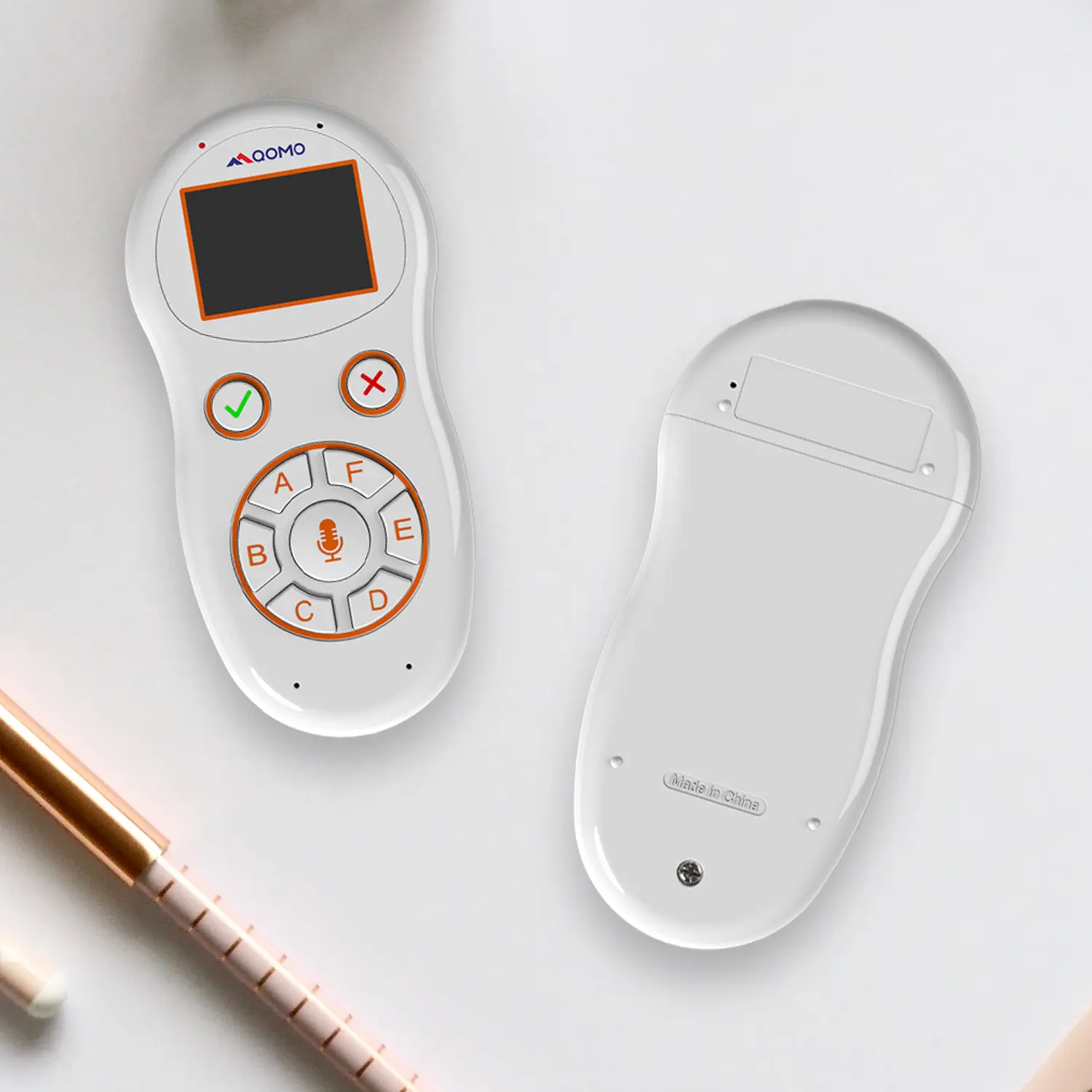
QVoteProfessional Audience Response System software offers the most convenient functions for your interactions.
QClickThe most convenient educational software for working with Microsoft PowerPoint to quickly set up various question types and generate intelligent feedback reports.
QCameraQCamera by QOMO allows for real-time streaming from cameras and document cameras. Annotate, save snapshots, record, and manipulate camera images instantly.
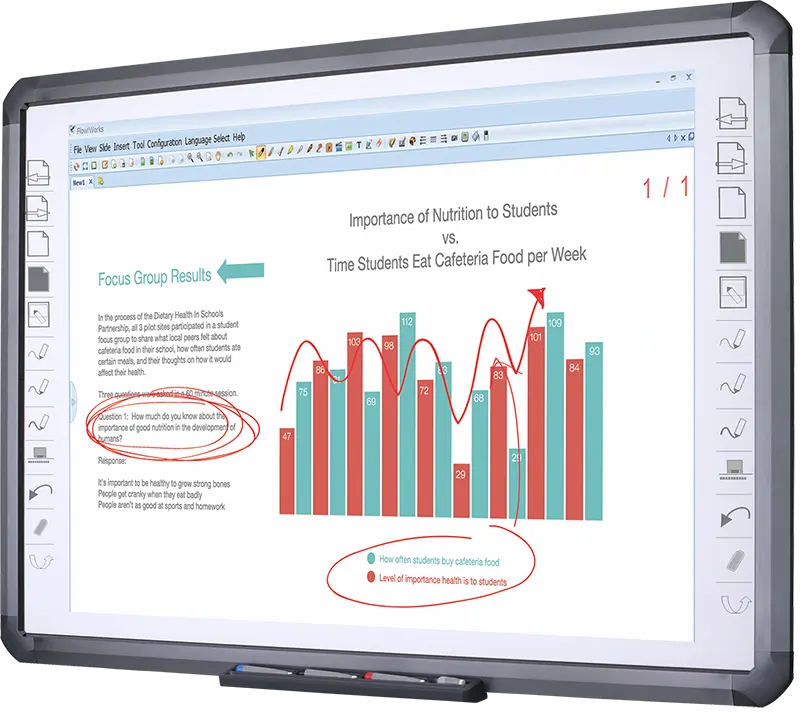
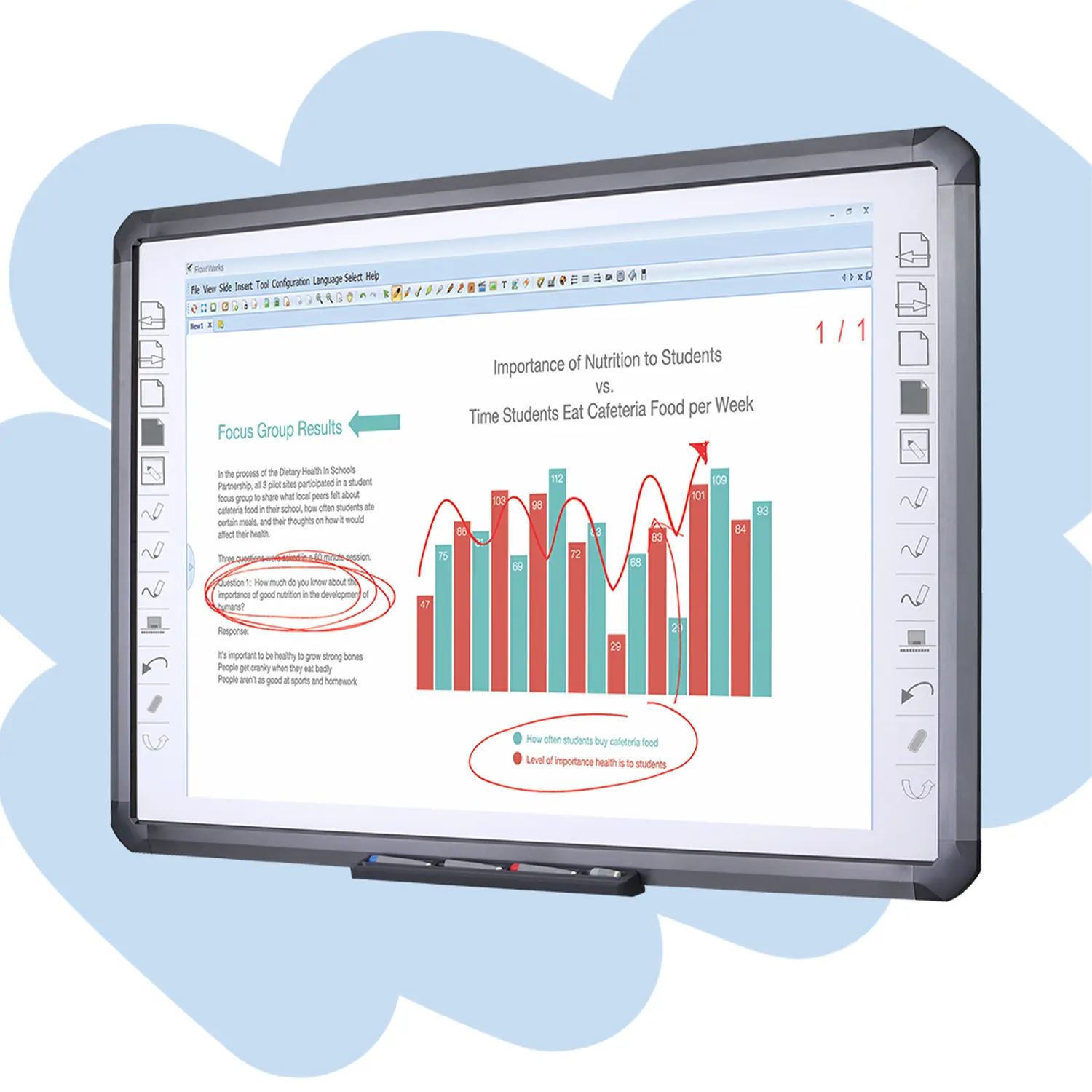
Flow!Works ProUser - friendly whiteboard software, it encompasses a wide range of presentation tools and powerful functions, delivering the most professional presentation experience to you.
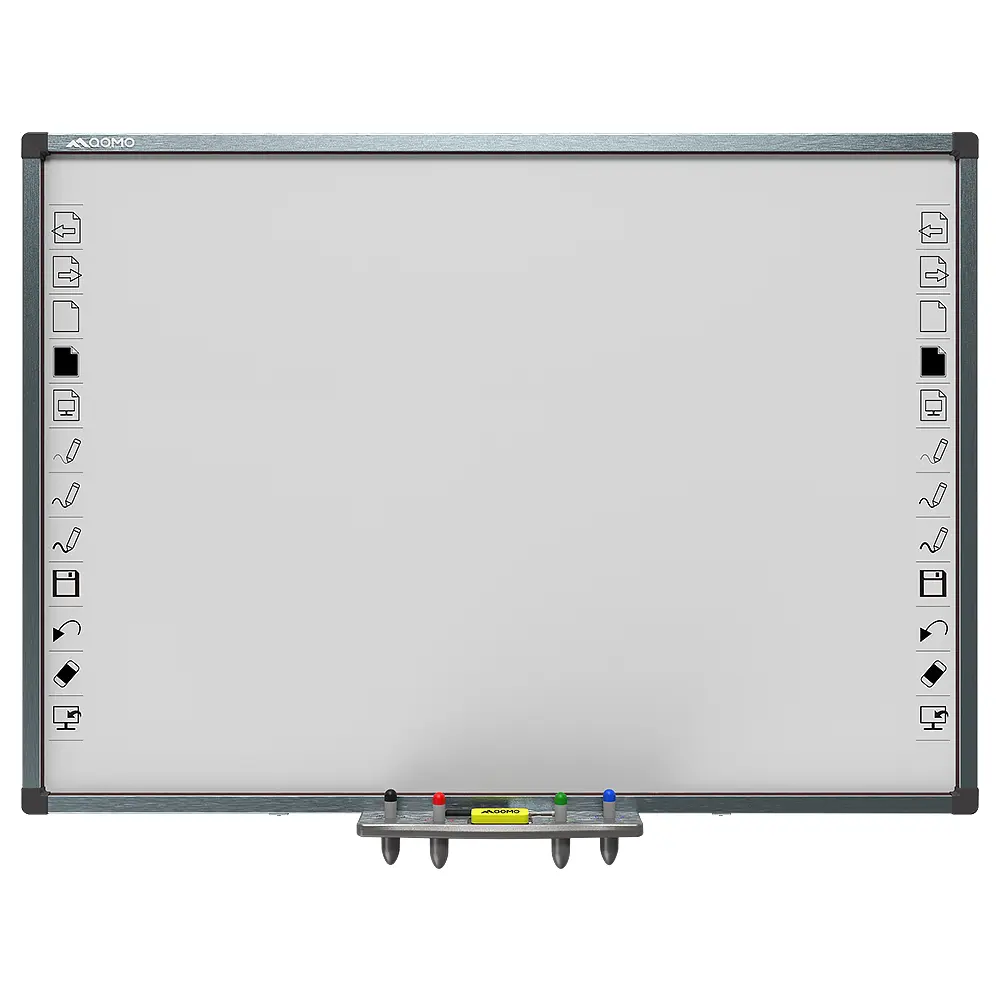
Flow!WorksFlow!Works incorporates more educational tools, further enhancing the interactivity and fun - factor of your teaching.
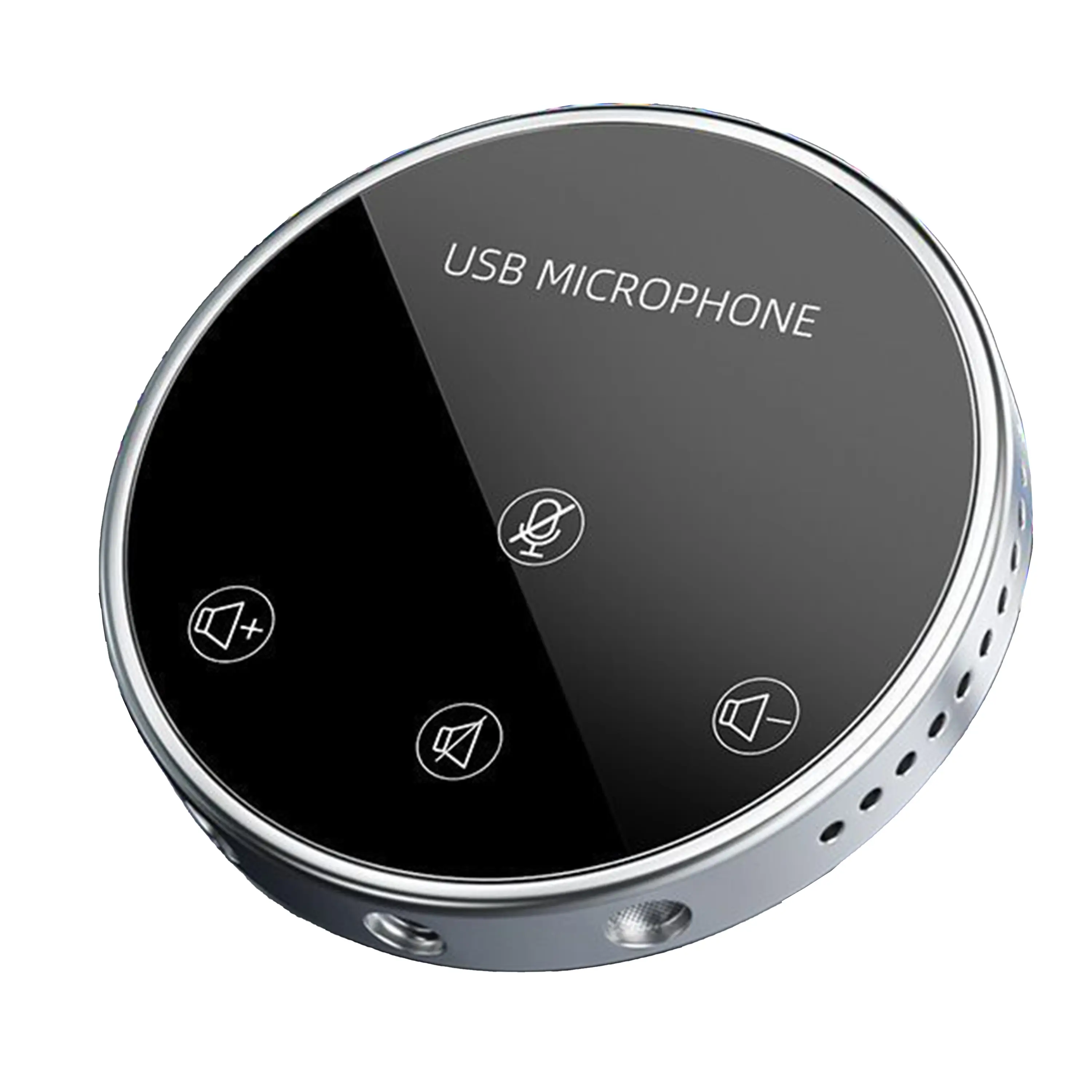
Conference Microphone● USB
● Plug and Play
● Intelligent Noise-Canceling
● 10ft/3m Extended Pickup Range
● 360° Omnidirectional Pickup
Conference Speakerphone● USB-C
● Plug and Play
● Intelligent Noise-Canceling
● 10ft/3m Extended Pickup Range
● 360° Omnidirectional Pickup
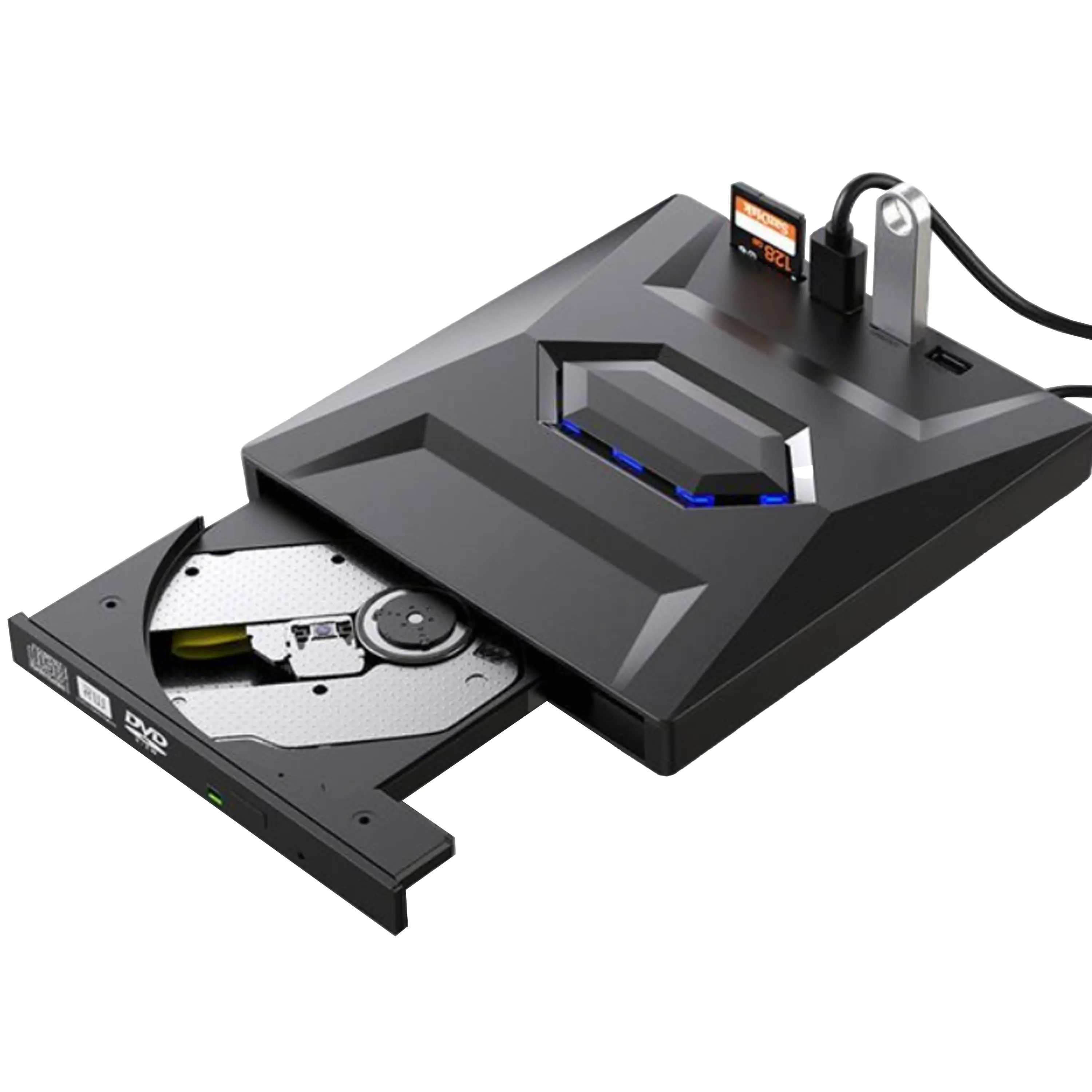
USB External CD/DVD Drive• USB and USB-C
• USB 3.0
• 8x DVD and 24x CD write/read speeds
• Portable
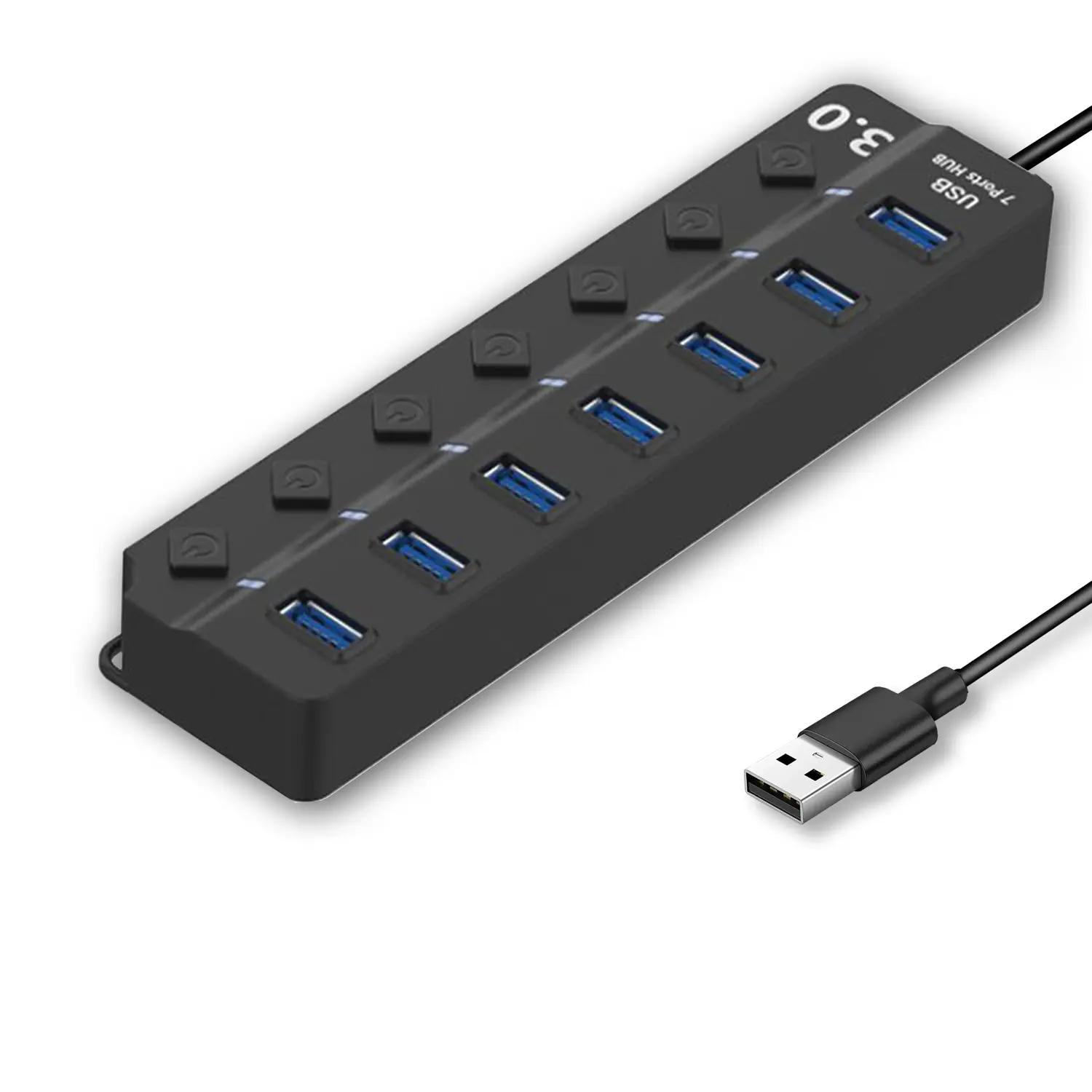
7-Port USB 3.0 Hub● USB 3.0
● Plug and Play
● 7-in-1 USB Hub
● Individual On/Off Switches
Revolutionize Your Presentations and Document Display with QWC 100S Document Camera
Enhance Call Experience: New Conference Microphone Now Available
AI-Powered Face-Tracking Webcam
Portable Document Camera Recommendations
Classic Design, Exceptional Functionality: QPC 22 Document Camera
Wireless Screen Mirroring Solution for All Devices
Latest Audience Response System: QRF 999
Introducing the QPC 80H3 Gooseneck Document Camera
Creating a Smart Integrated Classroom: What Do You Need?
Wireless Connectivity Upgraded: WiFi-Free Wireless Document Receiver
Flow!Works Pro: Interactive Whiteboard Software for Engaging Classrooms
How to Choose the Perfect Document Camera and Elevate Productivity
QWC 004 Conference Webcam: The Top Choice for Remote Education
QCamera: Dedicated Software for Document Cameras to Elevate Your Presentations
QRF999 Voice Response System: Enhancing Teacher-Student Interaction
Work From Home? Maybe You Should Try This Document Camera
The Ultimate Educational Tool: Gooseneck Document Camera
60GHz Millimeter-Wave Wireless Screen Sharing: QShare 100
What Does a Modern Conference Room Need?
QD5000 Document Camera: Unimaginable Versatility!
QWC 004: The Most Cost-Effective Webcam
QVote Interactive Classroom Response System Software
Functionality, Aesthetics, Portability! Meet the QWC 100S Document Camera!
Why Choose the BundleBoard H/H2 Interactive Flat Panel?
Save Your Budget—Introducing the All-New QPC 70 Document Camera!
QIT 600F3: Revolutionize Your Presentations
QCamera: Professional Document Camera Software
QPC 5: The Ultimate 4K Portable Document Camera
Elevate Your Meetings in Seconds: QWC 006 Webcam
Meet QOMO at ISE 2025
Wireless Document Camera Solution, Revolutionizing Wireless Technology
QRF Series, Transform Your Classroom!
QOMO, Building Intelligent Classrooms
QOMO QShare100 New Release
Outstanding Office Equipment Recommendations
As we venture into 2026, the importance of choosing the right document scanner cannot be overstated. A recent report from Market Research Future suggests that the global document scanning market is projected to reach $6 billion by 2026, driven by increasing digitization needs in various sectors. Businesses and individuals alike require efficient scanning solutions to manage and archive large volumes of physical documents.
Modern document scanners offer features such as duplex scanning, high-resolution output, and advanced OCR capabilities. However, with numerous options available, buyers often find it challenging to select the best product. Feedback from industry experts indicates that performance, cost, and user-friendly interfaces are crucial factors in this decision-making process.
While many scanners excel in specific areas, none may be perfect for every user’s needs. It's essential to reflect on individual requirements. Consideration of factors such as document type, volume, and intended use can lead to the best investment. As our reliance on digitized information grows, understanding these nuances will help in choosing the optimal document scanner for 2026.
The document scanning market is evolving rapidly. In 2026, this sector is expected to reach a value of approximately $5.6 billion. The demand for efficient digitization tools is growing. Remote work dynamics and paperless initiatives drive this trend. Companies are looking for ways to streamline workflows. The integration of artificial intelligence is enhancing the scanning process.
The rise of mobile scanning applications is noteworthy. For example, studies indicate that mobile scanning apps accounted for over 40% of the market share in 2025. Users favor convenience and ease of use. This trend reflects a shift towards more accessible technology solutions. Many organizations are still grappling with digital transformation. Over 30% report challenges in transitioning from paper-based systems.
Security concerns also play a role in this landscape. Businesses want to ensure that sensitive information is safe. Market research shows nearly 70% of companies prioritize confidential data protection in their scanning solutions. This highlights the importance of robust security features. Overall, the document scanning market in 2026 presents opportunities and challenges. Adaptation and innovation remain key factors for success.
When searching for the best document scanner in 2026, key features become crucial. High-resolution scanning is a must. Look for scanners that offer 300 DPI or higher for clear, legible documents. Speed is another critical factor. A scanner that can process multiple pages per minute saves time, especially for busy professionals.
Consider mobile scanning capabilities as well. Many users prefer scanners that pair with smartphones or tablets. Wireless connectivity can simplify the scanning process. Some scanners allow direct uploads to cloud storage or email. These features enhance workflow and accessibility.
However, not all features may meet your specific needs. Some devices may struggle with complex document types. For example, poorly designed interfaces can create frustration. Additionally, battery life might not always match your expectations. These issues highlight the importance of personal testing before purchase. Evaluating different models is essential to find the right fit for any buyer.
| Feature | Description | Importance |
|---|---|---|
| Scanning Speed | Measured in pages per minute (ppm), crucial for efficiency in high-volume scanning. | High |
| Resolution | Quality of scans measured in DPI (dots per inch), essential for readable documents. | Medium |
| Duplex Scanning | Ability to scan both sides of a page simultaneously, saving time. | High |
| Connectivity Options | Wi-Fi, USB, and Bluetooth options for ease of use across devices. | Medium |
| Automatic Document Feeder (ADF) | Allows for multiple page feeding, increasing efficiency for bulk scanning. | High |
| OCR Capability | Optical Character Recognition to convert scanned images into editable text. | High |
| Size and Portability | Compact size for easy transport, especially for mobile professionals. | Medium |
| Software Compatibility | Support for various operating systems and integration with existing workflows. | Medium |
Choosing the right document scanner is crucial for modern global buyers. Many brands claim superiority, yet the best options often depend on specific needs. It is essential to evaluate features like scanning speed, resolution, and compatibility. High-quality scans can save time and enhance productivity, especially for businesses around the world.
Some top brands focus on ease of use. User-friendly interfaces make a significant difference. A scanner that requires minimal training allows employees to focus on their tasks rather than struggling with technology. However, a common drawback is the lack of adequate customer support for issues that may arise. Brands must ensure that their support systems are reliable and accessible.
Buyers should also consider the cost-effectiveness of a scanner. An expensive model with advanced features might not always be necessary. Balancing investment with actual needs can be challenging. Many users overlook ongoing maintenance costs, which can affect long-term budgeting. Prioritizing functionality over brand prestige remains a smart strategy for global buyers.
When selecting a document scanner, consumers face a variety of options tailored for different needs. The global market for document scanners is projected to reach $10 billion by 2026, reflecting a compound annual growth rate (CAGR) of 8.1%. This growth can be attributed to the increasing demand for efficient document management solutions across industries.
In this comparative analysis, features like scanning speed, resolution, and software compatibility become critical factors. Scanning speed typically ranges from 20 to 60 pages per minute. However, not all models maintain consistent performance in high-volume tasks. Additionally, many users overlook the importance of resolution, which can vary from 150 to 1200 DPI. A higher DPI may enhance text clarity, but it can also increase processing time and file size, leading to inefficiencies.
Moreover, ease of use and integration with cloud services are vital considerations. Some models may excel in scanning but falter in compatibility with popular platforms. User feedback indicates that models with intuitive interfaces improve workflow but also highlight a common frustration with setup processes. Organizations are urged to evaluate user experiences and conduct thorough testing before making a purchase decision. This ensures the selected scanner truly aligns with their operational needs and long-term goals.
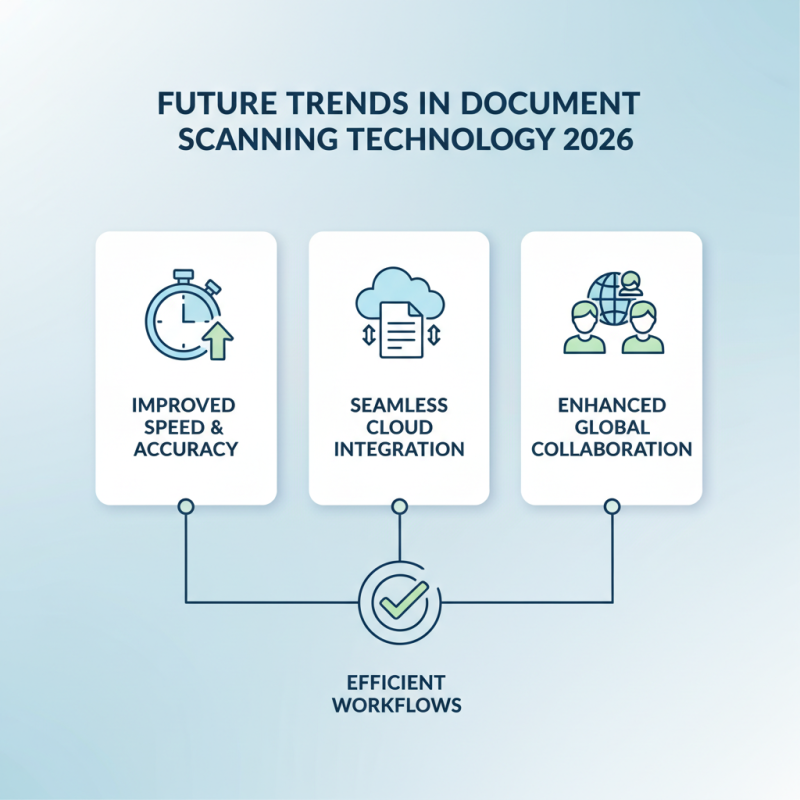
As we look ahead to 2026, document scanning technology continues to evolve. Companies are focusing on improving speed and accuracy. Users now expect seamless integration with cloud services. This trend enhances collaboration among global teams.
AI-powered scanning tools are gaining traction. They can recognize and categorize documents instantly. However, there are challenges with accuracy, especially in diverse languages. Users may find errors in translations or misidentified content. This raises questions about reliability in critical applications.
Mobile scanning solutions are also becoming popular. Many people prefer using smartphones for quick scans. While convenient, these apps can struggle with quality. Factors like lighting and camera resolution affect outcomes. Users need to be aware of these limitations to ensure effective document management.