request to quote
Leave Your Message

Where to Buy the Best Table With Touch Screen in China?

Choosing where to buy a Table With Touch Screen in China depends on its daily setting, not just its price. A restaurant may need a spill-resistant surface and quick menu loading. A showroom may value a bright display, precise multi-touch, and clean cable routing. Buyers can compare established manufacturers, specialist integrators, and sourcing platforms, but each requires different checks. Details matter.

A practical editorial quote from Lin Wei, an illustrative interactive-display sourcing specialist, captures the point: “A good touch table proves itself in the room, not on a spec sheet.” Treat that as guidance, not a verified interview quotation. Before ordering, ask suppliers for a live demonstration, a written component list, and clear warranty terms. Test the actual screen with the content and operating system you plan to use. Check viewing angles, touch response, brightness, heat, and stability during a continuous session. Test it live.

For overseas buyers, confirm sample availability, production lead time, packaging, after-sales support, and shipping arrangements in writing. Request relevant product documentation, and verify claims independently rather than relying on a polished catalog. A low quote can hide a weaker panel, limited software support, or costly replacement parts. I would not choose a supplier from photos alone; even a convincing demo may miss the conditions of your venue. The sections ahead compare practical buying routes in China and explain which questions can reveal a capable supplier before you commit.

Where to Buy the Best Table With Touch Screen in China?

What Is a Touch Screen Table and How Is It Used?

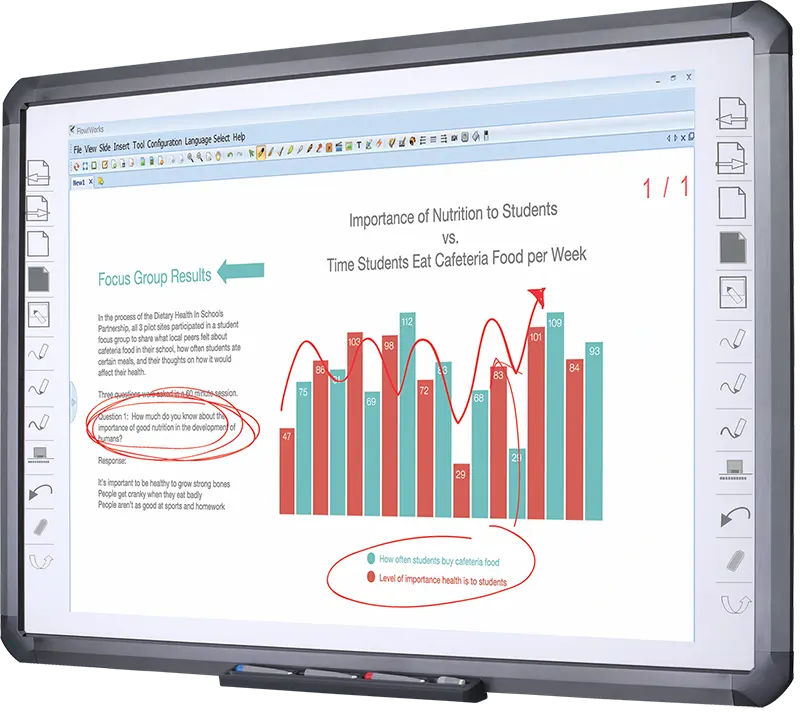
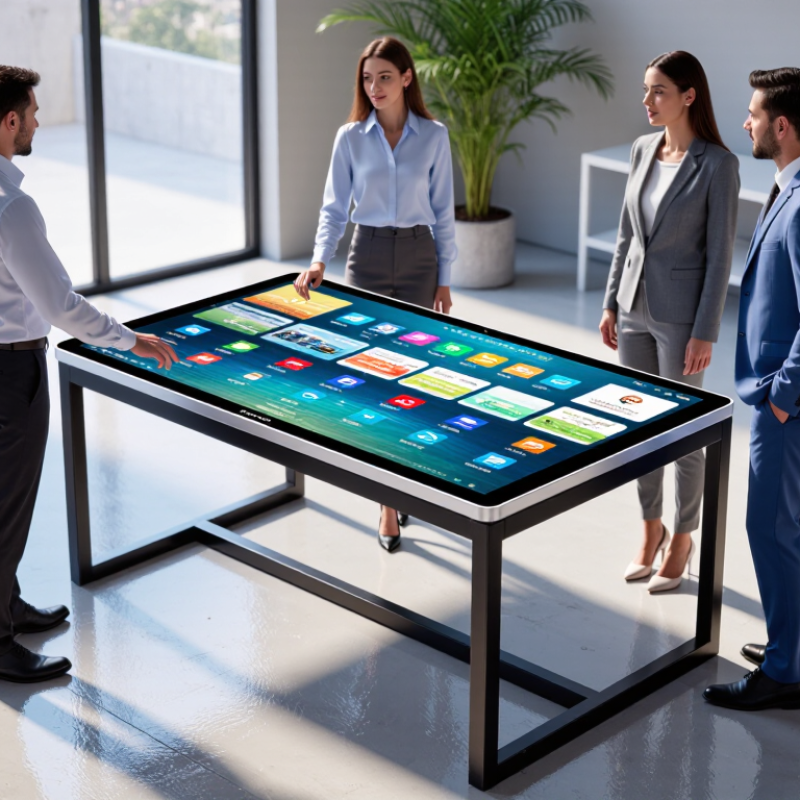
A touch screen table is a horizontal display that lets people interact with digital content using their fingers or a compatible stylus. Many models use a multi-touch panel beneath a protective glass surface. Several people can tap, drag, zoom, or write at the same time. Think of a meeting room where participants move digital notes across a shared floor plan. It feels direct. It can also feel awkward if the table is too high or the screen reflects overhead lights.

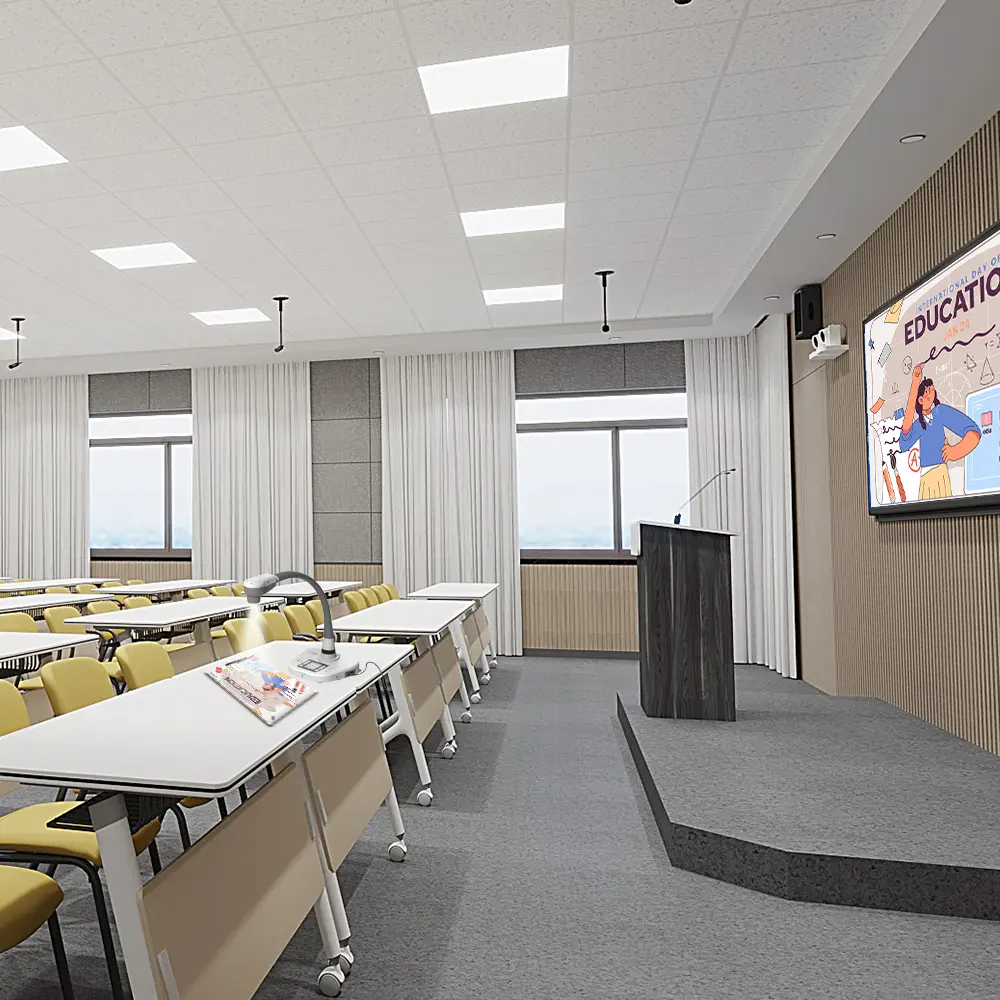
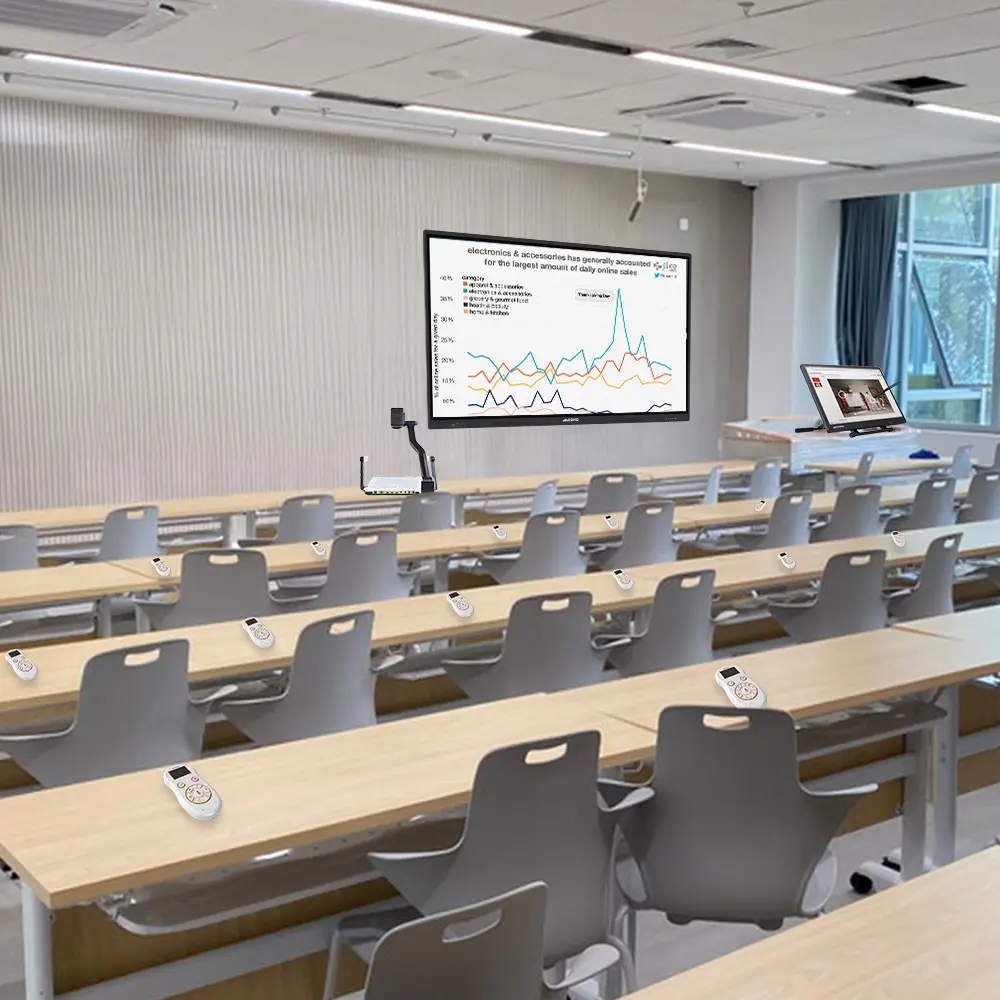
These tables are used in classrooms, visitor centers, conference rooms, and interactive exhibits. Teachers may display diagrams for small groups to explore, while teams can annotate plans without passing around a laptop. In public spaces, clear on-screen prompts help visitors find information independently.

Real-world performance depends on more than the display: check brightness, viewing angles, touch response, surface durability, and how easily the software can be updated. A test with several users is useful. One person tapping a clean screen is not enough. Dust, fingerprints, and strong sunlight can change the experience, and touch input may not suit every task. When comparing options in China, ask suppliers for a live demonstration and specific technical documentation, then test the table with the content and room lighting you actually plan to use.

How to Define Your Requirements Before Buying

Before contacting suppliers in China, define what the touch-screen table must do each day. Will people use it for meetings, teaching, visitor check-in, or product demonstrations? These tasks require different screen sizes, software, and room layouts. Measure the space, including doorways and routes for cables. Leave room for chairs and standing users. A large display can look impressive but feel awkward in a narrow room. Small details matter.

Decide how many people will touch the screen at once, and whether users need to write, draw, or share files. Ask suppliers to specify touch response, display resolution, operating system, ports, wireless options, and supported software. Confirm whether the table works with your existing devices; compatibility claims can be vague. Ask what warranty, technical support, spare parts, and delivery arrangements are included. Request a live demonstration using your own files, if possible. Check glare, typing comfort, and response near the screen’s edges. A polished showroom may hide everyday annoyances. One useful exercise is to list three must-haves and three acceptable compromises. Requirements can change after a demo; that is normal, and worth noting before comparing quotations.

Where to Find Touch Screen Table Suppliers in China

Finding touch screen table suppliers in China starts with a clear specification, not a broad search. Note the table size, screen dimensions, operating system, ports, brightness, and expected daily use. Details matter. Search industrial directories, supplier websites, and major trade fairs, then compare several manufacturers rather than relying on one attractive listing. A polished catalog can still leave awkward gaps; it is not proof of production quality.

Ask potential suppliers for recent product photos, technical drawings, and a live video demonstration. Check whether the screen responds smoothly to touch and whether the table stays stable when people lean nearby. Ask about sample orders, customization limits, spare parts, warranty terms, and typical production times. Request a written quotation that separates the table, display, packaging, and shipping costs. Vague answers deserve follow-up.

Before placing a large order, review a sample or arrange an independent inspection. Confirm that the delivered model matches the agreed specifications, including cable access and surface finish. Ask how defects are documented and handled. Not every supplier will offer the same level of testing, and a video call cannot replace physical inspection. This checklist is not foolproof; recheck details when specifications or delivery plans change.

Where to Buy a Touch Screen Table in China?

Common commercial touchscreen display sizes include 43, 55, 65, 75, and 86 inches. When sourcing, compare suppliers in Guangdong and the Yangtze River Delta, and confirm the display size, table configuration, certifications, warranty, and after-sales support directly with each supplier.

How to Compare Manufacturers, Products, and Prices

When comparing manufacturers in China, ask for evidence, not adjectives. Request the touch panel’s response-time and accuracy test results, operating-system details, warranty terms, and a sample video showing multi-touch use. Check whether the quoted price includes the frame, computer, delivery, installation, and spare parts. One awkward truth: a low unit price can become expensive after shipping and service costs.

Market figures need context. Grand View Research estimated the global interactive-display market at USD 41.8 billion in 2023 and forecast an 8.3% compound annual growth rate from 2024 to 2030 in its Interactive Display Market report. That covers many display types, not touch tables alone. Treat it as evidence of wider demand, not proof that a specific table will sell well or last.

Compare products under the same conditions: screen size, brightness, touch points, glass thickness, and warranty length. Ask suppliers to quote identical configurations, then compare total landed cost and lead time. A spreadsheet helps, but it can hide poor support. Ask who handles replacement parts and how quickly they respond. Small details matter. If possible, test a unit with wet and dry fingers, then inspect the screen under bright room lighting. No scorecard is perfect; even a careful comparison can miss service quality until something breaks.

Where to Buy the Best Table With Touch Screen in China? - How to Compare Manufacturers, Products, and Prices

Compare like-for-like specifications before requesting quotations. Screen sizes and configurations below are commonly offered options; availability varies by supplier. There is no single standardized China-wide price, so request an itemized quotation for the exact configuration.

Product Type Typical Use Common Screen Options Touch and System Checks Price Comparison What to Verify Before Buying
Interactive coffee table Homes, lounges, hotel lobbies, and visitor areas Often 32–55 inches, depending on the design Confirm touch-point count, operating system, app compatibility, and whether the screen is designed for horizontal use. Request a complete quote; compare screen, computer, table base, software, and delivery as separate line items. Check glass strength, spill protection, ventilation, stability, and access for maintenance.
Interactive conference table Meetings, collaboration, presentations, and shared planning Common options include 43–86 inches; confirm viewing and seating layout. Check HDMI or wireless sharing, computer specifications, multi-touch performance, and compatibility with required meeting software. Compare the same display size, touch performance, computing hardware, ports, and installation scope. Ask for a live multi-user demonstration and confirm cable routing, service access, and room installation requirements.
Interactive teaching table Classrooms, group learning, and small-group activities Frequently configured with compact displays; confirm the size against the number of users. Check simultaneous touch input, educational software support, user accounts, and device-management options. Compare hardware-only and software-inclusive quotations separately, including any recurring license fees. Request software demonstrations, update policies, training details, and written warranty terms.
Interactive restaurant table Menus, ordering, entertainment, and customer-facing information Size depends on seating and tabletop layout; confirm the usable screen area. Check point-of-sale integration, network connection, cleaning requirements, and whether the interface works in the intended language. Include integration, content setup, network equipment, and after-sales support in the comparison. Confirm food-service suitability, surface cleaning guidance, replacement process, and support response arrangements.

Where to Buy in China

Purchasing Channel Best For Questions to Ask
Direct manufacturer or factory sales Custom dimensions, larger orders, or specification changes Can you provide a factory audit or live production walkthrough, a sample test, and written component specifications?
OEM/ODM supplier Customized cabinetry, interface, enclosure, or software requirements Which parts are customized, what are the tooling or development fees, and who owns the custom design and software work?
AV or system integrator Projects requiring installation, networking, software integration, or local support Does the quotation include site survey, installation, commissioning, staff training, and post-installation support?
Business-to-business marketplace Supplier discovery and initial quotation comparisons Is the seller the manufacturer or a trading intermediary? Are sample, payment, delivery, and warranty terms documented?

Price Comparison Checklist

  • Ask every supplier to quote the same screen size, resolution, touch technology, touch-point count, and computer configuration.
  • Request an itemized price in RMB and confirm whether it includes applicable tax, packaging, domestic freight, installation, and commissioning.
  • Separate hardware, software or license fees, customization, accessories, spare parts, and recurring service charges.
  • Confirm production lead time, minimum order quantity, sample cost, payment milestones, and cancellation terms in writing.
  • Compare warranty duration and coverage for the display, touch panel, computer, and other components; ask who pays return shipping and repair costs.

Note: Prices depend on configuration, order quantity, customization, software, tax, delivery, and service scope. Treat supplier quotations as comparable only when these items are specified on the same basis.

How to Verify Quality, Warranty, and Delivery Terms

Where to Buy the Best Table With Touch Screen in China?

How to Verify Quality, Warranty, and Delivery Terms

A convincing showroom demo is not enough. Ask for a written test report covering touch accuracy, dead pixels, brightness, heat, and continuous operation. Check the screen at an angle and test every edge with a finger or stylus. I would also request the exact panel and computer specifications, plus photos of the table’s internal wiring. Details matter. AVIXA’s 2024 Industry Outlook and Trends Analysis projects global professional audiovisual revenue will reach $325 billion by 2029. That growth makes clear specifications more useful than broad claims about “premium” quality.

Read the warranty before paying a deposit. Confirm its duration, covered parts and labor, response time, and who pays shipping for replacement parts. Ask how defects are documented and whether a local technician can service the unit. Some terms stay vague. Push for measurable acceptance criteria, such as a defined pixel-defect limit and a documented multi-touch test.

For delivery, put lead time, packaging, insurance, unloading, and damage-claim deadlines in writing. The World Bank’s 2023 Logistics Performance Index assesses 139 economies across six areas, including tracking and timeliness. Use those same questions when checking a supplier’s shipping plan. I still wouldn’t treat a perfect sample as proof that every delivered table will match; arrange pre-shipment inspection and photograph the crate before it leaves.