+86 152 8002 3723
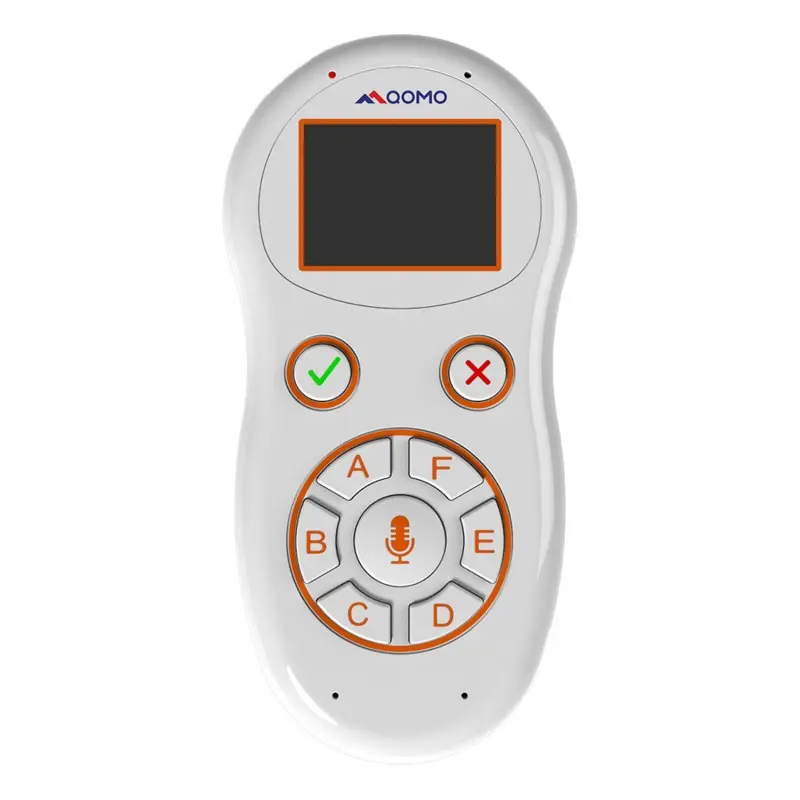
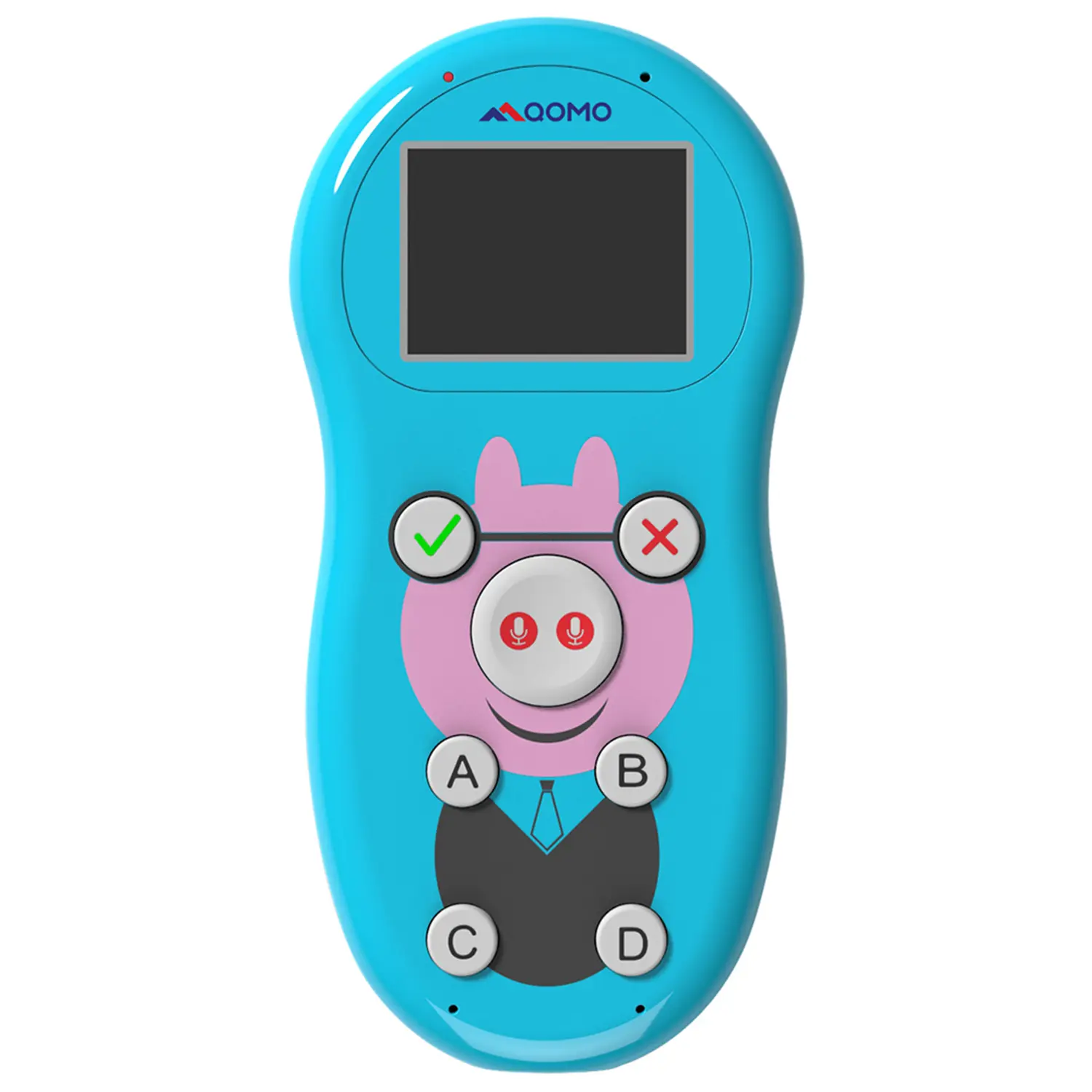
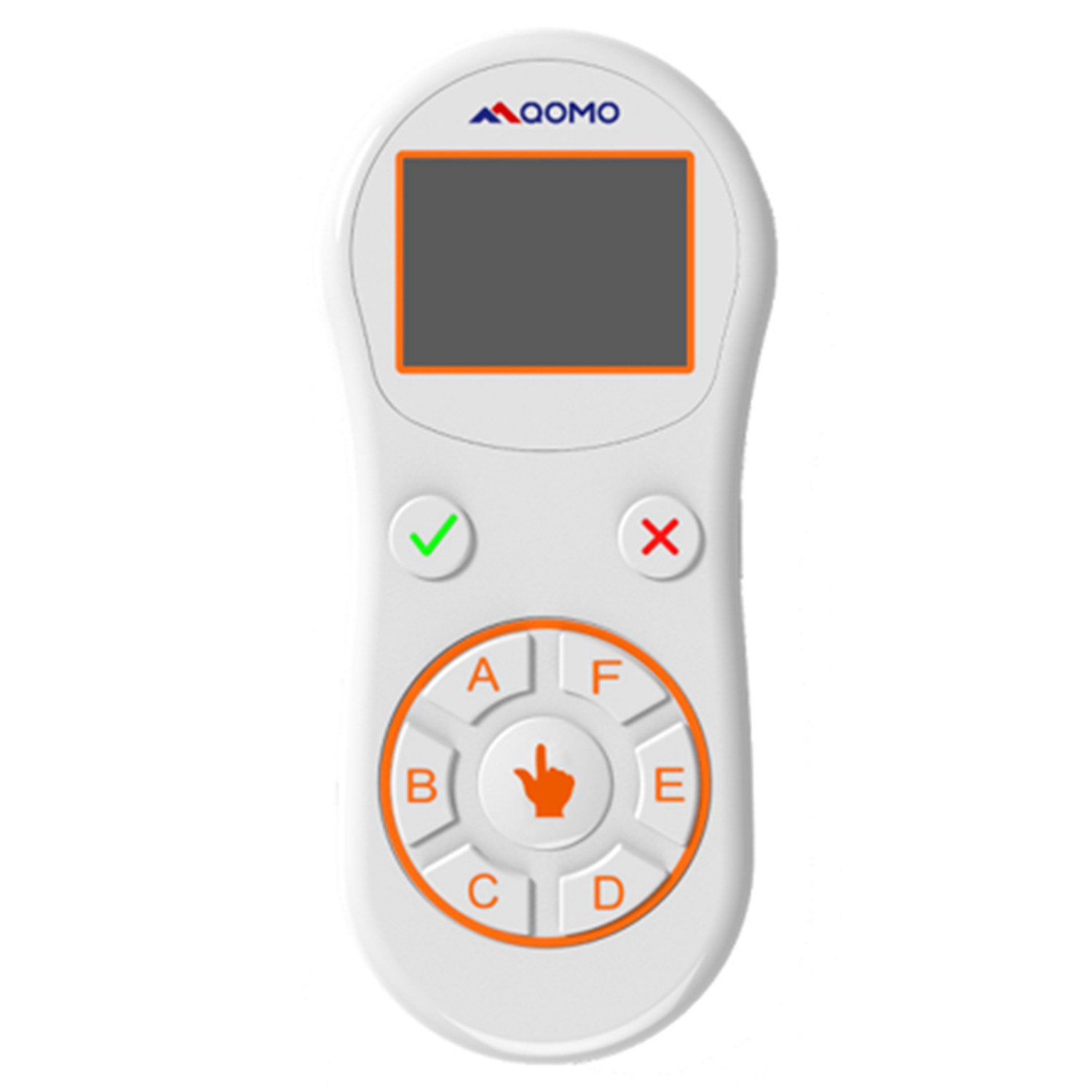
QVoteProfessional Audience Response System software offers the most convenient functions for your interactions.
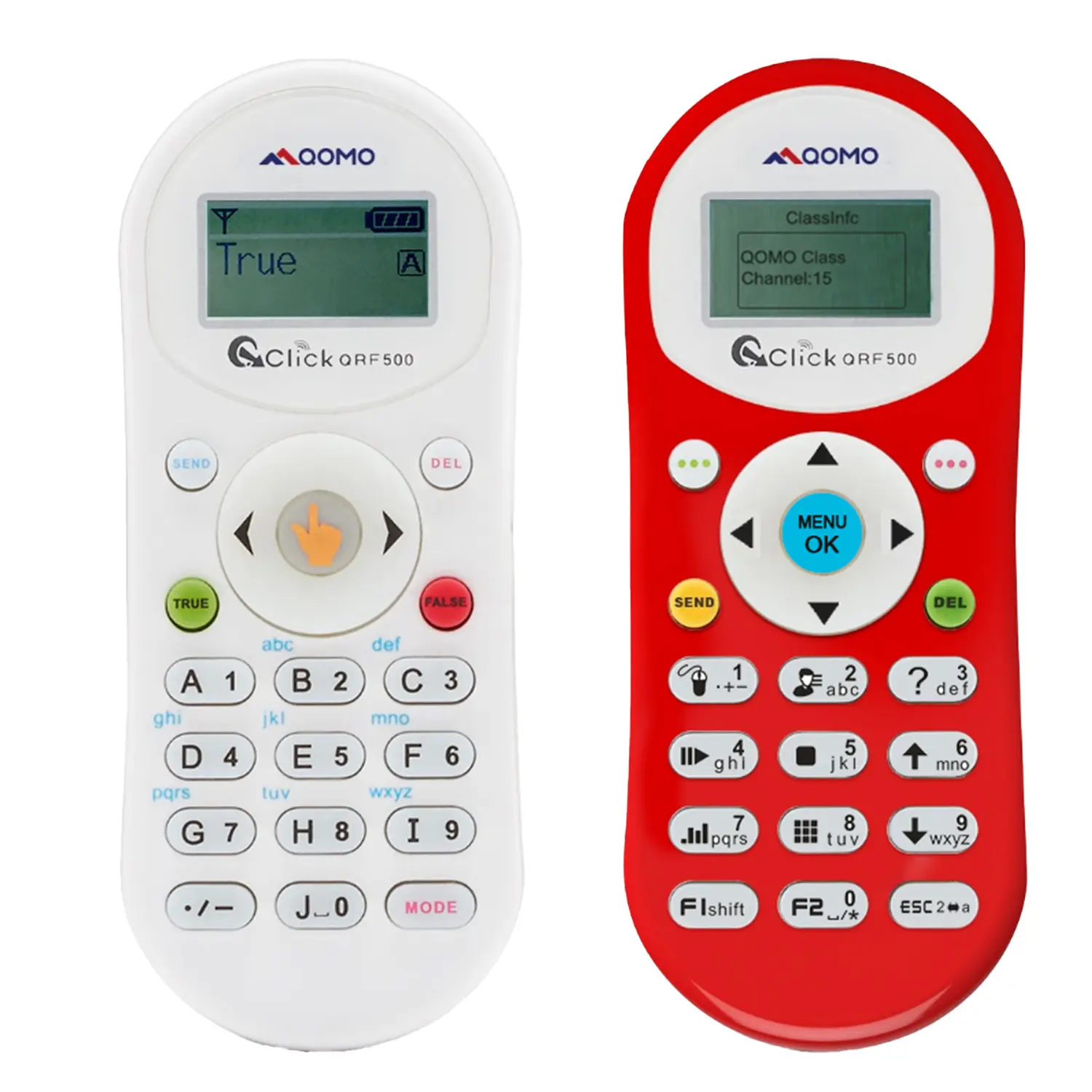
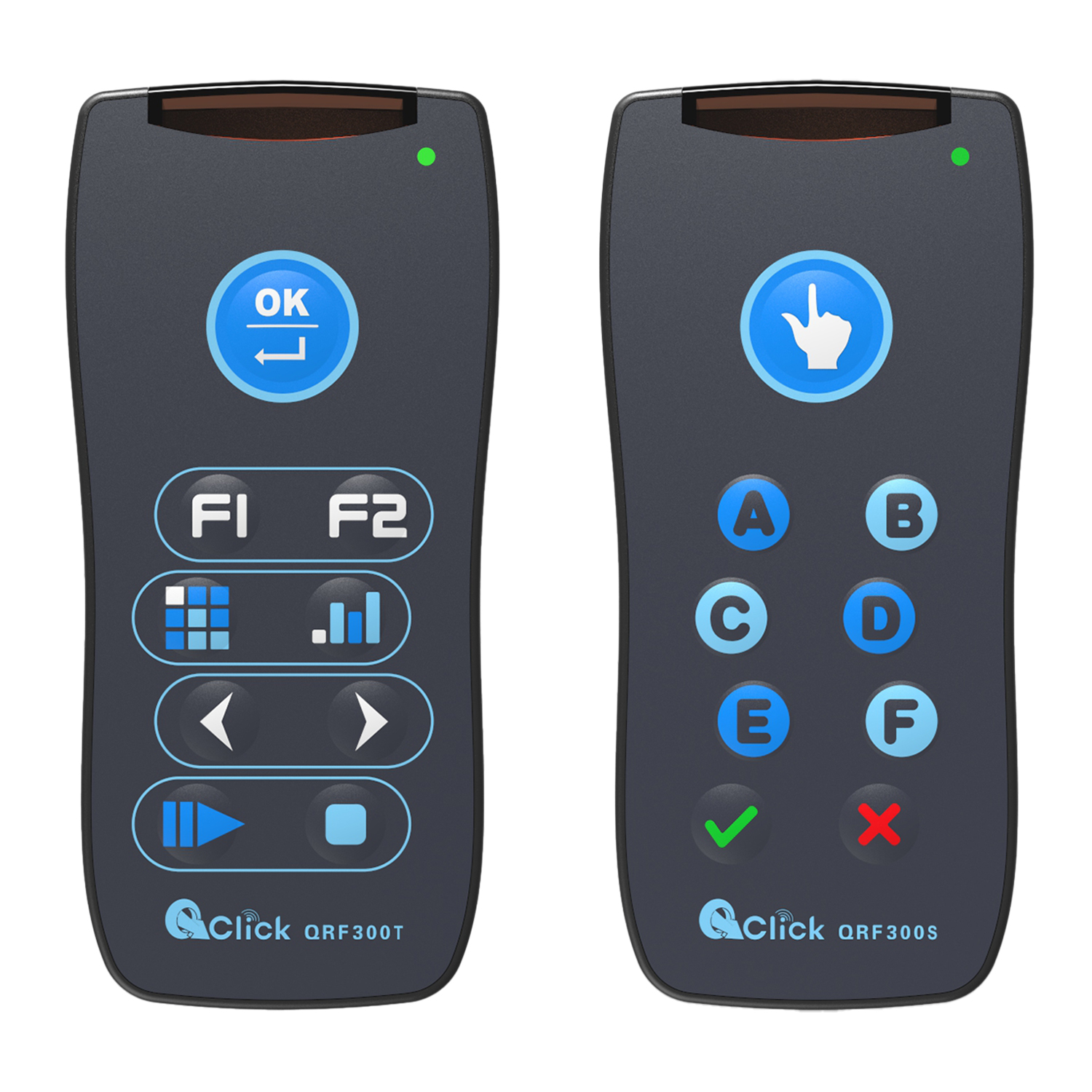
QClickThe most convenient educational software for working with Microsoft PowerPoint to quickly set up various question types and generate intelligent feedback reports.
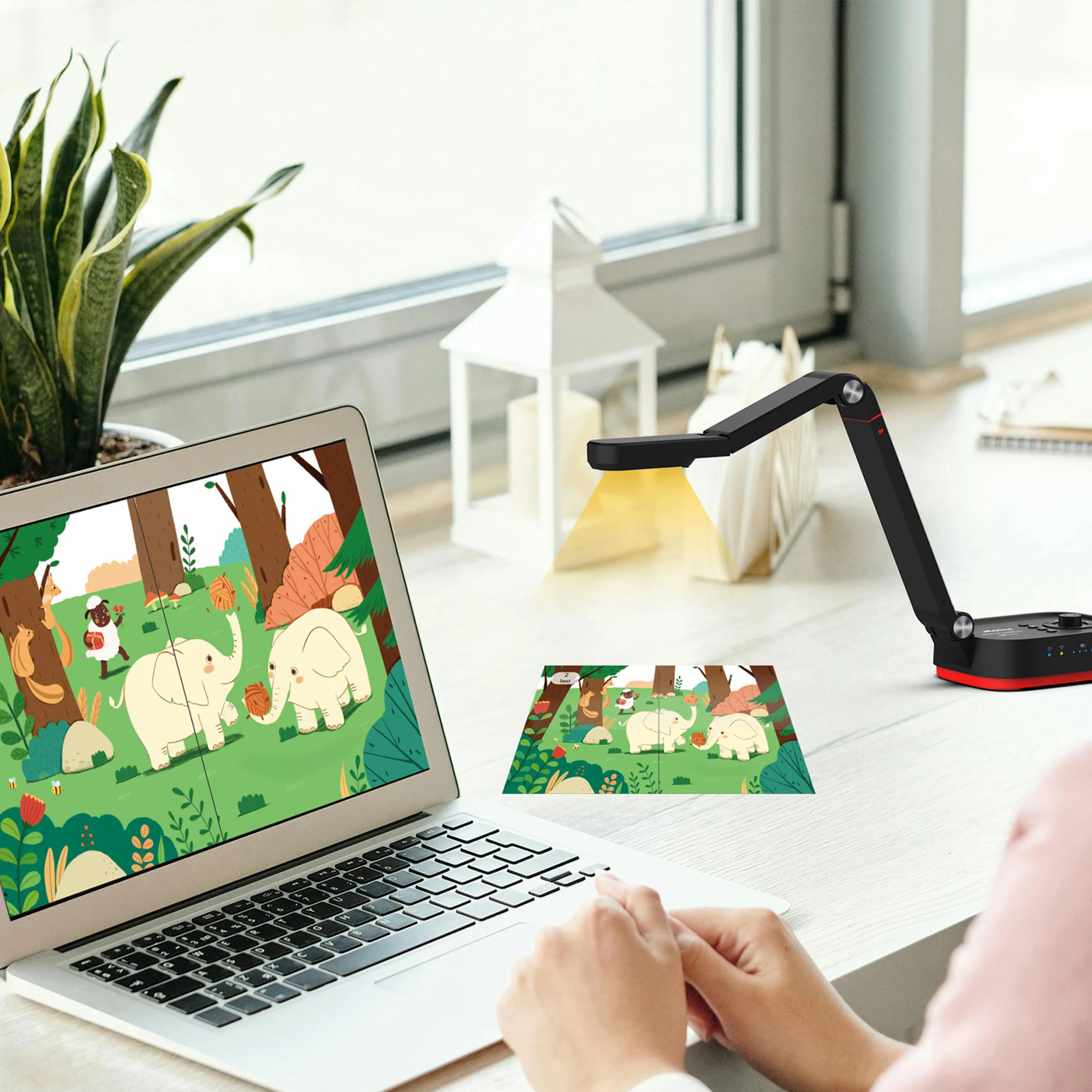
QCameraQCamera by QOMO allows for real-time streaming from cameras and document cameras. Annotate, save snapshots, record, and manipulate camera images instantly.
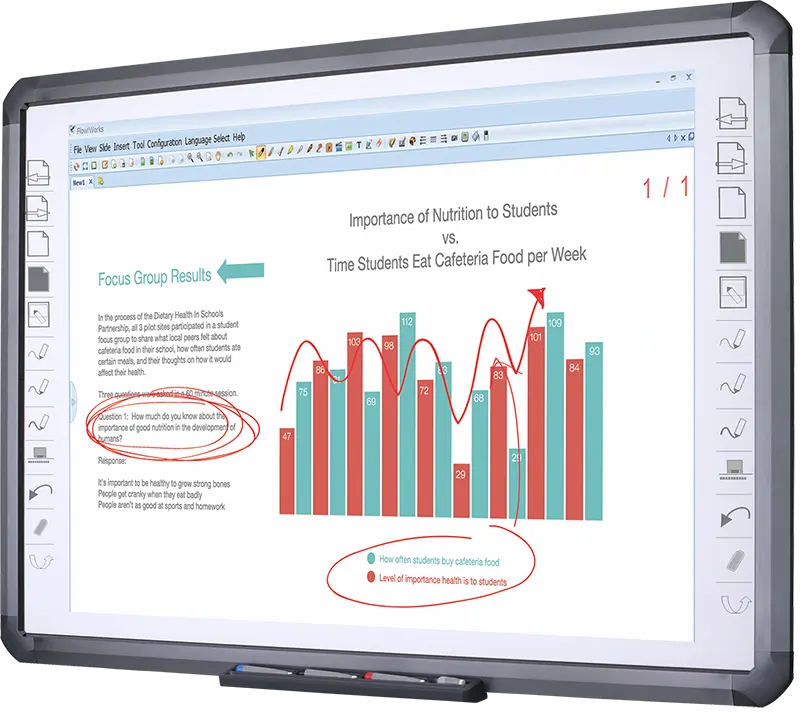
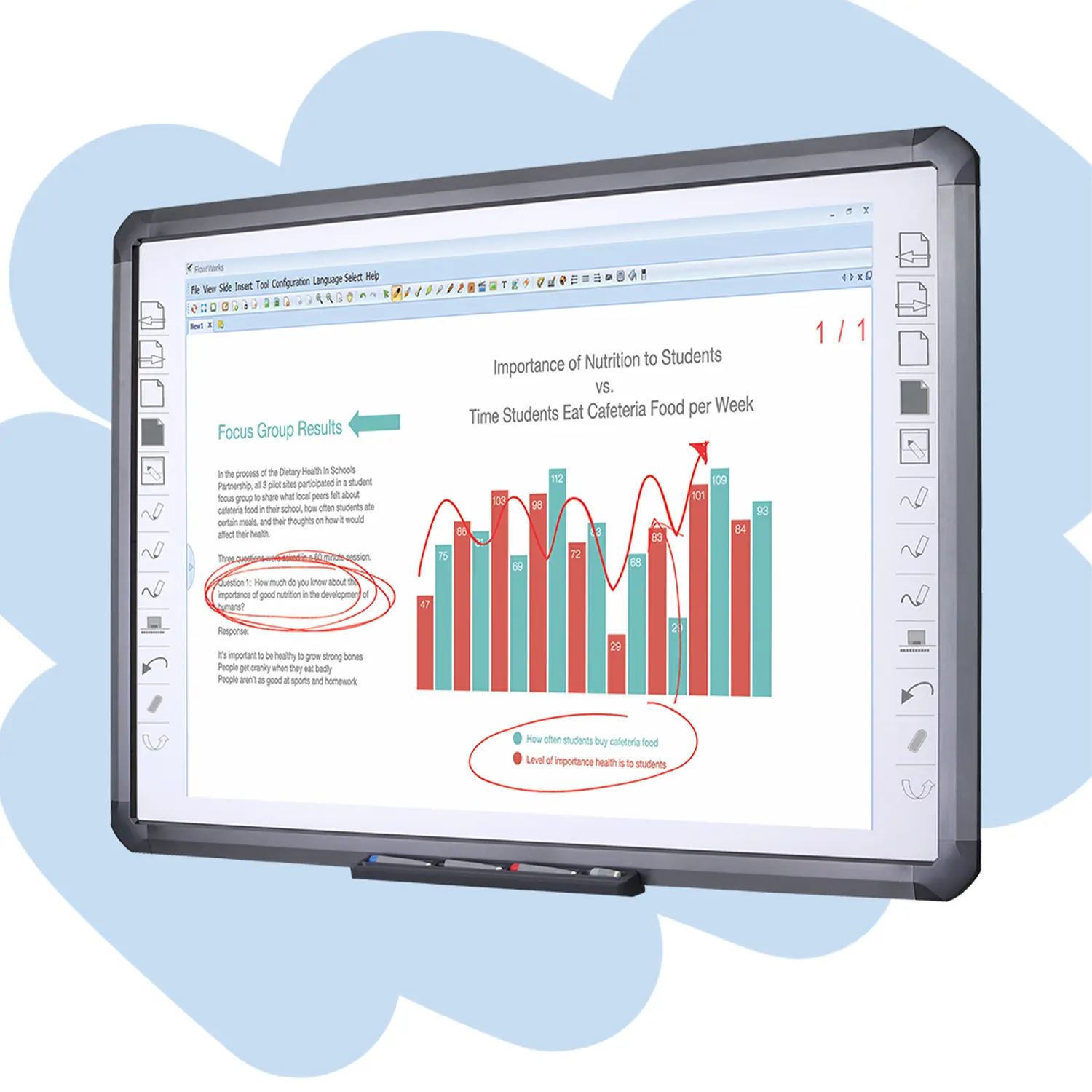
Flow!Works ProUser - friendly whiteboard software, it encompasses a wide range of presentation tools and powerful functions, delivering the most professional presentation experience to you.
Flow!WorksFlow!Works incorporates more educational tools, further enhancing the interactivity and fun - factor of your teaching.
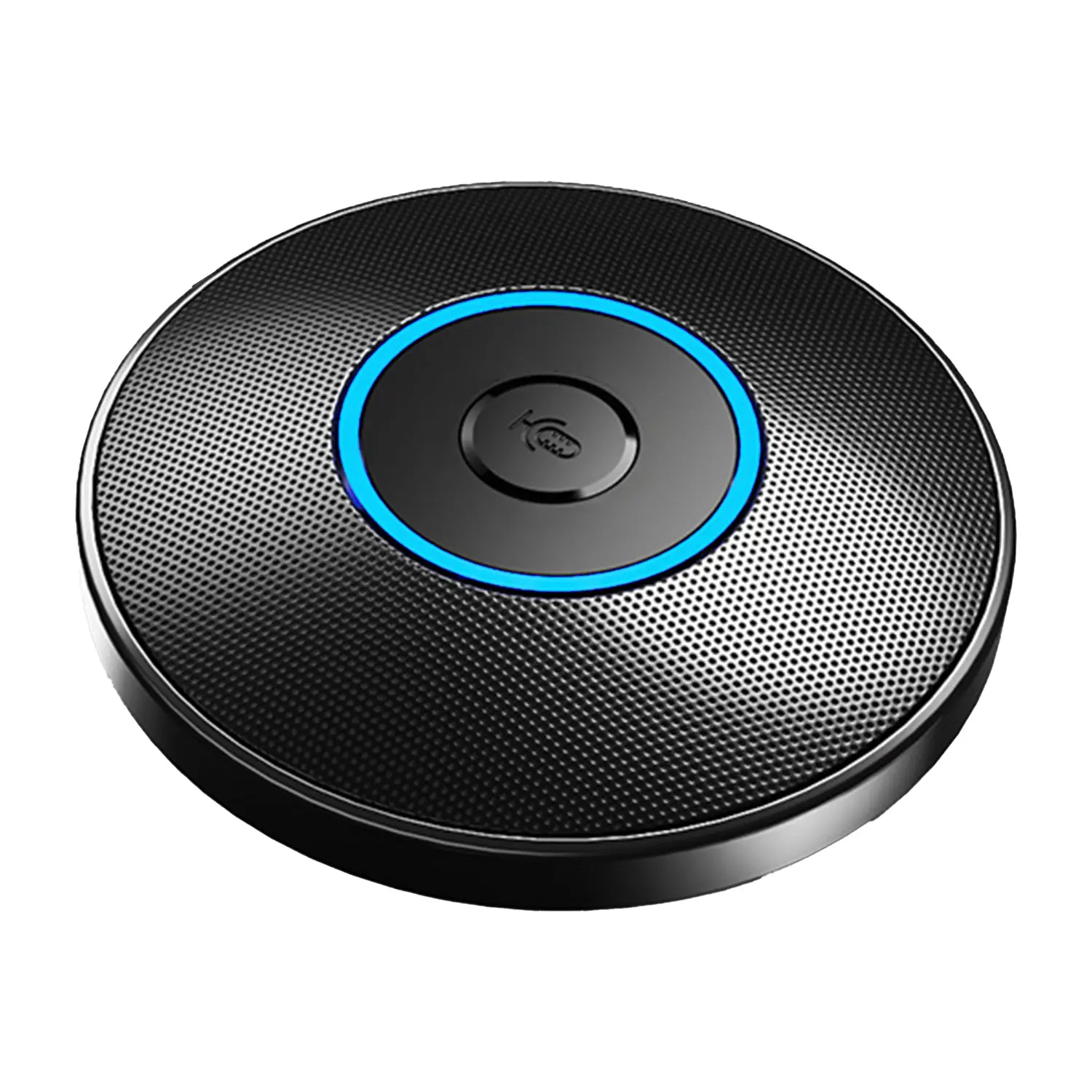
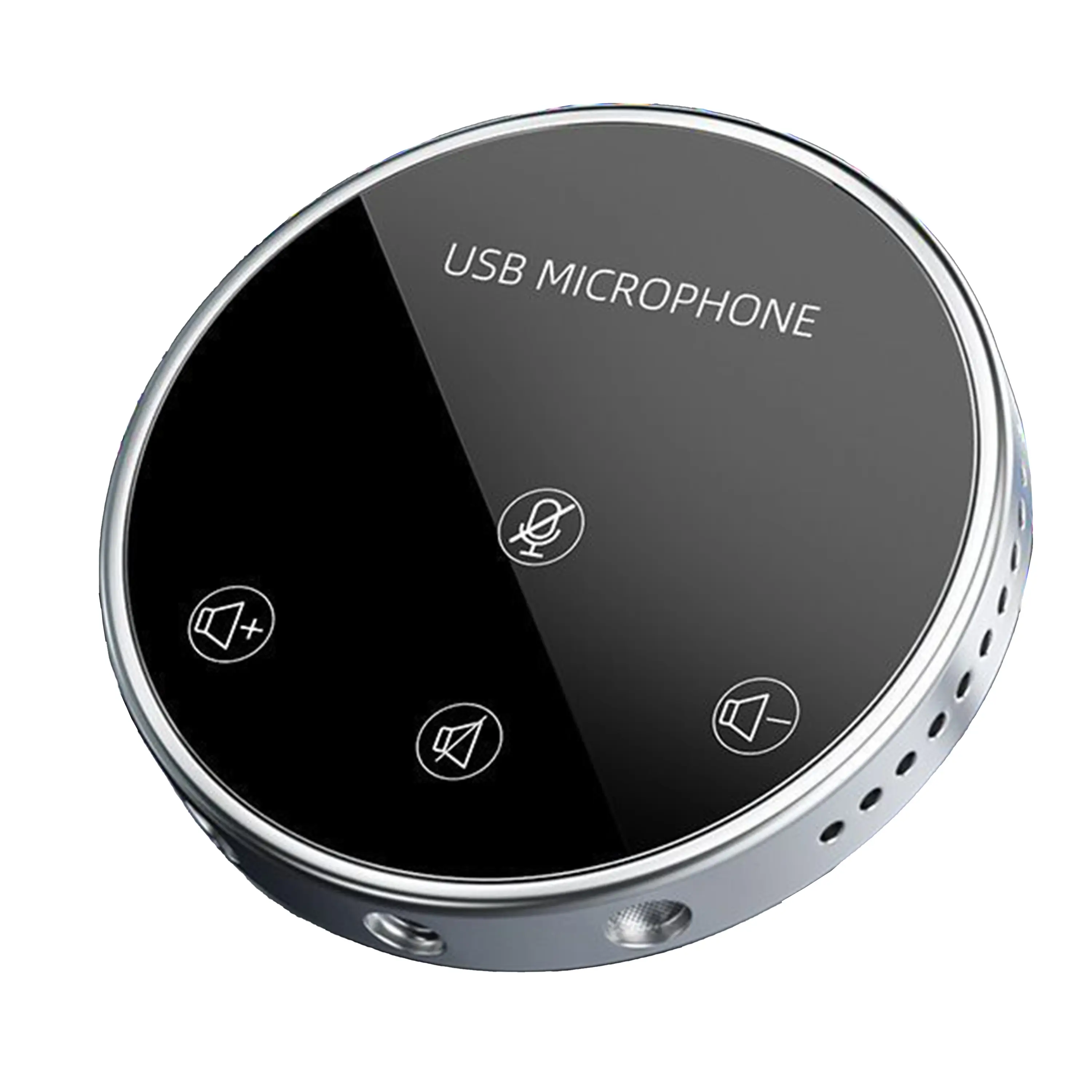
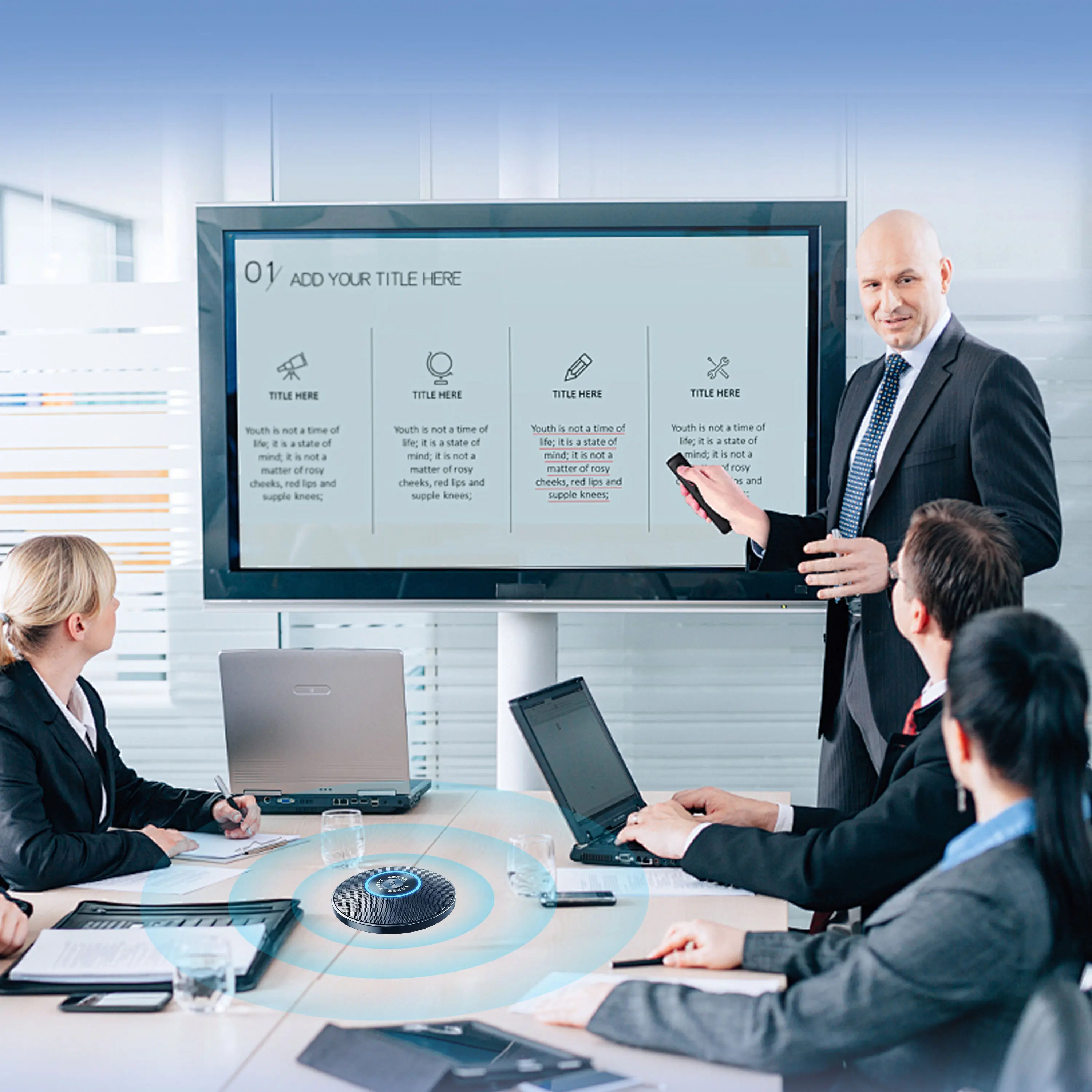
Conference Microphone● USB
● Plug and Play
● Intelligent Noise-Canceling
● 10ft/3m Extended Pickup Range
● 360° Omnidirectional Pickup
Conference Speakerphone● USB-C
● Plug and Play
● Intelligent Noise-Canceling
● 10ft/3m Extended Pickup Range
● 360° Omnidirectional Pickup
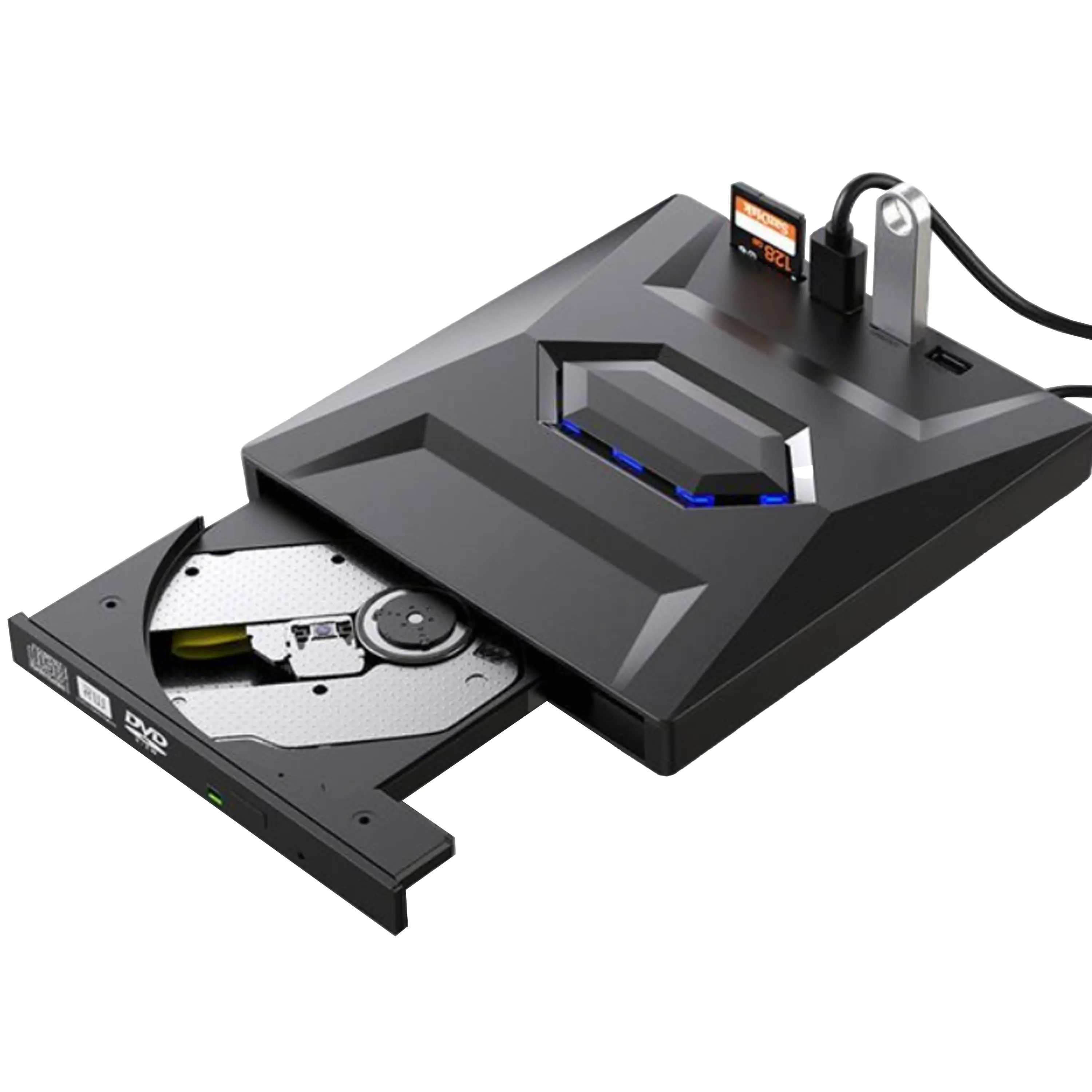
USB External CD/DVD Drive• USB and USB-C
• USB 3.0
• 8x DVD and 24x CD write/read speeds
• Portable
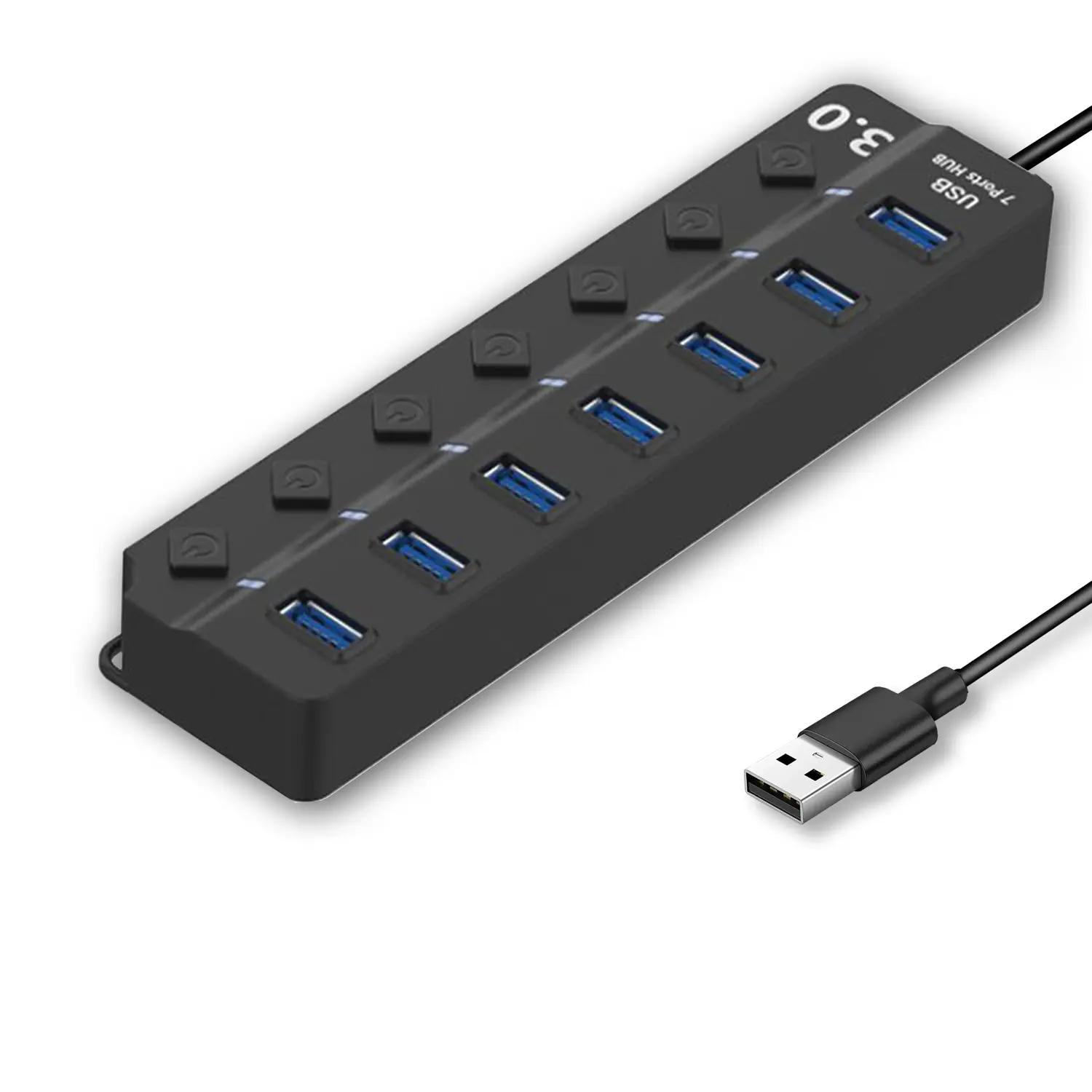
7-Port USB 3.0 Hub● USB 3.0
● Plug and Play
● 7-in-1 USB Hub
● Individual On/Off Switches
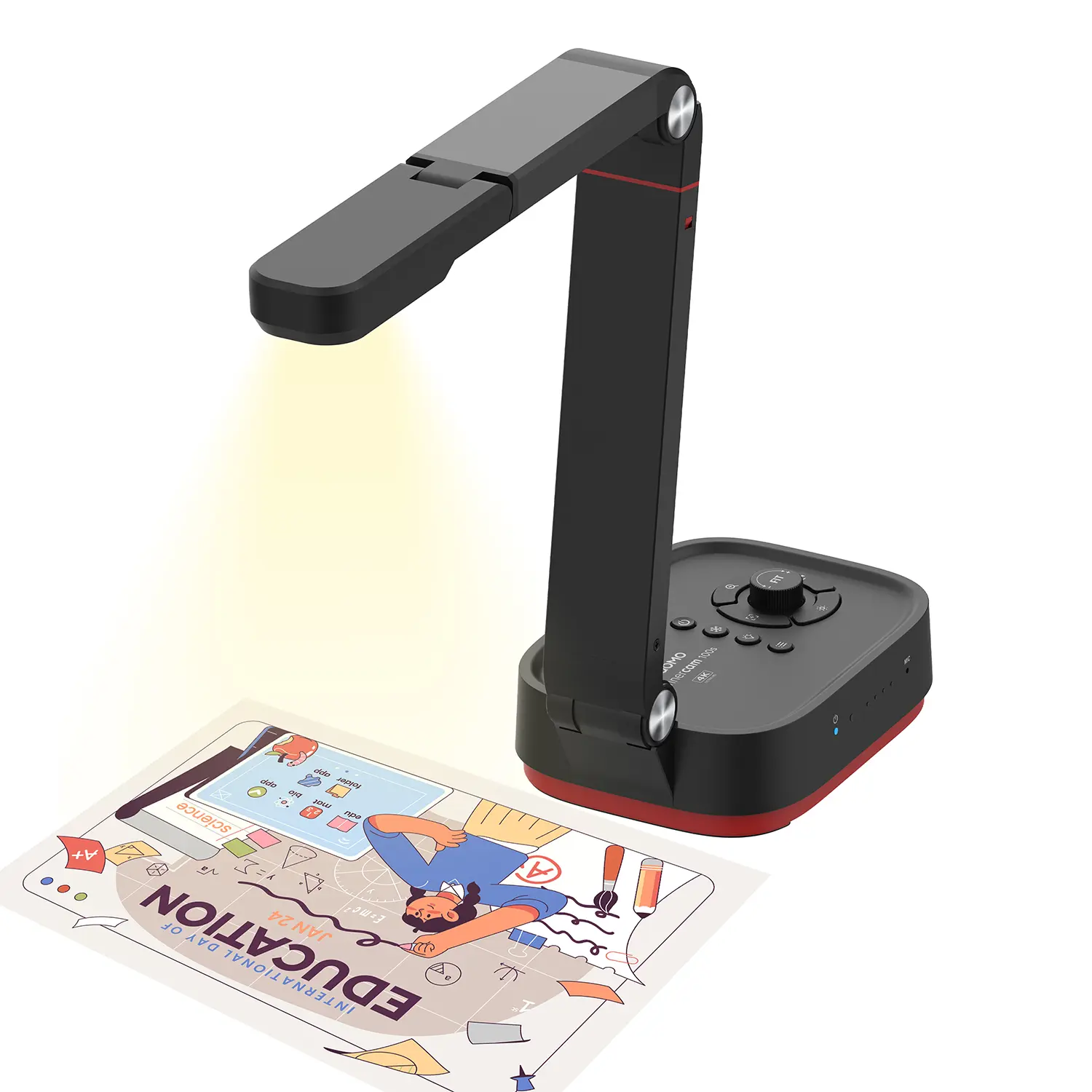
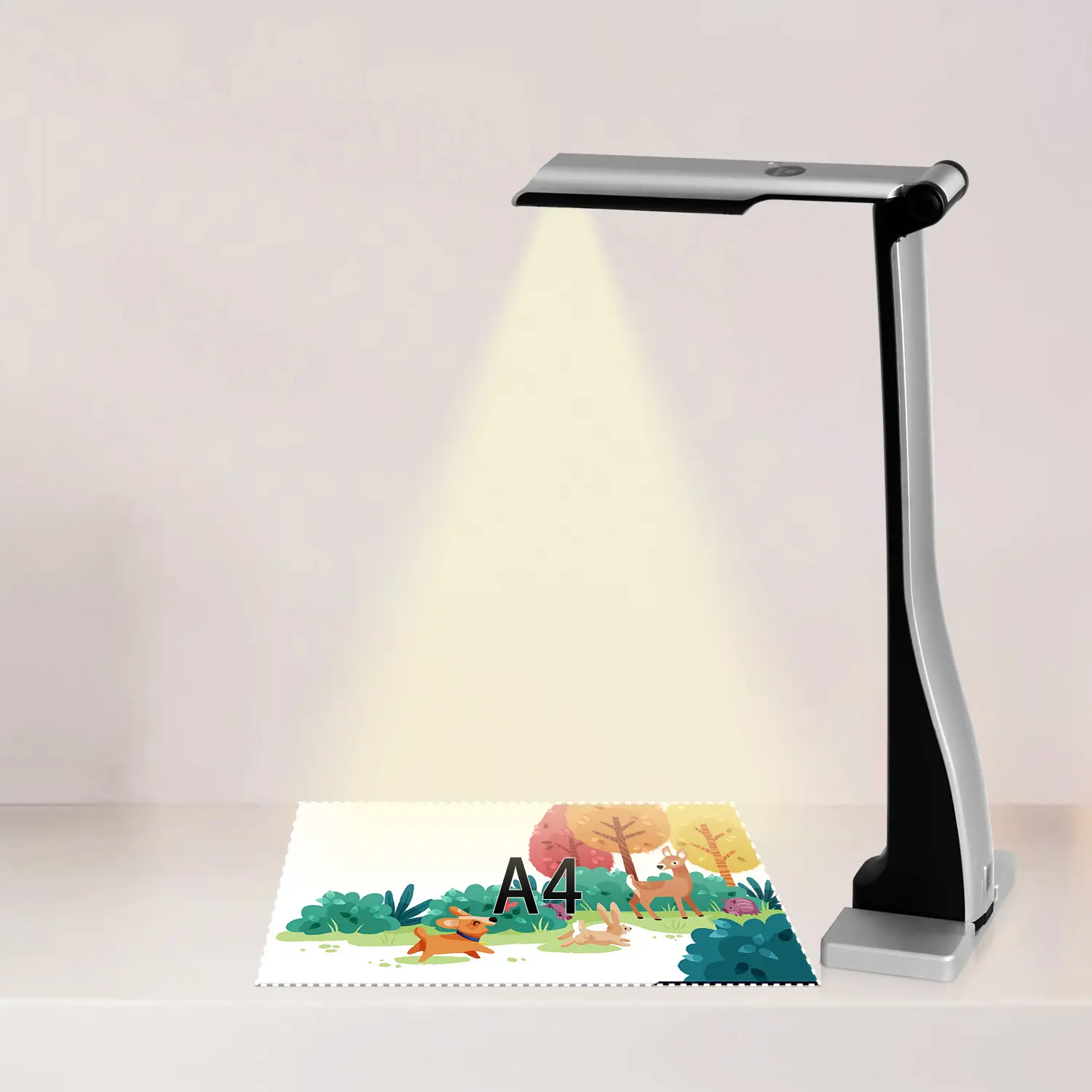
Revolutionize Your Presentations and Document Display with QWC 100S Document Camera
Enhance Call Experience: New Conference Microphone Now Available
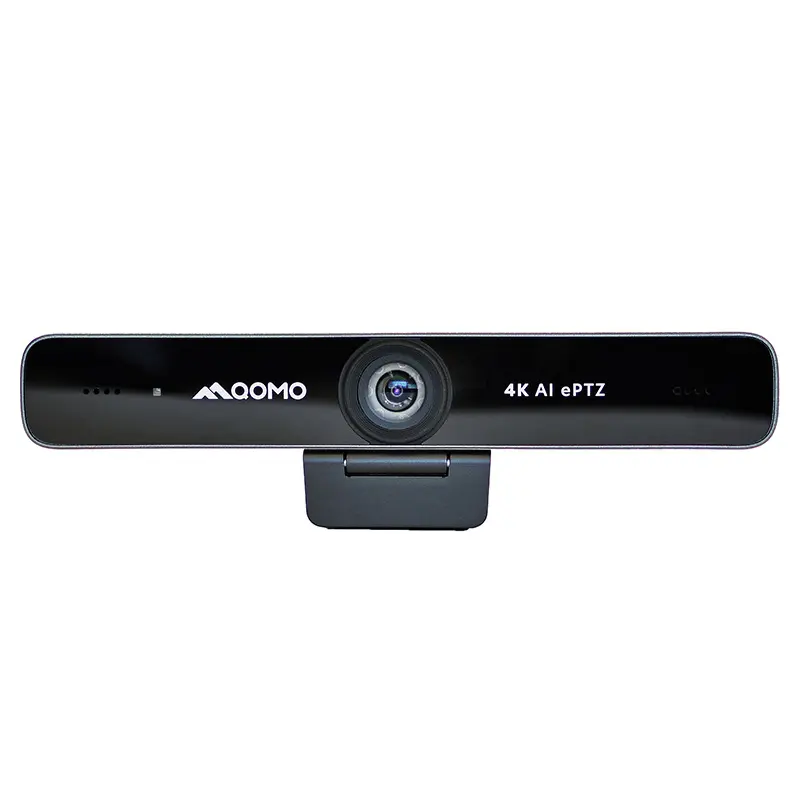
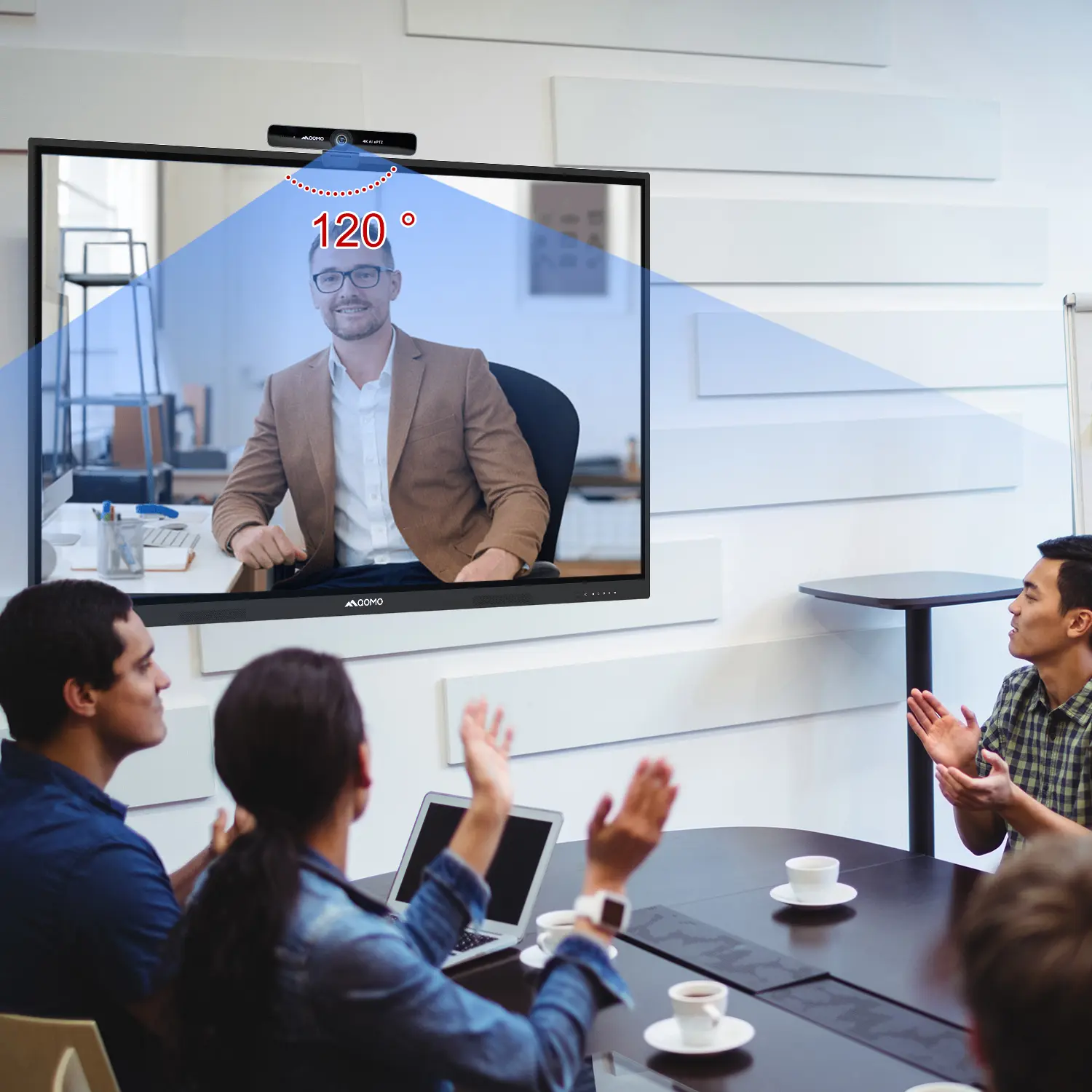
AI-Powered Face-Tracking Webcam
Portable Document Camera Recommendations
Classic Design, Exceptional Functionality: QPC 22 Document Camera
Wireless Screen Mirroring Solution for All Devices
Latest Audience Response System: QRF 999
Introducing the QPC 80H3 Gooseneck Document Camera
Creating a Smart Integrated Classroom: What Do You Need?
Wireless Connectivity Upgraded: WiFi-Free Wireless Document Receiver
Flow!Works Pro: Interactive Whiteboard Software for Engaging Classrooms
How to Choose the Perfect Document Camera and Elevate Productivity
QWC 004 Conference Webcam: The Top Choice for Remote Education
QCamera: Dedicated Software for Document Cameras to Elevate Your Presentations
QRF999 Voice Response System: Enhancing Teacher-Student Interaction
Work From Home? Maybe You Should Try This Document Camera
The Ultimate Educational Tool: Gooseneck Document Camera
60GHz Millimeter-Wave Wireless Screen Sharing: QShare 100
What Does a Modern Conference Room Need?
QD5000 Document Camera: Unimaginable Versatility!
QWC 004: The Most Cost-Effective Webcam
QVote Interactive Classroom Response System Software
Functionality, Aesthetics, Portability! Meet the QWC 100S Document Camera!
Why Choose the BundleBoard H/H2 Interactive Flat Panel?
Save Your Budget—Introducing the All-New QPC 70 Document Camera!
QIT 600F3: Revolutionize Your Presentations
QCamera: Professional Document Camera Software
QPC 5: The Ultimate 4K Portable Document Camera
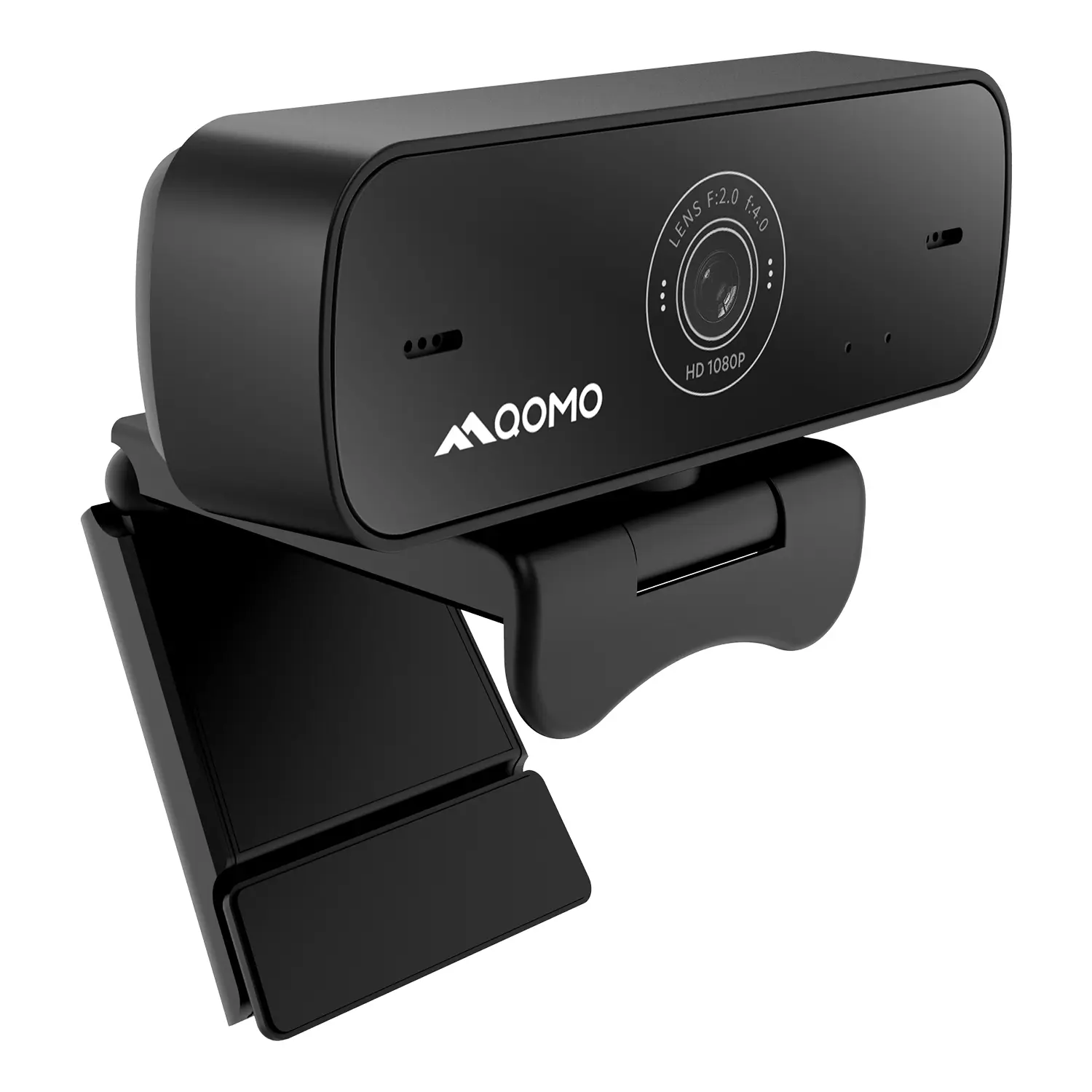
Elevate Your Meetings in Seconds: QWC 006 Webcam
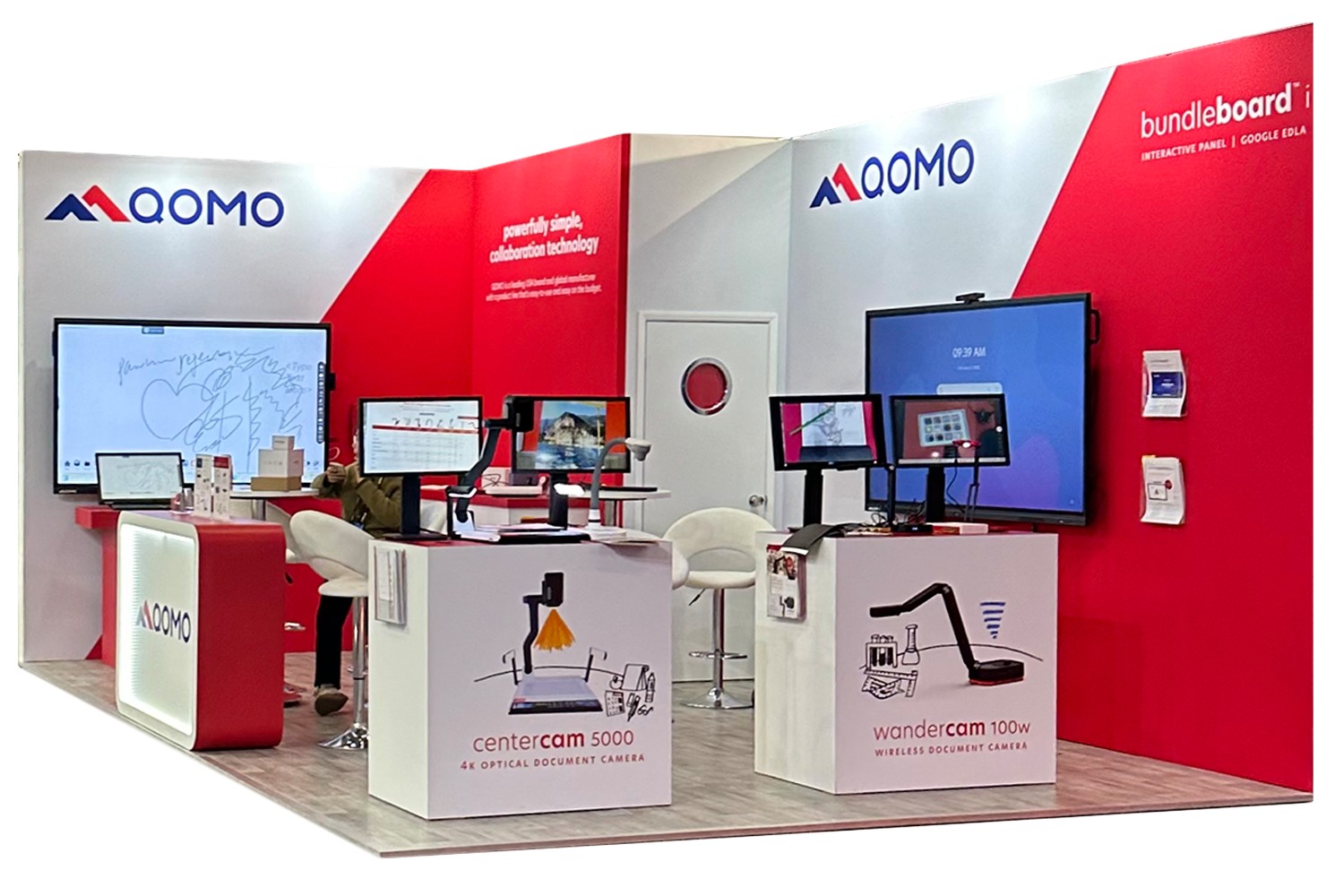
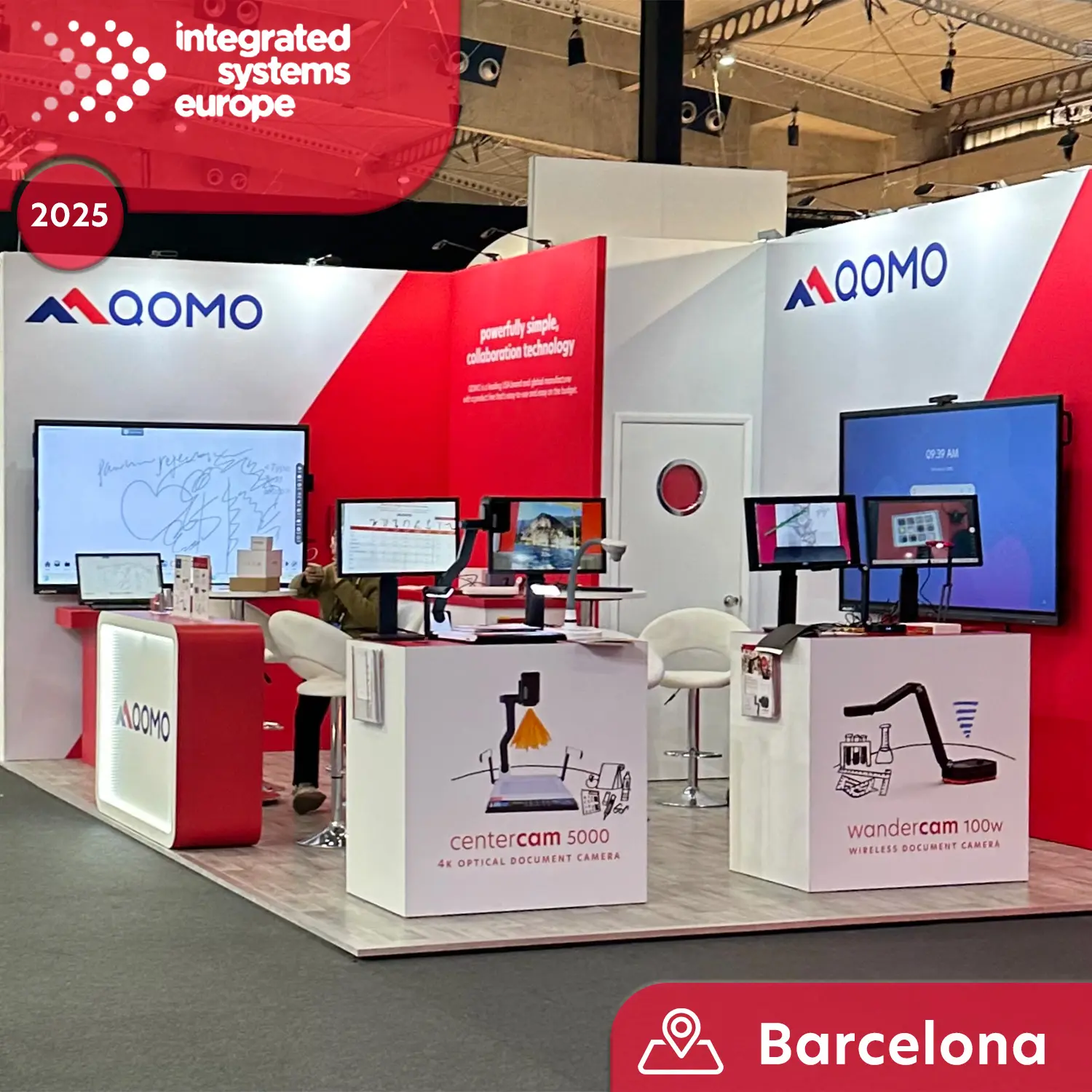
Meet QOMO at ISE 2025
Wireless Document Camera Solution, Revolutionizing Wireless Technology
QRF Series, Transform Your Classroom!
QOMO, Building Intelligent Classrooms
QOMO QShare100 New Release
Outstanding Office Equipment Recommendations
In today's digital age, the consumption of television content has evolved tremendously, with an increasing number of viewers opting for more versatile and interactive viewing experiences. The trend toward streaming and casting content from personal computers to larger screens has led to a significant rise in interest in the technology that facilitates this process. According to a recent report by Statista, the global market for streaming devices is projected to reach $15 billion by 2026, reflecting a growing demand for seamless connectivity and improved viewing experiences.
Industry expert Dr. Emily Carter, a leading researcher at the Center for Digital Media, emphasizes the benefits of this technology: "Casting from your PC not only enhances the visual experience but also allows for a more personalized approach, making it easier to enjoy content across multiple devices." This statement highlights the essential role that casting technology plays in transforming how audiences interact with their favorite shows and movies.
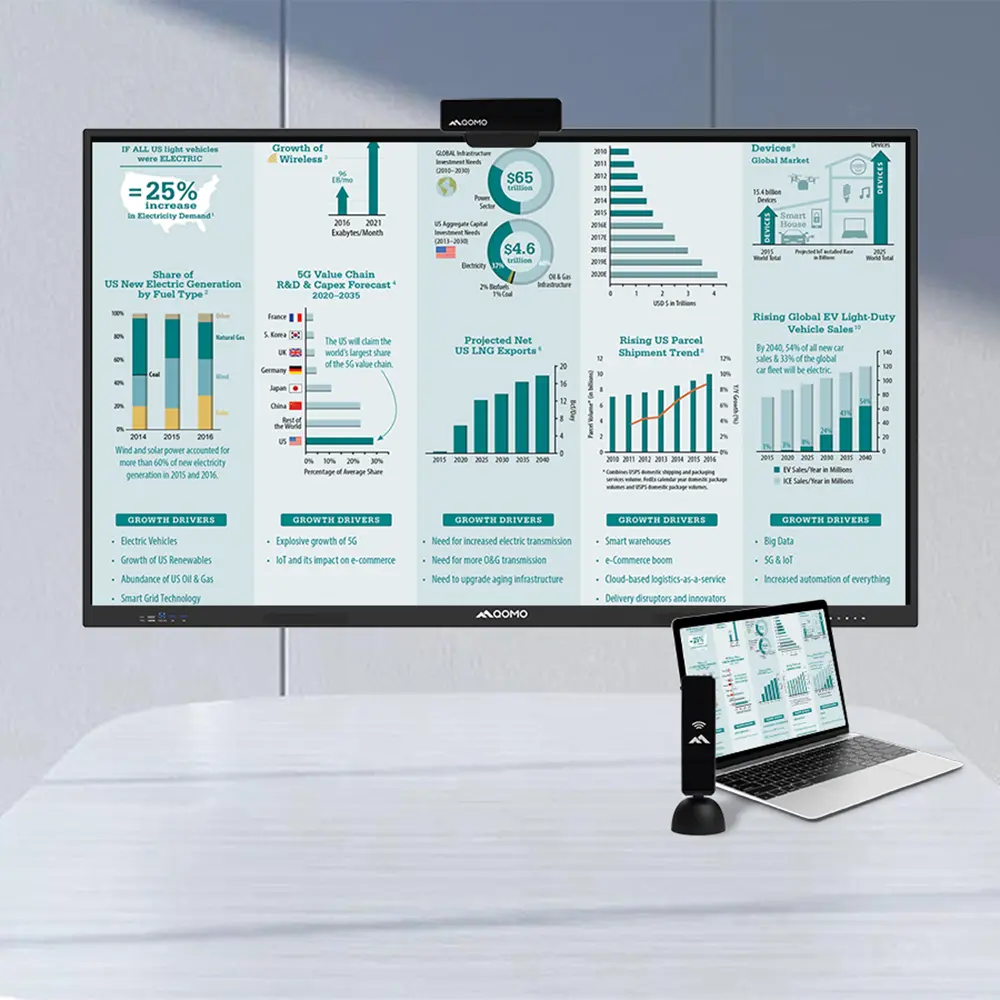
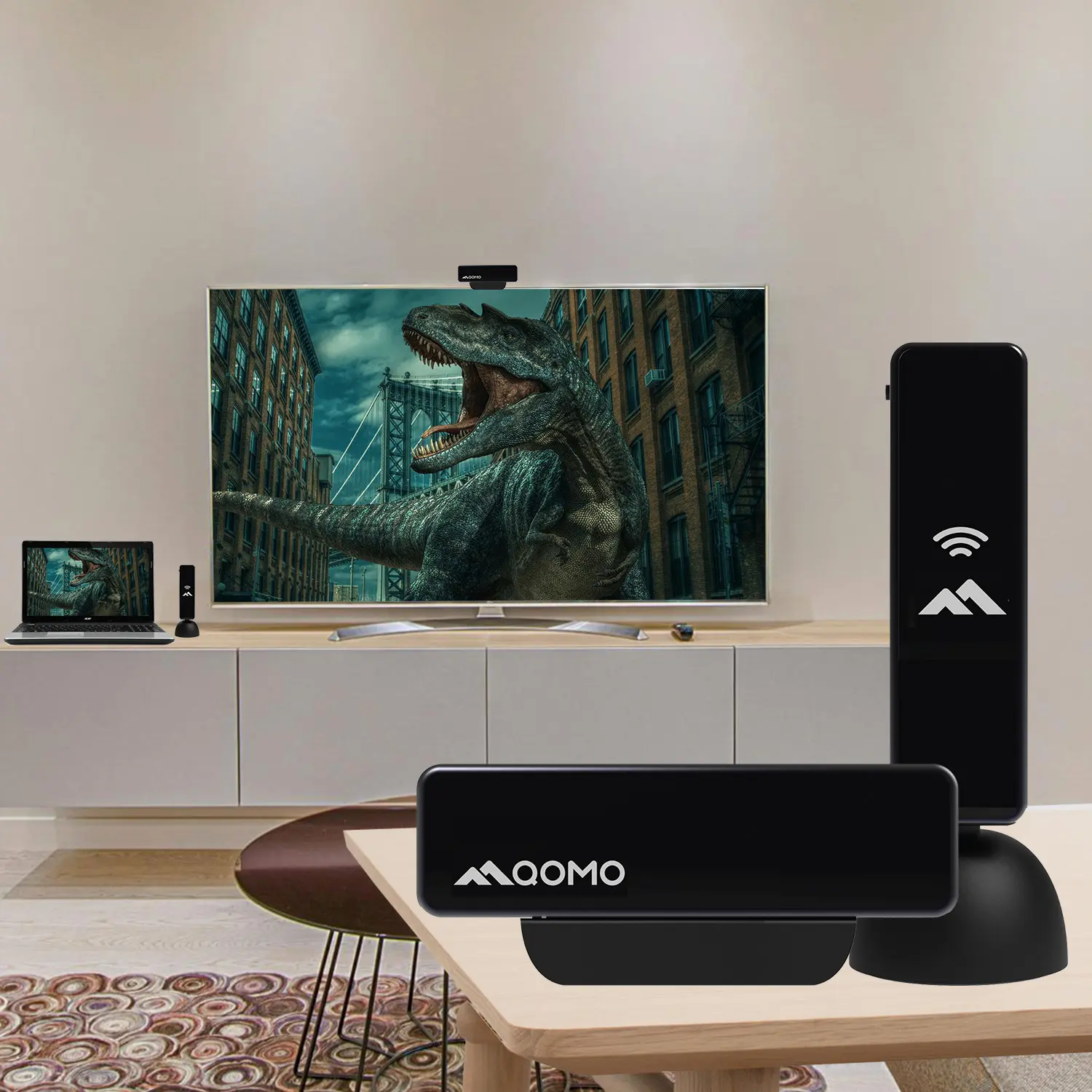
By leveraging the ability to "Cast To TV From PC," users can transform a simple viewing session into an immersive experience, combining the convenience of their computer with the grandeur of a television display. As the industry continues to innovate, it becomes increasingly clear that casting technology is not merely a novelty but a fundamental aspect of how we engage with media in our homes.
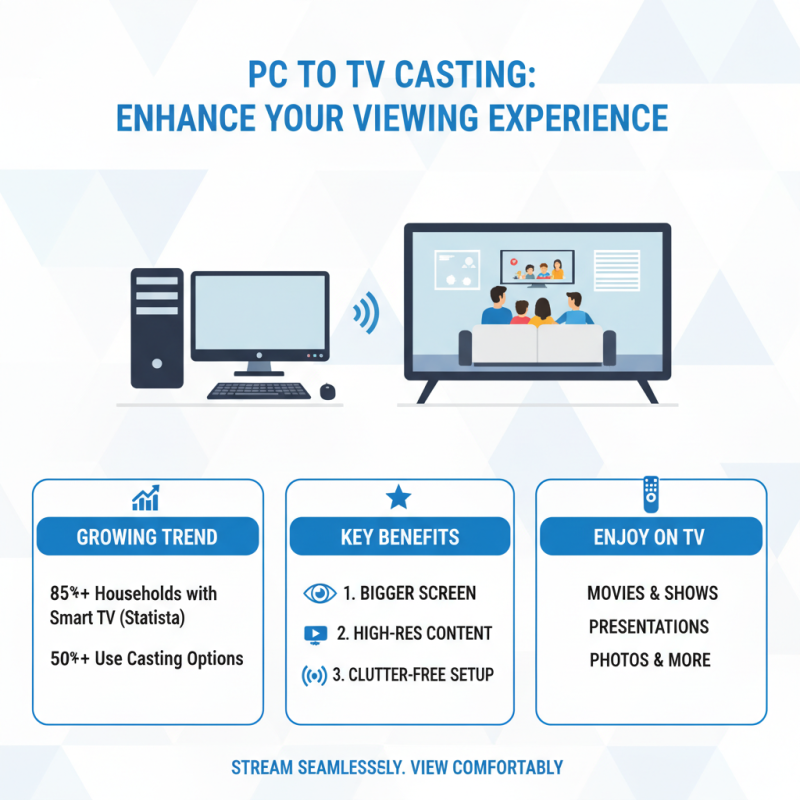
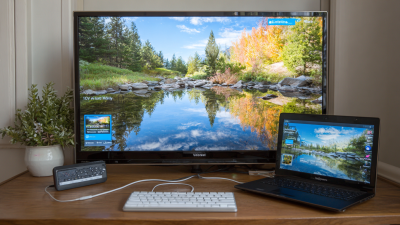
Casting from your PC to a TV offers numerous benefits that can significantly enhance your viewing experience. According to a recent report by Statista, over 85% of households with internet access now own a smart TV, and more than 50% utilize casting options to stream content from their devices. This trend highlights the growing preference for larger screens, where viewing comfort and immersion are greatly improved. By casting from your PC, you can effortlessly enjoy high-resolution videos, dynamic presentations, or binge-watch your favorite shows on a bigger screen without the clutter of multiple cables and devices.
Additionally, casting enables a more social viewing experience. A study by Nielsen revealed that 60% of adults prefer watching shows with others rather than alone. By using this technology, families and friends can gather around a single screen to share moments and make memories together. Moreover, when casting from a PC, users can easily switch between applications, pull up websites, or engage in social media, all while enjoying the content on a larger display—offering convenience alongside a shared atmosphere.
**Tips for Optimal Casting:**
1. Ensure both your PC and TV are connected to the same Wi-Fi network to avoid connectivity issues.
2. For better performance, close unnecessary applications on your PC to allocate more resources to the casting process.
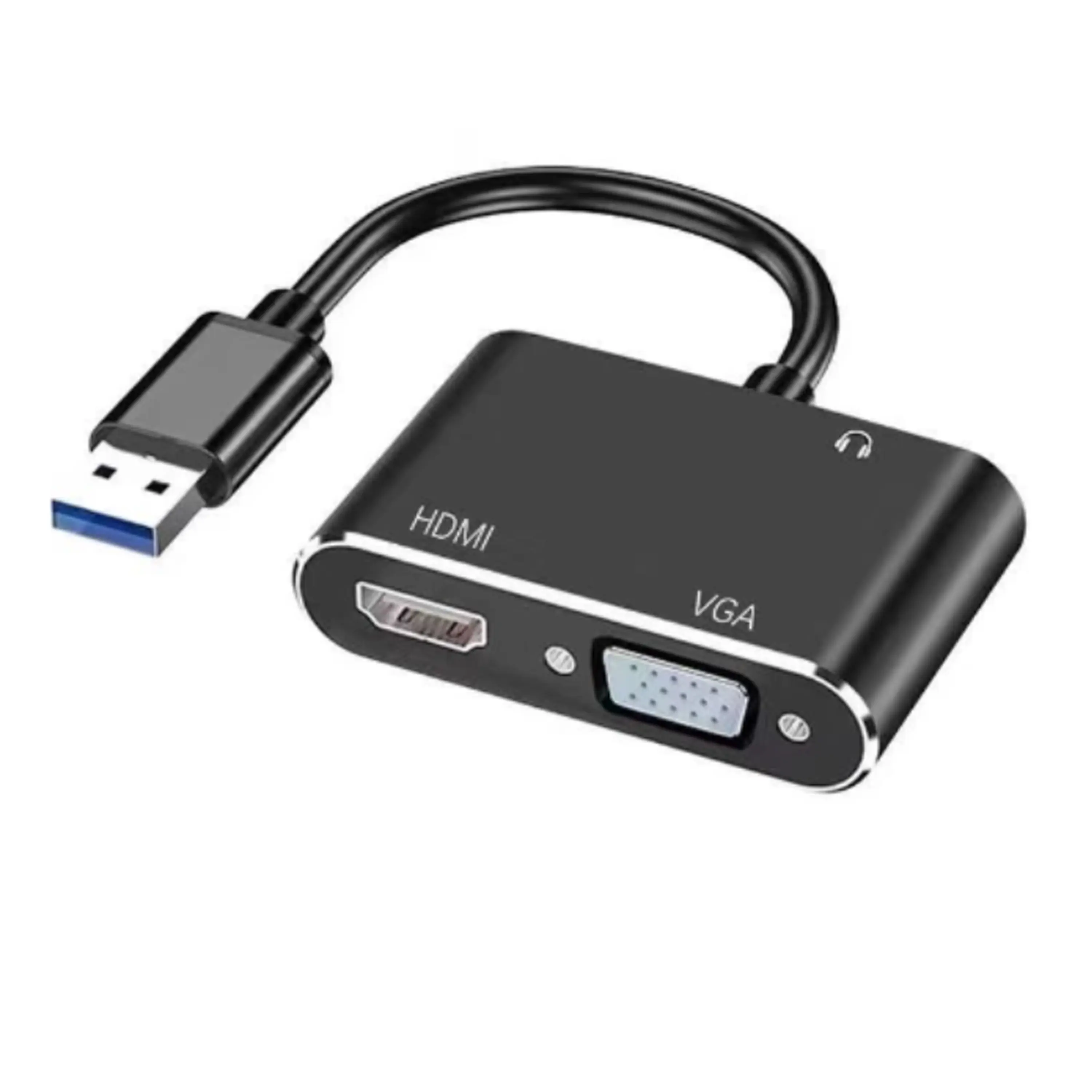
3. Use high-quality HDMI cables for wired casting to ensure the best possible resolution and frame rate without interruptions.
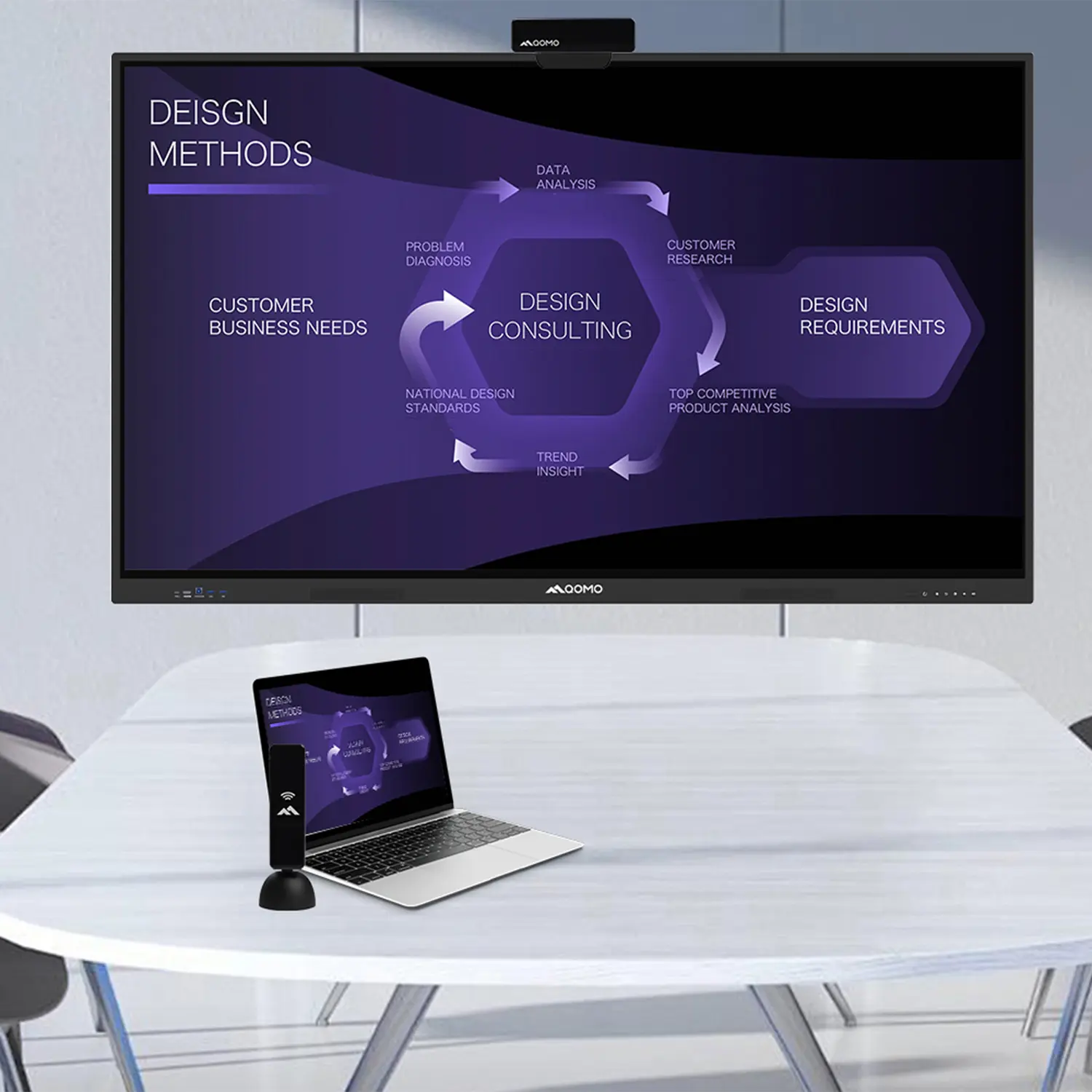
Casting from a PC to a TV can significantly enhance your viewing experience, but understanding the technical requirements is essential for seamless integration. According to a report from Statista, as of 2021, approximately 70% of U.S. households have at least one smart TV, highlighting the growing trend towards larger screens for media consumption. For successful casting, ensuring compatibility between devices is paramount. Most modern TVs support technologies like Google Cast or Apple AirPlay, enabling users to project their PC screens wirelessly. Additionally, ensuring that both your PC and TV are connected to the same Wi-Fi network can minimize latency and buffering issues, improving picture quality and synchronization.
The technical specifications of your PC also play a crucial role. A recent survey by TechJury found that 53% of users experience lag when casting due to insufficient hardware. To avoid this, it's recommended to have at least an Intel i5 processor with 8GB of RAM for smooth performance. Furthermore, using an HDMI cable as an alternative casting method can provide a high-definition experience without the interference that often accompanies wireless connections. By investing in the right technology and ensuring optimal settings, you can transform your home entertainment experience into a high-quality viewing event.
Casting from PC to TV has become an essential practice for enhancing the viewing experience, particularly as technology continues to improve. According to market research, the global casting tools market is projected to grow significantly, with estimates indicating an increase from $720 million in 2025 to $1.42 billion by 2033, reflecting a compound annual growth rate (CAGR) of 9.5%. This growth highlights the increasing demand for tools that facilitate seamless casting, enabling users to enjoy high-quality media on larger screens.
Several popular methods and tools have emerged to enhance this experience. For instance, users can utilize wireless casting technologies such as Miracast or Chromecast, which allow for straightforward connections between devices. Additionally, software solutions that support screen mirroring or casting play an integral role in this ecosystem, ensuring compatibility across various platforms. As more individuals turn to these innovative solutions, the advancement in tools designed to bridge the gap between PC and TV will continue to revolutionize how content is consumed, ultimately leading to a more engaging and immersive viewing experience.
Casting from your PC to your TV can significantly enhance your viewing experience, but achieving optimal quality requires some thoughtful adjustments.
First, ensure that both your computer and TV are connected through a stable method. If your laptop lacks an HDMI port, consider using wireless casting methods while minimizing interference. For a seamless experience, try to connect your devices to the same Wi-Fi network and ensure the router is positioned to avoid physical obstructions.
Once connected, it's essential to optimize your settings. Lowering video quality slightly can enhance performance and reduce lag, particularly for streaming content. You can also download the content beforehand to minimize buffering issues. Additionally, make sure your TV's HDMI ports are appropriately matched with your devices for the best output. Using these tips, you can elevate your streaming experience, ensuring that you enjoy your favorite shows and movies with maximum visual and audio quality.
When casting from your PC to TV, several common issues can arise, but with the right troubleshooting tips, you can ensure a smooth experience. First, check your connections—whether you're using HDMI or wireless methods, ensuring everything is properly set up is crucial. For those using HDMI, verify that the cable is in good condition and securely plugged into both devices. If you're casting wirelessly, make sure both your PC and TV are connected to the same Wi-Fi network, as network discrepancies can lead to connectivity issues.
If problems persist, it's advisable to update your device drivers and firmware. Outdated software can hinder your casting abilities, so regularly check for updates on your PC and TV. Additionally, if you encounter lag or pixelation during casting, reducing the distance between your devices may help improve the signal strength. For persistent issues, restarting both your PC and TV can often resolve glitches that may be affecting your connection.
These straightforward troubleshooting steps can significantly enhance your viewing experience.