+86 152 8002 3723
QVoteProfessional Audience Response System software offers the most convenient functions for your interactions.
QClickThe most convenient educational software for working with Microsoft PowerPoint to quickly set up various question types and generate intelligent feedback reports.
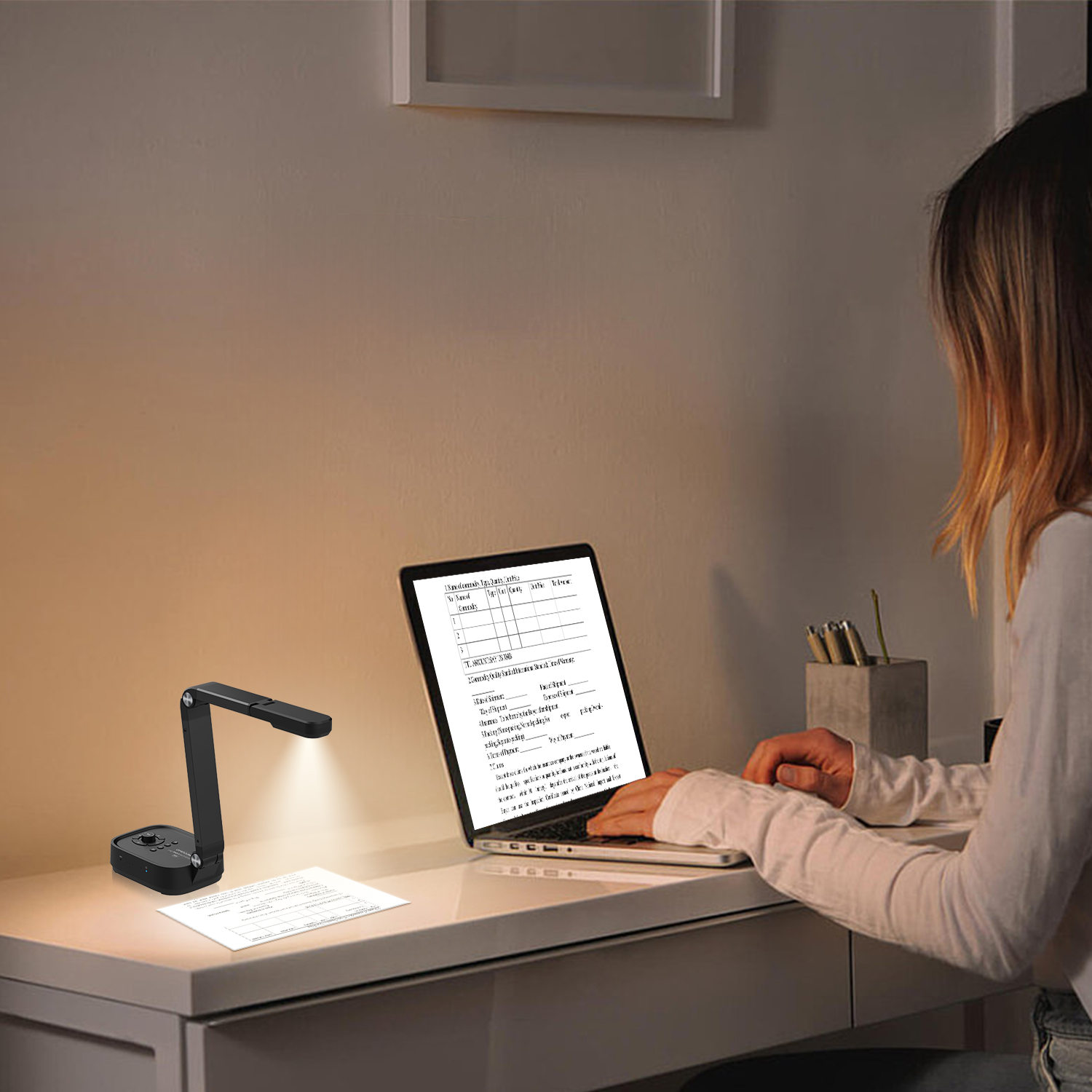
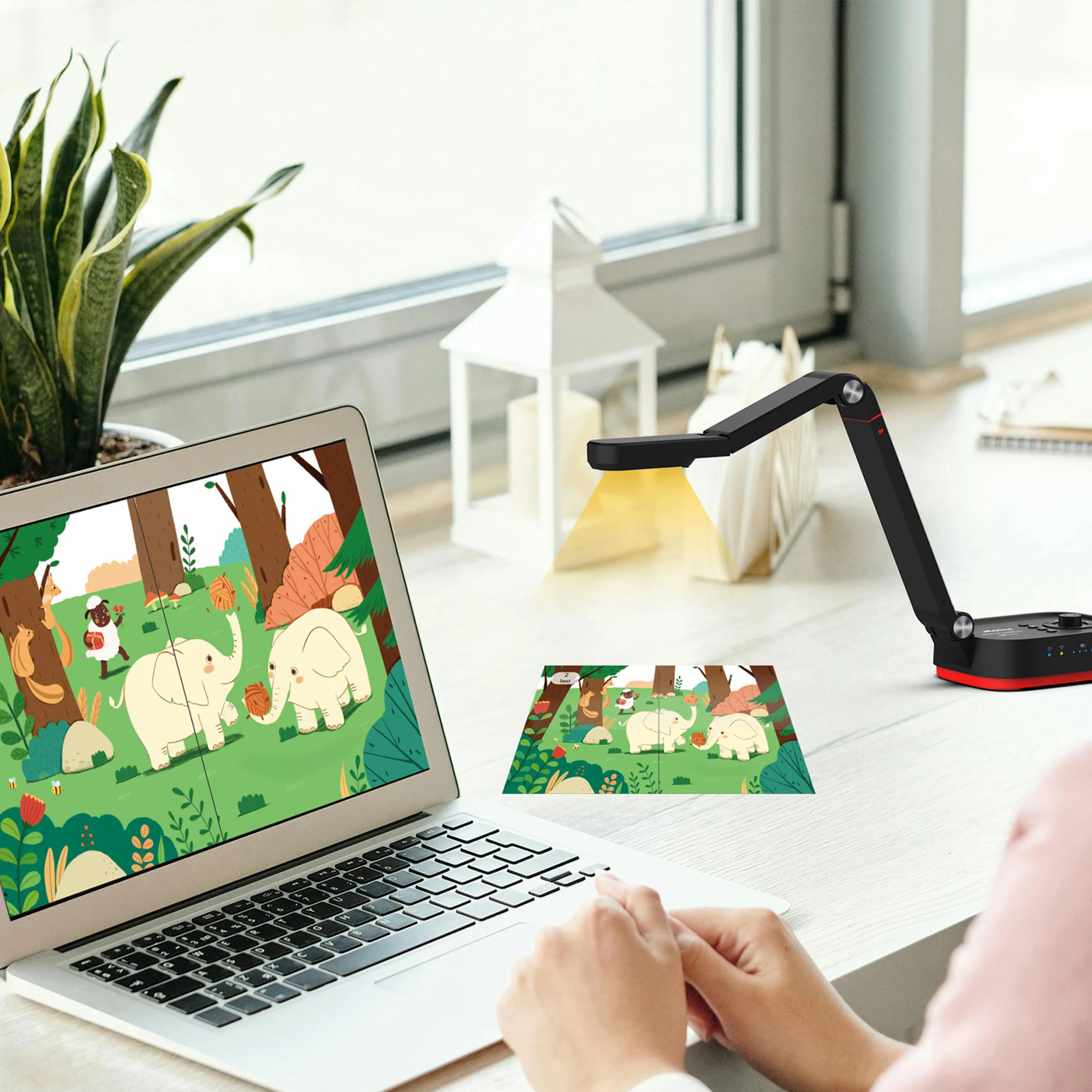
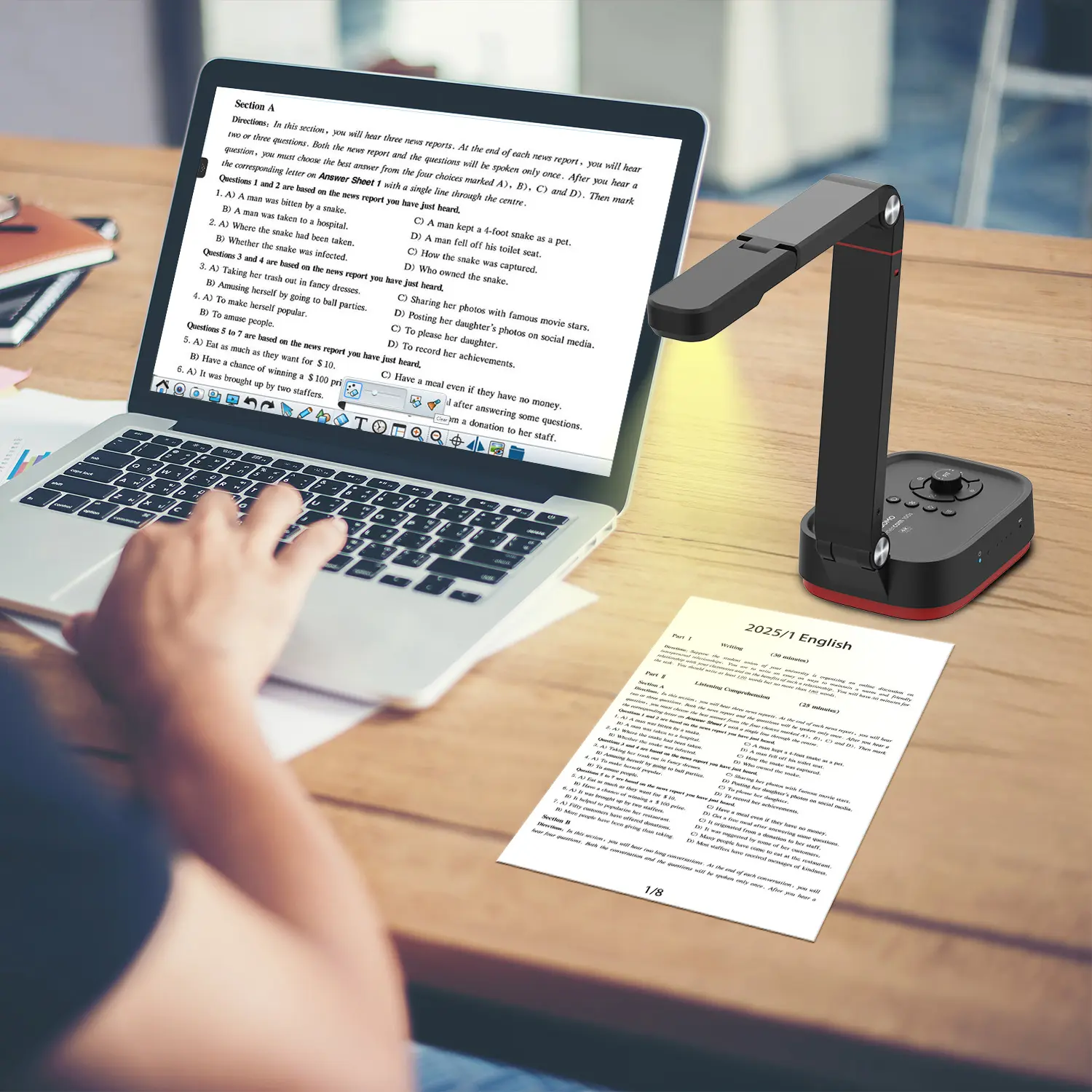
QCameraQCamera by QOMO allows for real-time streaming from cameras and document cameras. Annotate, save snapshots, record, and manipulate camera images instantly.
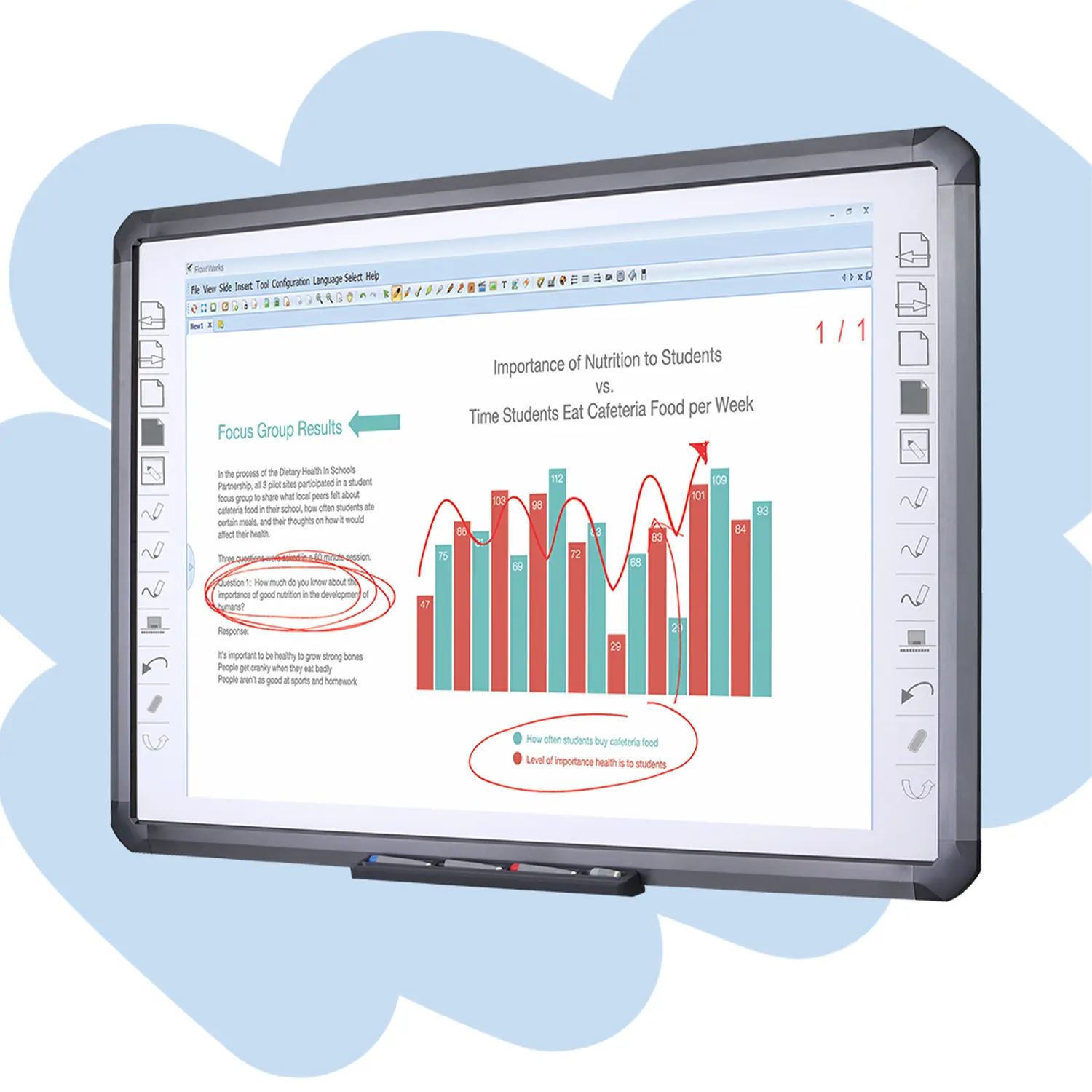
Flow!Works ProUser - friendly whiteboard software, it encompasses a wide range of presentation tools and powerful functions, delivering the most professional presentation experience to you.
Flow!WorksFlow!Works incorporates more educational tools, further enhancing the interactivity and fun - factor of your teaching.
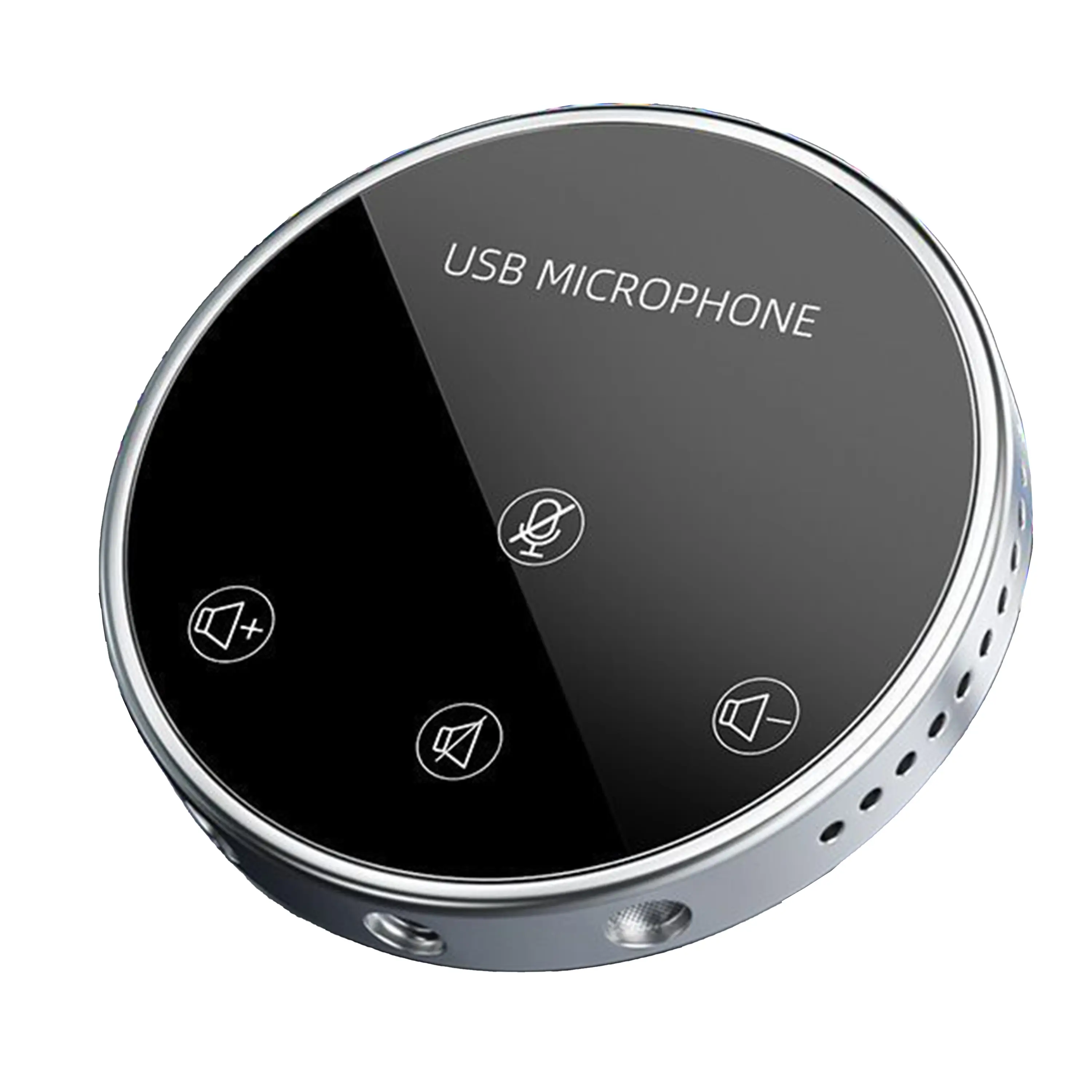
Conference Microphone● USB
● Plug and Play
● Intelligent Noise-Canceling
● 10ft/3m Extended Pickup Range
● 360° Omnidirectional Pickup
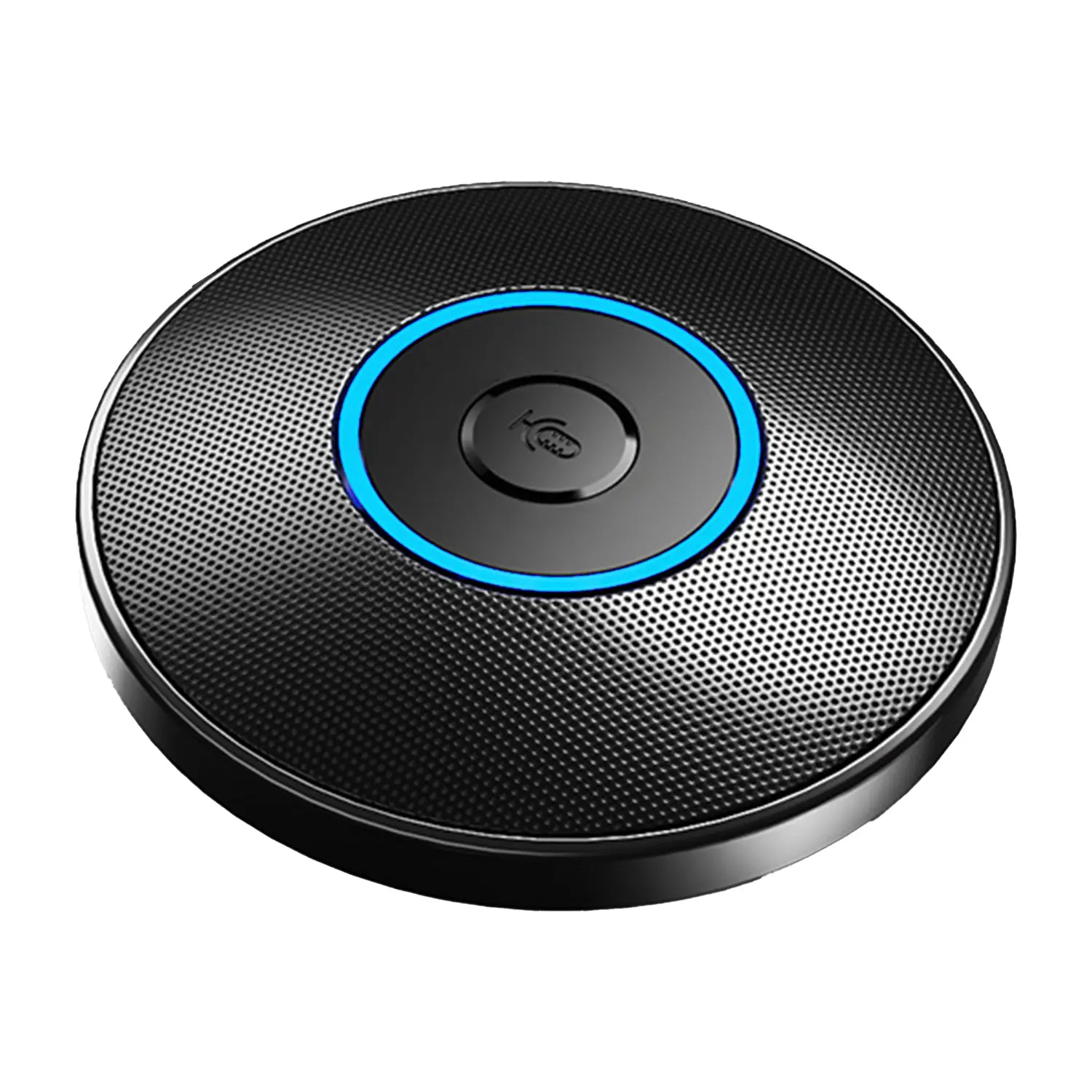
Conference Speakerphone● USB-C
● Plug and Play
● Intelligent Noise-Canceling
● 10ft/3m Extended Pickup Range
● 360° Omnidirectional Pickup
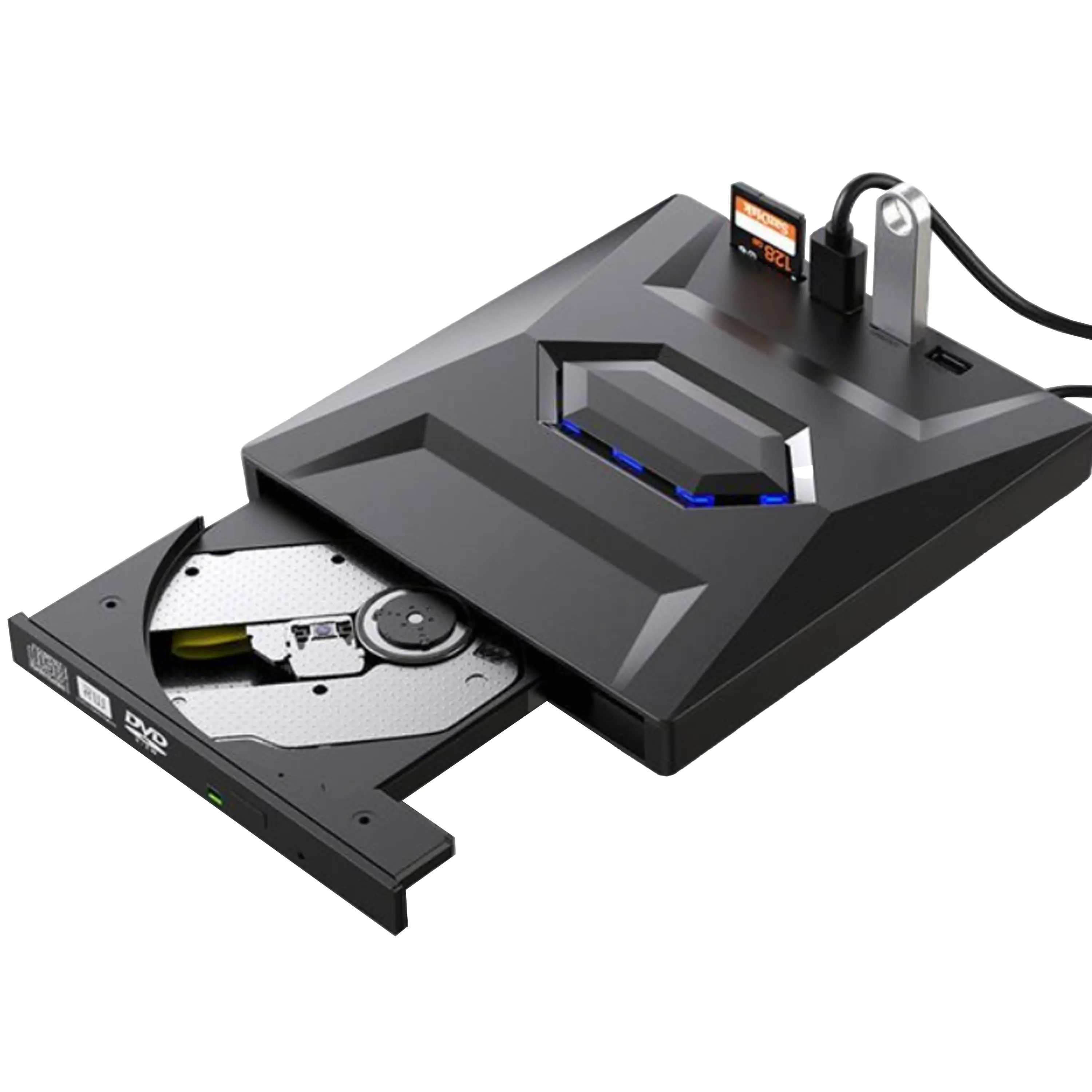
USB External CD/DVD Drive• USB and USB-C
• USB 3.0
• 8x DVD and 24x CD write/read speeds
• Portable
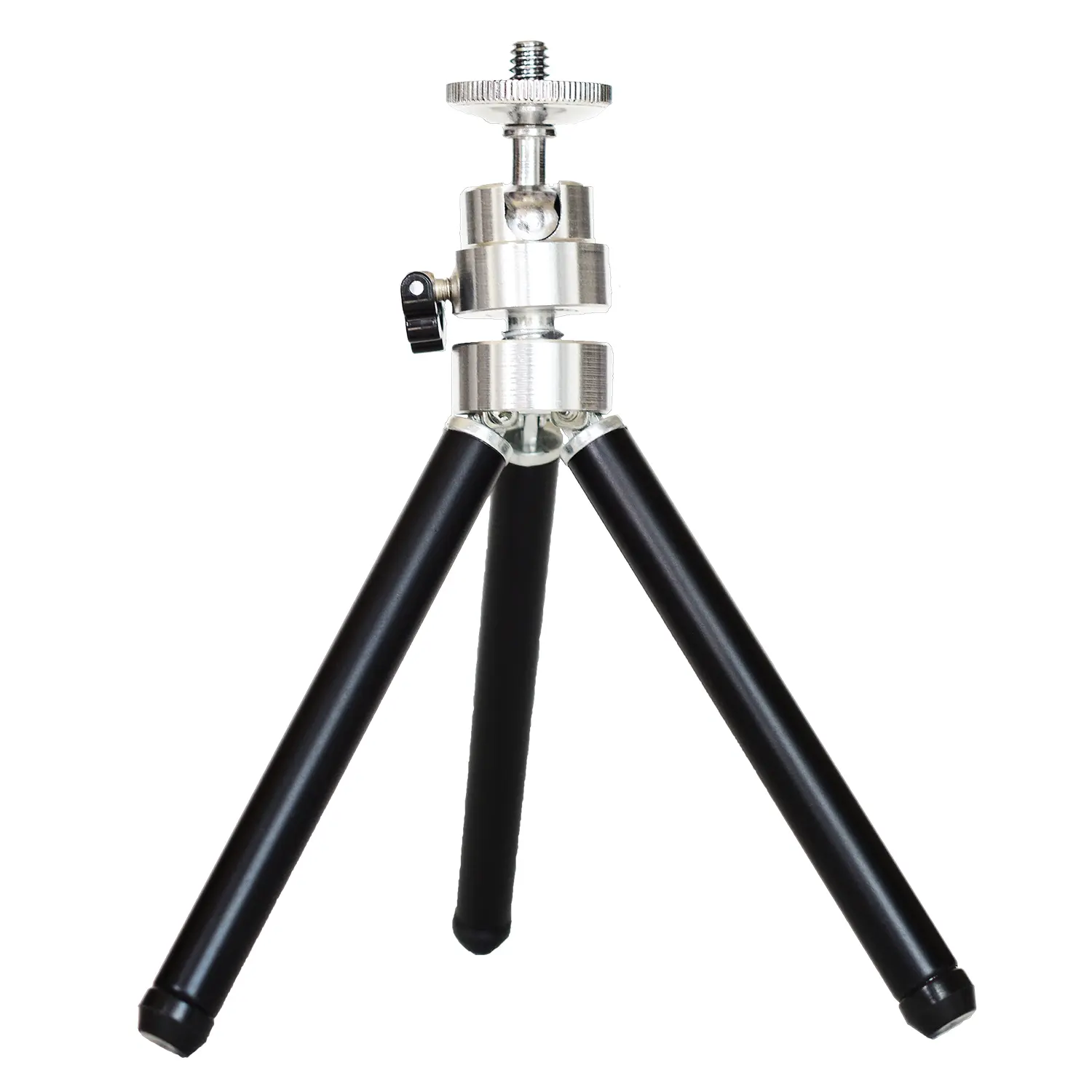
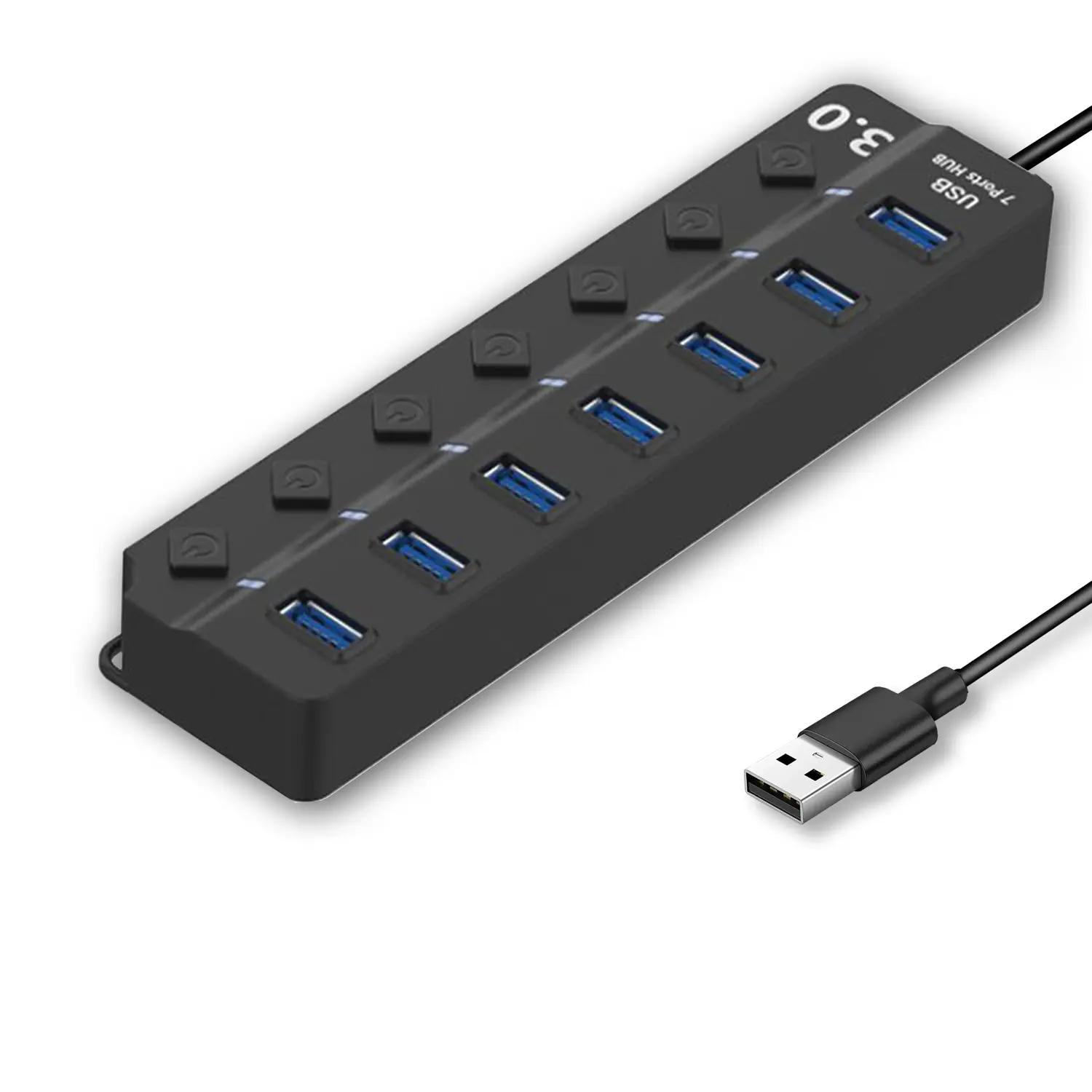
7-Port USB 3.0 Hub● USB 3.0
● Plug and Play
● 7-in-1 USB Hub
● Individual On/Off Switches
Revolutionize Your Presentations and Document Display with QWC 100S Document Camera
Enhance Call Experience: New Conference Microphone Now Available
AI-Powered Face-Tracking Webcam
Portable Document Camera Recommendations
Classic Design, Exceptional Functionality: QPC 22 Document Camera
Wireless Screen Mirroring Solution for All Devices
Latest Audience Response System: QRF 999
Introducing the QPC 80H3 Gooseneck Document Camera
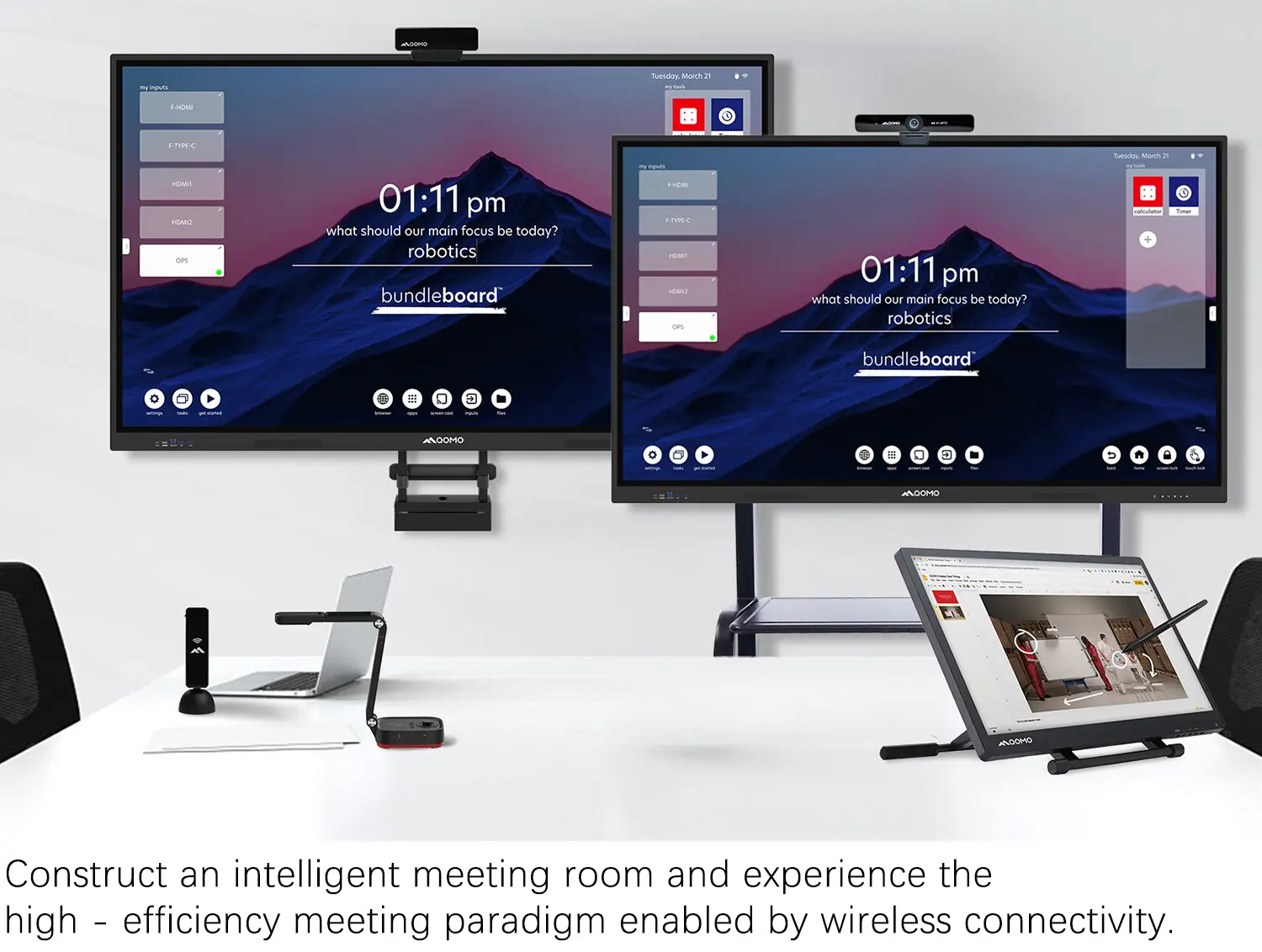
Creating a Smart Integrated Classroom: What Do You Need?
Wireless Connectivity Upgraded: WiFi-Free Wireless Document Receiver
Flow!Works Pro: Interactive Whiteboard Software for Engaging Classrooms
How to Choose the Perfect Document Camera and Elevate Productivity
QWC 004 Conference Webcam: The Top Choice for Remote Education
QCamera: Dedicated Software for Document Cameras to Elevate Your Presentations
QRF999 Voice Response System: Enhancing Teacher-Student Interaction
Work From Home? Maybe You Should Try This Document Camera
The Ultimate Educational Tool: Gooseneck Document Camera
60GHz Millimeter-Wave Wireless Screen Sharing: QShare 100
What Does a Modern Conference Room Need?
QD5000 Document Camera: Unimaginable Versatility!
QWC 004: The Most Cost-Effective Webcam
QVote Interactive Classroom Response System Software
Functionality, Aesthetics, Portability! Meet the QWC 100S Document Camera!
Why Choose the BundleBoard H/H2 Interactive Flat Panel?
Save Your Budget—Introducing the All-New QPC 70 Document Camera!
QIT 600F3: Revolutionize Your Presentations
QCamera: Professional Document Camera Software
QPC 5: The Ultimate 4K Portable Document Camera
Elevate Your Meetings in Seconds: QWC 006 Webcam
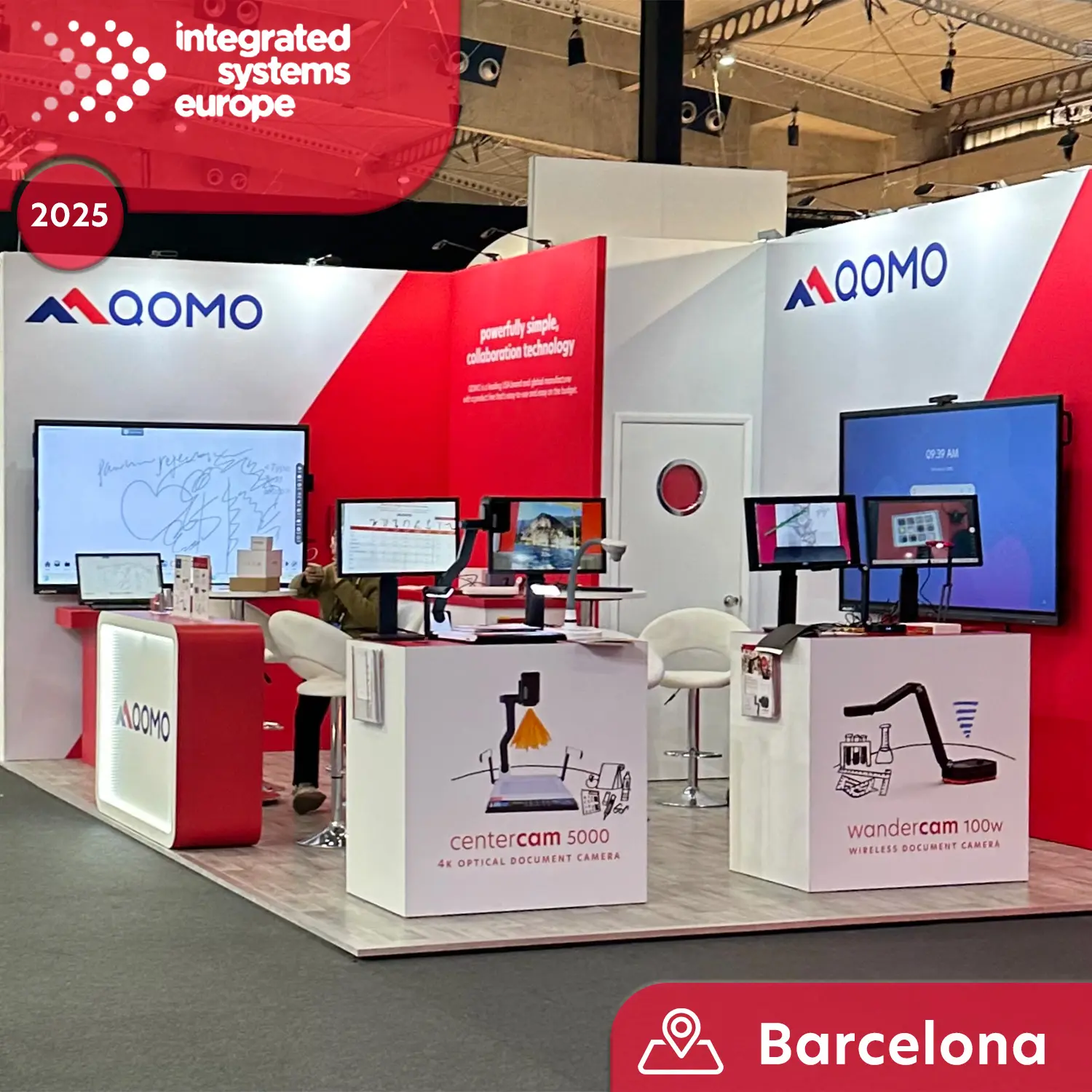
Meet QOMO at ISE 2025
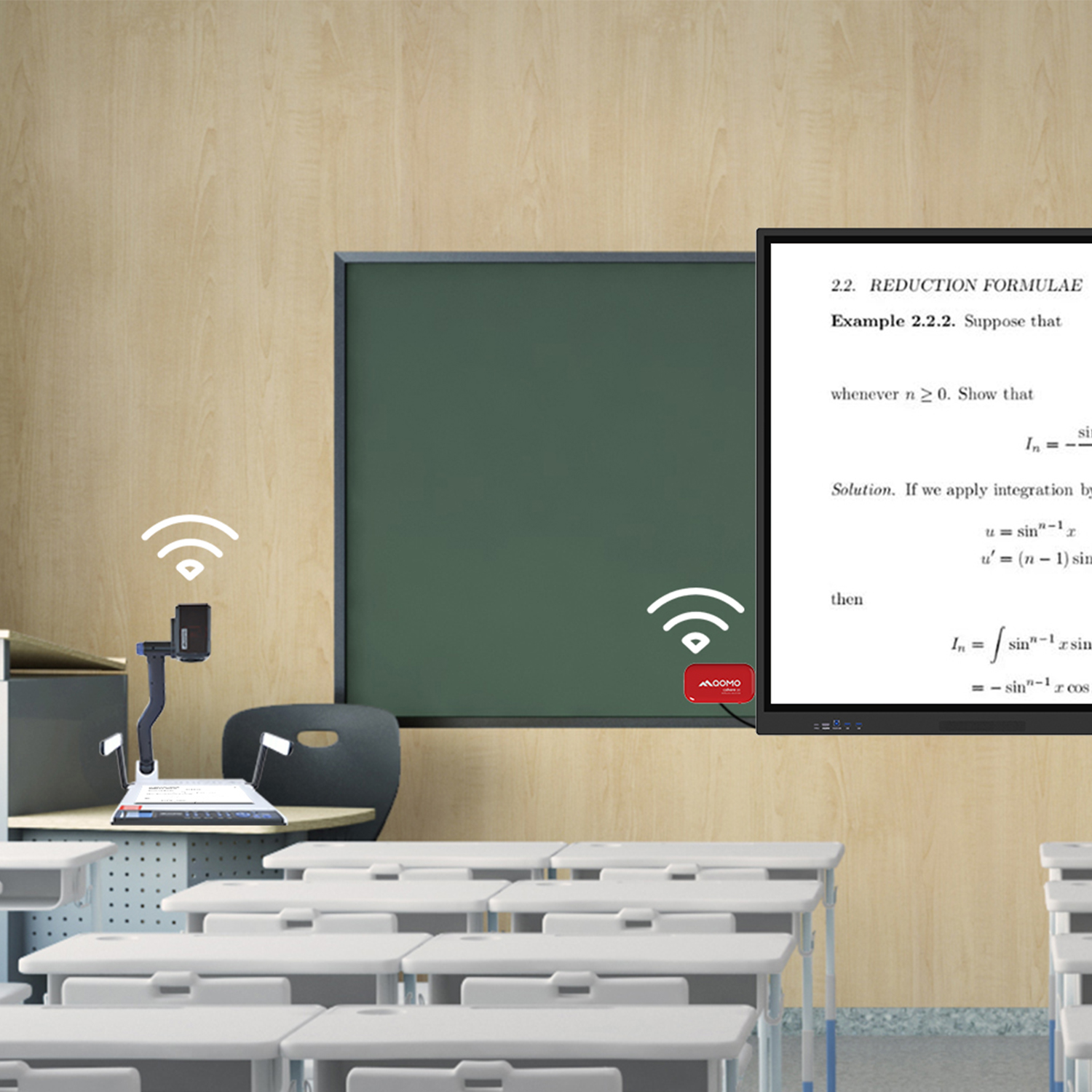
Wireless Document Camera Solution, Revolutionizing Wireless Technology
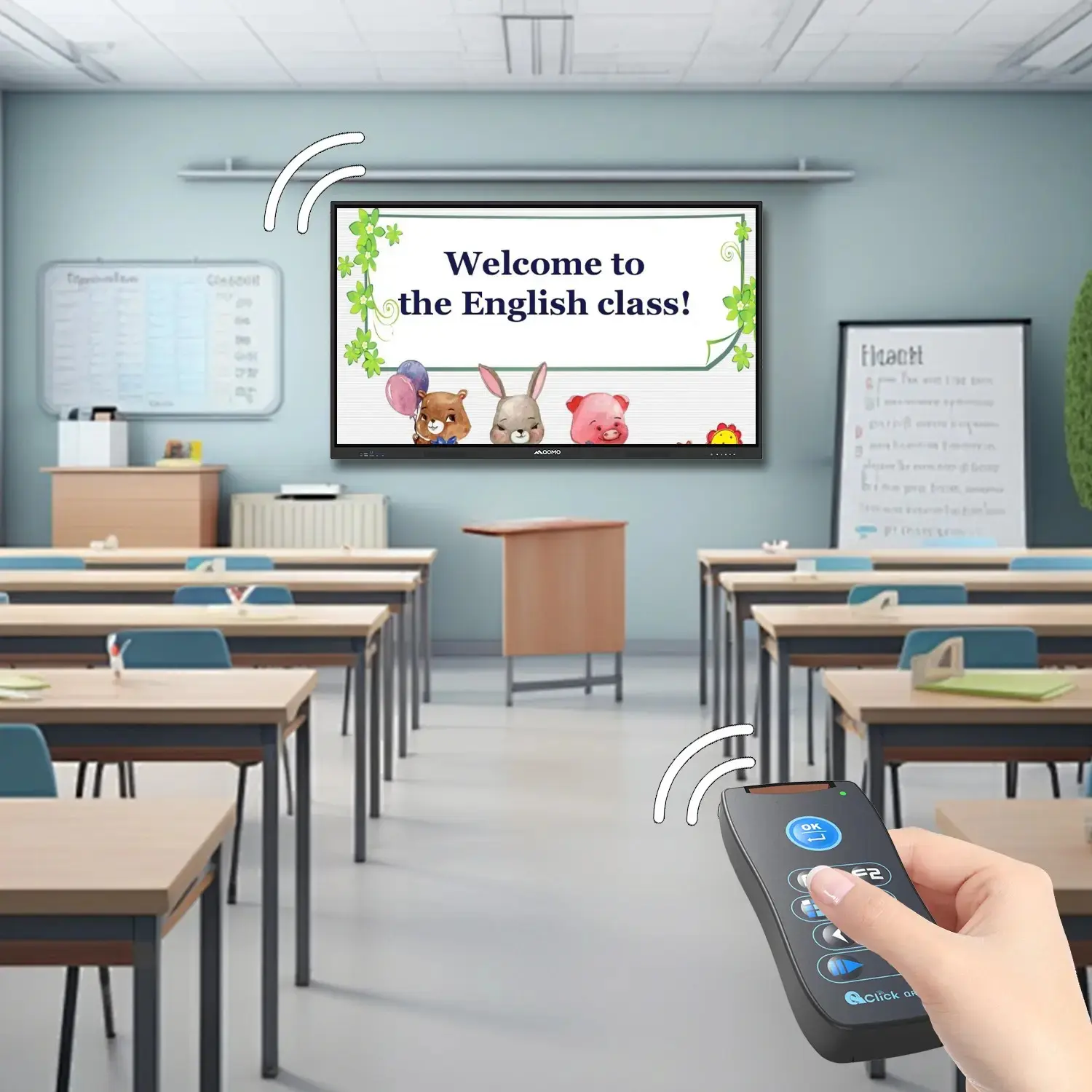
QRF Series, Transform Your Classroom!
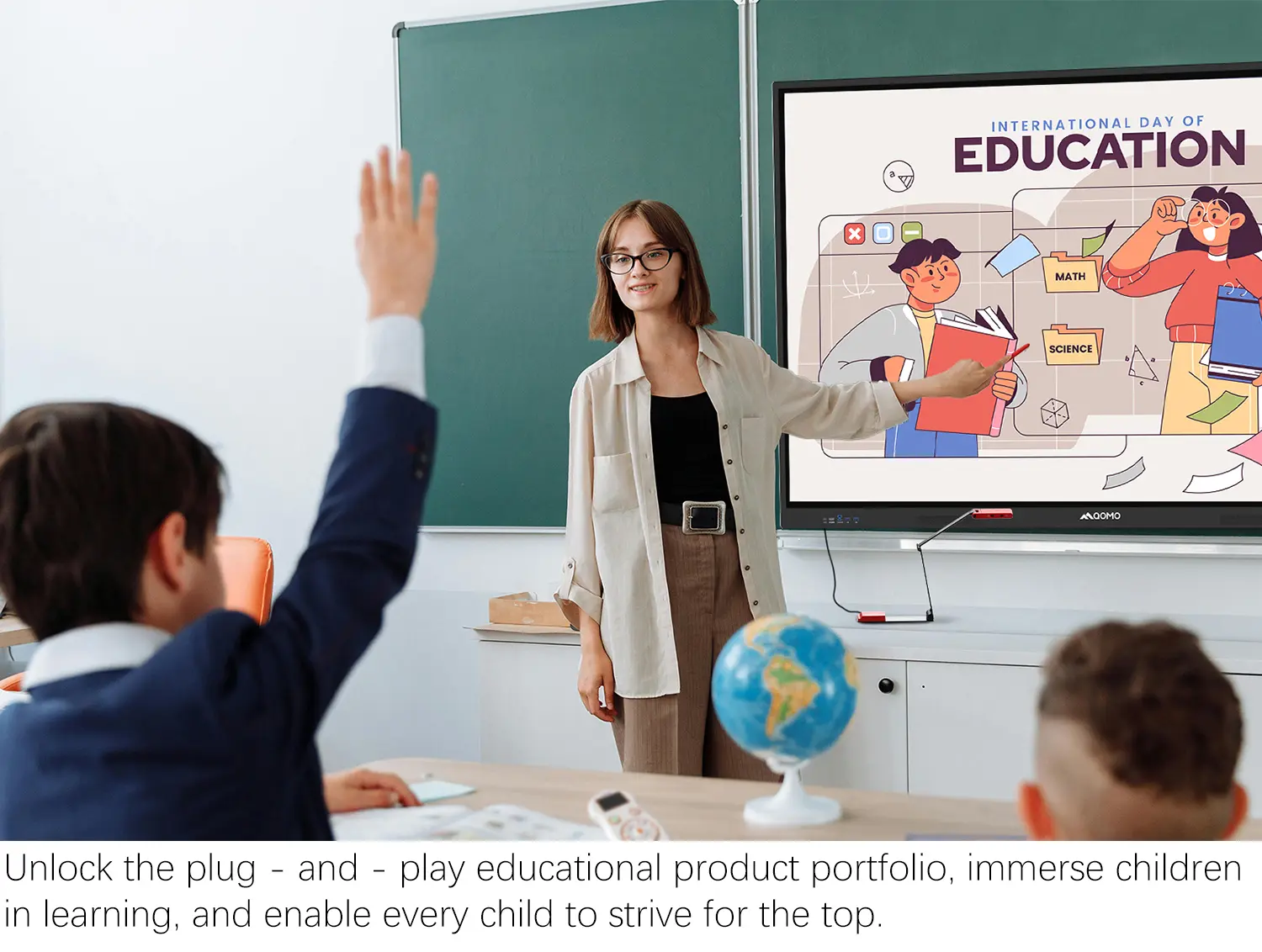
QOMO, Building Intelligent Classrooms
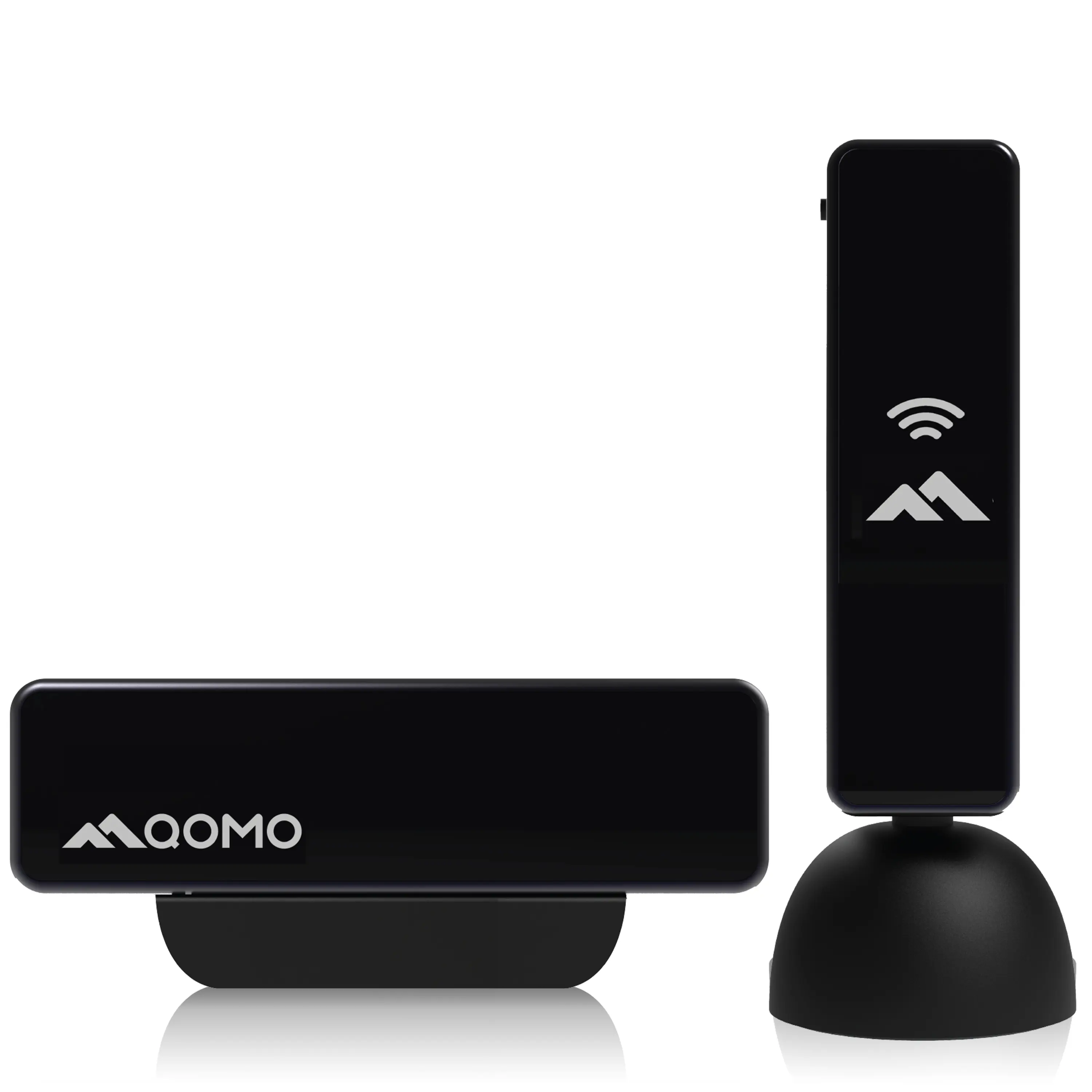
QOMO QShare100 New Release
Outstanding Office Equipment Recommendations
Choosing China’s best Interactive Touchscreens requires more than comparing screen size and factory prices. Global buyers need dependable performance, clear documentation, and practical support after delivery. A bright display may look impressive in a showroom. It can still disappoint in a sunlit classroom or busy retail space.
This guide examines suppliers through real purchasing considerations. These include touch accuracy, operating system stability, viewing angles, speaker quality, protective glass, and heat management. It also considers factory experience, quality-control procedures, product testing, and communication standards. Buyers should request detailed specifications, sample units, warranty terms, and evidence of relevant certifications before placing larger orders. Compliance requirements can differ between countries and industries, so independent verification remains important.
Small details often reveal serious preparation. Check whether the touchscreen responds accurately with dry fingers, gloves, or a stylus. Test ports, wireless connections, built-in cameras, and software updates. Ask how damaged panels are handled during shipping. Packaging photographs and inspection records can prevent expensive surprises.
No supplier is perfect.
Some product pages use broad claims without enough technical evidence. Even experienced buyers can overlook installation conditions, local voltage requirements, or after-sales response times. That weakness deserves attention. A reliable comparison should balance price with service capacity, replacement-part availability, user feedback, and long-term operating costs. The following overview helps schools, companies, meeting spaces, and public institutions evaluate Chinese Interactive Touchscreens with greater confidence and fewer assumptions.
Interactive touchscreens are large digital displays that respond to finger or stylus input. They combine a screen, touch sensor, processing unit, and software interface. Instead of using a mouse, users tap icons, drag images, write notes, or control media directly on the glass.
Most models use infrared or projected-capacitive sensing. Infrared systems detect interruptions across an invisible grid above the display. Capacitive systems measure changes in an electrical field when a finger touches the surface.
The sensor sends coordinates to a controller, which translates them into commands. A built-in operating system or connected computer then opens the selected file, app, or webpage.
In practical testing, response speed, touch accuracy, viewing angle, and glare control matter more than impressive specifications alone. No touchscreen feels perfect in every room.
Tips: Test writing near the screen edges. Check whether several users can touch simultaneously. Ask for measured brightness, operating temperature, warranty terms, and replacement-part support. A smooth demonstration may hide poor performance under bright lights or after long classroom sessions. Leave room for doubt, and test real content before placing a large order.
China’s Best Interactive Touchscreens for Global Buyers?
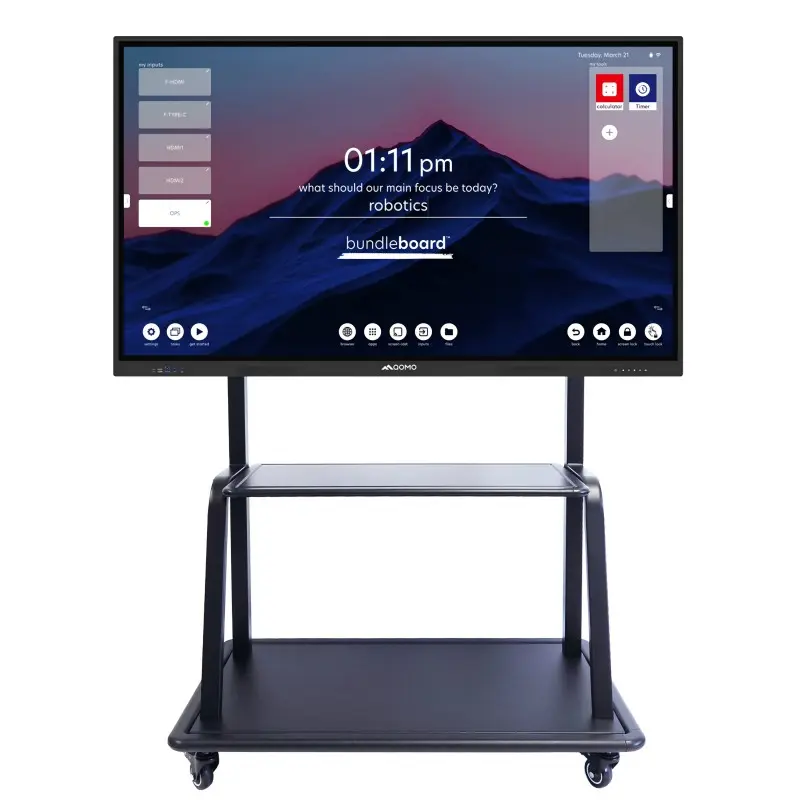
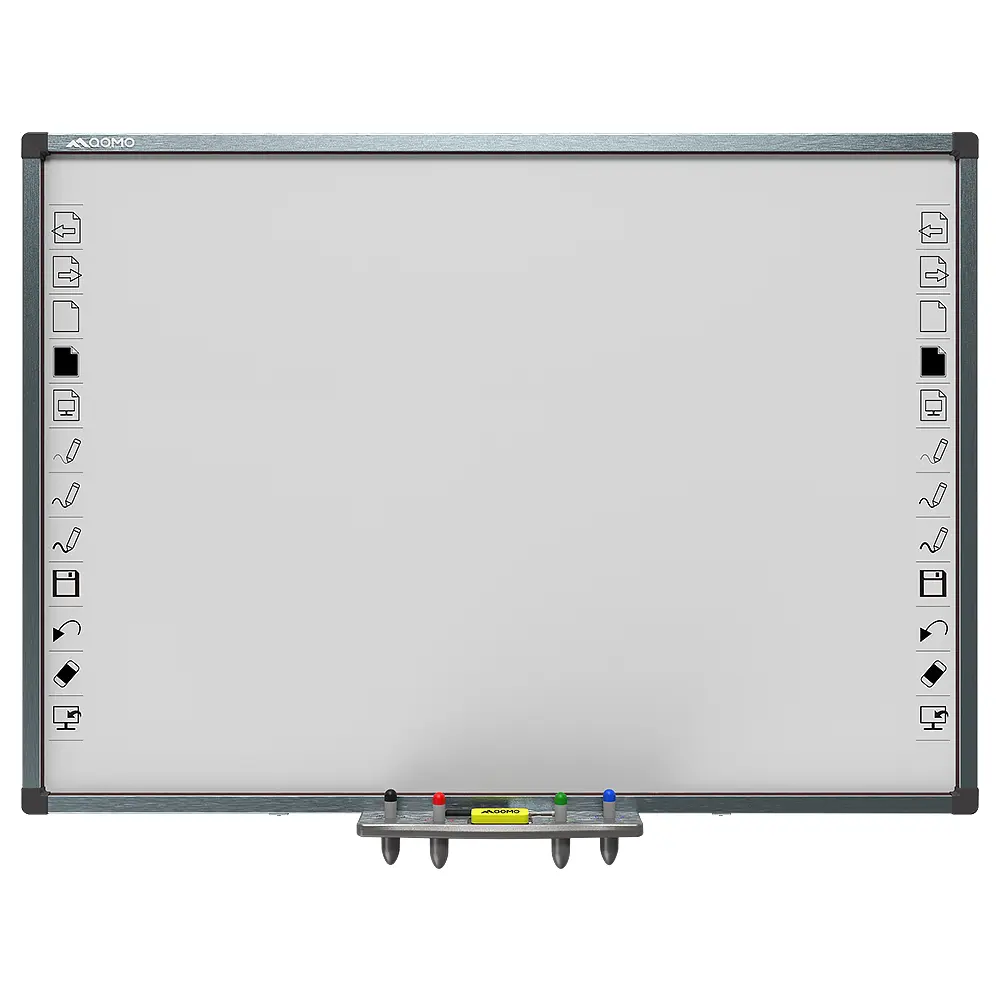
Interactive touchscreen types should match the room, audience, and working habits. Large interactive flat panels suit classrooms and meeting rooms, where several users need to write together. Their built-in speakers, cameras, and whiteboarding tools reduce extra equipment. However, a 75-inch screen may feel excessive in a small office.
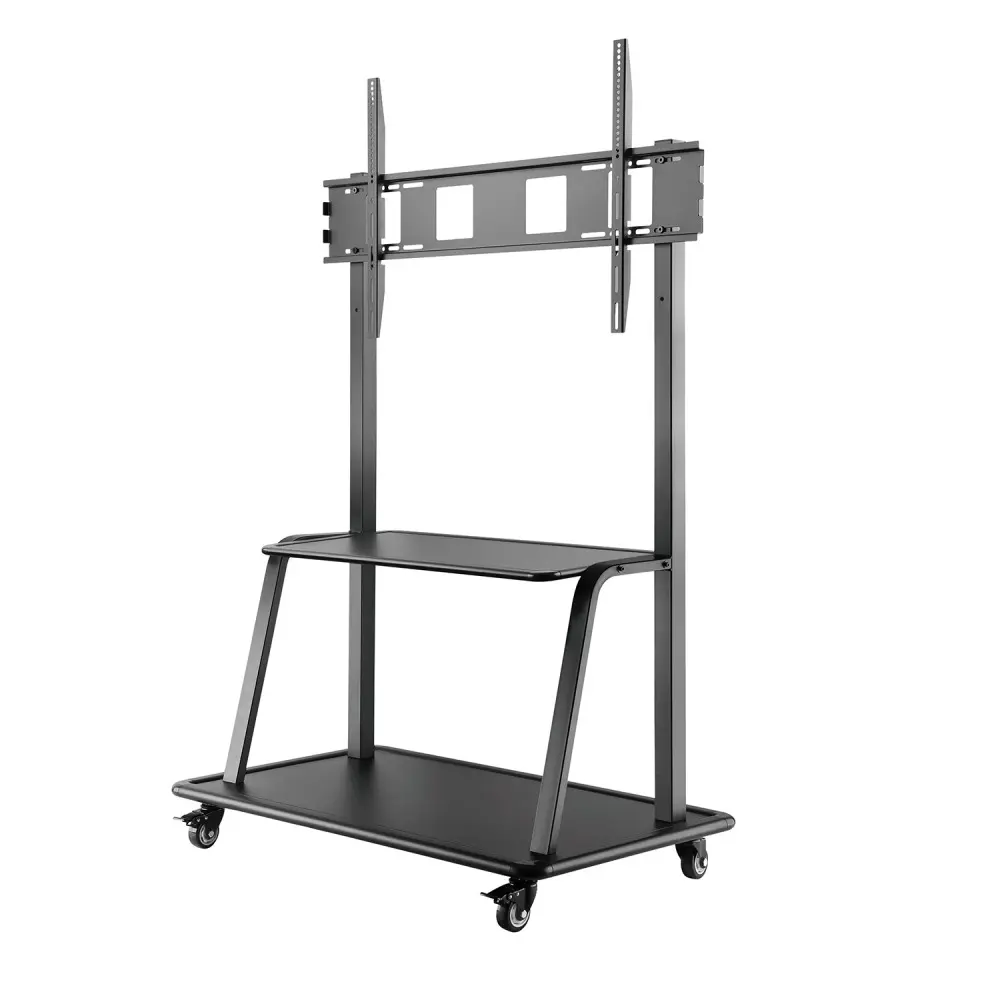
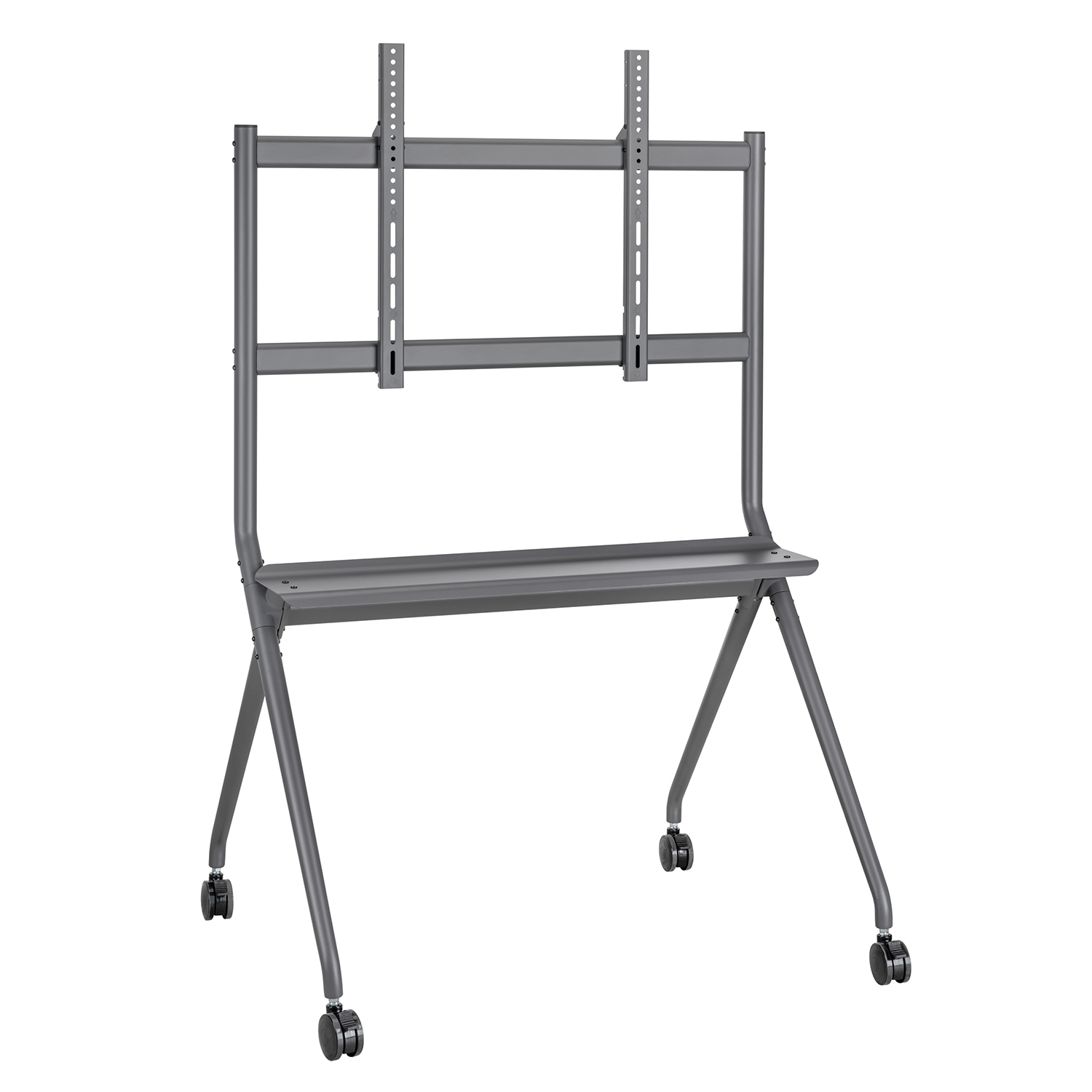
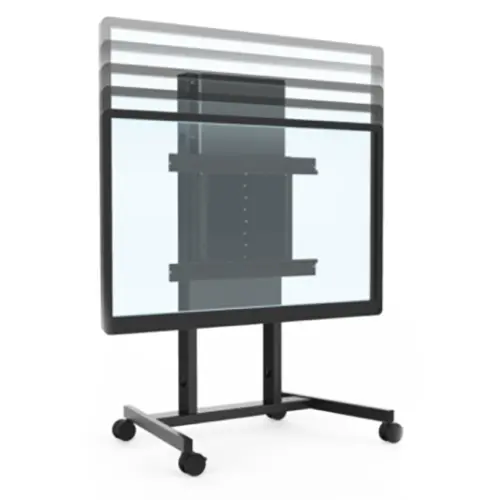
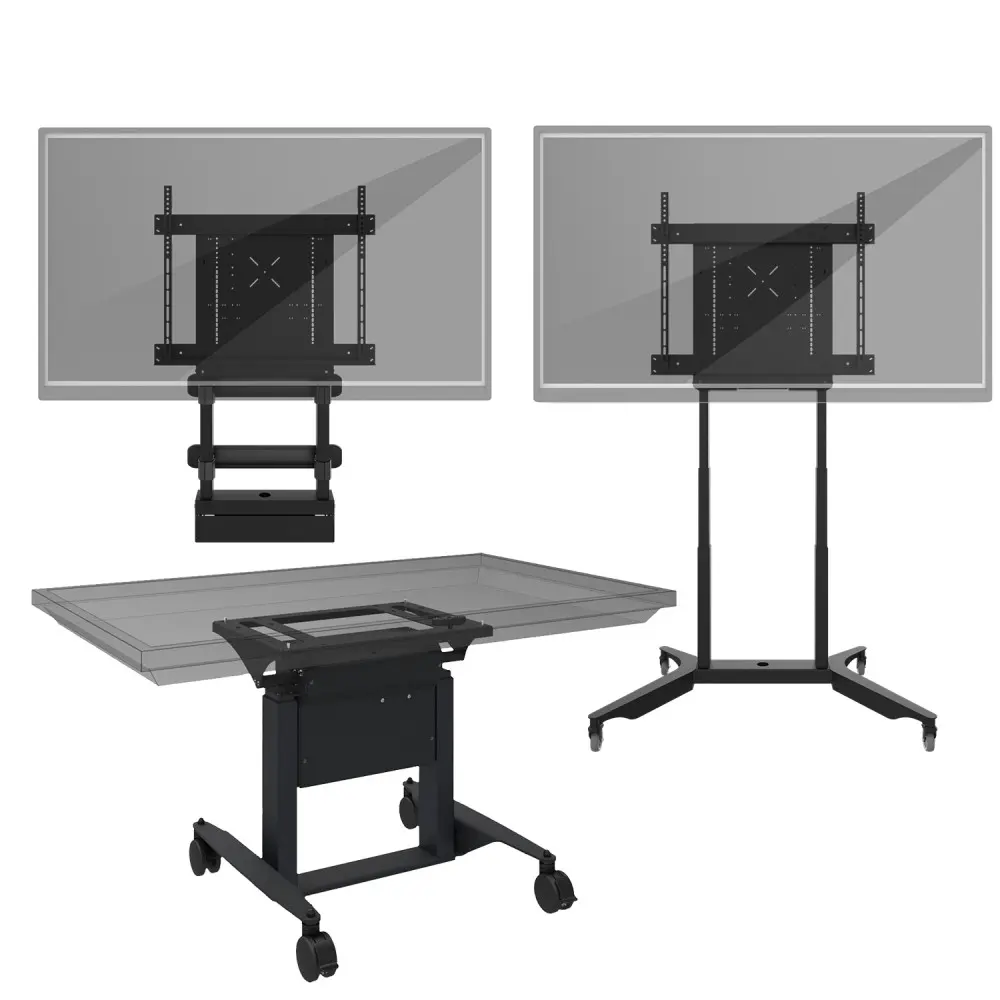
Portable touchscreen monitors work better for trainers, sales teams, and temporary exhibitions. They are lighter and easier to move between rooms. A wheeled interactive display adds flexibility for workshops and shared offices. Tabletop touchscreens can support museums, hospitality desks, and product demonstrations. They should have strong glass and stable stands, especially in busy public areas.
Tips: Ask suppliers for brightness data, touch response tests, operating system details, and sample videos. Check whether the power input matches your country. Request multilingual menus, replacement-part availability, warranty terms, and remote support. Test writing with a dry finger, glove, and stylus. Small differences matter. A screen can perform well in a factory demo but struggle under bright sunlight. Buyers should also inspect packaging, installation guides, and compliance documents. I have found that attractive specifications sometimes hide weak software support or limited update policies. That deserves a second look.
Suitability scores are practical comparative ratings from 1 to 10 based on multi-touch capability, accuracy, durability, glove and wet-touch performance, ease of cleaning, and typical installation requirements. Projected capacitive screens are strongest for collaborative offices and premium public interfaces, infrared screens perform well in classrooms and large-format displays, optical touchscreens suit interactive presentations, and resistive screens remain useful for rugged industrial control panels.
What features define a high-quality interactive touchscreen for global buyers? The answer goes beyond screen size and 4K resolution. MarketsandMarkets estimated the interactive display market at about USD 11.5 billion in 2023, with strong growth expected through 2028. That growth raises a practical concern: not every large panel offers professional performance.
A dependable touchscreen should provide accurate multi-touch, low response latency, and consistent performance near the screen edges. Ten-point touch is useful, but twenty-point support better serves group work. A 4K panel, anti-glare coating, and at least 350 nits of brightness improve visibility in classrooms and meeting rooms. Viewing angles near 178 degrees reduce the need to move around the display. Small details matter. A dry finger should still register reliably.
Mordor Intelligence reports continued demand for interactive displays across education and corporate environments, but market estimates vary by research scope. Buyers should examine test methods, not only headline figures. I find brightness claims especially difficult to compare because manufacturers may use different measurement conditions. Built-in speakers, microphone arrays, wireless casting, and USB-C connectivity add daily value. Security also matters: encrypted connections, user permissions, remote updates, and long-term software support protect shared devices. A touchscreen can look impressive in a showroom. Real quality appears after months of fingerprints, repeated taps, and unstable network conditions.
China Best Interactive Touchscreens for Global Buyers?
How Should Global Buyers Compare Suppliers and Product Costs?
Comparing interactive touchscreen suppliers requires more than checking the lowest unit price. Review panel size, resolution, brightness, touch response, operating system, ports, speakers, and included software. Ask for test reports, product videos, and a sample before placing a large order. Ask for evidence. A reliable supplier should explain component specifications clearly and provide consistent answers from sales to engineering teams.
Product cost should include more than the factory quotation. Add packaging, inland transport, export handling, shipping, taxes, installation, training, and possible replacement parts. A lower-priced screen may use weaker glass or offer limited warranty support. That gap matters. Compare warranty length, response times, spare-part availability, minimum order quantity, and payment terms. Request a detailed cost sheet with every charge listed separately.
Supplier evaluation also needs practical testing. Check touch accuracy near the corners, screen visibility under strong room lighting, heat after several hours, and mounting stability. Confirm whether the software supports your language and local network requirements. A sample can expose problems that photographs hide. However, one sample does not prove long-term reliability. This is where buyers may overestimate their confidence. Keep records from inspection, delivery, and early use. Then score suppliers using the same criteria, not personal impressions. A dependable quotation is useful, but dependable communication is often worth more during installation delays or technical faults.
Buying an interactive touchscreen from China requires more than comparing brightness and price. Check IEC 62368-1 safety testing, EMC compliance, and material declarations for your destination market. Accessibility also matters: WCAG 2.2 recommends perceivable, operable, understandable, and robust digital experiences. A certificate alone is not proof. Request the test report, laboratory details, product model, and valid dates.
Tips: Ask for a live video demonstration before payment. Test palm rejection, multi-touch accuracy, speakers, ports, and wireless stability. Require a written support agreement covering response times, firmware updates, spare parts, and remote diagnosis. Three to five years of parts availability is a sensible target, although smaller suppliers may not guarantee it. That gap deserves attention.
Logistics can quietly damage a good purchase. UNCTAD’s Review of Maritime Transport states that over 80% of global merchandise trade moves by sea. Therefore, confirm shock-resistant packaging, humidity protection, pallet dimensions, and cargo insurance. Request carton photos before shipment and record the serial numbers. The World Bank’s Logistics Performance Index 2023 evaluates customs, infrastructure, shipment quality, and timeliness, showing why one freight quote cannot measure delivery reliability. Get Incoterms, port responsibilities, and estimated lead times in writing. A lower price may hide weak after-sales support or costly replacement freight.