request to quote
Leave Your Message

How to Choose a Document Scanner in 2026?

Choosing a Document Scanner in 2026 means evaluating more than speed, resolution, and price. Modern offices handle invoices, contracts, receipts, medical records, and handwritten notes every day. Each document has different scanning demands. A fast machine may still produce poor results with curled pages or thin paper.

John Mancini, former president of AIIM, has said, “Information is the lifeblood of every organization.” That idea remains practical. A reliable scanner turns physical information into searchable, usable data. Look for duplex scanning, accurate paper feeding, strong optical character recognition, and software that supports your workflow. Automatic document feeders matter when hundreds of pages wait beside your desk. Small details matter.

Speed is not everything.

In 2026, buyers should also examine security, compatibility, maintenance, and total ownership costs. Check whether the scanner supports your operating system, cloud platform, document management software, and preferred file formats. Review its real-world pages-per-minute rating, not only the box claim. A scanner rated for 40 pages per minute may slow dramatically with mixed paper sizes.

Energy use and repair support deserve attention, too. Some compact models fit a small counter but struggle with daily workloads. Larger scanners may cost more, yet reduce jams and staff time. I would not choose solely by brand reputation. Personal testing with your own documents can reveal shadows, skewed pages, and missed characters. The perfect model may not exist. That is worth admitting. A careful comparison still prevents an expensive mistake.

How to Choose a Document Scanner in 2026?

What a Document Scanner Is and How It Works

How to Choose a Document Scanner in 2026?

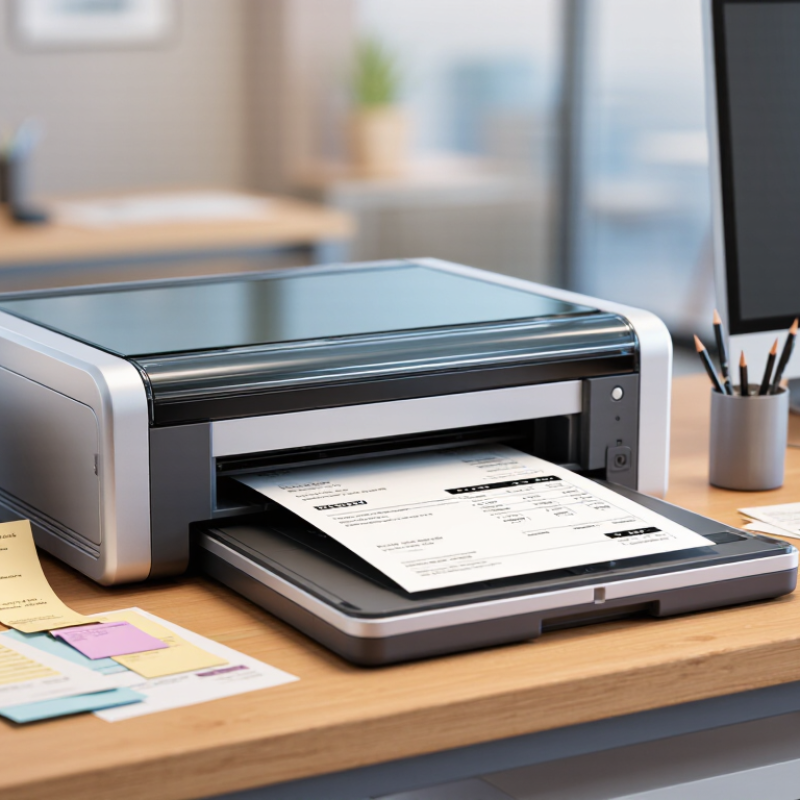
A document scanner converts paper into digital image data. It uses a light source, sensors, and software to capture each page. Most office models use Contact Image Sensors, while some use CCD sensors for richer image quality. The paper moves through an automatic document feeder, or ADF. Duplex models scan both sides in one pass.

The process is more than taking a picture. The scanner detects page edges, adjusts brightness, and removes blank pages. Optical character recognition, or OCR, converts printed shapes into searchable words. This makes a scanned invoice easier to find and verify later. According to Grand View Research, the global document scanner market is expected to grow steadily through 2030, reflecting continued demand for paper-to-digital workflows. That growth does not mean every scanner performs equally.

Speed can mislead.

A device rated at 40 pages per minute may slow down with mixed paper sizes, thin receipts, or colored forms. AIIM’s industry research on information management repeatedly highlights data quality and retrieval as major business concerns. Therefore, choose a scanner with reliable feeding, clear OCR, and useful file controls, not speed alone.

Test twenty pages before purchasing. Include folded sheets and faint text. I once trusted a fast specification and overlooked double-feeds. That mistake cost more time than the scan itself. Also check resolution, usually measured in dpi, and confirm whether searchable PDF, PDF/A, or common image formats meet your records requirements.

Which Scanning Features Match Your Documents

Choosing a document scanner in 2026 starts with the documents on your desk, not the feature list. A home office handling invoices, contracts, and receipts may need an automatic document feeder, duplex scanning, and reliable text recognition. Duplex scanning captures both sides in one pass. That saves time during large batches. For photographs, certificates, or artwork, prioritize optical resolution, accurate color, and a flat scanning surface. Higher resolution is not always better if files become unnecessarily large.

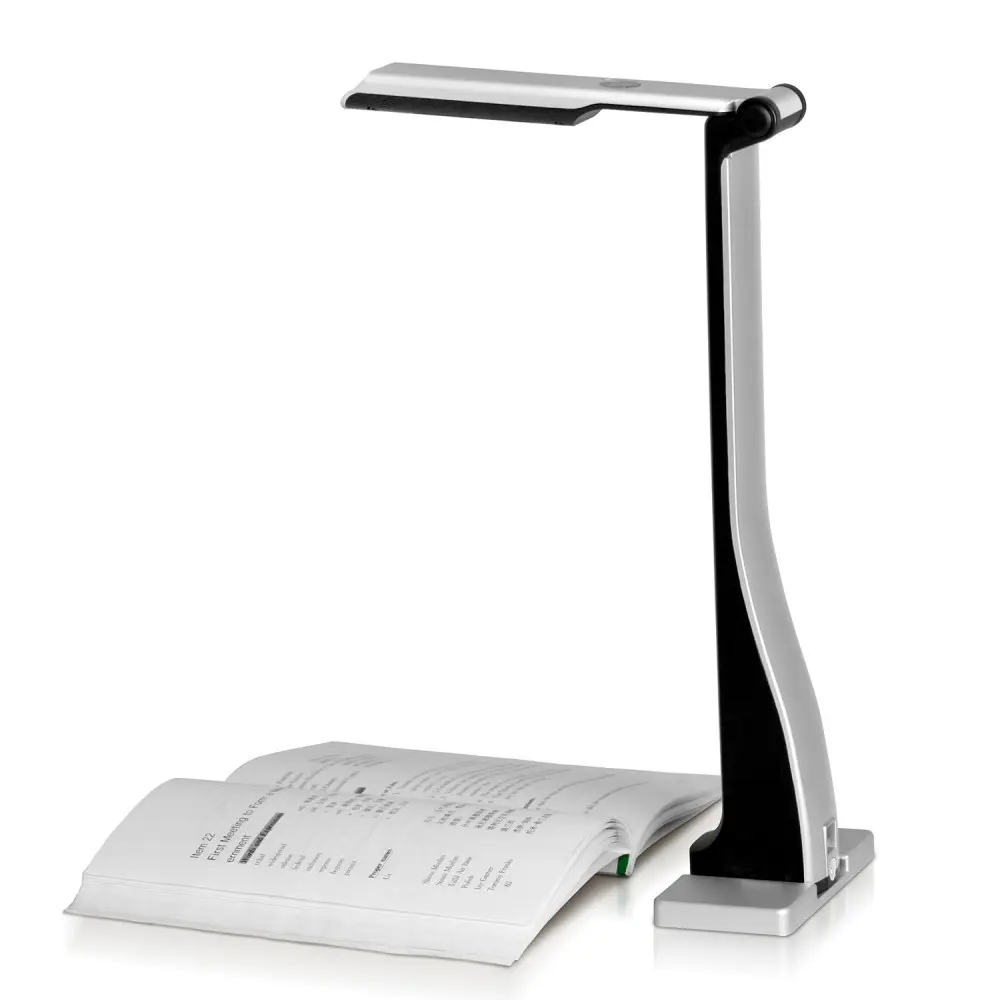
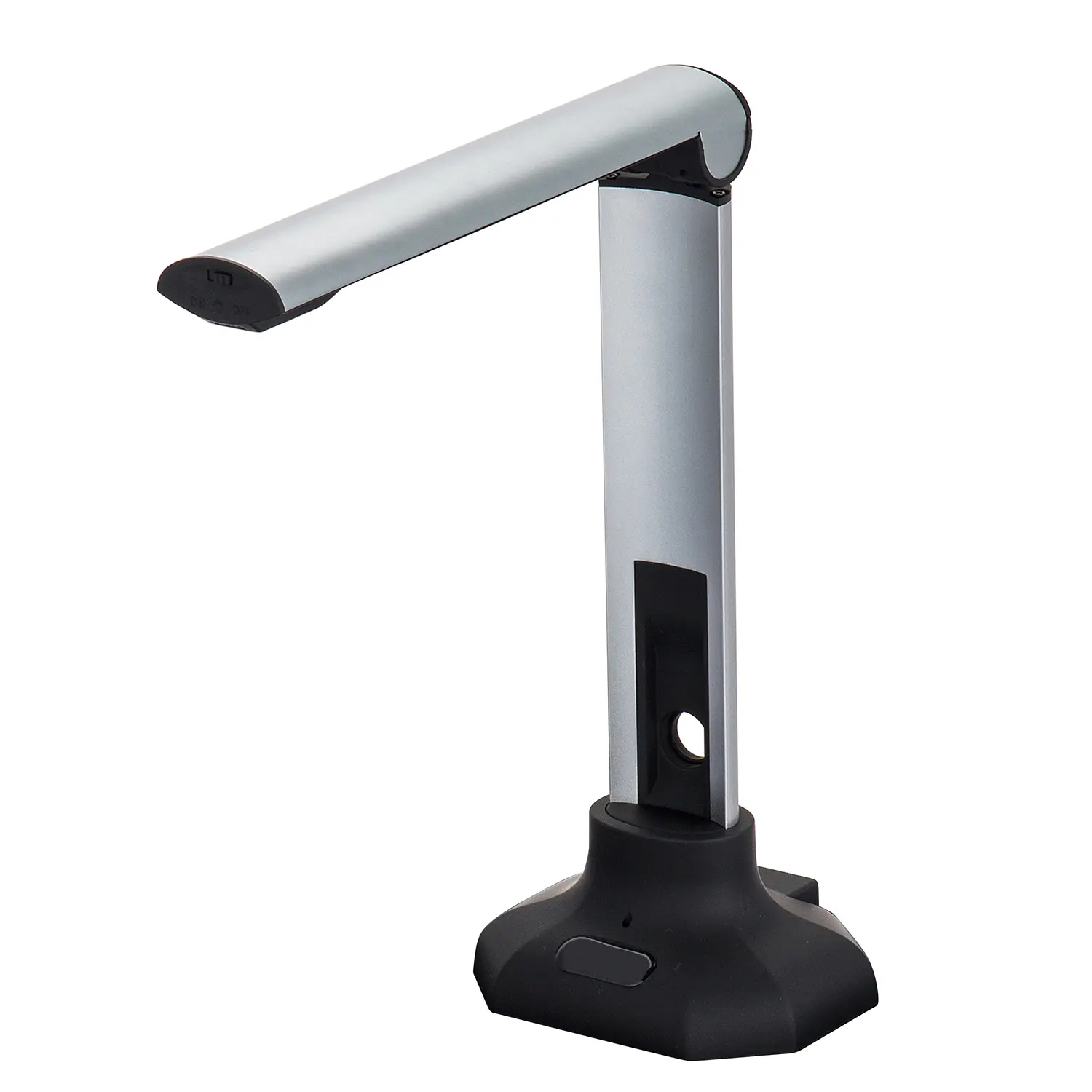
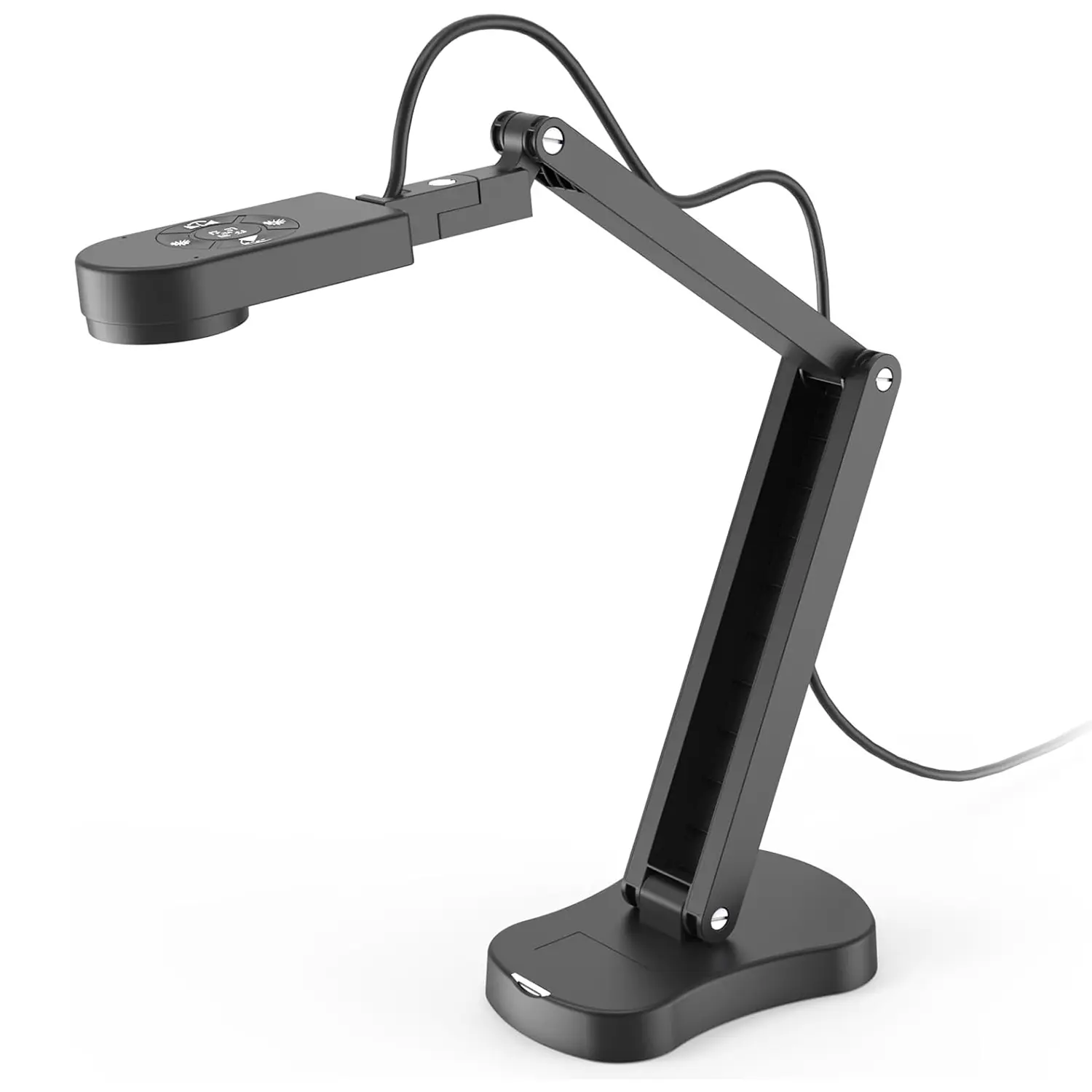
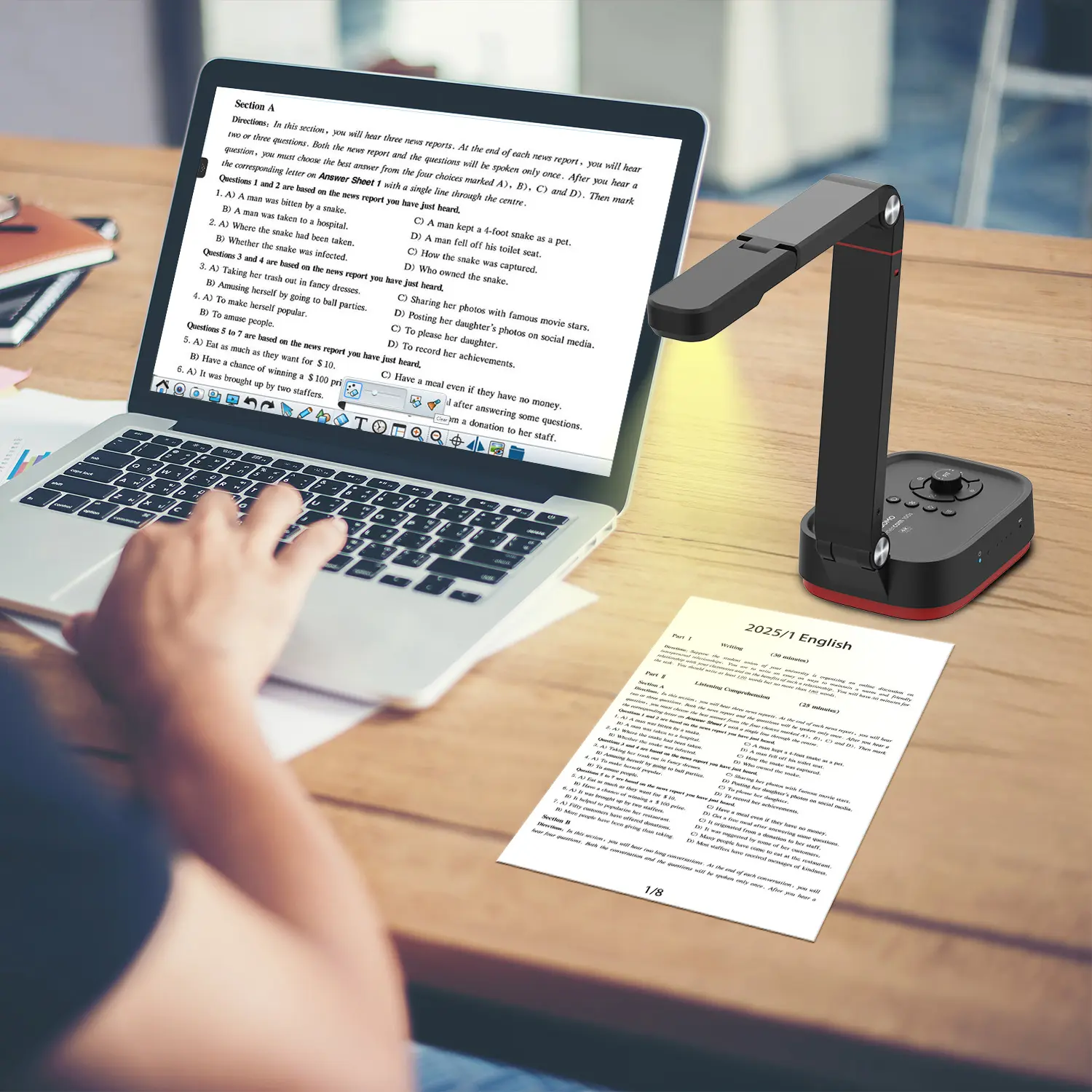
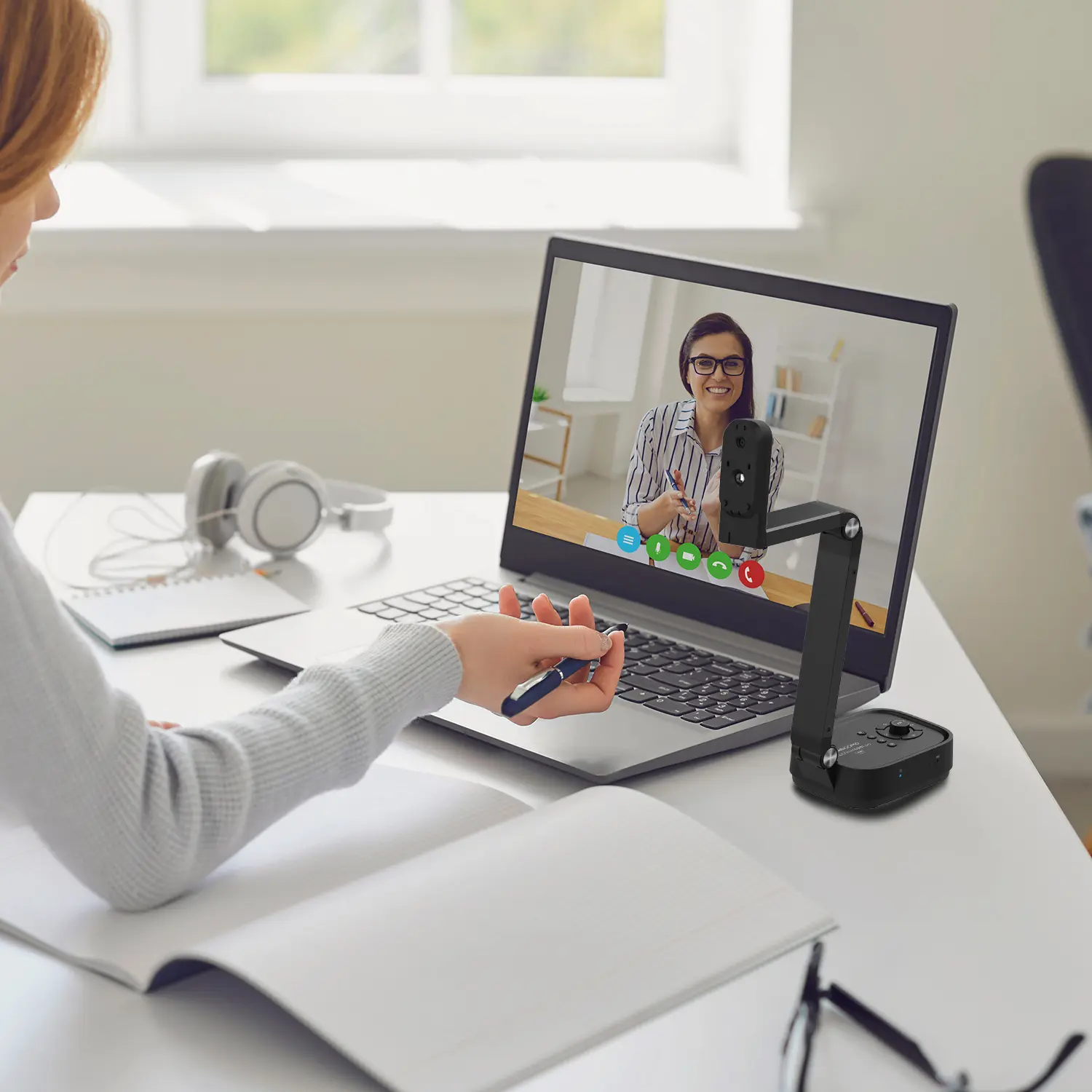
Document condition also matters. Thin receipts can wrinkle inside a fast feeder, while delicate pages may require manual placement. Bound books need an overhead design that reduces pressure on the spine. If your files include stamps, pencil notes, or pale signatures, test color and contrast settings before purchasing. Small details often disappear during automatic enhancement. They matter later.

Consider your daily workflow. A scanner with searchable text recognition can turn a 40-page paper file into an editable archive, but recognition errors still occur with handwriting and unusual fonts. Scan a representative sample, including the worst page, rather than trusting a product specification alone. I once assumed a fast feeder would improve every task; mixed-size documents proved otherwise. Speed created more rescans. Check supported paper sizes, file formats, connection options, and cleaning requirements. A practical choice should match your real documents, even when that means accepting slower scanning.

How to Compare Scan Quality, Speed, and Feeding Options

How to Choose a Document Scanner in 2026?

When comparing scanners, inspect scan quality before chasing impressive speed numbers. A high optical resolution preserves small characters, signatures, and faint pencil marks. For everyday office records, 300 dpi usually handles text clearly. Use higher settings for photographs, maps, or detailed drawings. Color accuracy matters when document stamps or shaded forms must remain recognizable. I test samples under normal office lighting, not only in perfect conditions.

Look closely.

Speed Means More Than Pages Per Minute

Speed means more than pages per minute. Check whether the stated rate applies to duplex scanning and your chosen resolution. A fast automatic document feeder can reduce waiting, but pauses for misfeeds may erase that advantage. In practical testing, I count setup time, warm-up time, and the minutes spent correcting crooked pages. My own measurements are not flawless, yet they reveal how a scanner behaves during a busy afternoon.

Feeding Options Matter

Feeding options often decide whether a scanner feels dependable. An automatic feeder suits contracts and invoices, while a flatbed handles books, fragile papers, and unusual sizes. Look for adjustable guides, double-feed detection, and support for mixed paper thicknesses. A larger input tray helps with batches, but it does not replace careful loading. I once valued speed too highly and ignored feeding problems. That mistake made routine work slower. A scanner should match the documents handled every day.

How to Choose Connectivity, Software, and Compatibility

How to Choose a Document Scanner in 2026?

Connectivity should fit the workplace, not just the product box. A scanner with USB is reliable beside one computer. Network connectivity is better for shared departments. Wireless access helps mobile teams, but signal strength can vary near thick walls. Check whether the device supports secure authentication, encrypted transmission, and user access controls. The 2024 Data Breach Investigations Report found that human involvement appeared in 68% of breaches. Simple login workflows matter.

Software often decides whether scanning saves time or creates extra steps. Look for optical character recognition, automatic blank-page removal, deskewing, searchable PDF creation, and batch separation. Test these functions with wrinkled receipts, pale invoices, and mixed paper sizes. A clean office sample can be misleading. The 2024 Cost of a Data Breach Report placed the average global breach cost at 4.88 million dollars, making secure software integration more than a convenience.

Compatibility needs a practical inspection. Confirm support for your operating system, document-management platform, cloud storage, and existing drivers. Check file formats too. PDF/A may suit long-term records, while TIFF can support specialized archives. Ask how updates are delivered and how long drivers remain supported. I would not trust a compatibility list alone. Install the software on a real workstation, scan a ten-page mixed batch, and inspect filenames, metadata, page order, and search accuracy. That small test often reveals the expensive surprise.

How to Evaluate Cost, Reliability, and Long-Term Value

Choosing a document scanner in 2026 requires more than comparing purchase prices. IDC’s Data Age 2025 forecast projected 175 zettabytes of global data by 2025. Much of that information begins as paper. A reliable scanner must handle receipts, stapled forms, and uneven pages without repeated jams.

Calculate the five-year cost. Include software, maintenance kits, replacement rollers, electricity, training, and downtime. A low-priced unit can become expensive after frequent service calls. In a practical trial, scan 50 mixed pages continuously. Check skew, missed pages, double feeds, and OCR errors. Speed matters less when staff must rescan every tenth document.

Reliability also depends on honest workload estimates. Compare the published daily duty cycle with your actual volume, then leave operating headroom. A scanner rated for 3,000 pages daily may struggle in a busy office if it runs near that limit. Security settings deserve attention, especially for temporary image storage and administrator access. The Global E-waste Monitor 2024 reported 62 million tonnes of electronic waste in 2022, with global volume expected to reach 82 million tonnes by 2030. Repairable parts, longer warranties, firmware support, and recyclable packaging therefore affect long-term value. I would still question impressive laboratory speeds. Real paper is curled, dusty, and often badly prepared.

How to Choose a Document Scanner in 2026? - How to Evaluate Cost, Reliability, and Long-Term Value

Typical 2026 planning ranges for new document scanners. Actual specifications, prices, service terms, and operating costs vary by configuration and supplier.
Scanner Category Typical Purchase Cost
(USD)
Rated Speed
(ppm / ipm)
Recommended Daily Volume Automatic Feeder Capacity Typical Duty Rating Estimated 5-Year TCO
(USD)
Best Fit
Compact Personal Scanner $100–$300 8–20 / 16–40 Up to 500 pages 20–50 sheets Up to 10,000 pages/month $250–$650 Occasional home or individual office scanning
Small-Office Desktop Scanner $300–$800 20–40 / 40–80 500–2,000 pages 50–80 sheets 10,000–30,000 pages/month $700–$1,800 Small teams with routine invoice, contract, and form scanning
Departmental Production Scanner $800–$2,500 40–80 / 80–160 2,000–6,000 pages 80–120 sheets 30,000–80,000 pages/month $1,800–$5,000 Shared departmental workflows and centralized records processing
High-Volume Production Scanner $2,500–$8,000+ 80–150 / 160–300 6,000+ pages 200–500 sheets 80,000–250,000+ pages/month $5,500–$15,000+ Scanning centers, archives, service bureaus, and large backlogs
Flatbed or Specialty Scanner $200–$2,000+ Single-page operation Up to 500 pages None or limited Low-volume intermittent use $350–$3,000+ Books, photographs, fragile originals, passports, and bound documents

Evaluation Checklist

Evaluation Dimension What to Check Practical Target Why It Matters
Total Cost of Ownership Purchase price, software, consumables, labor, service, and disposal Calculate cost per 1,000 pages over five years A low purchase price can be offset by maintenance and labor costs
Reliability Daily duty cycle, paper-path design, jam frequency, and replaceable rollers Choose a rated monthly volume at least 25% above actual demand Operating below the duty limit reduces wear and workflow interruptions
Image Quality Optical resolution, color depth, skew correction, background removal, and blank-page detection 300 dpi for text; ರಿ 600 dpi when detail or archival quality is required Higher quality improves OCR accuracy and reduces rescanning
Document Handling Paper sizes, mixed batches, folded pages, thin media, cards, and long documents Test representative documents before purchase Real-world media often performs differently from standard office paper
Connectivity and Security USB or network access, encrypted transfer, user authentication, and driver support Confirm compatibility with the current operating system and document system Compatibility and data protection affect deployment risk
Serviceability Roller and separation-pad replacement, cleaning access, spare-part availability, and service response Prefer user-replaceable wear parts and documented maintenance intervals Simple maintenance extends useful life and limits downtime
Long-Term Value Expected service life, software support period, resale or redeployment potential, and energy use Select a model that meets current needs without excessive unused capacity Balanced capacity usually provides better value than buying solely for maximum speed

Note: ppm means pages per minute; ipm means images per minute when scanning both sides. Five-year TCO estimates assume normal office use and exclude staff wages, document-management software licensing, and taxes.