+86 152 8002 3723
QVoteProfessional Audience Response System software offers the most convenient functions for your interactions.
QClickThe most convenient educational software for working with Microsoft PowerPoint to quickly set up various question types and generate intelligent feedback reports.
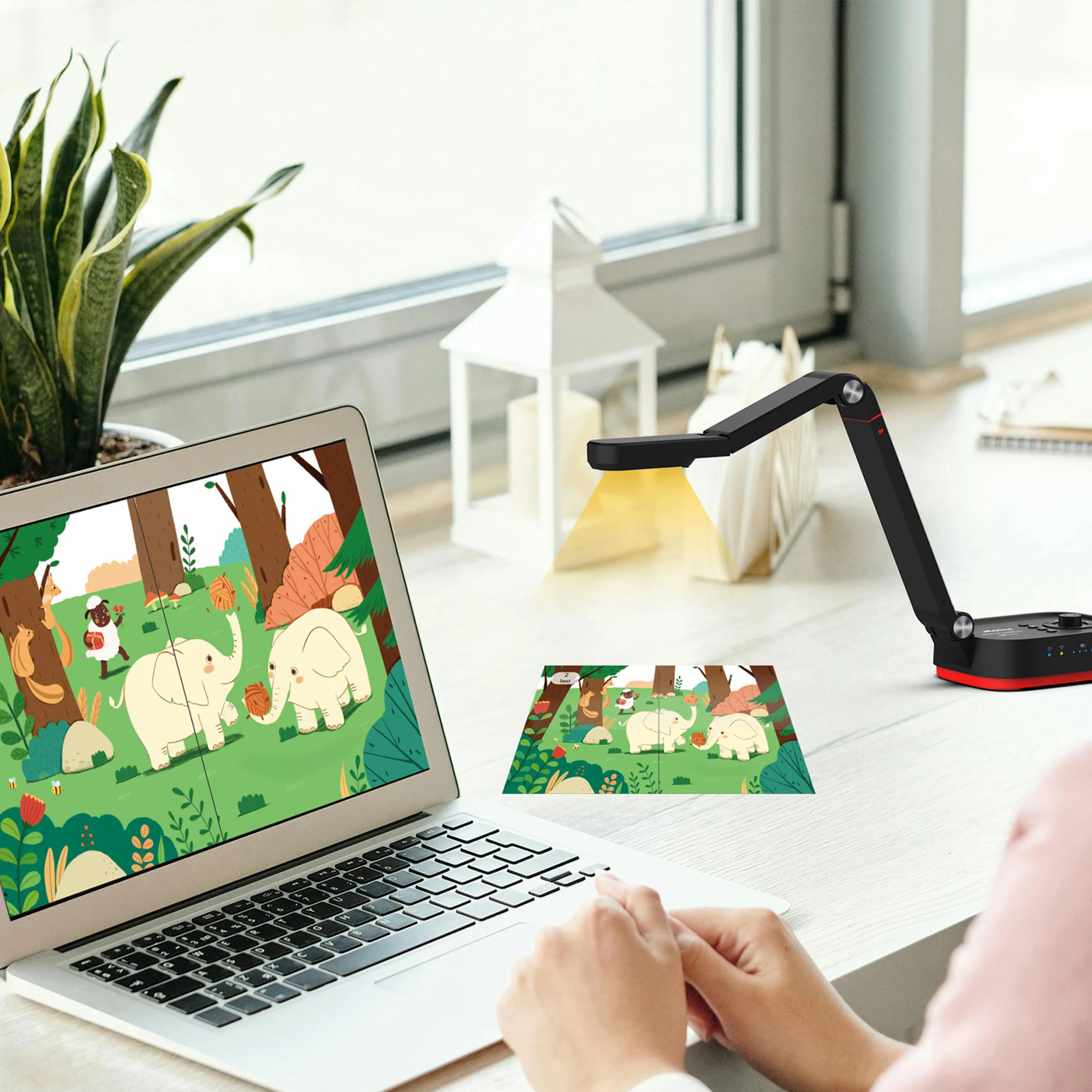
QCameraQCamera by QOMO allows for real-time streaming from cameras and document cameras. Annotate, save snapshots, record, and manipulate camera images instantly.
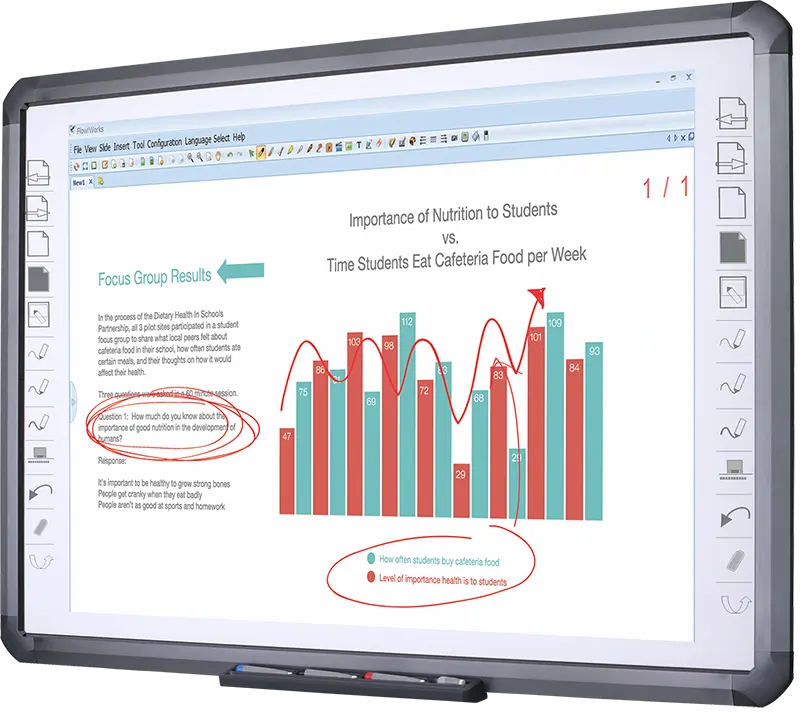
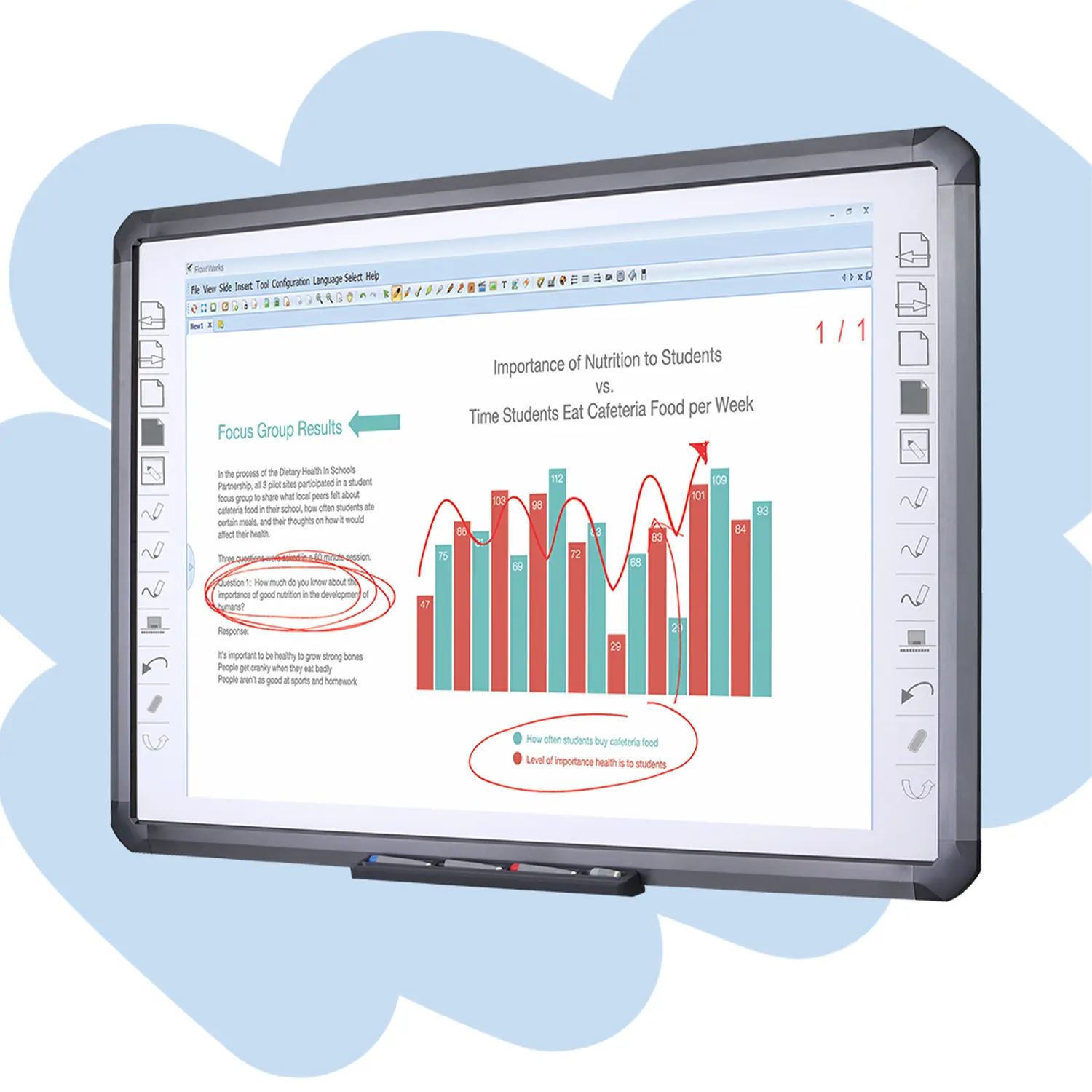
Flow!Works ProUser - friendly whiteboard software, it encompasses a wide range of presentation tools and powerful functions, delivering the most professional presentation experience to you.
Flow!WorksFlow!Works incorporates more educational tools, further enhancing the interactivity and fun - factor of your teaching.
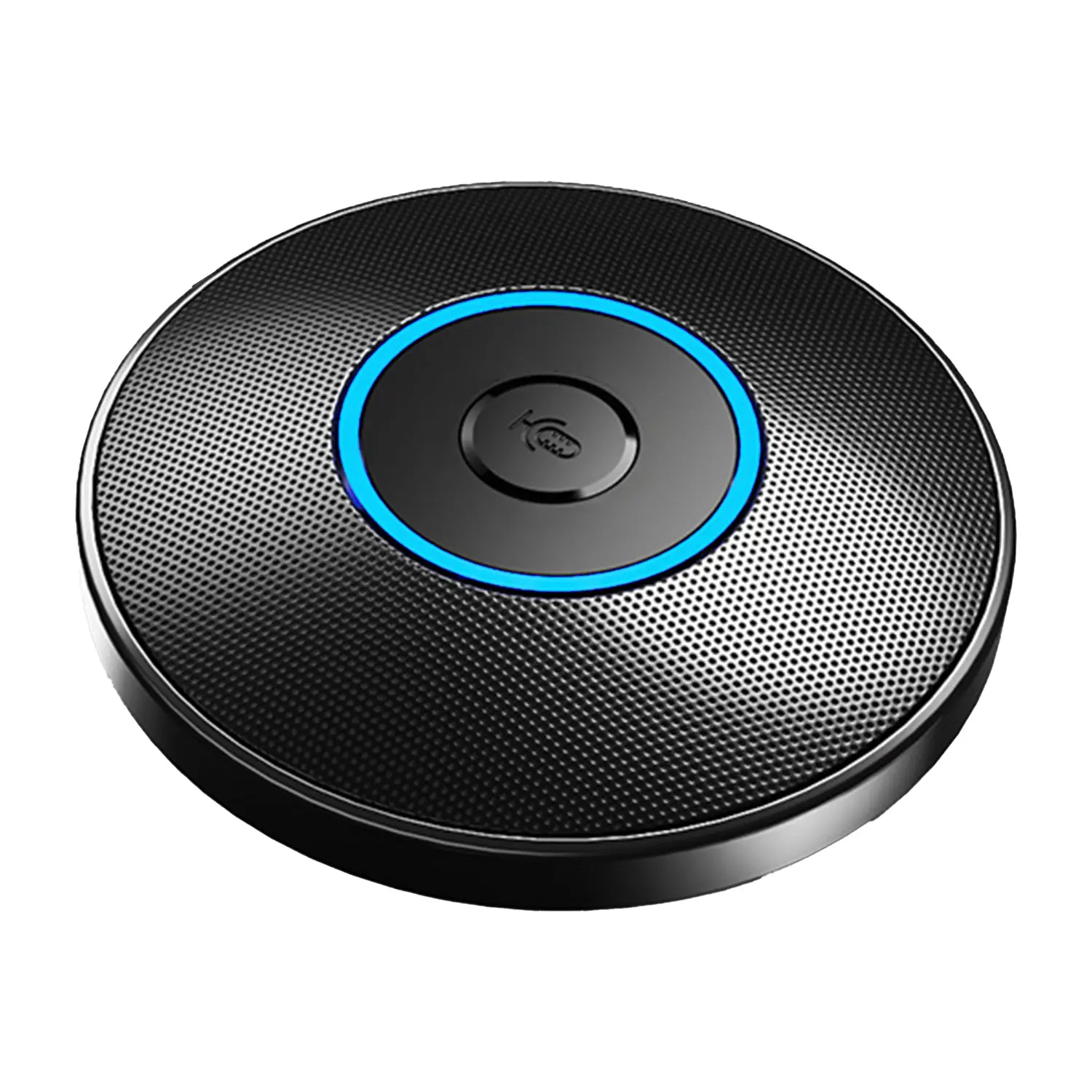
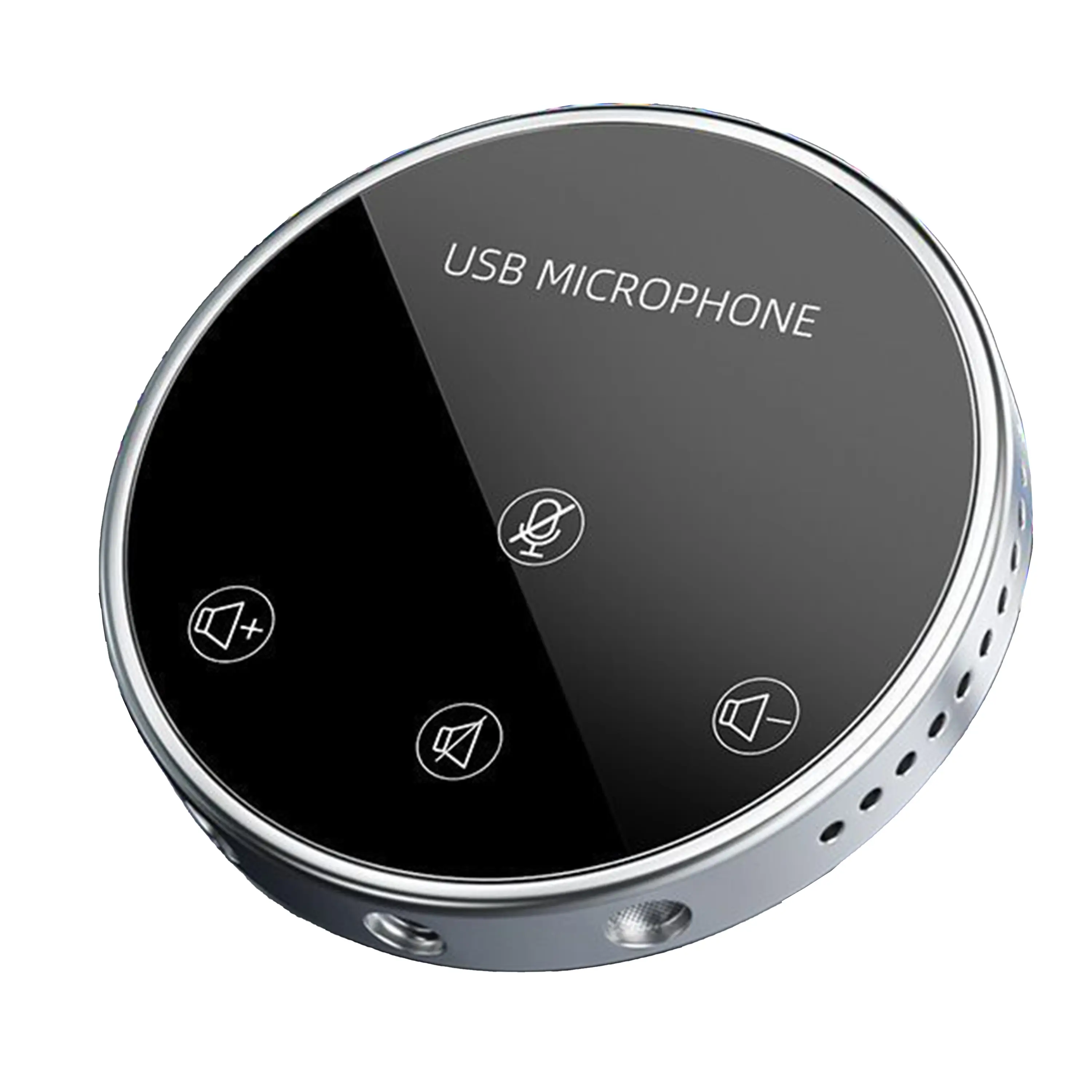
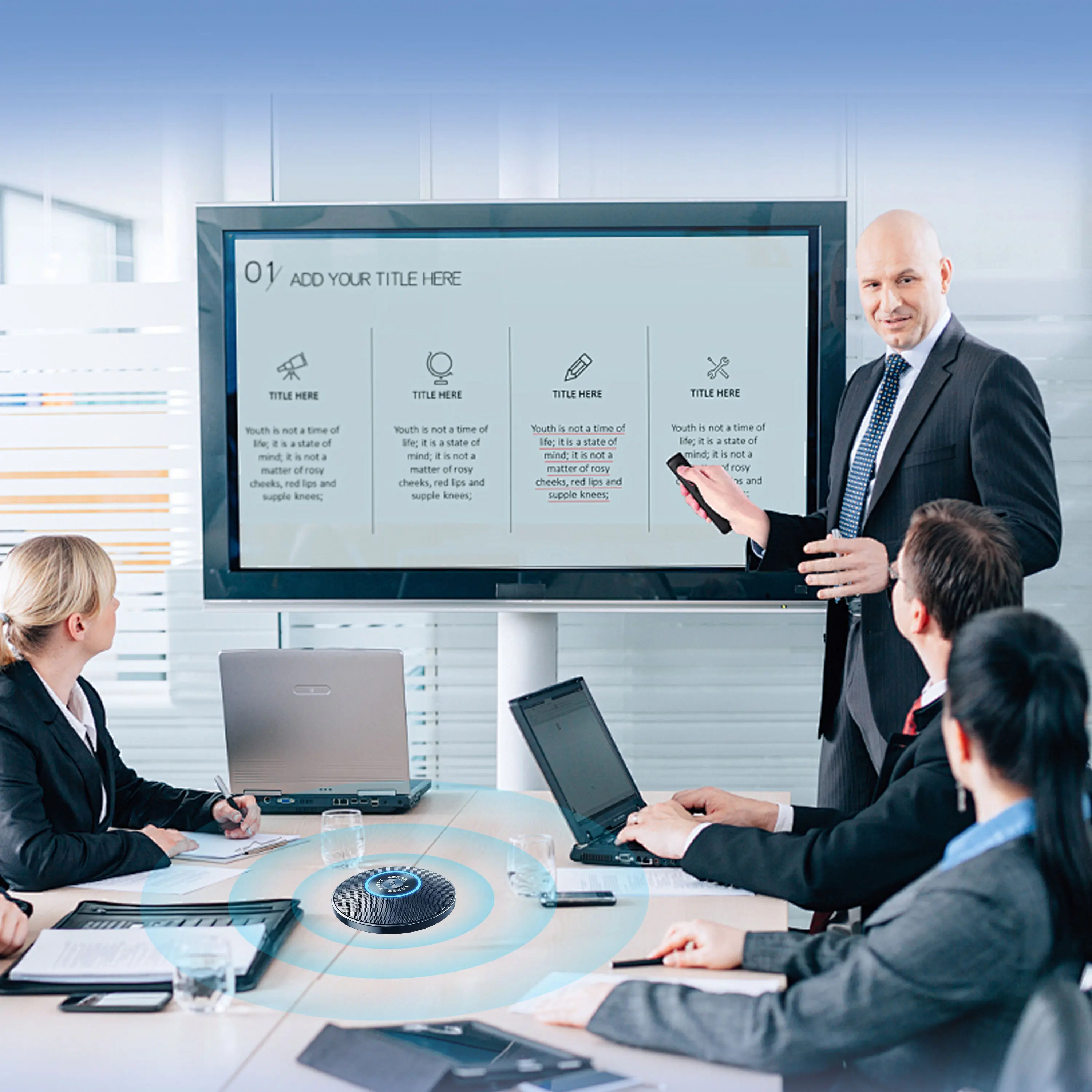
Conference Microphone● USB
● Plug and Play
● Intelligent Noise-Canceling
● 10ft/3m Extended Pickup Range
● 360° Omnidirectional Pickup
Conference Speakerphone● USB-C
● Plug and Play
● Intelligent Noise-Canceling
● 10ft/3m Extended Pickup Range
● 360° Omnidirectional Pickup
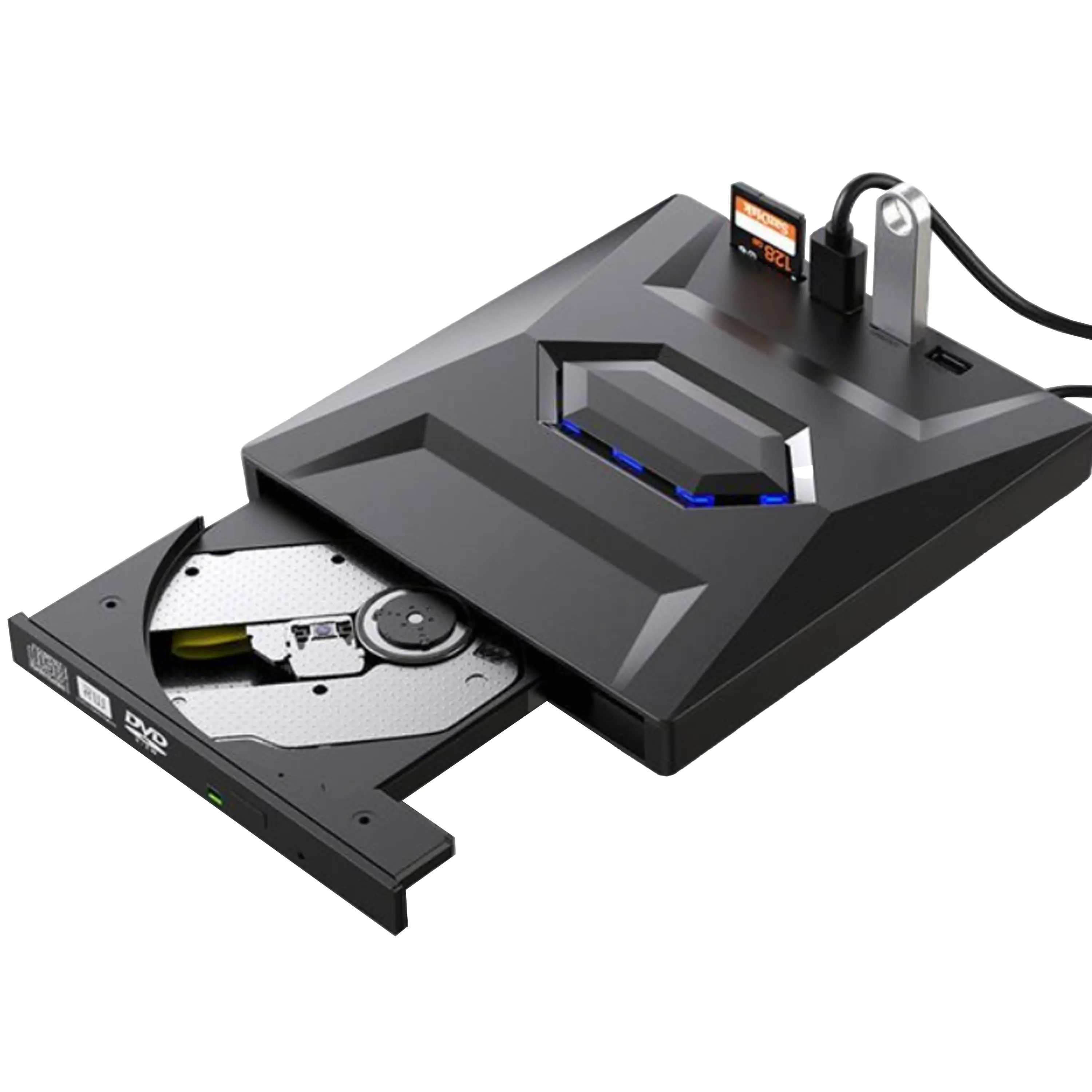
USB External CD/DVD Drive• USB and USB-C
• USB 3.0
• 8x DVD and 24x CD write/read speeds
• Portable
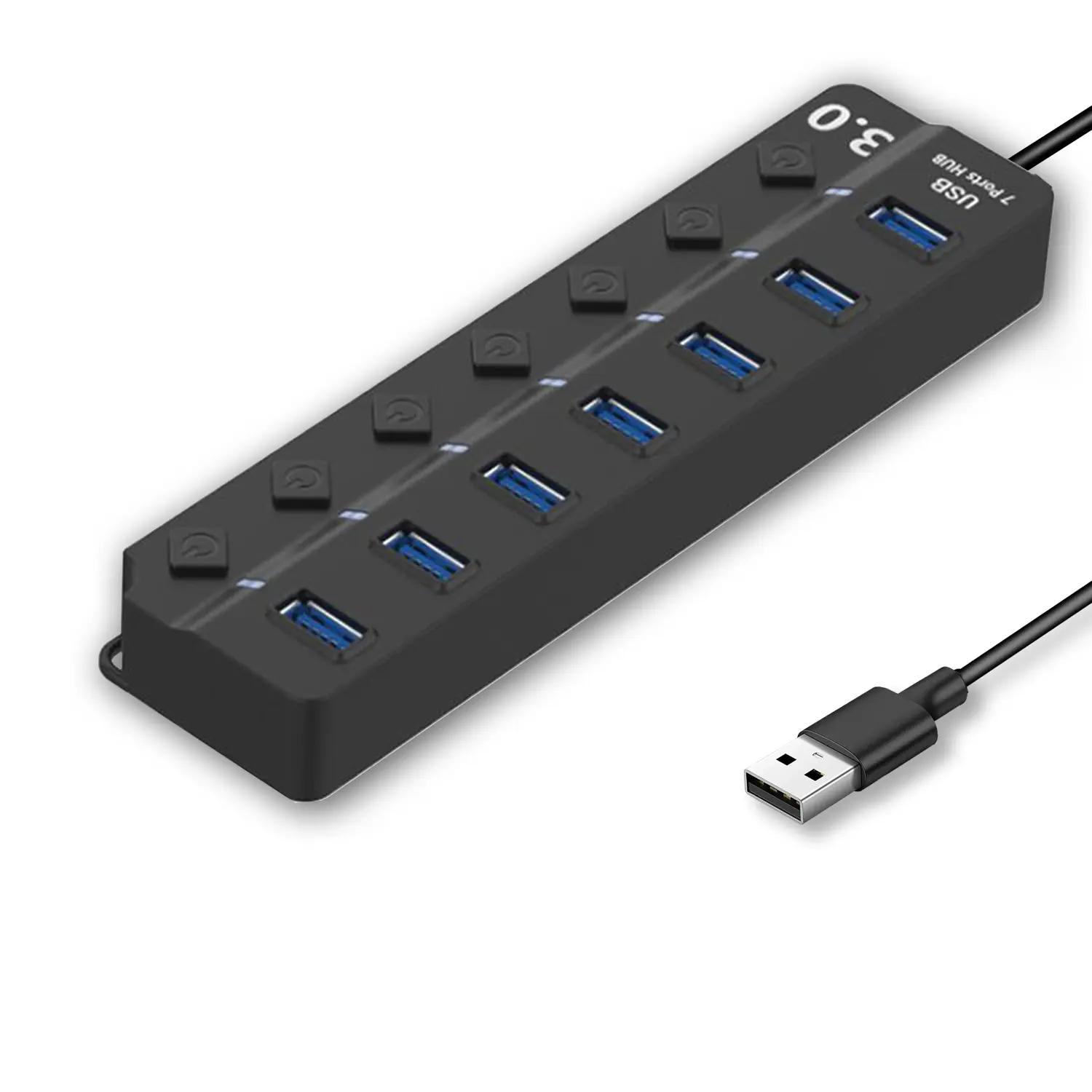
7-Port USB 3.0 Hub● USB 3.0
● Plug and Play
● 7-in-1 USB Hub
● Individual On/Off Switches
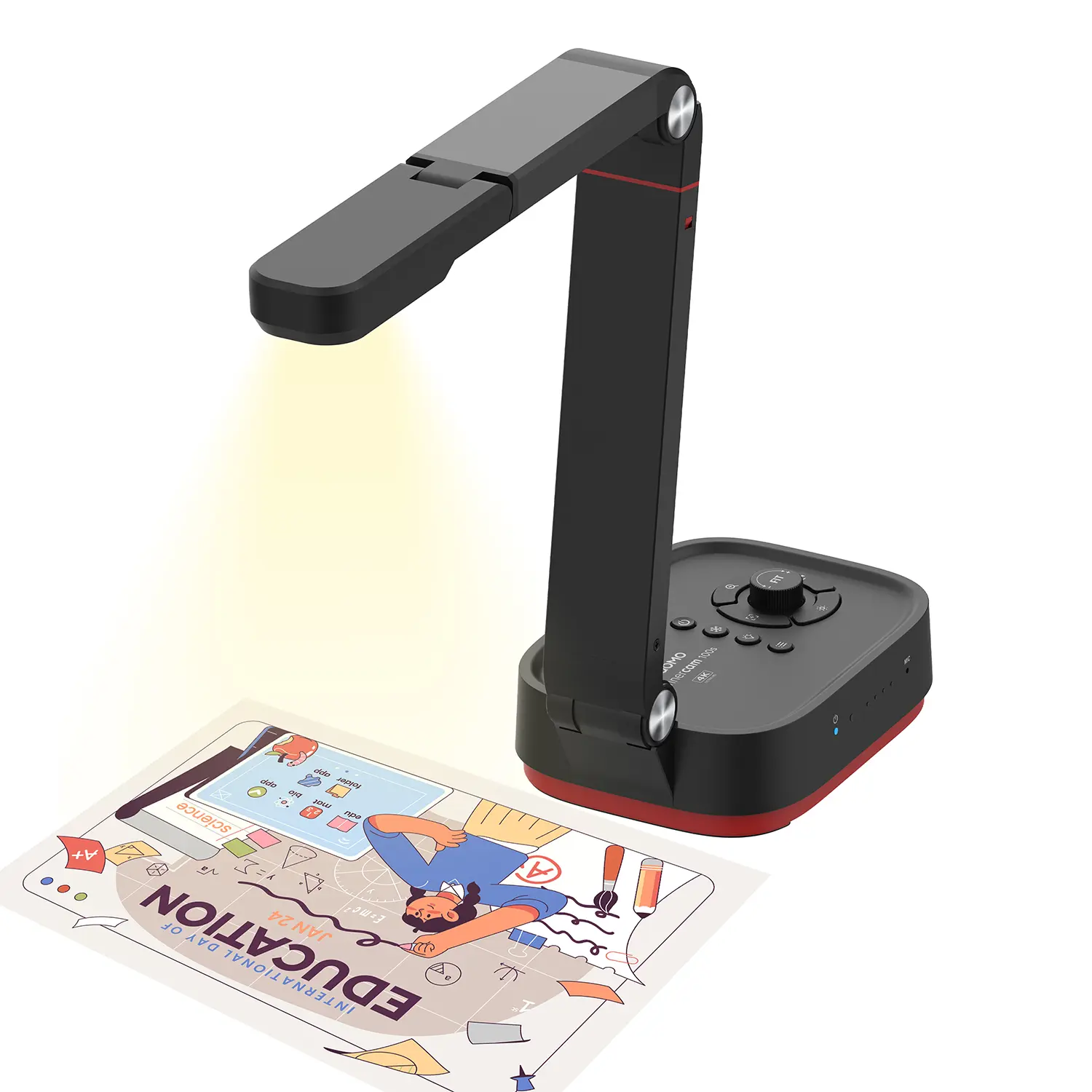
Revolutionize Your Presentations and Document Display with QWC 100S Document Camera
Enhance Call Experience: New Conference Microphone Now Available
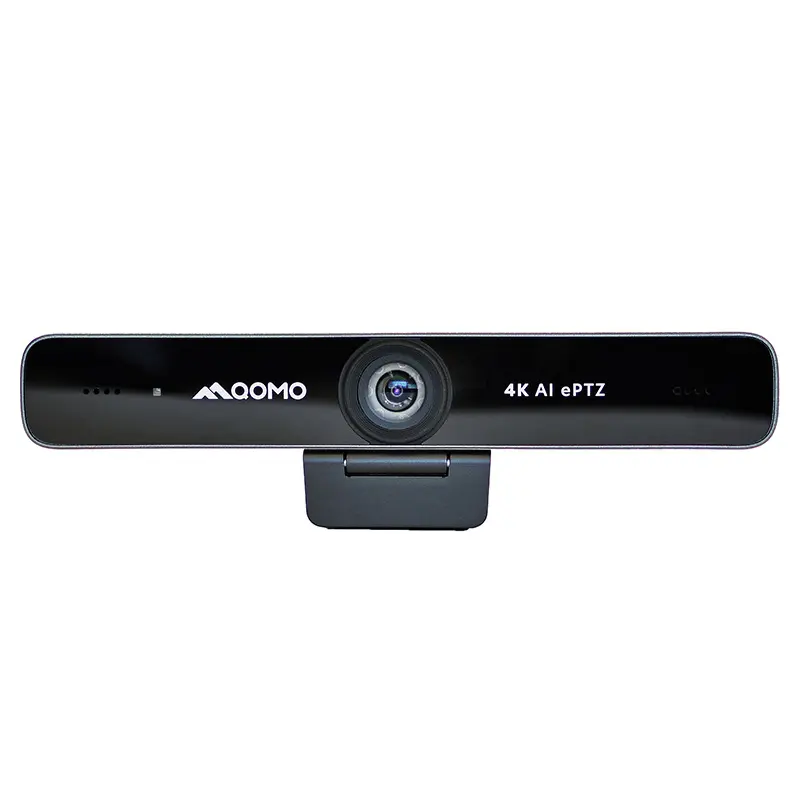
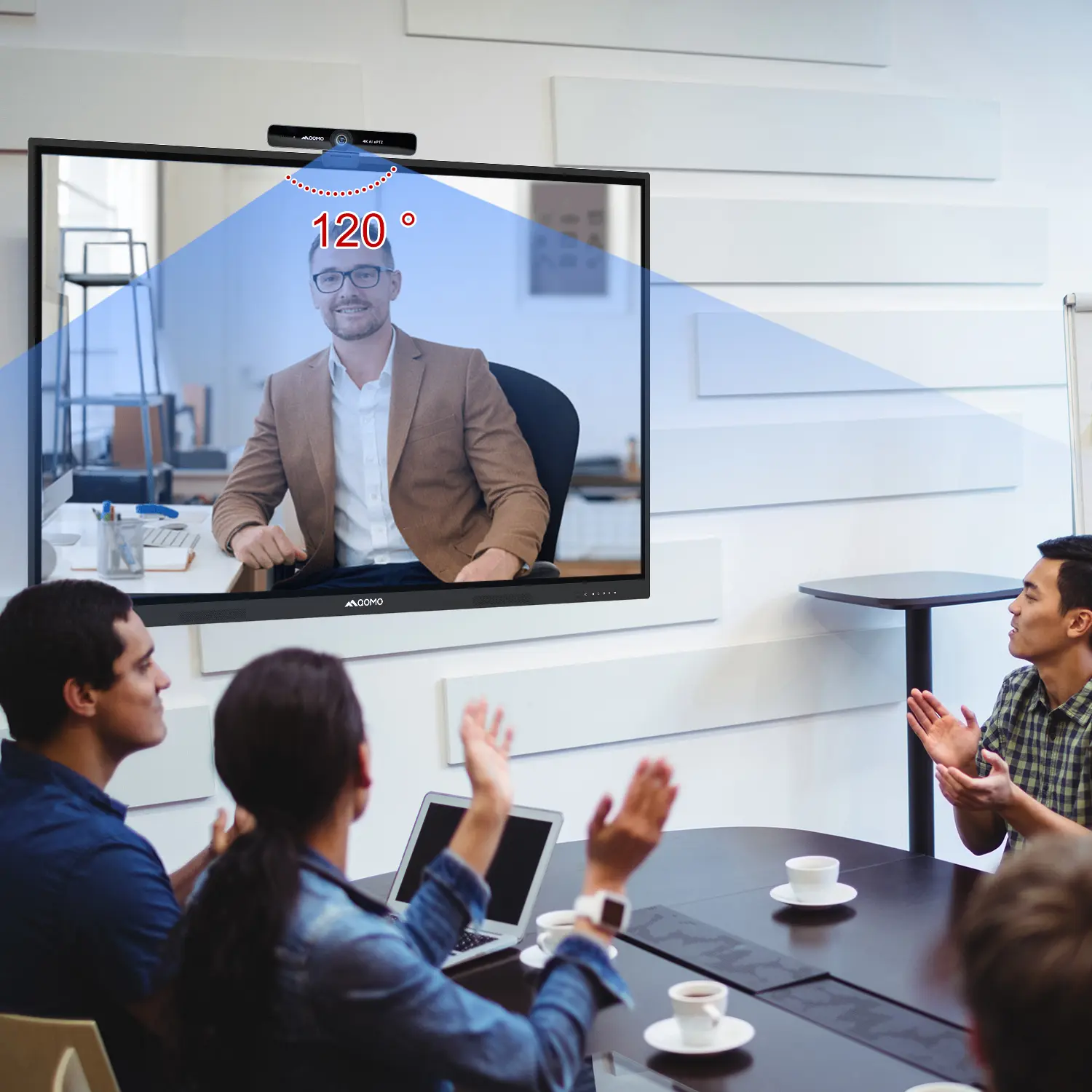
AI-Powered Face-Tracking Webcam
Portable Document Camera Recommendations
Classic Design, Exceptional Functionality: QPC 22 Document Camera
Wireless Screen Mirroring Solution for All Devices
Latest Audience Response System: QRF 999
Introducing the QPC 80H3 Gooseneck Document Camera
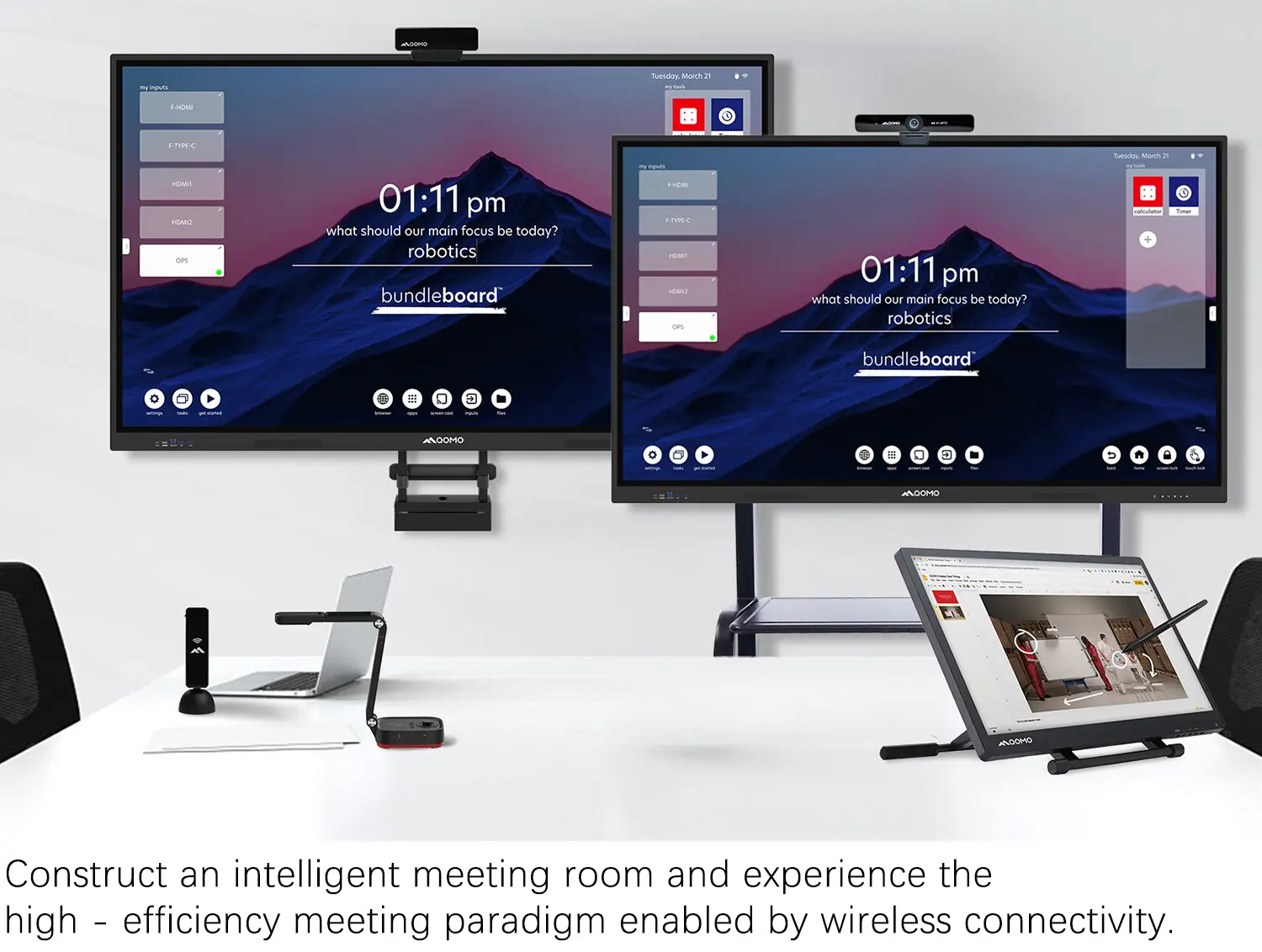
Creating a Smart Integrated Classroom: What Do You Need?
Wireless Connectivity Upgraded: WiFi-Free Wireless Document Receiver
Flow!Works Pro: Interactive Whiteboard Software for Engaging Classrooms
How to Choose the Perfect Document Camera and Elevate Productivity
QWC 004 Conference Webcam: The Top Choice for Remote Education
QCamera: Dedicated Software for Document Cameras to Elevate Your Presentations
QRF999 Voice Response System: Enhancing Teacher-Student Interaction
Work From Home? Maybe You Should Try This Document Camera
The Ultimate Educational Tool: Gooseneck Document Camera
60GHz Millimeter-Wave Wireless Screen Sharing: QShare 100
What Does a Modern Conference Room Need?
QD5000 Document Camera: Unimaginable Versatility!
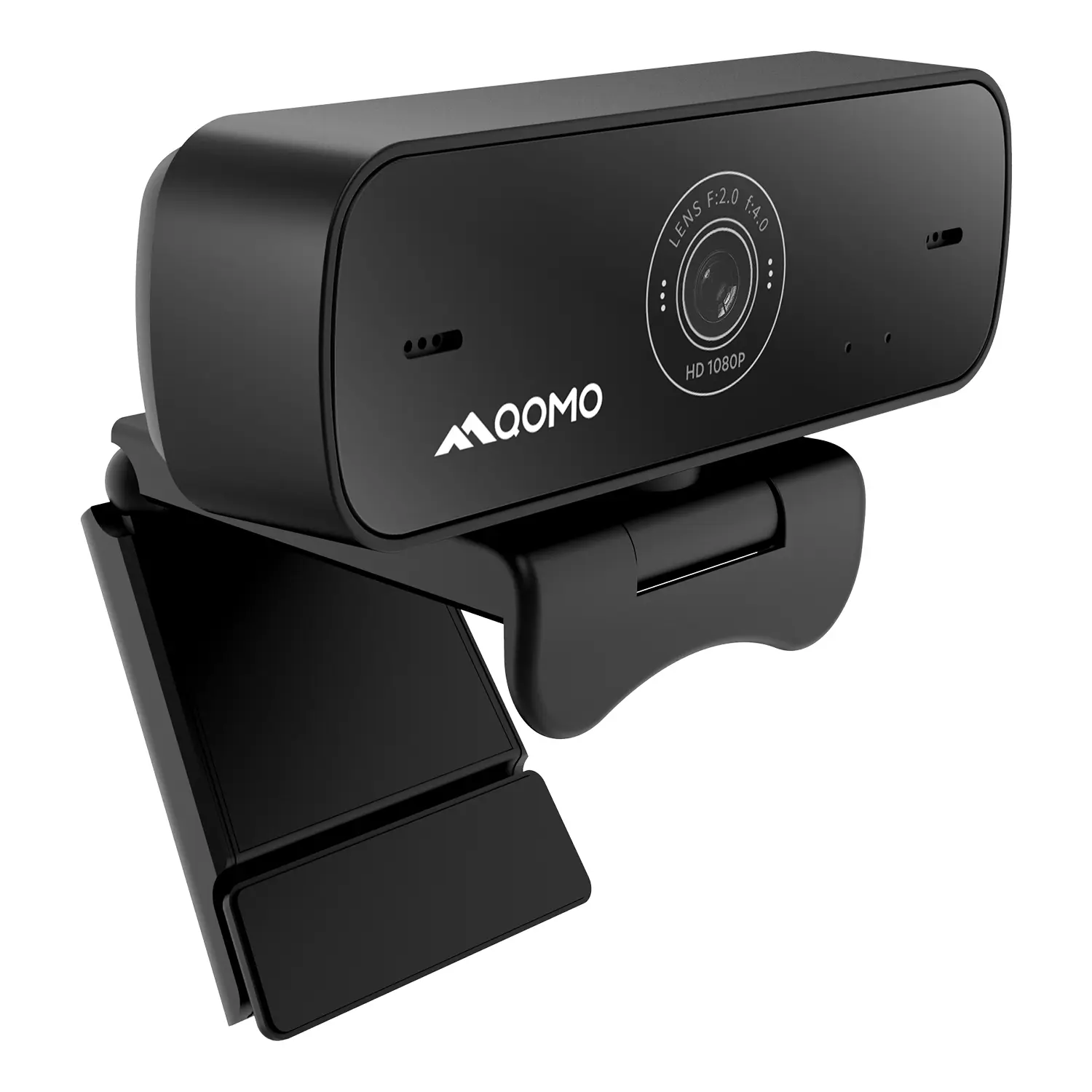
QWC 004: The Most Cost-Effective Webcam
QVote Interactive Classroom Response System Software
Functionality, Aesthetics, Portability! Meet the QWC 100S Document Camera!
Why Choose the BundleBoard H/H2 Interactive Flat Panel?
Save Your Budget—Introducing the All-New QPC 70 Document Camera!
QIT 600F3: Revolutionize Your Presentations
QCamera: Professional Document Camera Software
QPC 5: The Ultimate 4K Portable Document Camera
Elevate Your Meetings in Seconds: QWC 006 Webcam
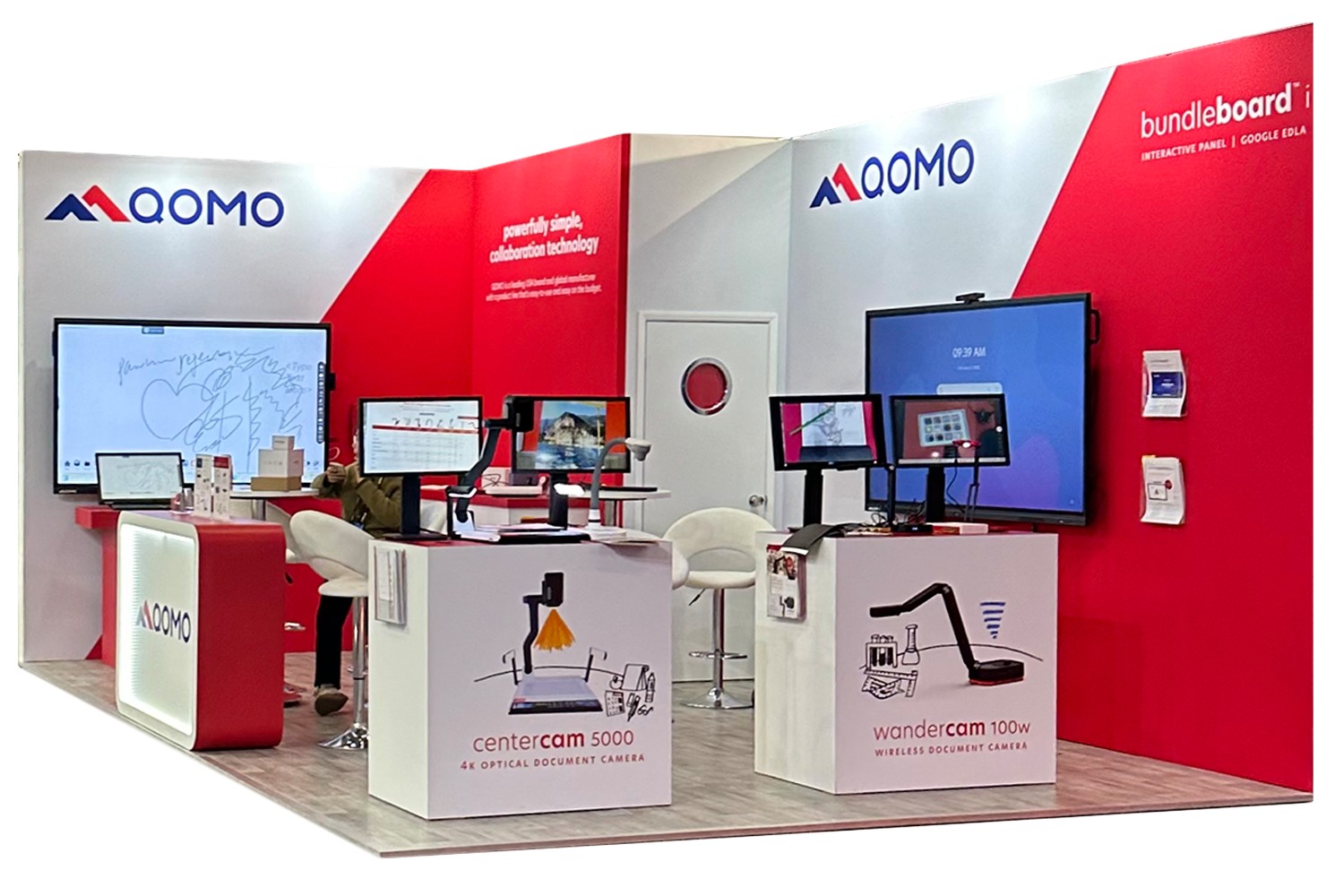
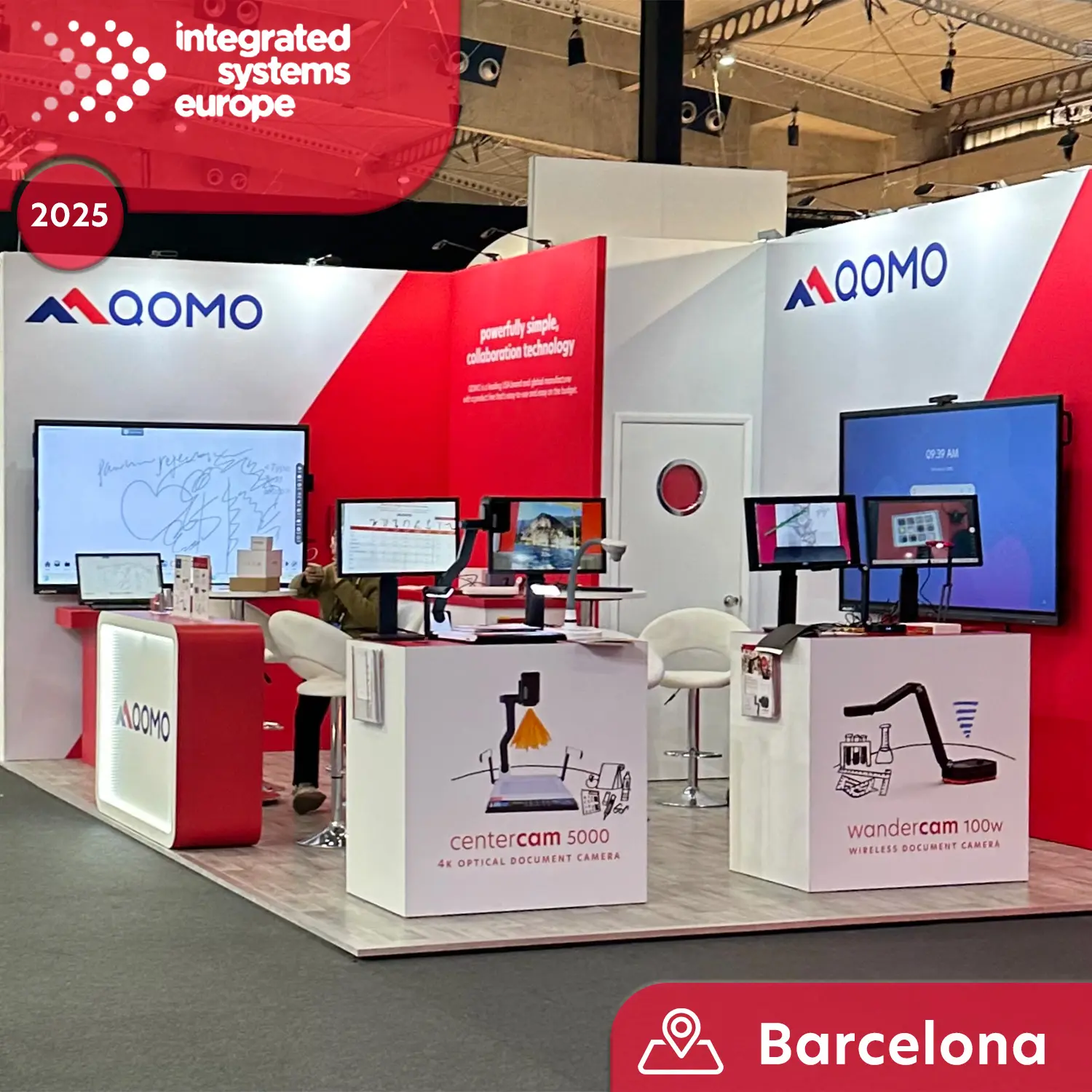
Meet QOMO at ISE 2025
Wireless Document Camera Solution, Revolutionizing Wireless Technology
QRF Series, Transform Your Classroom!
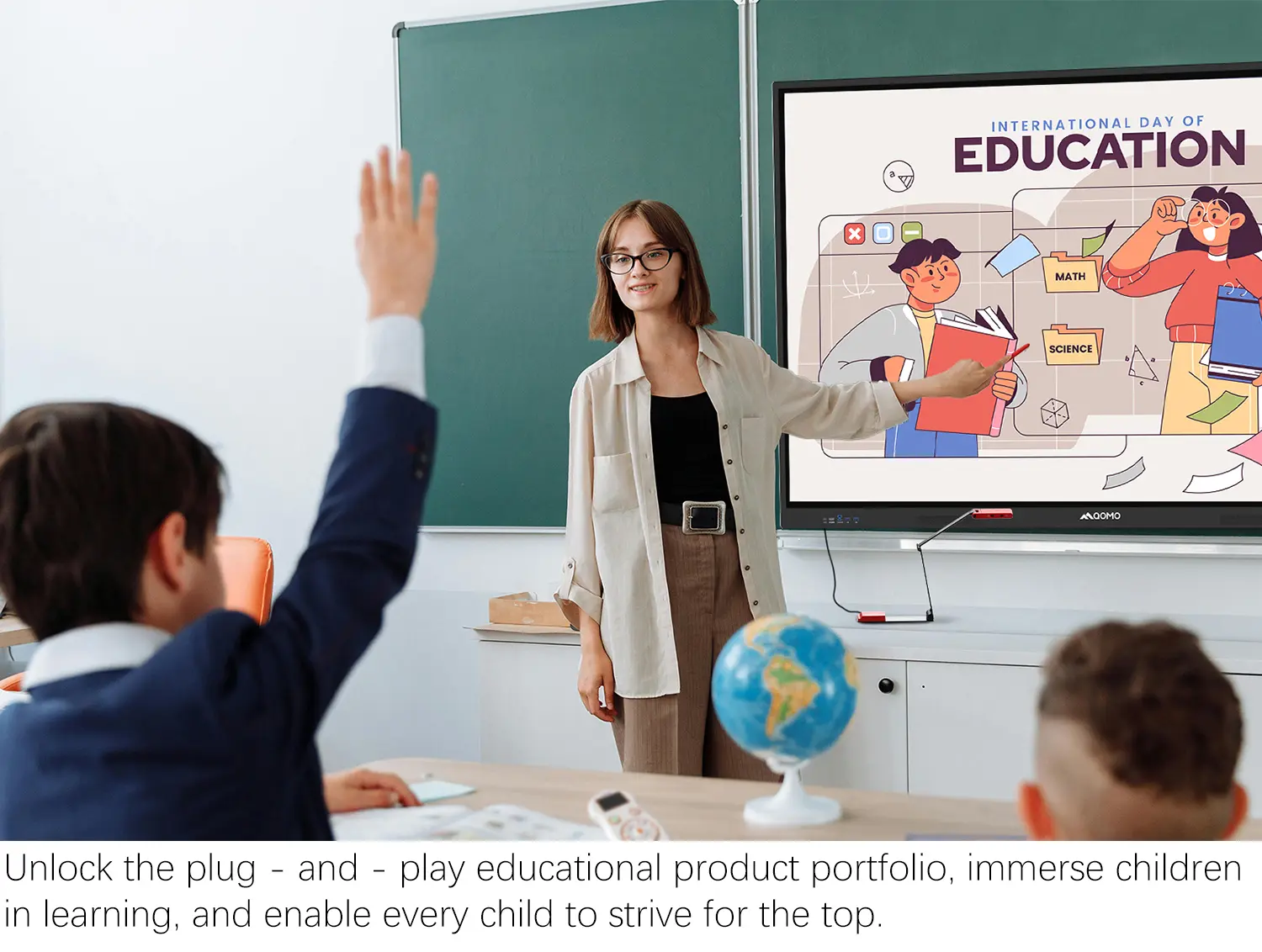
QOMO, Building Intelligent Classrooms
QOMO QShare100 New Release
Outstanding Office Equipment Recommendations
In recent years, Interactive Touchscreens have transformed how we engage with technology. These devices blend intuitive design with user interaction. According to Dr. Emily Stone, an expert in human-computer interaction, “Interactive Touchscreens redefine our expectations for seamless communication with digital interfaces.” Her insights capture the essence of this technology's impact.
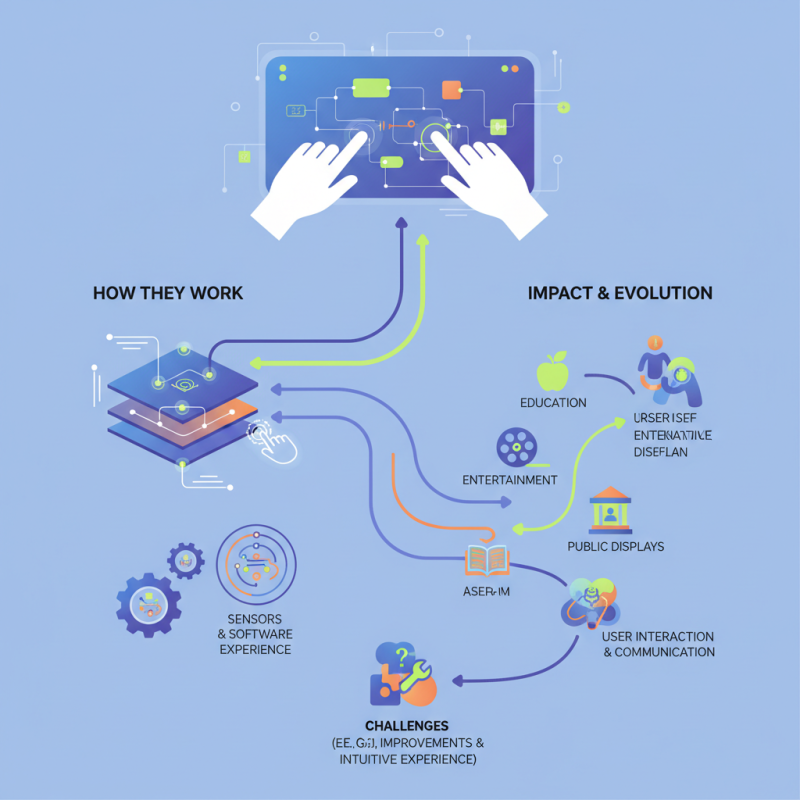
Interactive Touchscreens work by detecting the user's touch and responding accordingly. They utilize a combination of sensors and software to create a responsive experience. This technology is prevalent in various fields, from education to entertainment. Yet, challenges remain in perfecting the interface. Some users still struggle with sensitivity settings or calibration issues.
The evolution of Interactive Touchscreens is exciting but not without its hurdles. Designers must consider diverse user needs and preferences. Creating an interface that serves everyone is a complex task. As we embrace these advancements, reflecting on usability remains vital. Each improvement brings us closer to a more intuitive experience—one that links us to technology in a meaningful way.
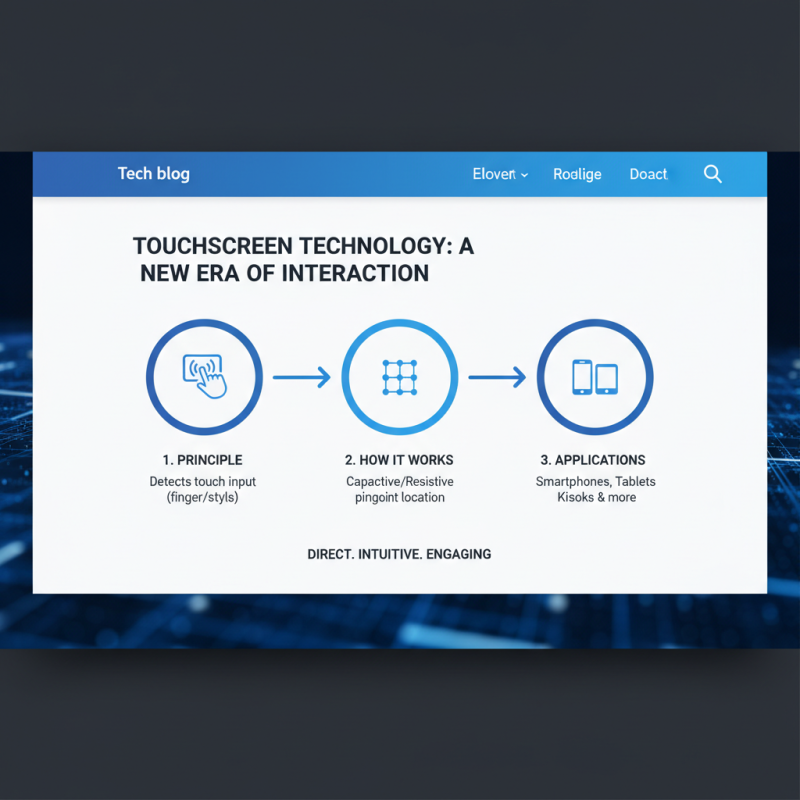
Interactive touchscreens have transformed how we interact with technology. These screens allow users to engage with digital content directly through touch. The basic principle involves detecting touch inputs, which can be from a finger or a stylus. This technology is widely used in devices such as smartphones, tablets, and kiosks.
The working mechanism of interactive touchscreens often relies on multiple touch detection methods. Capacitive touchscreens sense the electrical properties of the human body. On the other hand, resistive touchscreens detect pressure applied to the surface. Each type has its advantages and drawbacks. For instance, capacitive screens are more responsive but may struggle with gloved fingers. These nuances affect user experience significantly.
As technology evolves, interactive touchscreens continue to find new applications. From education to healthcare and beyond, their versatility is remarkable. However, the effectiveness of these devices can vary based on design and environment. It's crucial to consider how lighting or user familiarity impacts performance. Users must adapt to the unique interface and sometimes face challenges. Such factors highlight that while interactive touchscreens offer convenience, they also require careful consideration in their implementation.
Interactive touchscreens have become integral in various settings, from classrooms to retail spaces. Different technologies power these devices, making them versatile and user-friendly. The most common types include resistive, capacitive, and infrared touchscreens. Each has its unique way of detecting touch, offering various advantages and limitations.
Resistive touchscreens respond to pressure. They are durable and work well with gloves or styluses. They can sometimes struggle with multi-touch gestures. Capacitive screens rely on the electrical properties of the human body. They provide a smoother experience for gestures and are more sensitive. However, they may not work with certain gloves. Infrared touchscreens use light beams. They can detect actions without direct contact. This technology can be quite effective, yet it may face issues in bright lighting conditions.
While these technologies continue to evolve, each comes with its challenges. For instance, resistive screens may lack responsiveness, while capacitive types might require specific conditions to work effectively. Infrared devices can suffer from interference in certain environments. Understanding these variations aids users in choosing the right type for their needs, even if the choices often feel overwhelming.
Touchscreen technology has transformed how we interact with devices. At the heart of this technology are touchscreen sensors. These sensors detect user input through various methods, enabling a seamless experience.
According to a recent industry report, the global touchscreen market is expected to reach $70 billion by 2025. This growth highlights the demand for efficient and intuitive interfaces. Capacitive and resistive sensors are the two main types. Capacitive sensors rely on the electrical properties of the human body, allowing for precise touch input. In contrast, resistive sensors detect pressure, making them ideal for specific applications, like industrial uses.
Nonetheless, touch detection isn't flawless. False touches can occur due to environmental factors, like humidity and temperature changes. This can lead to frustrating user experiences. A study indicated that nearly 30% of users encounter issues with unresponsive areas on their screens. Improving sensor technology remains crucial for future advancements, emphasizing the need for continuous innovation. Balancing sensitivity and accuracy poses challenges that manufacturers must address.
Interactive touchscreens have transformed the way we engage with technology. Beyond hardware, software plays a critical role. It acts as the bridge between user input and device response. Without effective software, touchscreens may struggle to interpret gestures and commands accurately. This can lead to frustrating user experiences.
The software design must prioritize both functionality and intuitiveness. Users expect seamless interactions. However, achieving this balance is challenging. Touchscreen applications often face issues like lag or incorrect input recognition. These points highlight the need for continuous improvement. Developers must focus on optimizing software algorithms. This can enhance responsiveness and improve the overall experience.
User feedback is invaluable. It reveals pain points and helps refine software. Regular updates are essential to address emerging issues. Yet, some updates can introduce new bugs. This creates a cycle of testing and fixing. As technology evolves, so must the software. It must adapt to new gestures and user expectations. This ongoing development is crucial for maintaining user satisfaction.
| Feature | Description | Software Role | Use Cases |
|---|---|---|---|
| Multi-Touch Capability | Allows for multiple simultaneous touch points. | Software must interpret simultaneous inputs effectively. | Gaming, Design Applications |
| Gesture Recognition | Enables users to perform actions via hand gestures. | Requires advanced algorithms for gesture detection. | Interactive Exhibits, Smart Home Devices |
| User Interface (UI) | The visual layout with which users interact. | Software must provide intuitive and responsive UI. | Kiosks, Information Systems |
| Feedback Mechanisms | Provides tactile or auditory feedback to user interactions. | Software controls feedback based on input events. | Training Simulations, Educational Tools |
| Customization | Allows personalization of settings and features. | Software facilitates user configurations and preferences. | Corporate Applications, Personalized Learning |
Interactive touchscreens have found their way into various industries, reshaping how we interact with technology. In education, for instance, they engage students with dynamic lessons. Kids can touch, swipe, and draw directly on the screen. This hands-on approach enhances learning but can lead to distractions. Teachers often find it challenging to keep students focused.
In healthcare, touchscreens streamline patient interactions. Doctors use them for rapid access to medical histories. Patients can check-in and manage appointments with ease. However, the reliance on technology can sometimes create barriers in communication, especially with older patients. Personal touch is important, yet often neglected.
Retail environments utilize interactive screens for product browsing. Shoppers can explore options without a sales associate. This increase in engagement can drive sales but may lead to loneliness. The experience becomes less human. Balancing technology and personal interaction is vital, yet often overlooked. The potential benefits are immense, but challenges remain.