+86 152 8002 3723
QVoteProfessional Audience Response System software offers the most convenient functions for your interactions.
QClickThe most convenient educational software for working with Microsoft PowerPoint to quickly set up various question types and generate intelligent feedback reports.
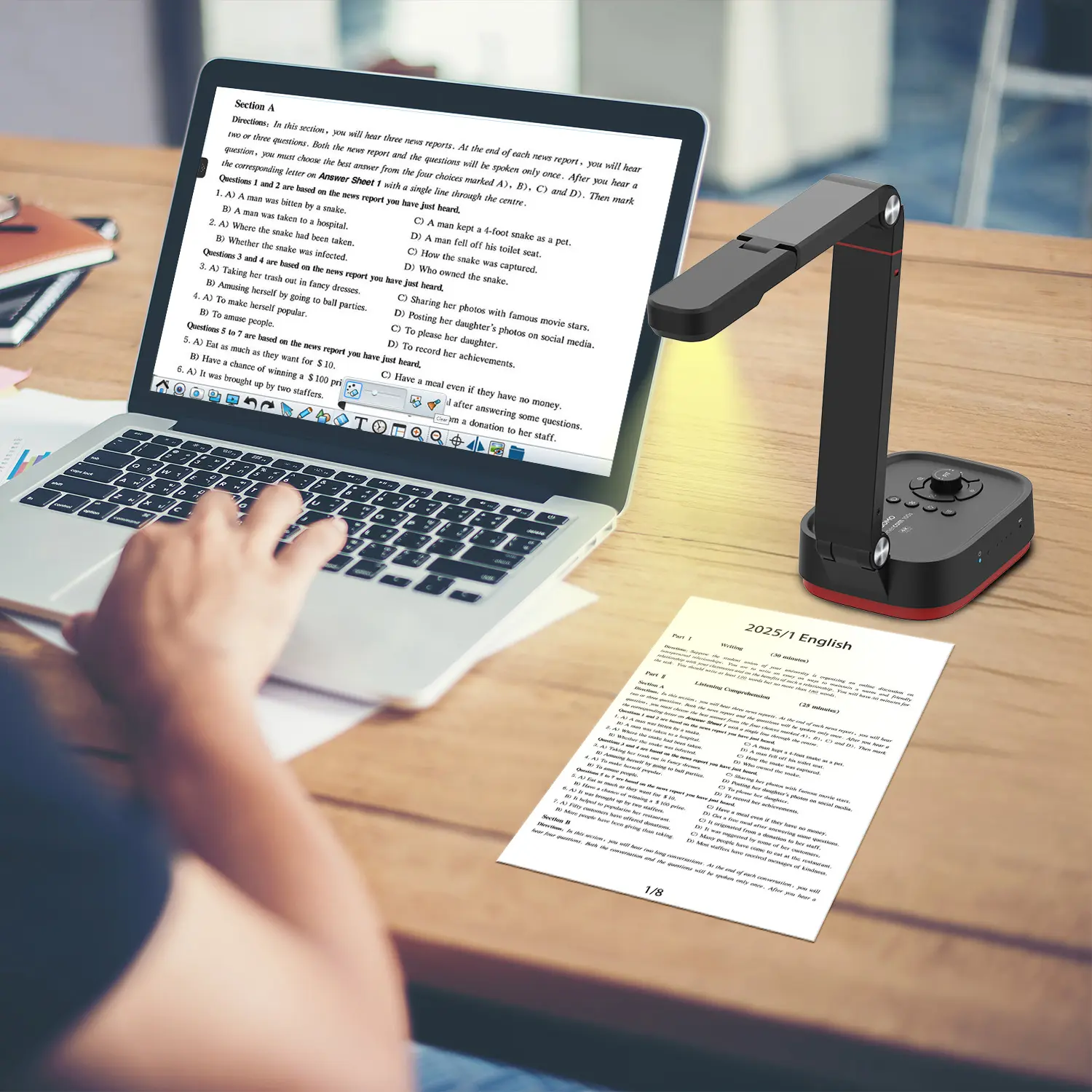
QCameraQCamera by QOMO allows for real-time streaming from cameras and document cameras. Annotate, save snapshots, record, and manipulate camera images instantly.
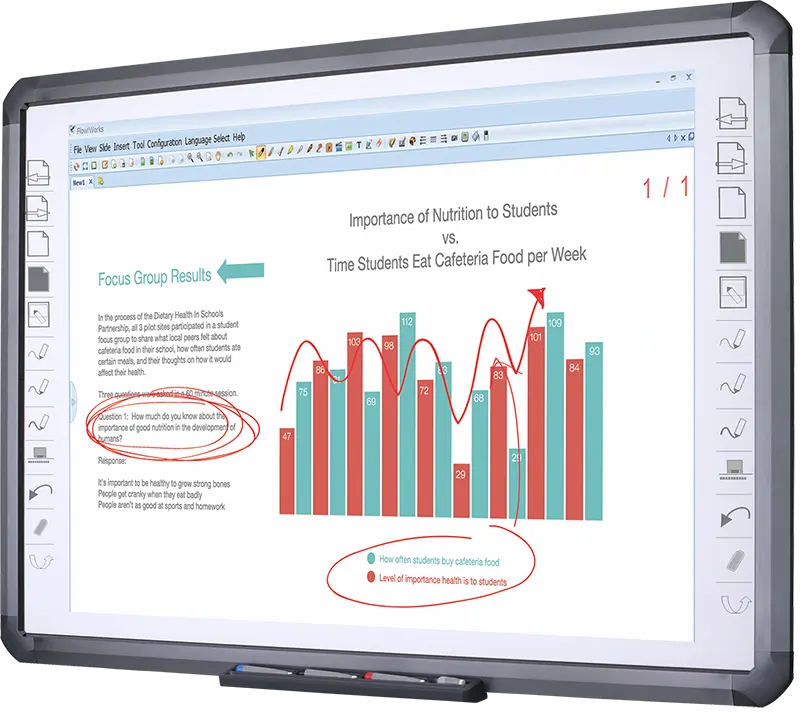
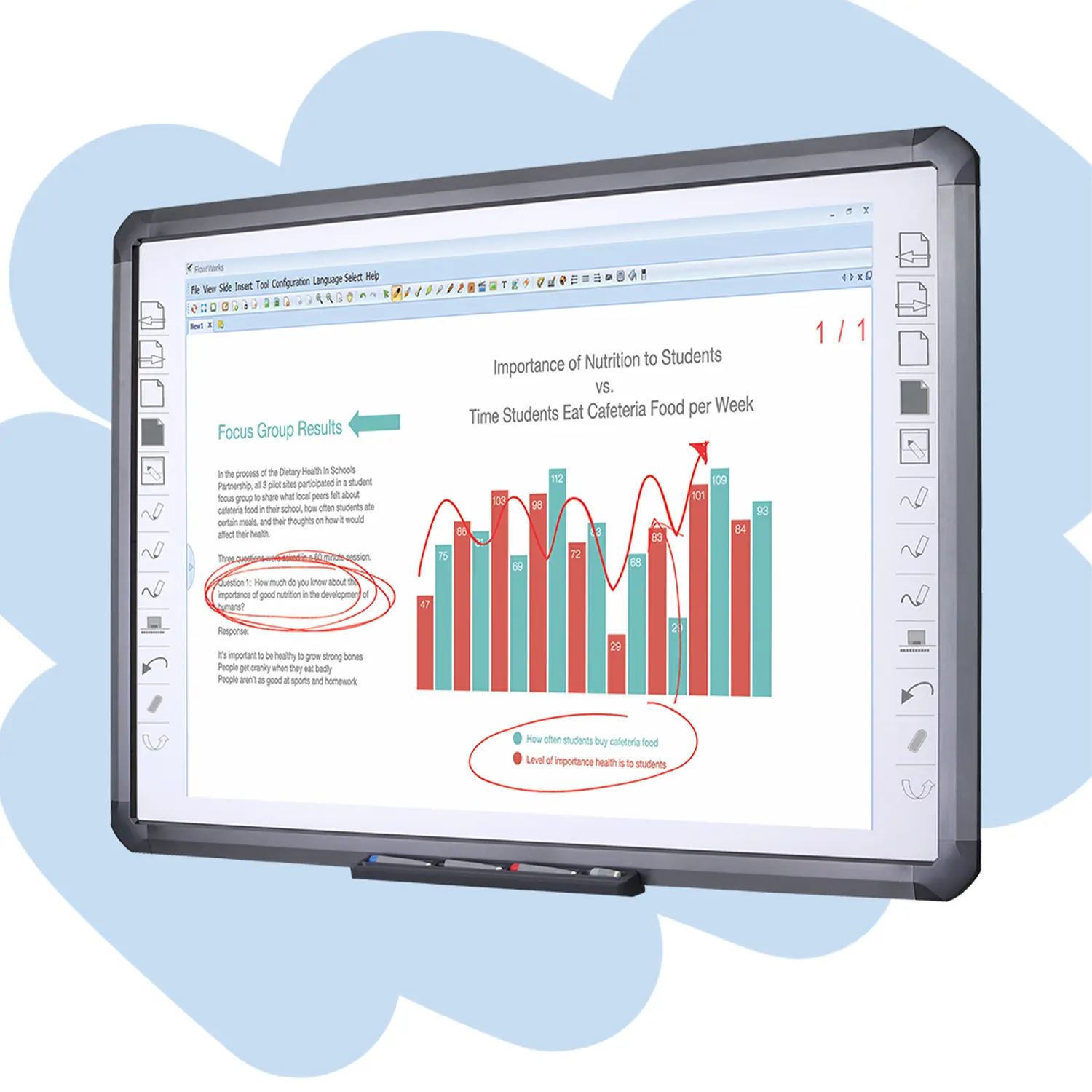
Flow!Works ProUser - friendly whiteboard software, it encompasses a wide range of presentation tools and powerful functions, delivering the most professional presentation experience to you.
Flow!WorksFlow!Works incorporates more educational tools, further enhancing the interactivity and fun - factor of your teaching.
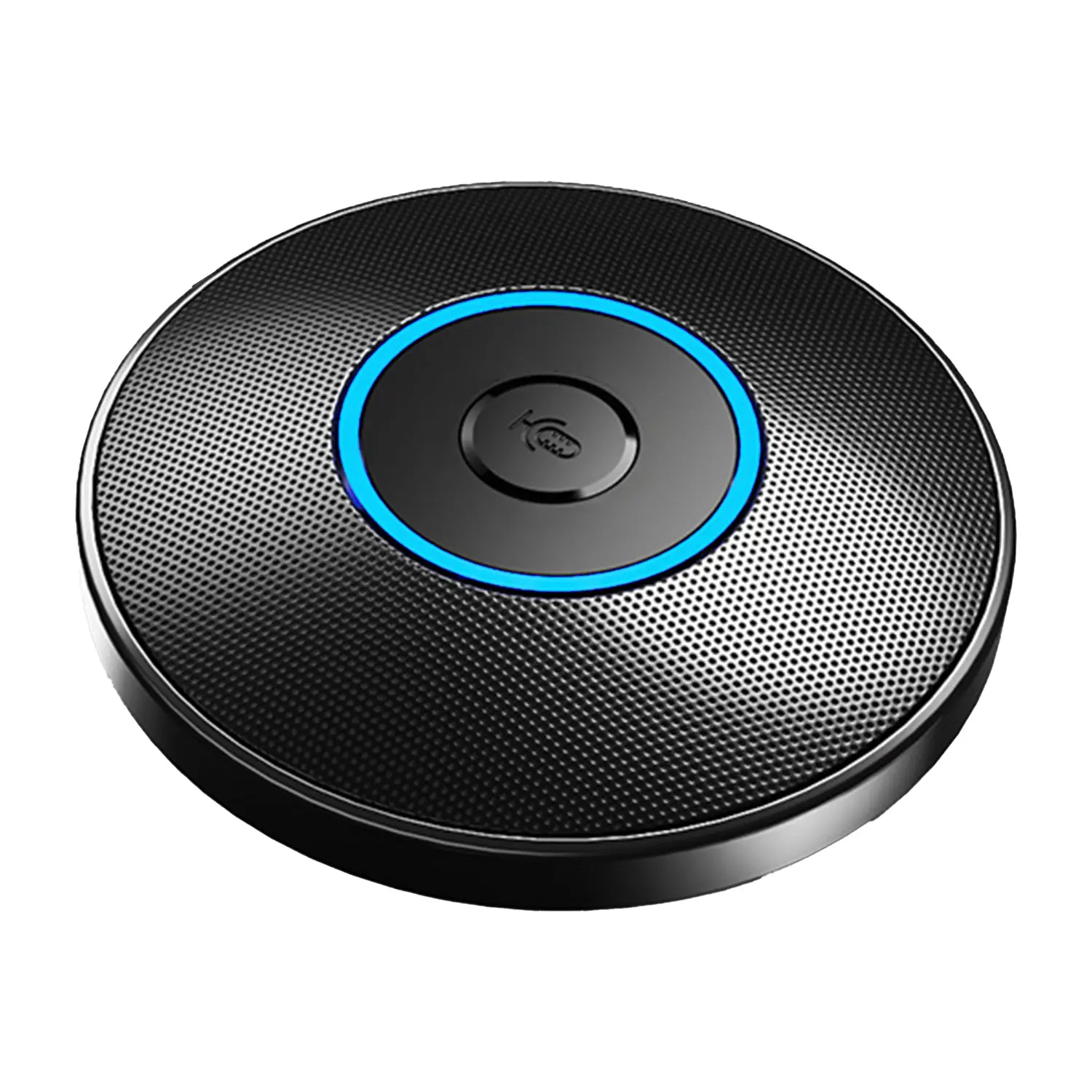
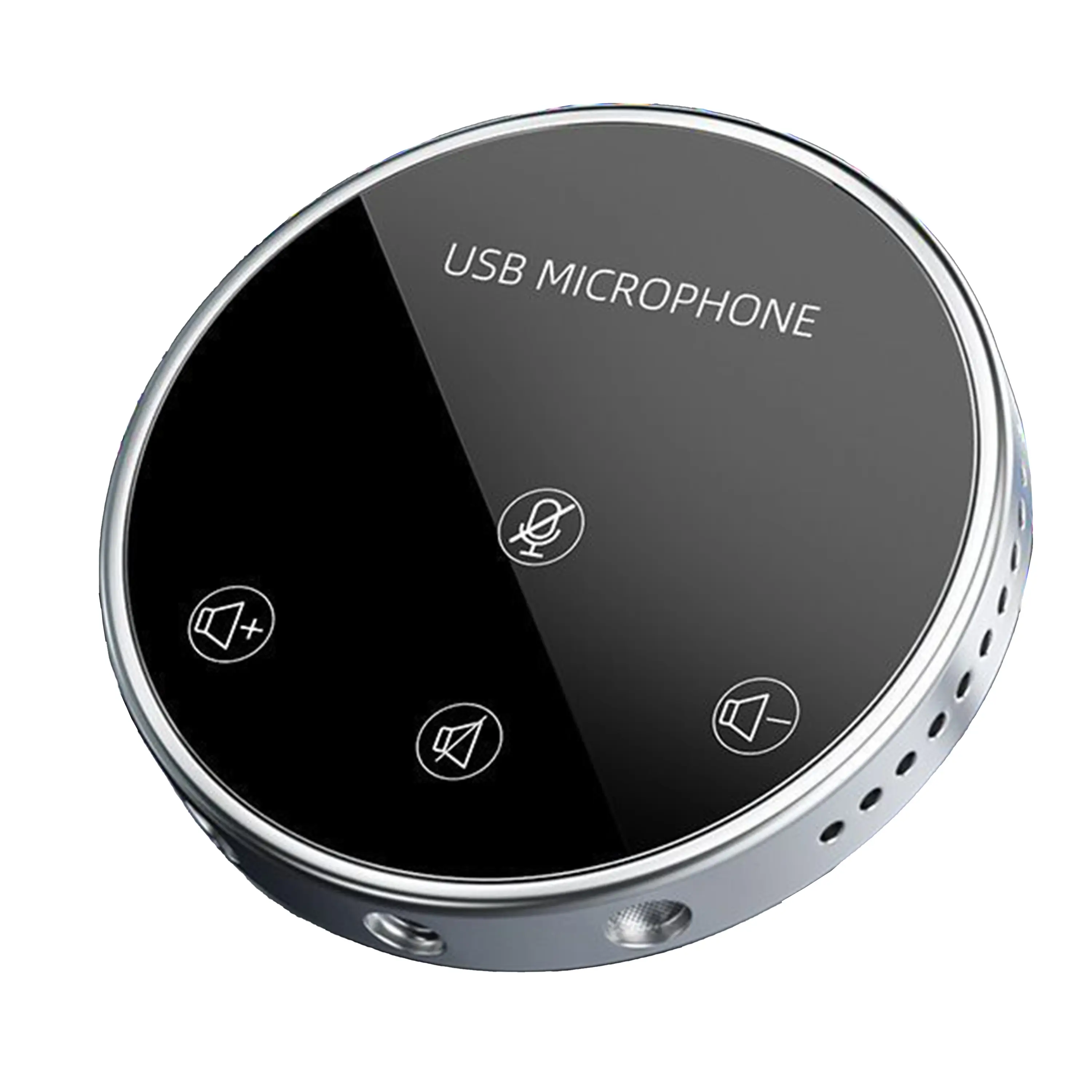
Conference Microphone● USB
● Plug and Play
● Intelligent Noise-Canceling
● 10ft/3m Extended Pickup Range
● 360° Omnidirectional Pickup
Conference Speakerphone● USB-C
● Plug and Play
● Intelligent Noise-Canceling
● 10ft/3m Extended Pickup Range
● 360° Omnidirectional Pickup
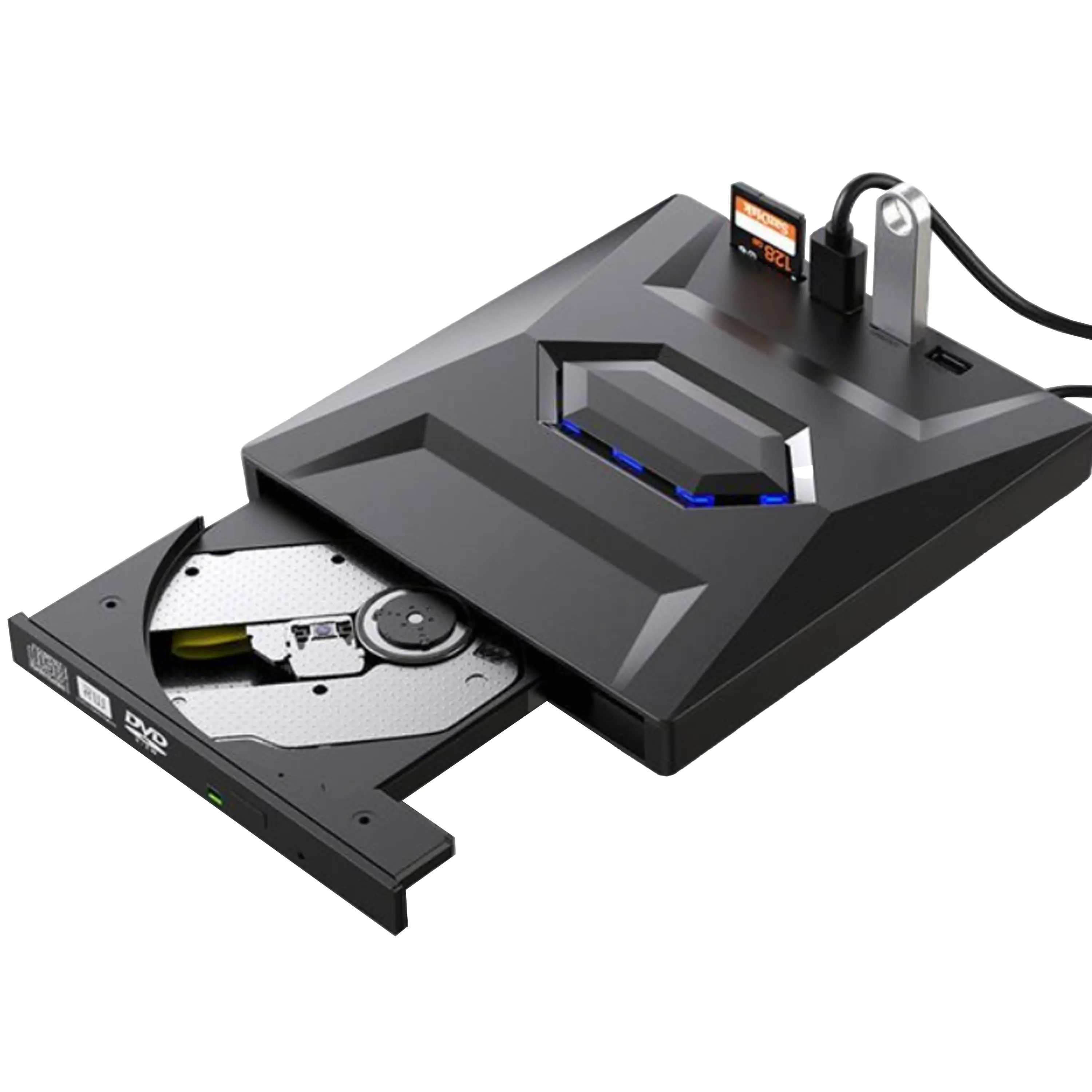
USB External CD/DVD Drive• USB and USB-C
• USB 3.0
• 8x DVD and 24x CD write/read speeds
• Portable
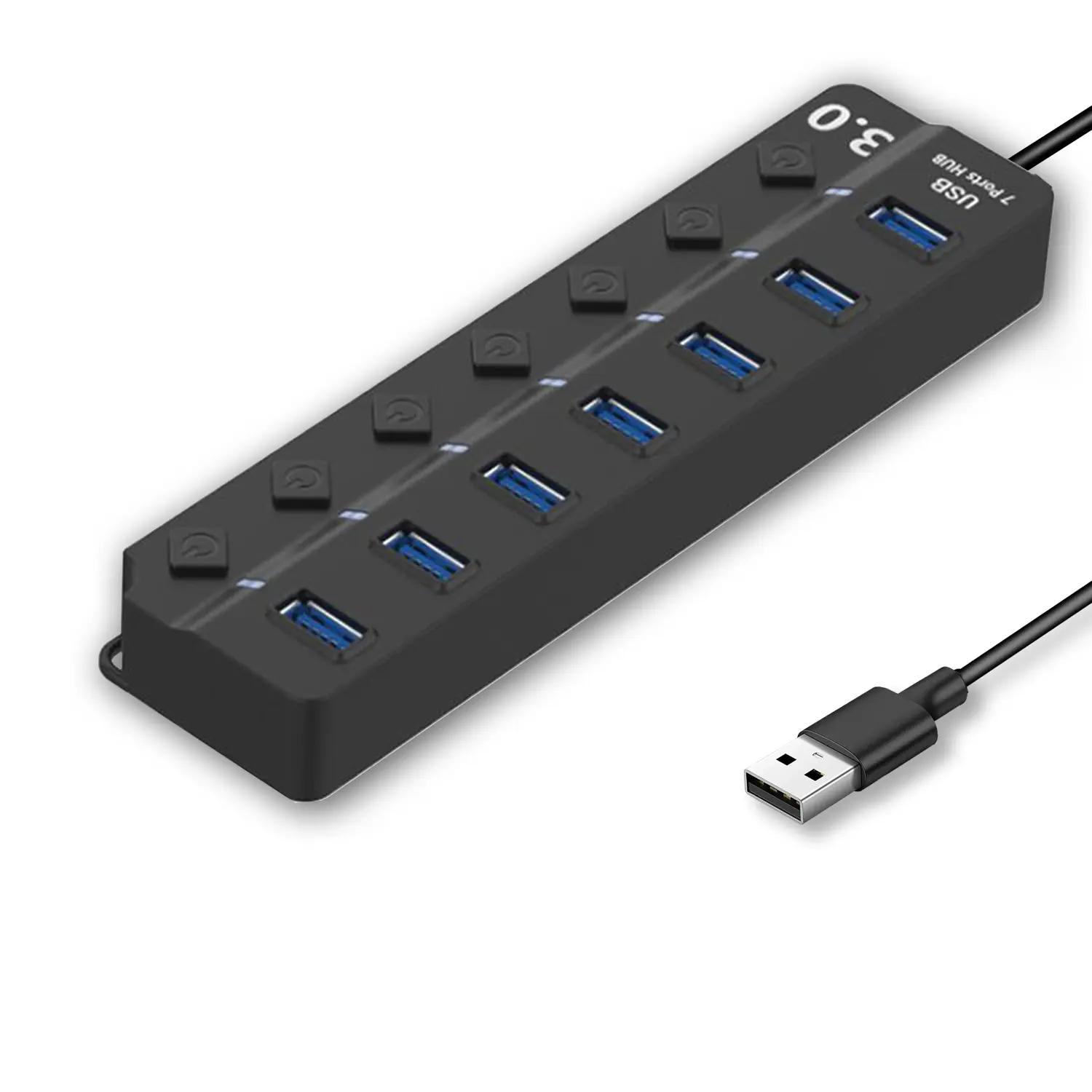
7-Port USB 3.0 Hub● USB 3.0
● Plug and Play
● 7-in-1 USB Hub
● Individual On/Off Switches
Revolutionize Your Presentations and Document Display with QWC 100S Document Camera
Enhance Call Experience: New Conference Microphone Now Available
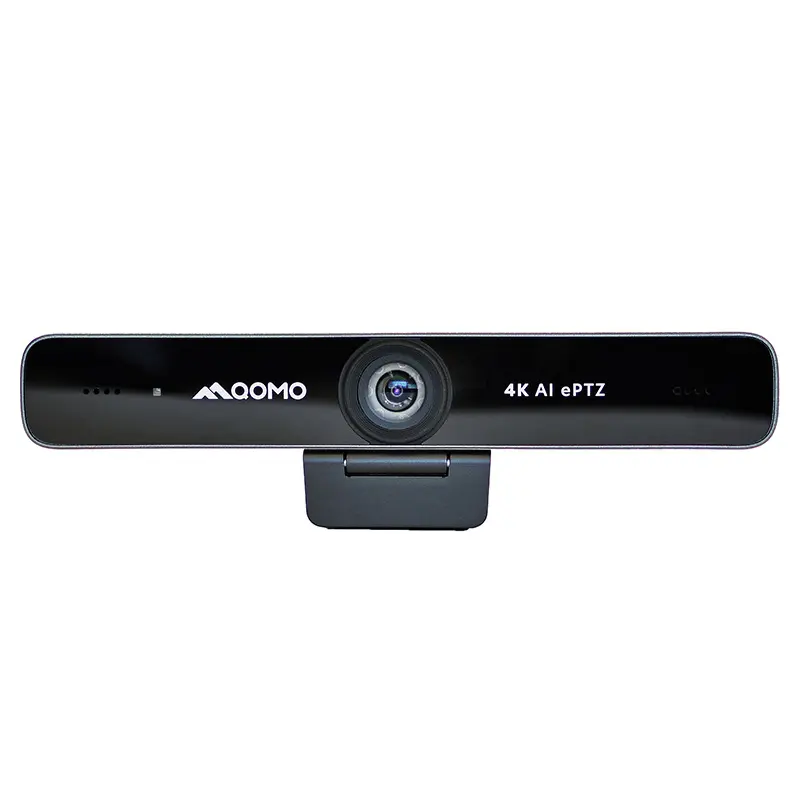
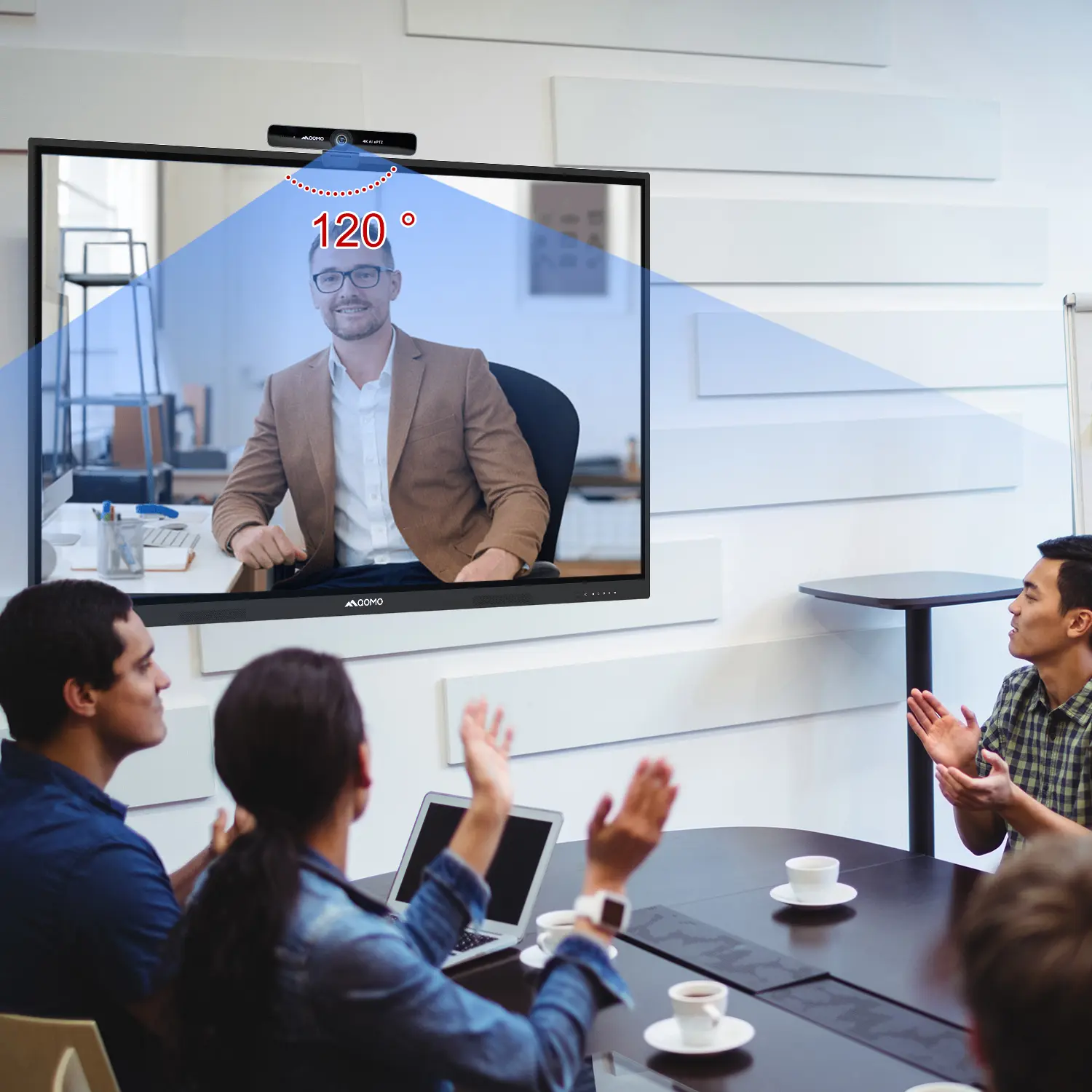
AI-Powered Face-Tracking Webcam
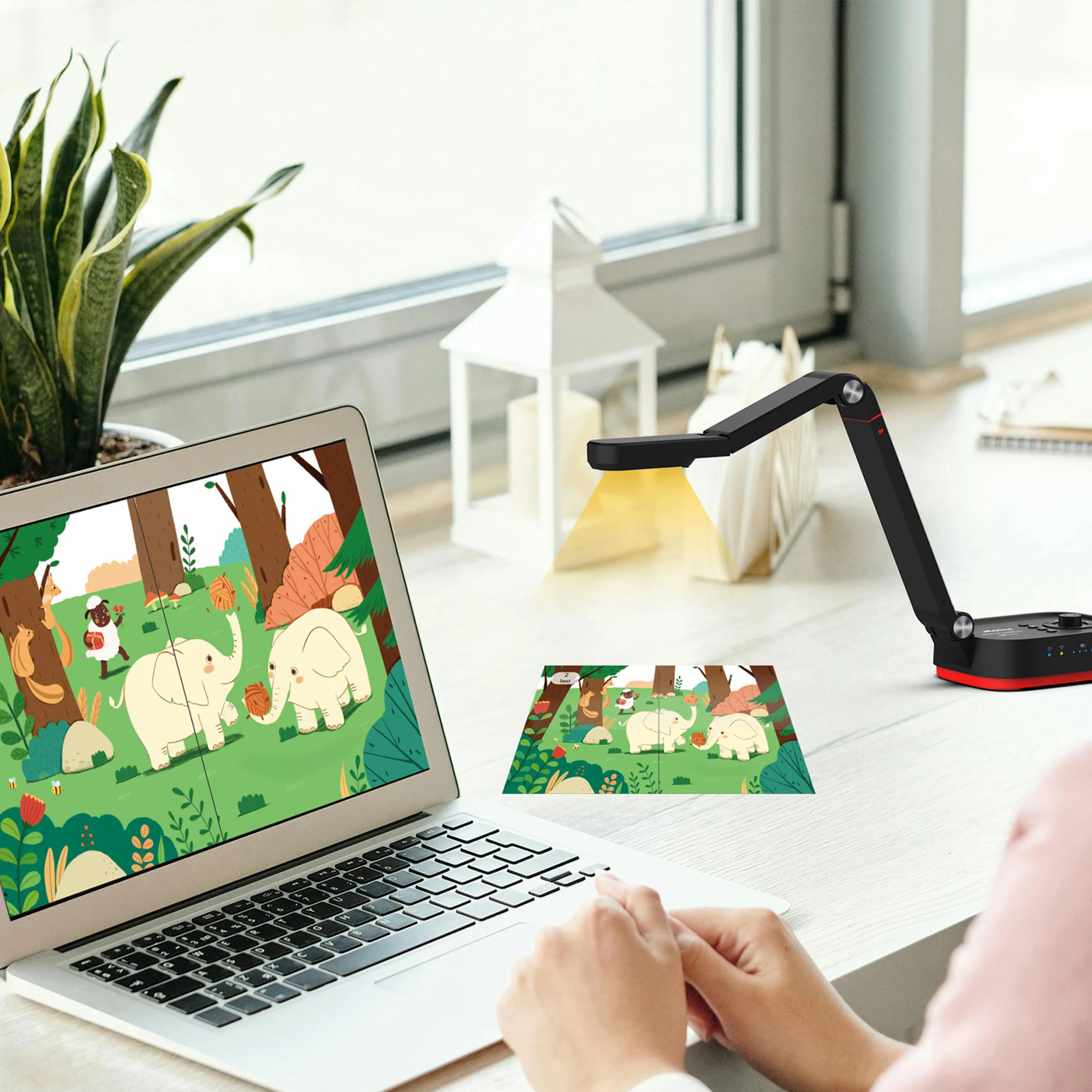
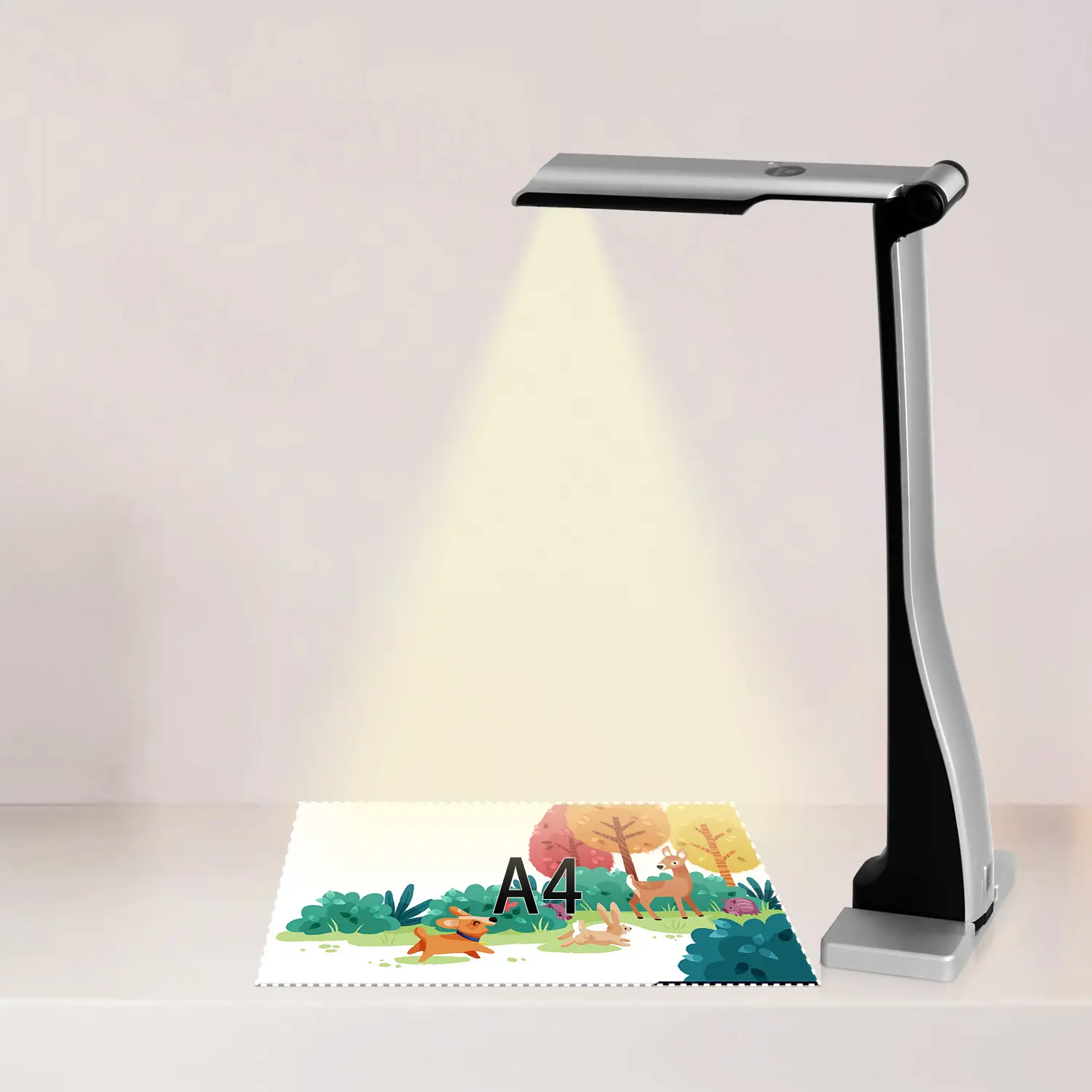
Portable Document Camera Recommendations
Classic Design, Exceptional Functionality: QPC 22 Document Camera
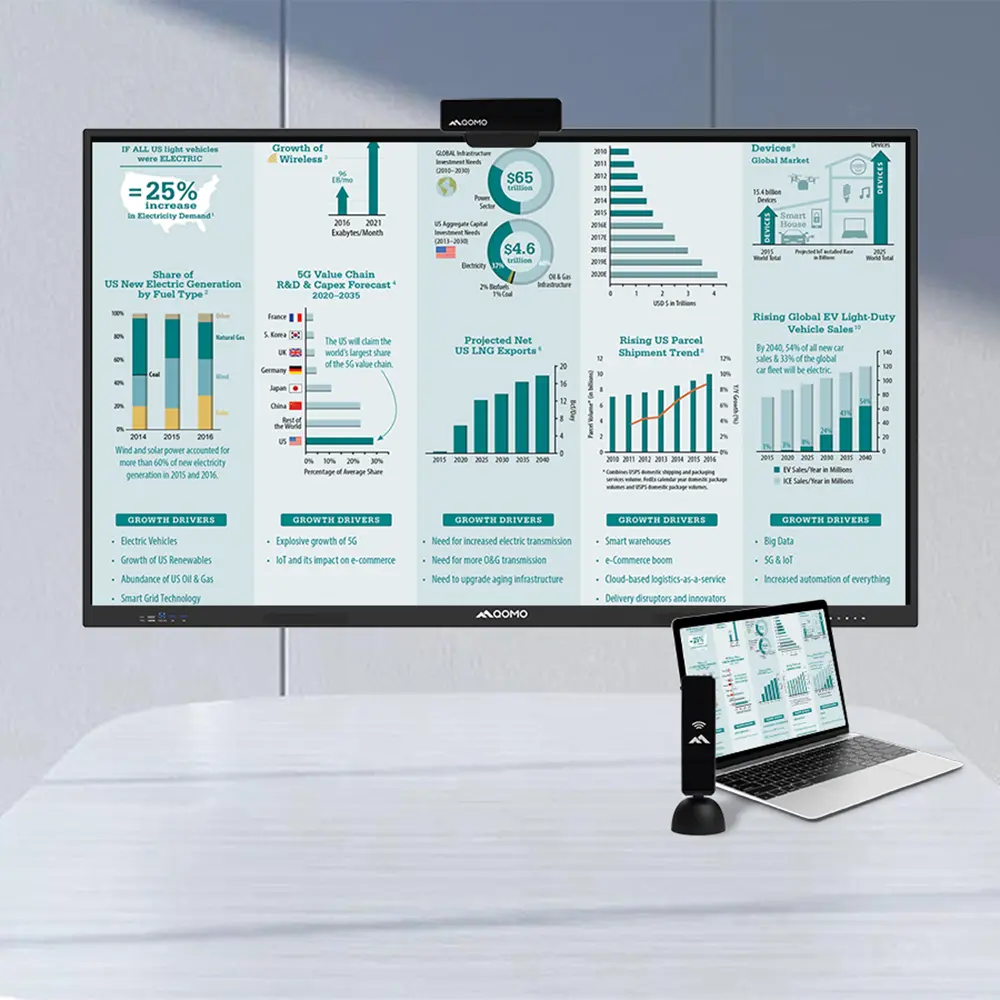
Wireless Screen Mirroring Solution for All Devices
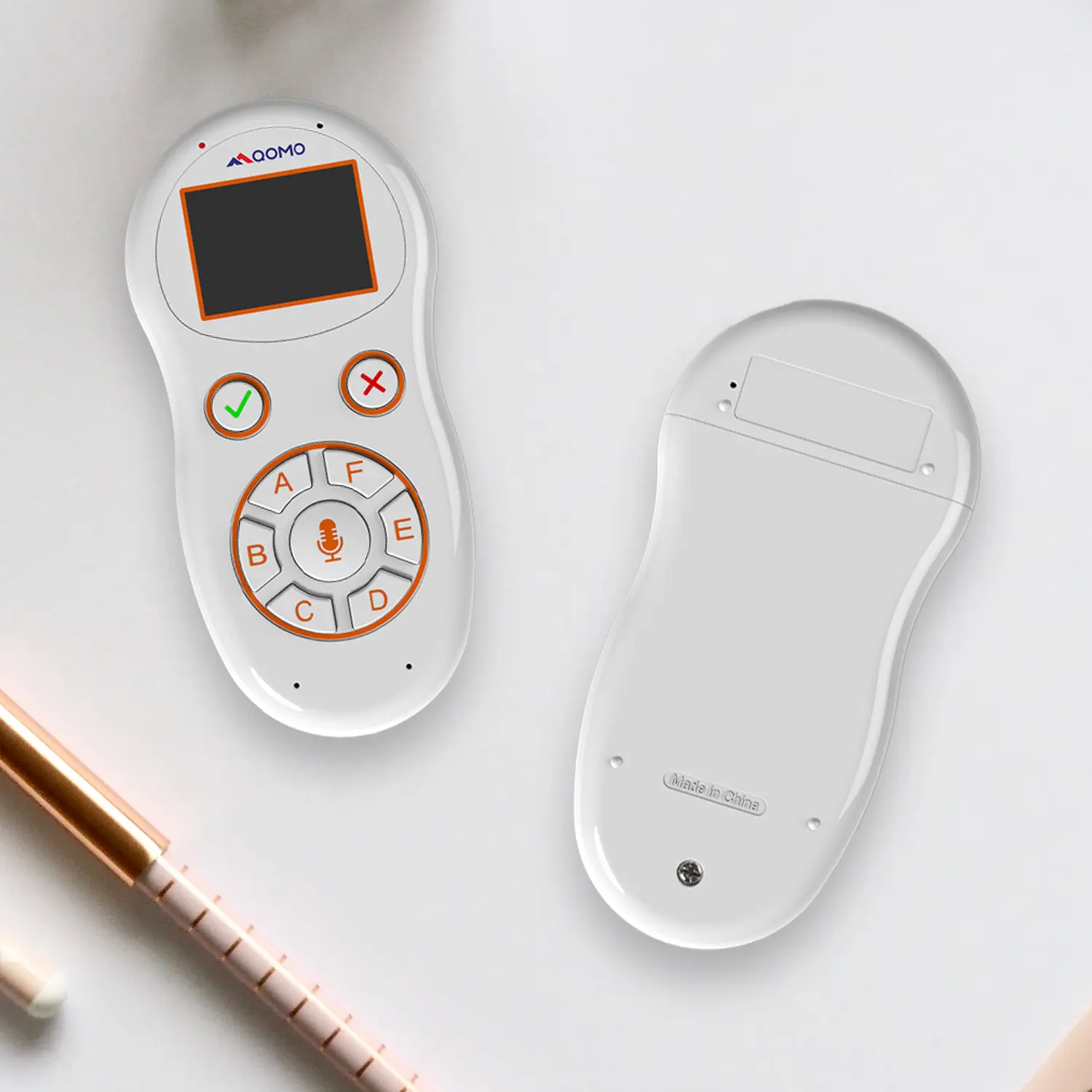
Latest Audience Response System: QRF 999
Introducing the QPC 80H3 Gooseneck Document Camera
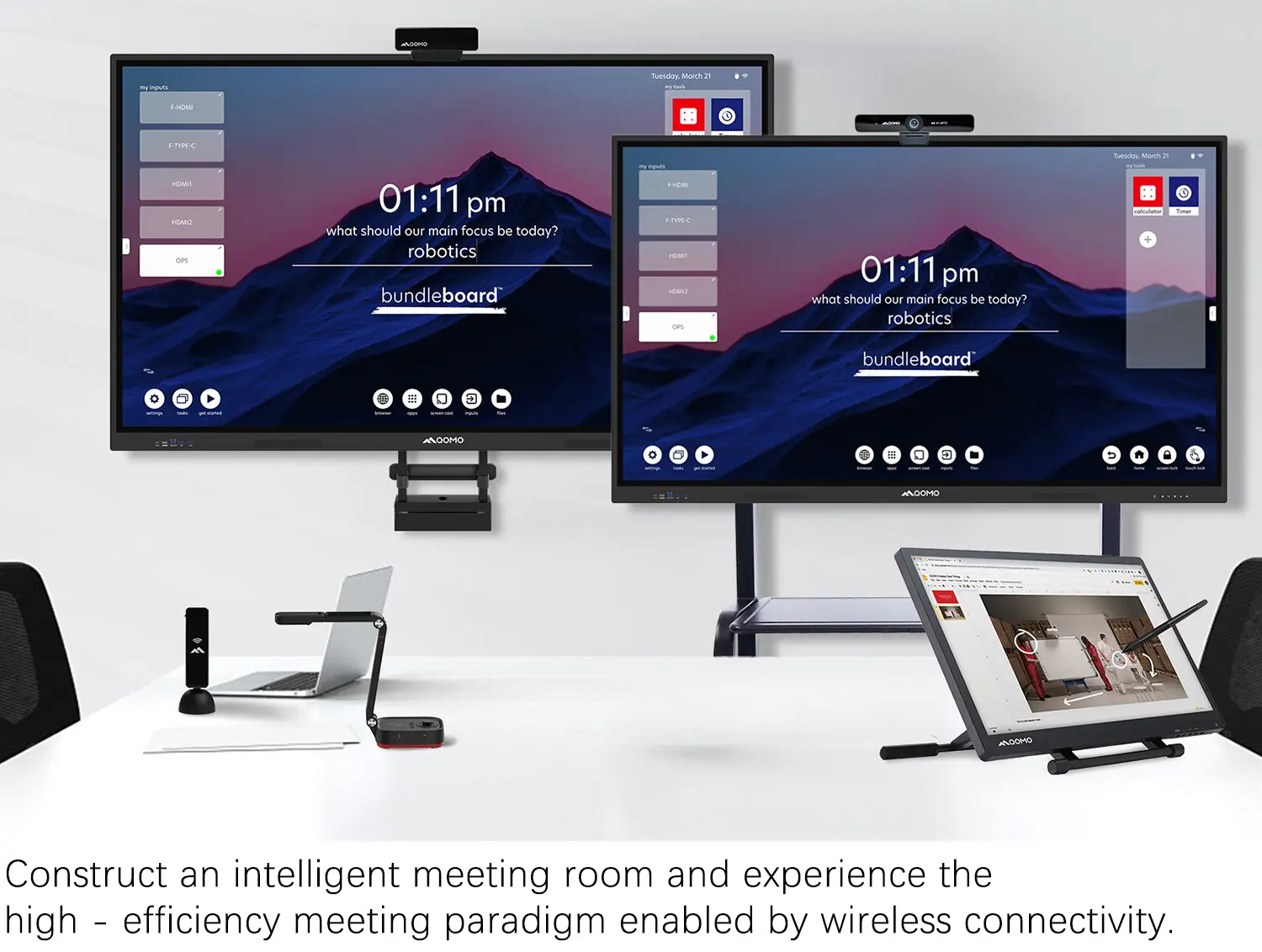
Creating a Smart Integrated Classroom: What Do You Need?
Wireless Connectivity Upgraded: WiFi-Free Wireless Document Receiver
Flow!Works Pro: Interactive Whiteboard Software for Engaging Classrooms
How to Choose the Perfect Document Camera and Elevate Productivity
QWC 004 Conference Webcam: The Top Choice for Remote Education
QCamera: Dedicated Software for Document Cameras to Elevate Your Presentations
QRF999 Voice Response System: Enhancing Teacher-Student Interaction
Work From Home? Maybe You Should Try This Document Camera
The Ultimate Educational Tool: Gooseneck Document Camera
60GHz Millimeter-Wave Wireless Screen Sharing: QShare 100
What Does a Modern Conference Room Need?
QD5000 Document Camera: Unimaginable Versatility!
QWC 004: The Most Cost-Effective Webcam
QVote Interactive Classroom Response System Software
Functionality, Aesthetics, Portability! Meet the QWC 100S Document Camera!
Why Choose the BundleBoard H/H2 Interactive Flat Panel?
Save Your Budget—Introducing the All-New QPC 70 Document Camera!
QIT 600F3: Revolutionize Your Presentations
QCamera: Professional Document Camera Software
QPC 5: The Ultimate 4K Portable Document Camera
Elevate Your Meetings in Seconds: QWC 006 Webcam
Meet QOMO at ISE 2025
Wireless Document Camera Solution, Revolutionizing Wireless Technology
QRF Series, Transform Your Classroom!
QOMO, Building Intelligent Classrooms
QOMO QShare100 New Release
Outstanding Office Equipment Recommendations
As the streaming industry evolves, the demand for high-quality gaming cameras intensifies. According to a recent report by MarketWatch, the gaming camera market is projected to grow by 20% annually through 2026. This growth reflects gamers' desire for superior visual quality during live streams. Industry expert James H. stated, "A high-quality gaming camera can elevate the streaming experience, engaging audiences like never before."
Streamers now prioritize camera specifications that enhance their broadcast quality. Features such as resolution, frame rate, and lighting capabilities are critical. However, not all cameras meet these standards. Some popular options can disappoint in low-light situations or require extensive setup time. These shortcomings can lead to frustrating streaming experiences.
Choosing the right gaming camera is essential. Streamers must balance quality and affordability. A poor choice can impact viewer engagement significantly. As gaming continues to captivate audiences worldwide, investing in the right equipment becomes not just beneficial but necessary. Evaluating various models remains a challenge, yet it is crucial for those aiming to thrive in the competitive streaming landscape.
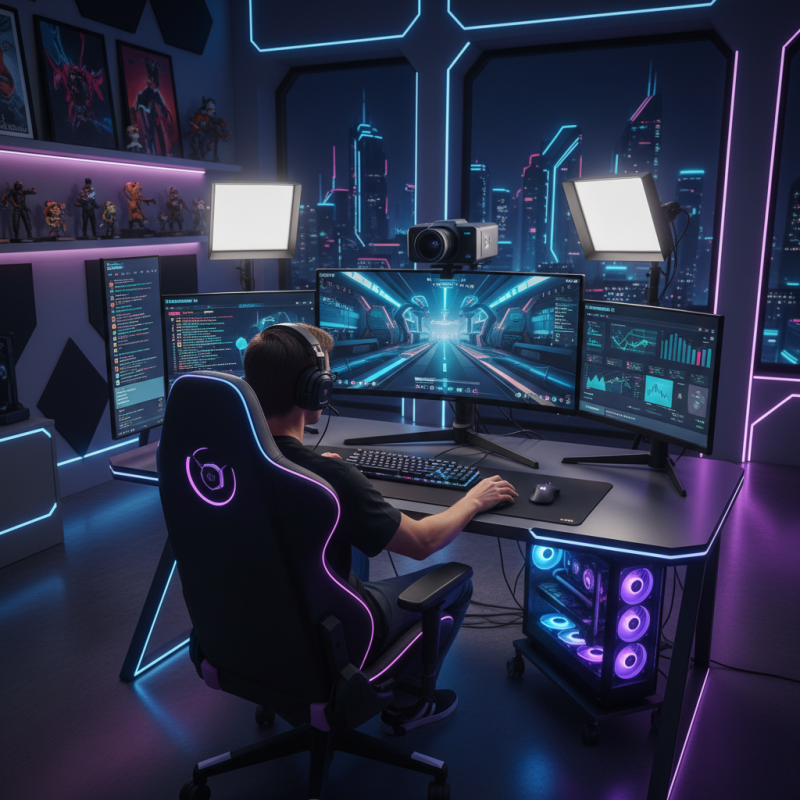
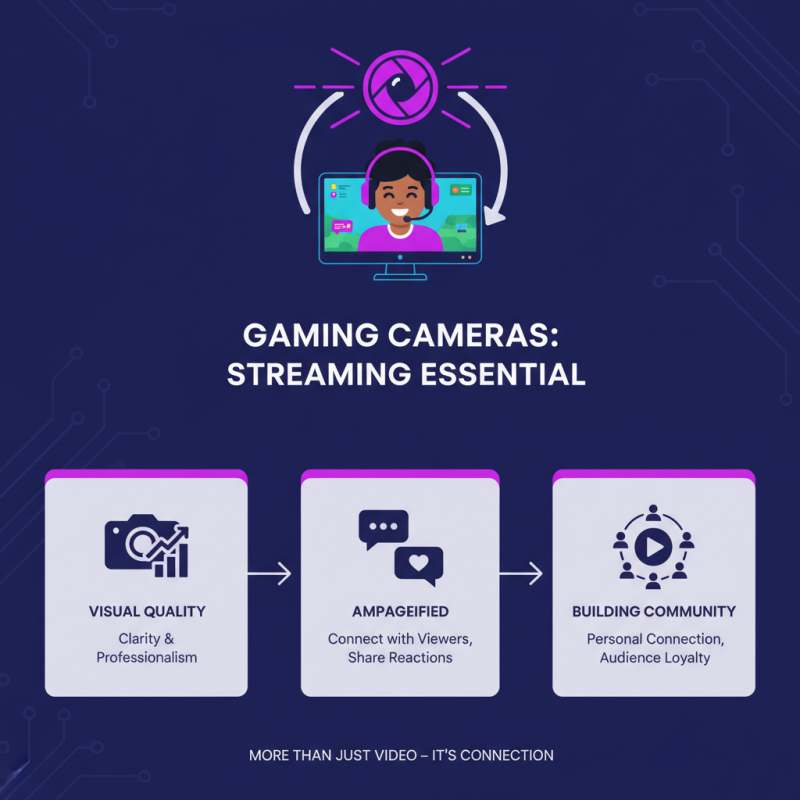
In the realm of game streaming, gaming cameras play a pivotal role. They not only enhance visual quality but also amplify engagement with viewers. A well-placed camera can capture a streamer's expressions and reactions, creating a personal connection with the audience. This connection often keeps viewers returning for more content.
Using a suitable gaming camera can elevate the overall streaming experience. Quality imagery and smooth frame rates are crucial. A poorly set up camera can frustrate viewers and diminish a streamer's credibility. Lighting and angles also affect how a stream is perceived. Dark or awkwardly framed shots can lead to disengagement.
Yet, even with advanced technology, streamers can still face challenges. Unforeseen technical issues can disrupt a stream. Many streamers have encountered moments of awkwardness on camera. These moments can lead to self-reflection and growth. Acknowledging mistakes fosters authenticity. This authenticity is what ultimately keeps an audience engaged.
When selecting a gaming camera in 2026, several key features are essential. Resolution stands out as a primary consideration. A high-resolution camera can deliver sharp images, enhancing viewer engagement. Reports indicate that 4K resolution cameras are projected to dominate the market, appealing to streamers who prioritize image quality. Streamers should also consider frame rate; 60 frames per second offers smooth motion, beneficial in fast-paced gaming scenarios.
Another critical factor is low-light performance. As many streamers stream during evening hours, a camera that performs well in low-light conditions is vital. Industry studies reveal that nearly 70% of viewers prefer well-lit streams, suggesting stream quality directly impacts viewer retention. Additionally, features like autofocus are crucial for maintaining clarity when movement is involved. A smooth autofocus system can retain viewer focus during intense gameplay.
Finally, connectivity options cannot be overlooked. Streamers need seamless integration with their broadcasting software. USB-C ports are becoming the standard, allowing for faster data transfer. While the feature array can be overwhelming, prioritizing these aspects can ensure a successful streaming experience. Each streamer's needs may vary, so it’s worth taking time to reflect on personal requirements before purchasing a gaming camera.
This chart showcases the top 10 gaming cameras for streamers in terms of resolution, frame rate, and price. It's essential to consider these key features when choosing the right camera for your streaming needs.
When choosing a camera for streaming, clarity is crucial. Gamers want their audience to see every detail. A good camera should capture vibrant colors and crisp images. Many models offer Full HD or even 4K resolution now. This allows for impressive video quality that enhances the viewing experience.
Audio quality matters too. A great camera will not only record video but also clear sound. Viewers should hear every comment and laugh. Built-in microphones often fall short. Consider an external microphone to improve sound quality.
Setting up your gear can be tricky. Not every camera fits perfectly on every desk or stand. Adjusting lighting and angles can take time. Experimentation is necessary to find what works best for your space. Keep in mind, even the best camera can't fix poor lighting. Trying different spots in the room is essential for the perfect shot. Streaming is a blend of art and technology, and sometimes, it requires a bit of trial and error.
In 2026, the demand for high-quality cameras among streamers continues to rise. Streamers require cameras that offer exceptional performance and value for money. This comparative analysis focuses on key features like resolution, frame rates, and low-light capabilities.
When choosing a gaming camera, consider the specifications that align with your streaming style. A camera with 1080p or higher clarity can make a significant difference. Frame rates above 60fps are essential for smooth motion. Low-light performance should not be overlooked, as many streams occur in dim lighting.
Tip: Test cameras in different lighting conditions before making a decision. This helps you understand their capabilities.
Pricing is varied, yet a higher price does not always guarantee better performance. Some mid-range models provide excellent quality, often overlooked. Do not rush your choice; review user feedback to assess reliability.
Tip: Always check online comparisons and reviews. Engaging with the streamer community can provide valuable insights.
Features such as autofocus and software compatibility are also crucial. A camera that integrates seamlessly with your existing setup can save time and enhance quality. However, some users report frustrations with software glitches. Ensure that your camera options are compatible with standard streaming platforms.
Choosing the right gaming camera can significantly impact your streaming experience. In 2026, users shared their thoughts on various options available. Many highlighted the importance of clarity and frame rates. High-definition quality is essential, but it shouldn’t compromise ease of use. Some users reported issues with setup. Installing new cameras can be confusing, especially for beginners.
User reviews often mention how critical lighting affects performance. A well-lit room can enhance video quality, but not everyone has access to perfect lighting. Some cameras struggle in low-light conditions. Many reviewers suggest investing in good lighting alongside a camera. Others emphasize the importance of a reliable autofocus feature. Sometimes, cameras lose track during fast-paced gaming sessions. This can lead to frustration.
Overall, the gaming camera landscape in 2026 shows promise, but challenges remain. Variety exists, tailored to different needs. Users have diverse preferences, indicating that one size doesn’t fit all. Feedback reflects a community eager to find their ideal tools. Even the best cameras may need tweaks after purchase. Understanding these nuances can elevate a streamer's content significantly.