+86 152 8002 3723
QVoteProfessional Audience Response System software offers the most convenient functions for your interactions.
QClickThe most convenient educational software for working with Microsoft PowerPoint to quickly set up various question types and generate intelligent feedback reports.
QCameraQCamera by QOMO allows for real-time streaming from cameras and document cameras. Annotate, save snapshots, record, and manipulate camera images instantly.
Flow!Works ProUser - friendly whiteboard software, it encompasses a wide range of presentation tools and powerful functions, delivering the most professional presentation experience to you.
Flow!WorksFlow!Works incorporates more educational tools, further enhancing the interactivity and fun - factor of your teaching.
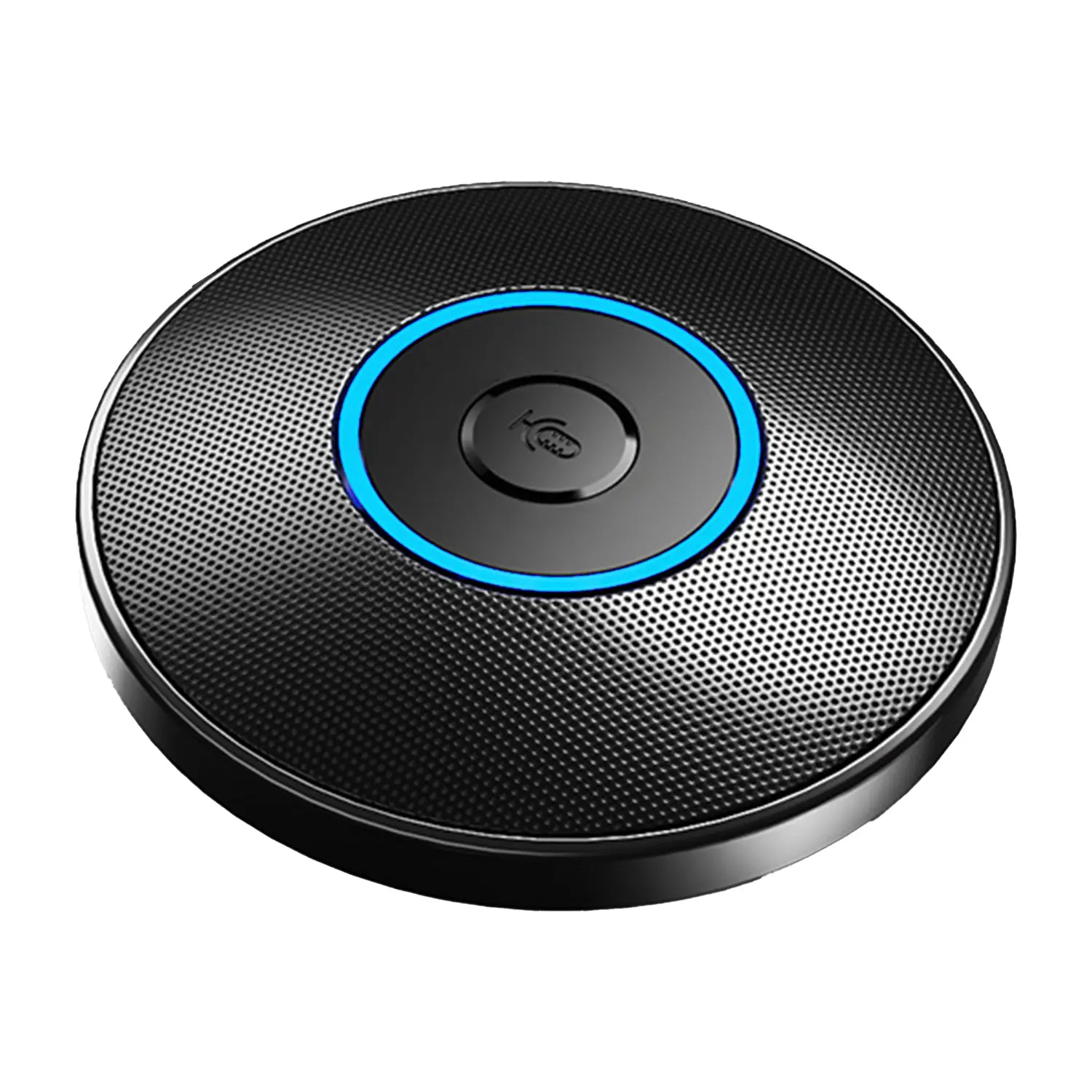
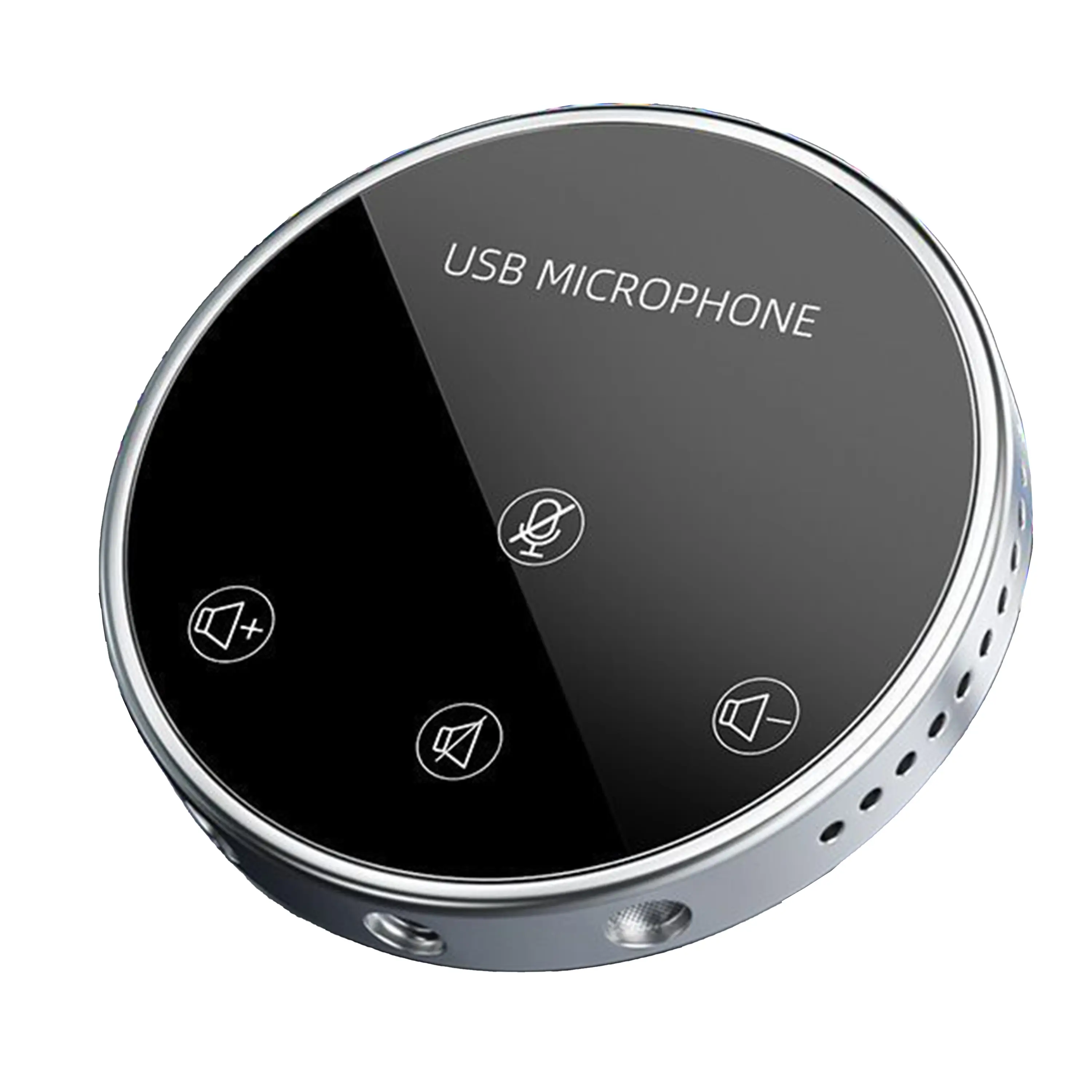
Conference Microphone● USB
● Plug and Play
● Intelligent Noise-Canceling
● 10ft/3m Extended Pickup Range
● 360° Omnidirectional Pickup
Conference Speakerphone● USB-C
● Plug and Play
● Intelligent Noise-Canceling
● 10ft/3m Extended Pickup Range
● 360° Omnidirectional Pickup
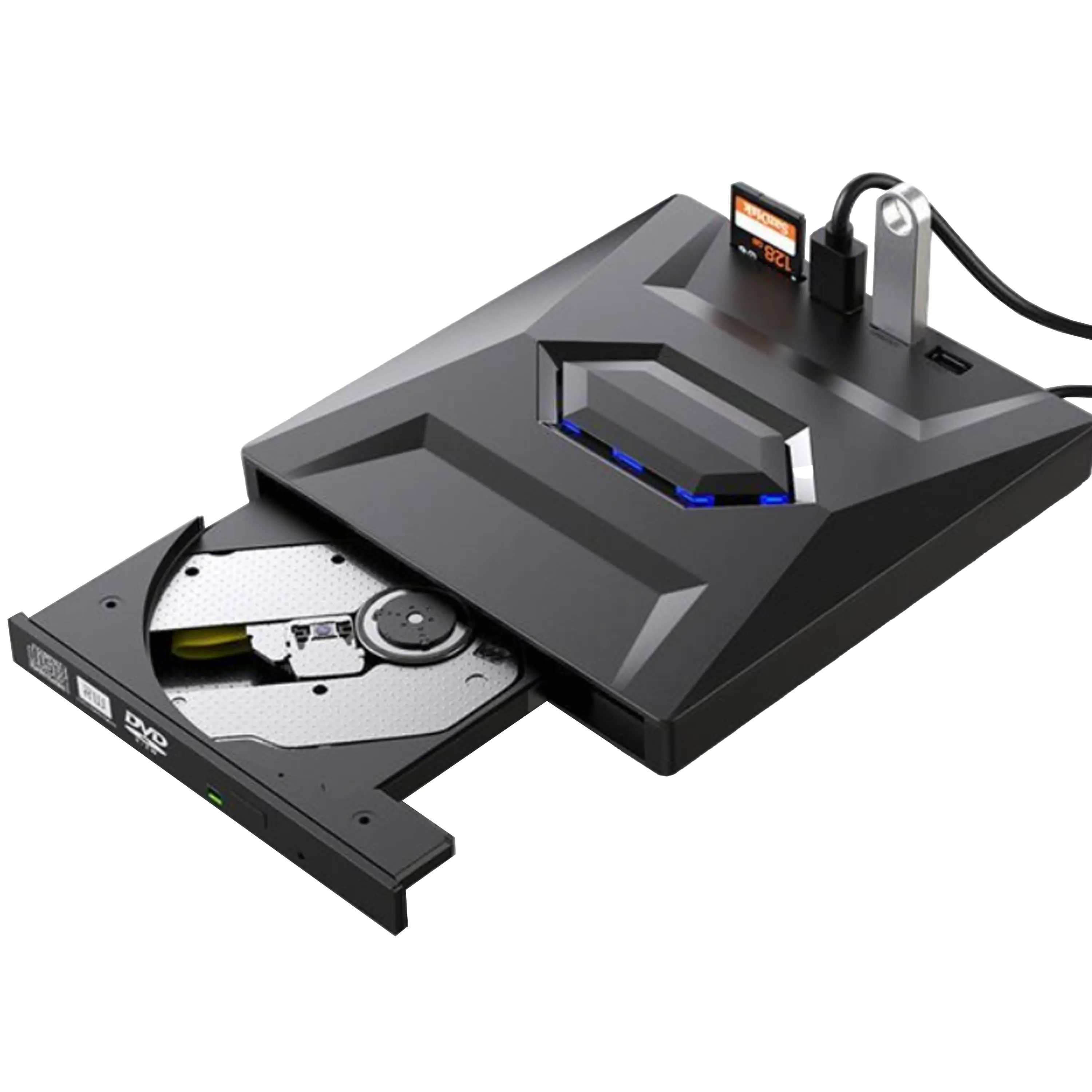
USB External CD/DVD Drive• USB and USB-C
• USB 3.0
• 8x DVD and 24x CD write/read speeds
• Portable
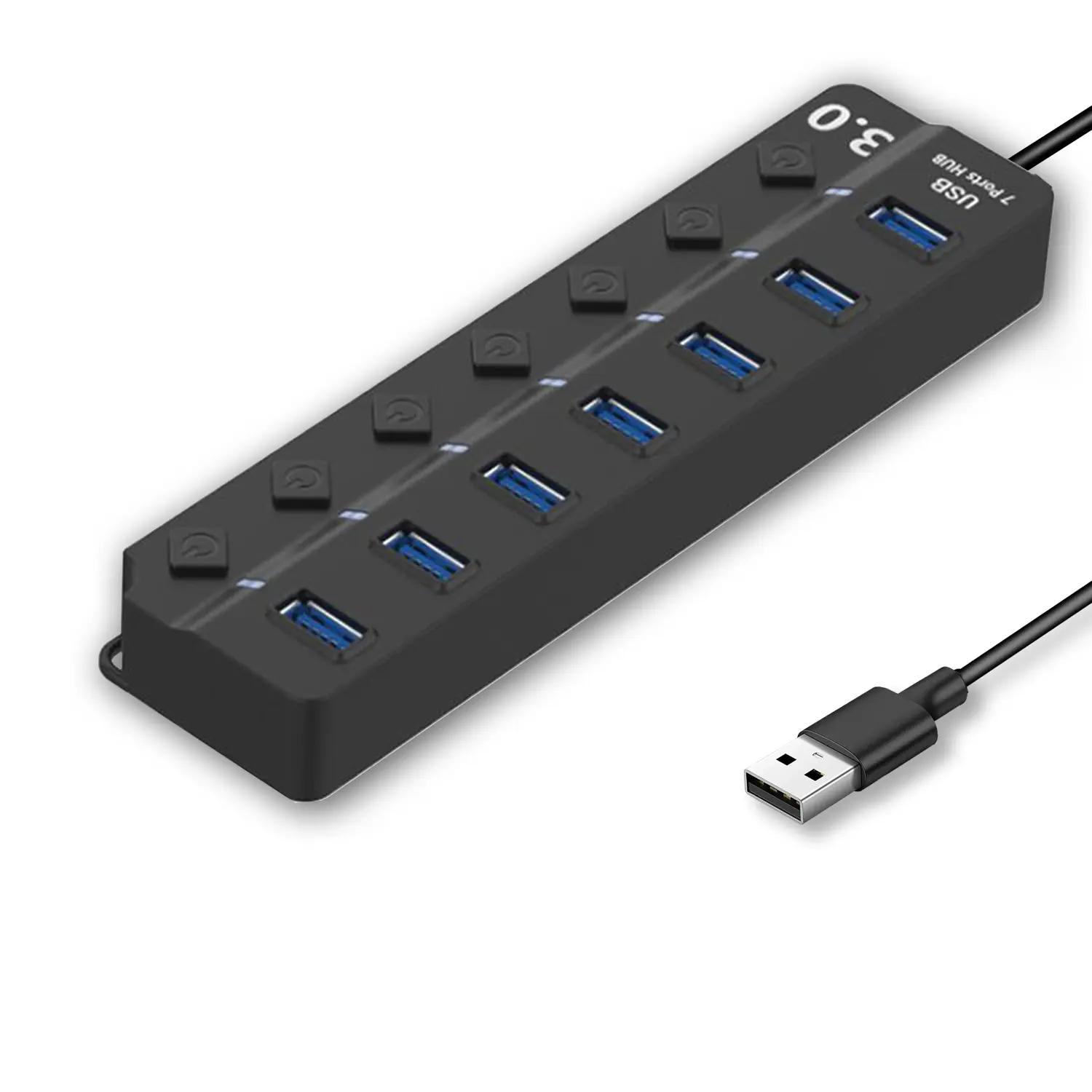
7-Port USB 3.0 Hub● USB 3.0
● Plug and Play
● 7-in-1 USB Hub
● Individual On/Off Switches
Revolutionize Your Presentations and Document Display with QWC 100S Document Camera
Enhance Call Experience: New Conference Microphone Now Available
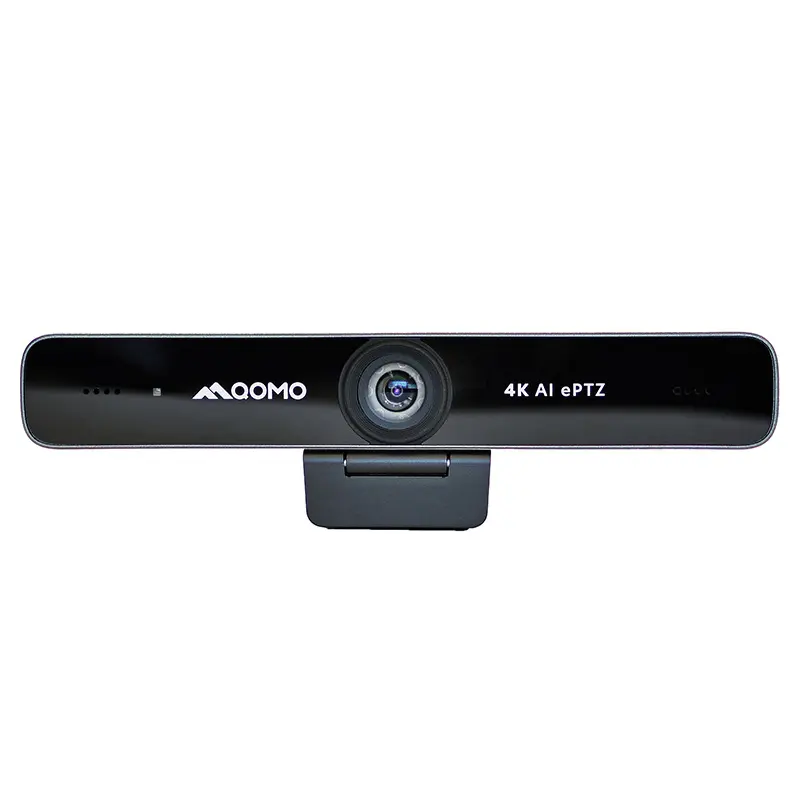
AI-Powered Face-Tracking Webcam
Portable Document Camera Recommendations
Classic Design, Exceptional Functionality: QPC 22 Document Camera
Wireless Screen Mirroring Solution for All Devices
Latest Audience Response System: QRF 999
Introducing the QPC 80H3 Gooseneck Document Camera
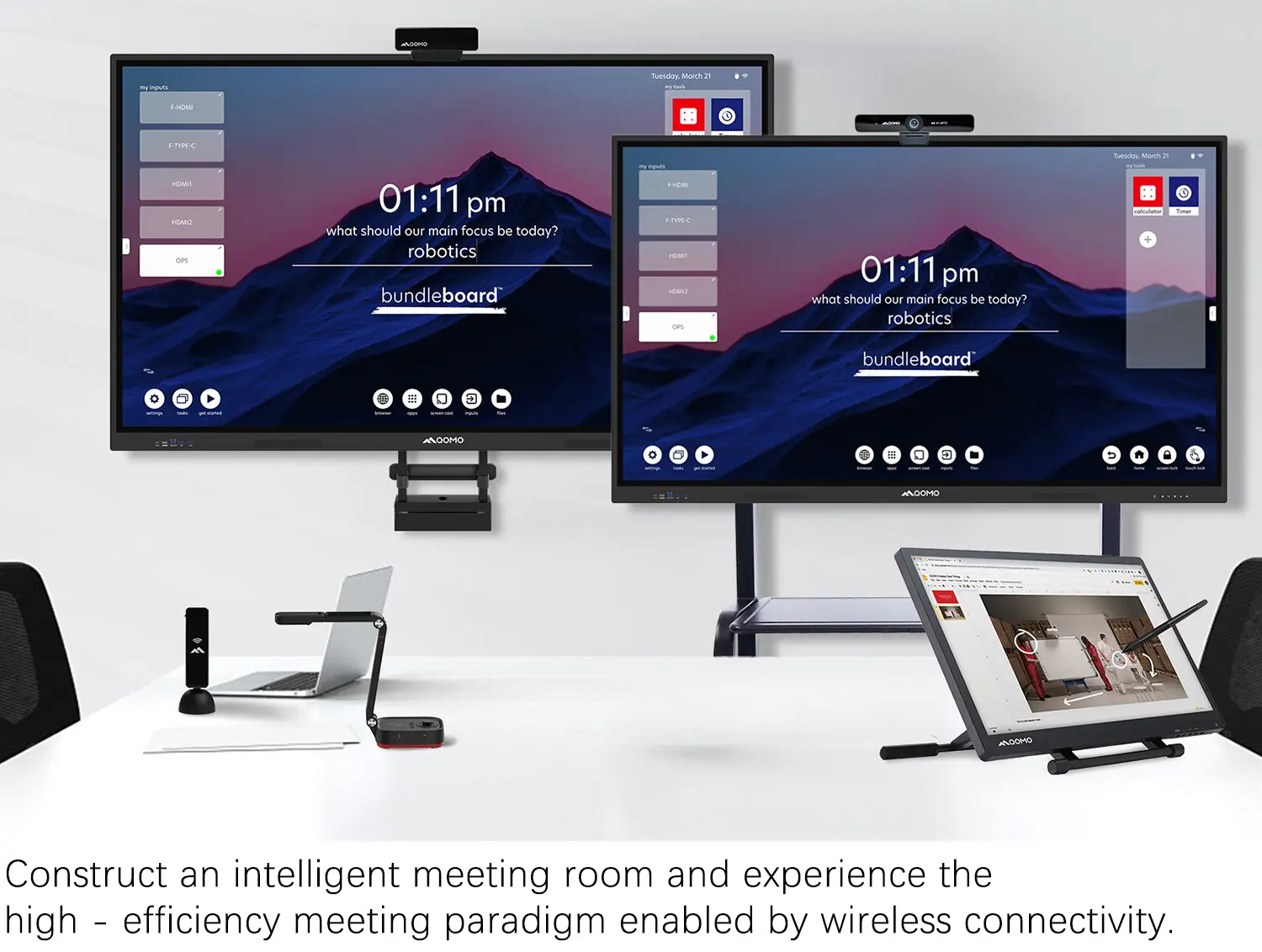
Creating a Smart Integrated Classroom: What Do You Need?
Wireless Connectivity Upgraded: WiFi-Free Wireless Document Receiver
Flow!Works Pro: Interactive Whiteboard Software for Engaging Classrooms
How to Choose the Perfect Document Camera and Elevate Productivity
QWC 004 Conference Webcam: The Top Choice for Remote Education
QCamera: Dedicated Software for Document Cameras to Elevate Your Presentations
QRF999 Voice Response System: Enhancing Teacher-Student Interaction
Work From Home? Maybe You Should Try This Document Camera
The Ultimate Educational Tool: Gooseneck Document Camera
60GHz Millimeter-Wave Wireless Screen Sharing: QShare 100
What Does a Modern Conference Room Need?
QD5000 Document Camera: Unimaginable Versatility!
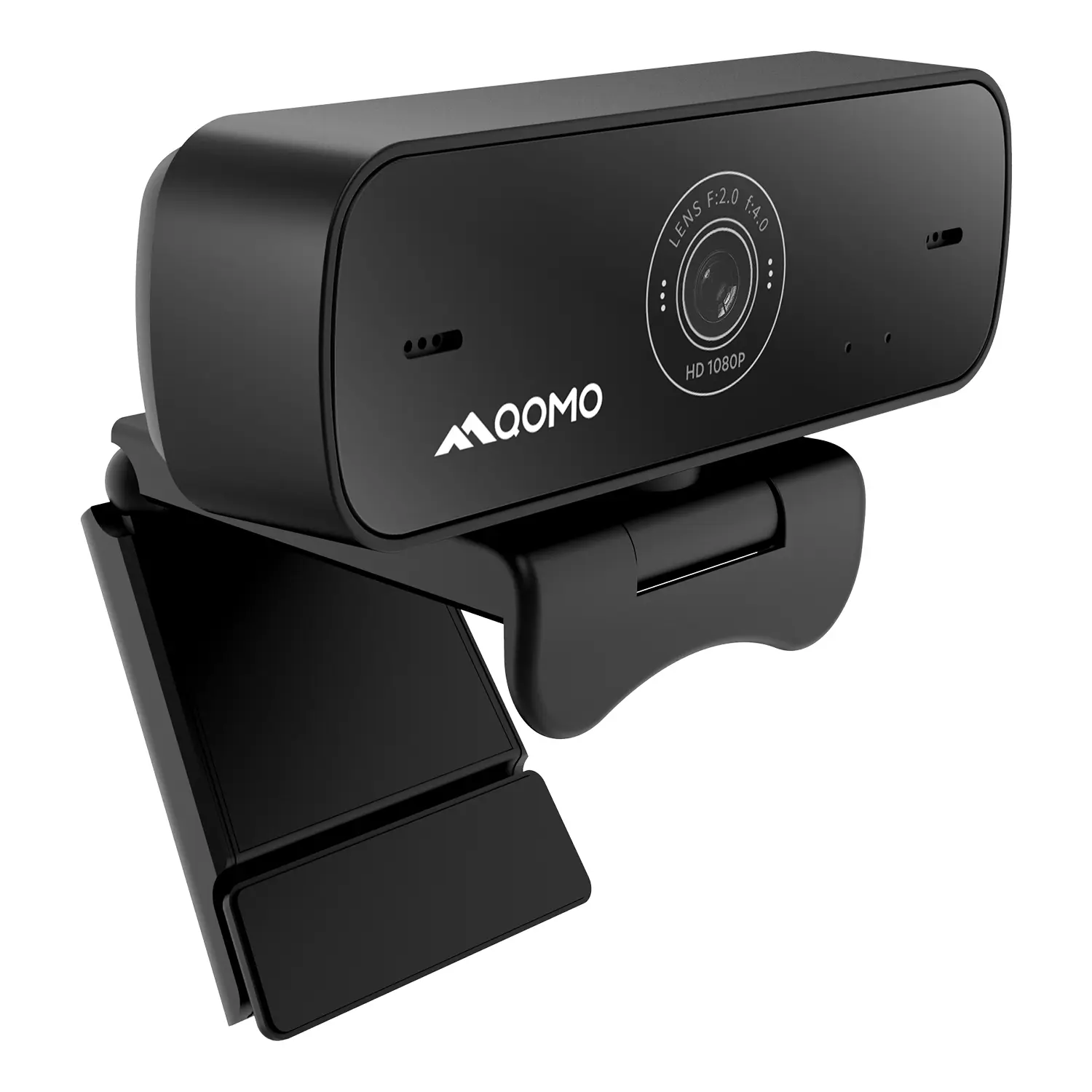
QWC 004: The Most Cost-Effective Webcam
QVote Interactive Classroom Response System Software
Functionality, Aesthetics, Portability! Meet the QWC 100S Document Camera!
Why Choose the BundleBoard H/H2 Interactive Flat Panel?
Save Your Budget—Introducing the All-New QPC 70 Document Camera!
QIT 600F3: Revolutionize Your Presentations
QCamera: Professional Document Camera Software
QPC 5: The Ultimate 4K Portable Document Camera
Elevate Your Meetings in Seconds: QWC 006 Webcam
Meet QOMO at ISE 2025
Wireless Document Camera Solution, Revolutionizing Wireless Technology
QRF Series, Transform Your Classroom!
QOMO, Building Intelligent Classrooms
QOMO QShare100 New Release
Outstanding Office Equipment Recommendations
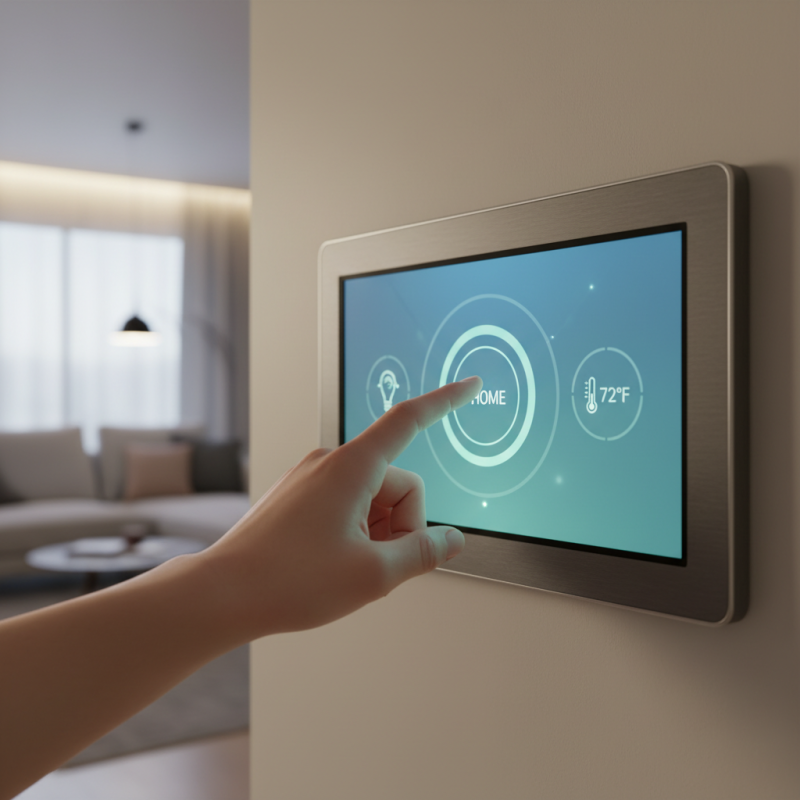
In today's smart home landscape, the Interactive Touch Panel stands out as a pivotal technology. These panels enhance user engagement and control over home automation systems. Imagine effortlessly adjusting your lights or temperature with just a touch. Such convenience fosters a transformative living experience.
Yet, as we embrace these advanced devices, we must reflect on potential shortcomings. For instance, user interfaces can sometimes be unintuitive. This could deter less tech-savvy individuals. Additionally, while many panels offer impressive features, some may lack seamless integration. It's crucial to analyze these aspects before making a purchase.
As smart homes evolve, the focus on Interactive Touch Panels continues to grow. Selecting the right panel can significantly enhance your day-to-day life. However, every choice comes with its own set of challenges. Careful consideration is essential to fully realize the benefits of this innovative technology.
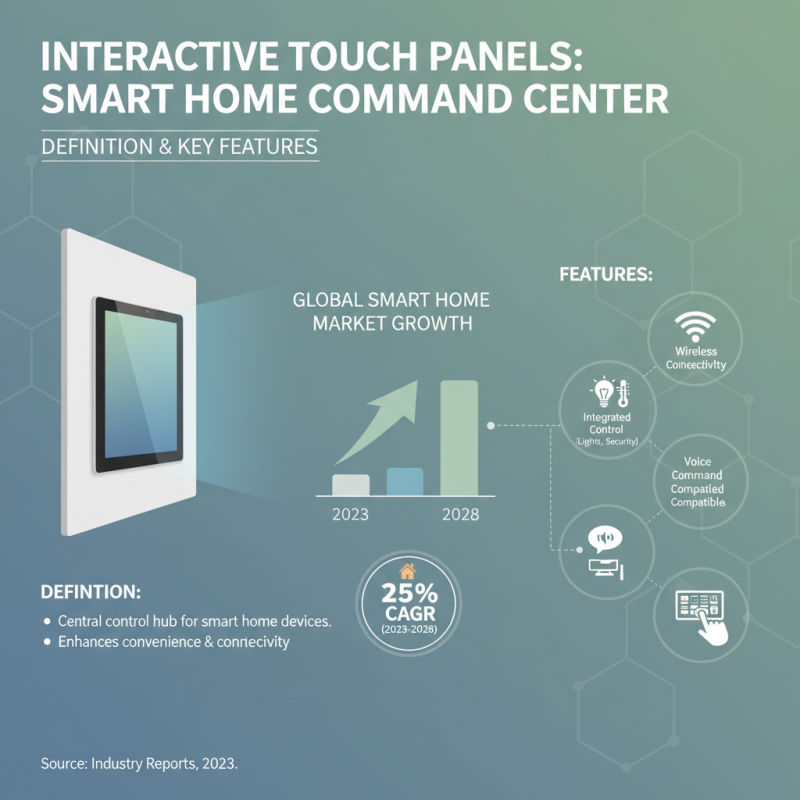
Interactive touch panels have become essential in modern smart homes. They serve as central control hubs, enhancing convenience and connectivity. According to recent industry reports, the global smart home market is projected to grow at a CAGR of 25% between 2023 and 2028. This rapid growth highlights the increasing demand for interactive touch panels.
These panels offer various features, including voice assistant integration and customizable interfaces. Users can easily control lighting, security, and entertainment systems from one location. In a study, around 70% of homeowners expressed a preference for touch panels due to their user-friendly experience. However, not all interactive panels are flawless. Some systems face connectivity issues or insufficient device compatibility. It's vital to evaluate these aspects when selecting a touch panel.
Another important factor is the screen size and resolution. Larger screens with high-definition displays can significantly improve usability. Reports suggest that about 65% of users prefer panels with at least a 10-inch display. Yet, larger screens may not always fit seamlessly into home décor. Balancing functionality and aesthetics is a common challenge that homeowners encounter.
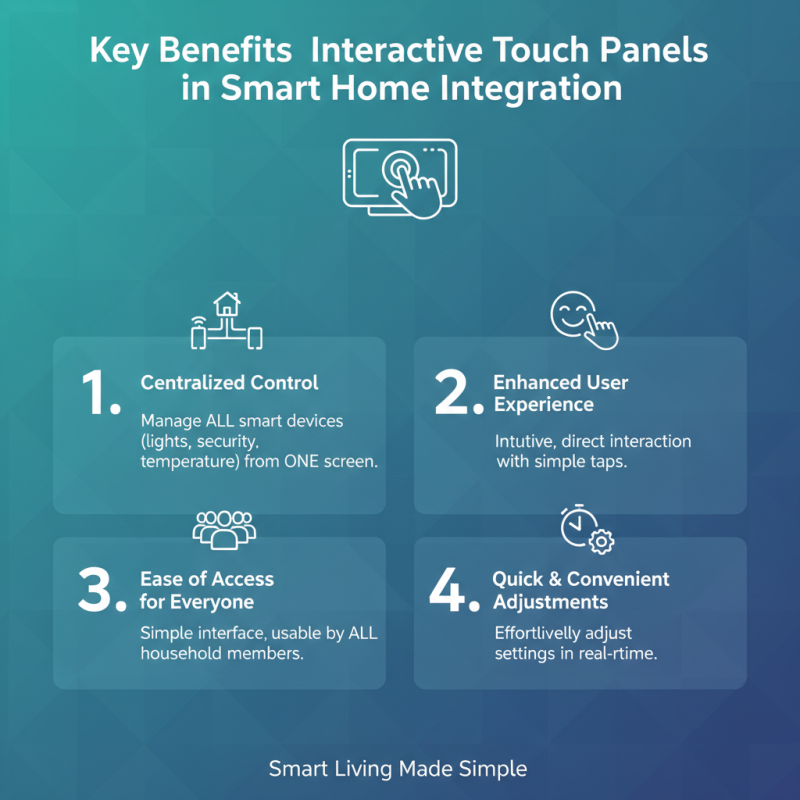
Interactive touch panels bring a new level of convenience and engagement to smart homes. They allow users to control various devices with simple finger taps. This direct interaction enhances user experience significantly. You can easily adjust lighting, manage security systems, or control temperature settings all in one place. The intuitive interface means anyone in the household can use it.
A major benefit is the streamlined connectivity. Touch panels integrate various smart devices effortlessly. This minimizes the hassle of multiple remotes or apps. However, the learning curve can be steep for some users, causing frustration initially. Depending on the design, responsiveness can vary. Finding a model that fits your needs is critical.
Design also plays a key role. A well-designed touch panel can fit seamlessly into any home decor. On the other hand, some panels may lack aesthetic appeal, affecting overall integration. It’s crucial to choose a panel that matches your home’s style and functionality. Interactive touch panels truly transform your living space, but you must consider both usability and design carefully.
In today's smart home landscape, interactive touch panels have become essential. These devices offer a seamless way to control various home features. From lighting to security systems, users can manage everything with a simple tap. Many panels boast user-friendly interfaces. Yet, not all panels are created equal. Some may lack responsiveness or clarity, leaving users frustrated.
Choosing the right interactive touch panel can be challenging. Some may have small screens, making it hard to operate. Others can be overly complicated, leading to confusion. It's vital to consider your specific needs before purchasing. Features like voice control and integration with other devices can enhance your experience significantly. However, be aware that not all devices play well together.
Physical layout also matters. A poorly positioned panel can lead to awkward interactions. Placement should consider accessibility and usability. Reflect on the common areas you frequent. This insight will guide your decision on which panel to choose. Remember, the goal is a more convenient and enjoyable smart home experience, not added complexity.
Interactive touch panels are becoming essential in smart home setups. Recent studies show that 77% of homeowners prefer these interfaces for controlling smart devices. User experience is often cited as a critical factor in choosing the right panel. The ease of navigation and responsiveness can greatly influence satisfaction levels.
Specifications play a vital role in performance. For instance, touch sensitivity, resolution, and screen size are significant. A panel that offers high-resolution displays tends to enhance user engagement. However, not all panels meet these standards. Some might have delayed responses, leading to frustration. A study indicated that 30% of users reported issues with lag in less capable models.
It’s important to weigh the pros and cons. Many panels offer robust features but at a higher cost. Budget options might lack some functionalities, affecting the overall experience. For example, panels with limited app compatibility can restrict smart home automation. As smart technology evolves, continuous evaluation of these tools is crucial to ensure an optimal home experience.
| Model | Screen Size | Resolution | Price | User Rating | Connectivity Options | Special Features |
|---|---|---|---|---|---|---|
| Model A | 10.1 inch | 1920 x 1200 | $199 | 4.5/5 | Wi-Fi, Bluetooth | Voice Control |
| Model B | 15.6 inch | 1920 x 1080 | $299 | 4.7/5 | Wi-Fi, Bluetooth, Ethernet | Smart Home Integration |
| Model C | 12.5 inch | 1280 x 800 | $149 | 4.3/5 | Wi-Fi, Bluetooth | Portable Design |
| Model D | 21.5 inch | 1920 x 1080 | $399 | 4.8/5 | Wi-Fi, Bluetooth, USB-C | Gesture Control |
| Model E | 10.1 inch | 1024 x 600 | $99 | 4.0/5 | Wi-Fi | Basic Features |
| Model F | 23.8 inch | 2560 x 1440 | $499 | 4.9/5 | Wi-Fi, Bluetooth, HDMI | High Definition Display |
| Model G | 13.3 inch | 1920 x 1080 | $249 | 4.6/5 | Wi-Fi, Bluetooth | Compact Size |
| Model H | 18.5 inch | 1366 x 768 | $199 | 4.2/5 | Wi-Fi, Ethernet | User-Friendly Interface |
| Model I | 24 inch | 1920 x 1080 | $599 | 4.9/5 | Wi-Fi, Bluetooth, USB-C | Multi-Touch Support |
| Model J | 15 inch | 1366 x 768 | $159 | 3.9/5 | Wi-Fi | Budget Friendly |
When installing interactive touch panels in your home, proper setup is crucial. Start by selecting an appropriate location. Place the panel at a height that is easily accessible. This ensures everyone can use it comfortably. Consider natural light too. Avoid glare by positioning the panel away from windows.
For optimal performance, use a stable Wi-Fi connection. A weak signal can lead to communication issues. Check for any interference from other devices. Sometimes, relocating your router can improve connectivity. Remember, not all homes have the same layout.
Regular updates are essential. Many touch panels require firmware updates for enhanced functionality. Set a reminder to check for these updates every few months. This step enhances security as well. Some users forget to do this, leading to vulnerabilities. Maintain your panel's cleanliness too. Dust and fingerprints can affect touch sensitivity.
This chart illustrates user satisfaction scores based on various criteria for interactive touch panels utilized in smart homes. The scores highlight key areas such as ease of use, integration with smart home systems, available features, design aesthetics, and price, allowing potential buyers to make informed choices.