+86 152 8002 3723
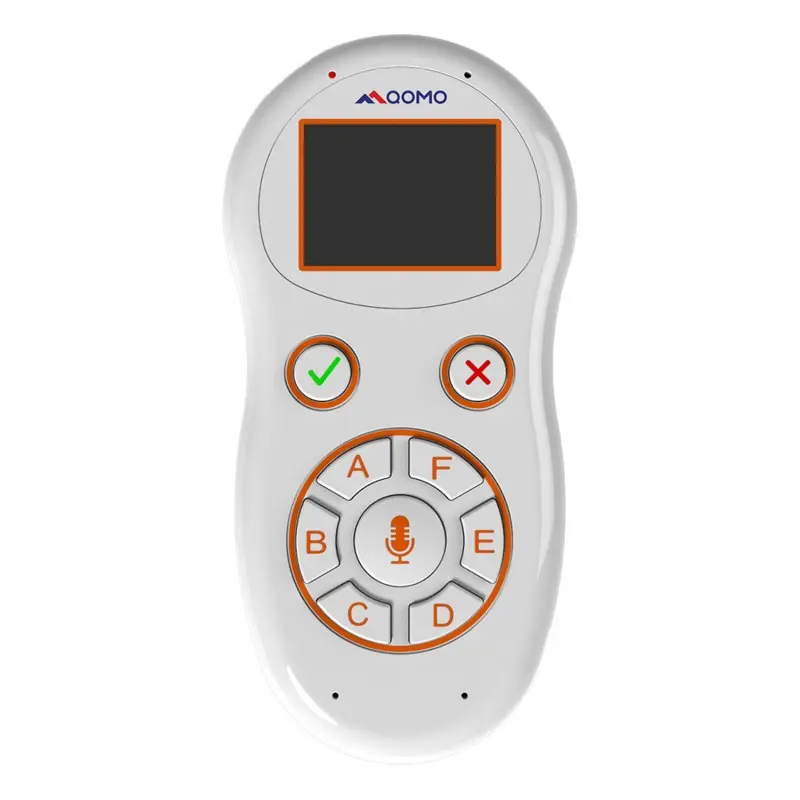
QVoteProfessional Audience Response System software offers the most convenient functions for your interactions.
QClickThe most convenient educational software for working with Microsoft PowerPoint to quickly set up various question types and generate intelligent feedback reports.
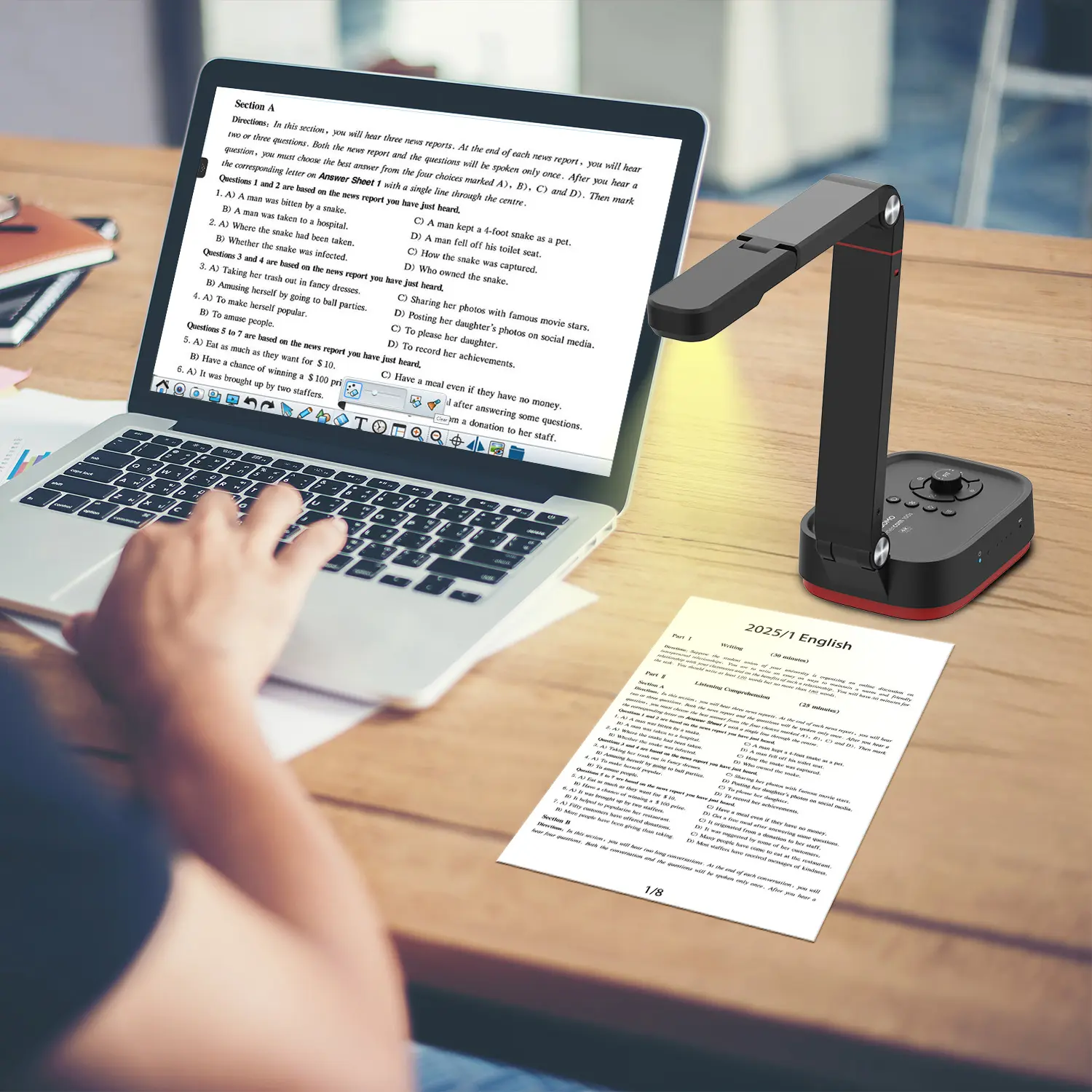
QCameraQCamera by QOMO allows for real-time streaming from cameras and document cameras. Annotate, save snapshots, record, and manipulate camera images instantly.
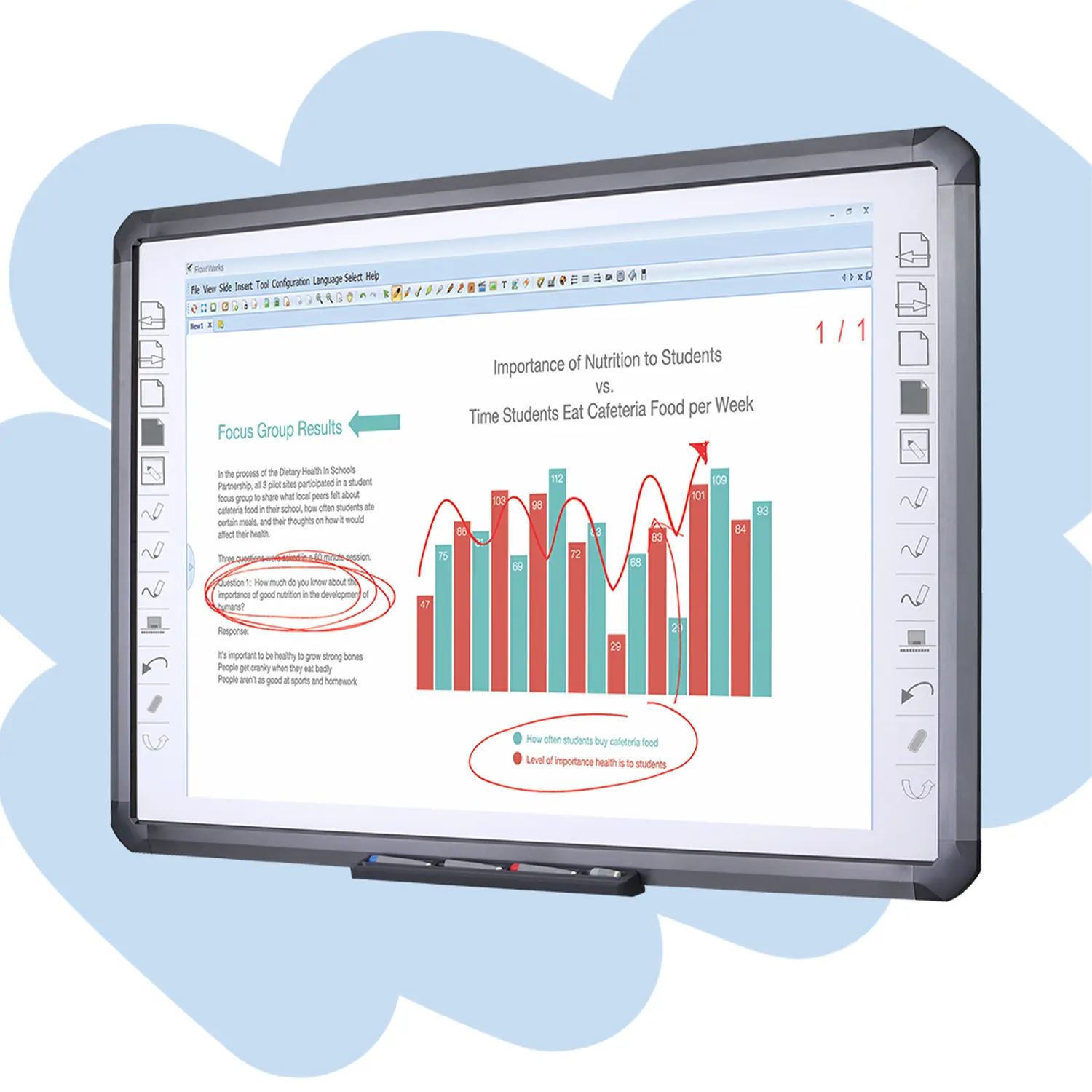
Flow!Works ProUser - friendly whiteboard software, it encompasses a wide range of presentation tools and powerful functions, delivering the most professional presentation experience to you.
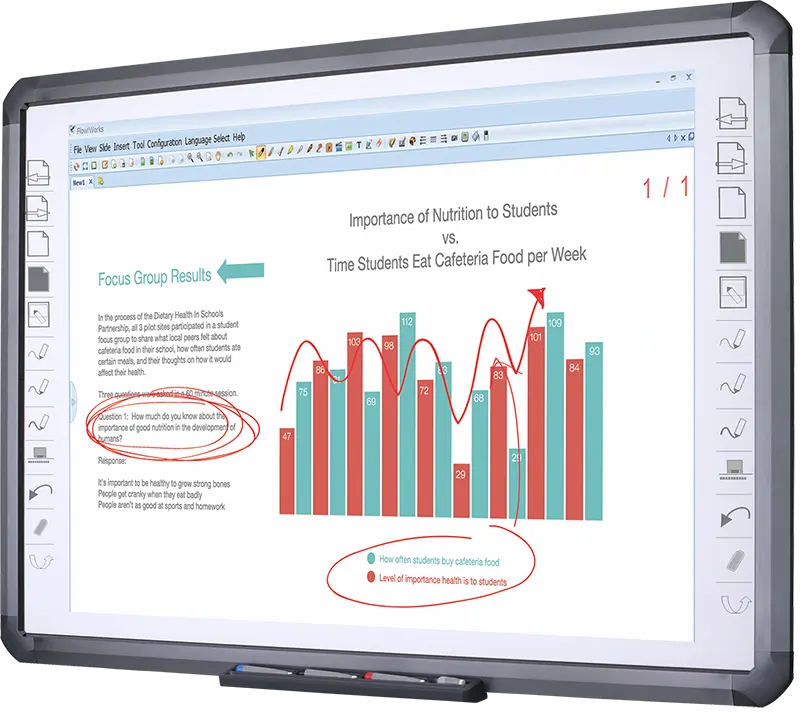
Flow!WorksFlow!Works incorporates more educational tools, further enhancing the interactivity and fun - factor of your teaching.
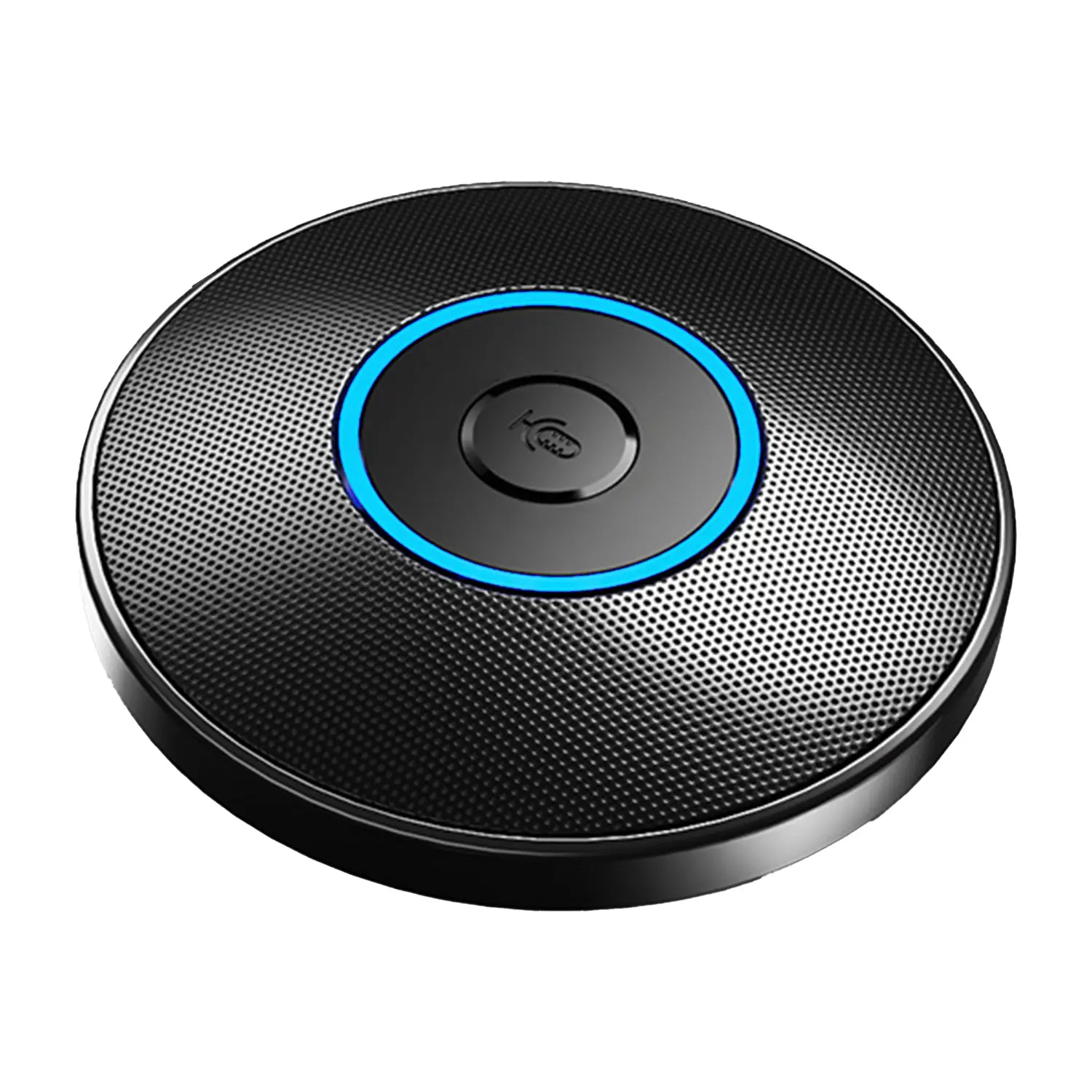
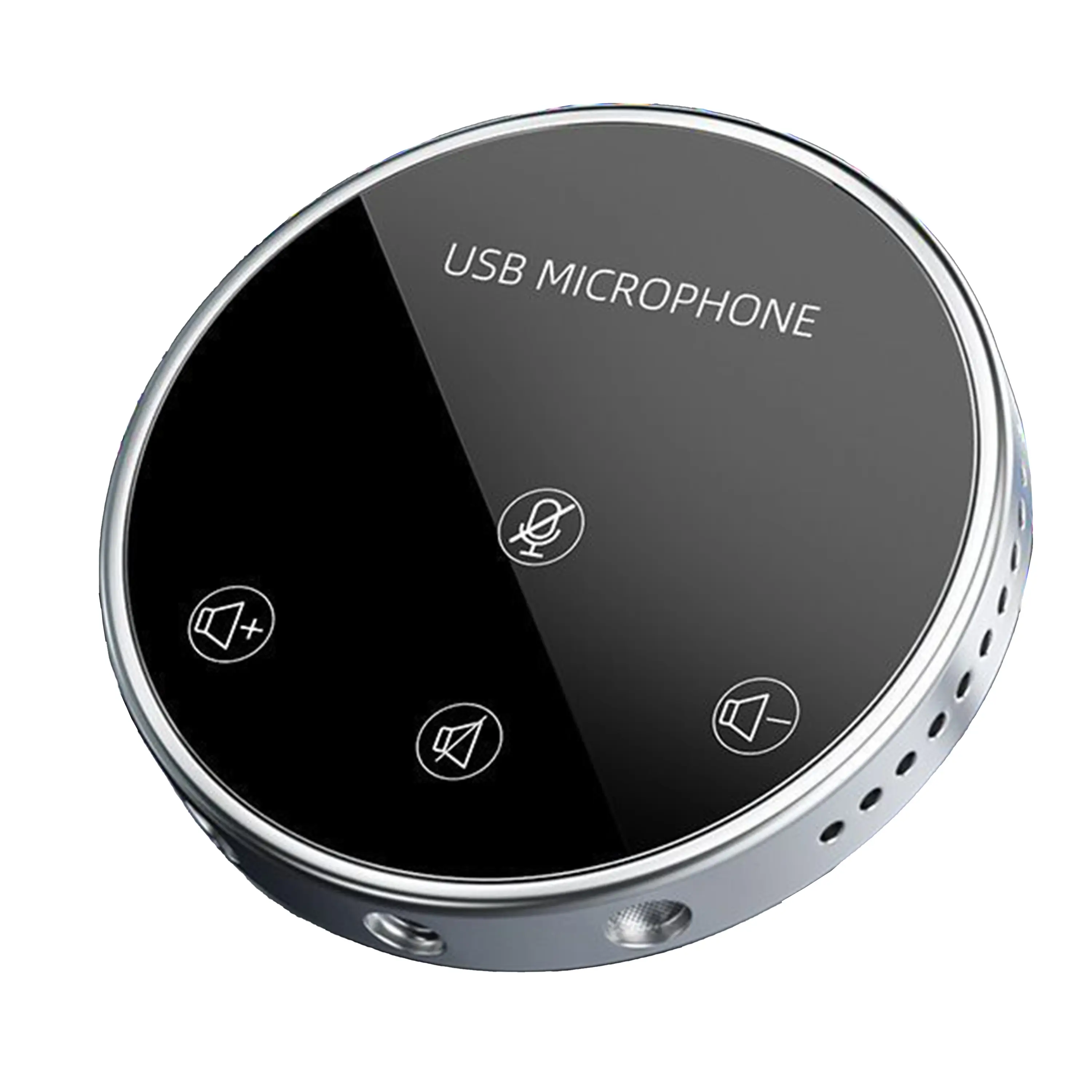
Conference Microphone● USB
● Plug and Play
● Intelligent Noise-Canceling
● 10ft/3m Extended Pickup Range
● 360° Omnidirectional Pickup
Conference Speakerphone● USB-C
● Plug and Play
● Intelligent Noise-Canceling
● 10ft/3m Extended Pickup Range
● 360° Omnidirectional Pickup
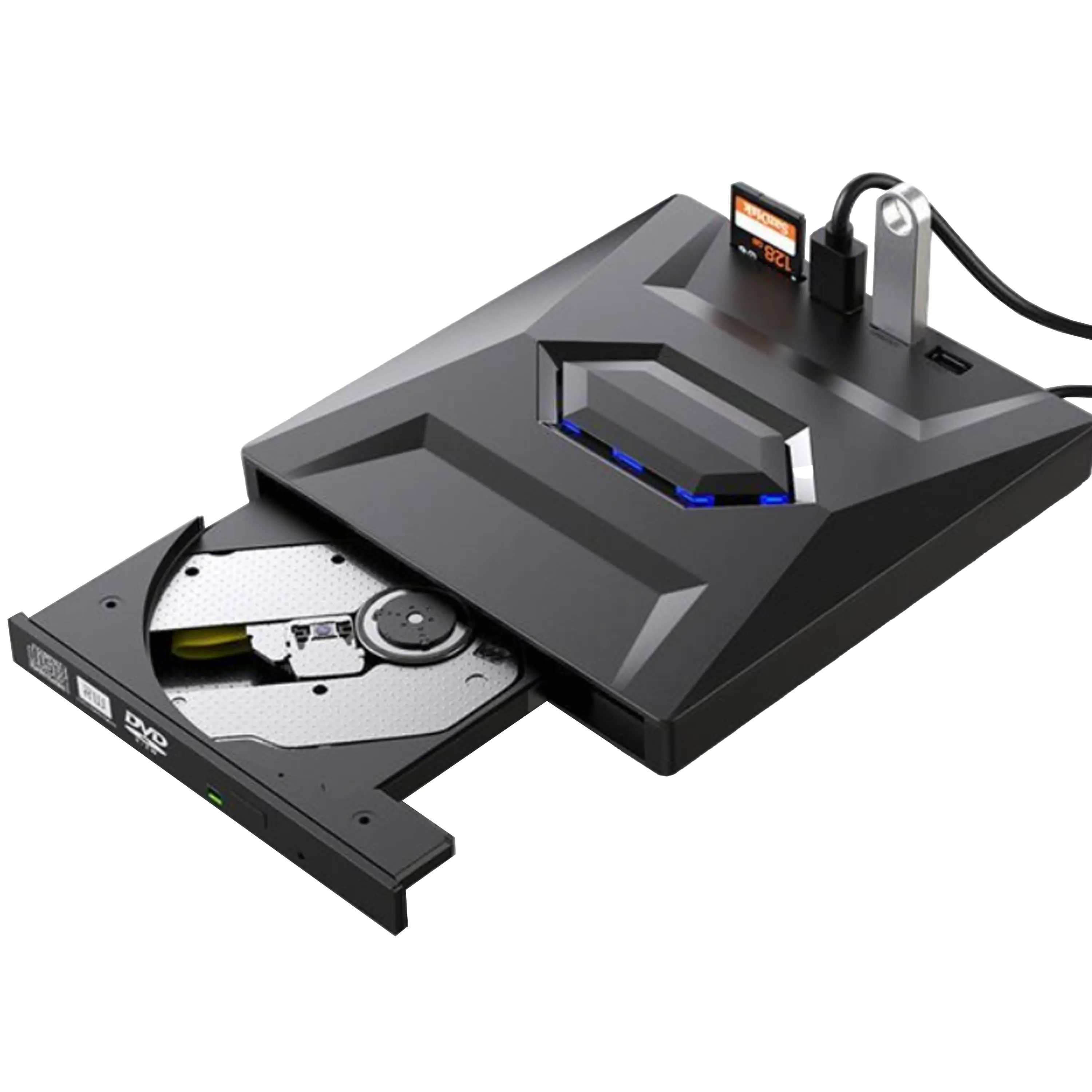
USB External CD/DVD Drive• USB and USB-C
• USB 3.0
• 8x DVD and 24x CD write/read speeds
• Portable
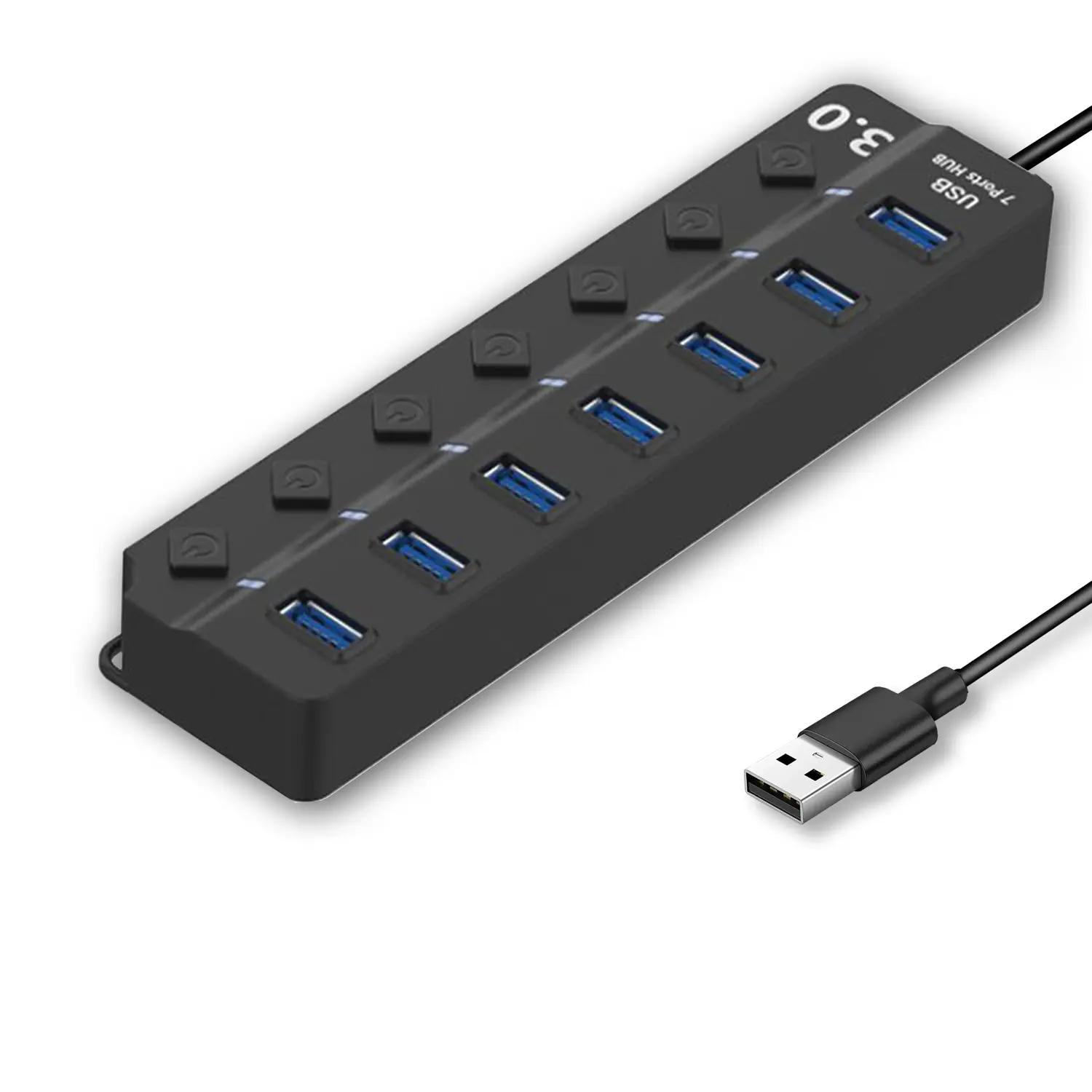
7-Port USB 3.0 Hub● USB 3.0
● Plug and Play
● 7-in-1 USB Hub
● Individual On/Off Switches
Revolutionize Your Presentations and Document Display with QWC 100S Document Camera
Enhance Call Experience: New Conference Microphone Now Available
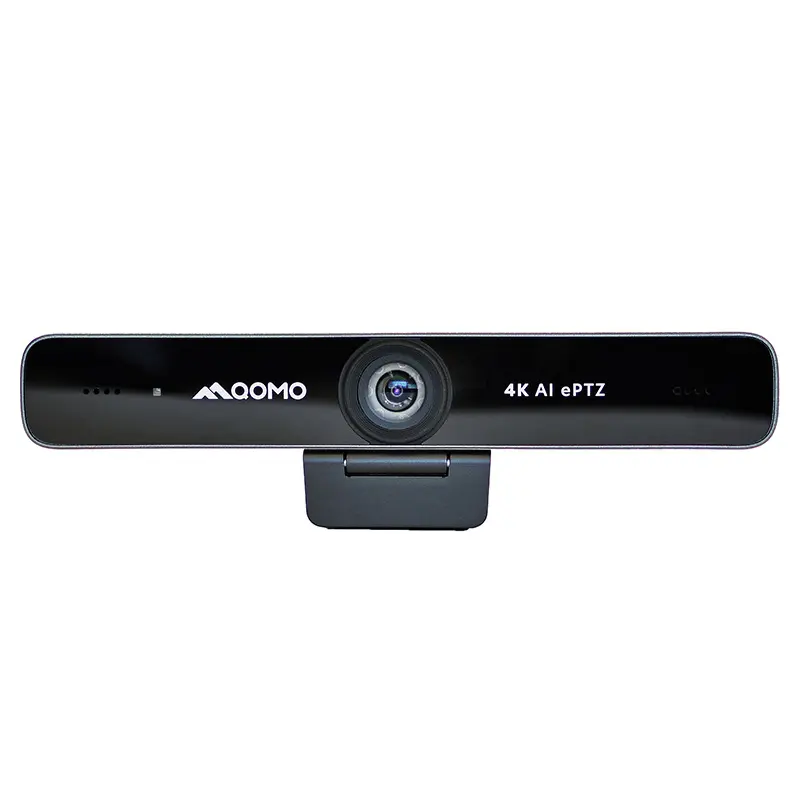
AI-Powered Face-Tracking Webcam
Portable Document Camera Recommendations
Classic Design, Exceptional Functionality: QPC 22 Document Camera
Wireless Screen Mirroring Solution for All Devices
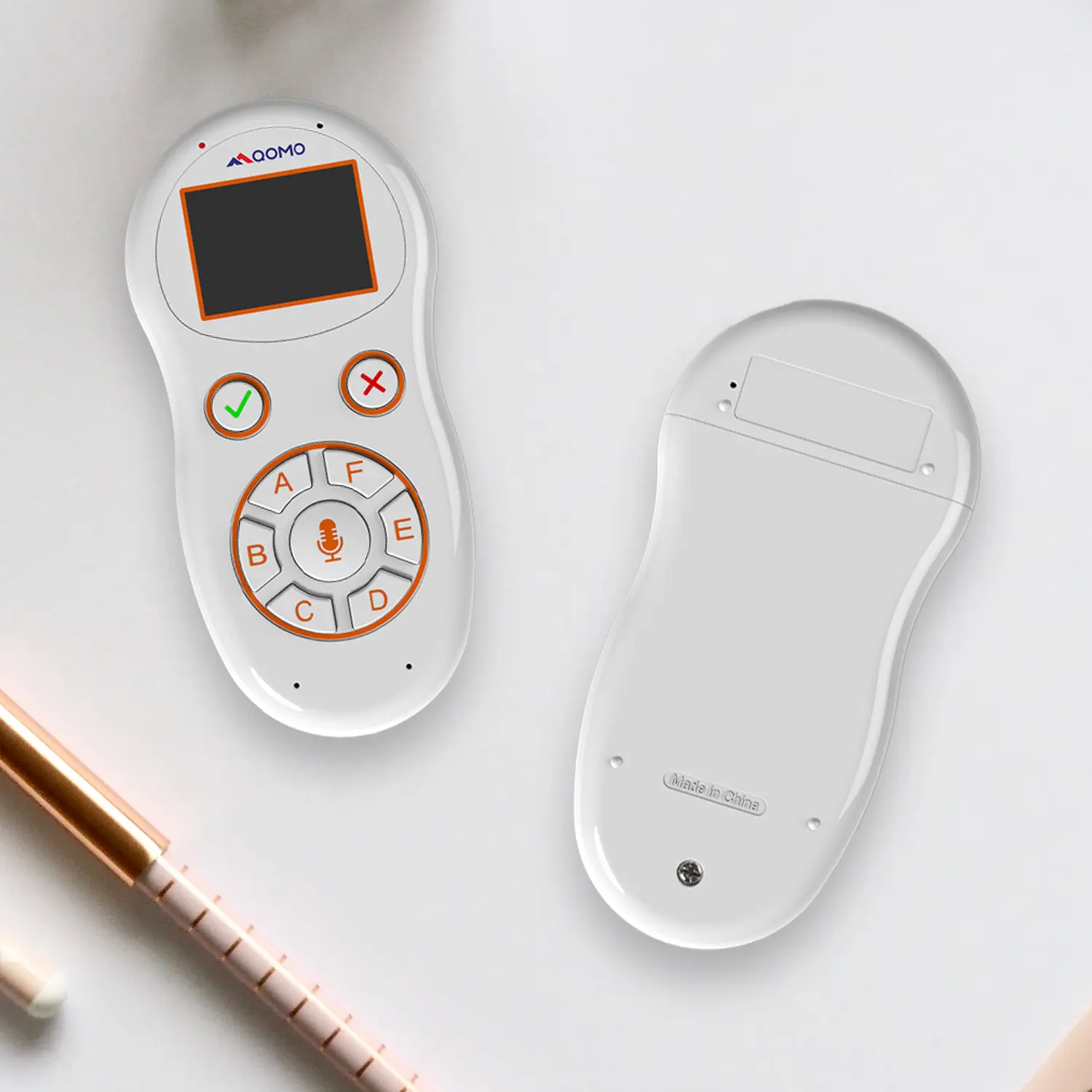
Latest Audience Response System: QRF 999
Introducing the QPC 80H3 Gooseneck Document Camera
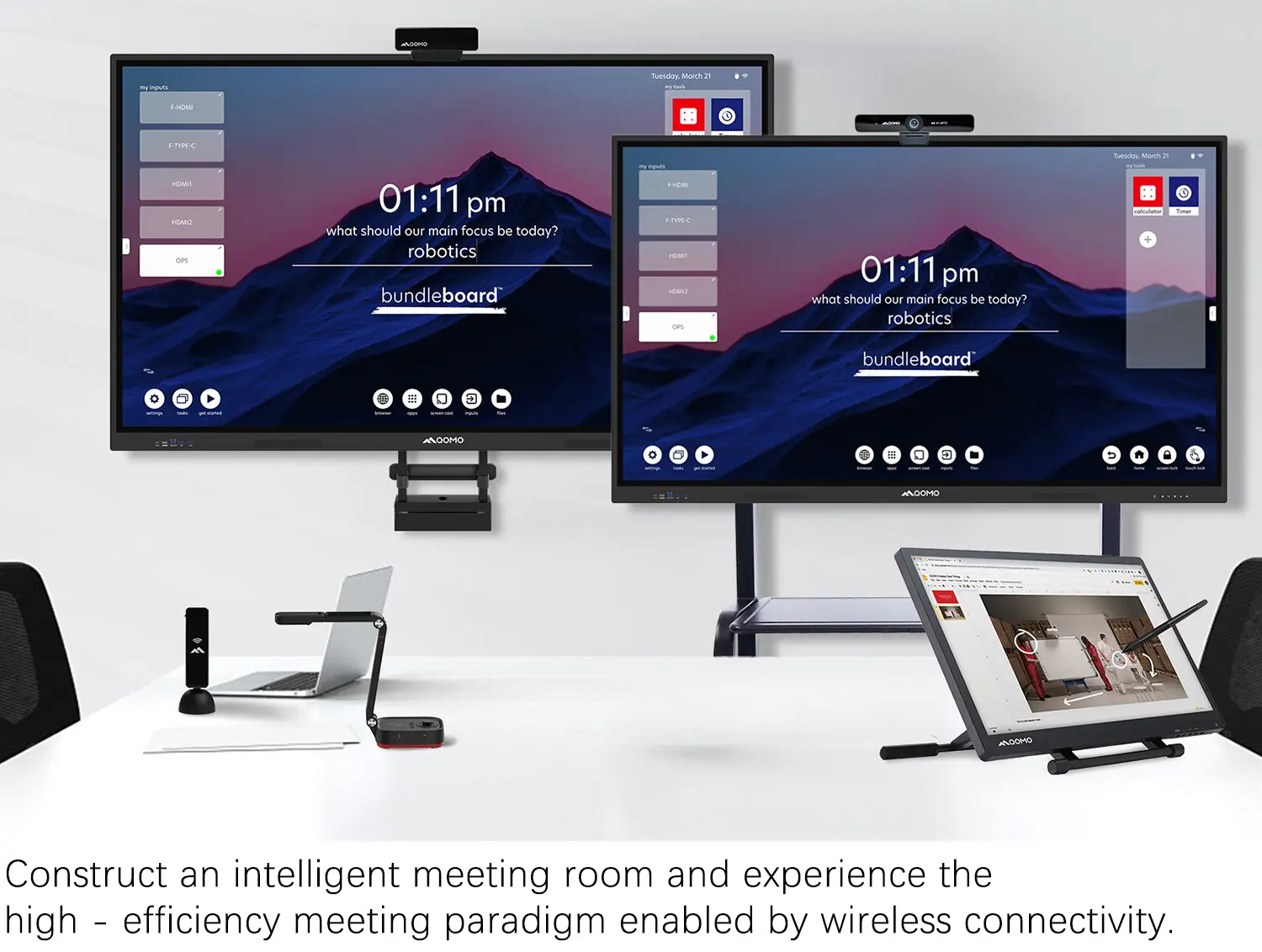
Creating a Smart Integrated Classroom: What Do You Need?
Wireless Connectivity Upgraded: WiFi-Free Wireless Document Receiver
Flow!Works Pro: Interactive Whiteboard Software for Engaging Classrooms
How to Choose the Perfect Document Camera and Elevate Productivity
QWC 004 Conference Webcam: The Top Choice for Remote Education
QCamera: Dedicated Software for Document Cameras to Elevate Your Presentations
QRF999 Voice Response System: Enhancing Teacher-Student Interaction
Work From Home? Maybe You Should Try This Document Camera
The Ultimate Educational Tool: Gooseneck Document Camera
60GHz Millimeter-Wave Wireless Screen Sharing: QShare 100
What Does a Modern Conference Room Need?
QD5000 Document Camera: Unimaginable Versatility!
QWC 004: The Most Cost-Effective Webcam
QVote Interactive Classroom Response System Software
Functionality, Aesthetics, Portability! Meet the QWC 100S Document Camera!
Why Choose the BundleBoard H/H2 Interactive Flat Panel?
Save Your Budget—Introducing the All-New QPC 70 Document Camera!
QIT 600F3: Revolutionize Your Presentations
QCamera: Professional Document Camera Software
QPC 5: The Ultimate 4K Portable Document Camera
Elevate Your Meetings in Seconds: QWC 006 Webcam
Meet QOMO at ISE 2025
Wireless Document Camera Solution, Revolutionizing Wireless Technology
QRF Series, Transform Your Classroom!
QOMO, Building Intelligent Classrooms
QOMO QShare100 New Release
Outstanding Office Equipment Recommendations
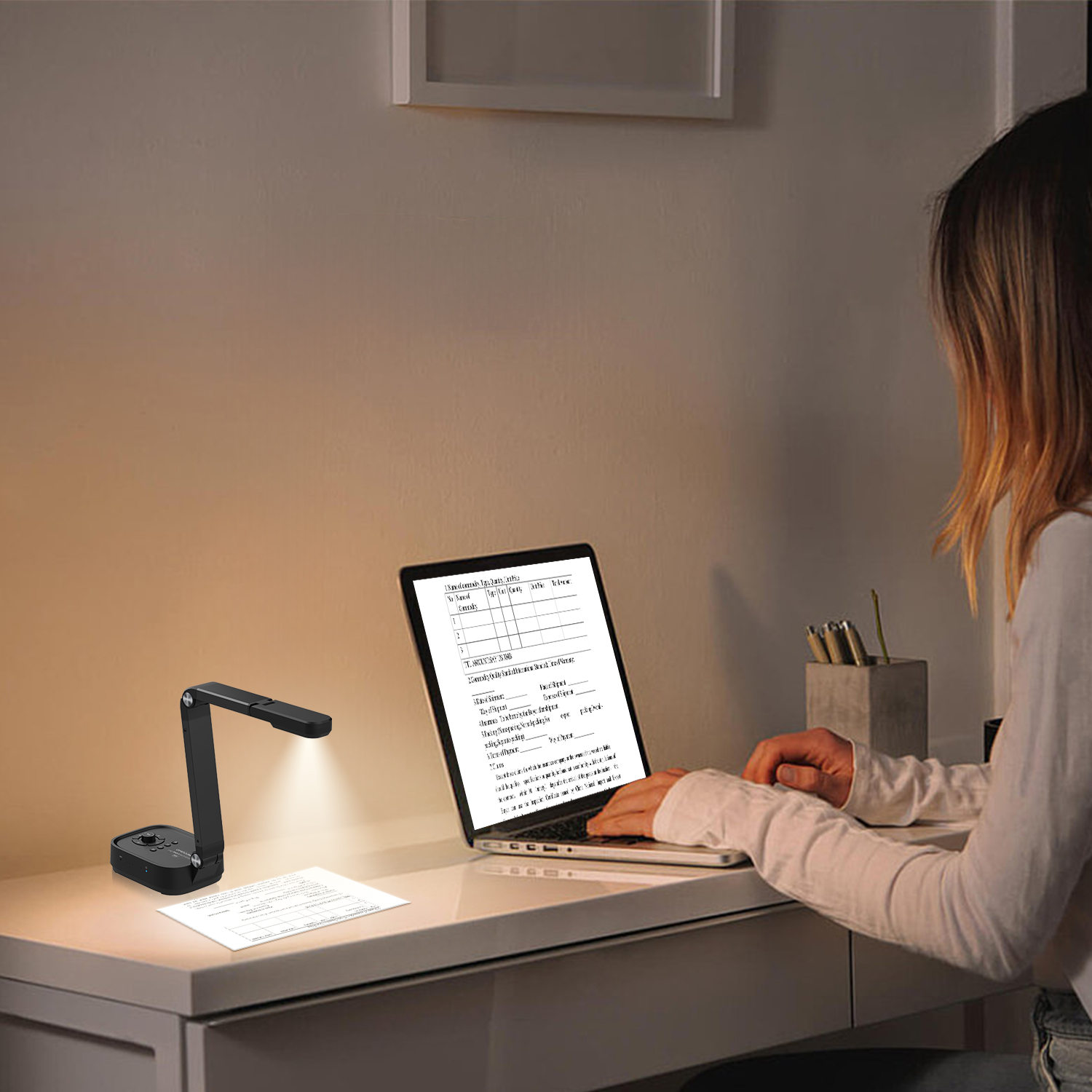
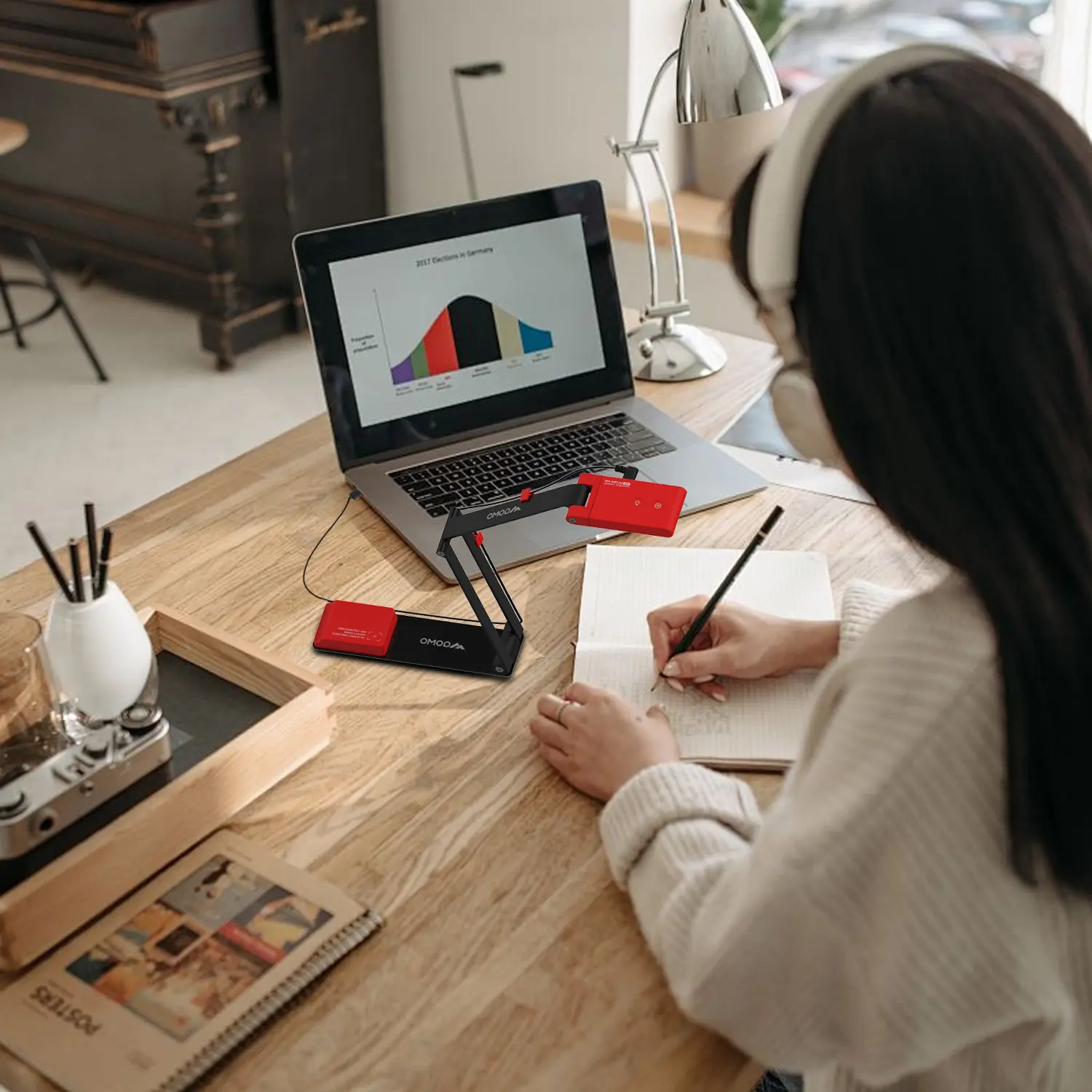
In today’s fast-paced world, efficiency is key. A Portable Document Scanner can be a game changer. It simplifies the process of digitizing paperwork. With several models available, making the right choice is crucial.
When selecting a Portable Document Scanner, consider your specific needs. Some models excel in speed. Others have exceptional image quality. Portability and battery life are also important. A scanner should be lightweight and easy to carry. Users often share their experiences about the performance of different brands. This feedback can be invaluable in your decision-making.
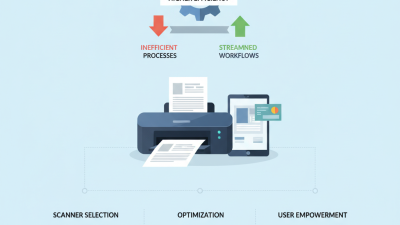
As technology advances, 2026 promises exciting options. It is essential to stay informed about new features. Research is necessary to understand what suits you best. A scanner should not only meet current needs but also adapt to future tasks. If a scanner lacks efficiency, it can lead to frustration. Evaluating various reviews helps in finding a reliable option. The right Portable Document Scanner can enhance productivity and streamline your workflow.
When selecting a portable document scanner, the features should drive your choice. A robust image resolution is crucial. According to industry reports, scanners with at least 600 dpi produce sharper, more readable documents. Consider models with duplex scanning capabilities, which can scan both sides simultaneously. This feature can save time and enhance efficiency, especially in busy environments.
Connectivity options also play a significant role. Many modern scanners offer Wi-Fi and Bluetooth capabilities, allowing seamless file transfers to mobile devices and cloud storage. This is especially important as more workers shift to hybrid models. A scanner's compatibility with various operating systems can influence your decision too. Some devices may not support certain platforms well, leading to frustration.
Battery life should not be overlooked. Look for scanners that can operate for several hours on a single charge. This can be vital for professionals who need to scan on the go. Furthermore, consider the weight and portability. Scanners that are too bulky can hinder easy transport. While many options provide great features, some may fall short on practical use. Evaluate your needs carefully before making a decision.
This chart displays key features to consider when choosing a portable document scanner, comparing different options based on scan speed, battery life, size, resolution, and weight. Use this data to make informed decisions for 2026 options.
When considering portable document scanners in 2026, several options stand out. Users prioritize lightweight design, fast scanning speed, and high-resolution output. Many models offer wireless connectivity, enabling easy transfer to smartphones or tablets. Look for options that support various file formats, including PDF and JPEG, which enhances versatility.
Battery life is a crucial factor too. Some scanners may not last through a full day of use. Users should test battery performance before purchase. Additionally, software compatibility can be an issue. Ensure the scanner works well with your existing applications. Some come with OCR features for text recognition, while others may lack this functionality.
Pricing varies widely, often reflecting features and build quality. It's important to balance cost with desired functionality. User reviews can provide insight into real-world performance. Features that seem essential may not always meet expectations. Take time to compare options carefully. Making an informed choice is key to getting the best portable scanner for your needs.
User reviews indicate a growing preference for portable document scanners, especially for businesses and students. According to recent industry reports, portability and image quality are key factors in user satisfaction. A survey revealed that 75% of users prioritize compact design, while 68% stress the importance of high-resolution scanning. Customers appreciate devices that can seamlessly integrate with cloud services for easy access.
However, not all experiences are positive. Some users report connectivity issues with mobile apps. This can affect workflow efficiency. In fact, one-third of surveyed users noted frustration with wireless connections. The feedback highlights a need for more reliable software support. Another point of concern is battery life. Customers often seek devices that can handle multiple scans without constant recharging.
Additionally, many users wish for features like double-sided scanning to enhance functionality. Current models often lack this capability, leaving room for improvement. Communication with manufacturers could help address these common issues. In the rapidly evolving market, understanding user needs will lead to better designs and enhancements.
| Model | Scan Speed (ppm) | Resolution (dpi) | Connectivity | User Rating (out of 5) |
|---|---|---|---|---|
| Portable Scanner A | 15 | 600 | USB, Wi-Fi | 4.5 |
| Portable Scanner B | 10 | 300 | USB, Bluetooth | 4.0 |
| Portable Scanner C | 20 | 1200 | Wi-Fi, Cloud | 4.7 |
| Portable Scanner D | 8 | 400 | USB | 3.8 |
| Portable Scanner E | 12 | 600 | Wi-Fi, USB | 4.2 |
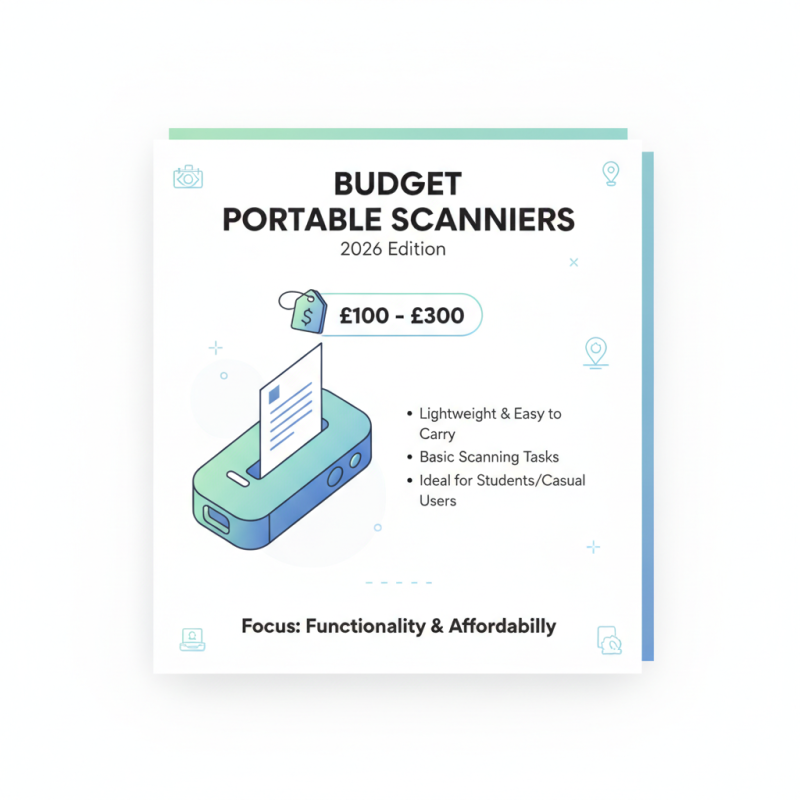
When choosing a portable document scanner in 2026, price plays a crucial role. Budget options typically cost between $100 to $300. These scanners are often lightweight and easy to carry. They may lack advanced features but can still handle basic scanning tasks effectively. Ideal for students or casual users, they focus on functionality and affordability.
In the premium segment, prices range from $300 to $700. These scanners usually offer faster speeds, higher resolution, and advanced features like wireless connectivity and automatic document feeding. Professionals, such as lawyers or architects, benefit from the quality and efficiency of premium options. However, the investment can be daunting, and users must reflect on their specific needs.
Reflecting on price versus performance is essential. A lower-priced scanner may suffice for light use. Yet, frequent users could waste time and resources on lower-quality devices. They should consider their usage frequency and requirements. Striking a balance between budget and performance ensures a wise decision.
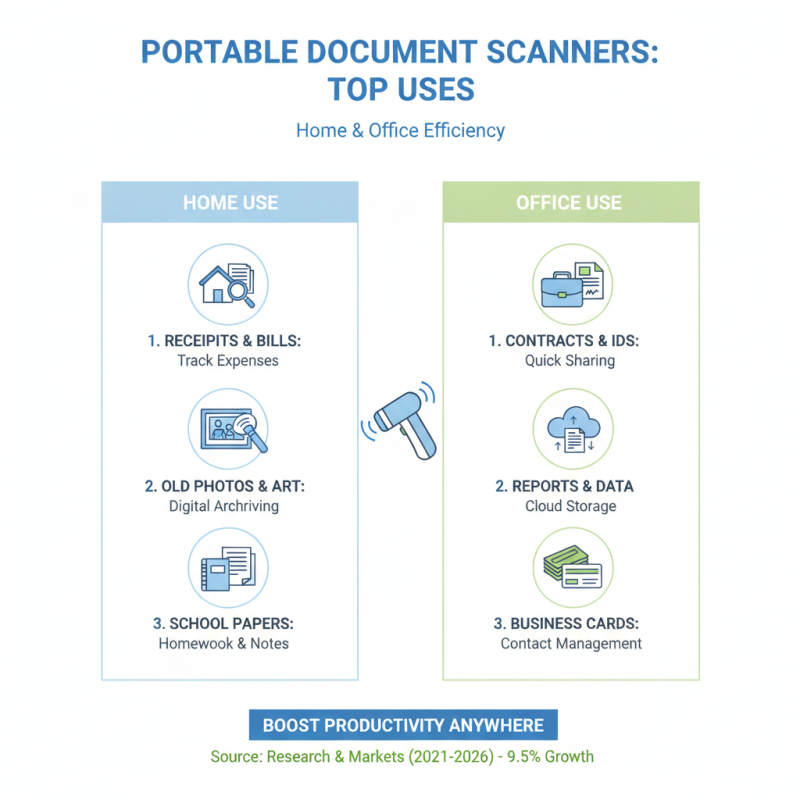
Portable document scanners have become essential tools in both home and office environments. Their compact design allows users to digitize documents quickly, enhancing workflow efficiency. According to a report from Research and Markets, the global document scanning market is expected to grow by 9.5% from 2021 to 2026. This growth indicates an increasing reliance on digital documentation.
In home office settings, portable scanners are particularly useful for organizing paperwork. They enable users to convert receipts, tax documents, and contracts into digital formats. This transformation not only saves physical space but also facilitates easier retrieval. A survey by Statista found that nearly 70% of remote workers use digital document management tools regularly. Scanning documents provides a reliable backup, reducing anxiety about lost papers during tax season or important deadlines.
In corporate settings, portable document scanners assist in streamlining operations. Employees can quickly scan business cards, contracts, or meeting notes. The efficiency gains can be significant, as studies suggest that employees spend approximately 20% of their time searching for documents. However, one should be aware that not all scanners handle varied paper types equally well. Some models may struggle with glossy pages or thick documents, indicating a need for careful selection.