+86 152 8002 3723
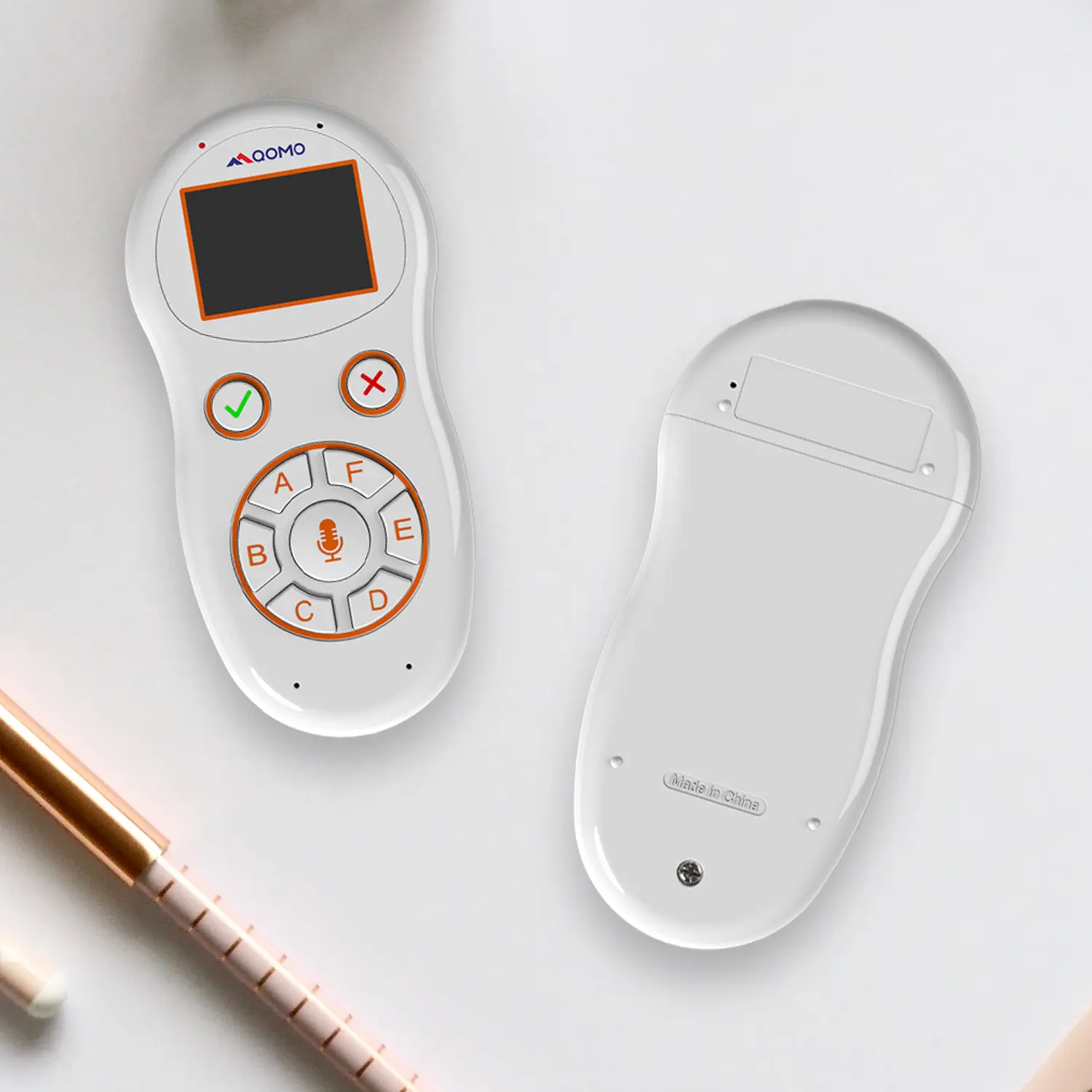
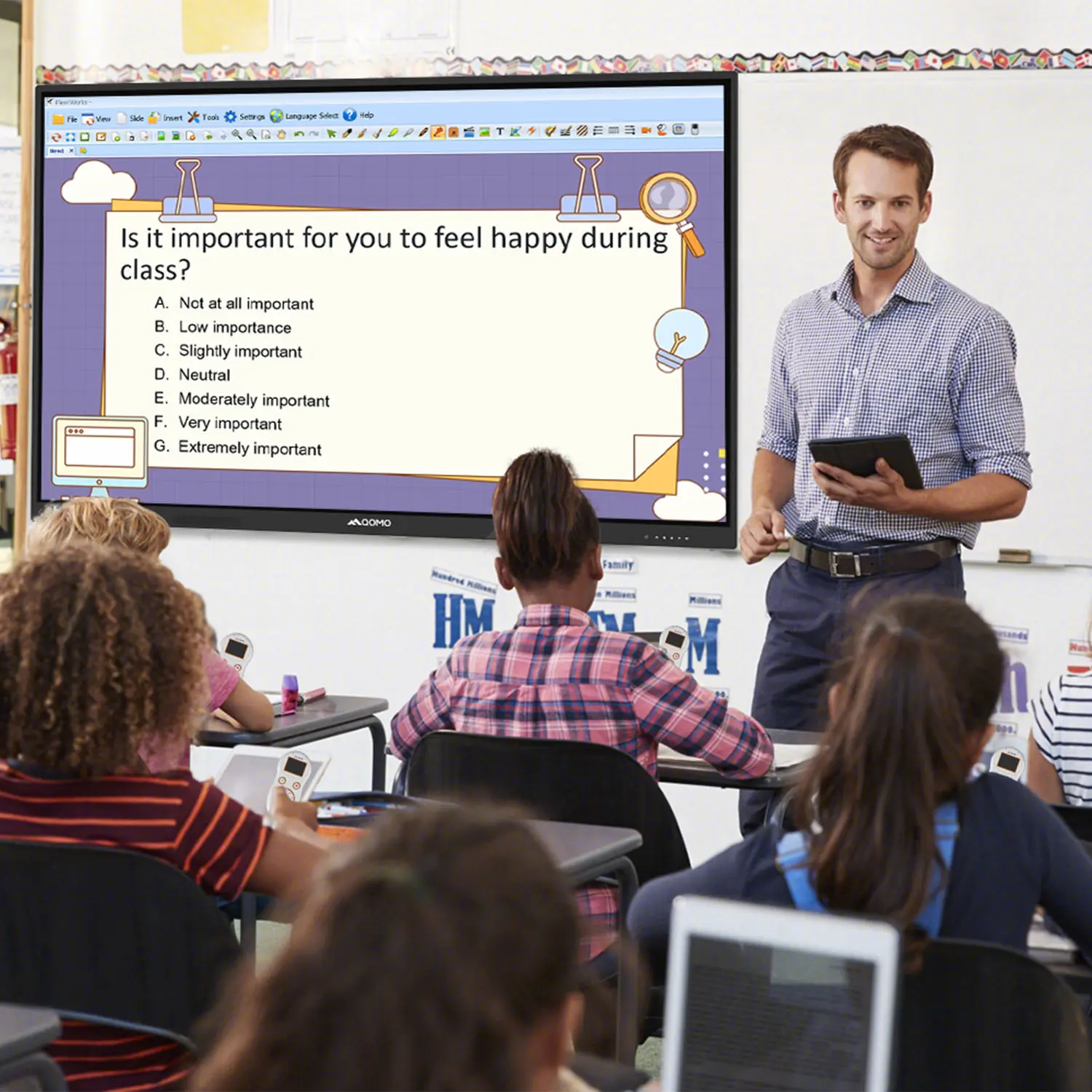
QVoteProfessional Audience Response System software offers the most convenient functions for your interactions.
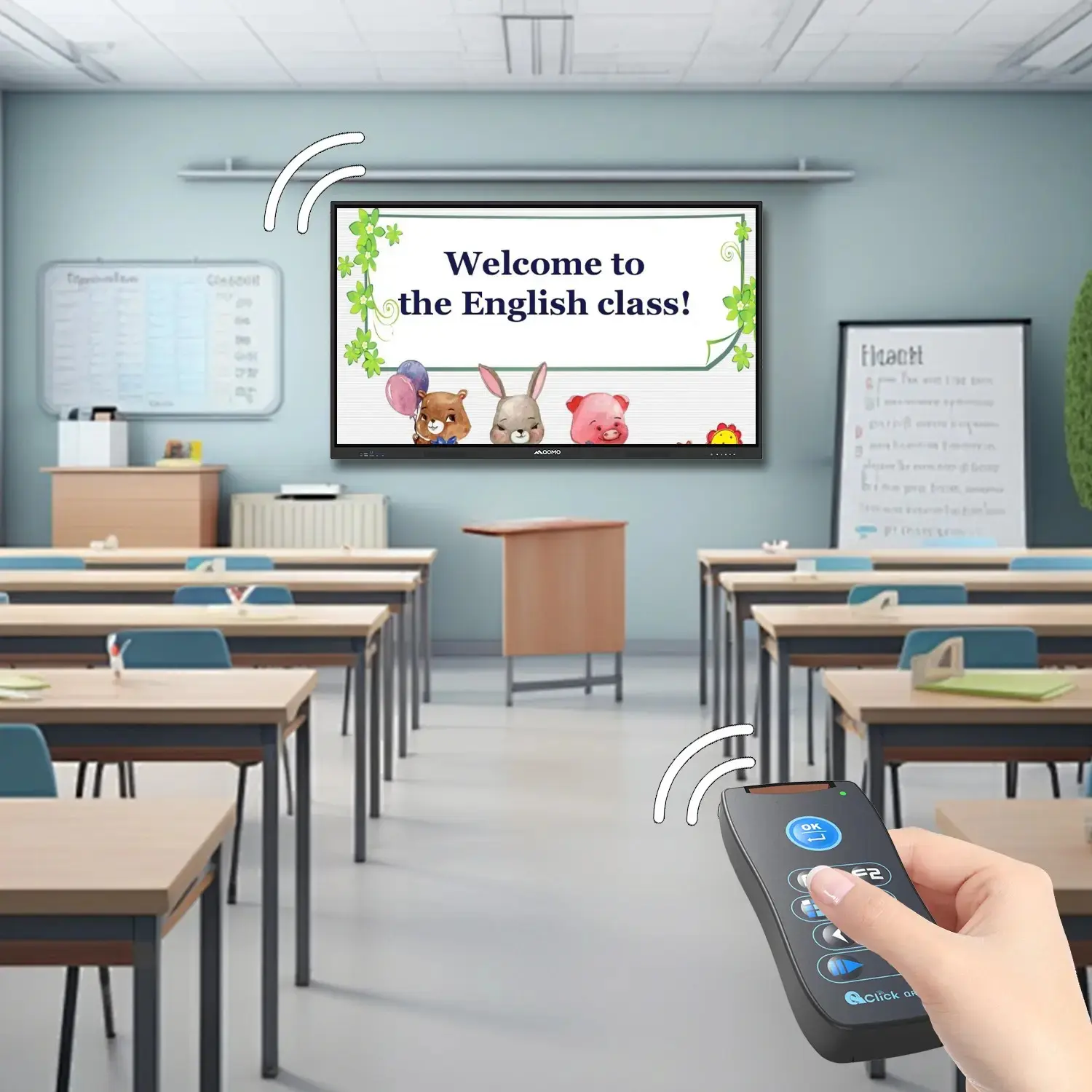
QClickThe most convenient educational software for working with Microsoft PowerPoint to quickly set up various question types and generate intelligent feedback reports.
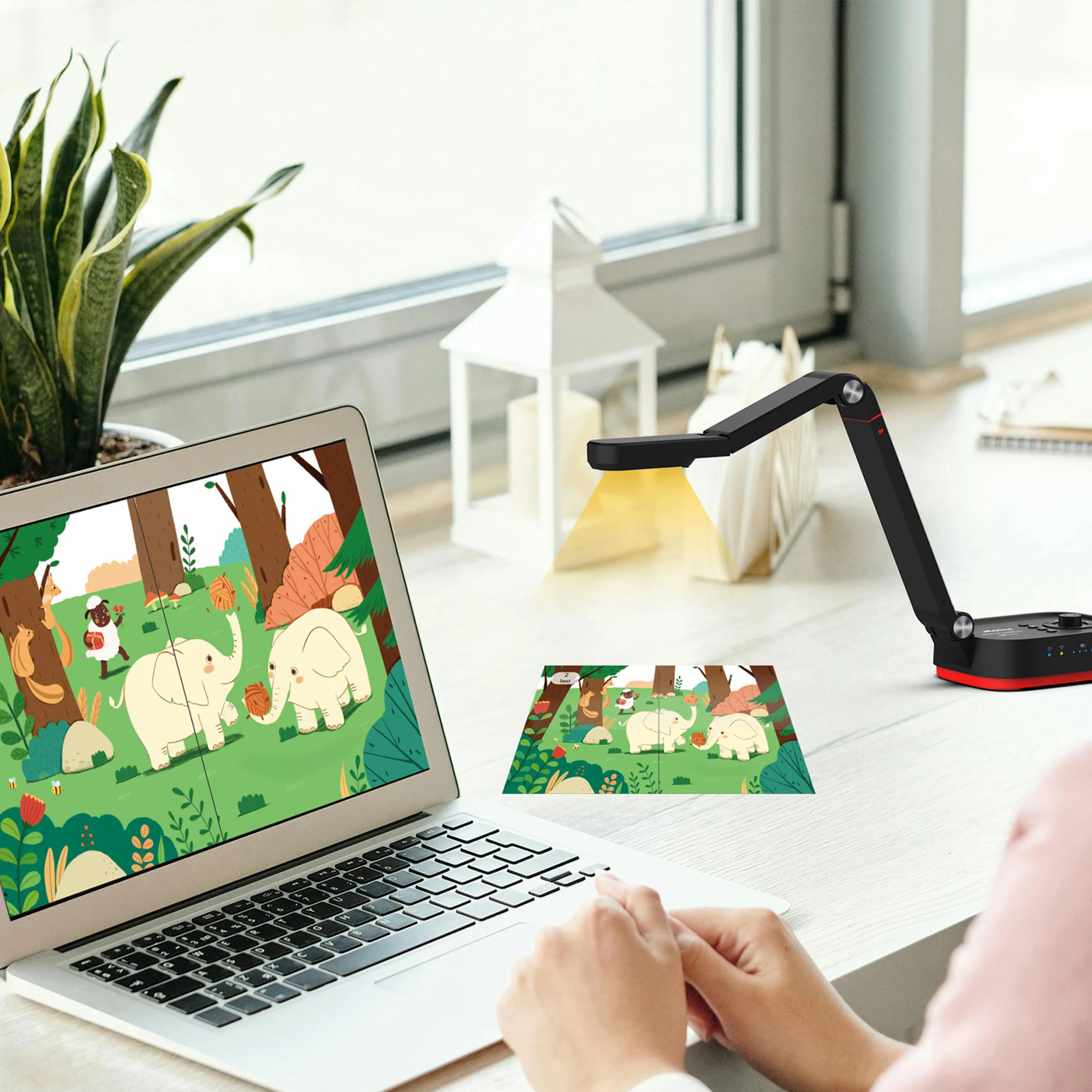
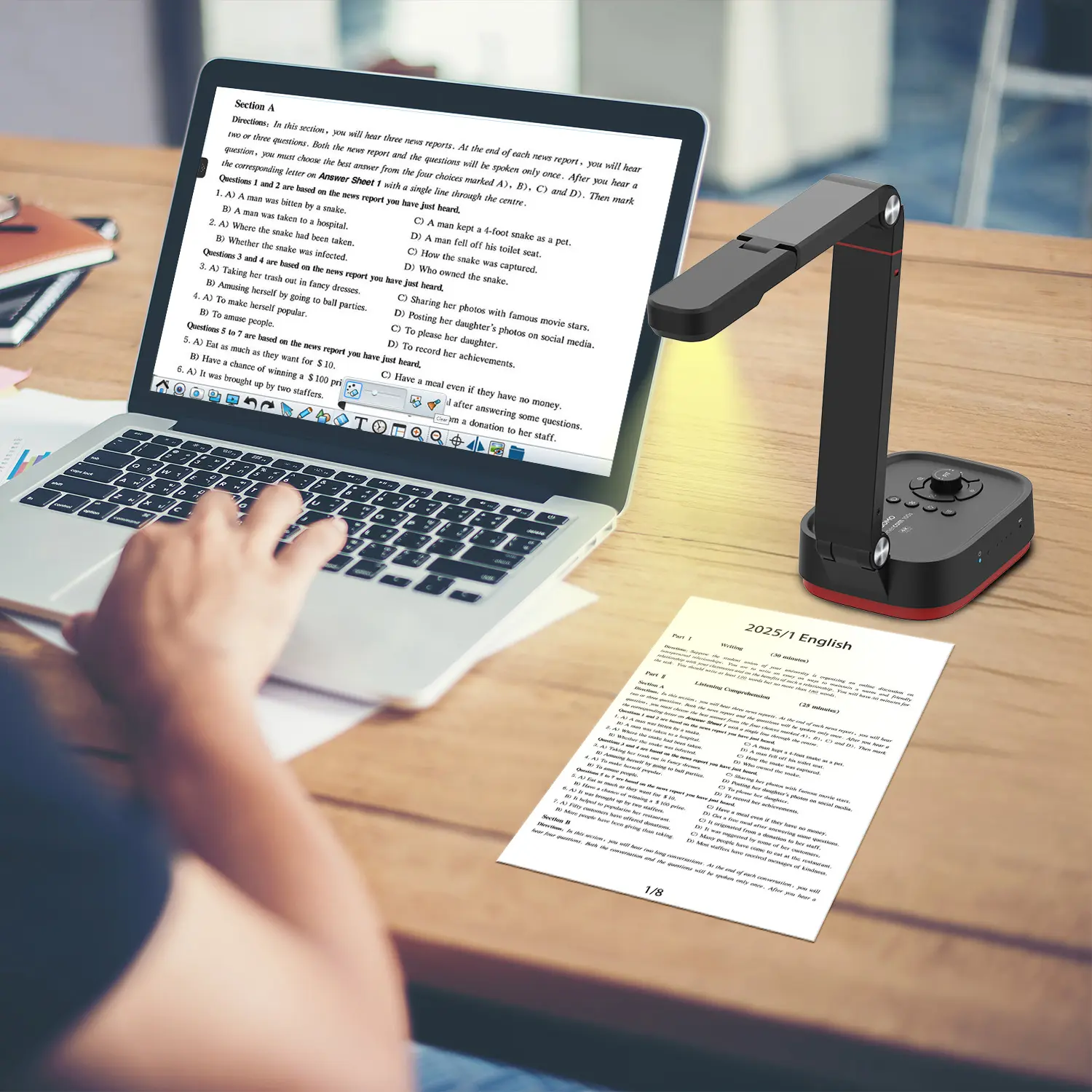
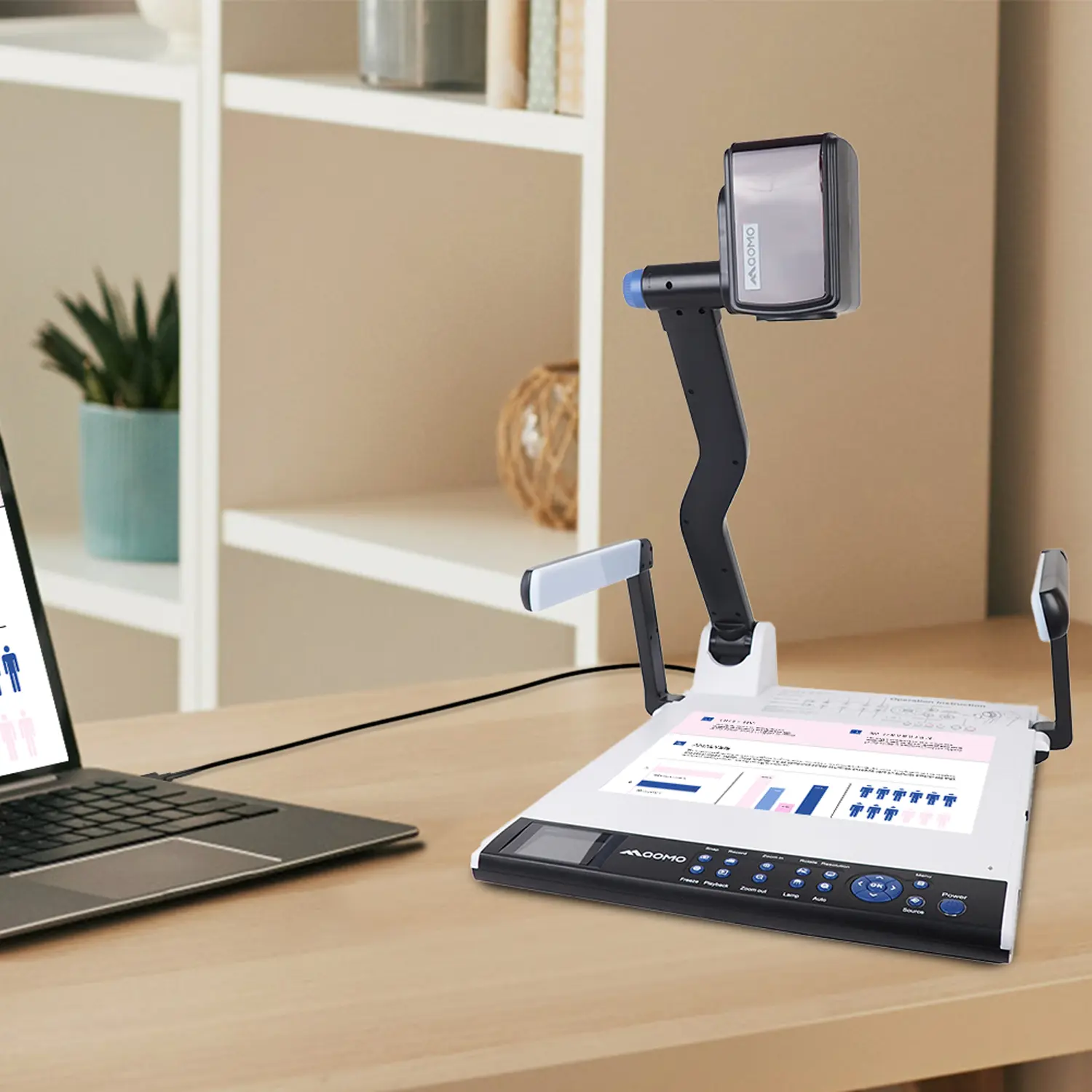
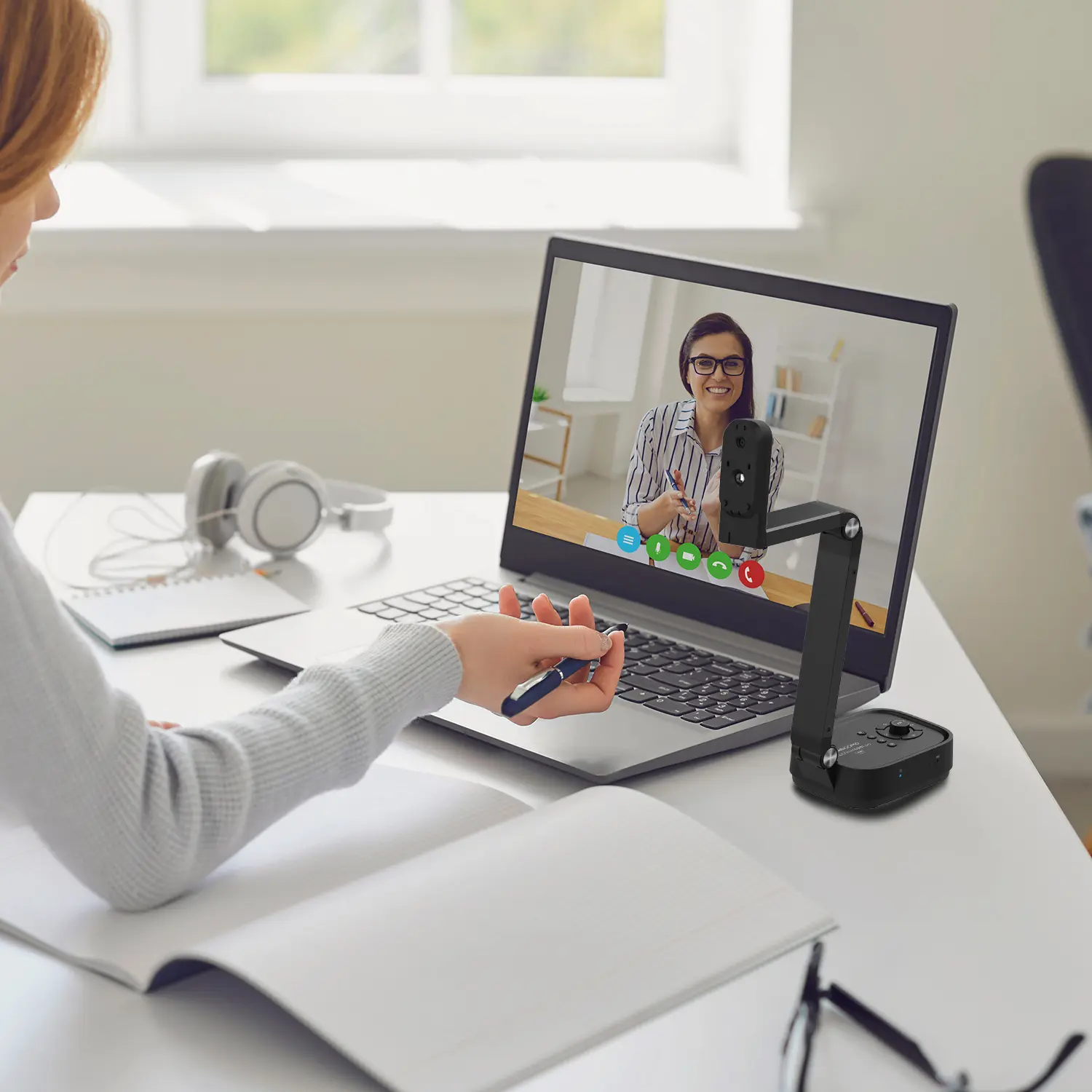
QCameraQCamera by QOMO allows for real-time streaming from cameras and document cameras. Annotate, save snapshots, record, and manipulate camera images instantly.
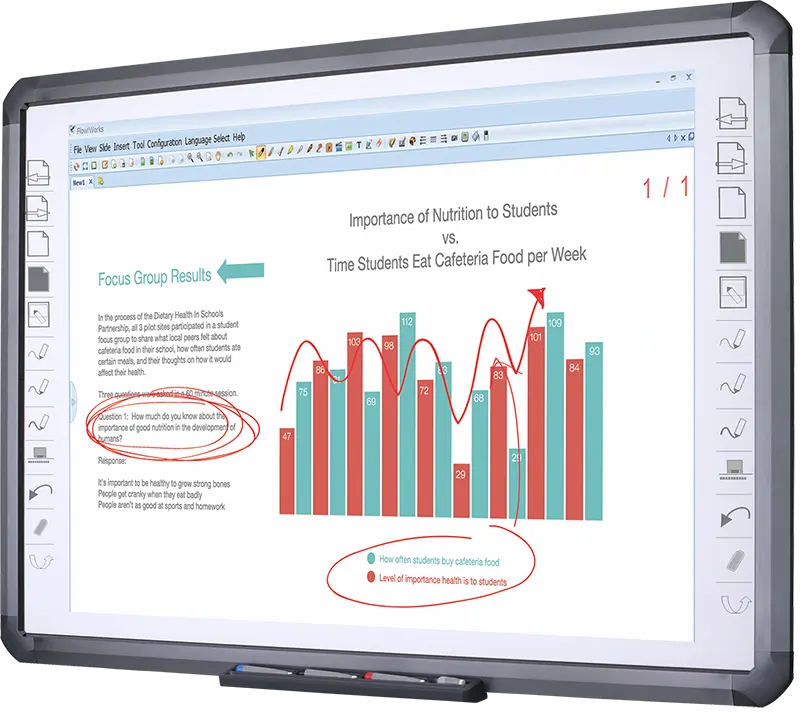
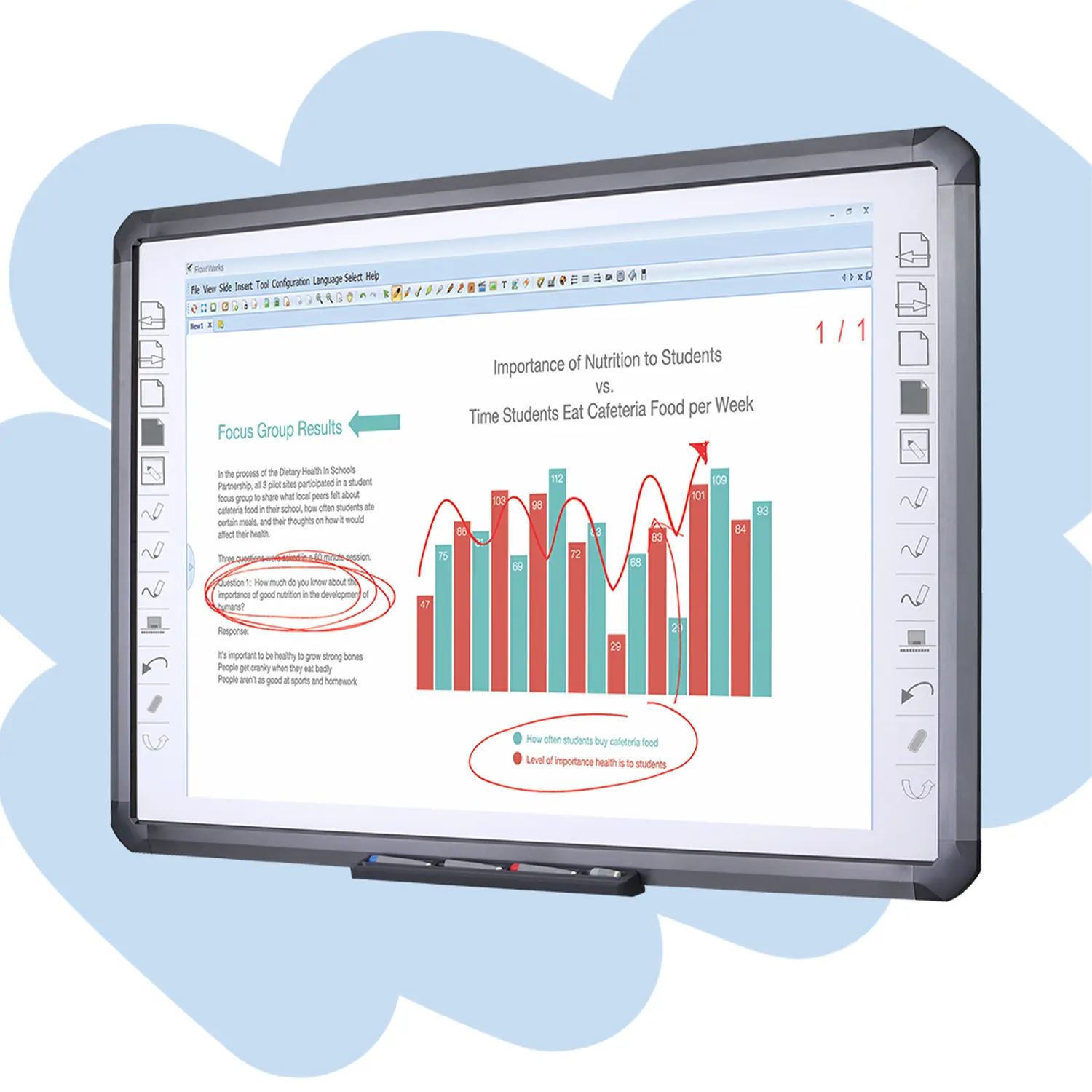
Flow!Works ProUser - friendly whiteboard software, it encompasses a wide range of presentation tools and powerful functions, delivering the most professional presentation experience to you.
Flow!WorksFlow!Works incorporates more educational tools, further enhancing the interactivity and fun - factor of your teaching.
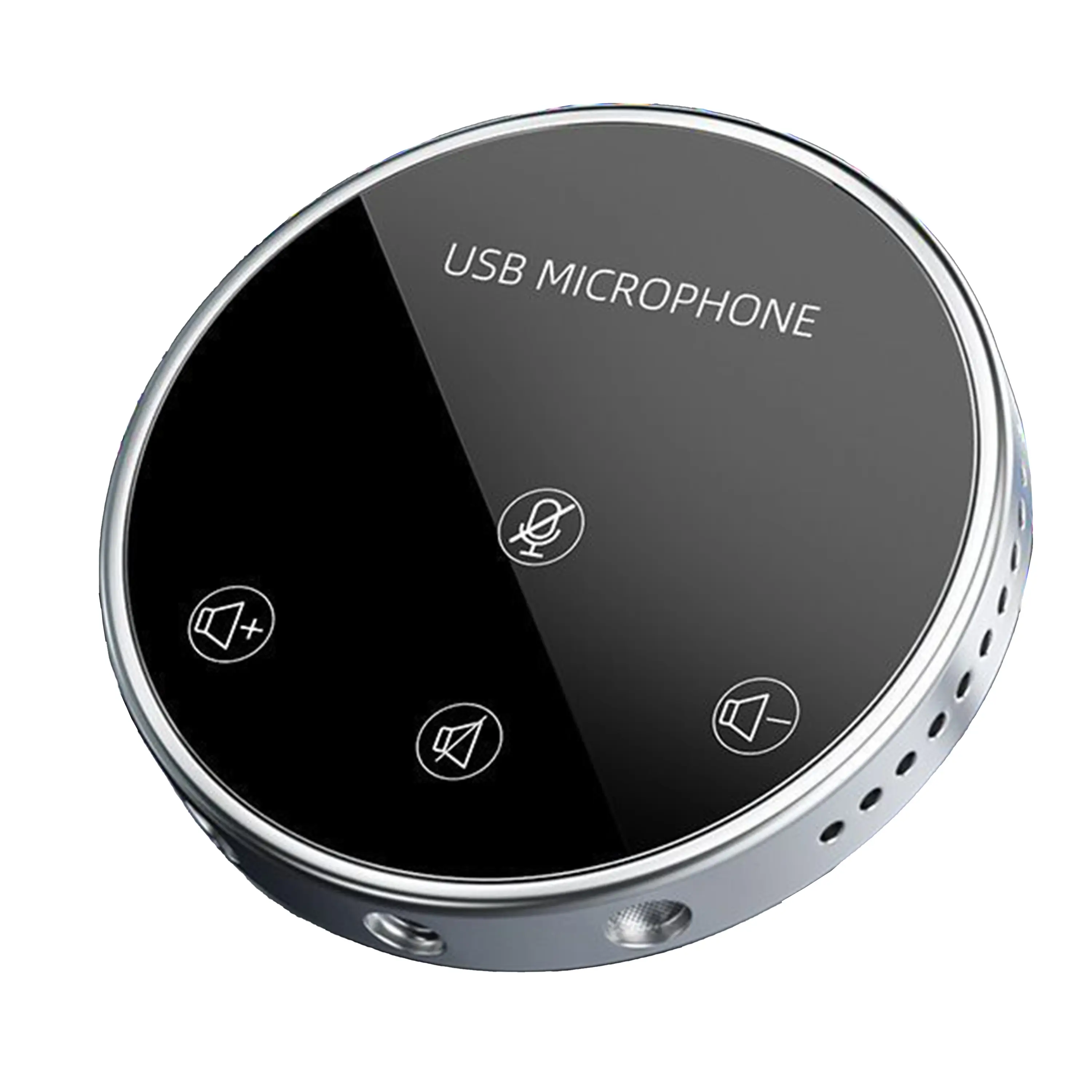
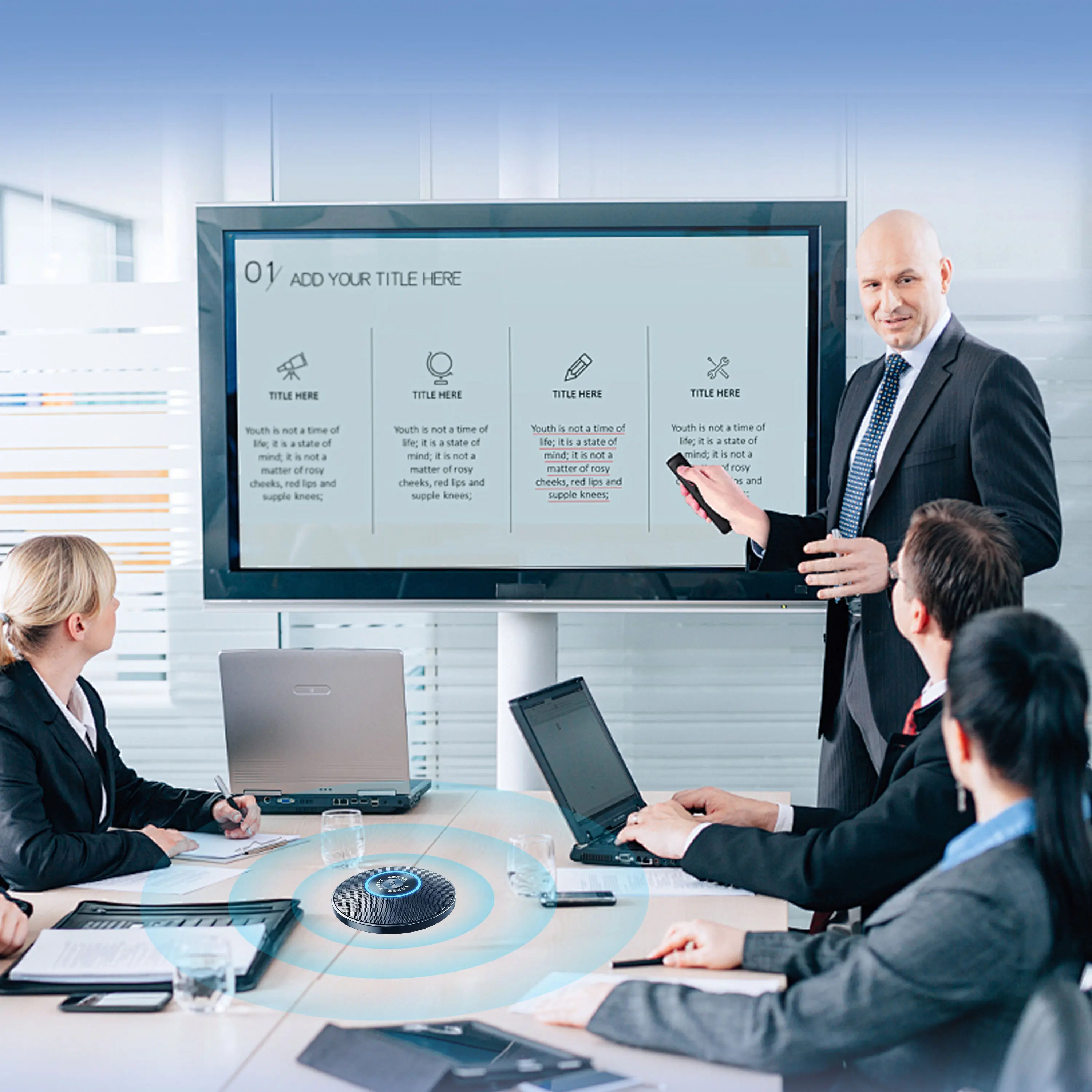
Conference Microphone● USB
● Plug and Play
● Intelligent Noise-Canceling
● 10ft/3m Extended Pickup Range
● 360° Omnidirectional Pickup
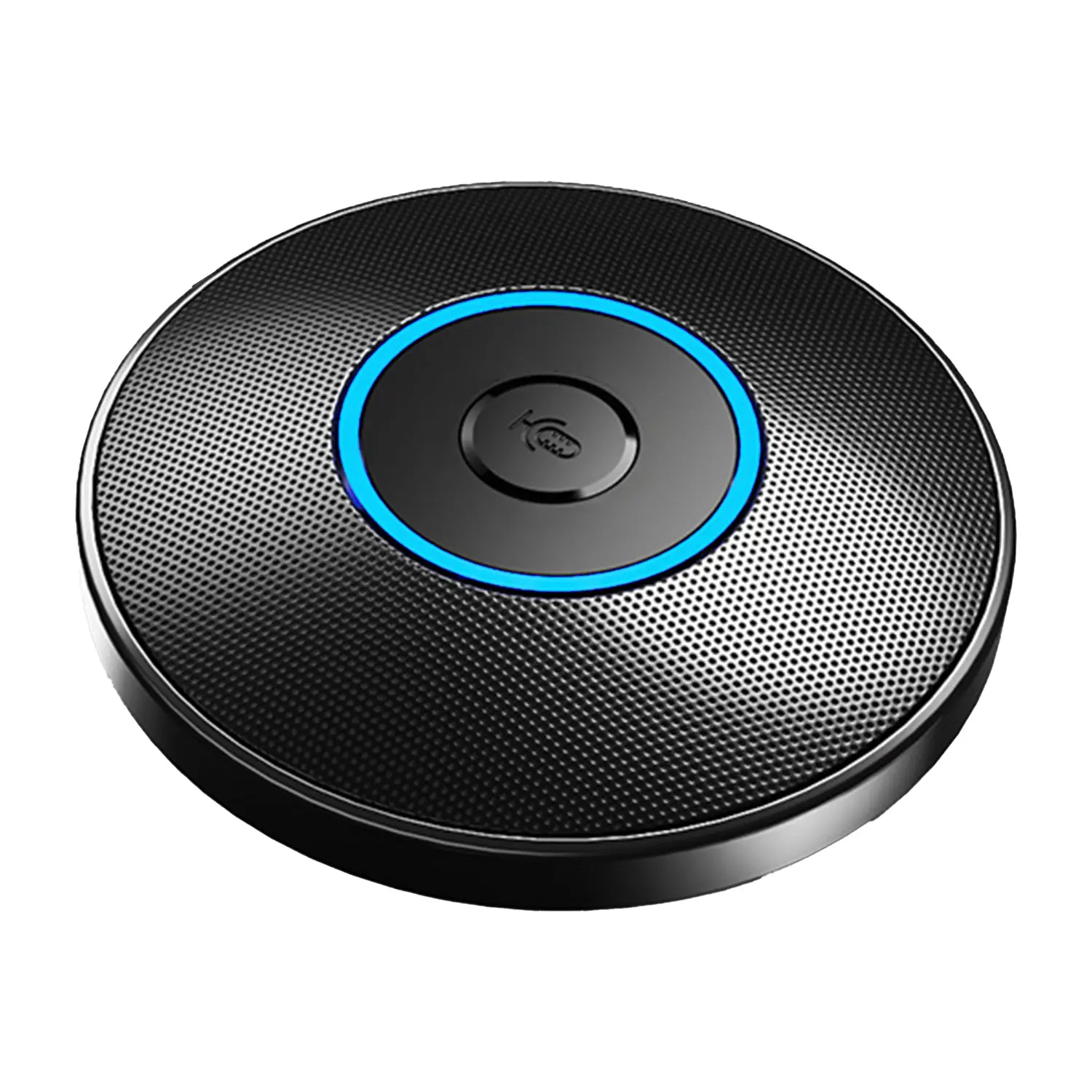
Conference Speakerphone● USB-C
● Plug and Play
● Intelligent Noise-Canceling
● 10ft/3m Extended Pickup Range
● 360° Omnidirectional Pickup
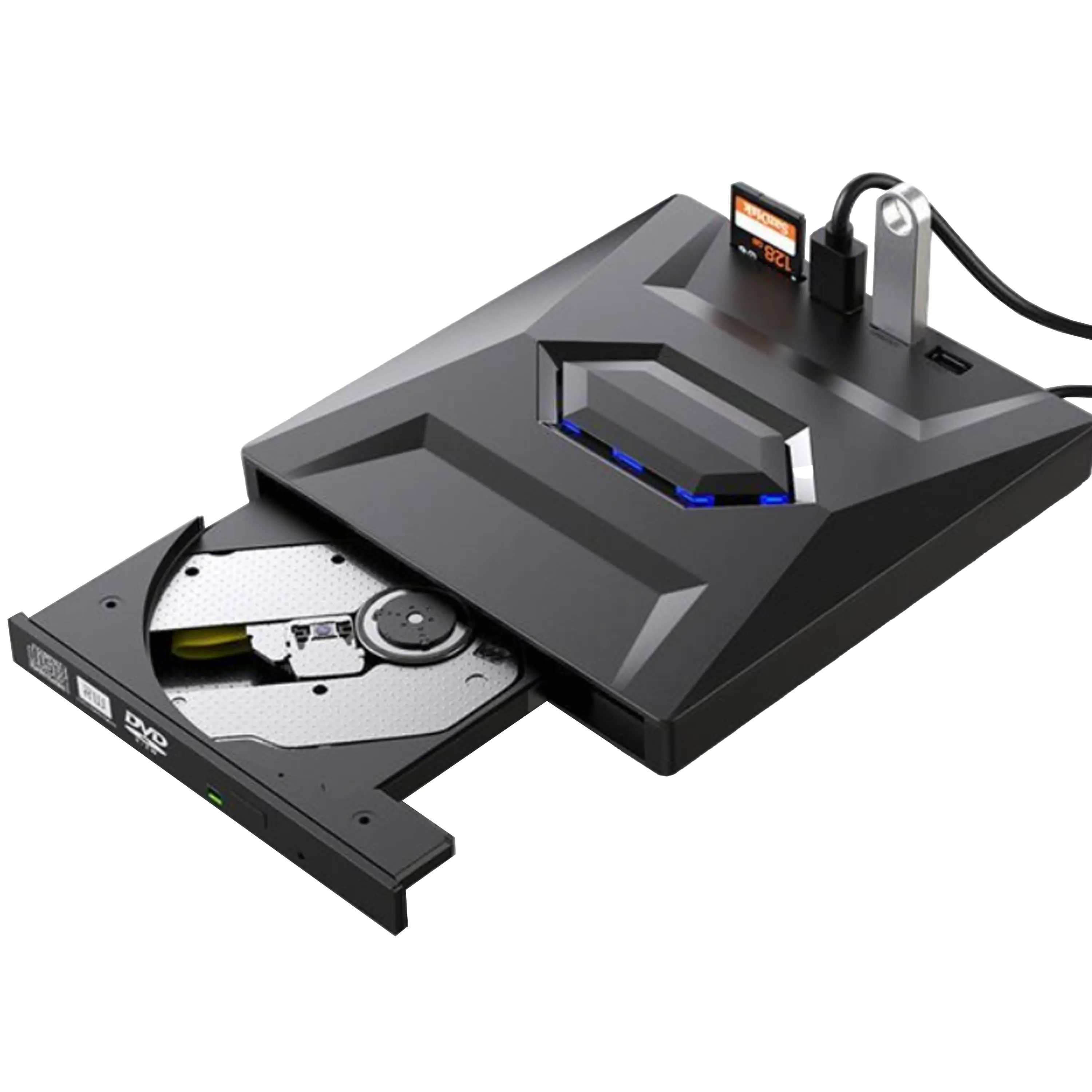
USB External CD/DVD Drive• USB and USB-C
• USB 3.0
• 8x DVD and 24x CD write/read speeds
• Portable
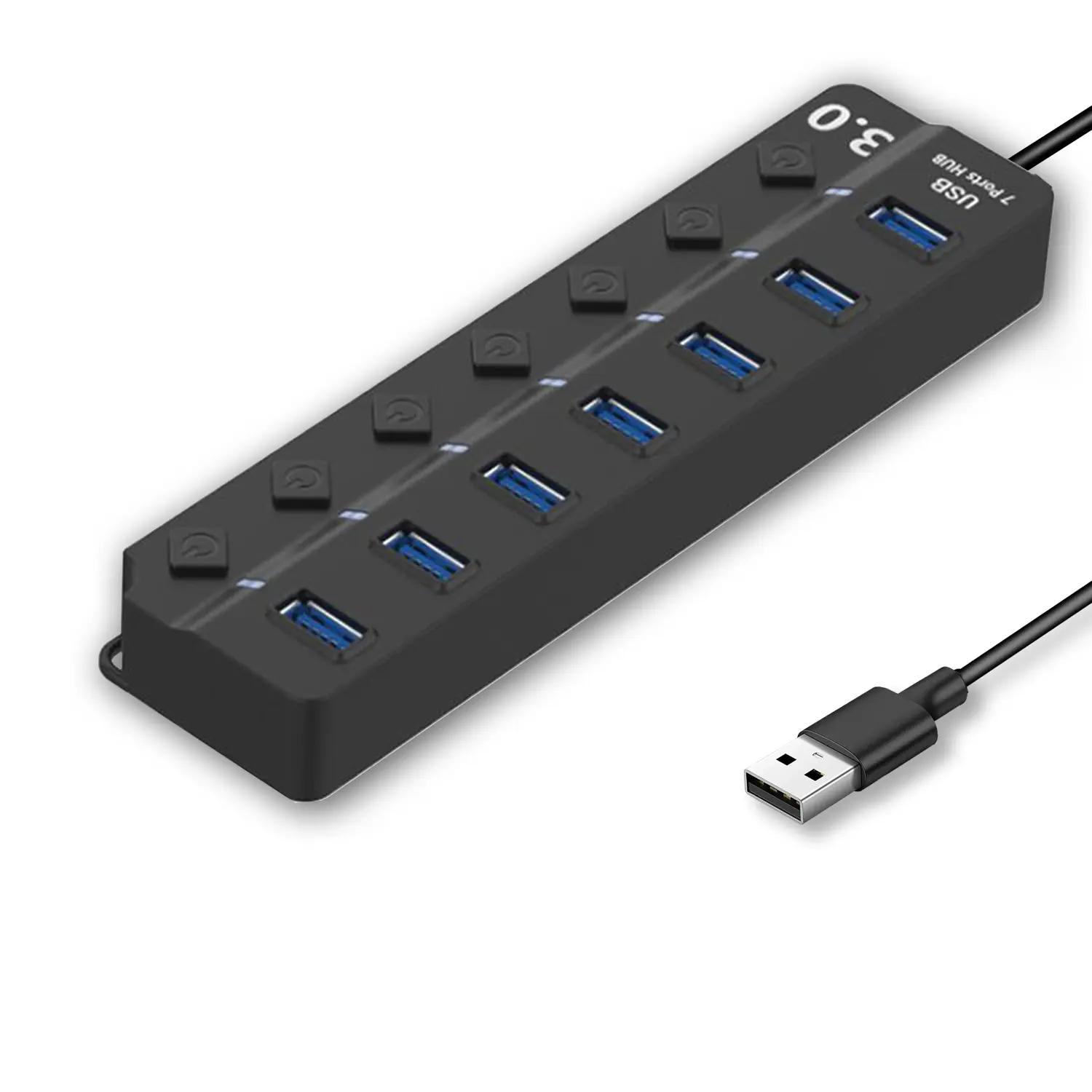
7-Port USB 3.0 Hub● USB 3.0
● Plug and Play
● 7-in-1 USB Hub
● Individual On/Off Switches
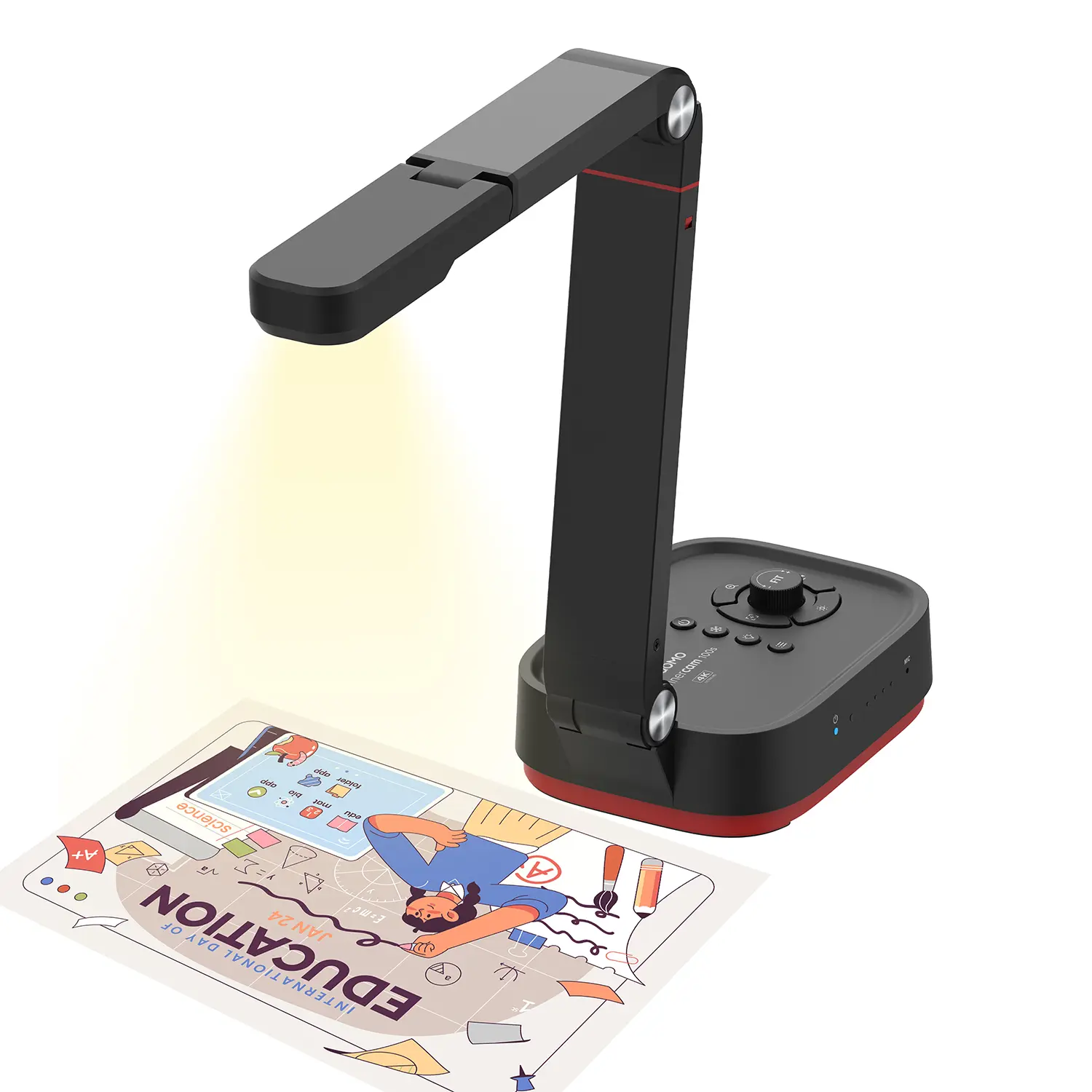
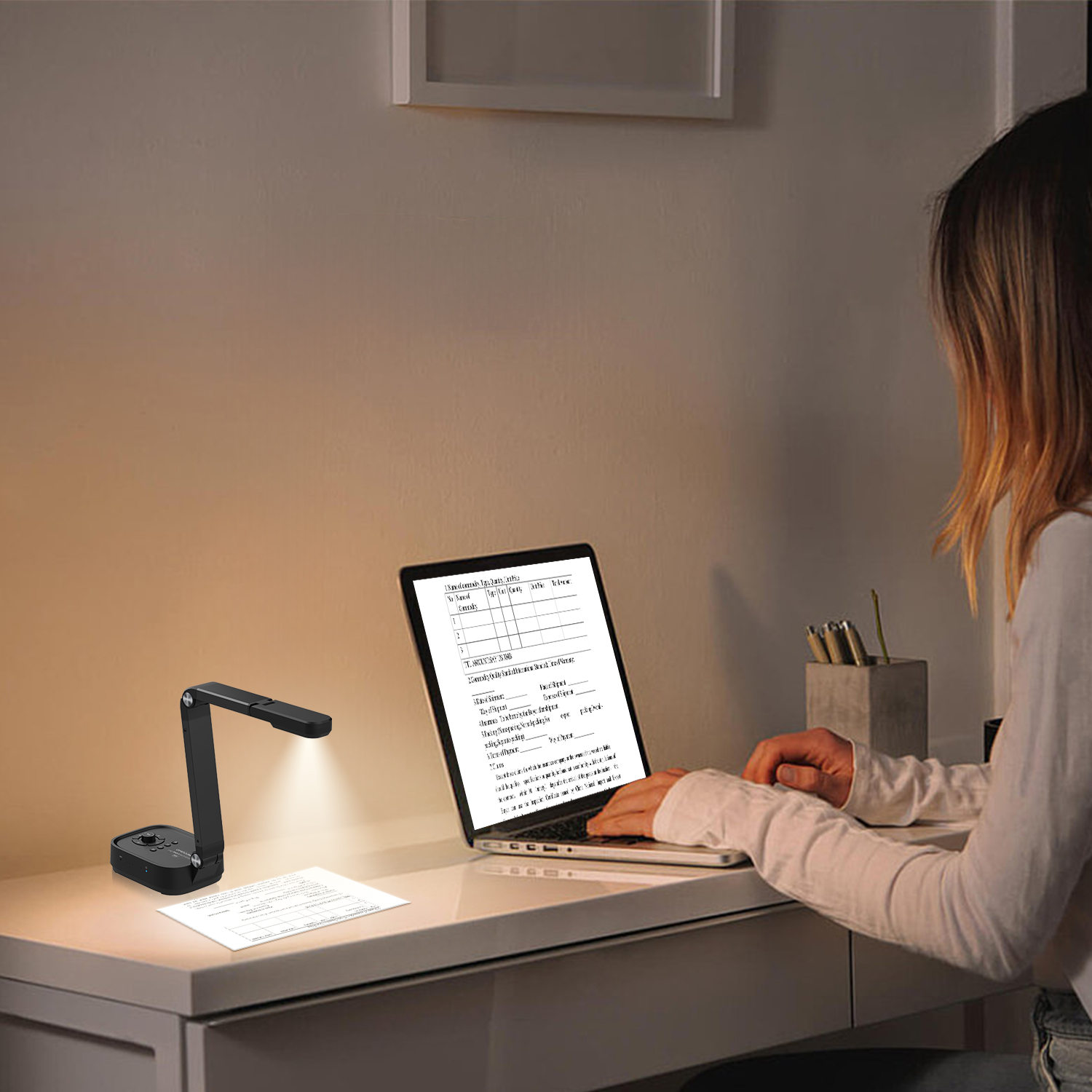
Revolutionize Your Presentations and Document Display with QWC 100S Document Camera
Enhance Call Experience: New Conference Microphone Now Available
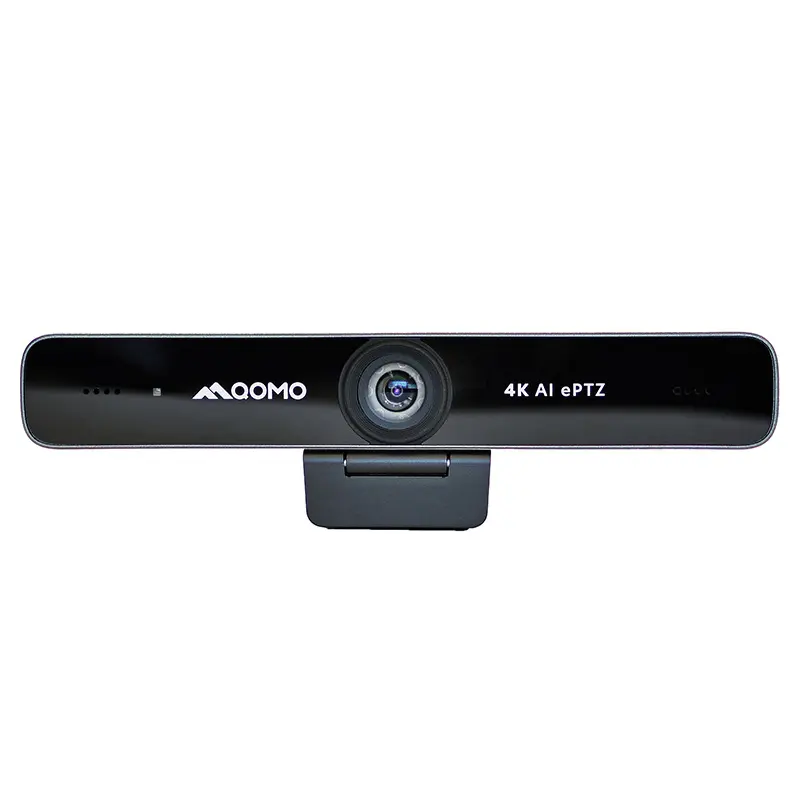
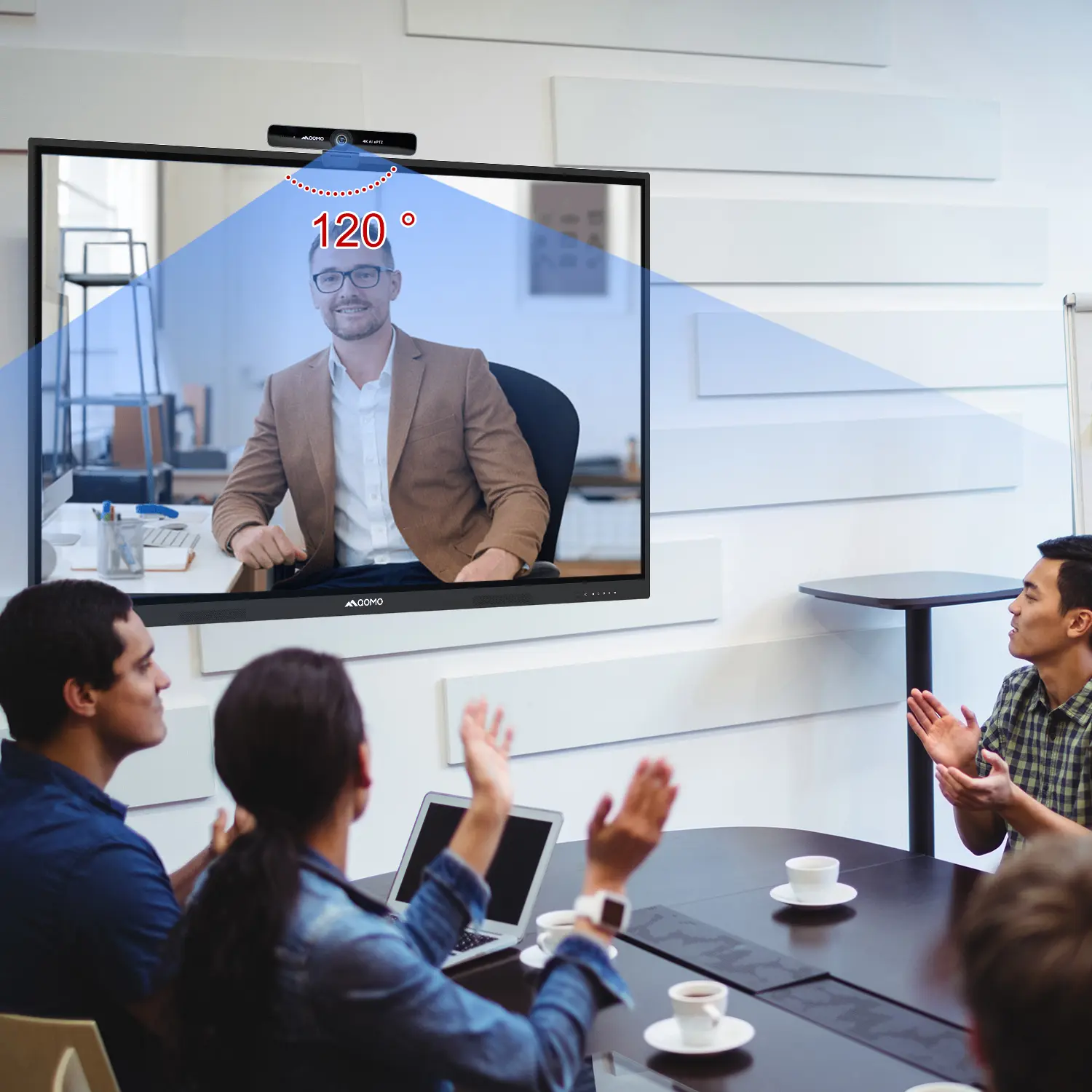
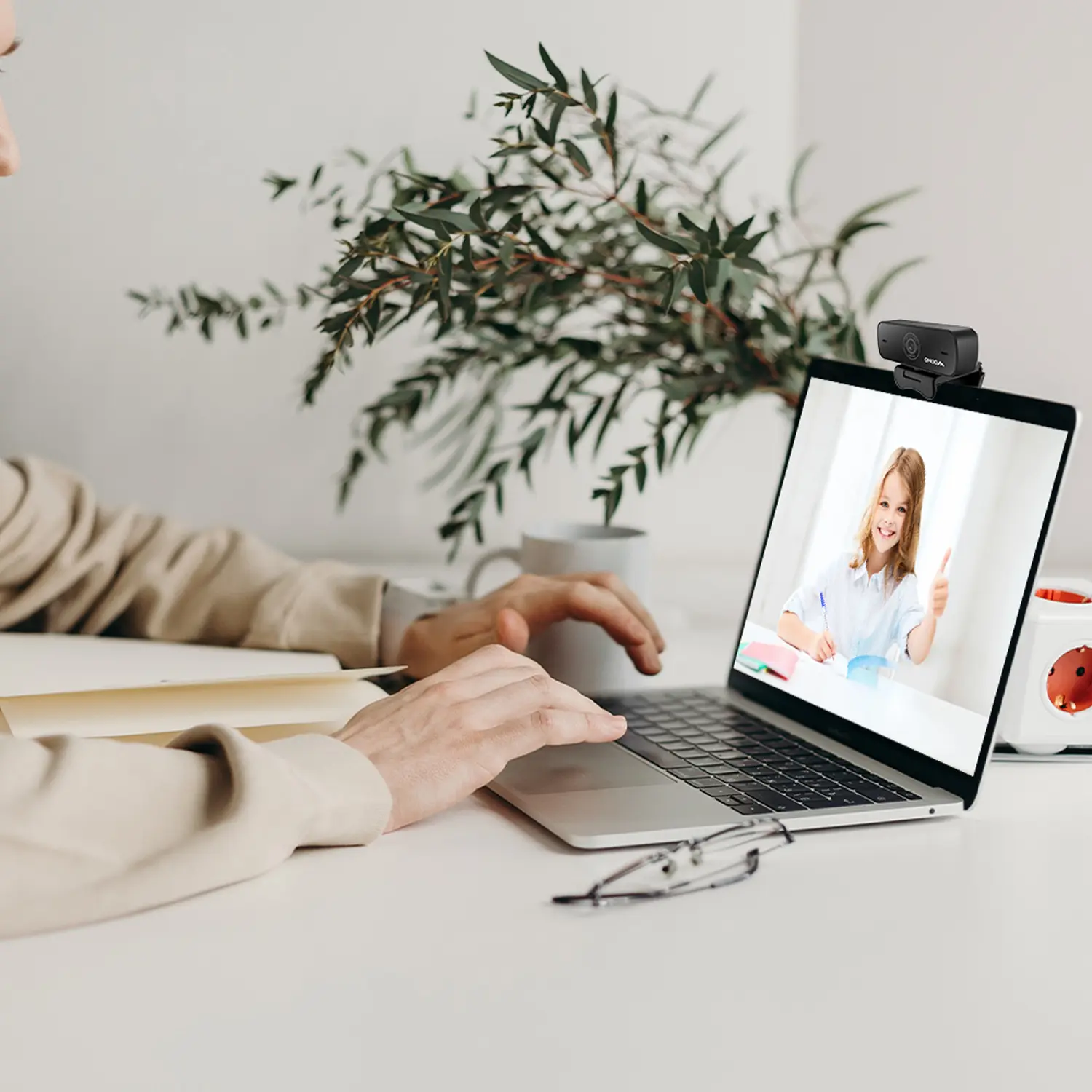
AI-Powered Face-Tracking Webcam
Portable Document Camera Recommendations
Classic Design, Exceptional Functionality: QPC 22 Document Camera
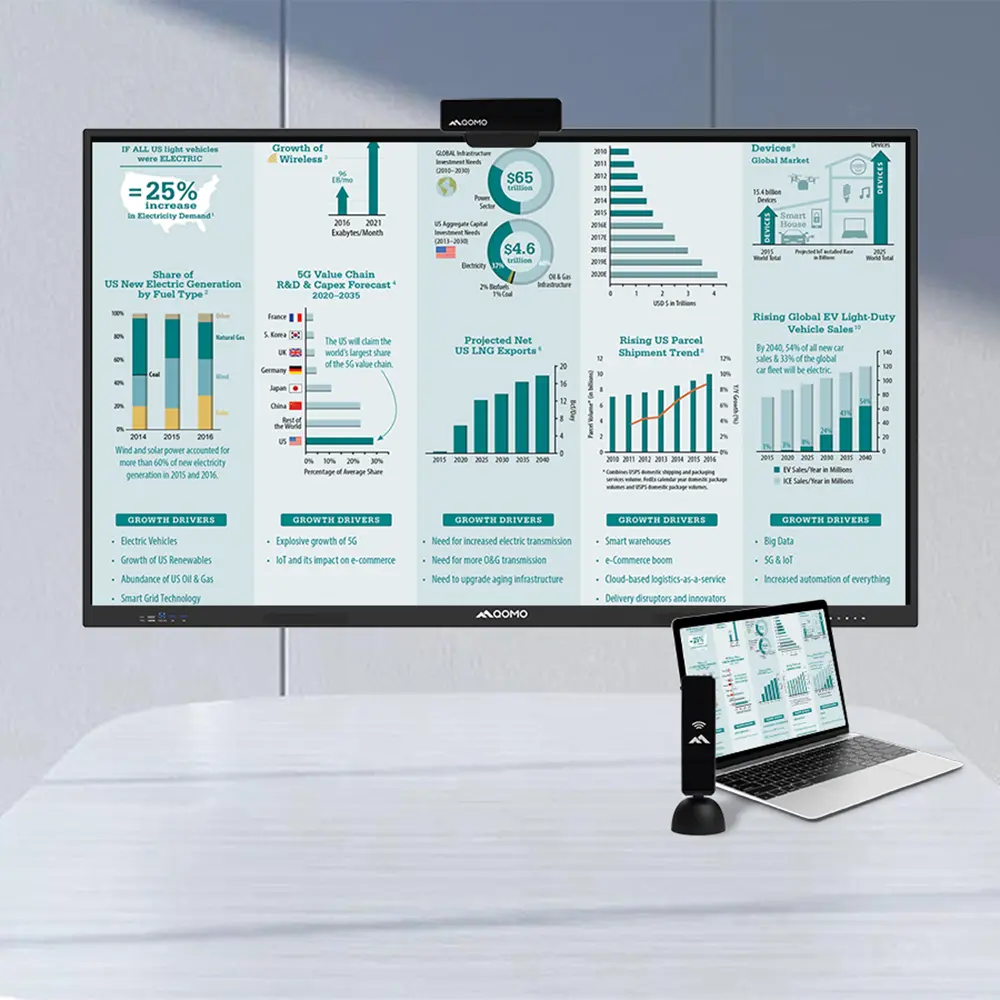
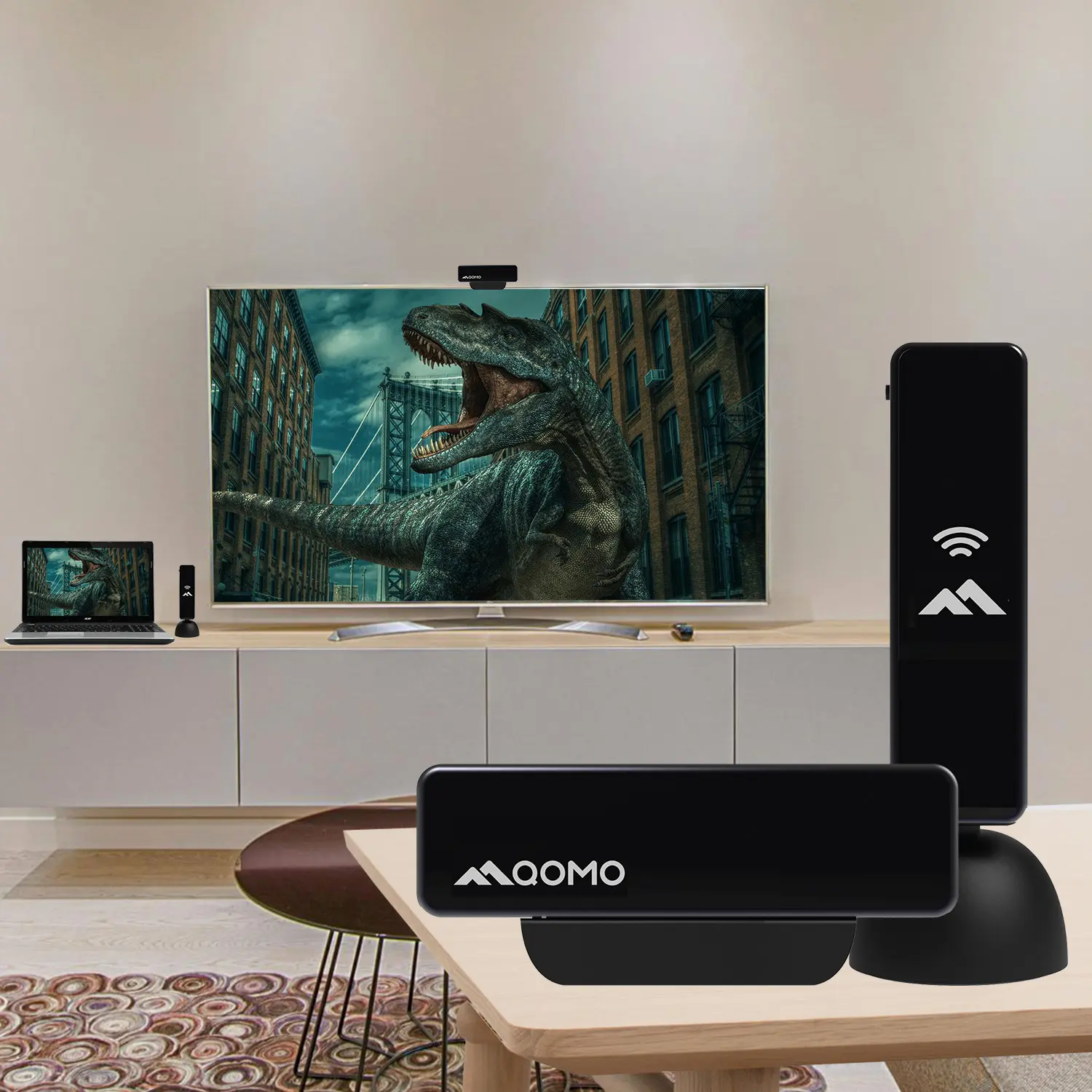
Wireless Screen Mirroring Solution for All Devices
Latest Audience Response System: QRF 999
Introducing the QPC 80H3 Gooseneck Document Camera
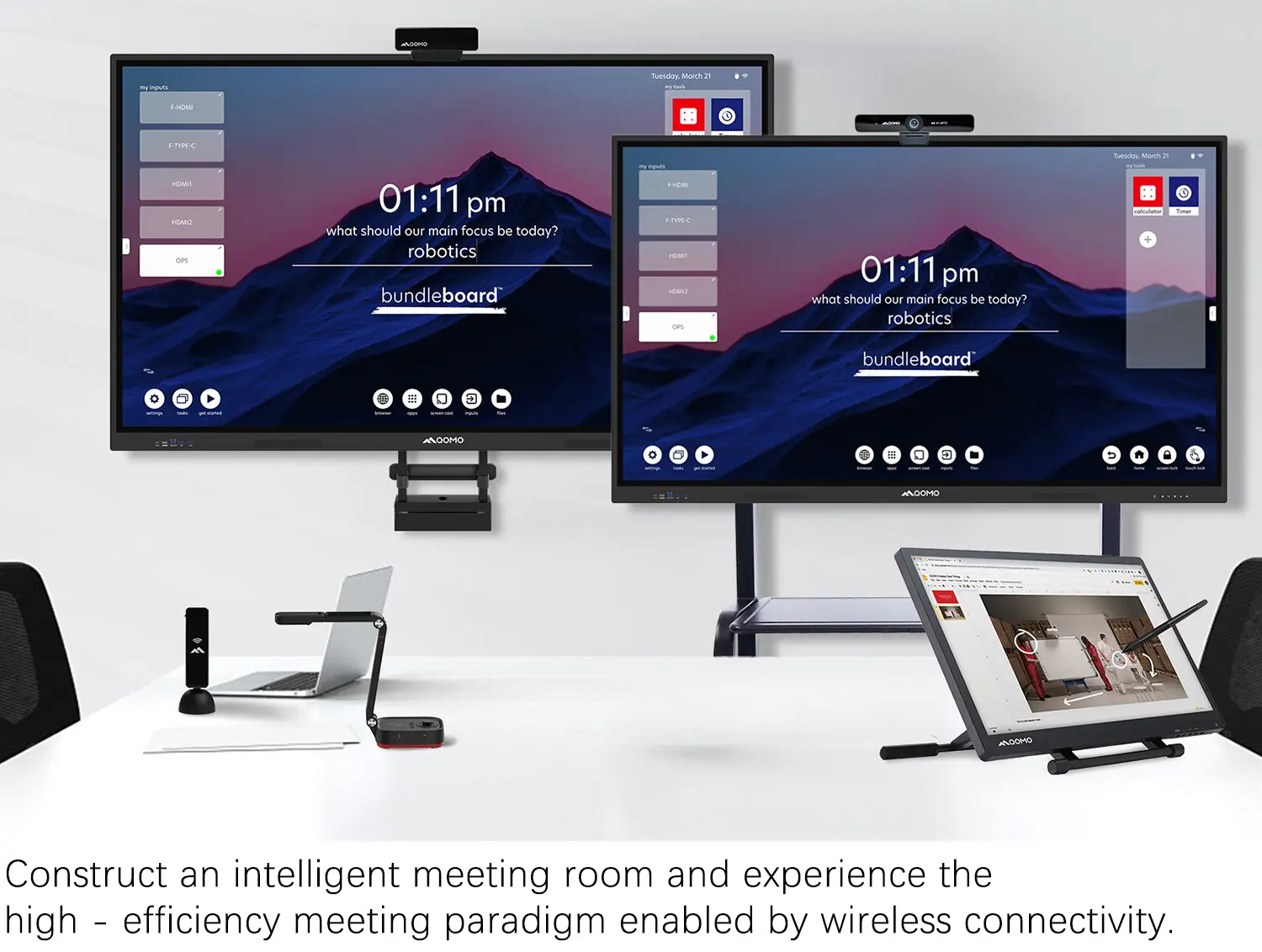
Creating a Smart Integrated Classroom: What Do You Need?
Wireless Connectivity Upgraded: WiFi-Free Wireless Document Receiver
Flow!Works Pro: Interactive Whiteboard Software for Engaging Classrooms
How to Choose the Perfect Document Camera and Elevate Productivity
QWC 004 Conference Webcam: The Top Choice for Remote Education
QCamera: Dedicated Software for Document Cameras to Elevate Your Presentations
QRF999 Voice Response System: Enhancing Teacher-Student Interaction
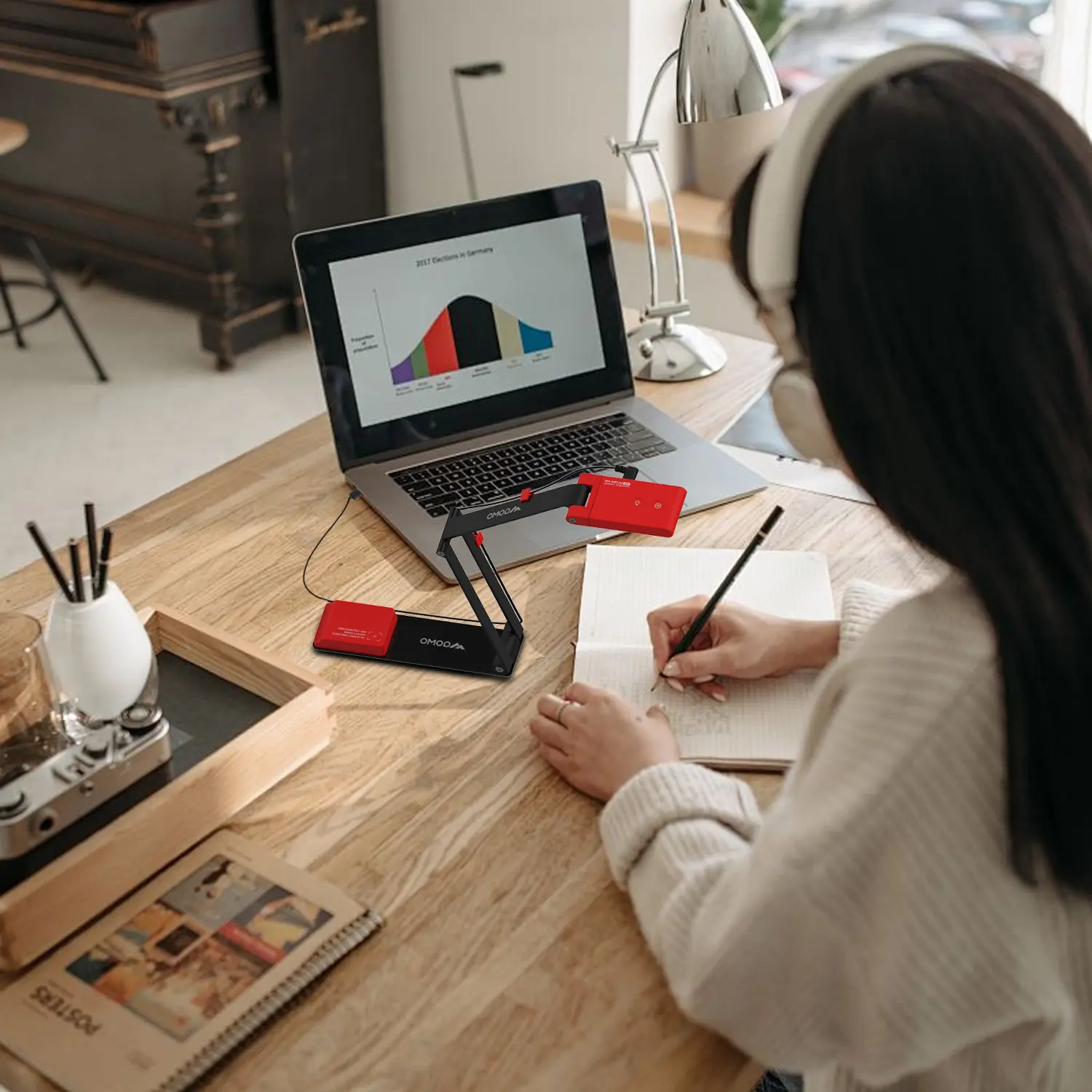
Work From Home? Maybe You Should Try This Document Camera
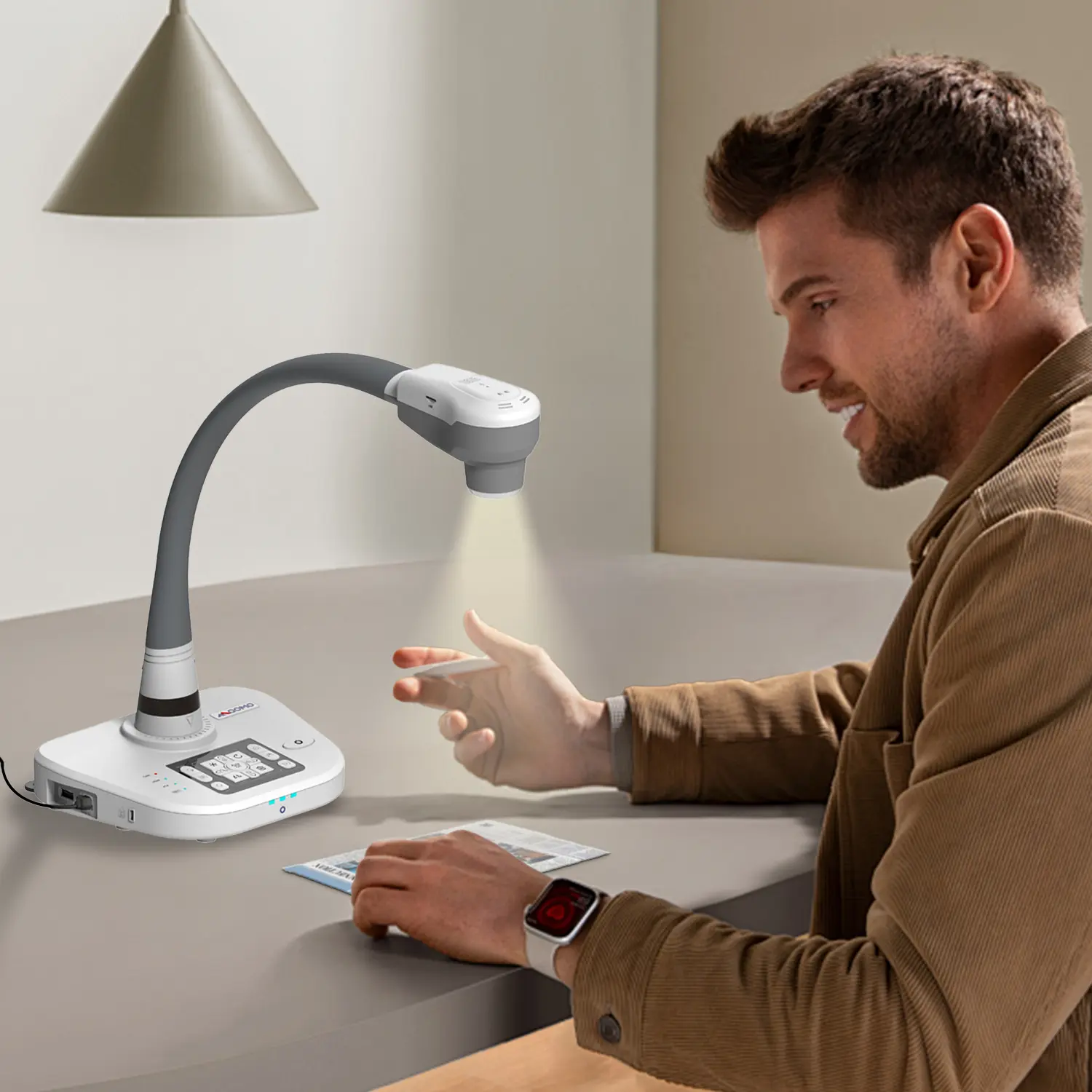
The Ultimate Educational Tool: Gooseneck Document Camera
60GHz Millimeter-Wave Wireless Screen Sharing: QShare 100
What Does a Modern Conference Room Need?
QD5000 Document Camera: Unimaginable Versatility!
QWC 004: The Most Cost-Effective Webcam
QVote Interactive Classroom Response System Software
Functionality, Aesthetics, Portability! Meet the QWC 100S Document Camera!
Why Choose the BundleBoard H/H2 Interactive Flat Panel?
Save Your Budget—Introducing the All-New QPC 70 Document Camera!
QIT 600F3: Revolutionize Your Presentations
QCamera: Professional Document Camera Software
QPC 5: The Ultimate 4K Portable Document Camera
Elevate Your Meetings in Seconds: QWC 006 Webcam
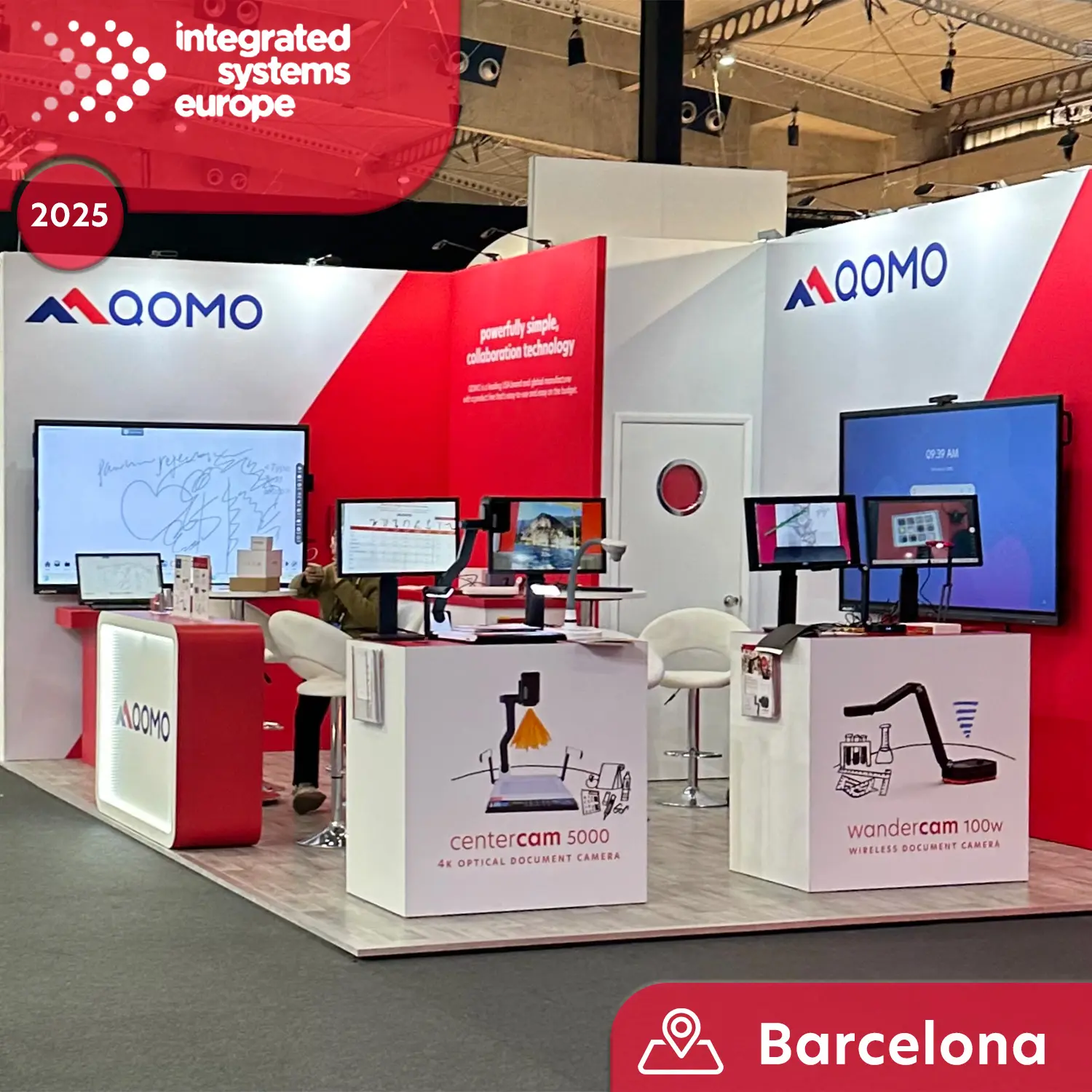
Meet QOMO at ISE 2025
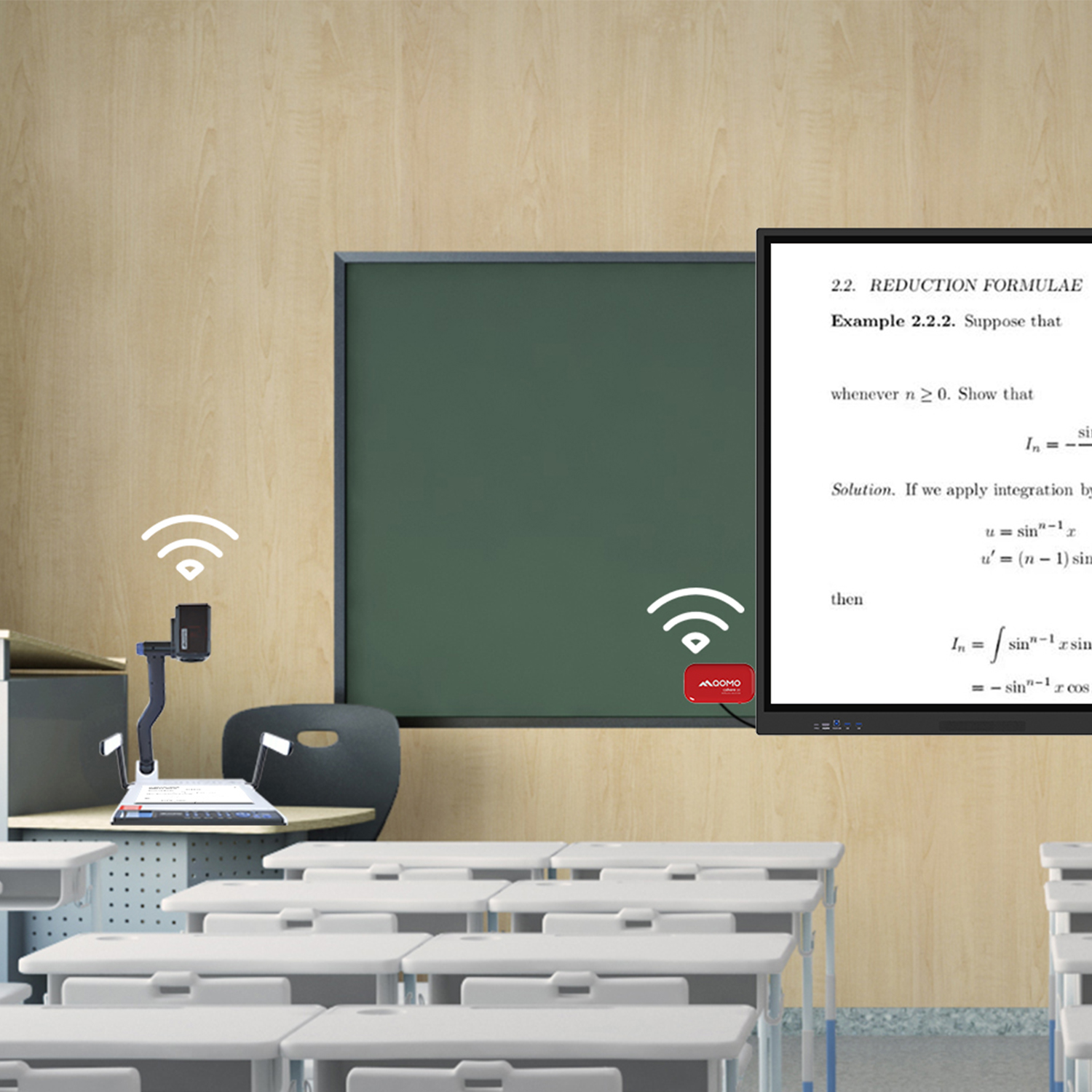
Wireless Document Camera Solution, Revolutionizing Wireless Technology
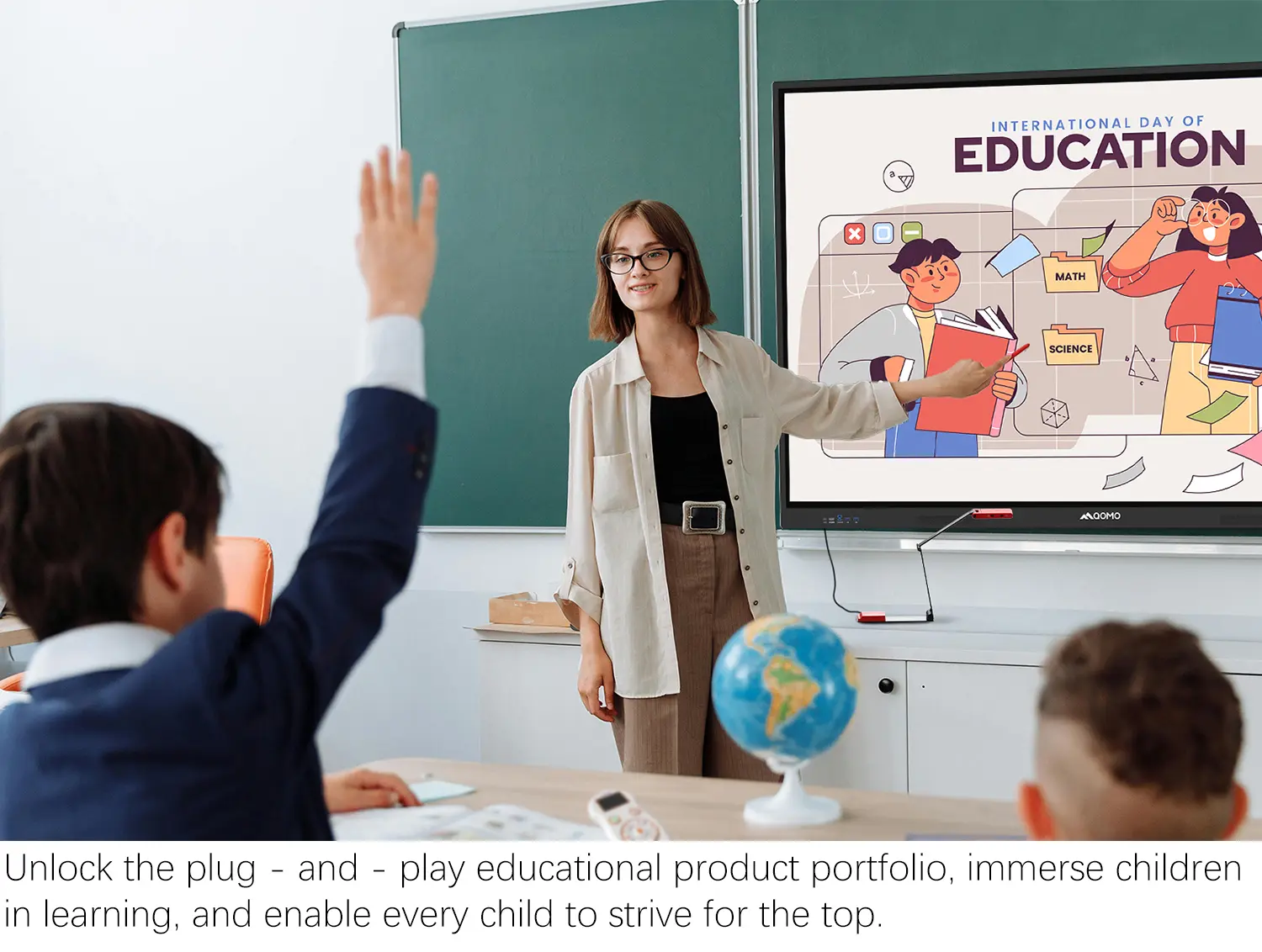
QRF Series, Transform Your Classroom!
QOMO, Building Intelligent Classrooms
QOMO QShare100 New Release
Outstanding Office Equipment Recommendations
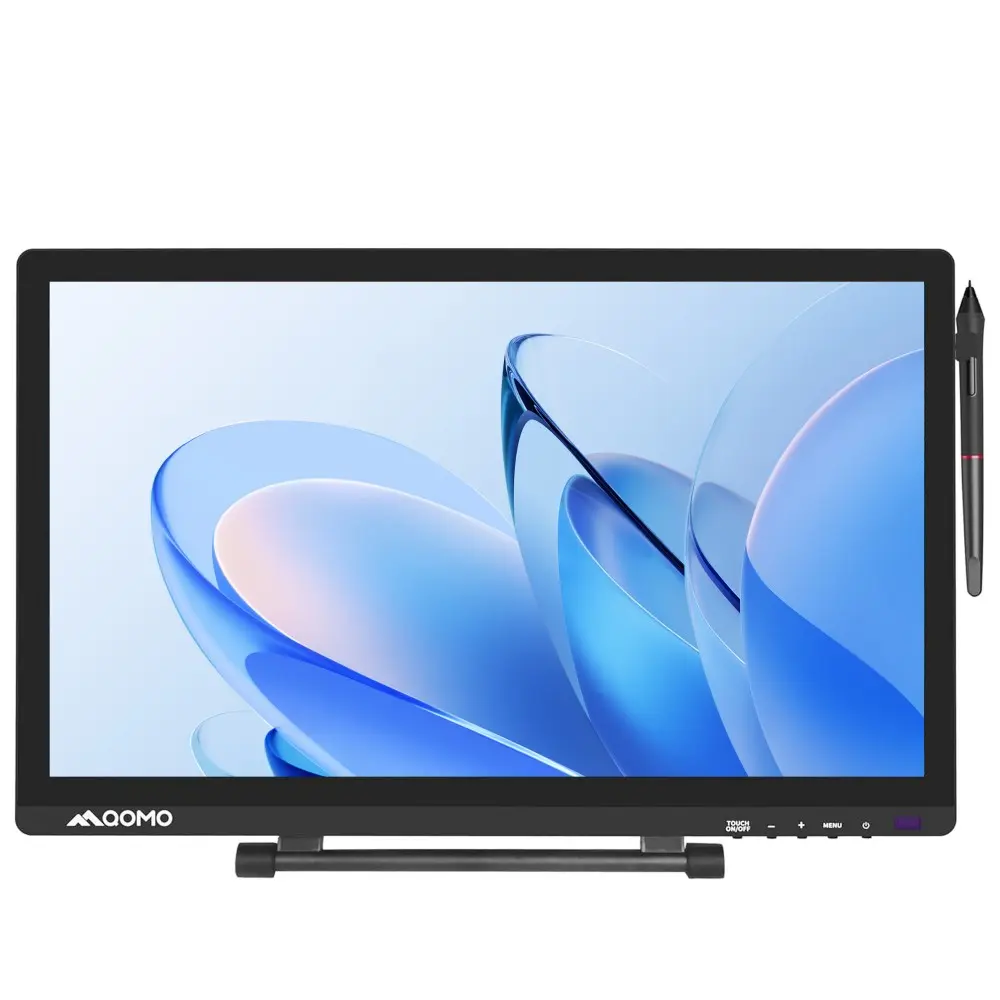
In today's fast-paced world, technology intertwines with our daily lives. A Table With Touch Screen transforms the way we interact in both workspaces and homes. These innovative designs enhance productivity and foster collaboration.
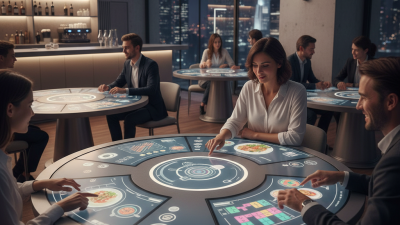
Imagine a sleek conference room equipped with a large touch screen table. It invites teams to brainstorm ideas effortlessly. The vibrant interface encourages creativity and engagement. In homes, these tables can serve dual purposes, acting as a family entertainment hub. They can also provide an interactive platform for games or movie nights.
Despite their advantages, touch screen tables are not without flaws. The screens may suffer from glare, limiting visibility in bright environments. They also require regular maintenance to ensure optimal functionality. Users may find themselves struggling with certain features or updates. A Table With Touch Screen presents exciting possibilities but demands careful consideration before adoption.
Touch screen tables are rapidly transforming modern workspaces and homes. These innovative designs combine interactivity with aesthetic appeal, fitting seamlessly into contemporary settings. The versatility of touch screen tables offers users an engaging platform for collaboration and leisure. Imagine having lunch with colleagues while viewing presentations with just a swipe.
Features like gesture recognition and multi-user capability enhance the experience. Users can pinch, zoom, and swipe to manipulate content. This interactivity makes meetings more dynamic. However, the technology is still evolving. Users sometimes face calibration issues or limited app compatibility. Despite these challenges, the potential for creativity and productivity in design is immense.
The integration of these tables promotes a collaborative environment. They invite users to engage actively rather than passively absorbing information. Incorporating these elements can lead to greater creativity. As more workplaces and homes adopt these designs, the focus will remain on maximizing user experience while addressing the evolving needs and challenges that arise.
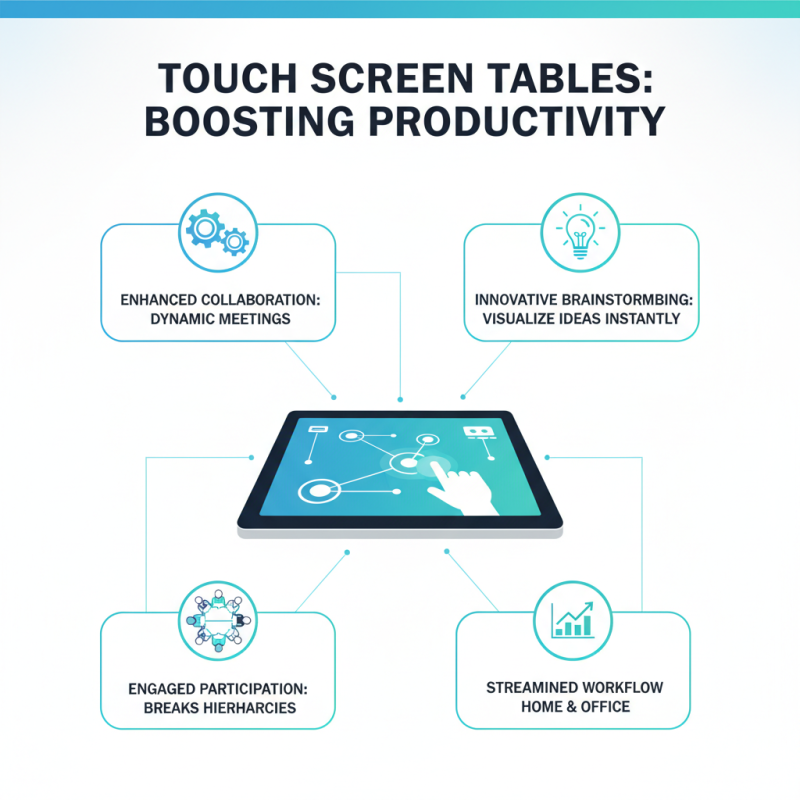
Touch screen tables are revolutionizing the way we work and interact in both home and office environments. Their interactive nature enhances collaborative efforts, making meetings more dynamic. By allowing users to share ideas visually, these tables foster brainstorming sessions that result in innovative solutions. Imagine a group gathered around a table, sketching ideas and immediately seeing them come to life. This setup encourages participation from all members, breaking down hierarchical barriers.
However, integrating touch screen tables can come with challenges. They require sufficient space and careful planning to fit seamlessly into existing layouts. Not every workspace can accommodate large setups. Additionally, some users may struggle with the technology, creating initial reluctance to engage. This can lead to frustration rather than productivity, particularly in multi-generational teams with varied tech comfort levels. Addressing these issues is crucial for maximizing their effectiveness.
The versatility of touch screen tables is another aspect worth noting. They can transform into learning tools, display devices, or creative surfaces. This adaptability extends their usefulness beyond traditional office tasks. Yet, it is essential to evaluate how often these features are used. Investing in such technology should align with actual needs, not just trends. Balancing innovation with practical application ensures these tools genuinely enhance productivity.
In modern workspaces and homes, touch screen tables are becoming essential. These tables not only enhance functionality but also contribute significantly to design aesthetics. Recent reports indicate that 67% of consumers prefer multi-functional furniture that blends seamlessly with their decor. This trend points to an increasing desire for furniture that is both technologically advanced and visually appealing.
When integrating touch screen tables, consider your overall design scheme. A minimalist approach works well, with clean lines and neutral colors. However, adding a pop of color can make the space more inviting. Lighting plays a vital role too. Under-cabinet lighting or soft ambient lights complement sleek surfaces effectively. It’s crucial to ensure that these elements do not overwhelm the space. Find a balance that feels cohesive.
Tip: Choose a table with customizable interface options. This will allow you to adapt its appearance to match changing decor styles. Additionally, pay attention to the placement of the table; it should encourage interaction without obstructing the flow of the room.
Being intentional about design can sometimes lead to challenges. For example, the surface may reflect too much glare in bright rooms. It’s essential to test various environments before making a decision. Adapting to this technology should not sacrifice your aesthetic vision. Keep exploring and experimenting until it feels just right.
| Table Model | Screen Size | Material | Suitable For | Design Style |
|---|---|---|---|---|
| Interactive Conference Table | 55 inches | Glass and Metal | Offices | Modern |
| Smart Coffee Table | 50 inches | Wood and Polymer | Living Rooms | Contemporary |
| Multi-Purpose Touch Table | 48 inches | Reclaimed Wood | Homes and Cafés | Rustic |
| Stylish Dinner Table | 60 inches | Marble and Steel | Dining Areas | Elegant |
| Techy Work Desk | 40 inches | Aluminum and Glass | Home Offices | Futuristic |
Touch screen tables are transforming modern home environments. They combine aesthetics with functionality, making them popular for various uses. A recent report from Grand View Research indicates that the global market for touch screen tables is expected to grow substantially. In fact, the market could reach $3.2 billion by 2026, showing an increasing demand among homeowners.
For home use, touch screen tables offer versatility. They serve as dining tables, workstations, or entertainment hubs. Families enjoy interactive games, while professionals can work collaboratively on projects. A survey reveals that 45% of user respondents find touch screen tables enhance their daily tasks. However, some users mention frustrations with responsiveness or software compatibility. These issues highlight a need for constant improvements in technology.
Design-wise, many touch screen tables feature sleek aesthetics. They come in various sizes and materials to fit any decor. Detailed research shows 70% of consumers prefer models with adjustable heights for comfort. While the appeal is strong, potential buyers should consider both the benefits and limitations before making a purchase. Evaluating features through user reviews can guide better decisions.
Touch screen table technology is evolving rapidly. This development reflects a shift in how we interact with digital content in both work and home environments. Modern designs now integrate intuitive interfaces with sleek aesthetics, promoting collaboration and creativity. Users can easily share ideas, manipulate data, and engage in immersive experiences. This connectivity enables team members to work together more effectively, even from different locations.
Future trends suggest that touch screen tables will become more versatile. Imagine surfaces that adapt to projects, changing in size or function. Enhanced gesture recognition may allow users to control applications without physical contact. This technology could redefine how we host meetings, workshops, or family gatherings. However, challenges remain. Users may feel overwhelmed by new interfaces or struggle to keep pace with rapid advancements. Continuous training will be essential to ensure everyone can benefit from these innovations.