+86 152 8002 3723
QVoteProfessional Audience Response System software offers the most convenient functions for your interactions.
QClickThe most convenient educational software for working with Microsoft PowerPoint to quickly set up various question types and generate intelligent feedback reports.
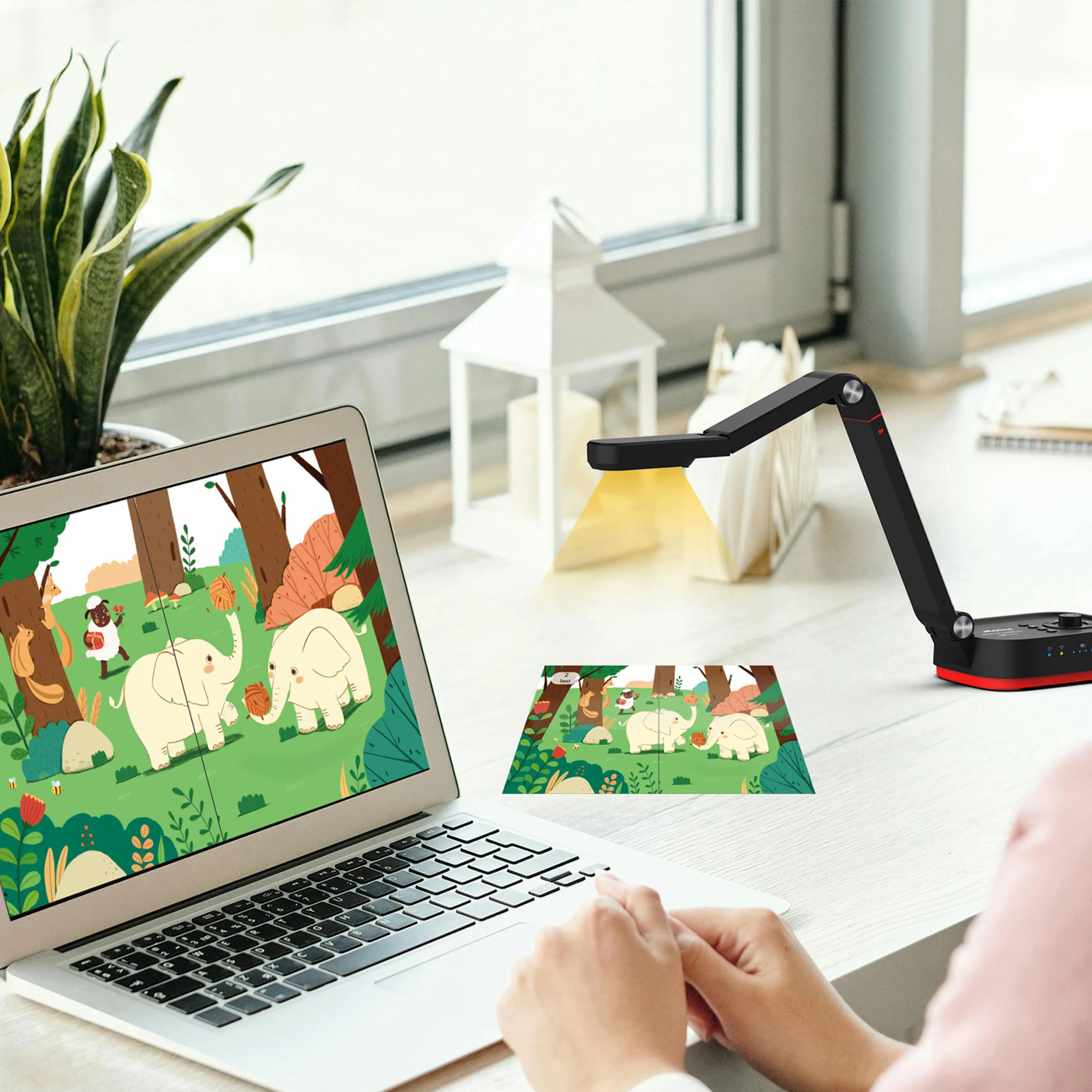
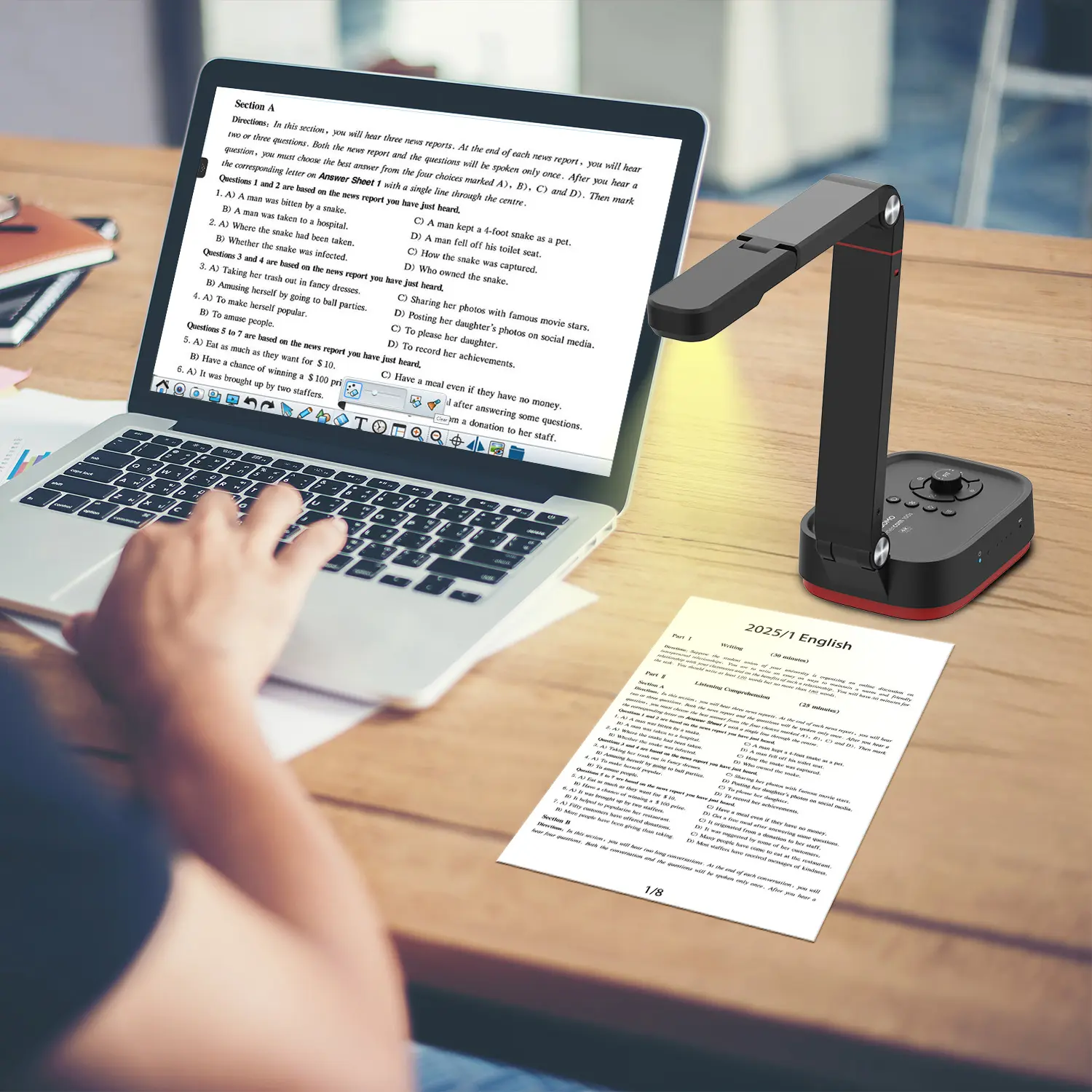
QCameraQCamera by QOMO allows for real-time streaming from cameras and document cameras. Annotate, save snapshots, record, and manipulate camera images instantly.
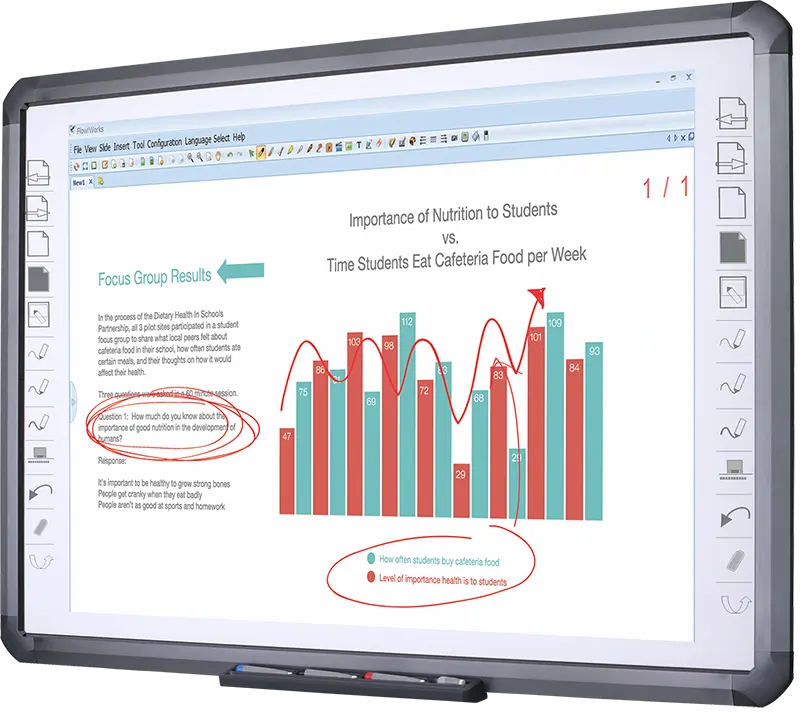
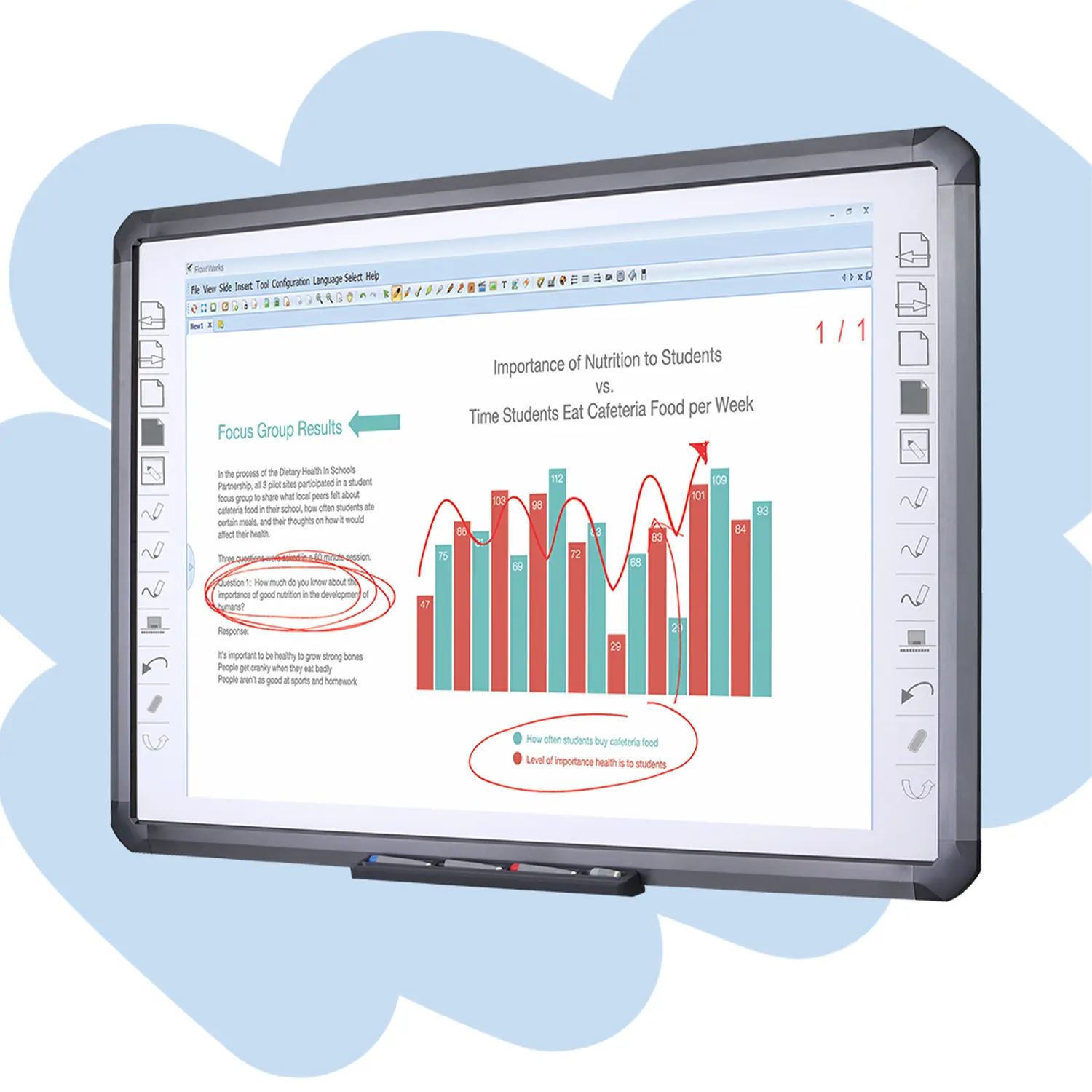
Flow!Works ProUser - friendly whiteboard software, it encompasses a wide range of presentation tools and powerful functions, delivering the most professional presentation experience to you.
Flow!WorksFlow!Works incorporates more educational tools, further enhancing the interactivity and fun - factor of your teaching.
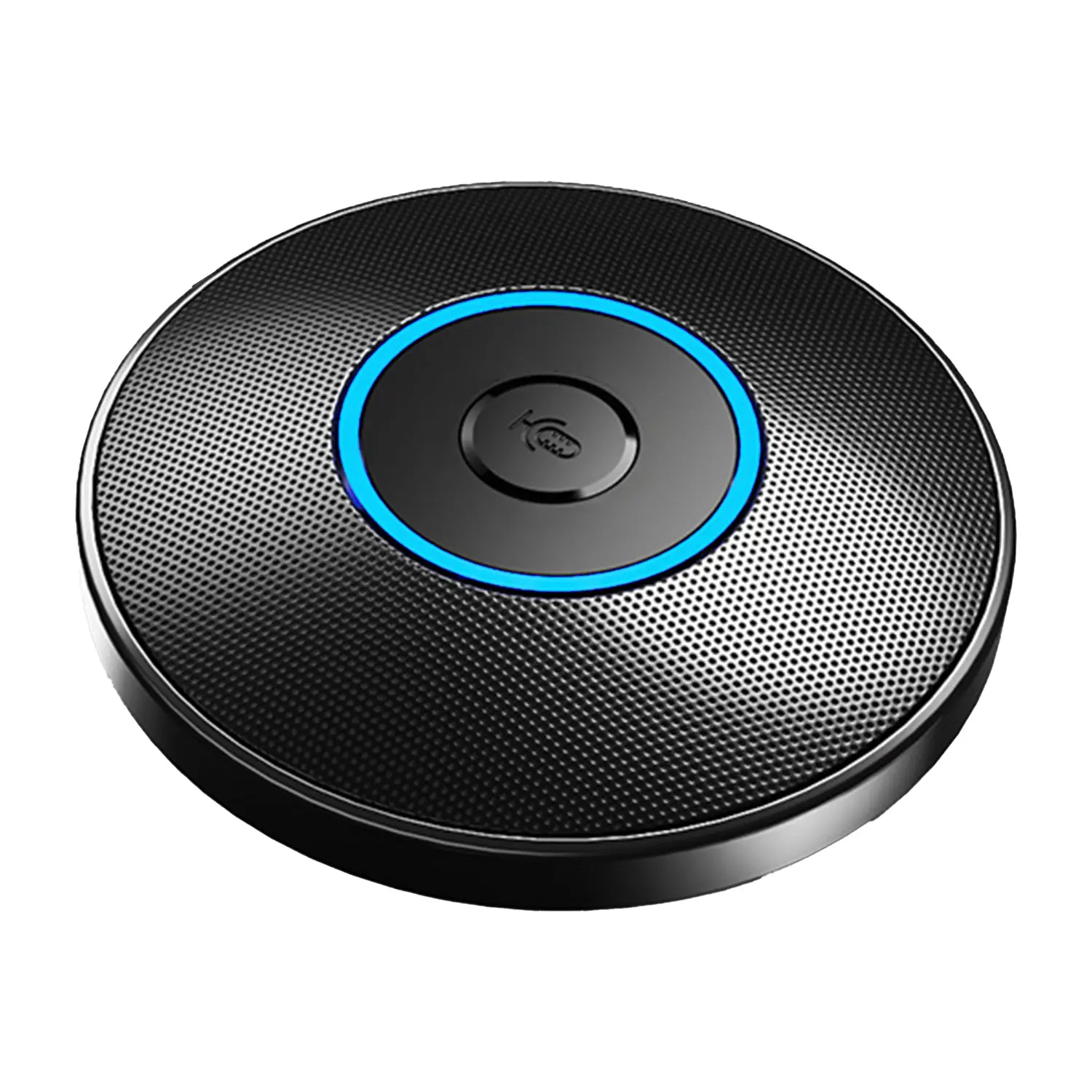
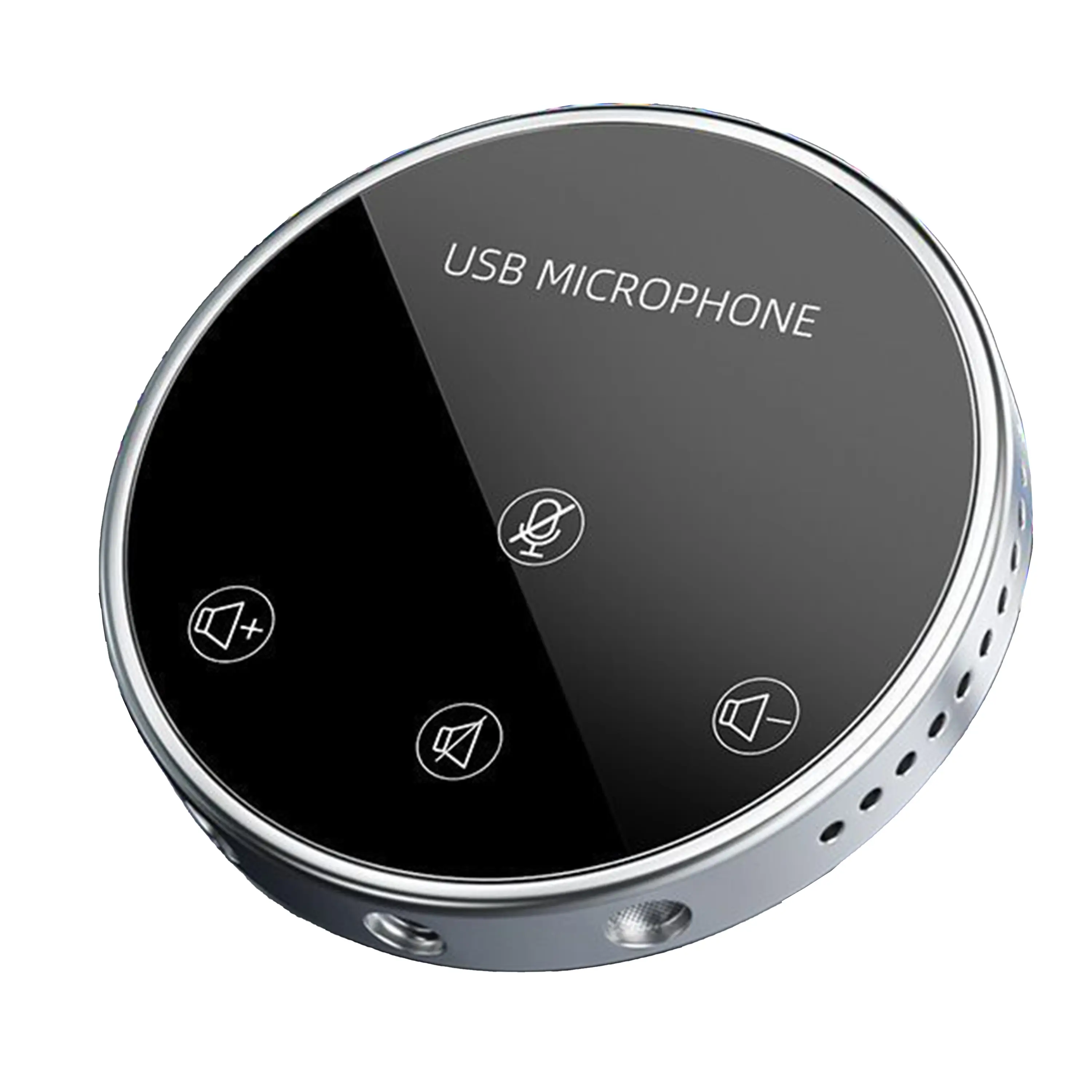
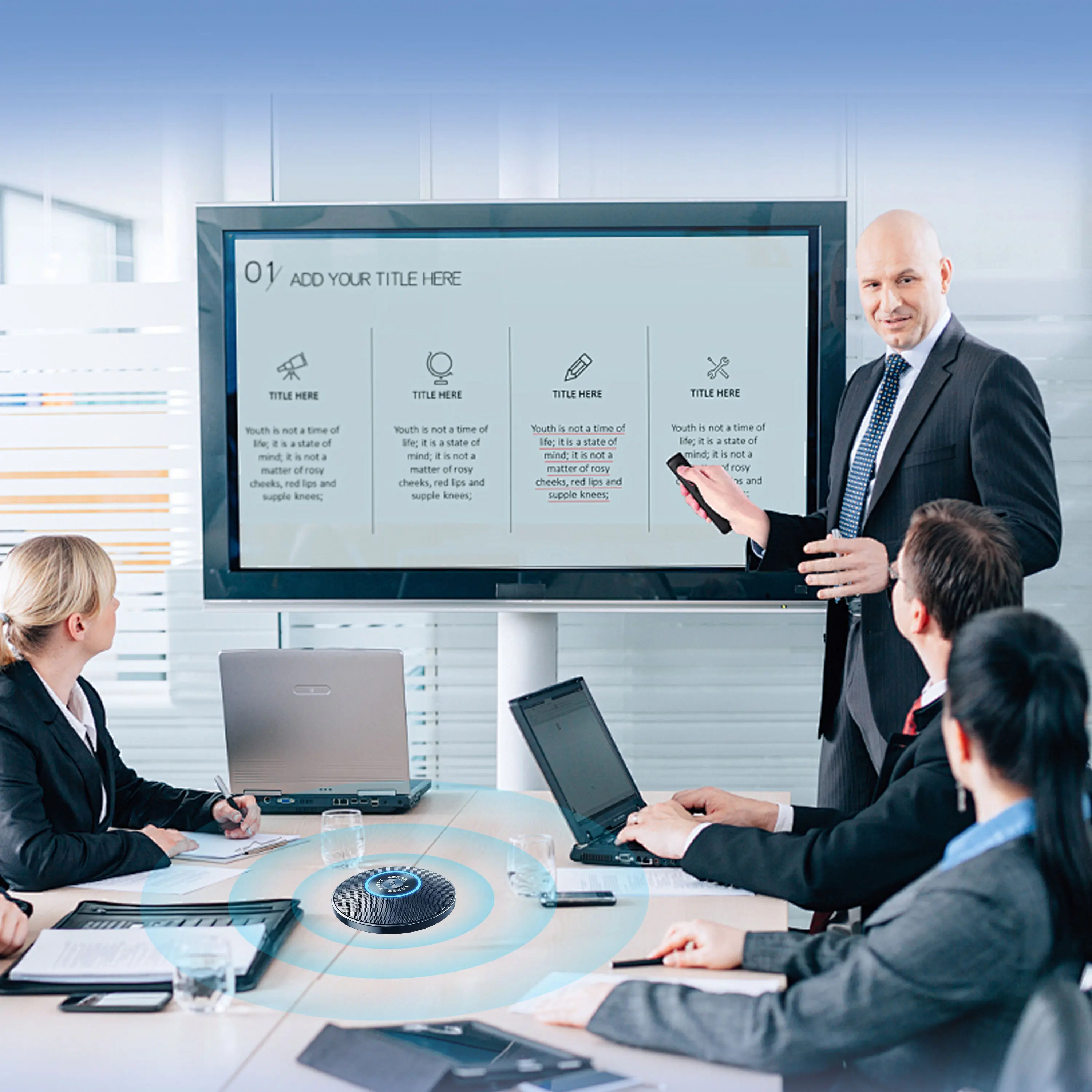
Conference Microphone● USB
● Plug and Play
● Intelligent Noise-Canceling
● 10ft/3m Extended Pickup Range
● 360° Omnidirectional Pickup
Conference Speakerphone● USB-C
● Plug and Play
● Intelligent Noise-Canceling
● 10ft/3m Extended Pickup Range
● 360° Omnidirectional Pickup
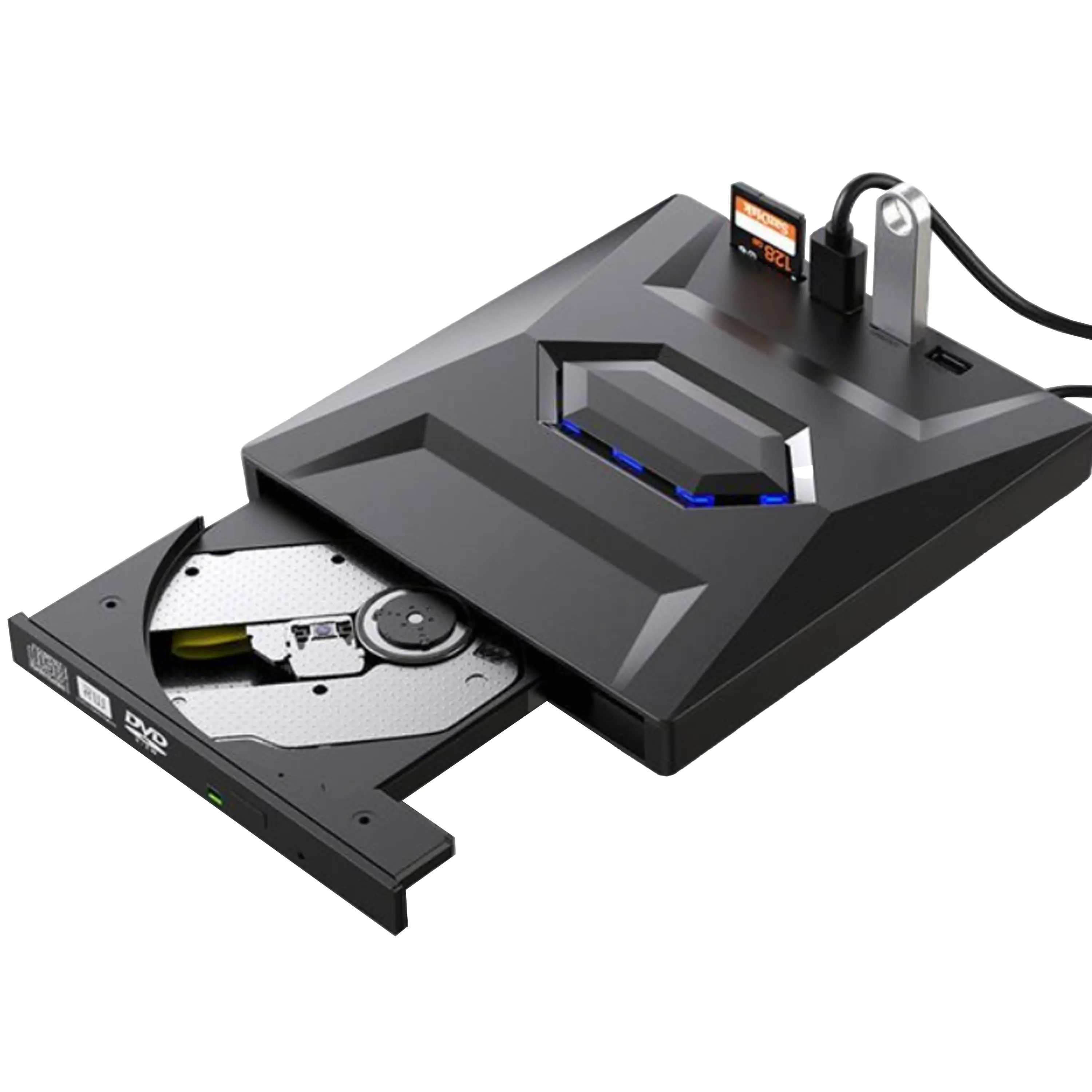
USB External CD/DVD Drive• USB and USB-C
• USB 3.0
• 8x DVD and 24x CD write/read speeds
• Portable
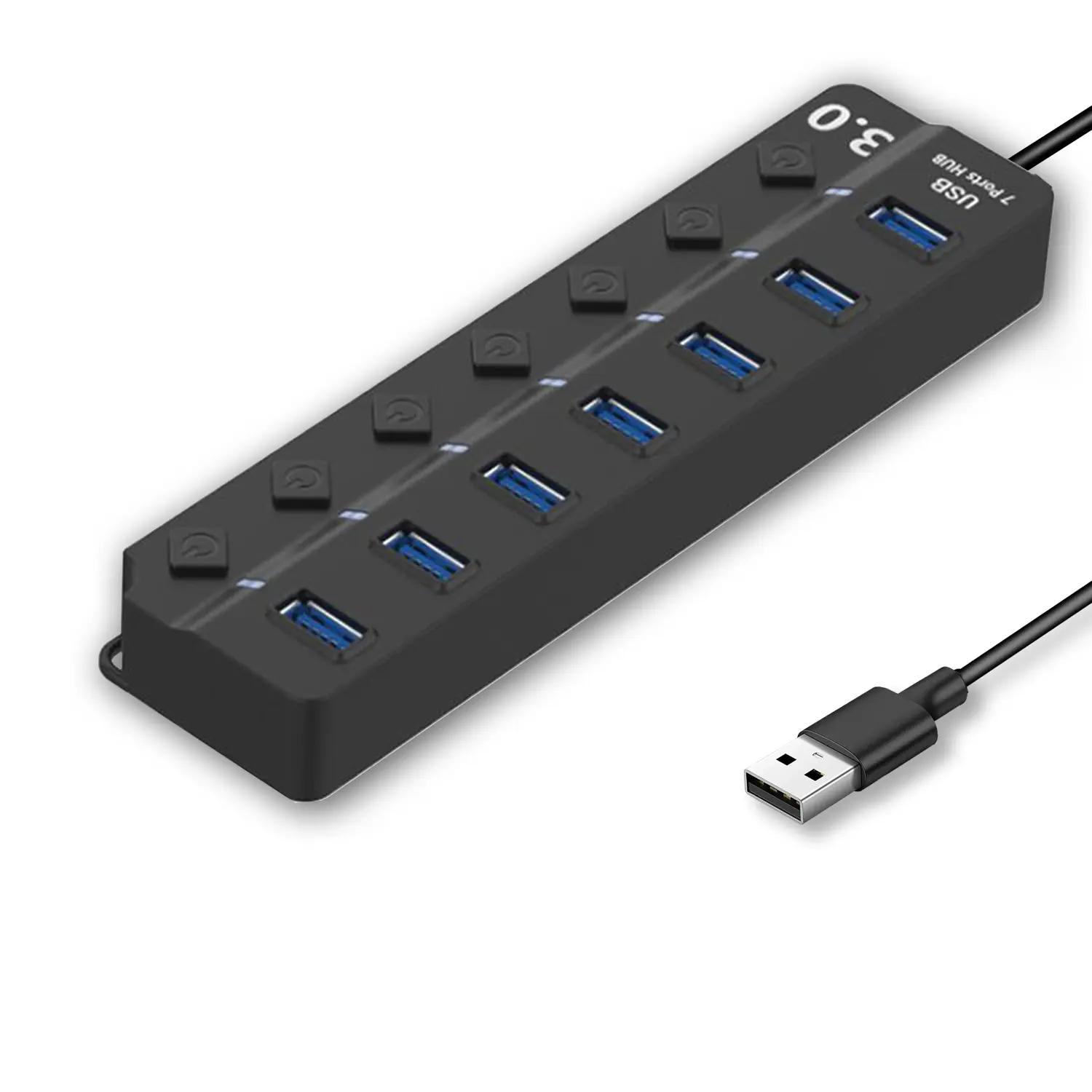
7-Port USB 3.0 Hub● USB 3.0
● Plug and Play
● 7-in-1 USB Hub
● Individual On/Off Switches
Revolutionize Your Presentations and Document Display with QWC 100S Document Camera
Enhance Call Experience: New Conference Microphone Now Available
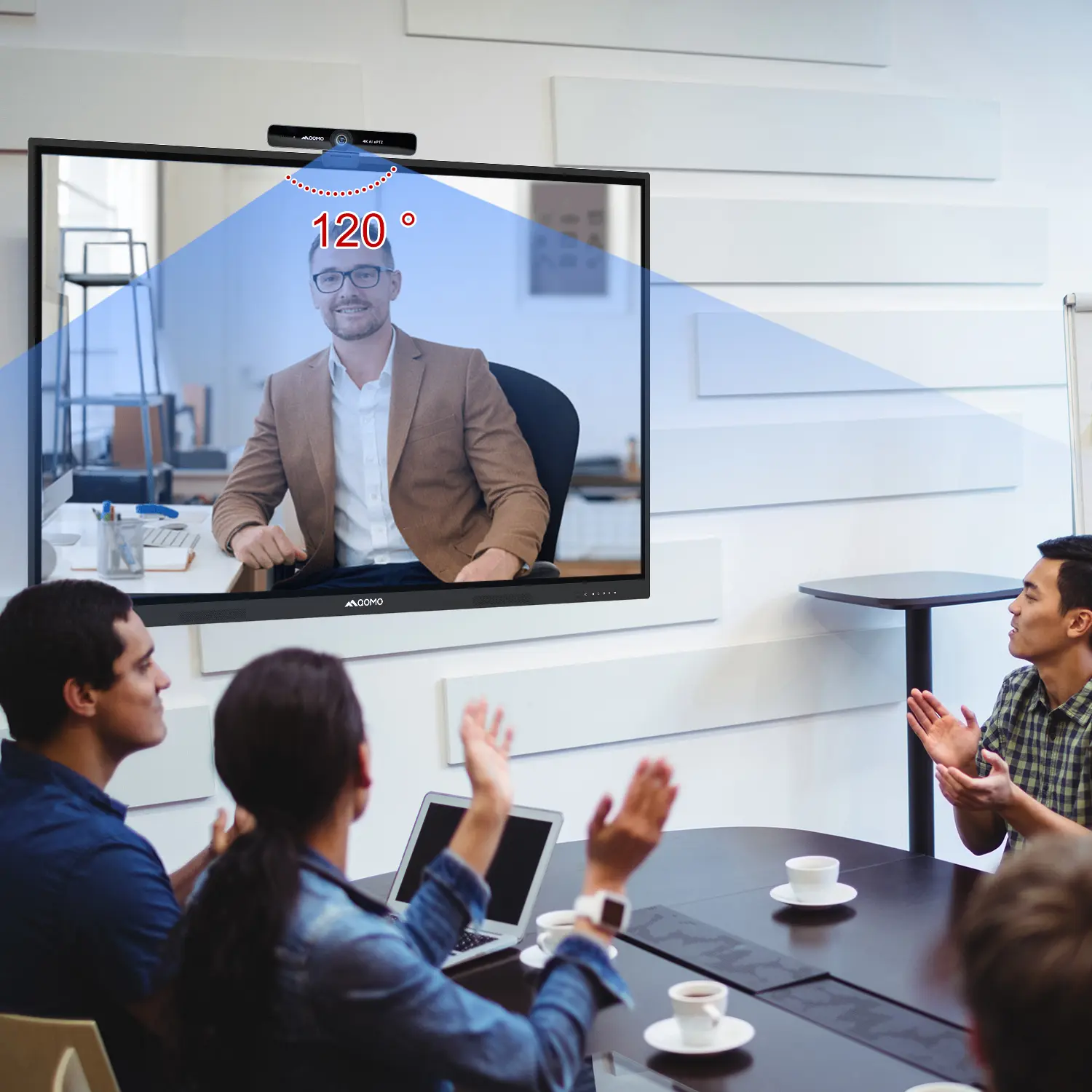
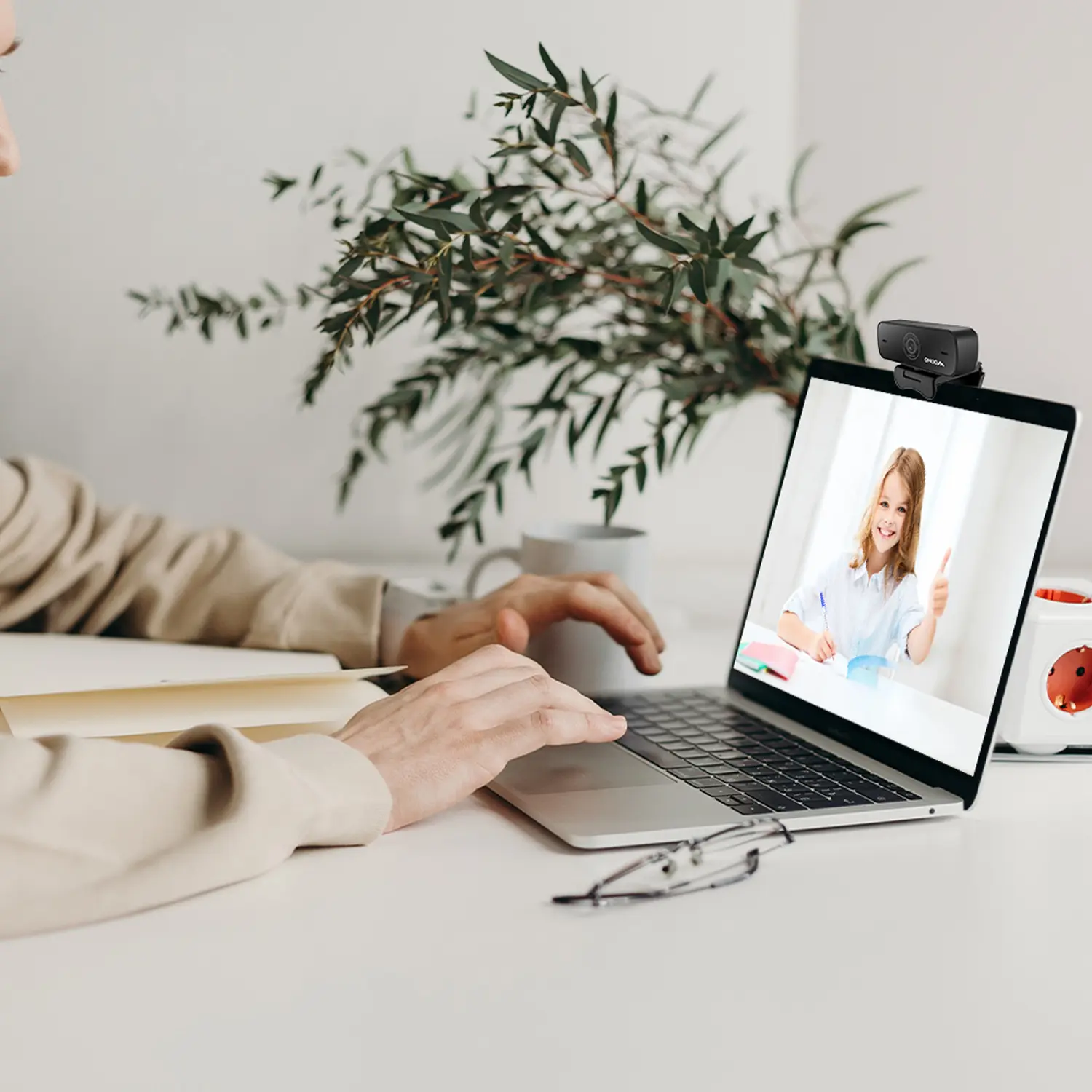
AI-Powered Face-Tracking Webcam
Portable Document Camera Recommendations
Classic Design, Exceptional Functionality: QPC 22 Document Camera
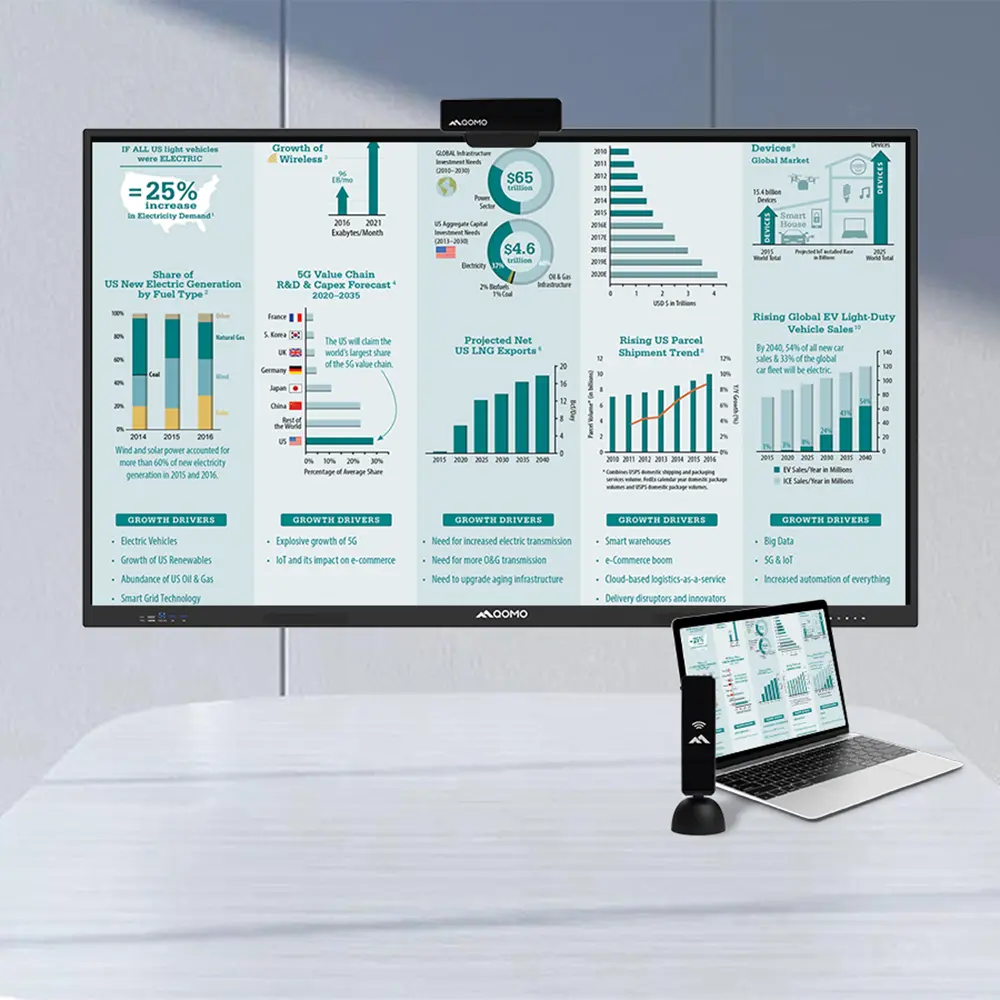
Wireless Screen Mirroring Solution for All Devices
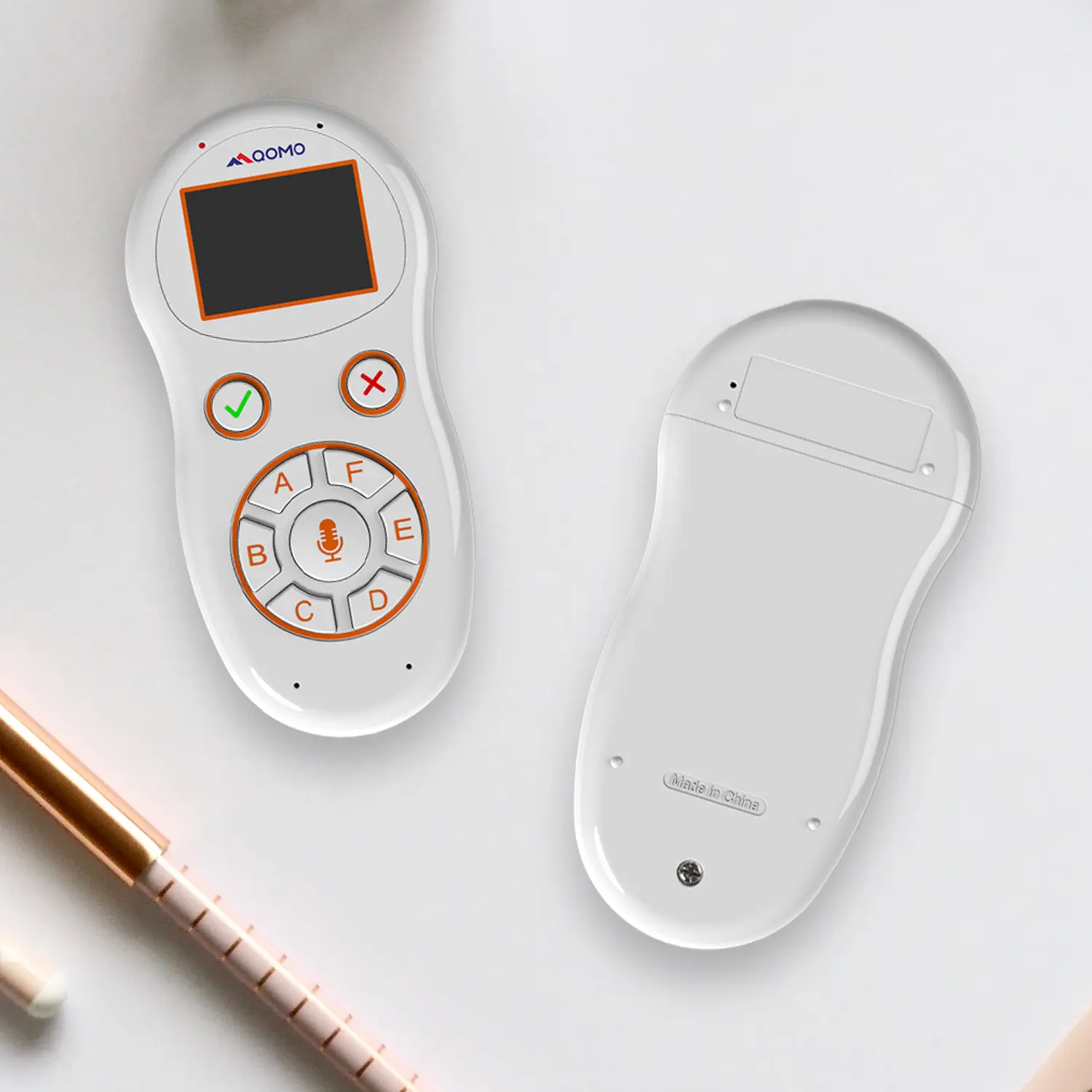
Latest Audience Response System: QRF 999
Introducing the QPC 80H3 Gooseneck Document Camera
Creating a Smart Integrated Classroom: What Do You Need?
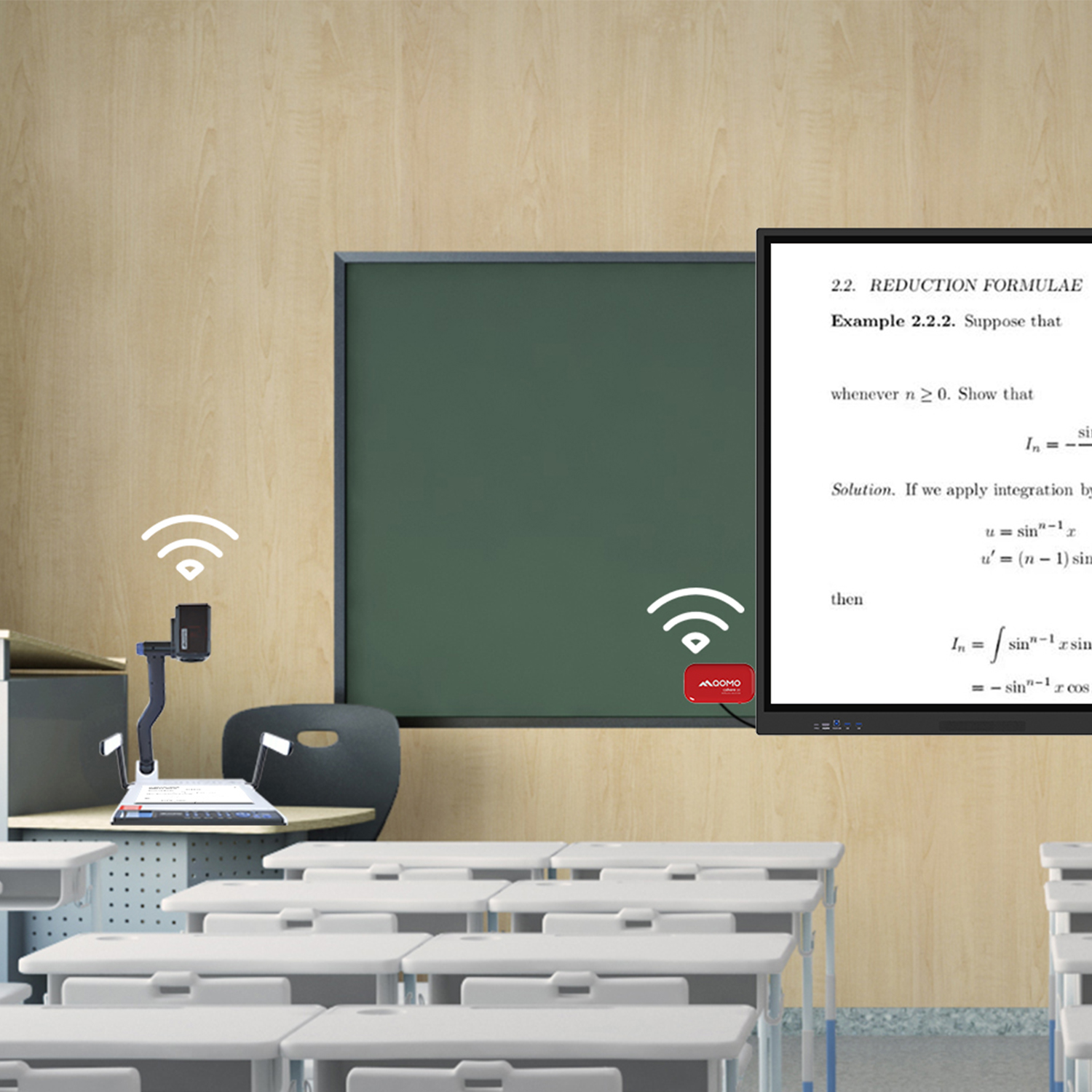
Wireless Connectivity Upgraded: WiFi-Free Wireless Document Receiver
Flow!Works Pro: Interactive Whiteboard Software for Engaging Classrooms
How to Choose the Perfect Document Camera and Elevate Productivity
QWC 004 Conference Webcam: The Top Choice for Remote Education
QCamera: Dedicated Software for Document Cameras to Elevate Your Presentations
QRF999 Voice Response System: Enhancing Teacher-Student Interaction
Work From Home? Maybe You Should Try This Document Camera
The Ultimate Educational Tool: Gooseneck Document Camera
60GHz Millimeter-Wave Wireless Screen Sharing: QShare 100
What Does a Modern Conference Room Need?
QD5000 Document Camera: Unimaginable Versatility!
QWC 004: The Most Cost-Effective Webcam
QVote Interactive Classroom Response System Software
Functionality, Aesthetics, Portability! Meet the QWC 100S Document Camera!
Why Choose the BundleBoard H/H2 Interactive Flat Panel?
Save Your Budget—Introducing the All-New QPC 70 Document Camera!
QIT 600F3: Revolutionize Your Presentations
QCamera: Professional Document Camera Software
QPC 5: The Ultimate 4K Portable Document Camera
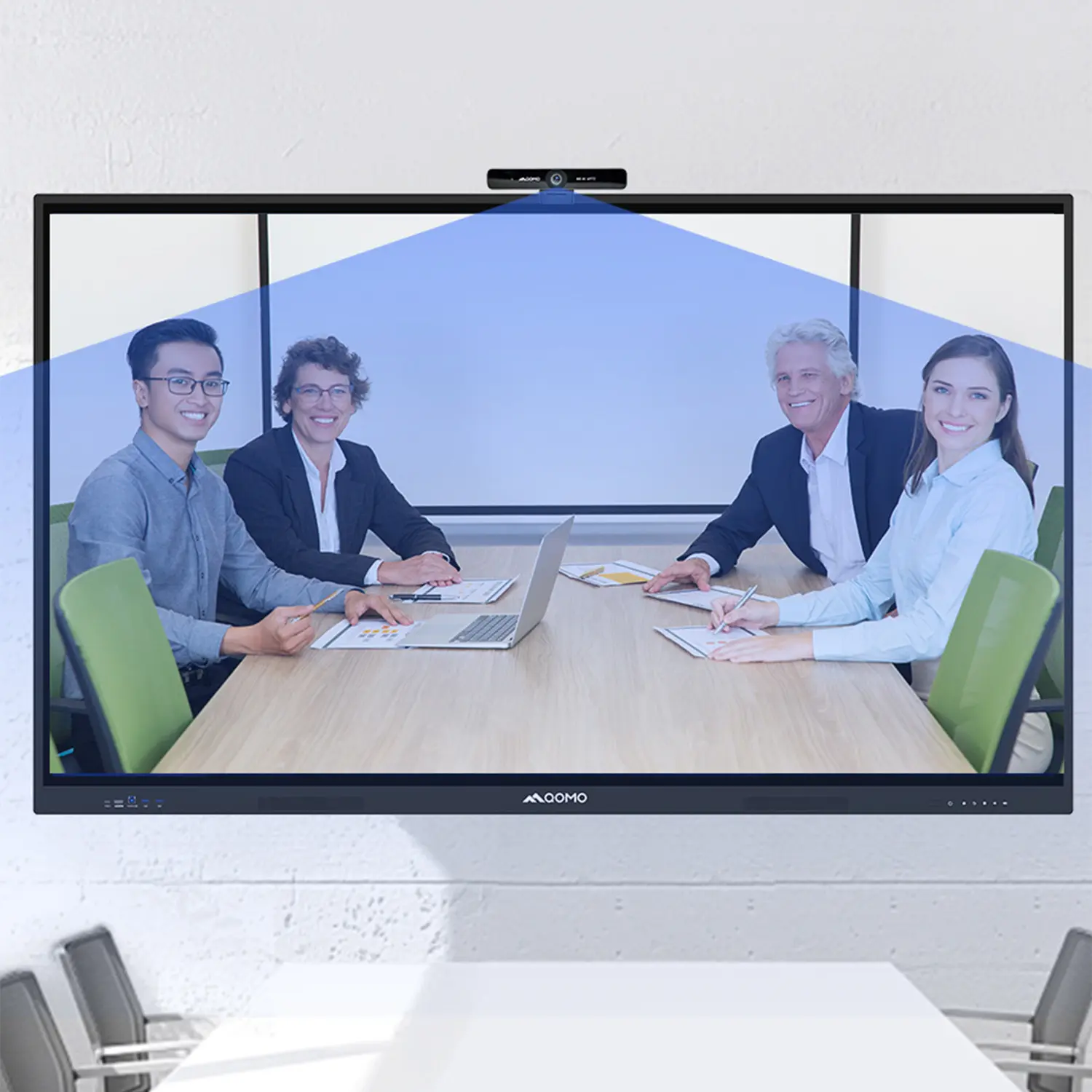
Elevate Your Meetings in Seconds: QWC 006 Webcam
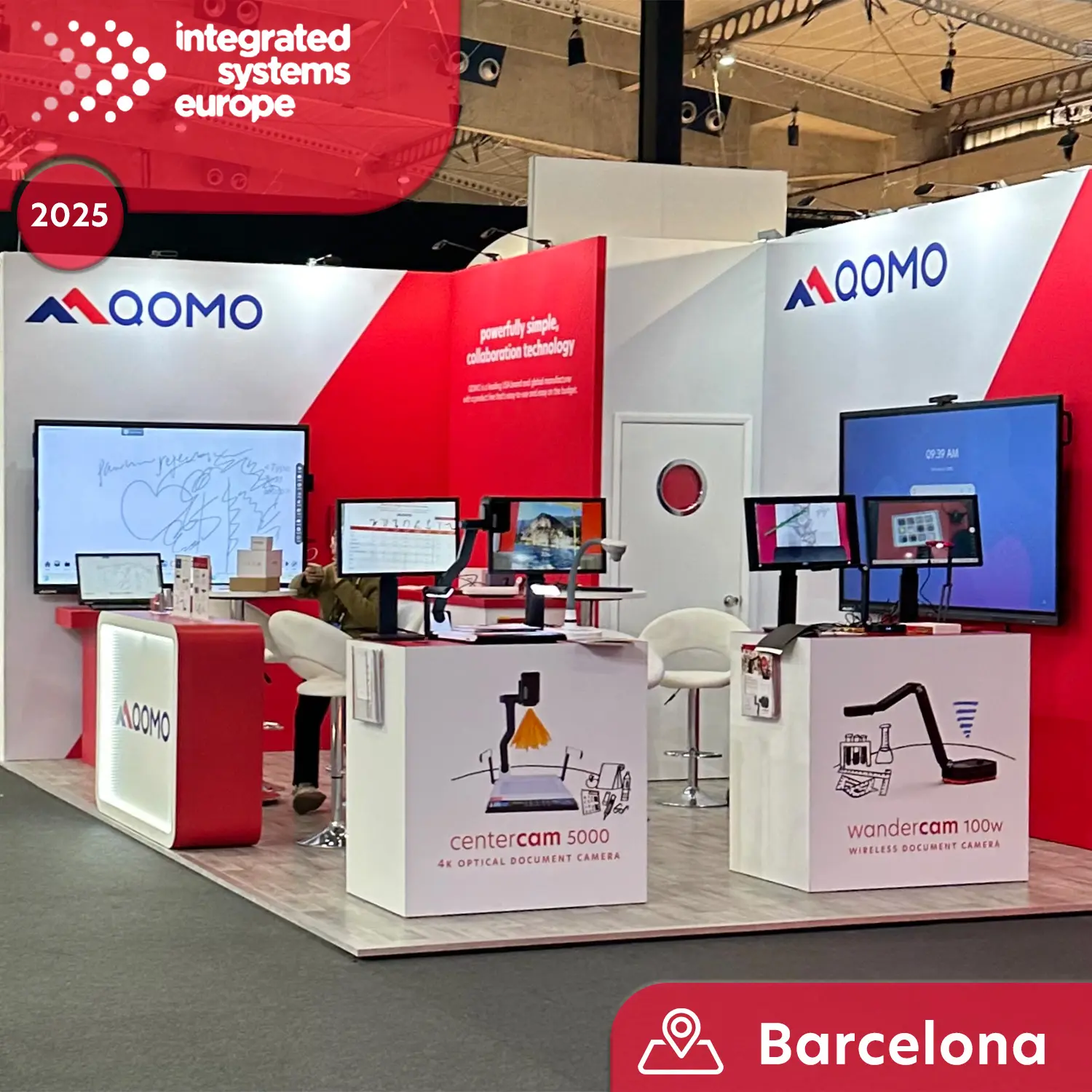
Meet QOMO at ISE 2025
Wireless Document Camera Solution, Revolutionizing Wireless Technology
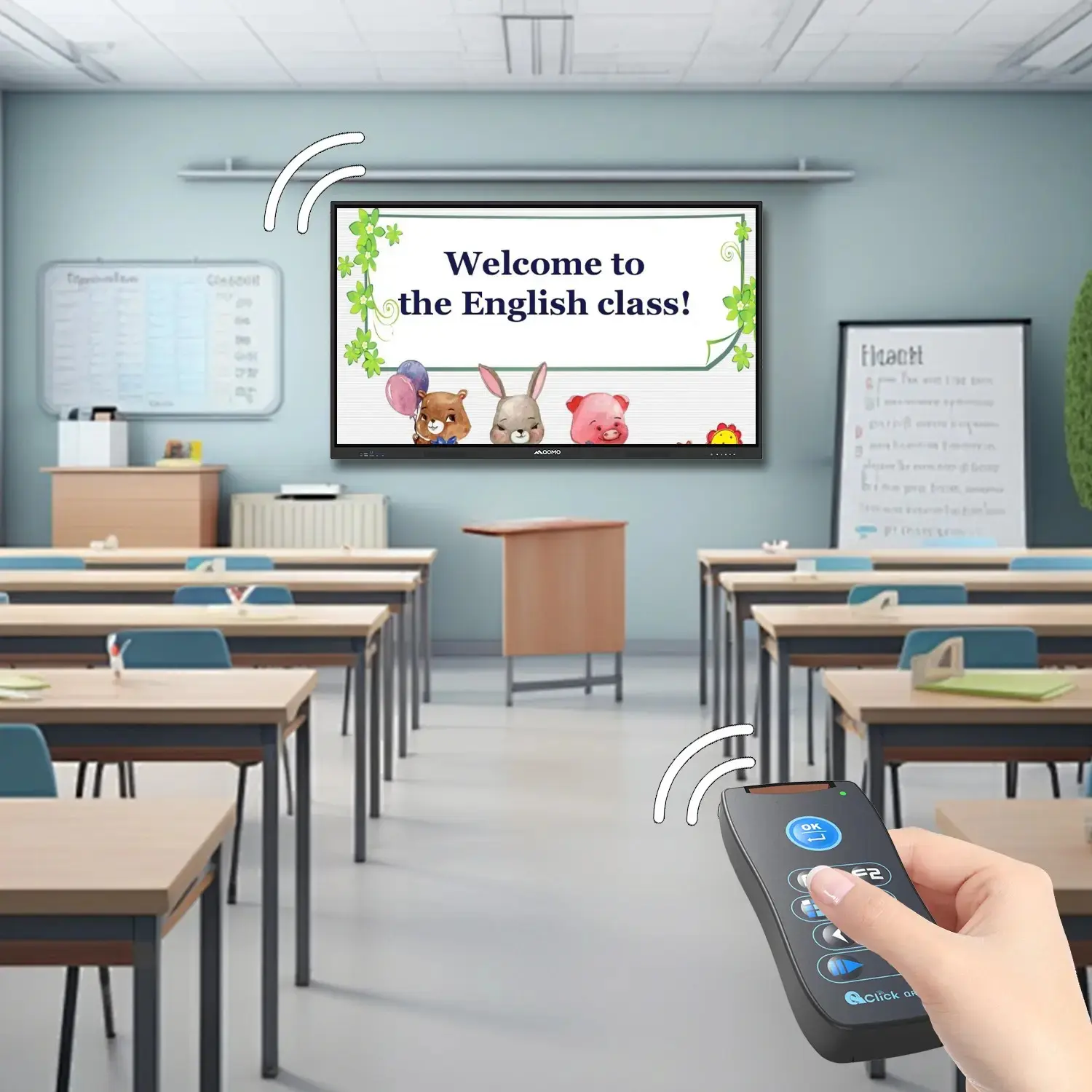
QRF Series, Transform Your Classroom!
QOMO, Building Intelligent Classrooms
QOMO QShare100 New Release
Outstanding Office Equipment Recommendations
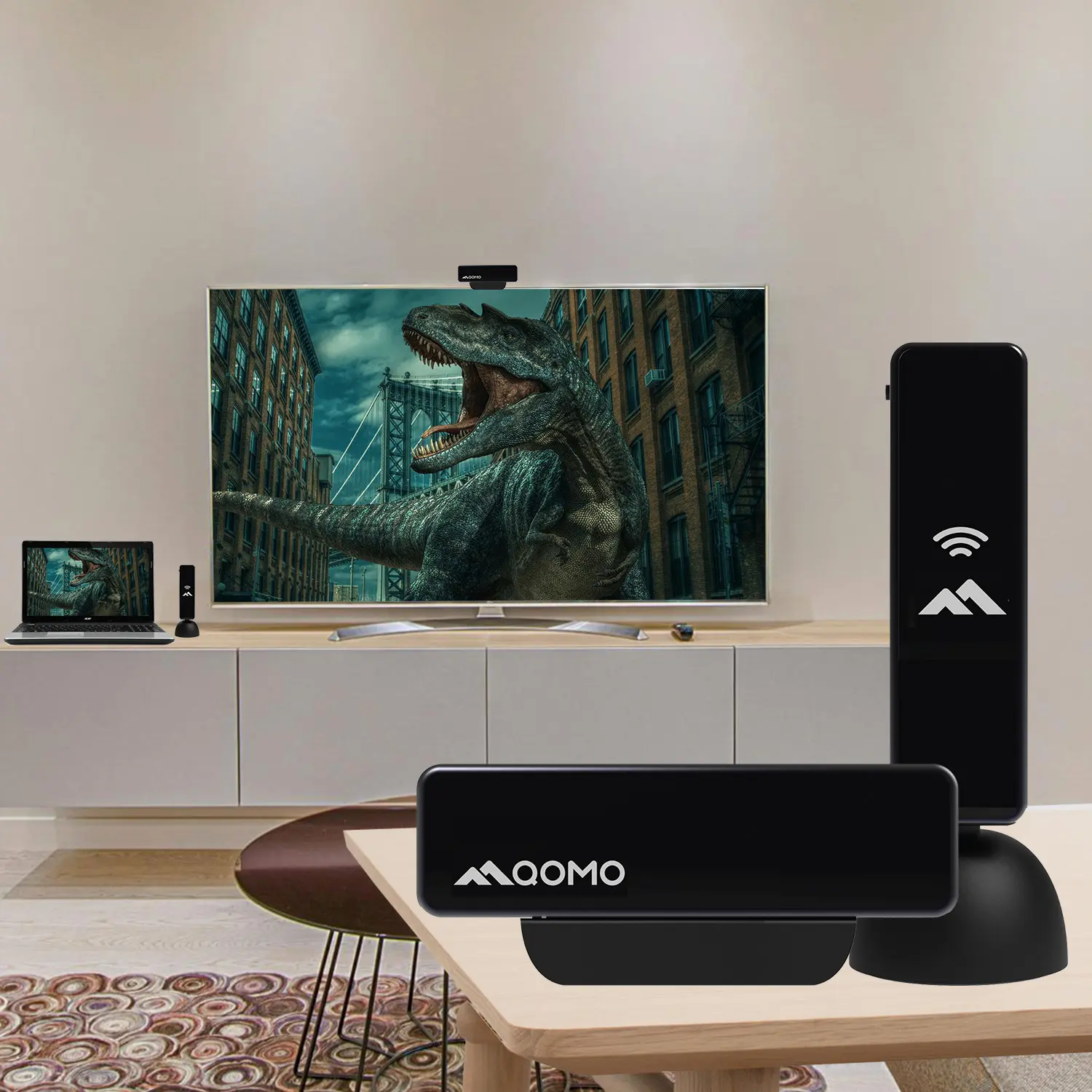
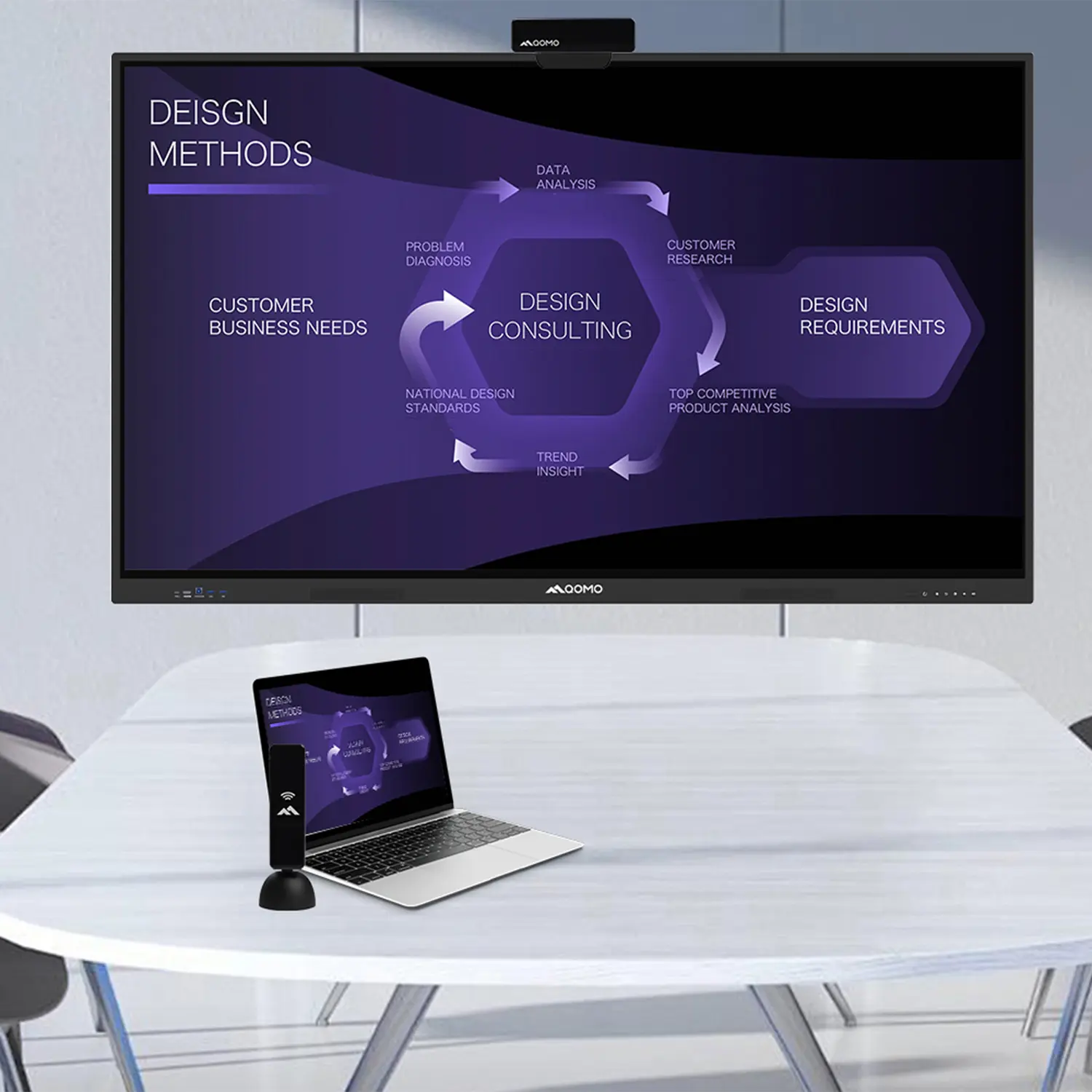
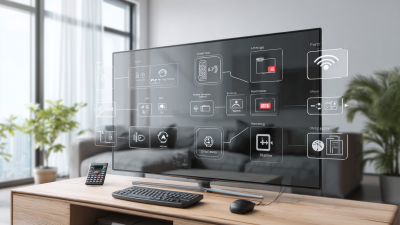
In today's fast-paced global marketplace, "Computer Screen Mirroring" has emerged as a vital tool for businesses and individuals alike. This technology allows users to duplicate their computer screens onto larger displays, enhancing visual communication and collaboration. By facilitating seamless sharing of content, it fosters a more engaging atmosphere for presentations and meetings. Moreover, it simplifies the process of sharing crucial information with remote teams and clients, bridging gaps in distance and time.
The advantages of "Computer Screen Mirroring" extend beyond mere convenience. It represents a shift towards more interactive and dynamic work environments. During important meetings, stakeholders can visualize data more effectively, leading to better decision-making. Despite its numerous benefits, some users may overlook potential technical challenges. Network issues, for instance, can disrupt the mirroring process, causing frustration. As businesses increasingly adopt this technology, they must prioritize robust infrastructure and training to ensure smooth operation.
Reflecting on these aspects, the global audience must consider both the strengths and possible shortcomings of computer screen mirroring. Embracing this innovative approach while remaining aware of its limitations is key to maximizing its potential in a business or personal context.
Computer screen mirroring has emerged as a vital tool for global buyers, enhancing their operational efficiency. This technology allows users to project their computer screen onto larger displays, fostering better communication and collaboration. According to a recent report by Research and Markets, the screen mirroring market is expected to grow by 30% annually, driven by its adoption across various sectors.
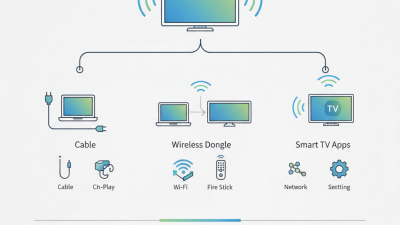
Understanding the technical aspects of screen mirroring can optimize its benefits. This process involves wireless technology, such as Miracast or Apple AirPlay, enabling seamless connections across devices. An intricate understanding of these technologies can help businesses troubleshoot common issues, thereby enhancing their presentations. Notably, 72% of companies report improved meeting outcomes when using screen mirroring technology, as it fosters interaction.
However, there are practical challenges. Connectivity problems may arise in congested networks, disrupting presentations. Additionally, users may struggle with compatibility across diverse systems. Evaluating these issues is crucial to maximizing the potential of screen mirroring. By identifying common pitfalls, organizations can improve their workflows and leverage technology more effectively, ultimately leading to better business outcomes.
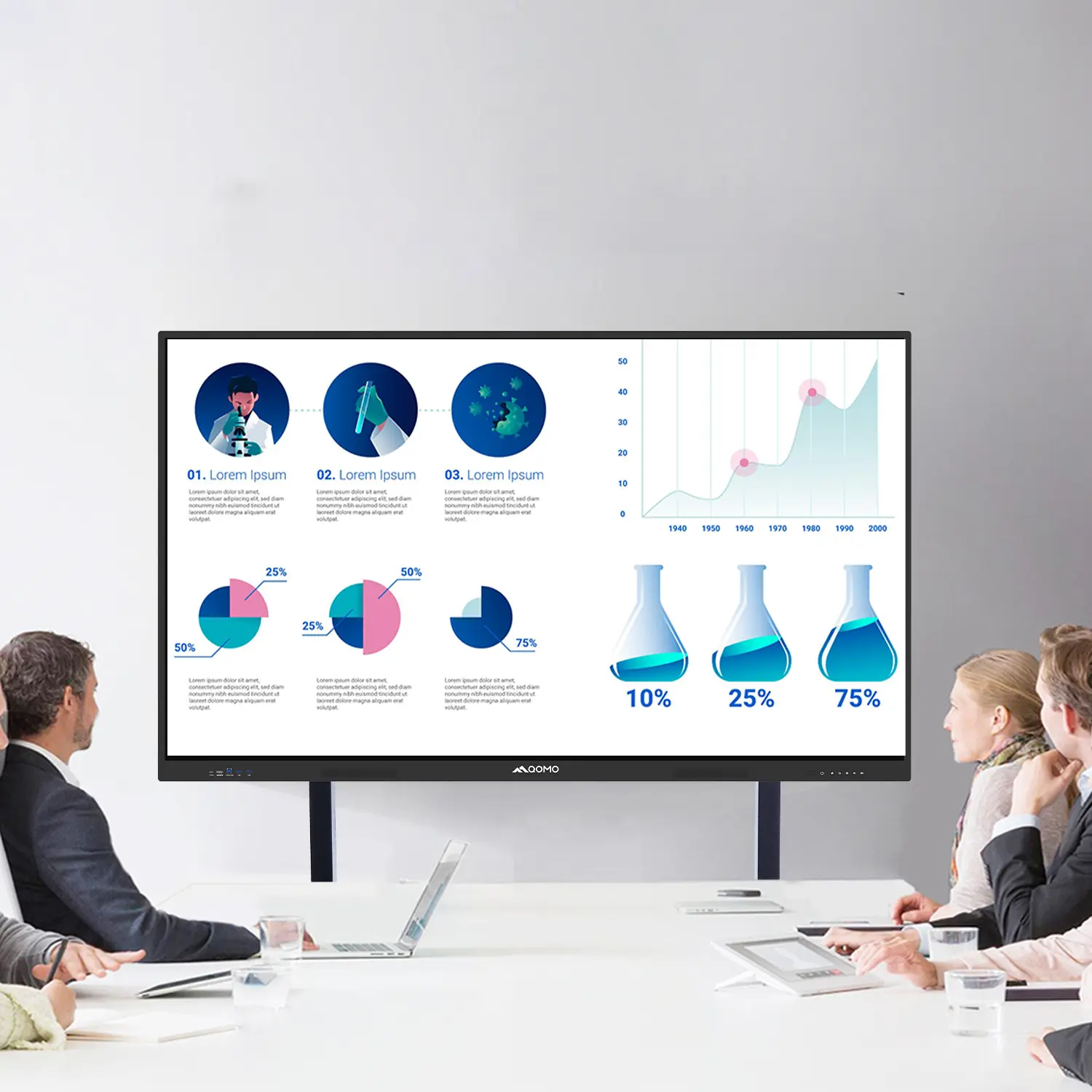
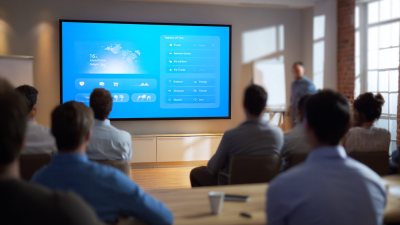
Screen mirroring has revolutionized collaboration in business meetings. According to a report by Gartner, 74% of businesses see improved productivity when using visual aids in their presentations. Screen mirroring allows real-time sharing of content from devices to a larger display. This feature enhances engagement among participants, fostering more interactive discussions.
Utilizing screen mirroring can also highlight certain inefficiencies. For instance, while many employees embrace this technology, not all are trained on its optimal use. A study from Forrester Research indicates that 37% of employees feel uncomfortable using technology in meetings. This discomfort can hinder participation. Thus, while screen mirroring offers clear advantages, organizations must invest in training to maximize its potential.
Moreover, technical glitches can disrupt presentations. Issues like lagging connectivity may lead to frustration. A survey from TechSmith shows that 40% of users have faced connectivity issues while presenting. To avoid such obstacles, regular maintenance and updates of technology are essential. Addressing these challenges can help organizations thrive in their collaborative efforts.
Screen mirroring technology offers significant cost-effectiveness for global buyers. By allowing multiple devices to share screens seamlessly, it reduces the need for expensive hardware. Businesses can save on setting up separate monitors and projectors. This approach streamlines communication during meetings and presentations.
Moreover, screen mirroring enhances collaboration. Teams can share real-time data from their devices. This method cuts down the time spent relocating files or settings. Instead, participants can focus on the task at hand. However, there are challenges to consider. Connectivity issues or software incompatibility may lead to interruptions. Maintaining a backup plan can mitigate such risks.
Incorporating screen mirroring also demands proper training for effective use. Users should be familiar with the technology to reap its full benefits. Yet, not everyone may adopt these tools easily. Continuous support is essential to overcome these hurdles and maximize efficiency. Investing time and resources into the training process ultimately pays off. Effective screen mirroring can transform how global teams operate and communicate.
| Benefit | Description | Impact on Cost | Resources Saved |
|---|---|---|---|
| Enhanced Collaboration | Allows multiple users to share screens in real-time, fostering teamwork. | Reduces the need for physical meetings, saving travel costs. | Significant time saved in project coordination. |
| Time Efficiency | Fast screen sharing provides immediate access to presentations and documents. | Minimizes downtime during meetings, leading to increased productivity. | Less time wasted searching for information. |
| Flexibility | Compatible with various devices, allowing remote access. | Reduces the need for specific devices, lowering equipment costs. | Less hardware needed for presentations. |
| Improved Engagement | Interactive presentations keep participants engaged and involved. | Higher engagement rates lead to better retention of information. | Reduced need for follow-up training sessions. |
| Cost-Effective Training | Remote training sessions can be conducted without the need for travel. | Lower training expenses improve overall budget management. | Significant travel and accommodation costs saved. |
The rise of remote workforces has changed how teams collaborate. Screen mirroring technology allows seamless access to shared screens. This connectivity can enhance communication among team members. Employees can share presentations or documents instantly. Therefore, everyone is on the same page.
In many cases, remote workers struggle without physical interaction. Screen mirroring reduces that gap. It brings visual learning to the forefront. Team members can illustrate ideas more effectively through shared screens. Moreover, it encourages an interactive workspace. Questions can be answered in real time. Teams can brainstorm collectively without delays.
However, there are challenges to consider. Technical issues can disrupt the smooth flow of meetings. Not all devices may be compatible, causing frustration. Additionally, reliance on technology might diminish personal engagement. Teams must constantly reflect on these shortcomings. Finding a balance between technology and human connection is crucial for productivity.
Screen mirroring enhances presentations significantly. It allows presenters to share their screens in real-time, creating a more dynamic interaction with the audience. As images, videos, or documents are displayed directly, viewers remain engaged. This immediate visual connection promotes better understanding and retention of information. Presenters can illustrate points more effectively, making the content accessible to everyone in the room.
However, screen mirroring requires a reliable Wi-Fi connection. Poor connectivity can disrupt the flow of a presentation, leading to frustration for both the presenter and the audience. It's essential to test equipment before the presentation. Also, unexpected technical issues can arise, causing interruptions. Therefore, it's wise to prepare backup materials. Engaging an audience is not just about technology; it requires thoughtful planning and practice.
Leveraging screen mirroring can transform the way you present. It creates an interactive experience, fostering dialogue and participation from the audience. Yet, being reliant on technology also means being adaptable. Presenters must be ready to pivot if things don’t go as planned. Embracing imperfect moments can lead to authentic connections with the audience.