request to quote
Leave Your Message

What Are the Top Interactive Touchscreens for Global Buyers?

For global buyers, choosing the right interactive display involves more than comparing screen sizes and prices. Interactive Touchscreens now support classrooms, meeting rooms, museums, healthcare spaces, and retail environments. A bright 65-inch panel may look impressive in a showroom, yet glare can reduce visibility beside a sunny window. Touch accuracy matters too. A slight delay can frustrate teachers, presenters, and customers. Small details matter.

This guide examines the top Interactive Touchscreens through practical buying criteria and verified product information. We compare display brightness, touch response, operating systems, connectivity, durability, installation options, and after-sales support. We also consider how each model performs in real environments, including crowded classrooms and shared conference tables. Use changes everything. A retail display may need continuous operation, while a training room may prioritize easy collaboration and wireless casting. These differences can change the final recommendation.

Reliable evaluation also requires careful checking. Buyers should confirm technical specifications with manufacturers and authorized distributors. Marketing claims do not always explain long-term performance. Warranty coverage, regional power requirements, software updates, service availability, and data protection features deserve close attention. No model fits everyone. Some screens offer excellent value but limited integration, while premium models may exceed smaller teams’ needs. Our comparisons aim to remain balanced, practical, and transparent, while acknowledging that performance can vary by room design, user habits, and network conditions. The strongest choice is not always the most expensive one; it is the screen that matches the buyer’s actual workflow, support expectations, and installation environment.

What Are the Top Interactive Touchscreens for Global Buyers?

Defining Interactive Touchscreens and Their Core Functions

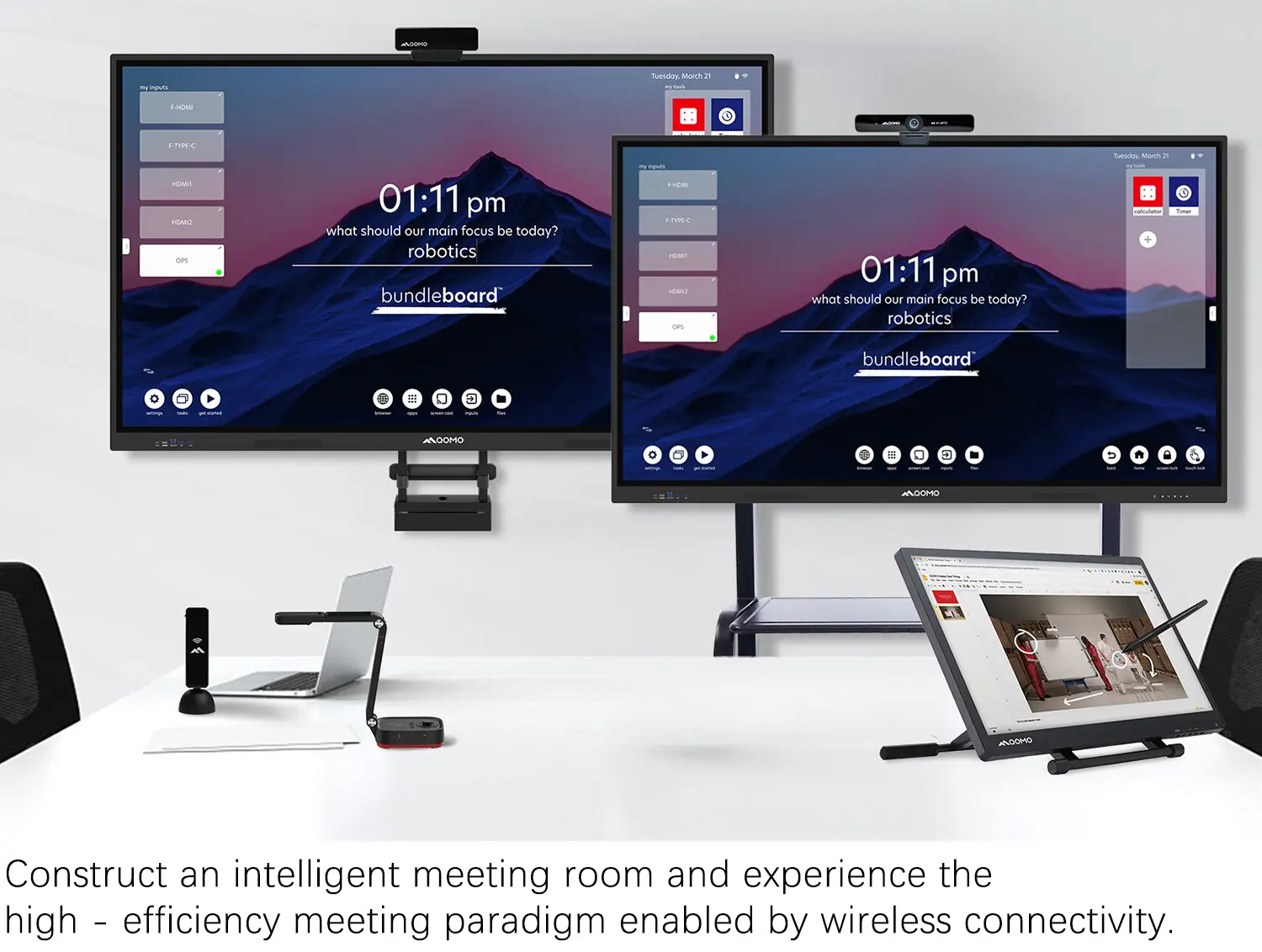
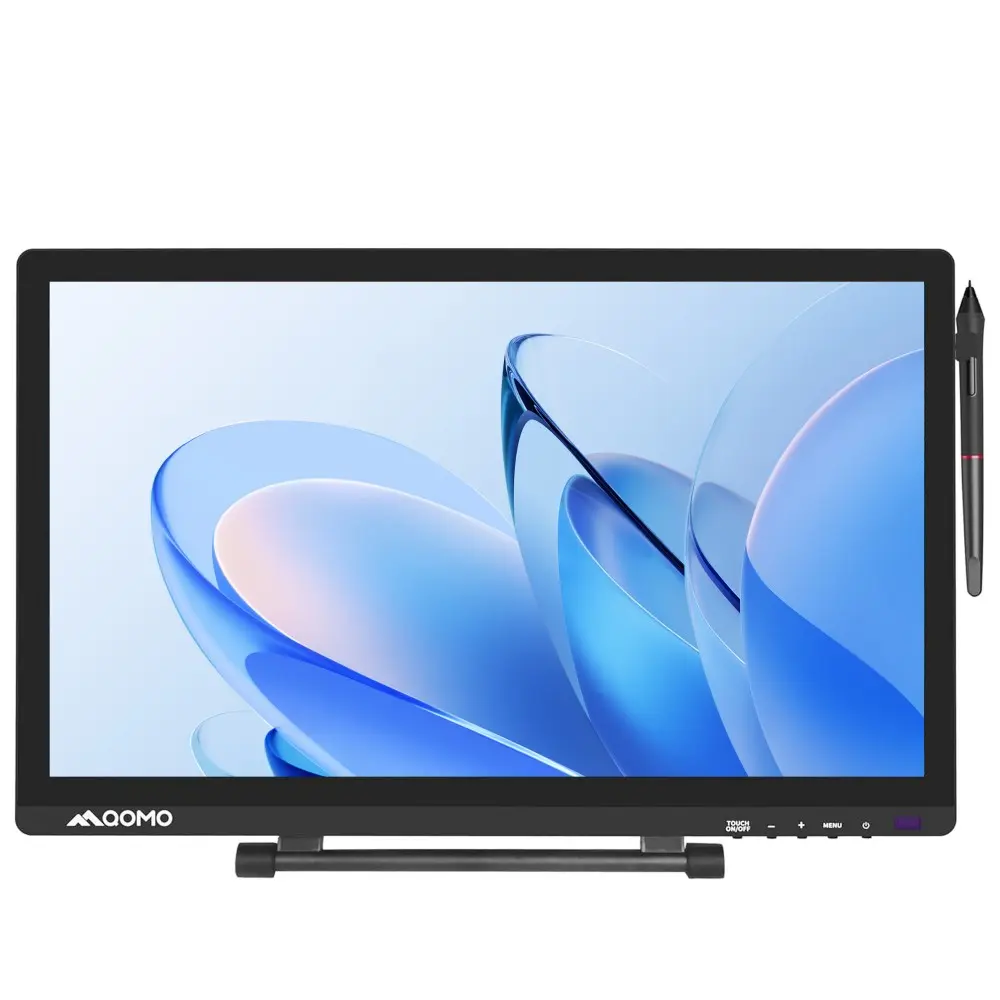
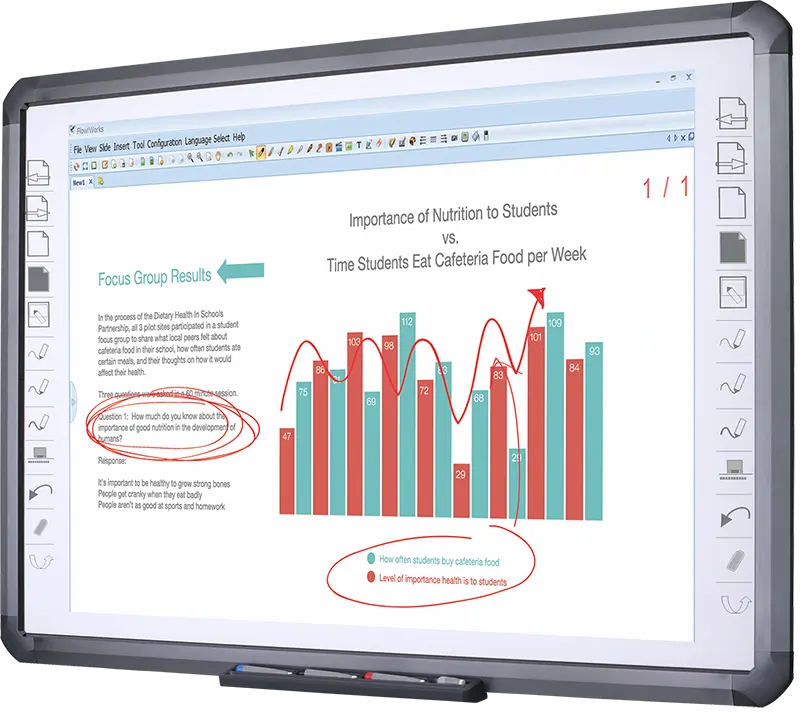
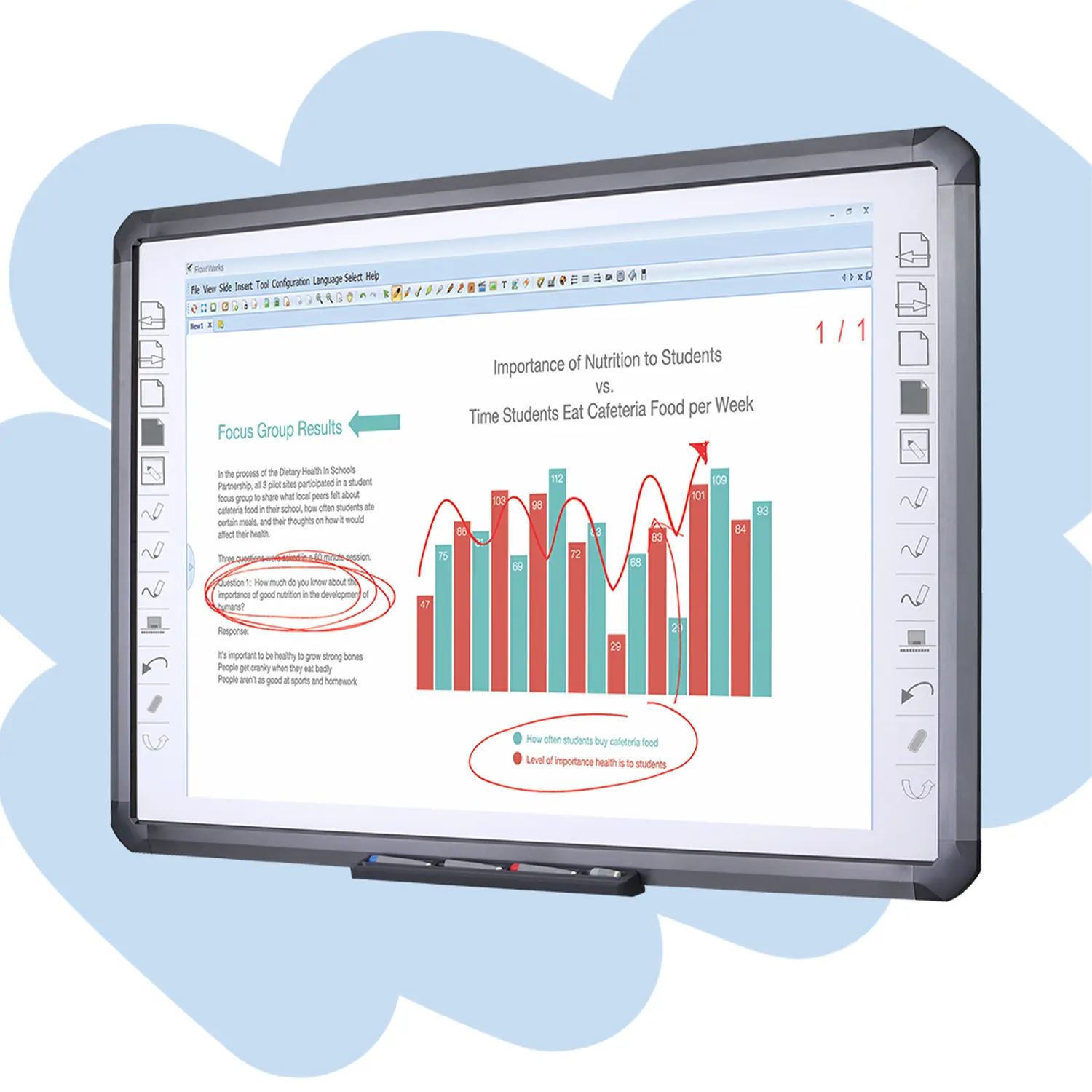
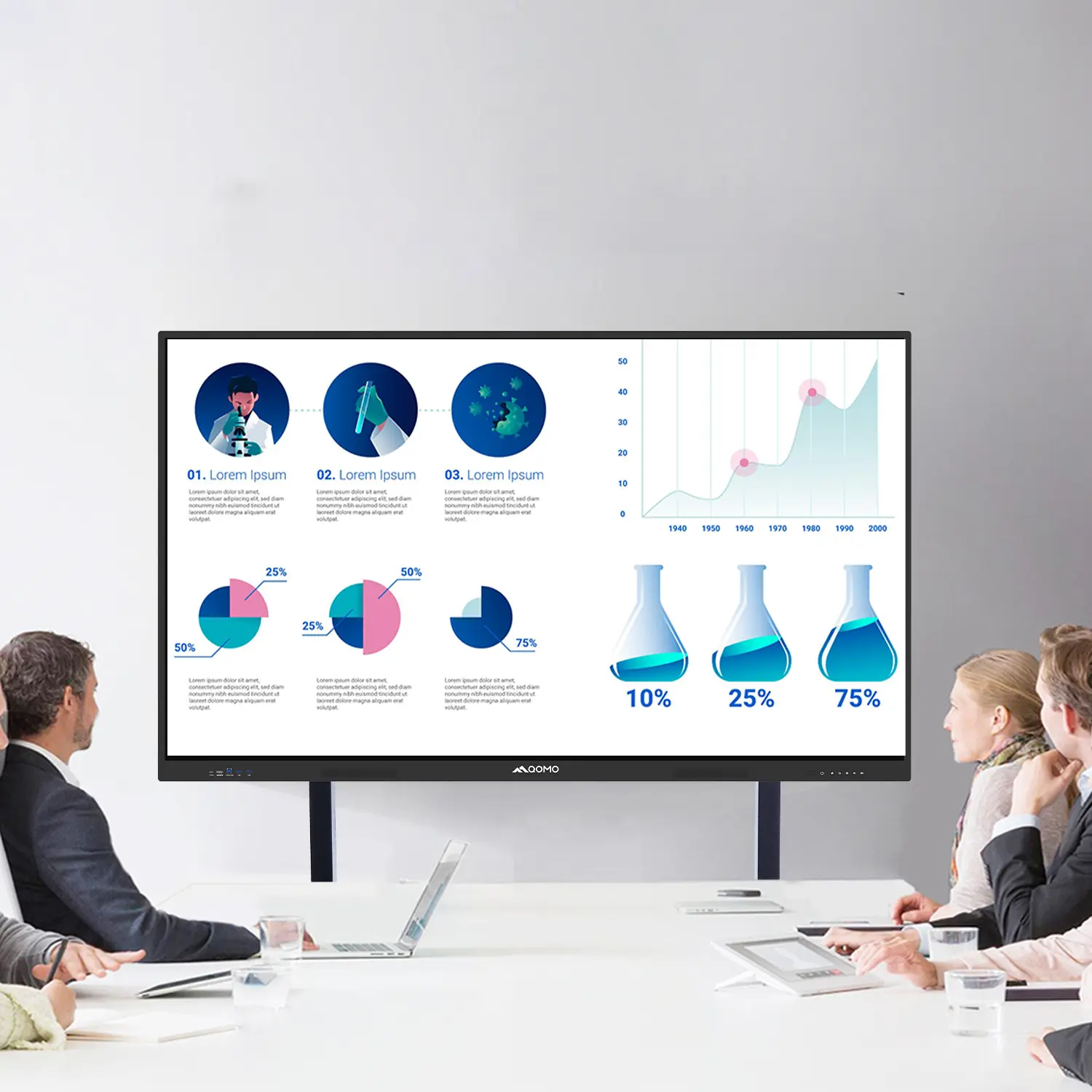
Interactive touchscreens combine a display with touch-sensitive input, allowing users to control digital content directly. Unlike ordinary monitors, they respond to taps, swipes, handwriting, and multi-finger gestures. Their core functions include presenting documents, annotating images, navigating software, sharing screens, and supporting video meetings. Some systems also recognize palm rejection and distinguish several users at once.

In practical evaluations, response speed matters more than impressive specifications. A short delay can make handwriting feel broken. A 55-inch screen may suit a meeting room, while a smaller panel works better beside a reception desk. Look for clear text, wide viewing angles, low glare, and reliable calibration. Ports such as USB-C, HDMI, and network connections improve compatibility with different computers. Built-in speakers and microphones can reduce setup time, but their quality is not always consistent. No touchscreen is perfect.

Tips: Test the screen with dry and damp fingers. Check whether writing remains accurate near the corners. Ask for accessibility options, including adjustable text size and alternative input methods. Review software update procedures and user permissions before purchase. A secure device should limit unauthorized access and protect shared files. Global buyers should also verify power requirements, language support, warranty coverage, and local service availability. These details seem minor until a busy classroom or conference room depends on them.

Comparing Touchscreen Technologies for Different Buyer Needs

Projected capacitive touchscreens suit offices, classrooms, and retail counters where users expect fast, smooth gestures. They detect light finger contact through an electrical field. Multi-touch navigation feels natural, even when viewing maps or product catalogs. However, ordinary capacitive panels may struggle with thick gloves or heavy moisture. Buyers should test real working conditions, not rely on showroom demonstrations.

Infrared touchscreens offer a practical option for large displays and shared public spaces. Their frame detects interruptions across a grid of infrared beams. Users can operate them with fingers, styluses, or gloved hands. Bright sunlight, dust, and accidental knocks still require careful evaluation. A sealed frame and accessible cleaning design can reduce service problems. Small details matter.

Resistive screens remain useful for factories, medical environments, and tasks requiring precise input. They respond to pressure, so operators can use gloves or a narrow stylus. The image may appear less vivid, and gestures can feel slower. Surface acoustic wave technology delivers clear images and accurate touch, but water and contaminants may affect performance. During product trials, buyers should measure response time, viewing angles, cleaning frequency, and replacement costs. Do not skip accessibility testing. A screen that works beautifully for one operator may frustrate another. Even experienced purchasing teams sometimes overvalue resolution and underestimate glare, mounting height, or software compatibility. The “best” touchscreen depends on the hands, light, tools, and workload surrounding it.

What Are the Top Interactive Touchscreens for Global Buyers?

This comparison uses representative commercial capabilities rather than brand-specific data. Projected capacitive and infrared technologies generally support multi-touch interaction, while infrared systems are often preferred for large-format displays and gloved operation. Resistive screens remain suitable for precise single-touch input, especially where users may wear gloves or use a stylus. Higher scores indicate stronger suitability for the listed buyer need.

Evaluating Screen Size, Resolution, Brightness, and Durability

For global buyers, screen size should match the room, viewing distance, and number of users. A 55-inch touchscreen suits a small meeting room. Larger classrooms may need 75 inches or more. Bigger is not always better. An oversized display can create awkward viewing angles and higher installation costs.

Resolution affects text clarity, diagrams, and shared documents. A 4K panel usually gives sharper details than a Full HD model, especially on large screens. However, resolution alone cannot fix poor software scaling or weak content quality. In bright rooms, brightness deserves equal attention. A screen rated around 500 to 700 nits can improve visibility near windows. Excessive brightness may cause eye fatigue. Glare control matters just as much. Check the viewing angle with lights switched on.

Durability requires evidence, not attractive wording. Look for strengthened cover glass, reliable touch response, and protection against repeated daily contact. A classroom model should handle fingerprints, cleaning, and occasional impact. Buyers should request test reports, operating temperature ranges, warranty terms, and service arrangements in their region. Touch accuracy should also be tested with dry fingers, light gloves, and several users at once. This is often overlooked. A lower-cost screen may appear suitable during a short demonstration, yet fail under constant use. Independent testing remains wiser than relying on specifications alone.

Reviewing Operating Systems, Connectivity, and Software Compatibility

Global buyers should treat the operating system as a long-term cost, not a menu option. A responsive touchscreen needs fast startup, stable updates, and clear administrator controls. Open platforms can support more applications, while closed systems may simplify classroom deployment. Neither approach is perfect. The 2023 Global Education Monitoring Report found that only 40% of primary schools had internet access for teaching. That figure rises to 50% in lower secondary schools and 65% in upper secondary schools. Offline tools still matter. Buyers should test screen sharing, local playback, and USB-C display input before purchase. A five-minute classroom test can reveal more than a polished specification sheet.

Connectivity also determines software compatibility. Check Wi-Fi standards, wired networking, Bluetooth performance, and support for common video protocols. Then test the actual applications used by teachers, trainers, or meeting teams. Browser-based software should run smoothly, but native applications may require a specific operating system. File handling matters too. Open presentation, video, and document formats on the device, not only on a sales laptop. The 2024 Data Breach Investigations Report recorded human involvement in 68% of breaches, so automatic updates, user permissions, and secure account controls deserve serious attention. My own evaluations sometimes overvalue brightness and touch accuracy. That is a mistake when an impressive display cannot connect reliably or run essential software.

Selecting the Best Interactive Touchscreen for Global Markets

Selecting the Best Interactive Touchscreen for Global Markets

Global buyers need more than a bright display and responsive touch. The right interactive touchscreen must fit local classrooms, offices, retail spaces, and public facilities. Start with screen size, viewing distance, and daily usage hours. A 65-inch panel may suit a small meeting room, while larger spaces need stronger visibility. Test it under daylight, not only in a showroom.

Touch accuracy matters during writing, drawing, and multi-user collaboration. Look for low-latency response, palm rejection, and reliable performance with gloved hands where required. Built-in speakers should remain clear across the room.

Connectivity also deserves close attention. Multiple input ports, wireless casting, and compatibility with common operating systems reduce setup problems. Language support, regional power requirements, and recognized safety certifications are essential for international deployment.

Durability often separates a practical purchase from an expensive mistake. Check the glass surface, heat management, service access, and availability of replacement parts. Secure software updates and user permissions protect shared devices from careless changes. In my experience, installation quality affects performance more than many buyers expect. A poorly mounted screen can suffer glare, vibration, or uneven touch response. No model is perfect. I would request a live demonstration, measure the room, and test real files before approving a large order. The cheapest option may become costly when training, repairs, and downtime enter the calculation.