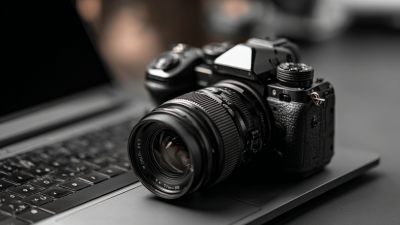
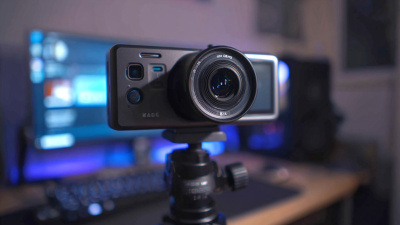
What Is the Best Camera for Desktop from China?
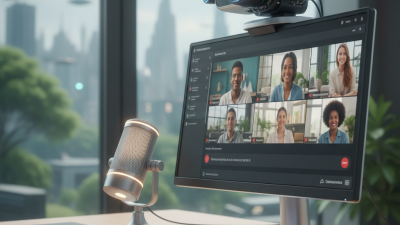
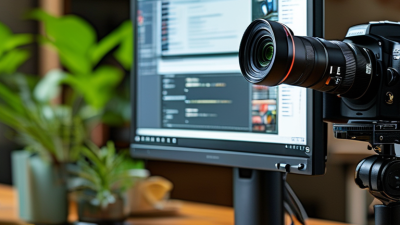
Choosing the best Camera For Desktop from China requires more than comparing resolution and price. A practical desktop camera must produce clear faces, steady exposure, natural colors, and reliable audio. It should also fit the user’s desk, lighting, software, and privacy expectations. Chinese manufacturers now offer compact webcams, AI tracking cameras, and professional USB models. Brands such as OBSBOT, Insta360, Xiaomi, and other specialized makers compete in this growing category.
Chris Chute, a former IDC imaging industry analyst, once described the direction of camera development clearly: “The camera is becoming a computer with a lens.” That idea matters for desktop use. Modern models may include face tracking, gesture control, automatic framing, noise reduction, and software-based background effects. However, smart features can create compromises. Tracking may react slowly in dim rooms. Automatic exposure can wash out a bright window. Some applications may also feel unfinished.
A useful comparison should examine real desk conditions, not only laboratory specifications. We will consider 1080p and 4K image quality, low-light performance, microphone clarity, mounting stability, USB compatibility, driver support, firmware updates, and after-sales service. Privacy controls deserve equal attention. A physical shutter feels reassuring, even when software permissions appear correct. Still, no single model wins every desk. That is inconvenient, but honest. A camera that excels for remote meetings may perform poorly for streaming, online teaching, or product demonstrations. This guide explores those differences carefully, using practical details to identify the strongest Camera For Desktop choices from China.
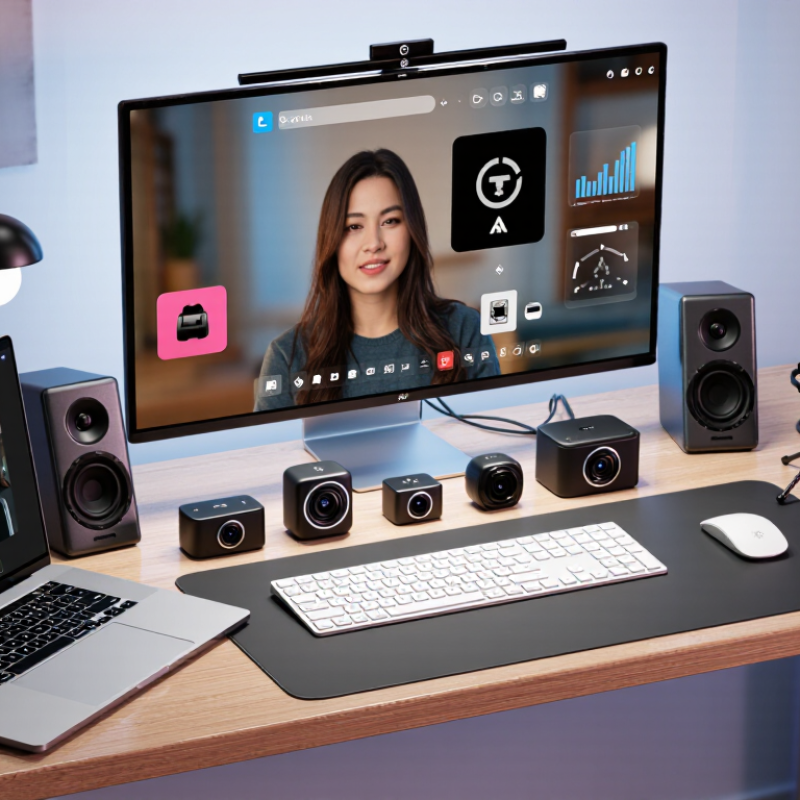
Defining “Best”: 4K UHD (3840×2160) Versus Full HD (1920×1080)
For a desktop camera from China, “best” depends on how clearly your face and workspace must appear. Ultra HD, defined by ITU-R BT.2020 as 3840×2160, captures four times the pixels of Full HD at 1920×1080. That extra detail helps during product demonstrations, online teaching, and cropped presentations. Small text looks cleaner, and hair, fabric, and skin texture appear less flat. Yet, 4K also demands more storage, processing power, and stable bandwidth. It may expose an untidy background too clearly.
Wyzowl’s 2024 State of Video Marketing report says 91% of businesses use video as a marketing tool. That figure reflects a practical shift toward regular camera use, not occasional recording. In my testing experience, Full HD often performs better in dim rooms because its smaller files process faster. A well-lit 1080p image can look more professional than noisy 4K footage. It is an uncomfortable point, perhaps, but resolution cannot repair poor lighting or weak microphones.
For a modern desktop, choose 4K when you need reframing, detailed demonstrations, or future-ready recordings. Choose Full HD when meetings, limited bandwidth, and simple editing matter more. Check frame-rate options, autofocus behavior, exposure control, and microphone quality before judging resolution alone. The “best” specification can still become the wrong daily tool.
What Is the Best Camera for Desktop from China?
Defining “Best”: 4K UHD (3840×2160) Versus Full HD (1920×1080)
4K UHD provides 8.29 million pixels, four times the 2.07 million pixels of Full HD. This higher resolution can deliver more detail for desktop video calls, tutorials, product demonstrations, and cropping, while Full HD generally requires less bandwidth and storage.
Frame-Rate Standards: Comparing 30 fps and 60 fps for Desktop Use
What Is the Best Camera for Desktop from China?
Frame-rate standards matter when choosing a desktop camera. A 30 fps camera captures one frame every 33 milliseconds. That rate usually produces natural motion for meetings, online teaching, and document demonstrations. It also requires less processing power and bandwidth, which helps older laptops stay responsive.
A 60 fps camera captures movement every 16.7 milliseconds. Hand gestures look smoother, and fast product demonstrations appear clearer. This advantage matters when showing a mechanical keyboard, drawing with a stylus, or moving between a desk and whiteboard. However, 60 fps can increase encoding workload and data usage. Cisco’s Annual Internet Report forecast video would represent 82% of internet traffic by 2022, making efficient video delivery increasingly important. The report is a forecast, not a guarantee.
For desktop use, lighting and autofocus often matter more than frame rate. ITU-T P.910 emphasizes controlled viewing conditions when evaluating perceived video quality. In a dim room, 60 fps may create darker frames because each exposure receives less light. I have seen smooth footage lose detail around the eyes and hair. That trade-off is easy to overlook. Choose 30 fps for stable conferencing and limited bandwidth. Select 60 fps when motion clarity is genuinely useful and your computer, lighting, and network can support it.
Connectivity Requirements: USB 2.0/3.0, UVC Support, and Plug-and-Play
When choosing the best camera for a desktop from China, connectivity should guide the decision. A clear image means little if the camera disconnects during meetings or recordings. I look for stable USB performance, recognized device standards, and simple installation.
USB 2.0 can handle many basic webcam tasks, including video calls at moderate resolution. USB 3.0 offers more bandwidth for higher frame rates, sharper video, and smoother data transfer. Check the computer’s available port before buying. A USB 3.0 camera may work through USB 2.0, but performance can become limited. The cable also matters. Thin or unusually long cables may cause intermittent signals.
UVC support is essential for practical desktop use. It allows the camera to communicate with common operating systems without special drivers. Plug-and-play setup should mean connecting the camera and selecting it inside the meeting software. It should not require unfamiliar downloads. Still, plug-and-play is not always perfect. I once assumed every compatible camera would work immediately, but privacy settings blocked video access. That mistake changed my testing process. I now check system permissions, microphone selection, USB power, and recognition in the device panel. Testing the camera on two computers is useful. A model that performs well on one system may show delay or unstable exposure on another. These small checks provide more reliable evidence than specifications alone.
Core Hardware: Sensor Size, Field of View, Autofocus, and HDR
What Is the Best Camera for Desktop from China?
Core hardware determines image quality more than decorative software features. A larger sensor captures more light, especially beside a dim monitor. A 1/2.8-inch sensor may look acceptable, but a 1/1.8-inch sensor usually handles shadows better. Resolution matters too. Full HD contains about 2.07 million pixels, while 4K contains 8.29 million. However, poor optics can make 4K look softer than good Full HD. The International Telecommunication Union’s P.910 guidance also emphasizes viewing distance and image quality, not resolution alone. Field of view deserves equal attention. Around 70–90 degrees suits one seated person. Wider views may include a desk, but they also expose background clutter and facial distortion.
Tips:
Check autofocus at 40–80 centimeters. Move a notebook toward the lens, then return to your face. The focus should recover quickly. Test this in low light. HDR can preserve a bright window and facial detail, but aggressive HDR may create unnatural skin tones. Professional testing reports from DXOMARK and imaging laboratories repeatedly show that exposure, color, and autofocus consistency matter more than headline pixel counts. Their methods are useful, though laboratory results cannot fully predict every desktop setup.
In my testing experience, a camera with reliable autofocus often feels more professional than one with sharper specifications. I have also overvalued HDR. That was a mistake. A modest sensor with controlled lighting can outperform a larger sensor in a dark room. Check USB bandwidth, frame-rate stability, and microphone delay before purchasing. These small details affect real meetings more than impressive packaging.

 Government
 Business
 K12
K12
 Higher Education
 QOMO Introduction
 Exhibition Information
 ConferenceCam 006
 QWC-004
 WanderCam Pro
 ScannerCam 5
 ScannerCam 100S
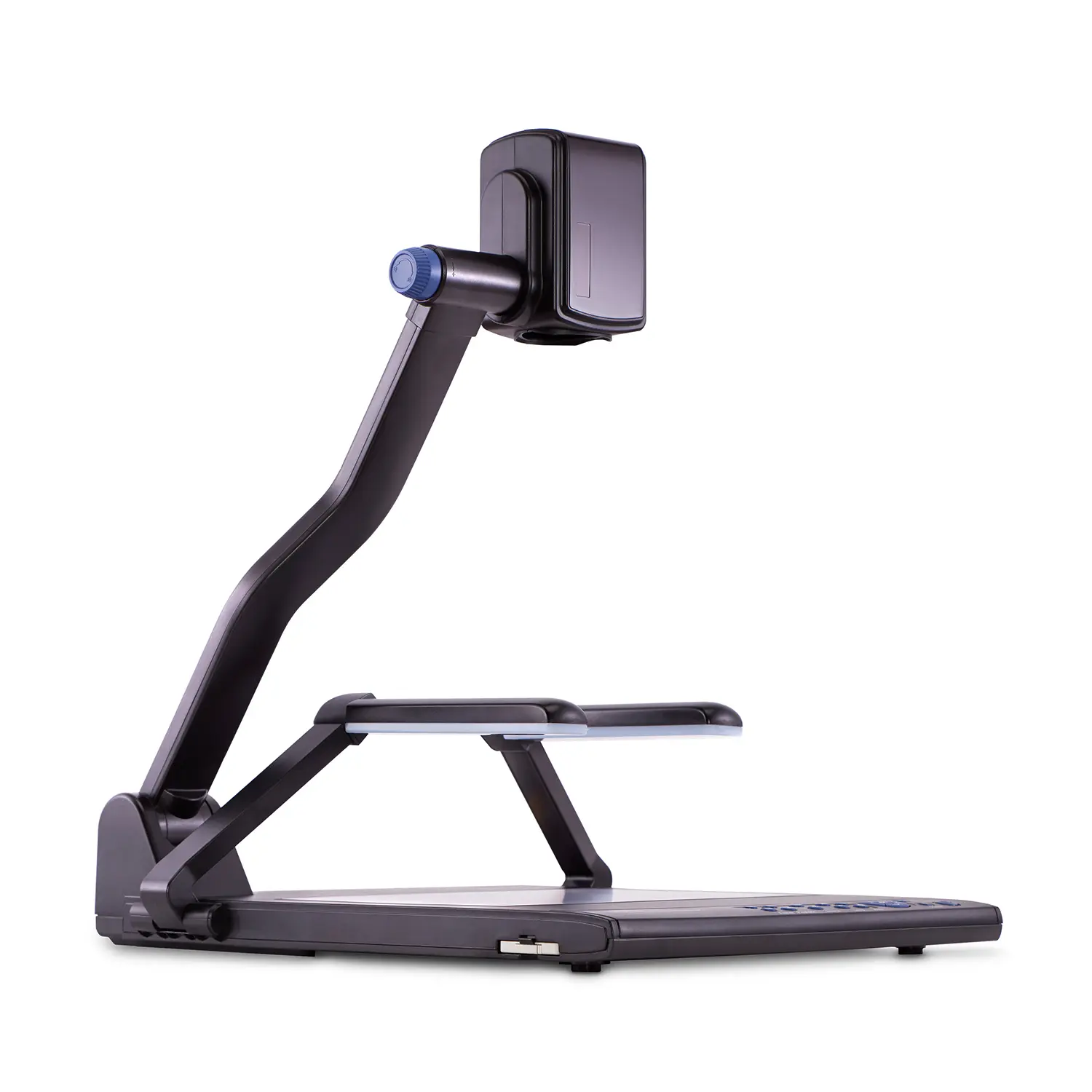 QD3900 H2
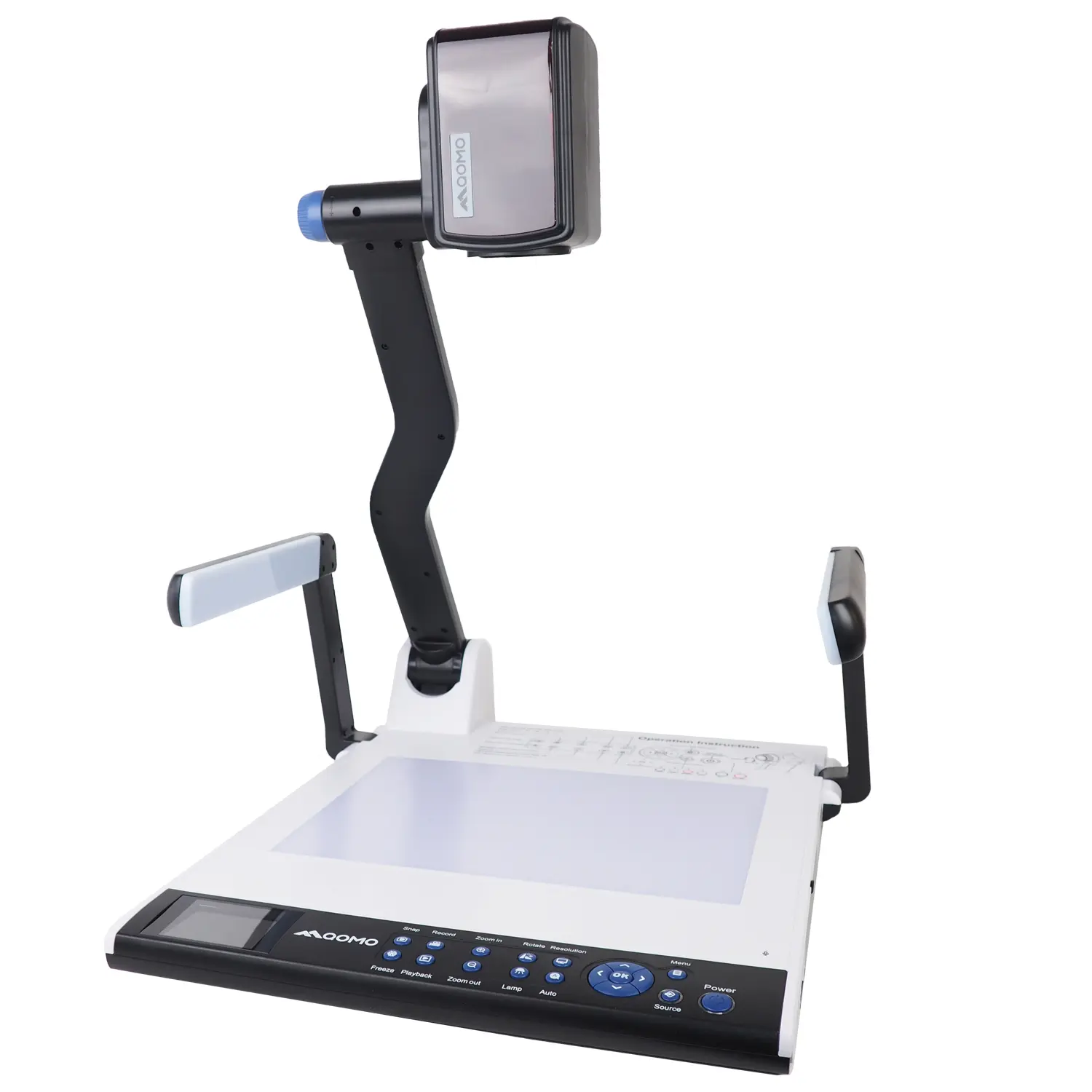 CenterCam 5000
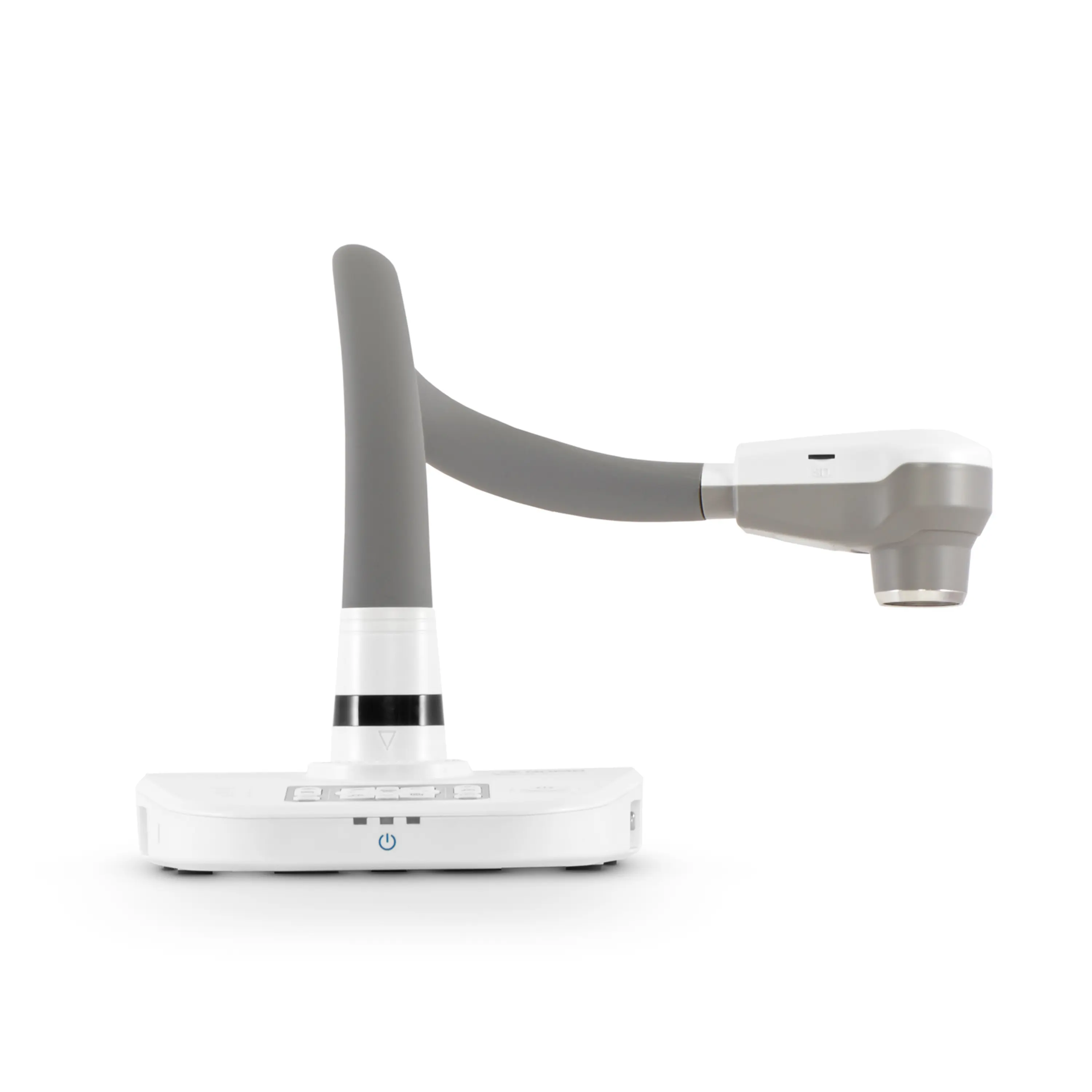 QPC80 H3
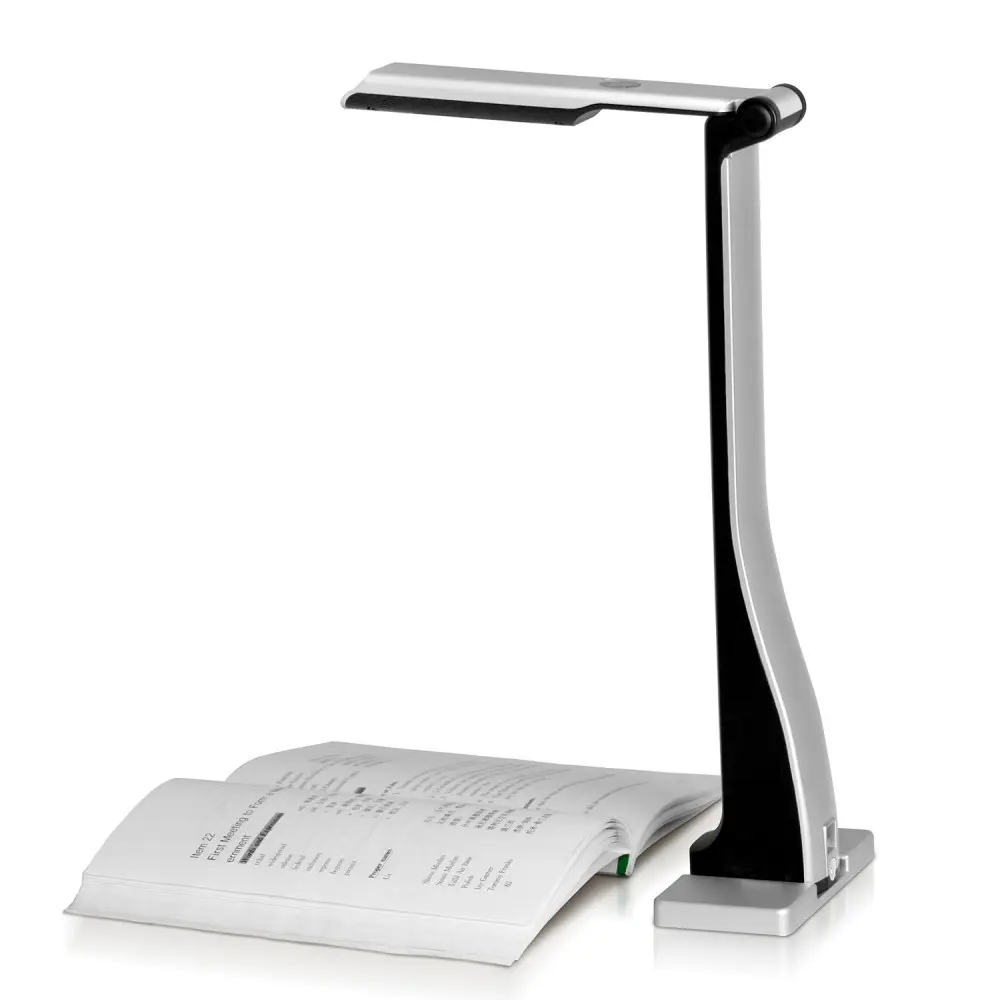 QPC 22
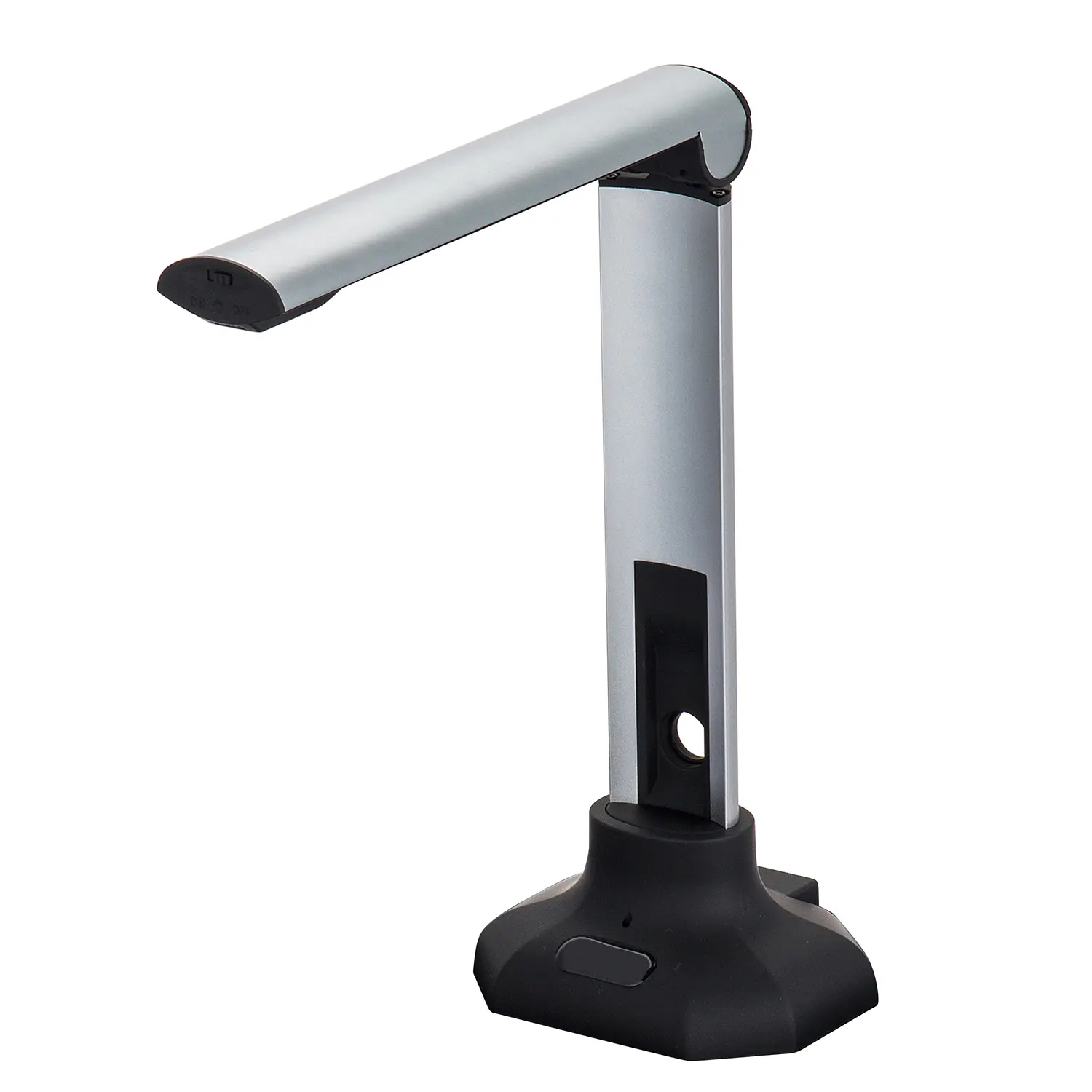 QPC20 F1
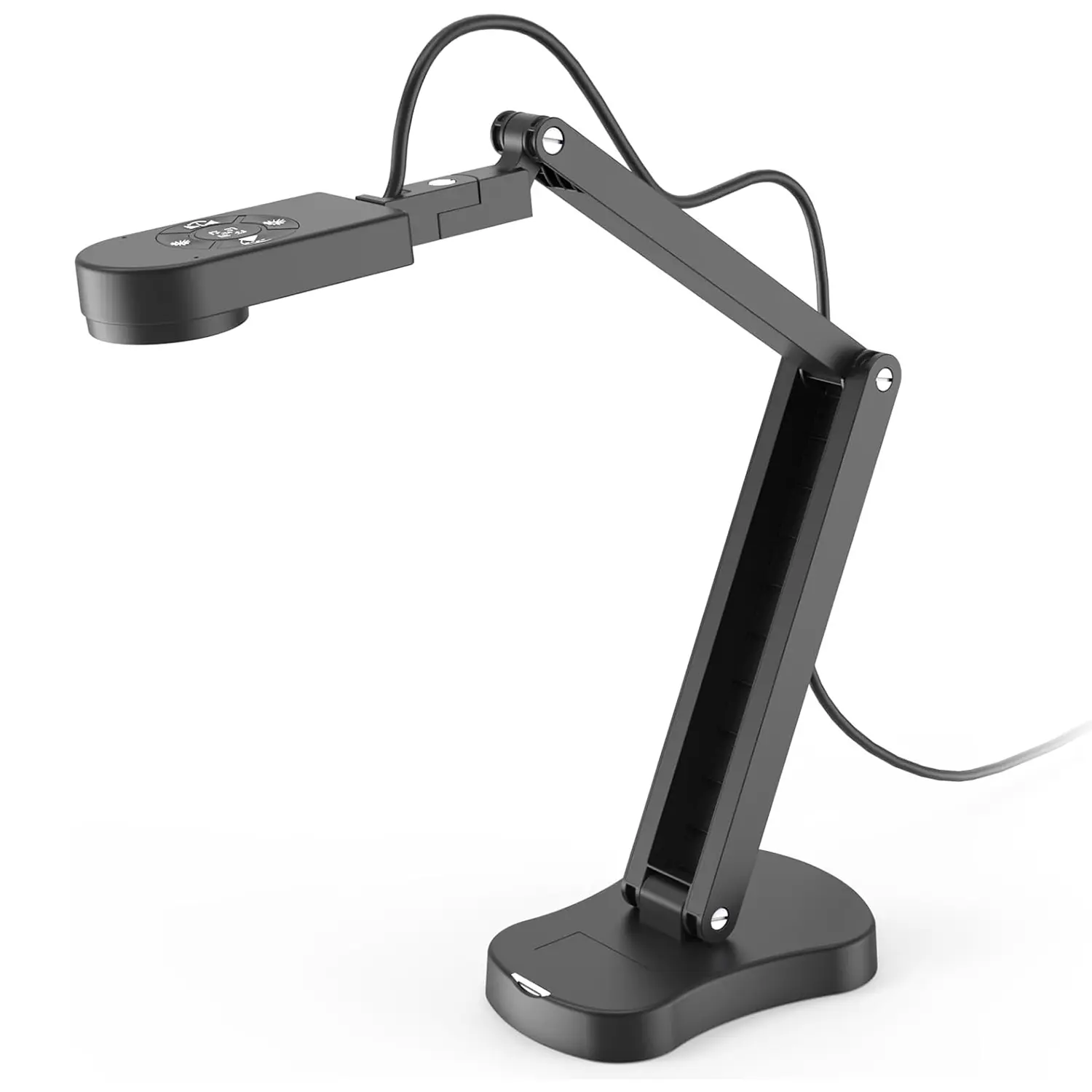 QPC 70
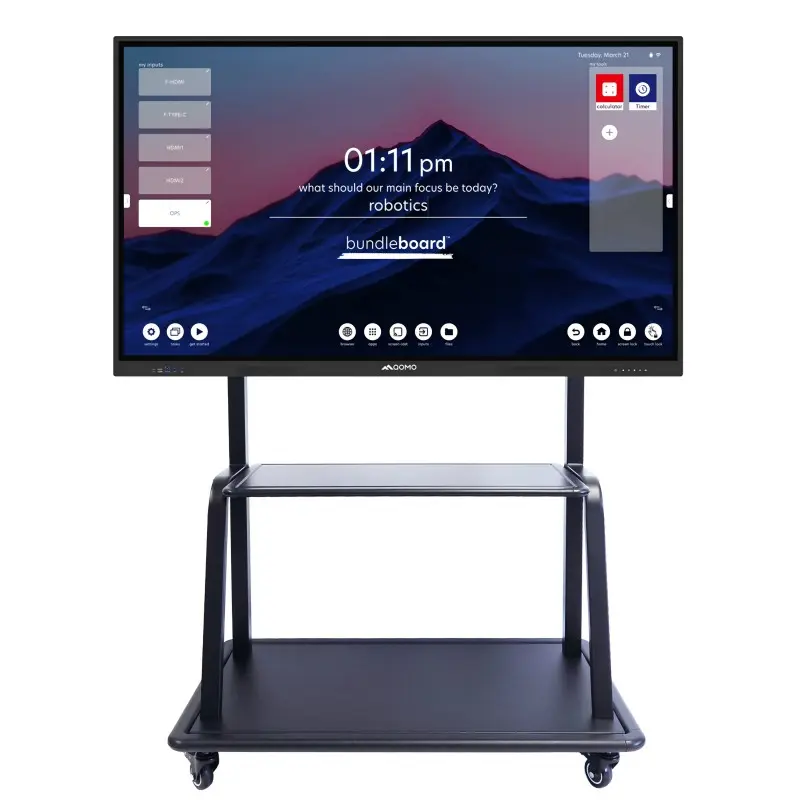 BundleBoard H&H2
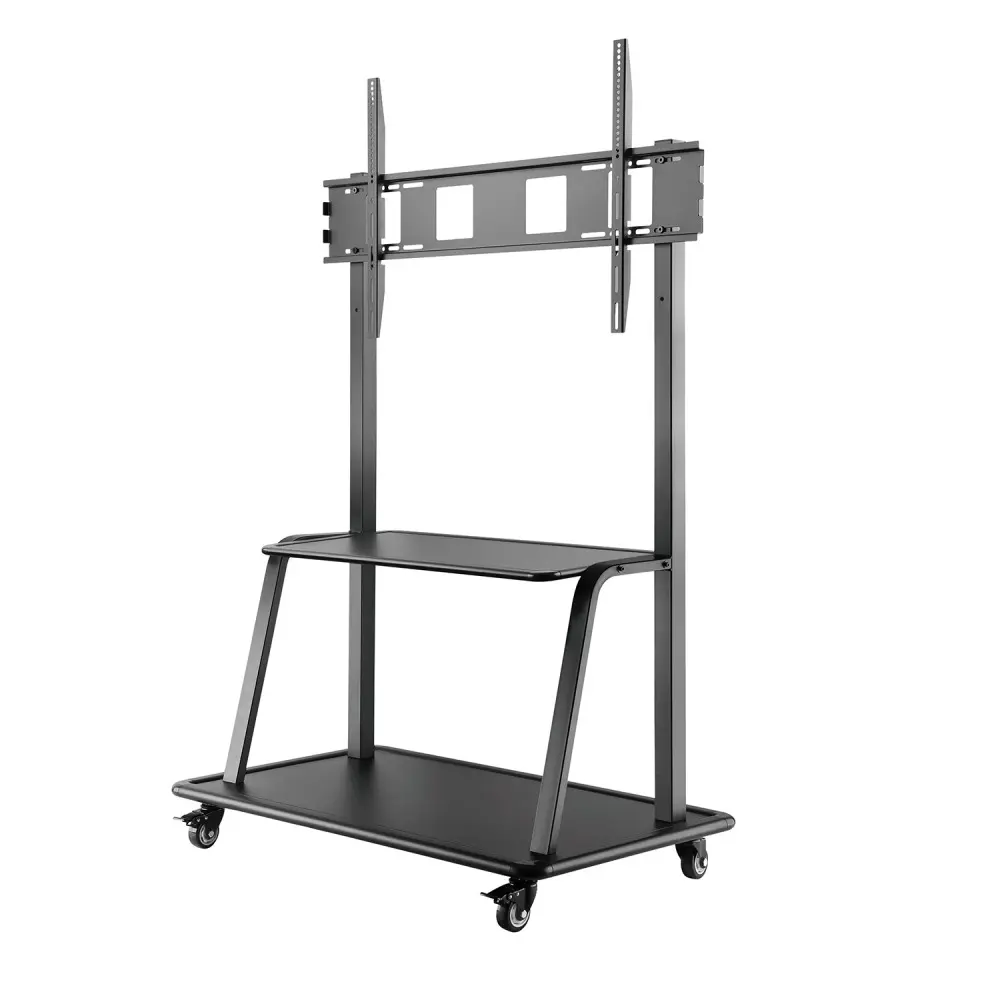 Mobile Stand G
 Mobile Stand 2
 Balance Box
 e-Box®
 QWB300
 QRF999
 QRF 997
 QRF888
 QRF500
 QRF 300C
 QIT 600F3
 QIT 30 Prodigy
 QVote
QVote QClick
 QCamera
 Flow!Works Pro
 QShare 100
 QShare20
 QWC-T1
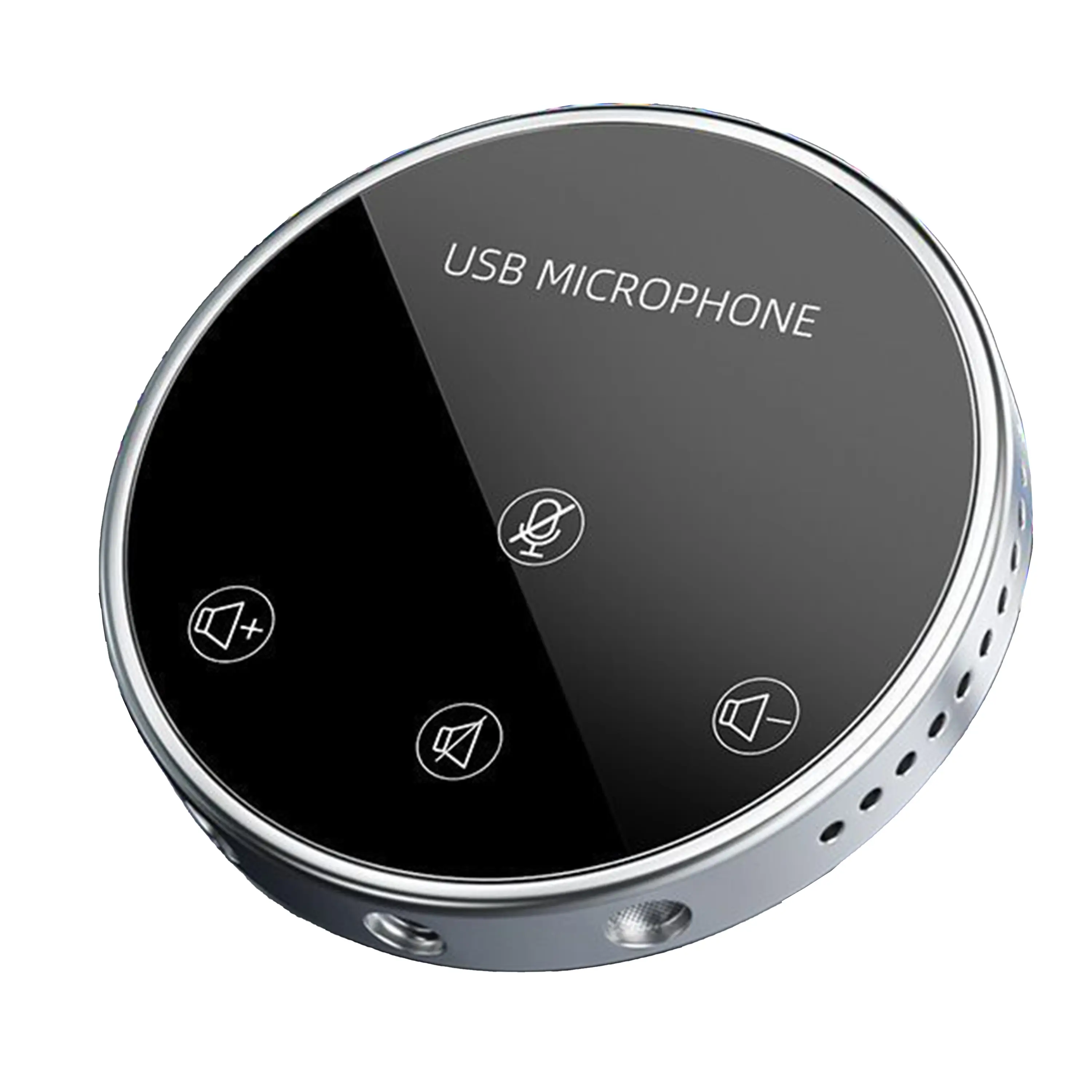
 Conference Microphone
 Conference Speakerphone
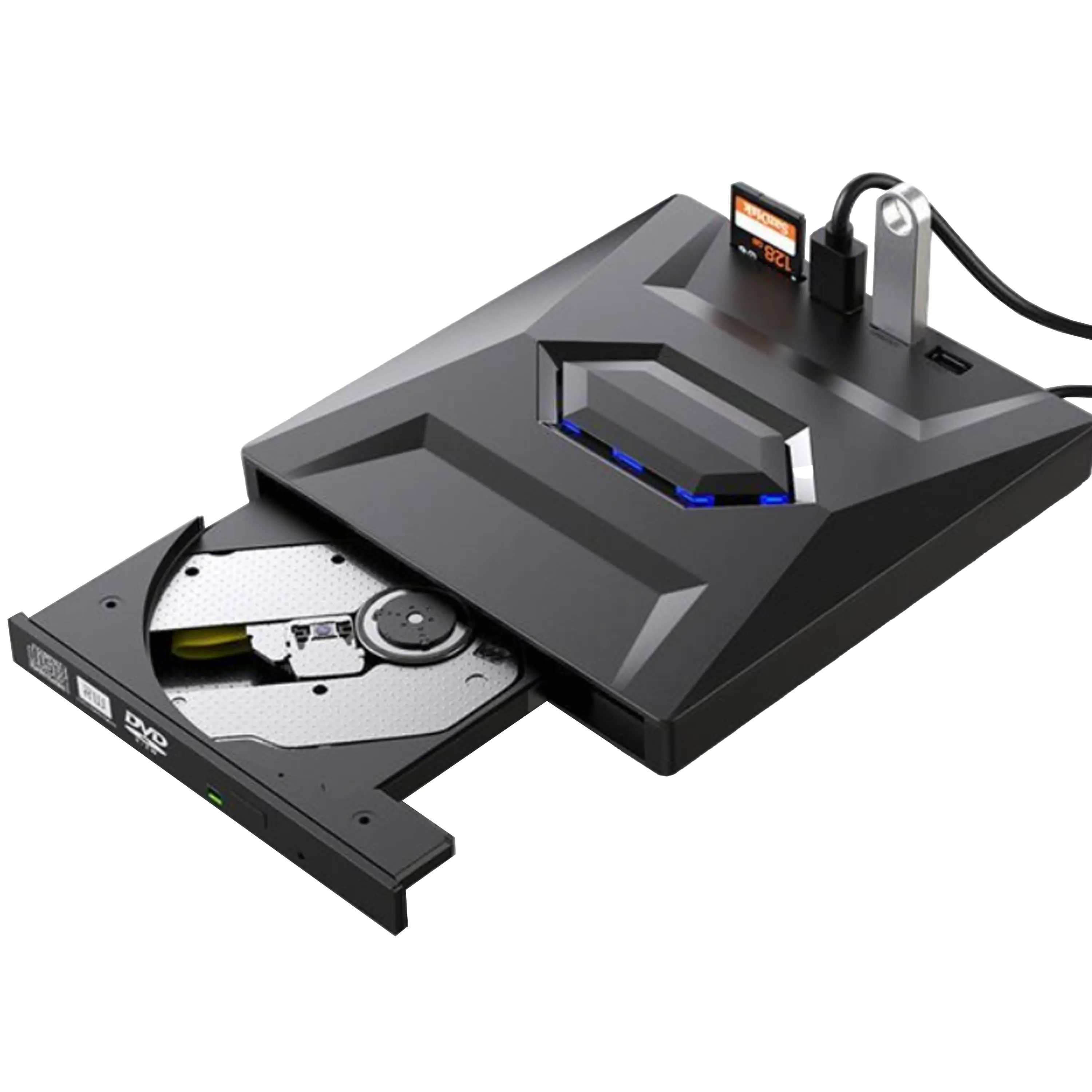 USB External CD/DVD Drive
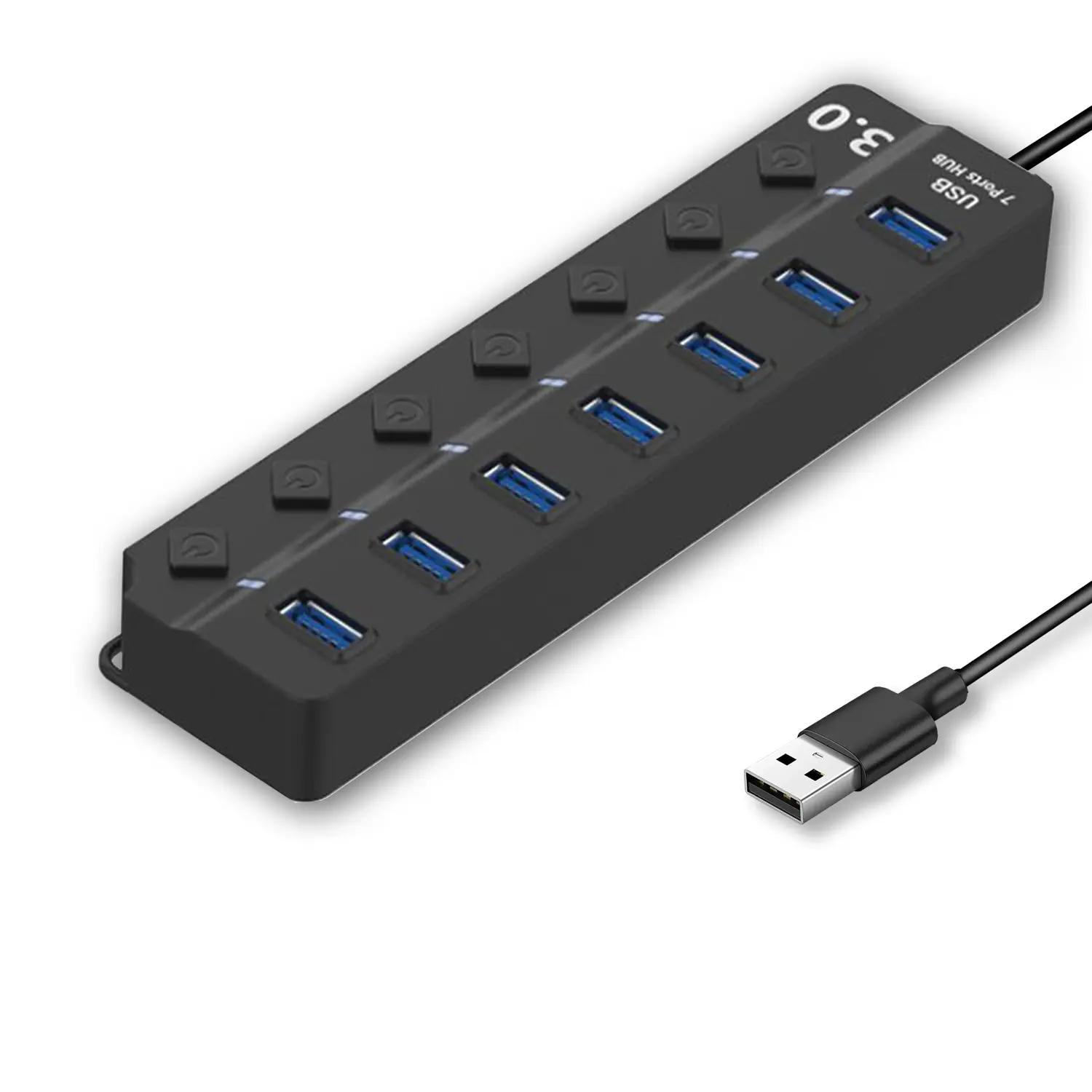 7-Port USB 3.0 Hub
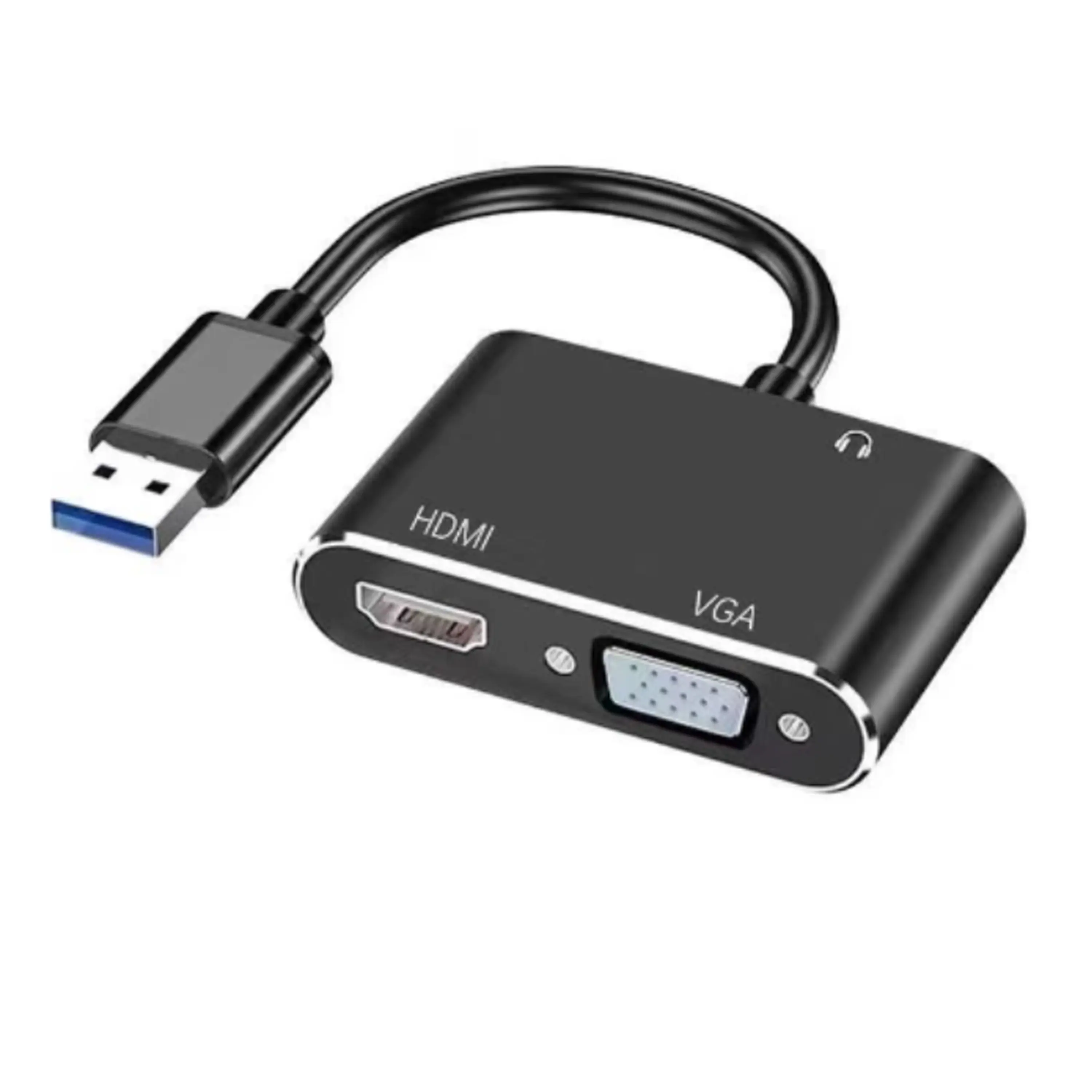 USB to HDMI and VGA Adapter
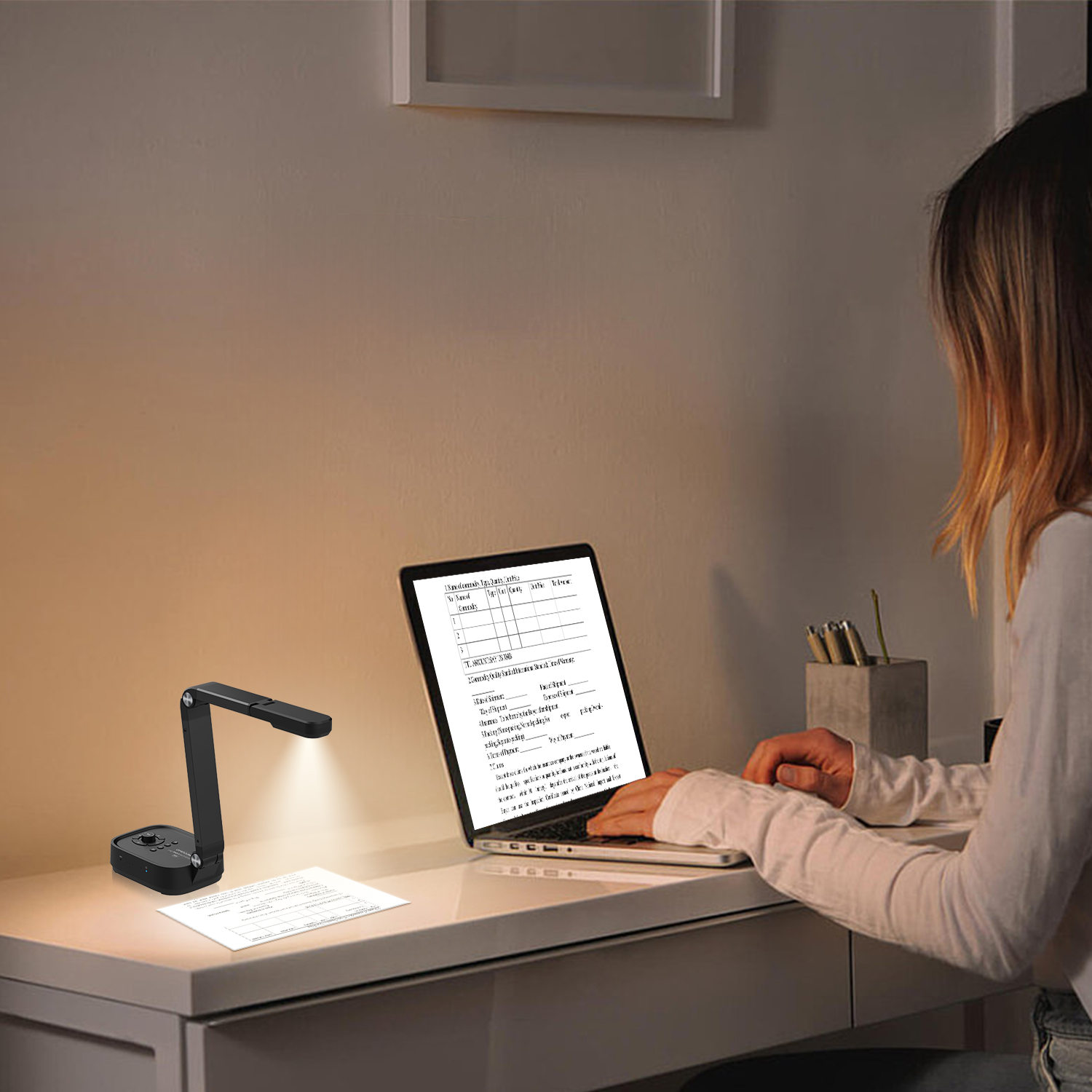 Revolutionize Your Presentations and Document Display with QWC 100S Document Camera
 Enhance Call Experience: New Conference Microphone Now Available
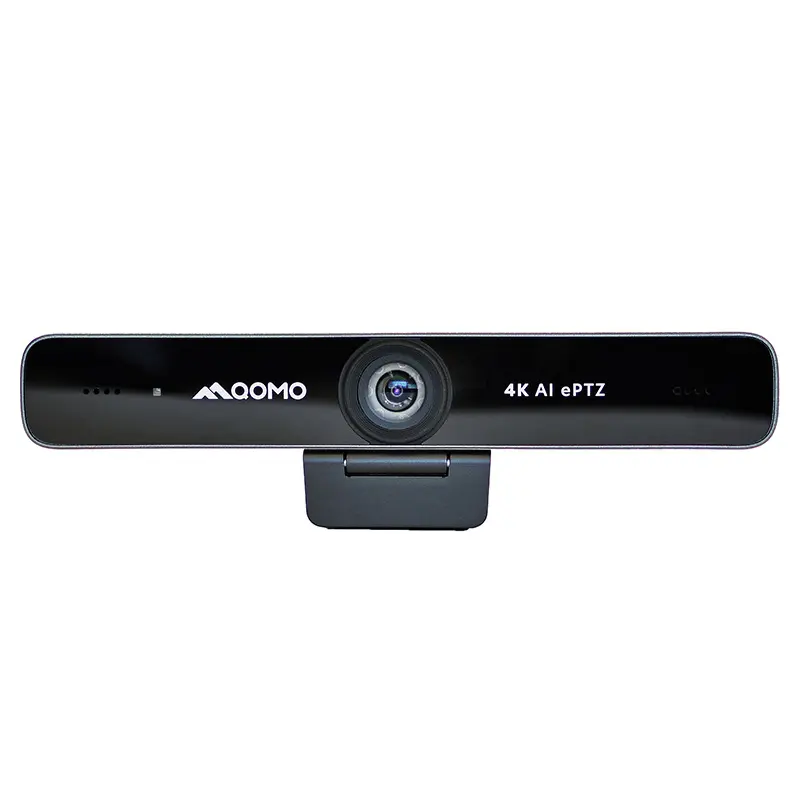
 AI-Powered Face-Tracking Webcam
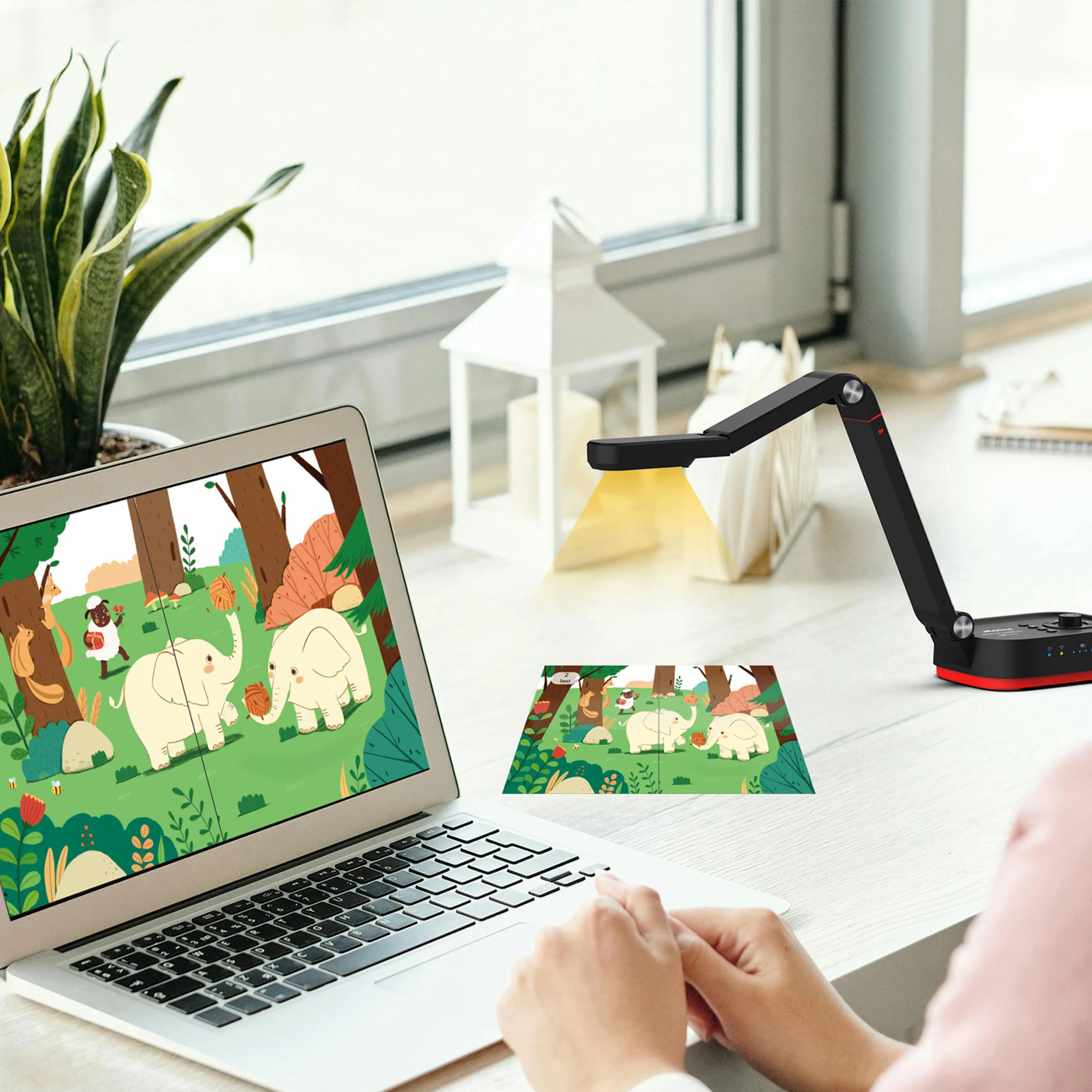 Portable Document Camera Recommendations
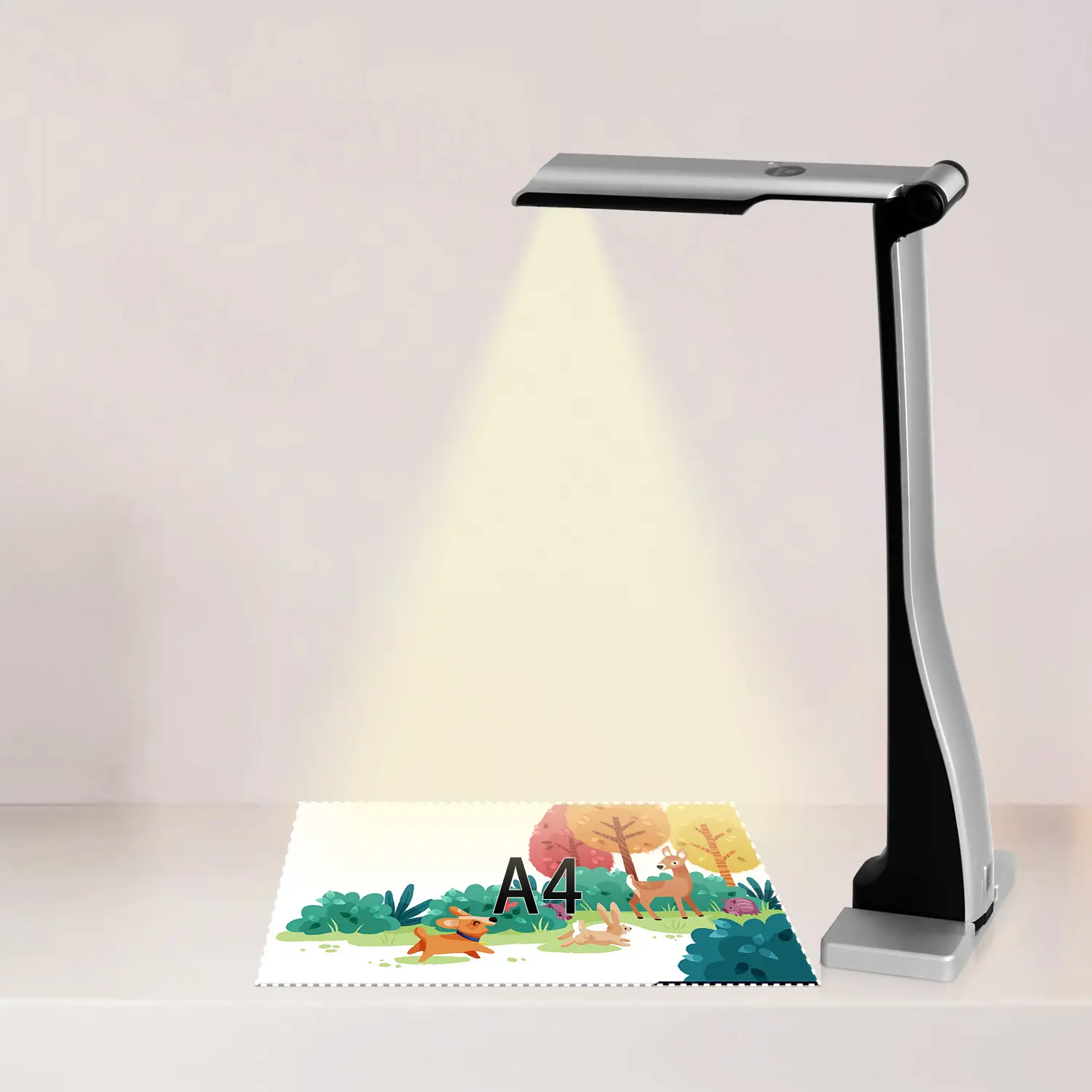 Classic Design, Exceptional Functionality: QPC 22 Document Camera
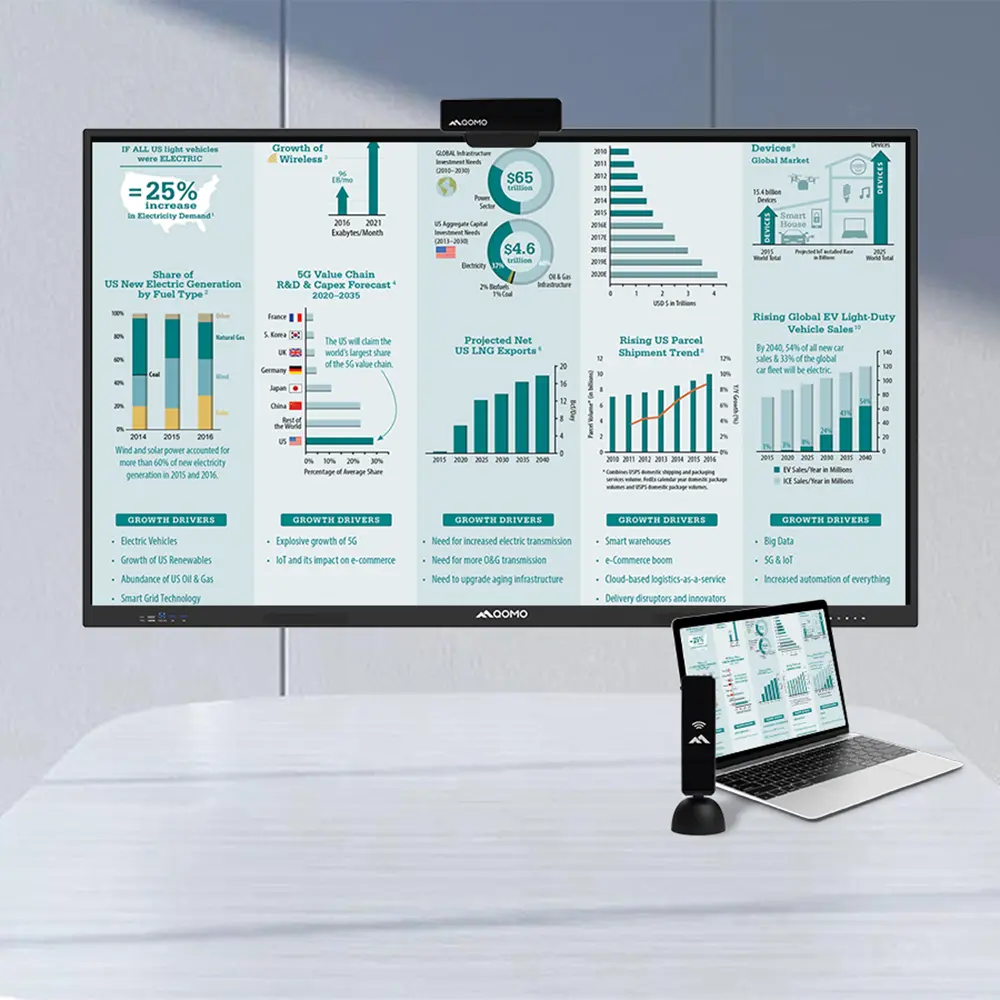 Wireless Screen Mirroring Solution for All Devices
 Latest Audience Response System: QRF 999
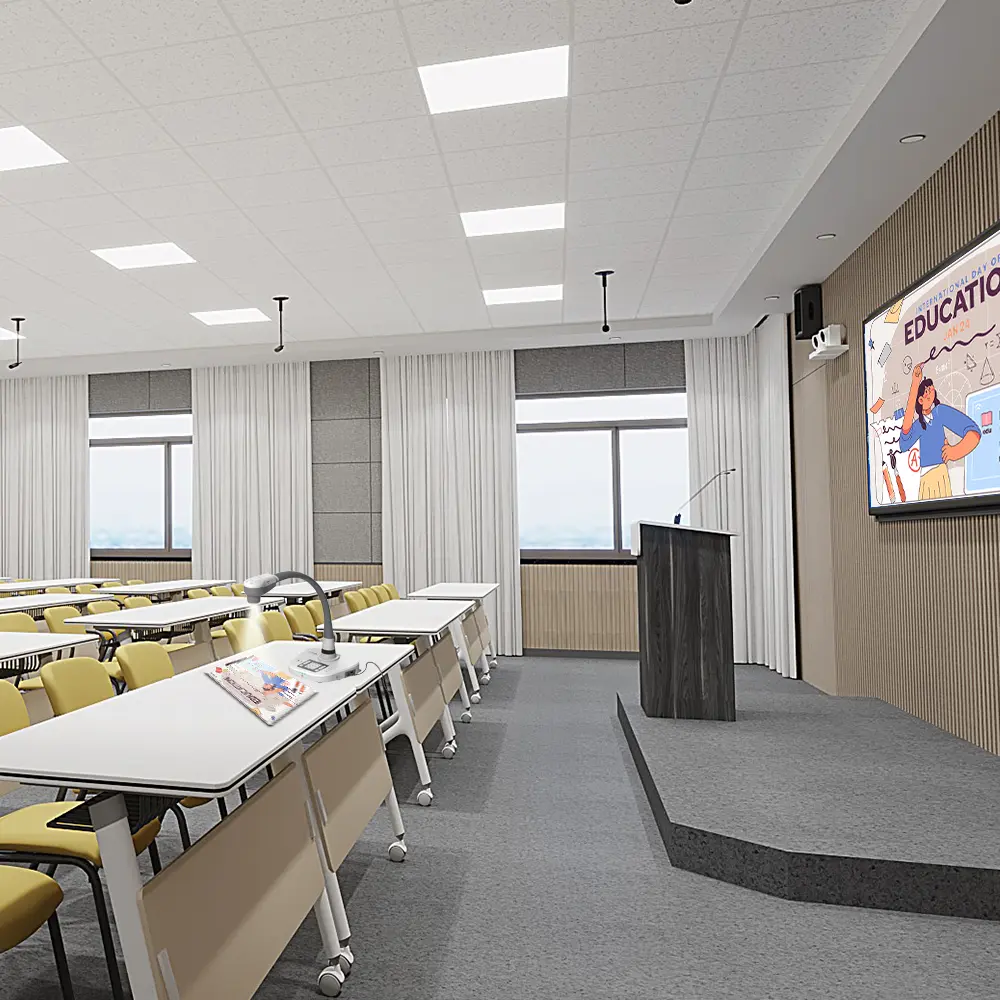 Introducing the QPC 80H3 Gooseneck Document Camera
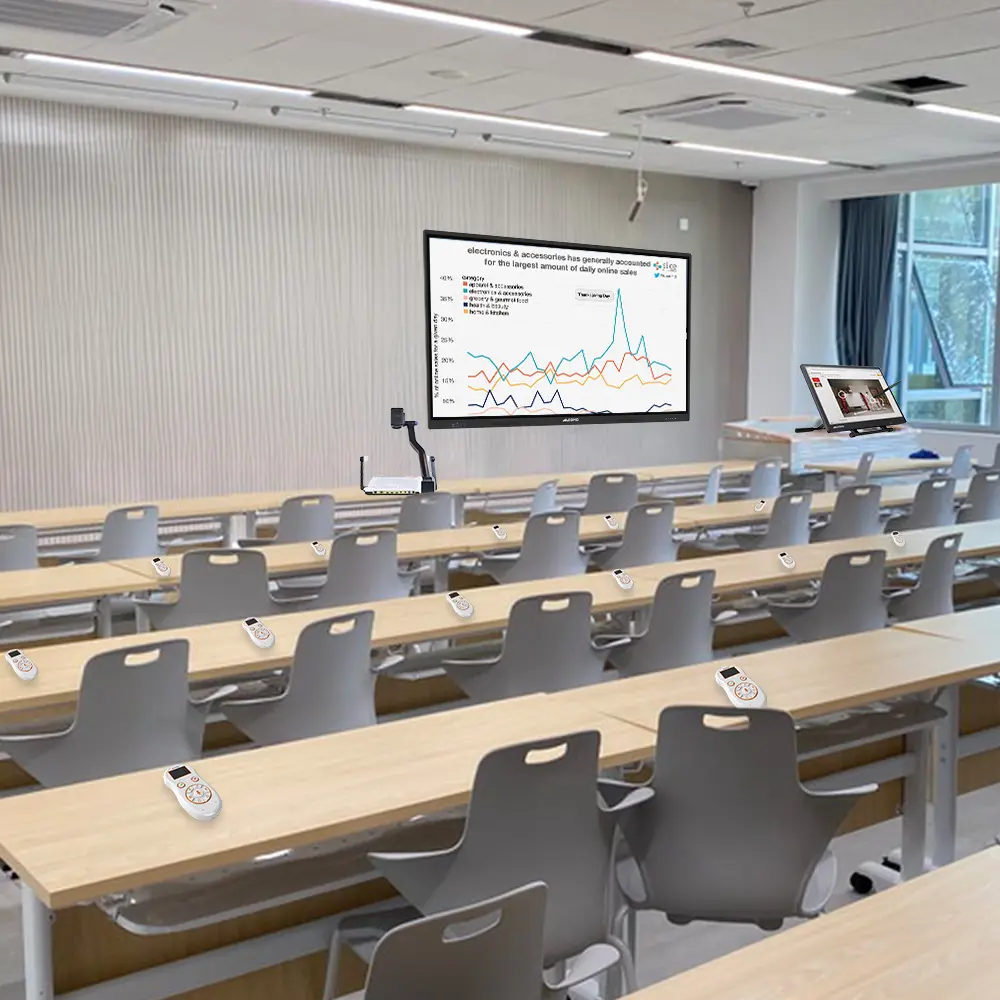 Creating a Smart Integrated Classroom: What Do You Need?
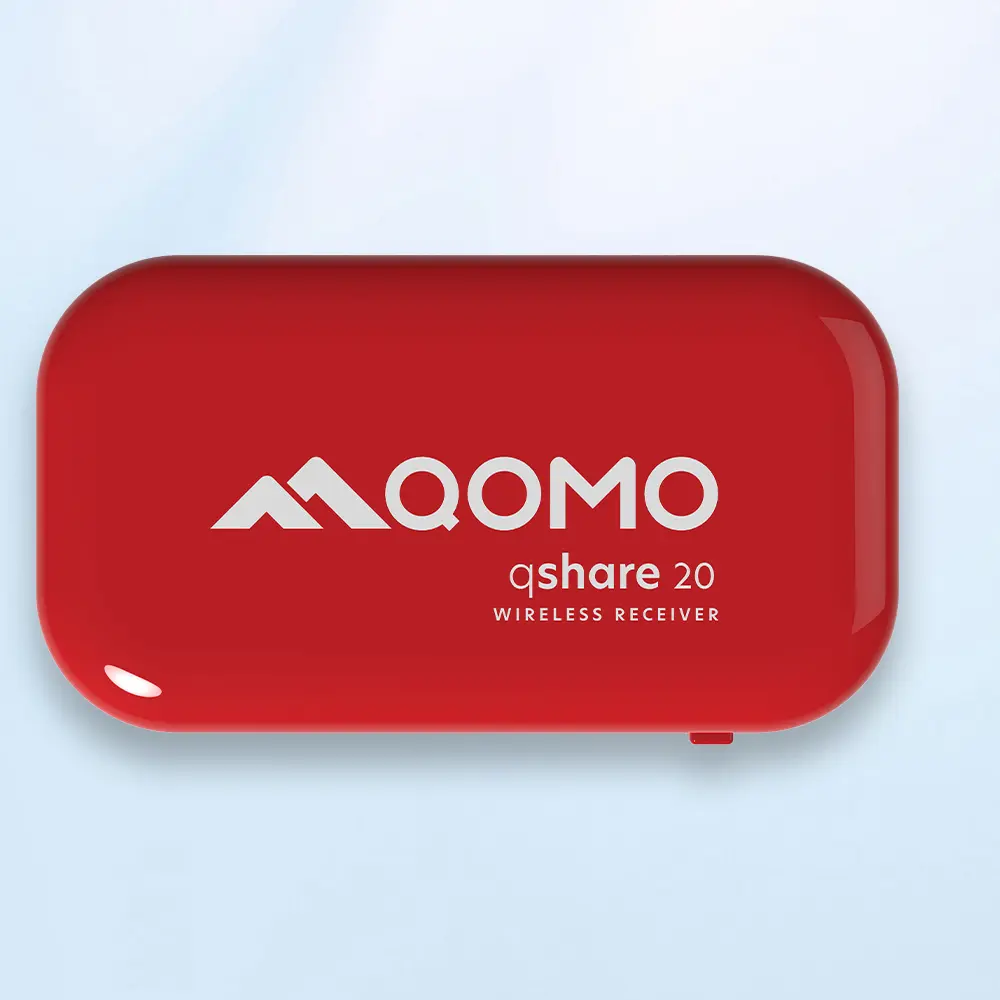 Wireless Connectivity Upgraded: WiFi-Free Wireless Document Receiver
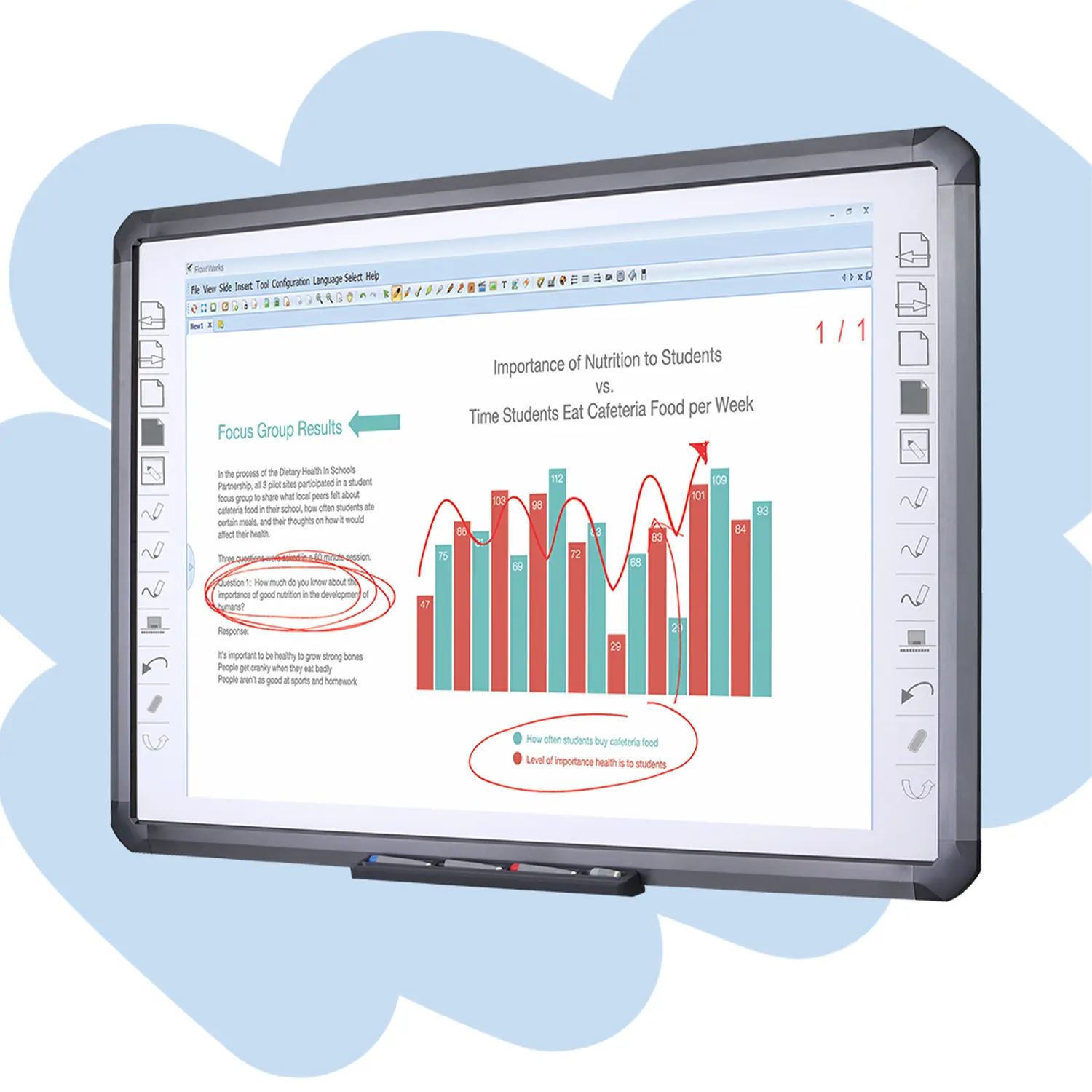 Flow!Works Pro: Interactive Whiteboard Software for Engaging Classrooms
 How to Choose the Perfect Document Camera and Elevate Productivity
 QWC 004 Conference Webcam: The Top Choice for Remote Education
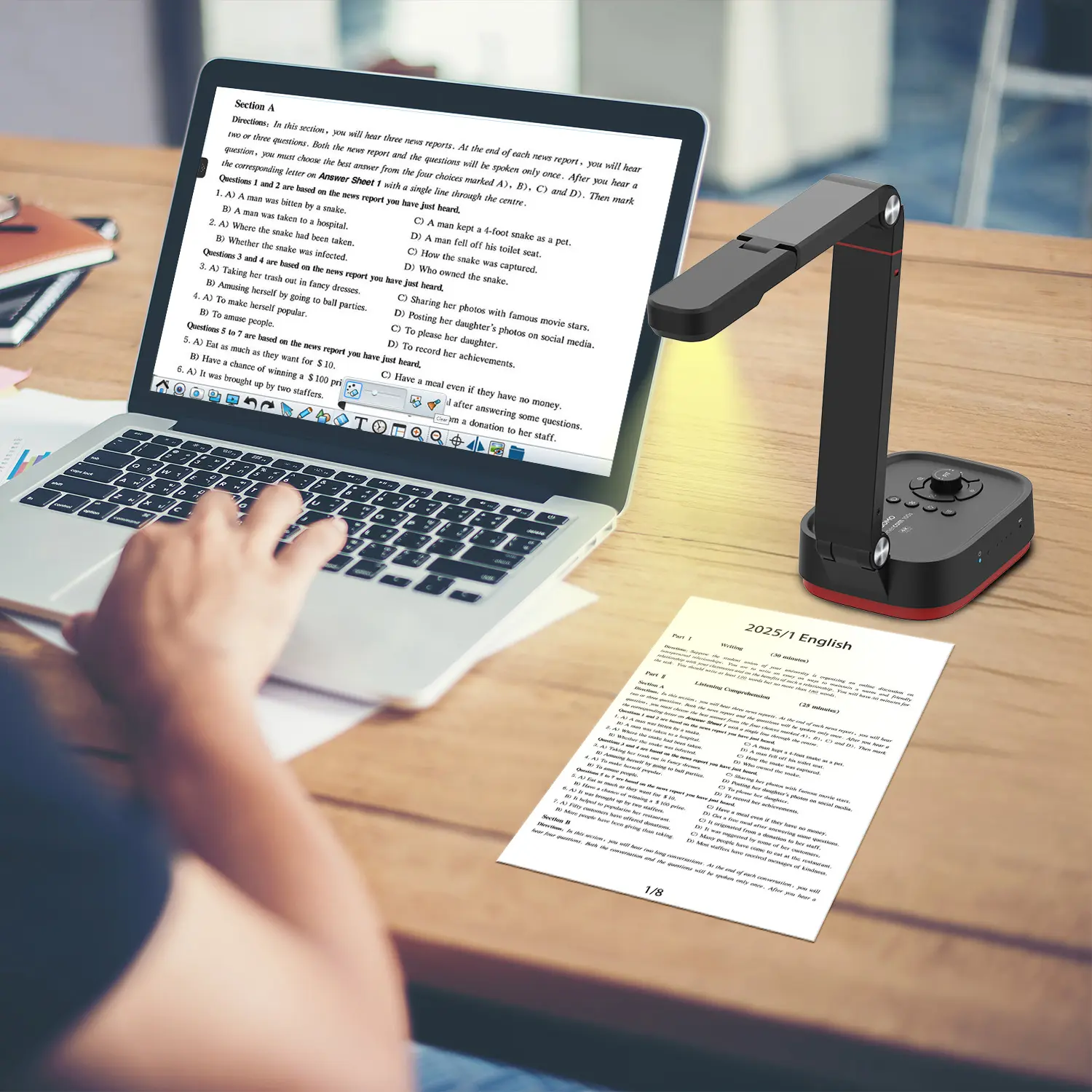 QCamera: Dedicated Software for Document Cameras to Elevate Your Presentations
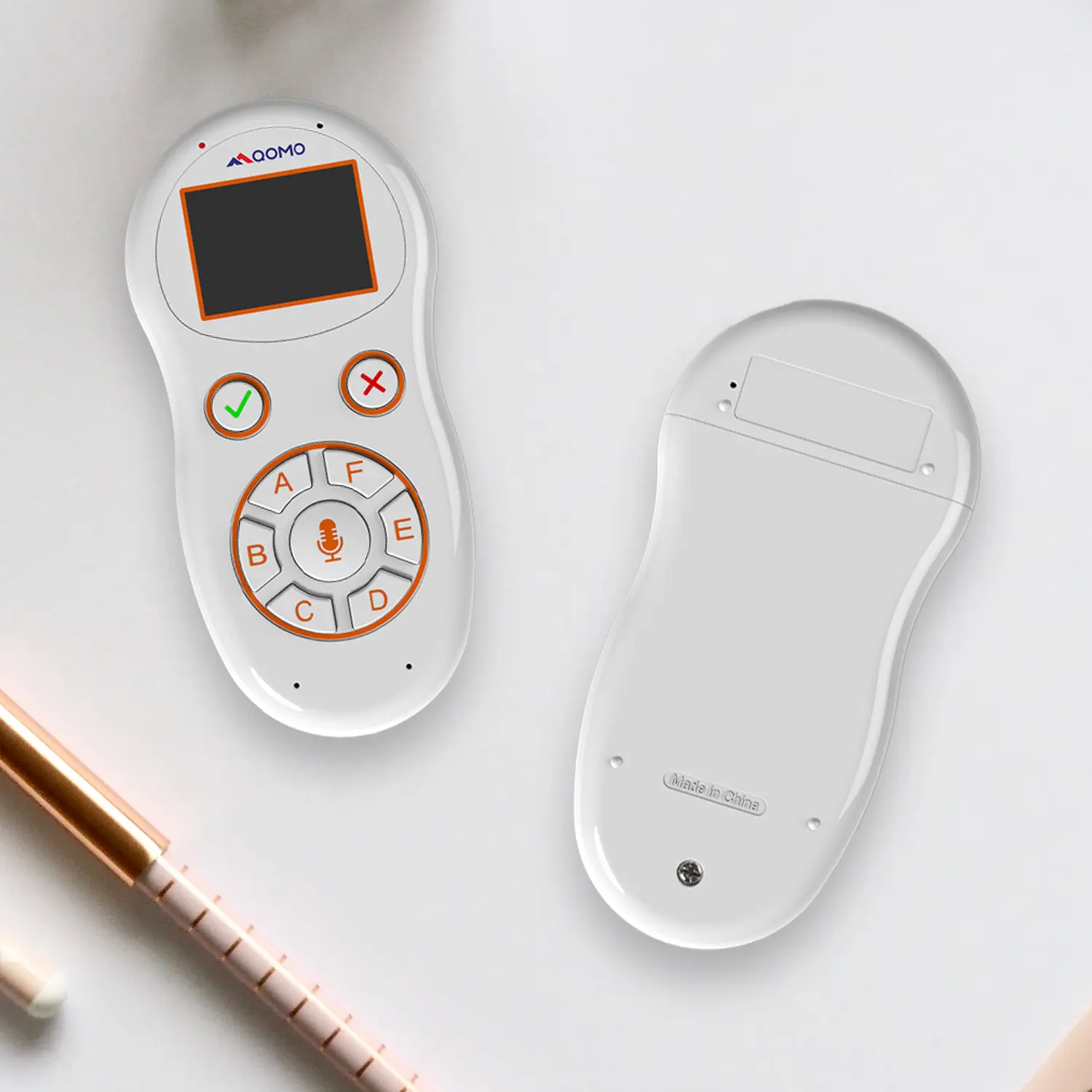 QRF999 Voice Response System: Enhancing Teacher-Student Interaction
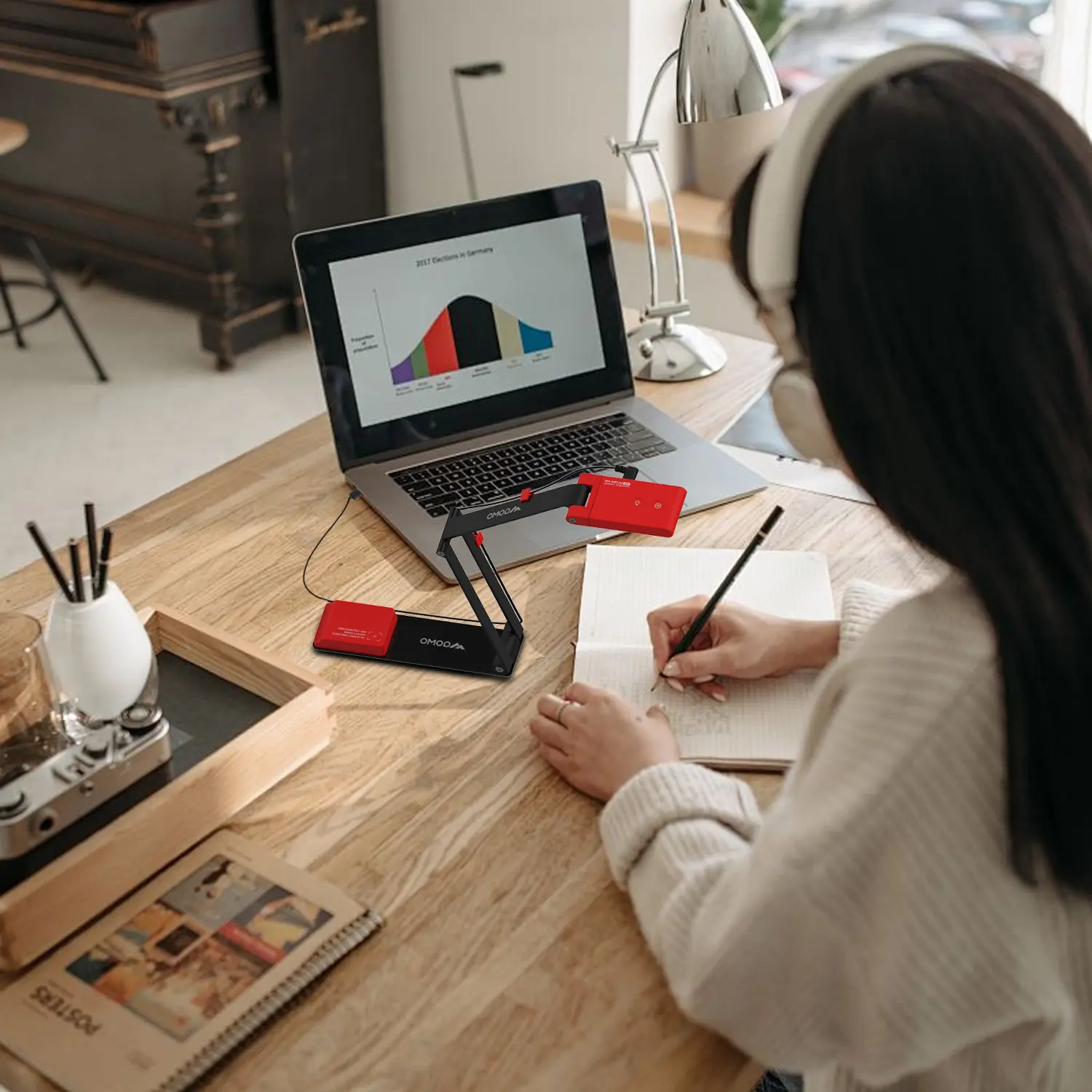 Work From Home? Maybe You Should Try This Document Camera
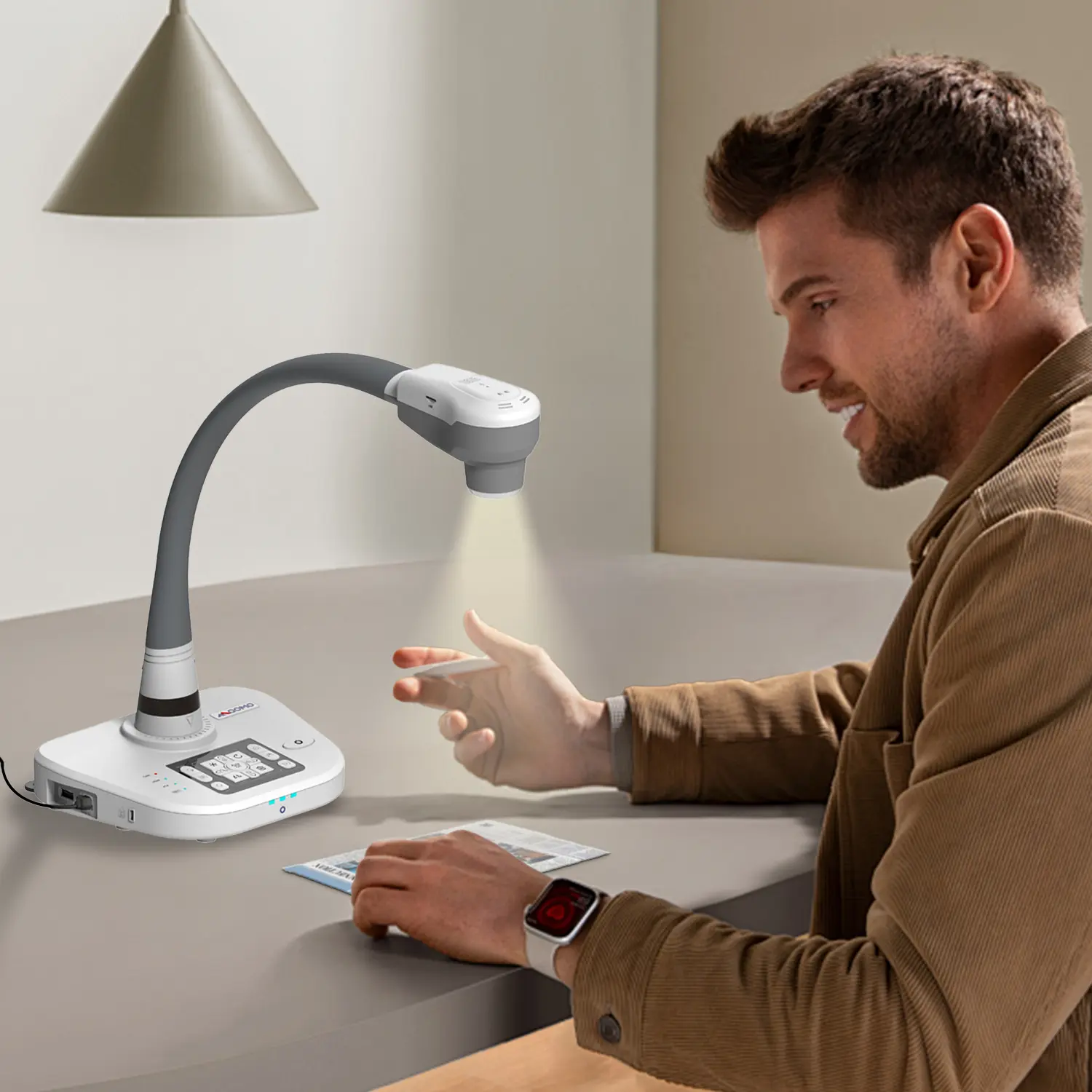 The Ultimate Educational Tool: Gooseneck Document Camera
 60GHz Millimeter-Wave Wireless Screen Sharing: QShare 100
 What Does a Modern Conference Room Need?
 QD5000 Document Camera: Unimaginable Versatility!
 QWC 004: The Most Cost-Effective Webcam
 QVote Interactive Classroom Response System Software
 Functionality, Aesthetics, Portability! Meet the QWC 100S Document Camera!
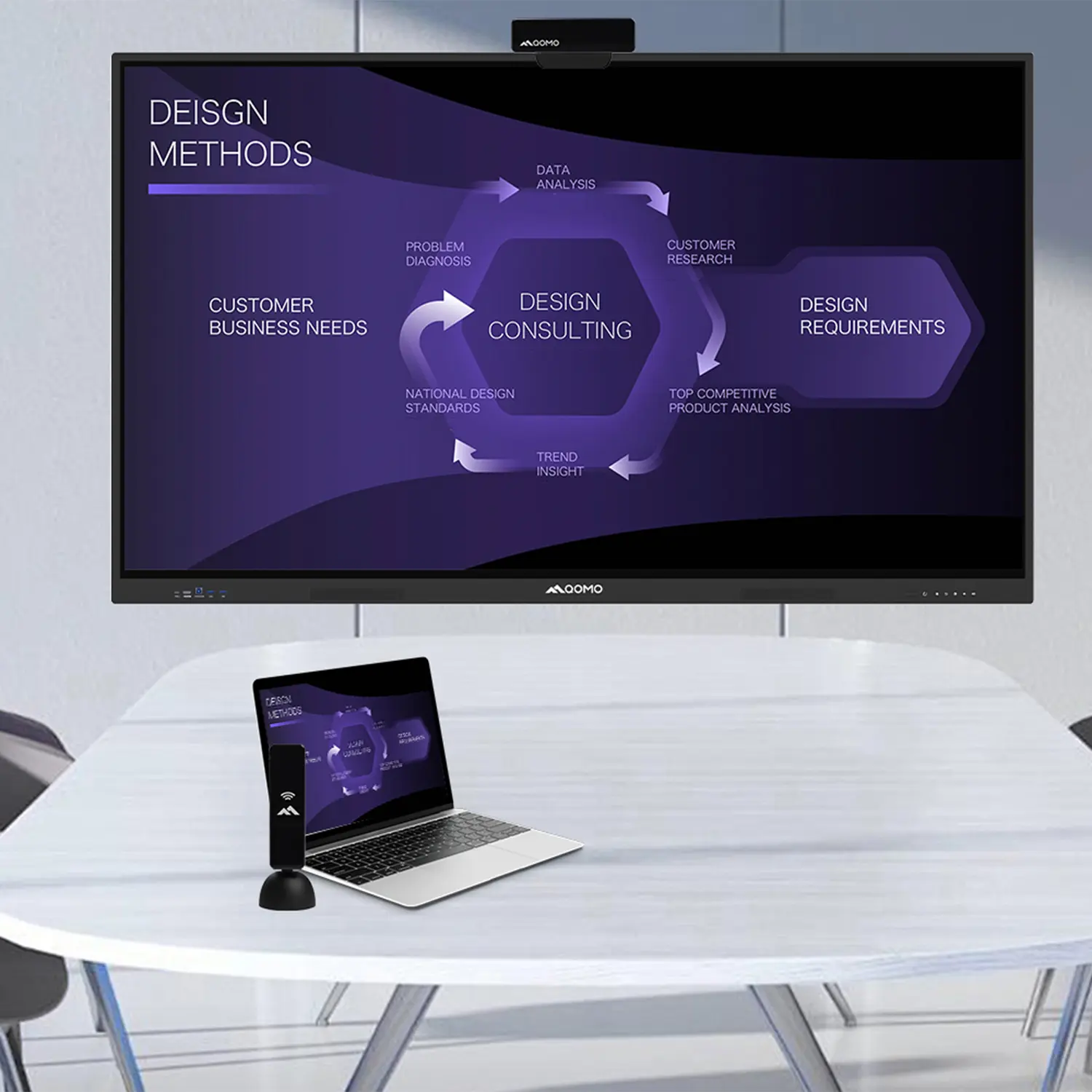 Why Choose the BundleBoard H/H2 Interactive Flat Panel?
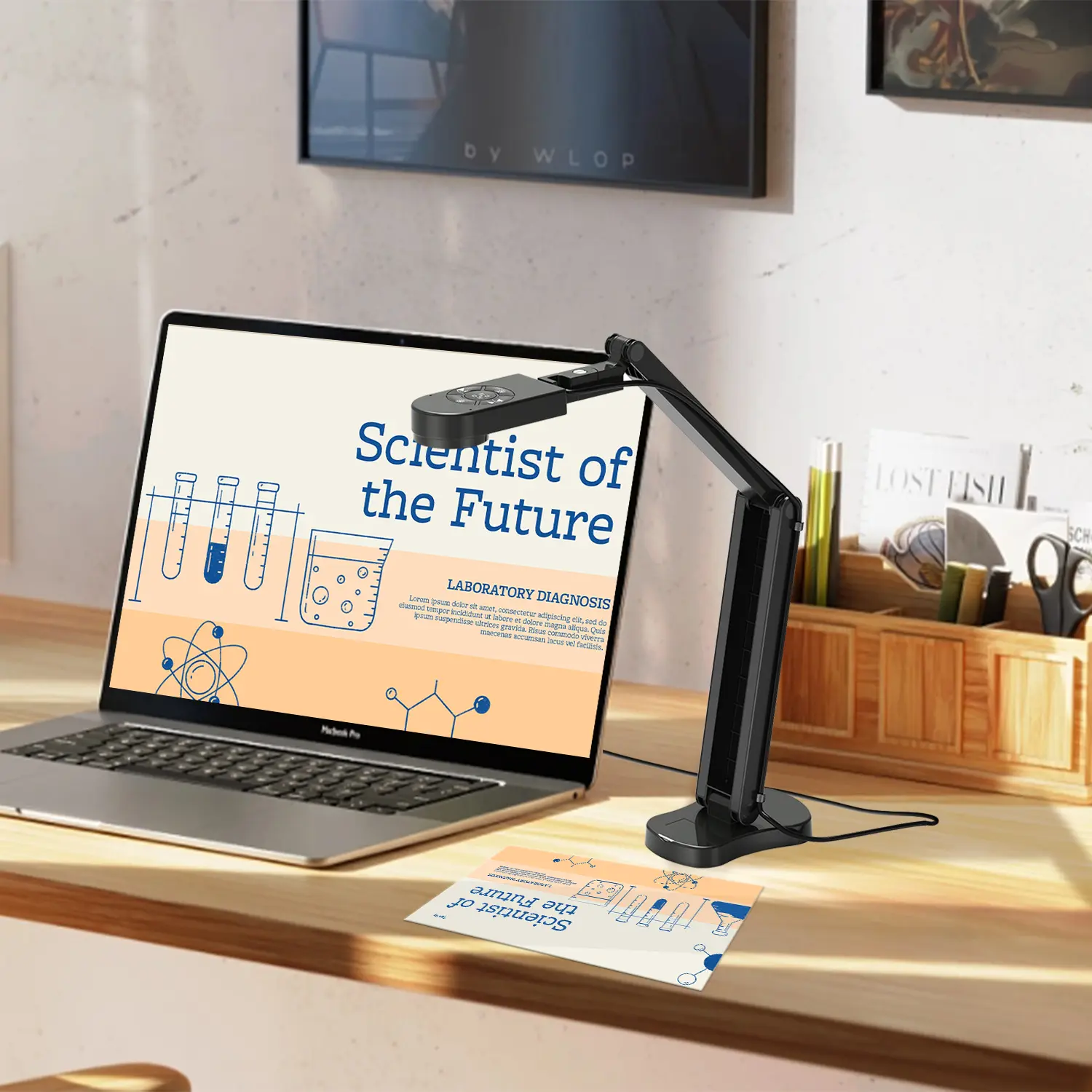 Save Your Budget—Introducing the All-New QPC 70 Document Camera!
 QIT 600F3: Revolutionize Your Presentations
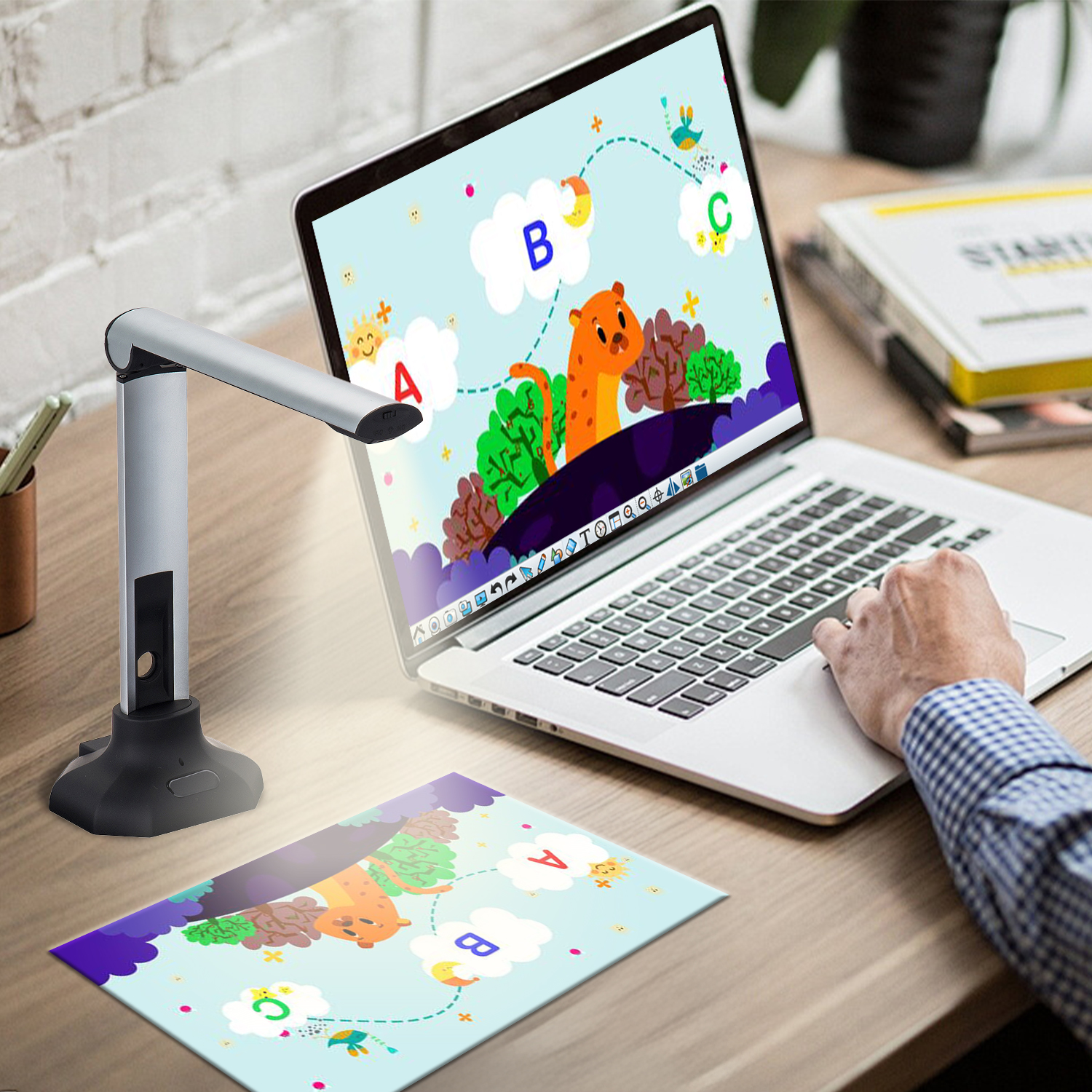 QCamera: Professional Document Camera Software
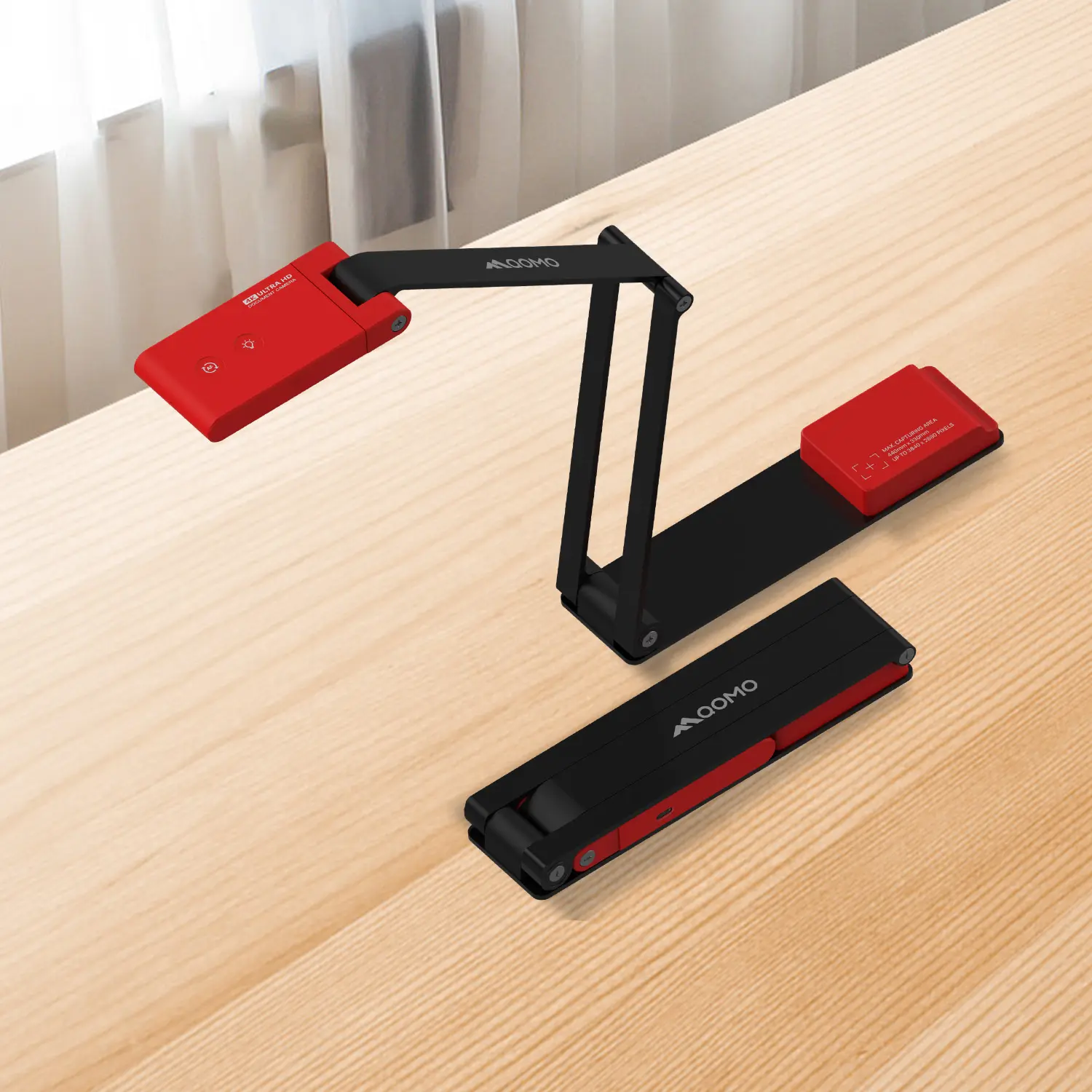 QPC 5: The Ultimate 4K Portable Document Camera
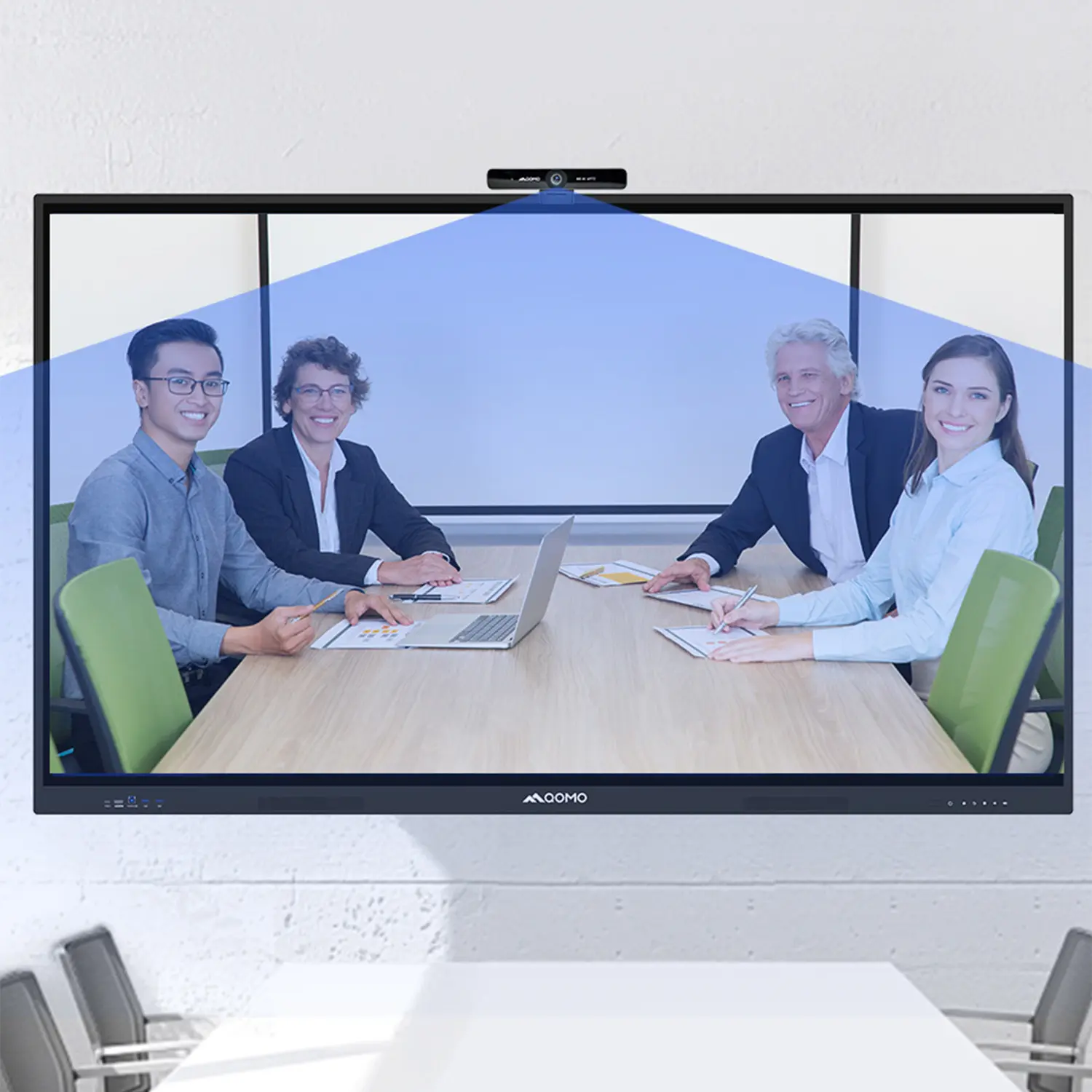 Elevate Your Meetings in Seconds: QWC 006 Webcam
 Meet QOMO at ISE 2025
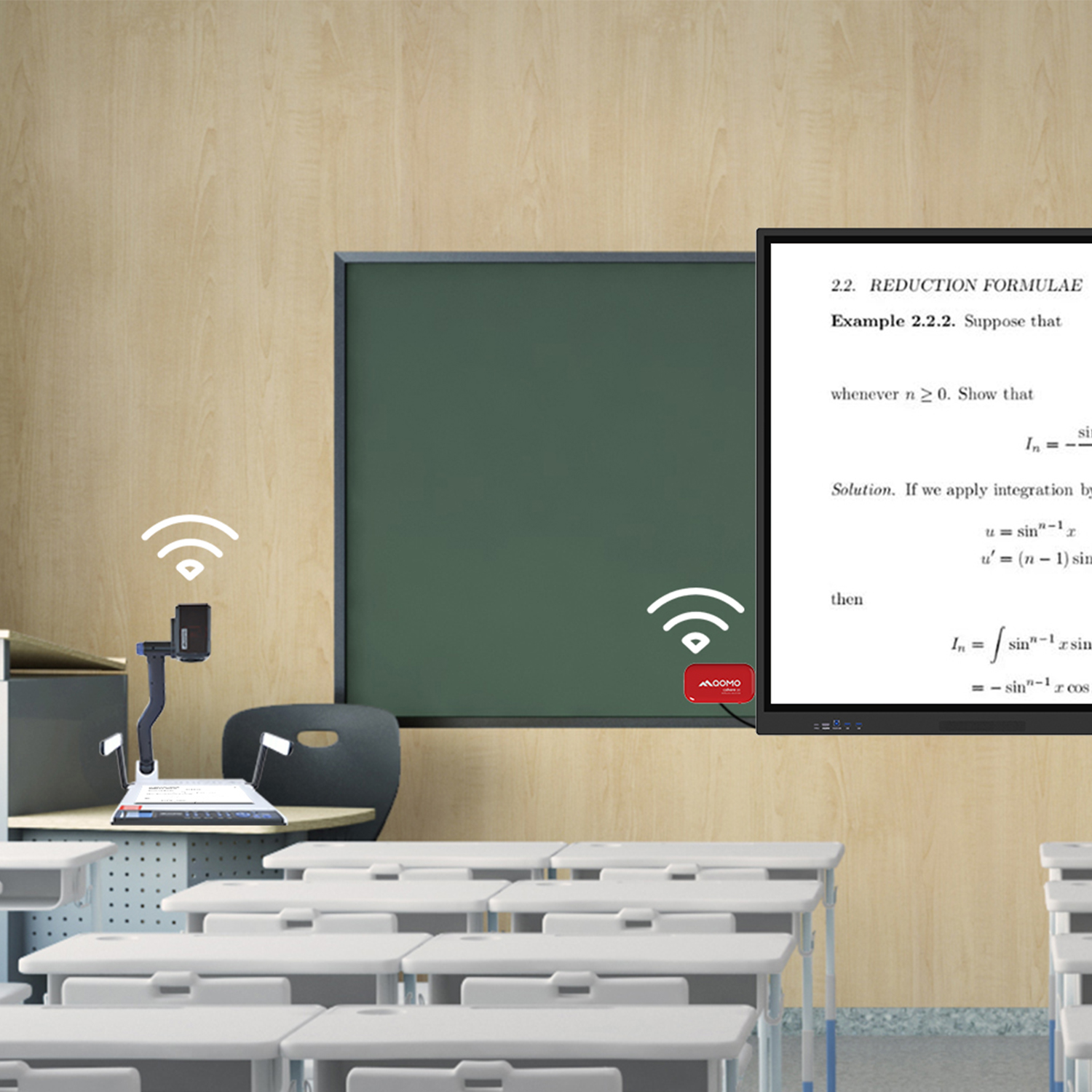 Wireless Document Camera Solution, Revolutionizing Wireless Technology
 QRF Series, Transform Your Classroom!
 QOMO, Building Intelligent Classrooms
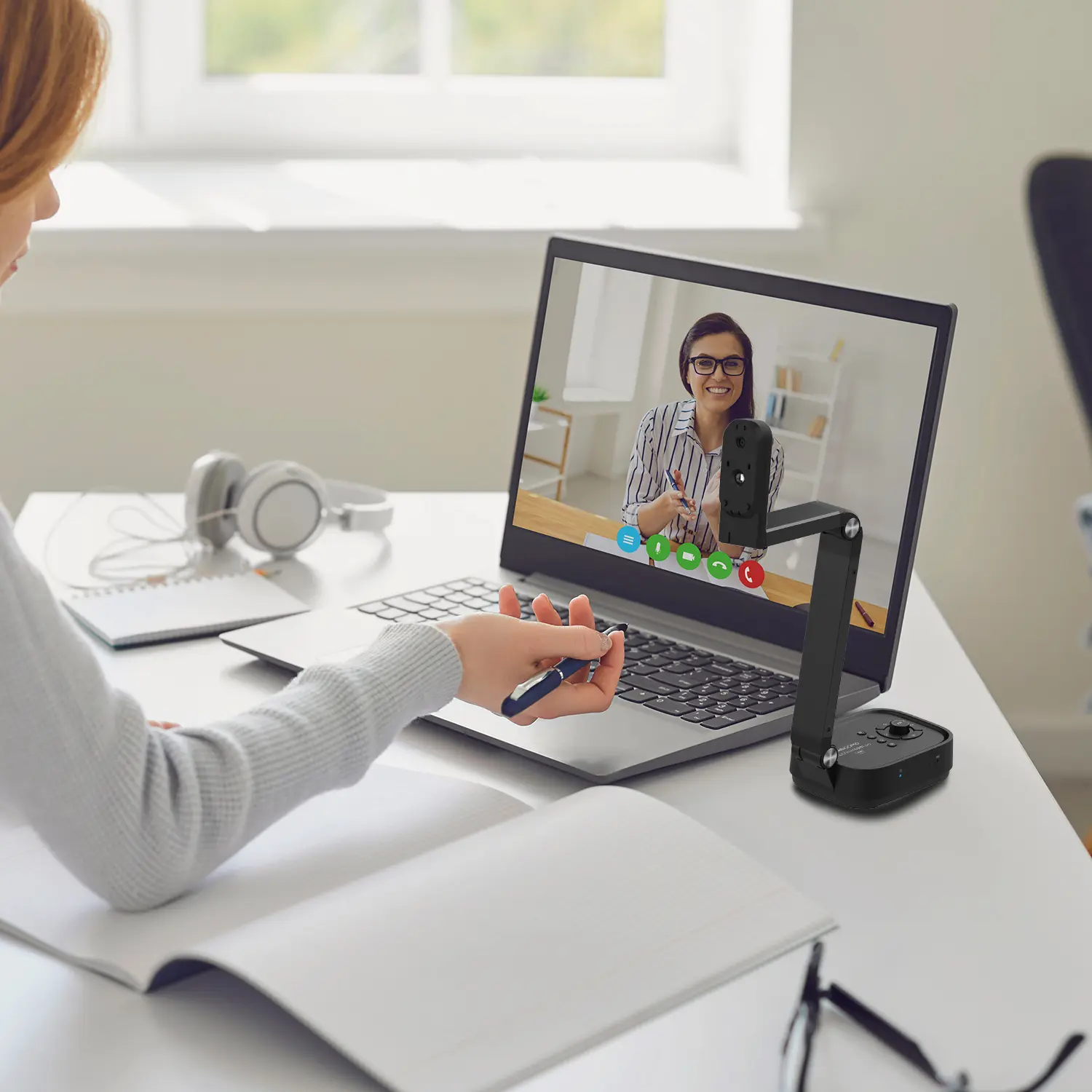 Outstanding Office Equipment Recommendations
 +86 152 8002 3723