+86 152 8002 3723
QVoteProfessional Audience Response System software offers the most convenient functions for your interactions.
QClickThe most convenient educational software for working with Microsoft PowerPoint to quickly set up various question types and generate intelligent feedback reports.
QCameraQCamera by QOMO allows for real-time streaming from cameras and document cameras. Annotate, save snapshots, record, and manipulate camera images instantly.
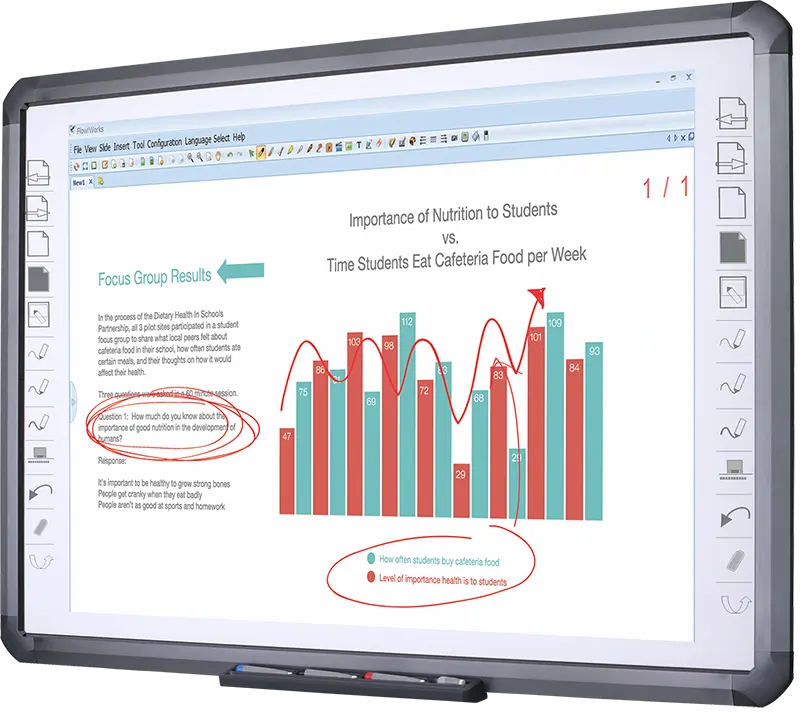
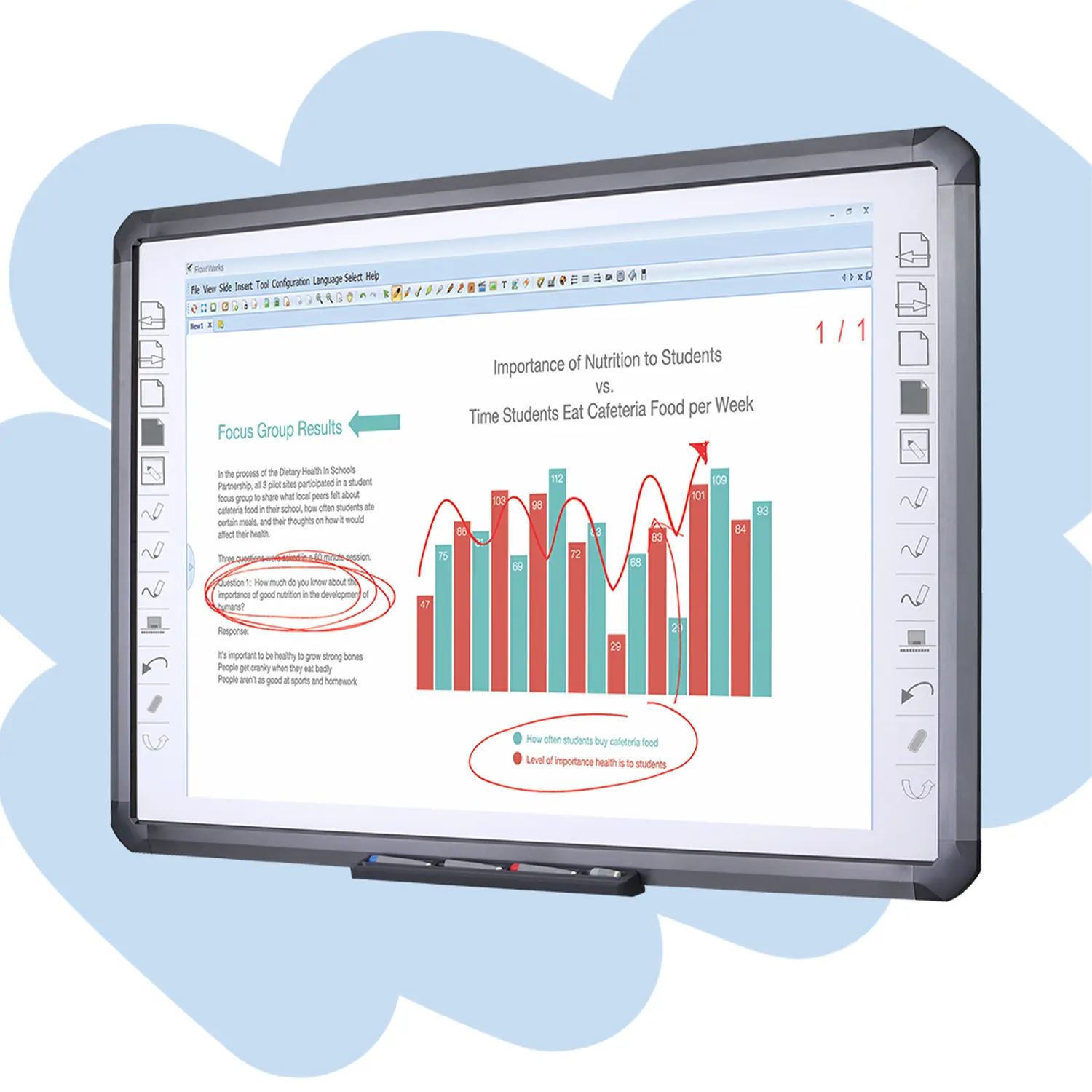
Flow!Works ProUser - friendly whiteboard software, it encompasses a wide range of presentation tools and powerful functions, delivering the most professional presentation experience to you.
Flow!WorksFlow!Works incorporates more educational tools, further enhancing the interactivity and fun - factor of your teaching.
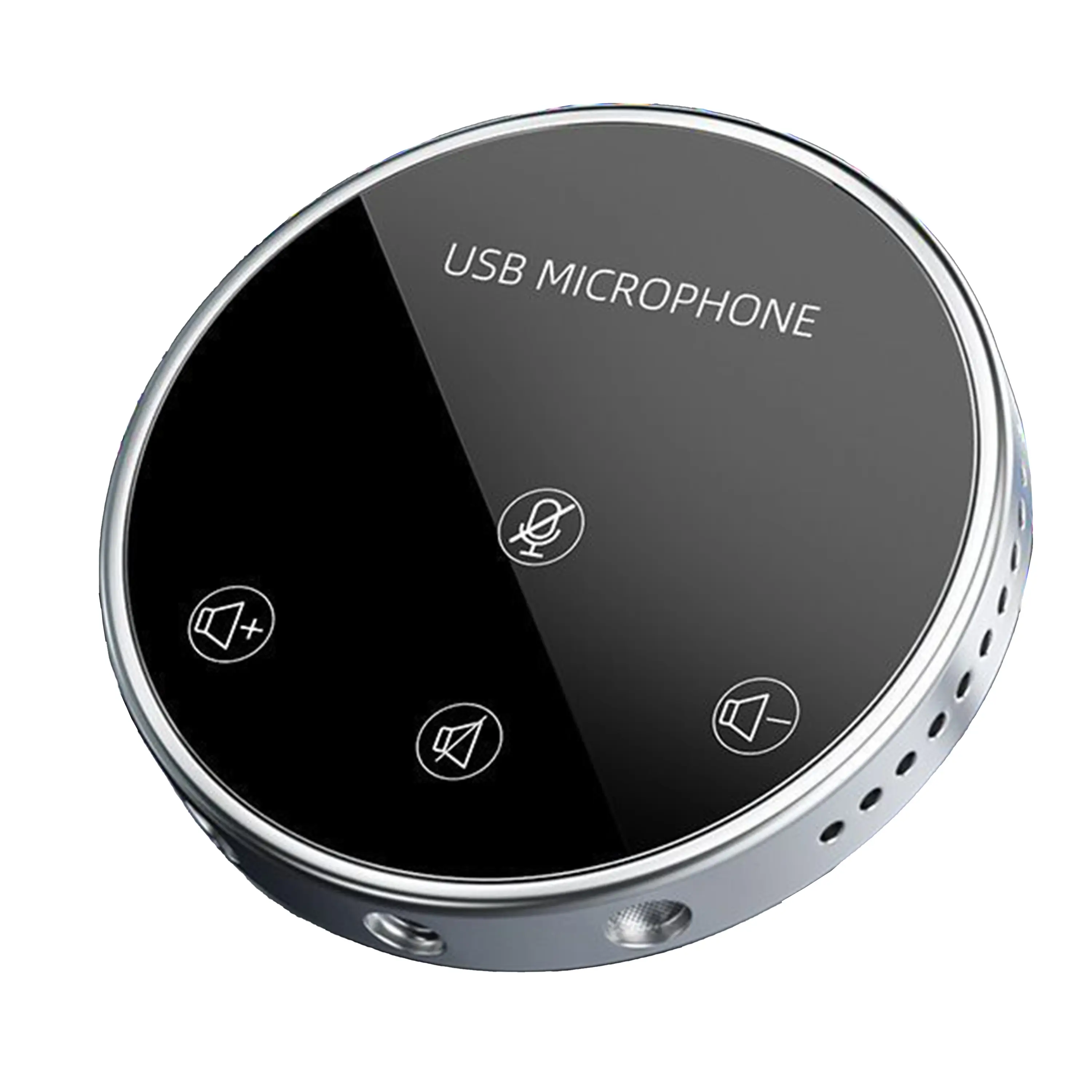
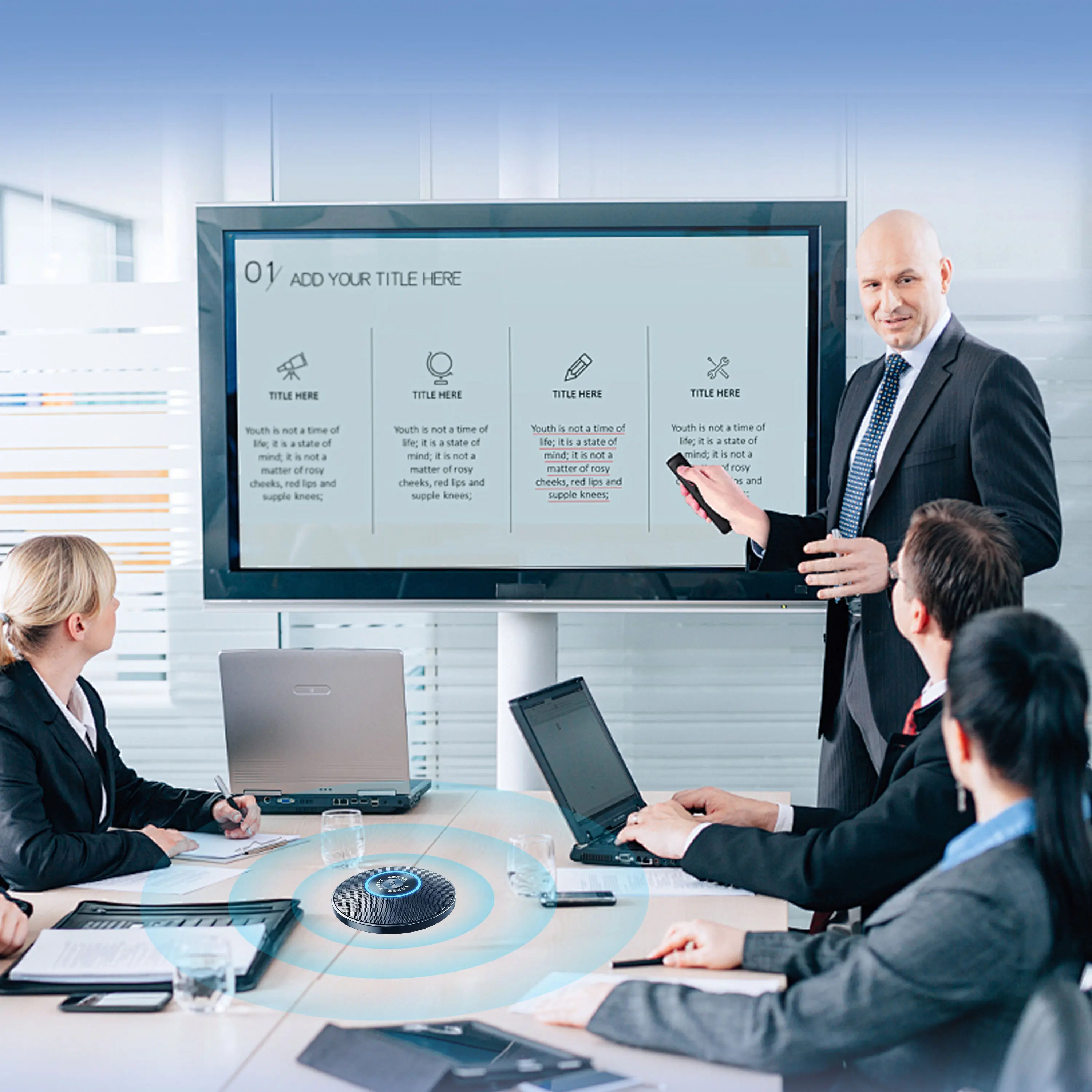
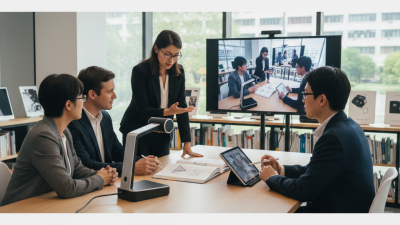
Conference Microphone● USB
● Plug and Play
● Intelligent Noise-Canceling
● 10ft/3m Extended Pickup Range
● 360° Omnidirectional Pickup
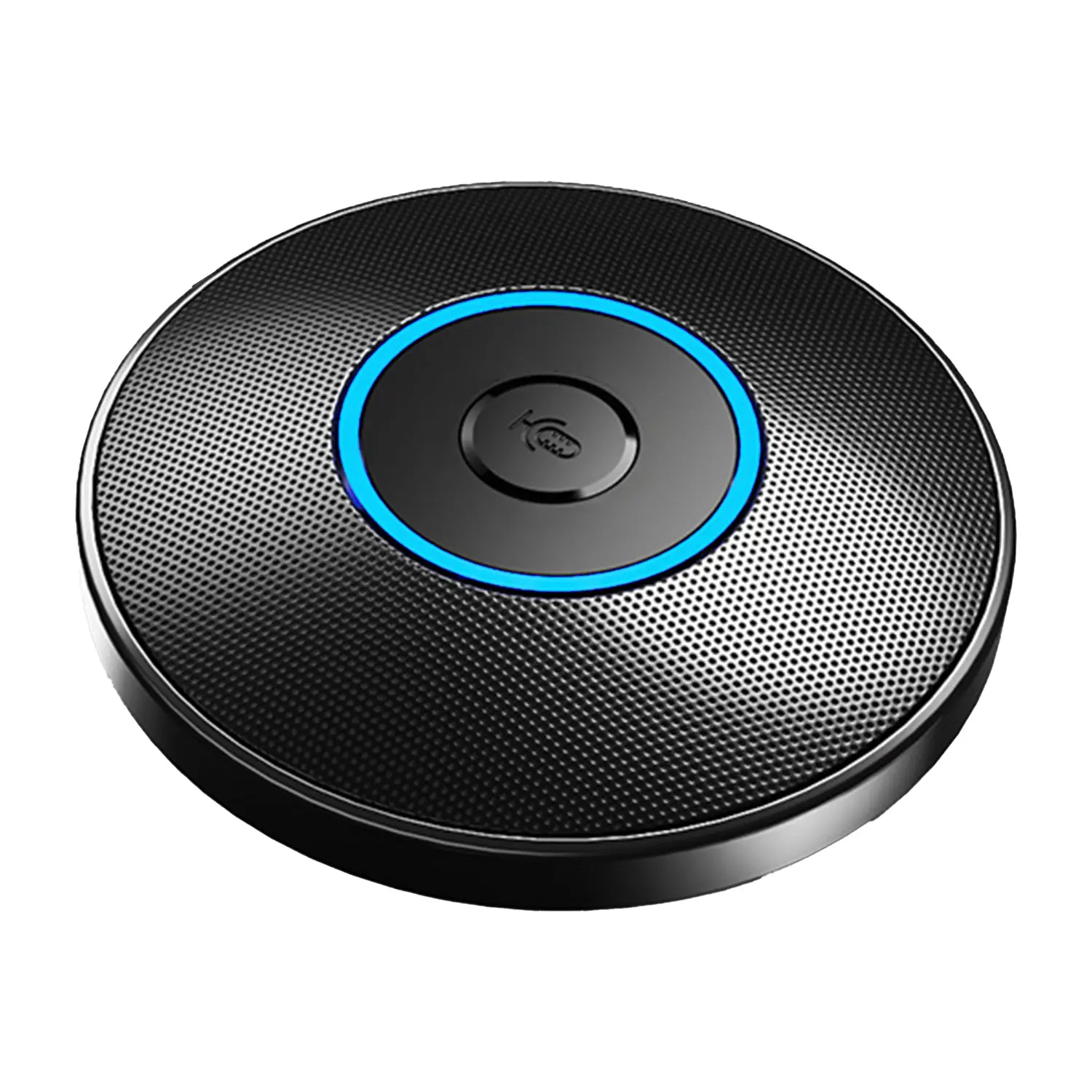
Conference Speakerphone● USB-C
● Plug and Play
● Intelligent Noise-Canceling
● 10ft/3m Extended Pickup Range
● 360° Omnidirectional Pickup
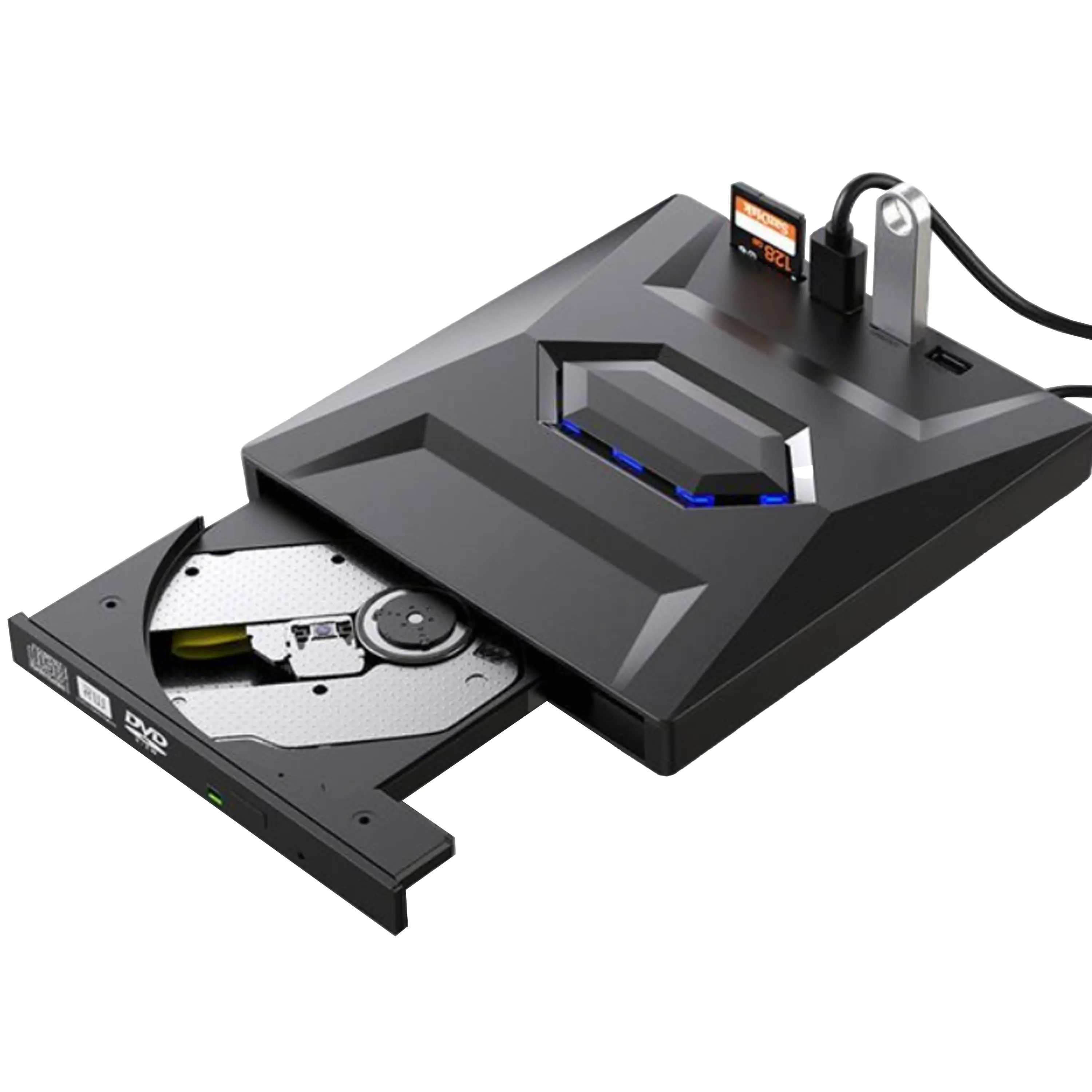
USB External CD/DVD Drive• USB and USB-C
• USB 3.0
• 8x DVD and 24x CD write/read speeds
• Portable
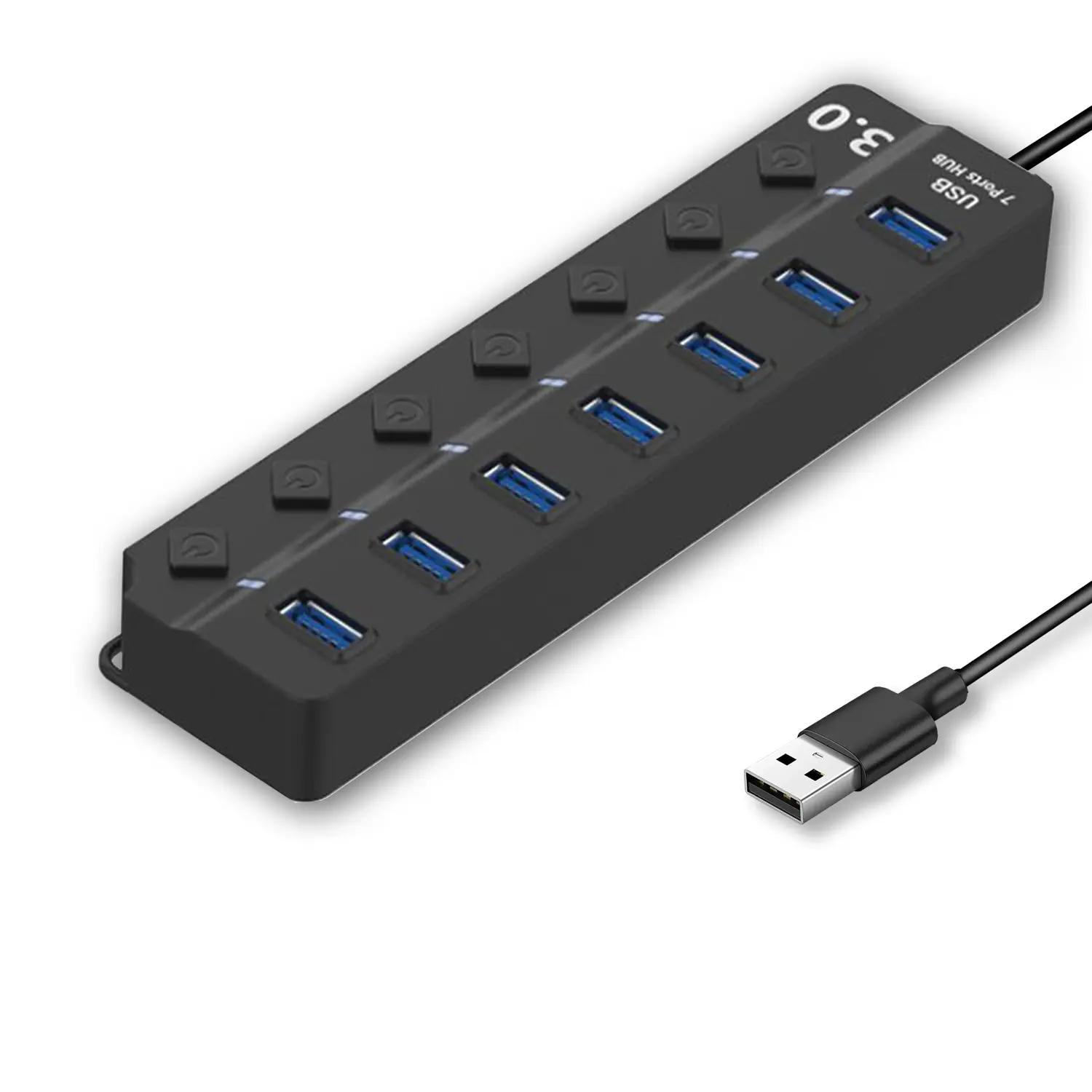
7-Port USB 3.0 Hub● USB 3.0
● Plug and Play
● 7-in-1 USB Hub
● Individual On/Off Switches
Revolutionize Your Presentations and Document Display with QWC 100S Document Camera
Enhance Call Experience: New Conference Microphone Now Available
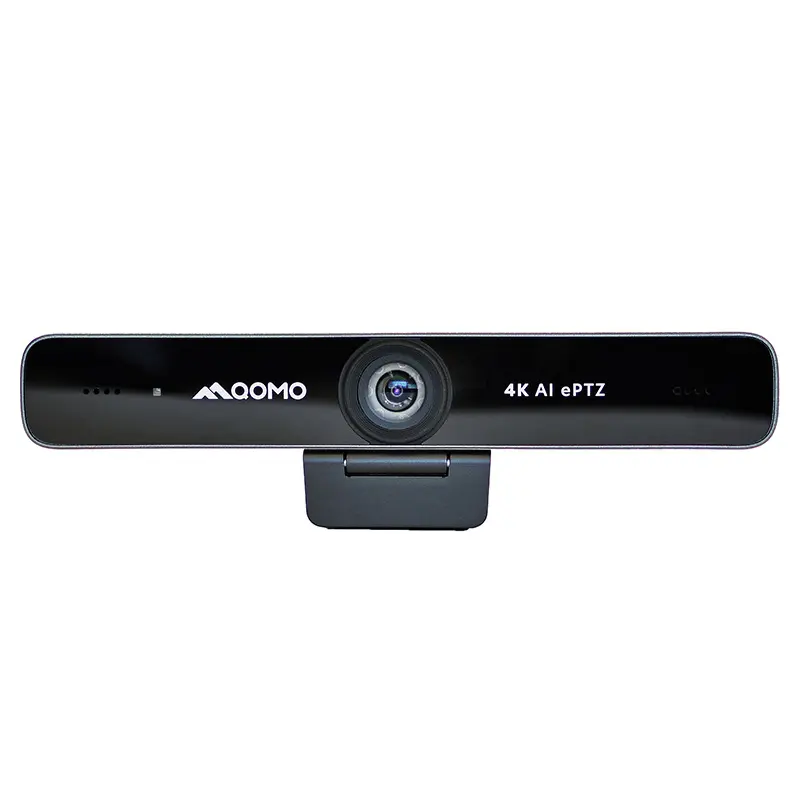
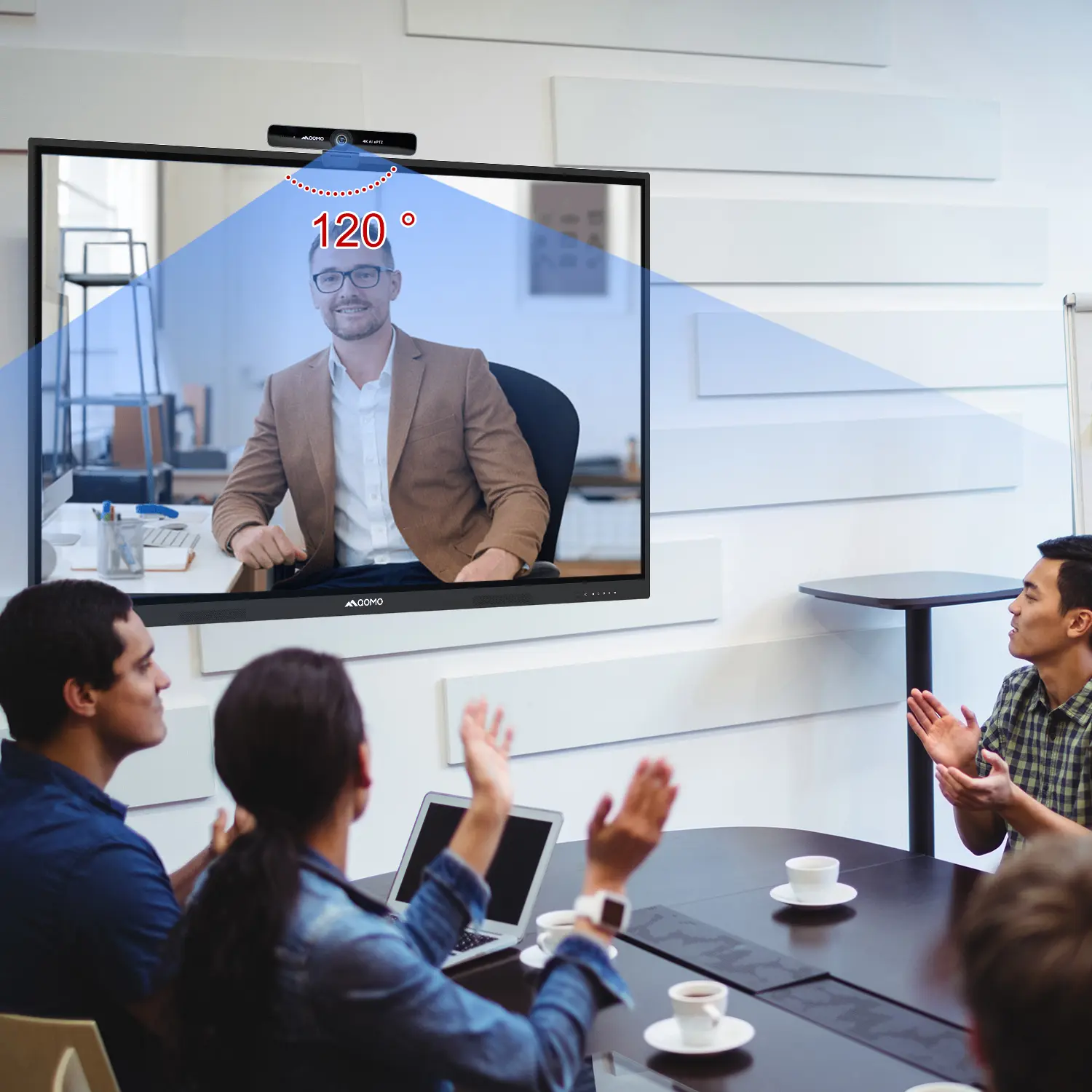
AI-Powered Face-Tracking Webcam
Portable Document Camera Recommendations
Classic Design, Exceptional Functionality: QPC 22 Document Camera
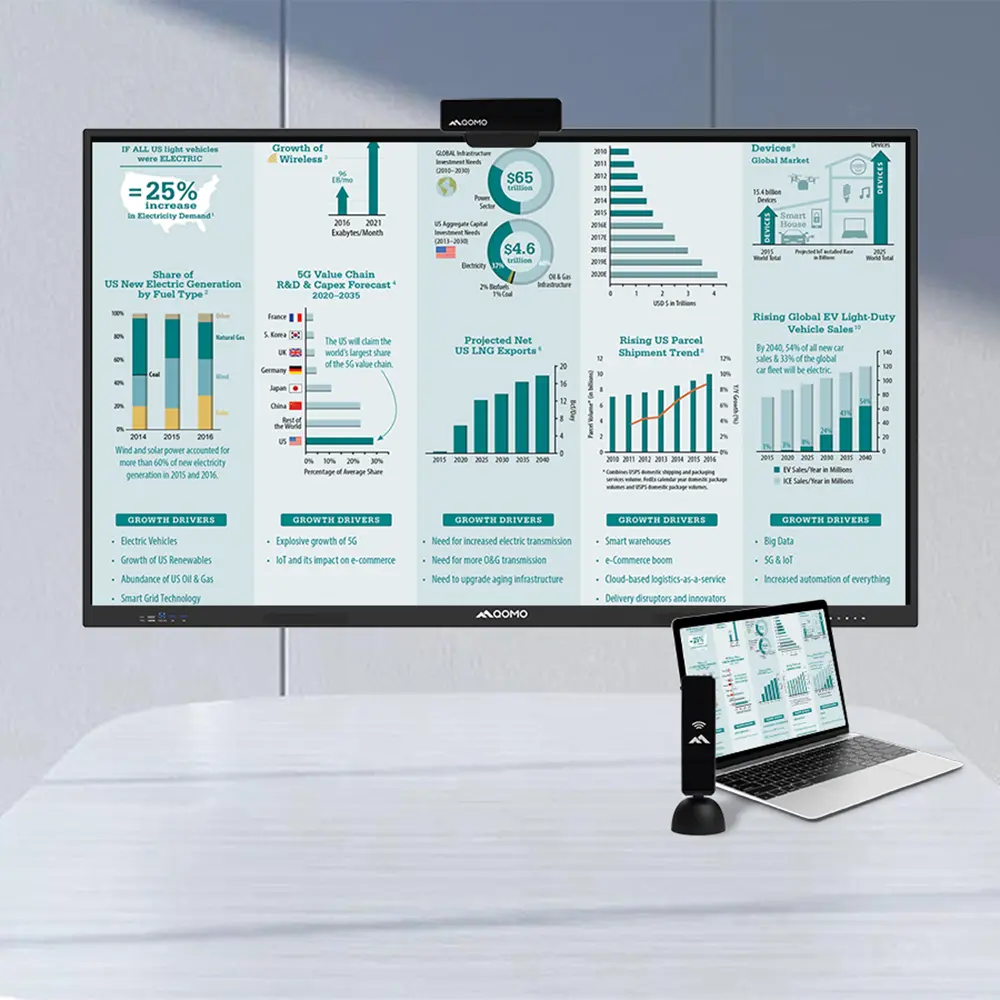
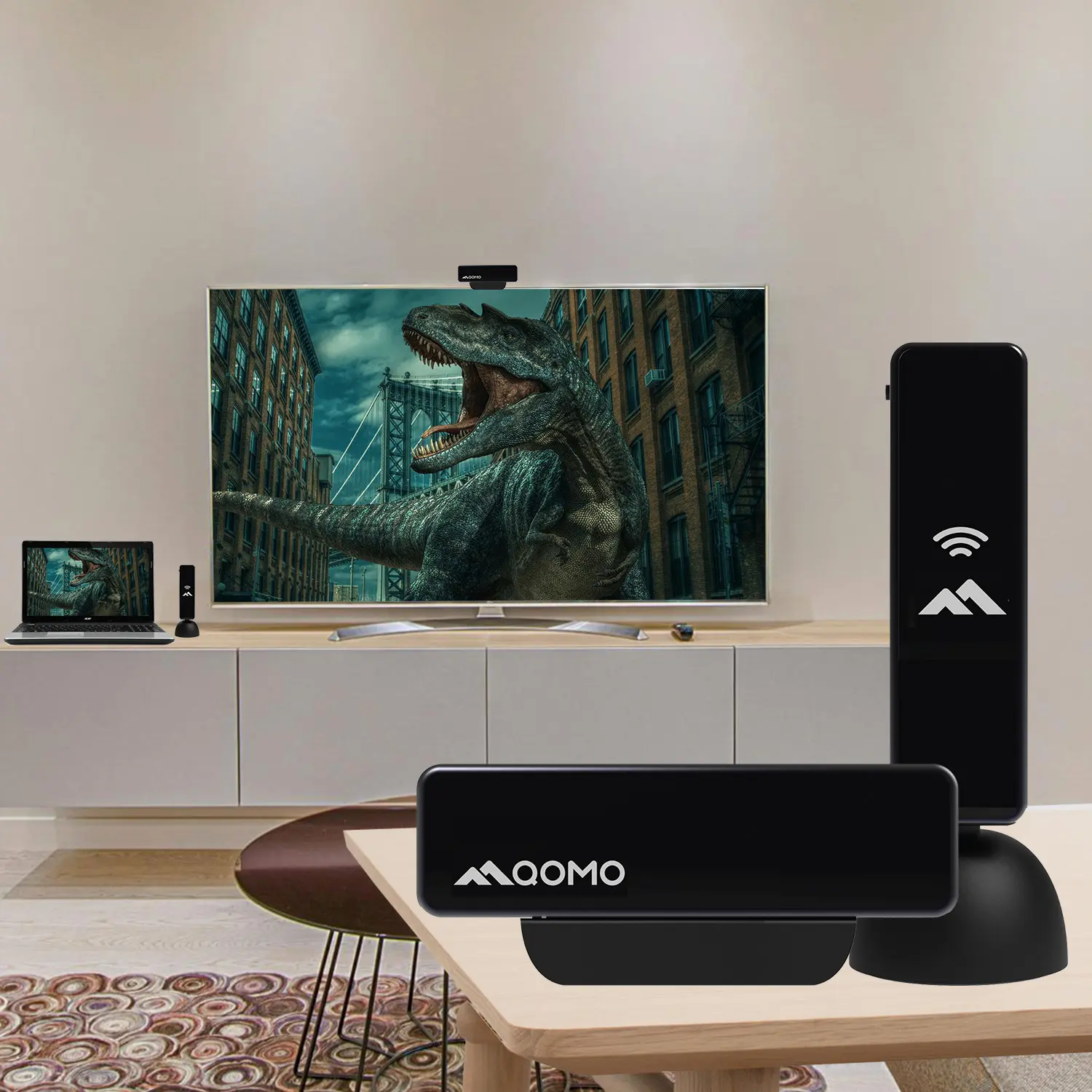
Wireless Screen Mirroring Solution for All Devices
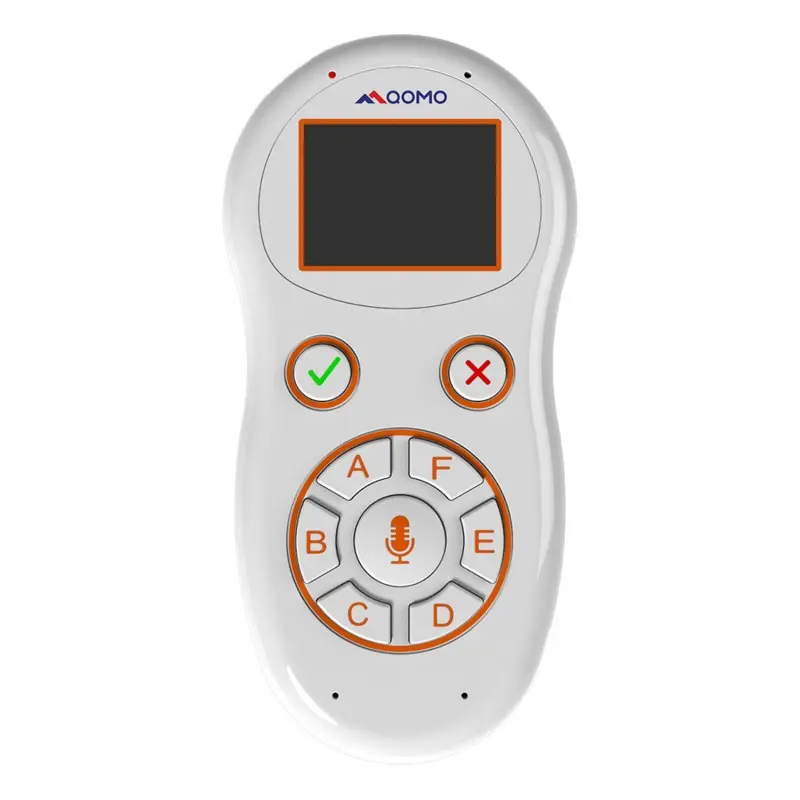
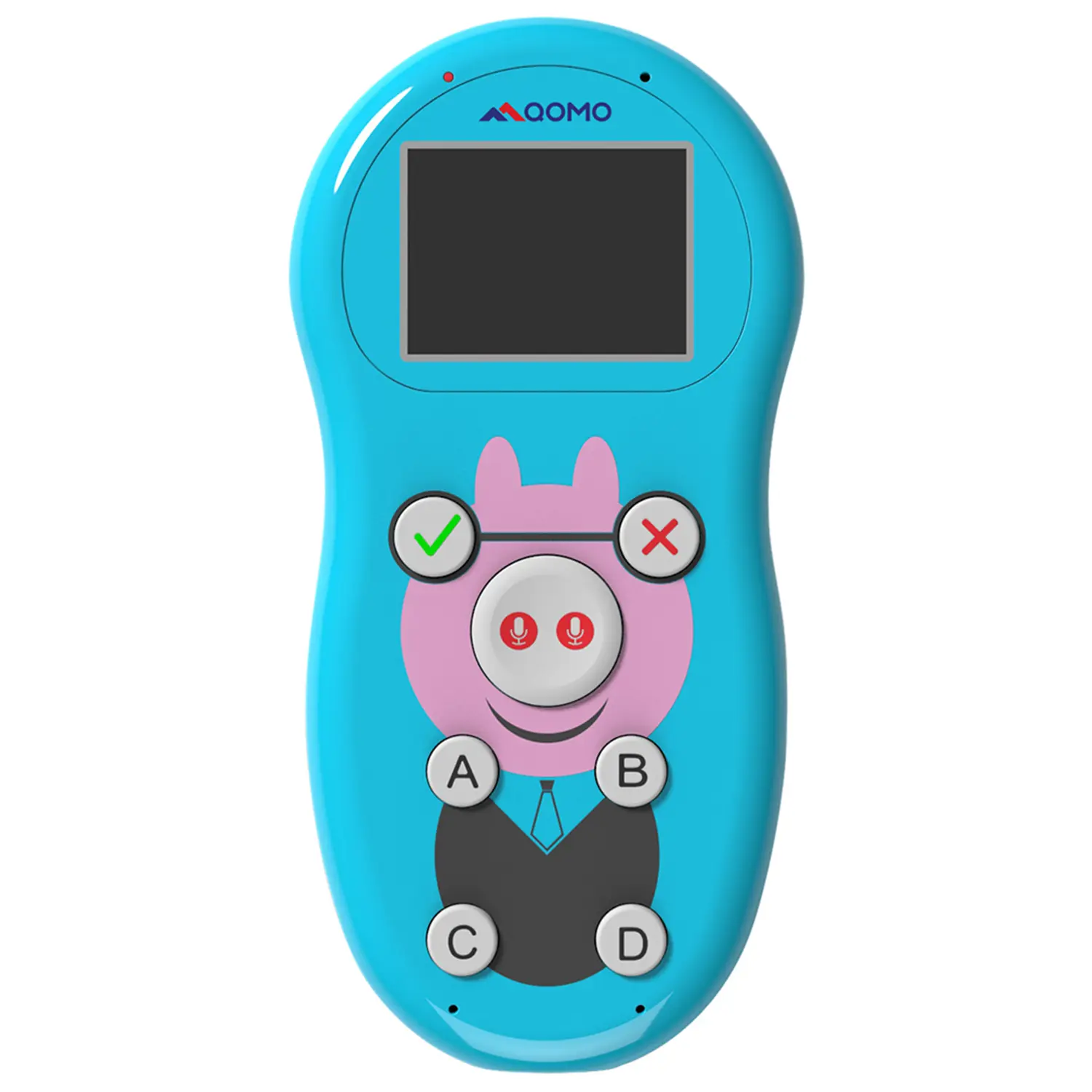
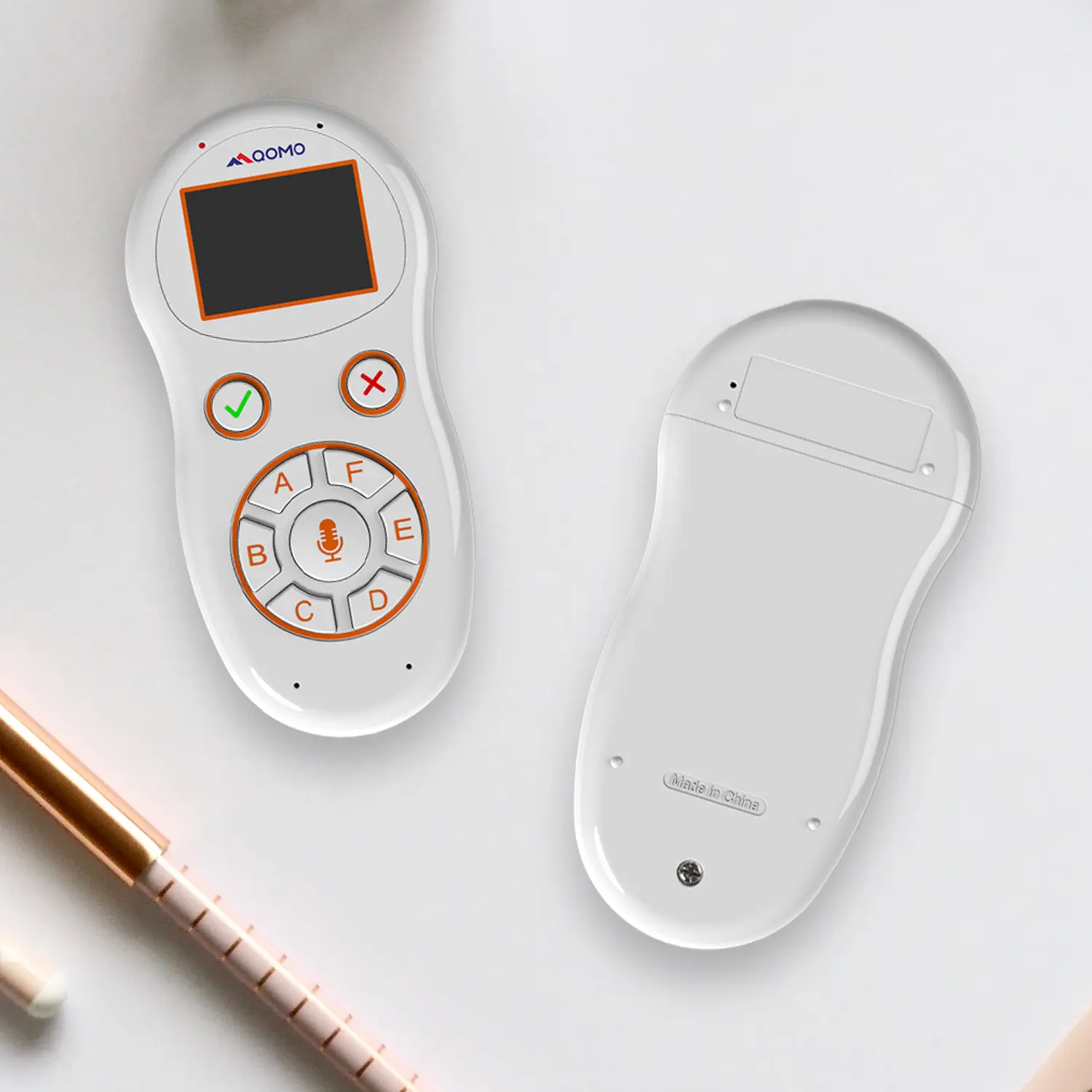
Latest Audience Response System: QRF 999
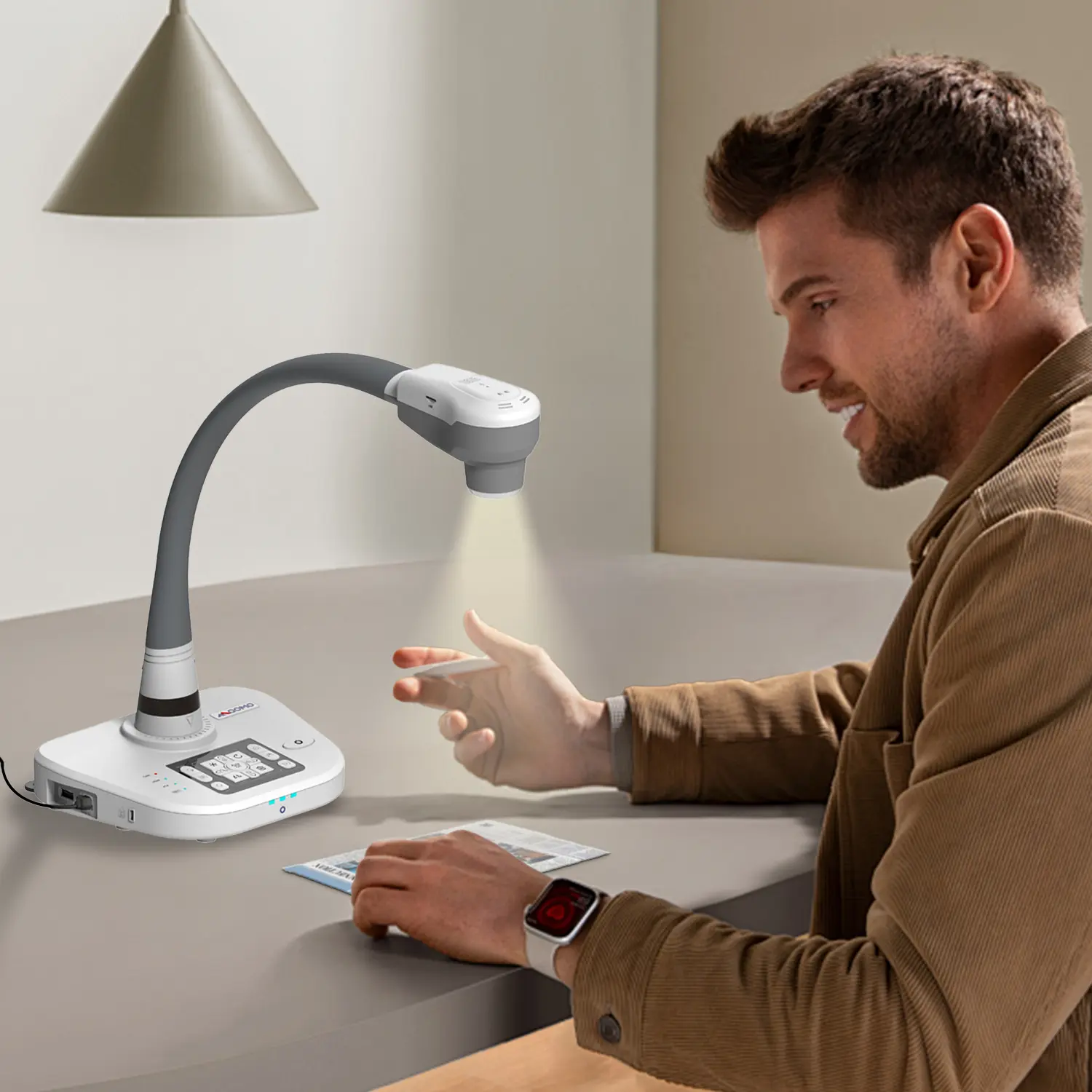
Introducing the QPC 80H3 Gooseneck Document Camera
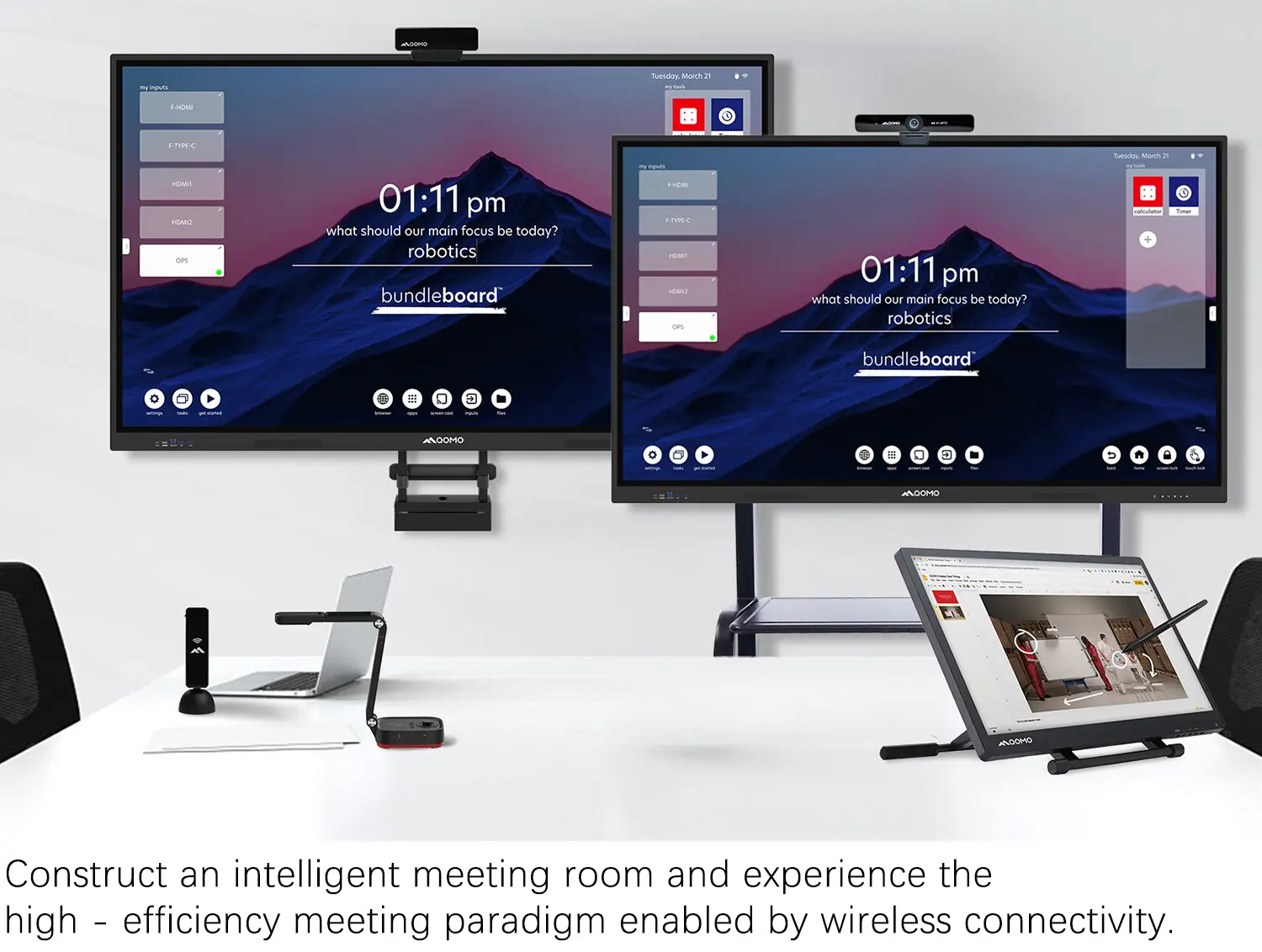
Creating a Smart Integrated Classroom: What Do You Need?
Wireless Connectivity Upgraded: WiFi-Free Wireless Document Receiver
Flow!Works Pro: Interactive Whiteboard Software for Engaging Classrooms
How to Choose the Perfect Document Camera and Elevate Productivity
QWC 004 Conference Webcam: The Top Choice for Remote Education
QCamera: Dedicated Software for Document Cameras to Elevate Your Presentations
QRF999 Voice Response System: Enhancing Teacher-Student Interaction
Work From Home? Maybe You Should Try This Document Camera
The Ultimate Educational Tool: Gooseneck Document Camera
60GHz Millimeter-Wave Wireless Screen Sharing: QShare 100
What Does a Modern Conference Room Need?
QD5000 Document Camera: Unimaginable Versatility!
QWC 004: The Most Cost-Effective Webcam
QVote Interactive Classroom Response System Software
Functionality, Aesthetics, Portability! Meet the QWC 100S Document Camera!
Why Choose the BundleBoard H/H2 Interactive Flat Panel?
Save Your Budget—Introducing the All-New QPC 70 Document Camera!
QIT 600F3: Revolutionize Your Presentations
QCamera: Professional Document Camera Software
QPC 5: The Ultimate 4K Portable Document Camera
Elevate Your Meetings in Seconds: QWC 006 Webcam
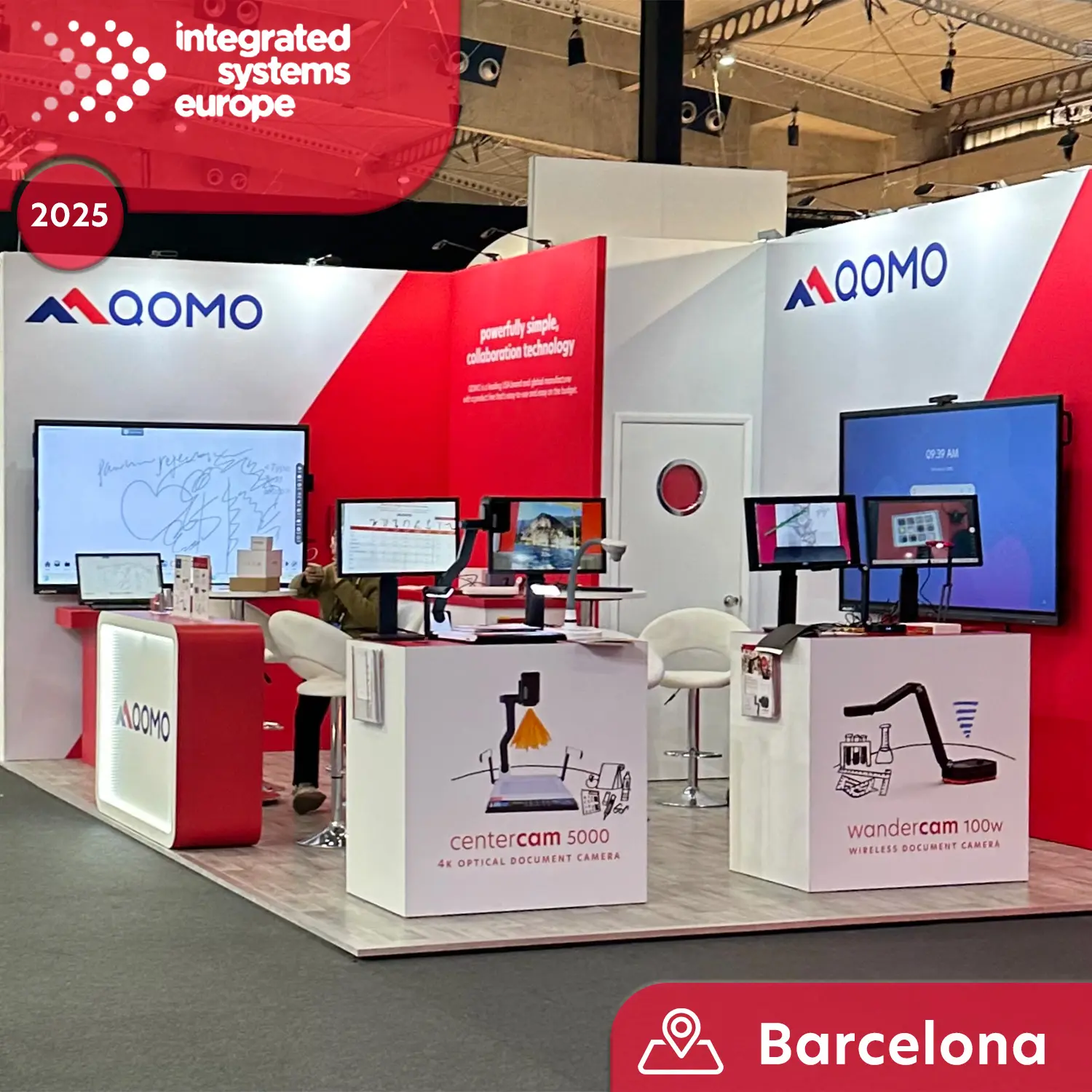
Meet QOMO at ISE 2025
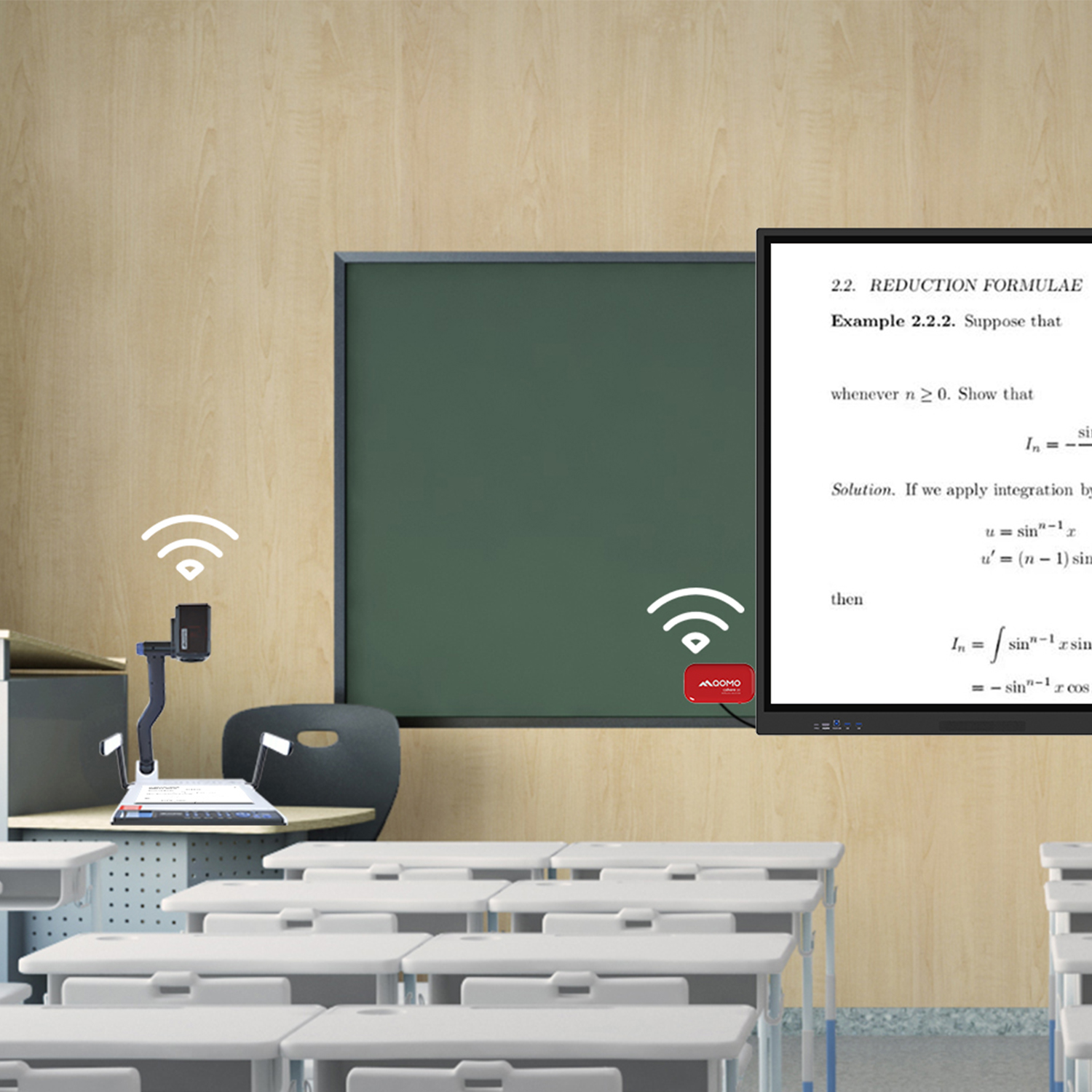
Wireless Document Camera Solution, Revolutionizing Wireless Technology
QRF Series, Transform Your Classroom!
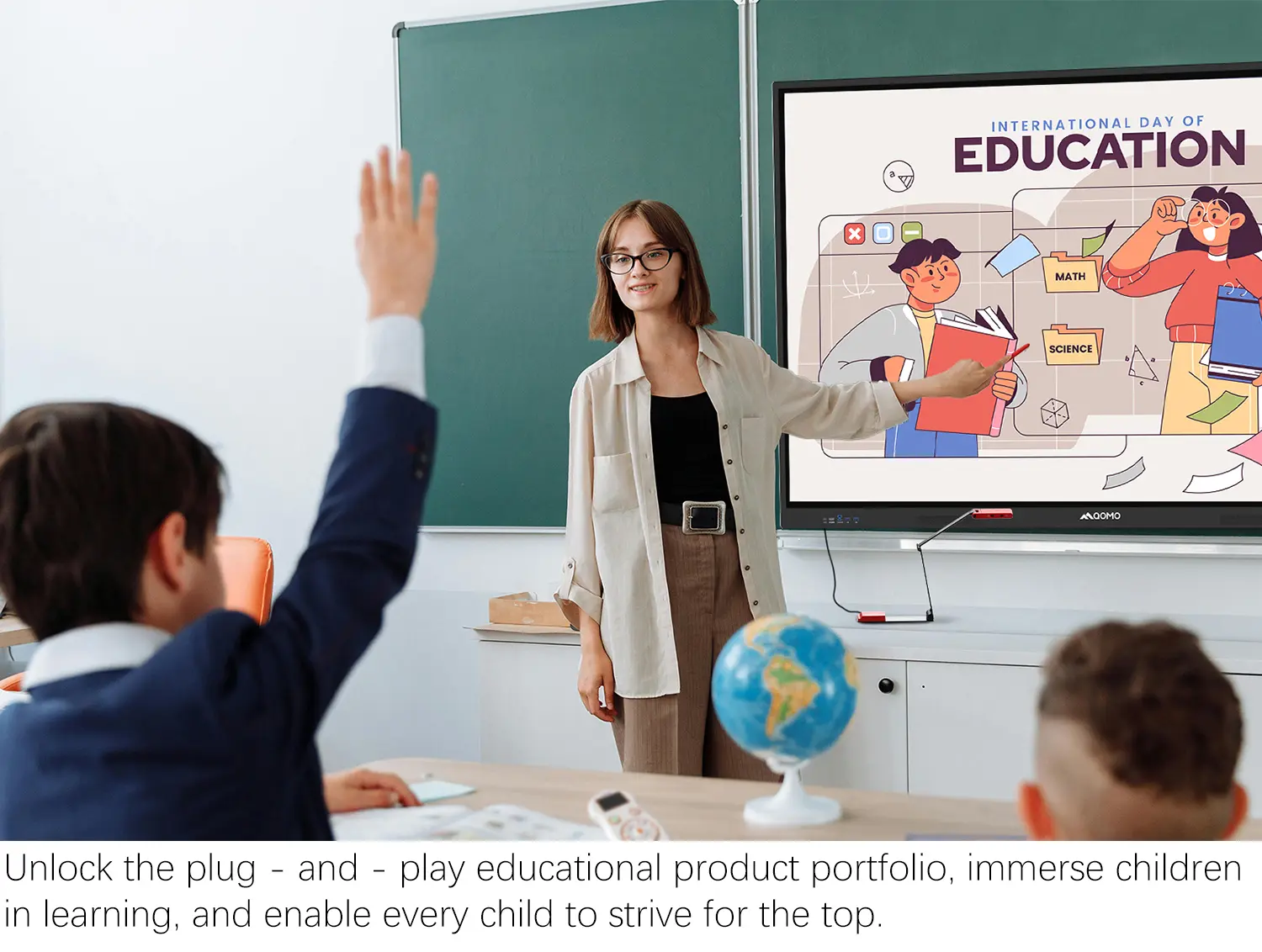
QOMO, Building Intelligent Classrooms
QOMO QShare100 New Release
Outstanding Office Equipment Recommendations
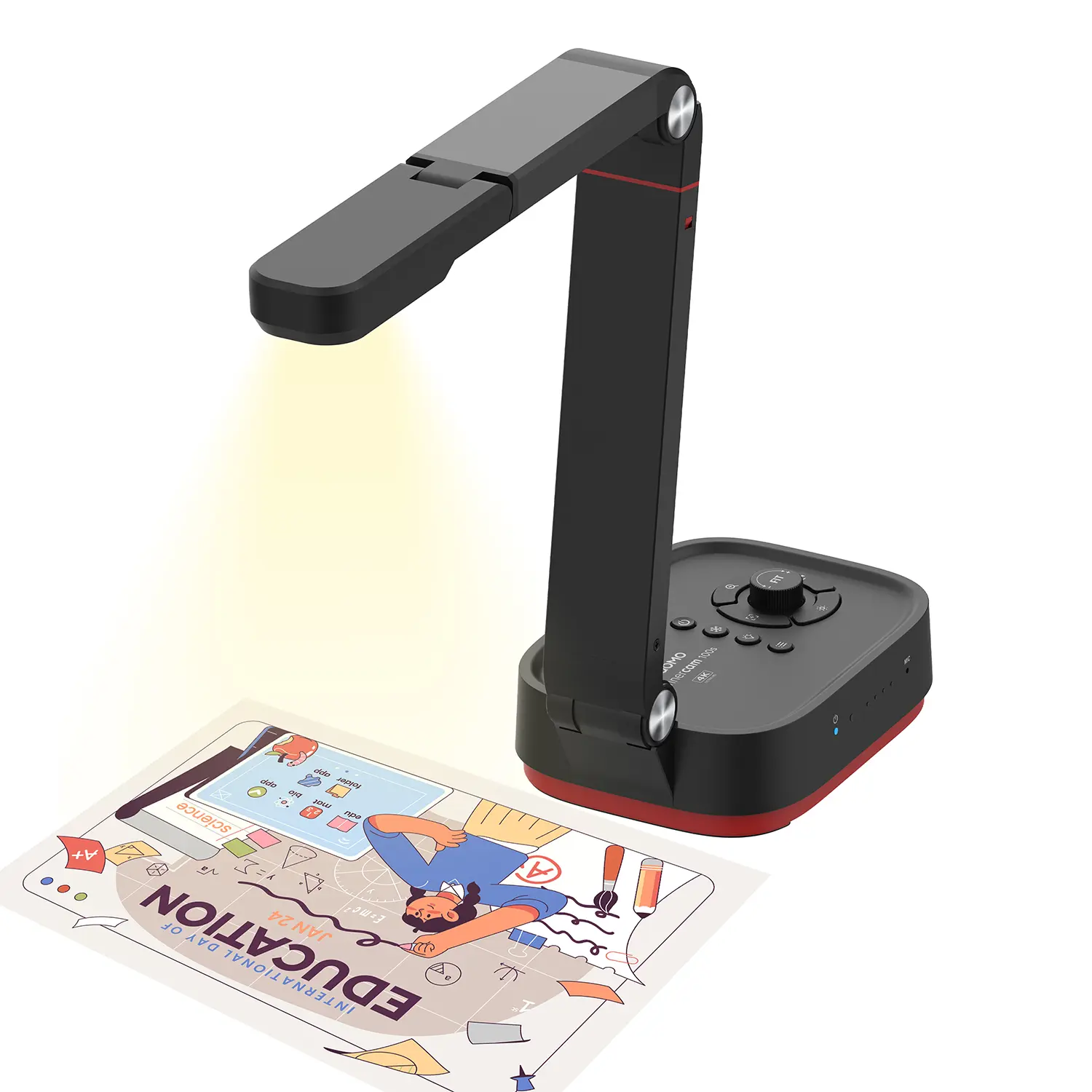
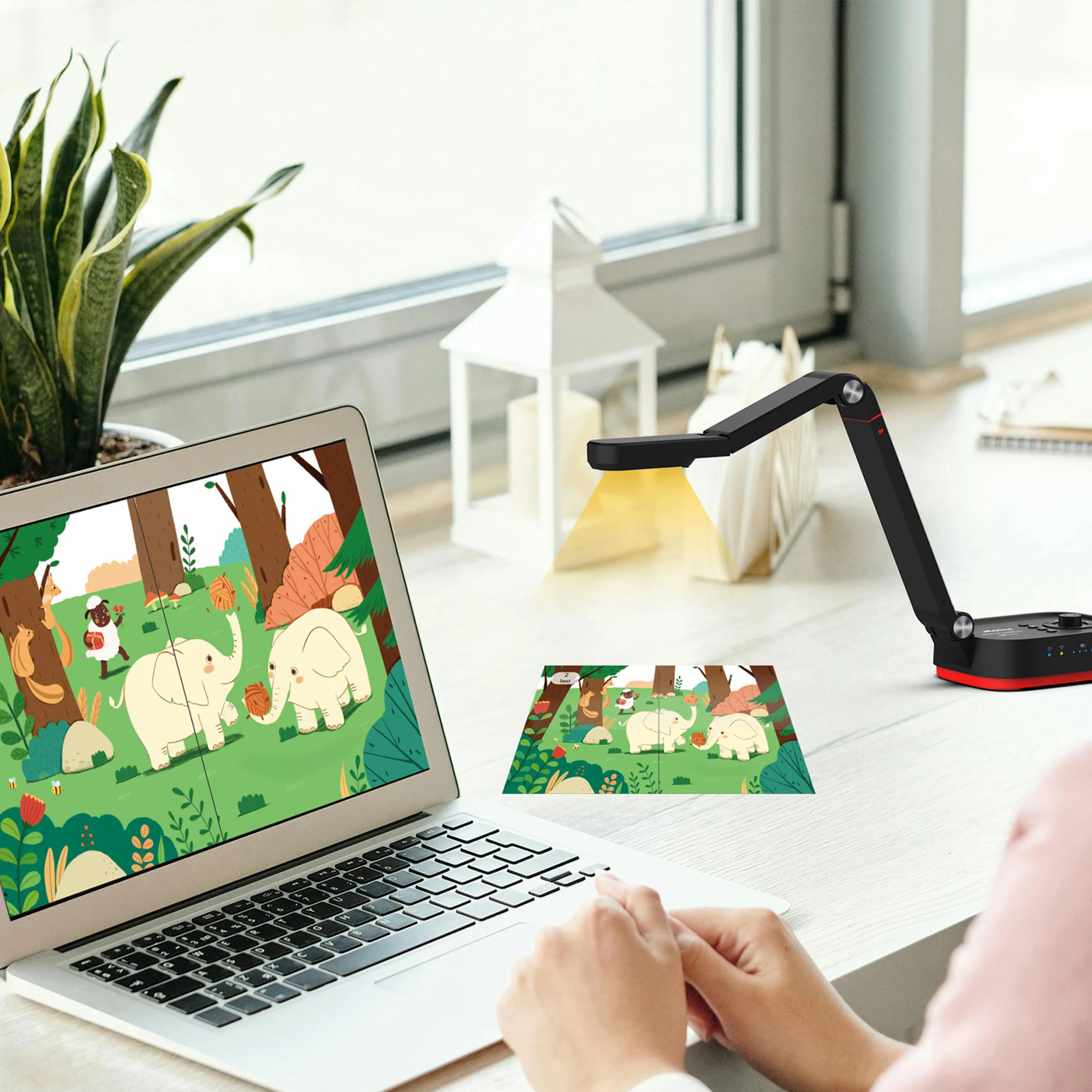
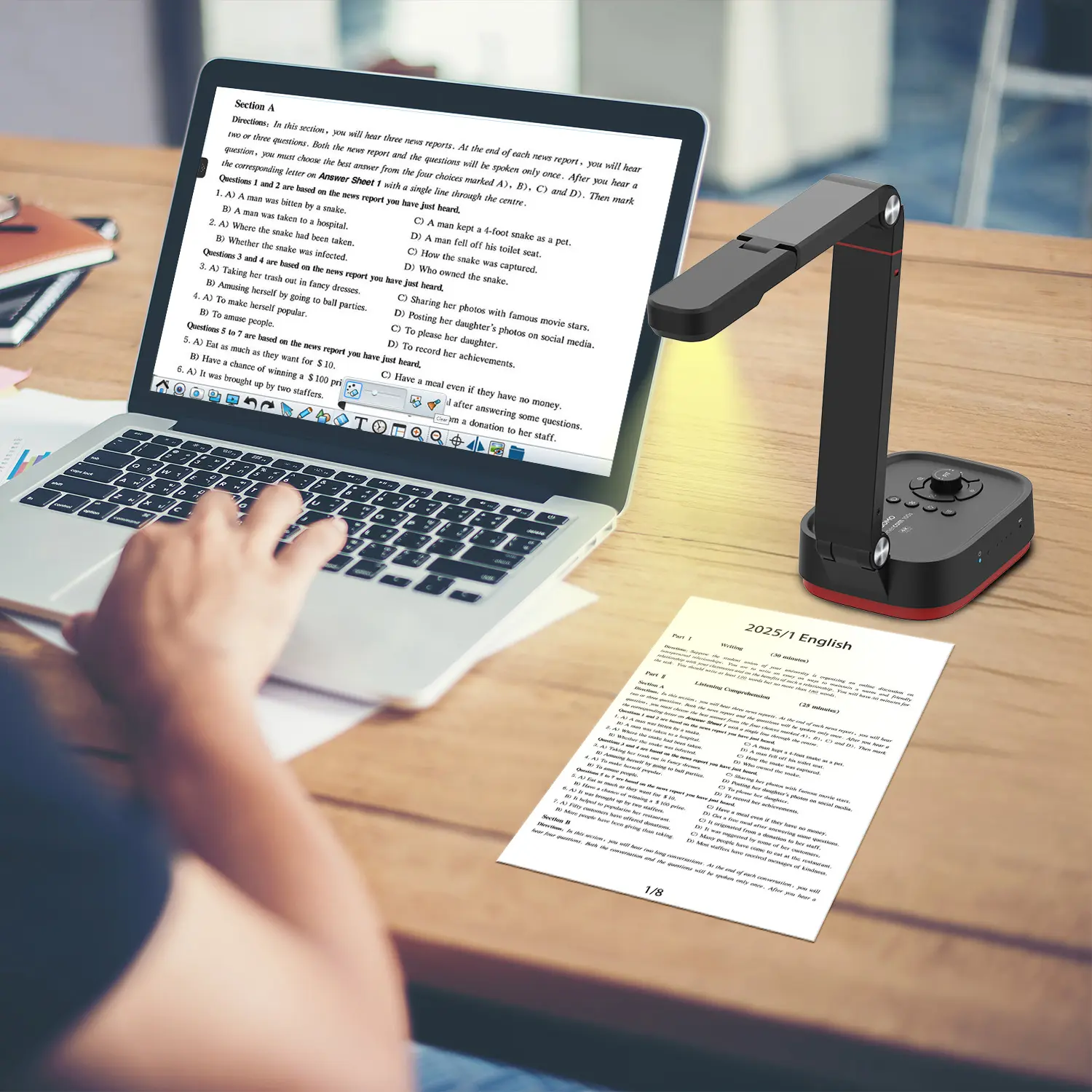
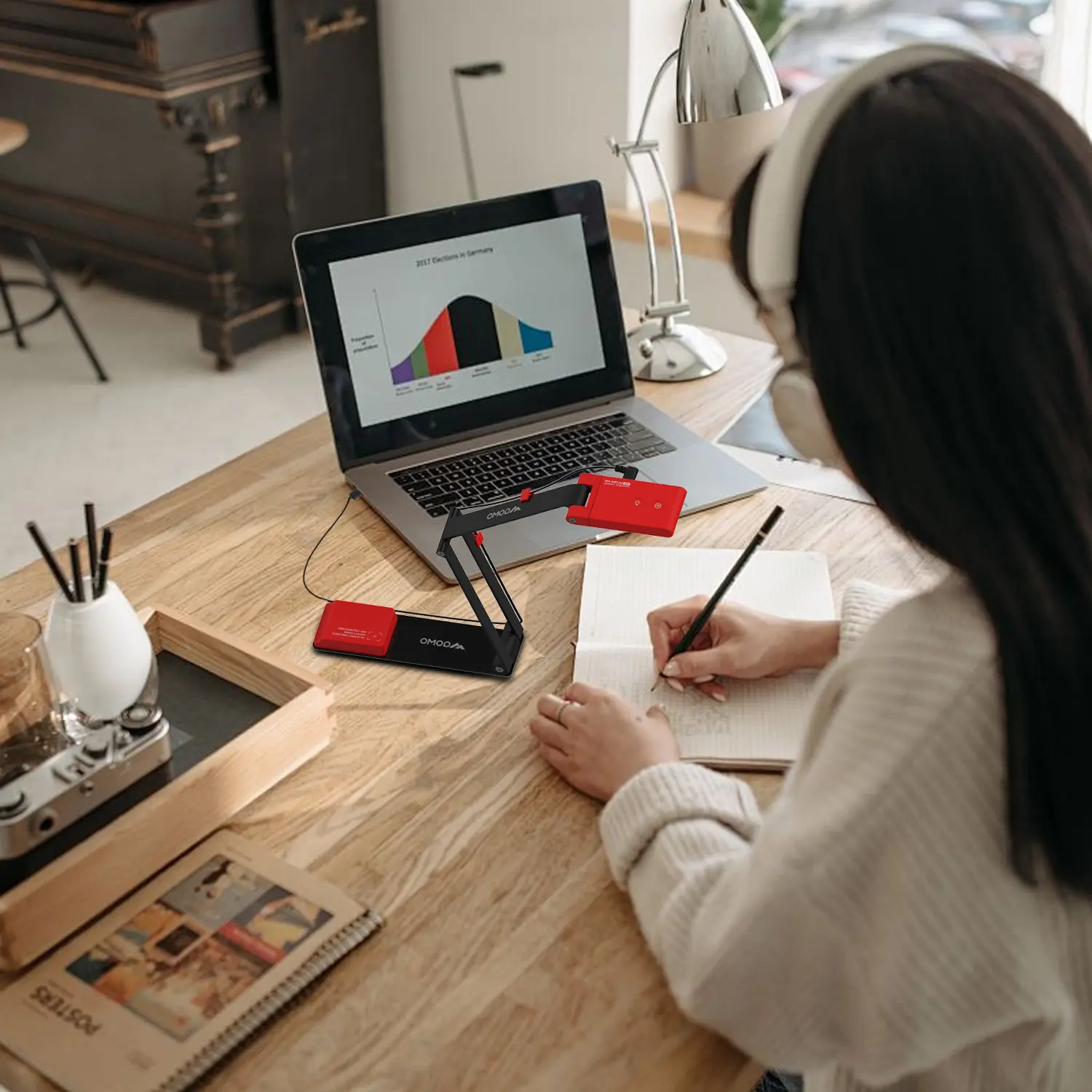
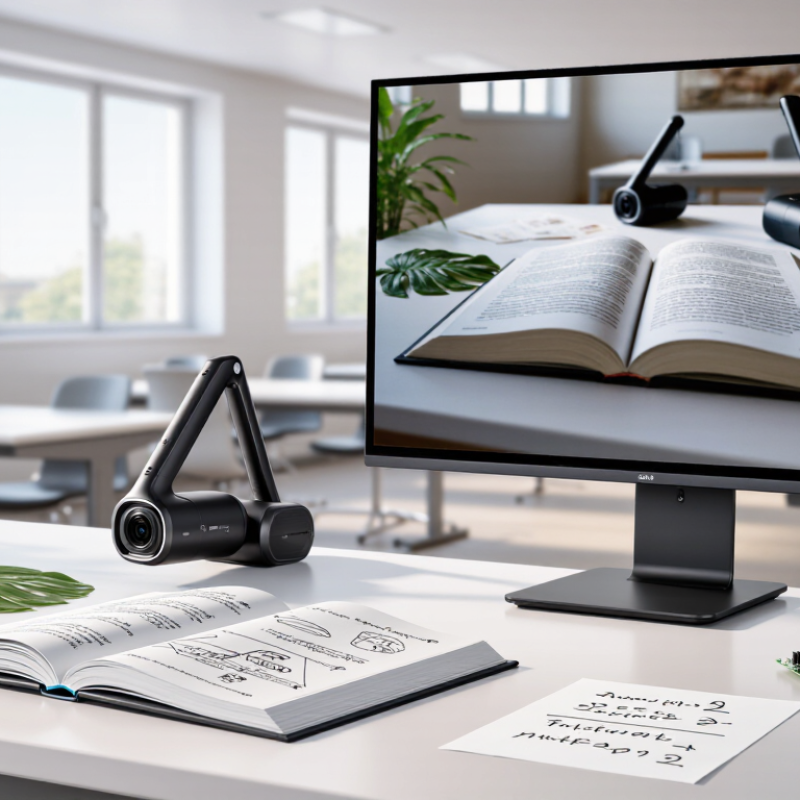
A Portable Document Camera brings physical learning materials into a digital lesson within seconds. Place a textbook, circuit board, plant leaf, or handwritten equation beneath its lens. The image can then appear on a projector, interactive display, or video meeting. This simple workflow helps teachers demonstrate details that students might miss from the back row.
The UNESCO Global Education Monitoring Report 2023 warns that technology is not an automatic solution for educational challenges. Its value depends on purpose, access, teacher support, and responsible implementation. The OECD’s PISA 2022 findings also highlight a practical tension: digital tools can support learning, yet device distraction remains a serious classroom concern. A document camera offers a more focused alternative because it presents one shared object instead of opening many competing applications.
That difference matters in real teaching. A science teacher can rotate a specimen under the camera. A trainer can mark a fault on a printed diagram. A remote learner can watch each movement clearly. Portable models also reduce setup time when lessons move between rooms. Small details count.
Not every device performs equally well. Lighting, autofocus, image resolution, software compatibility, and physical stability need careful testing. Claims about “seamless” teaching may be overstated. A camera cannot replace explanation, feedback, or teacher judgment. It may also feel unnecessary in highly digital classrooms. Still, evidence from UNESCO and OECD supports a balanced view: technology works best when it solves a visible problem. For many educators, a Portable Document Camera does exactly that by making real objects clearer, more shareable, and easier to discuss.
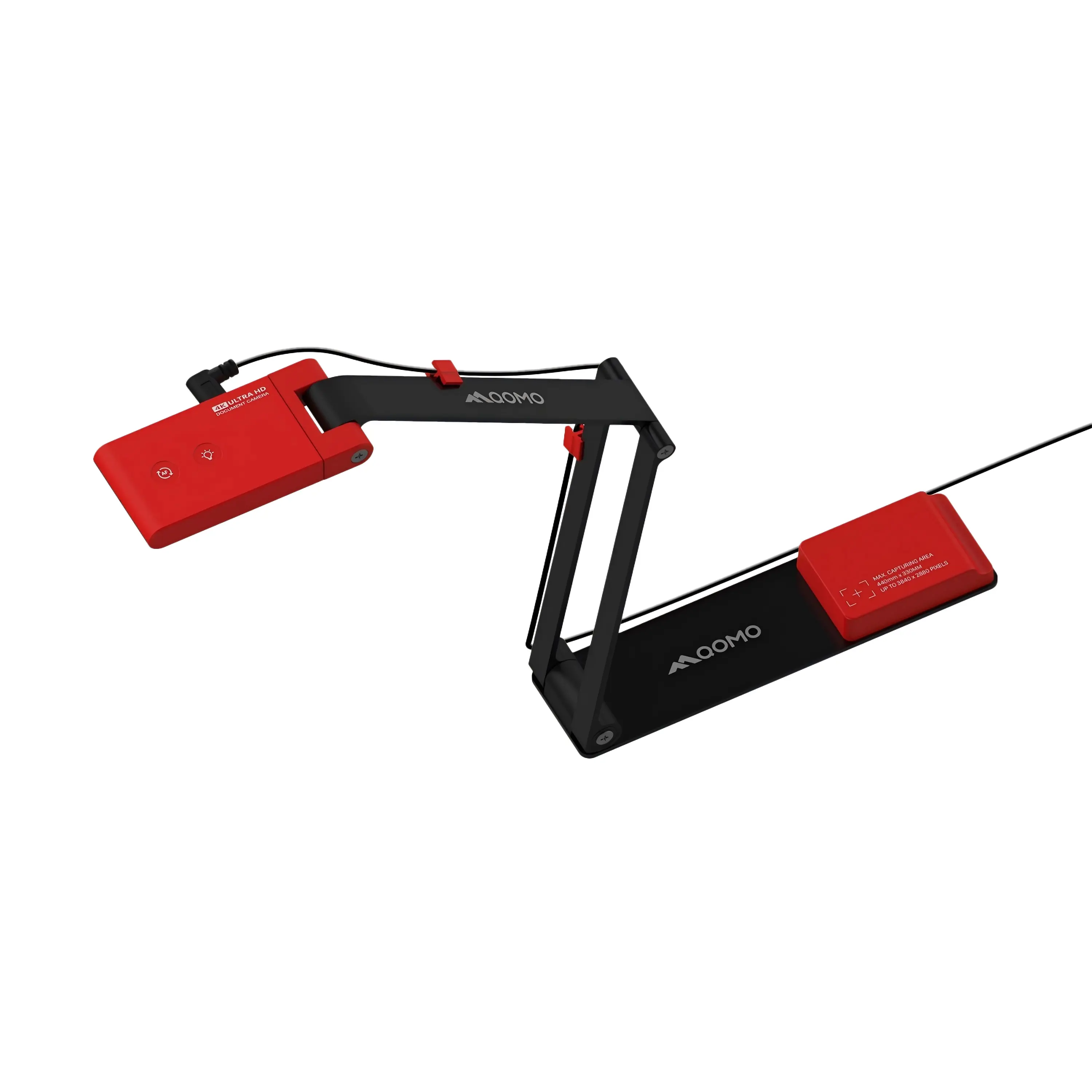
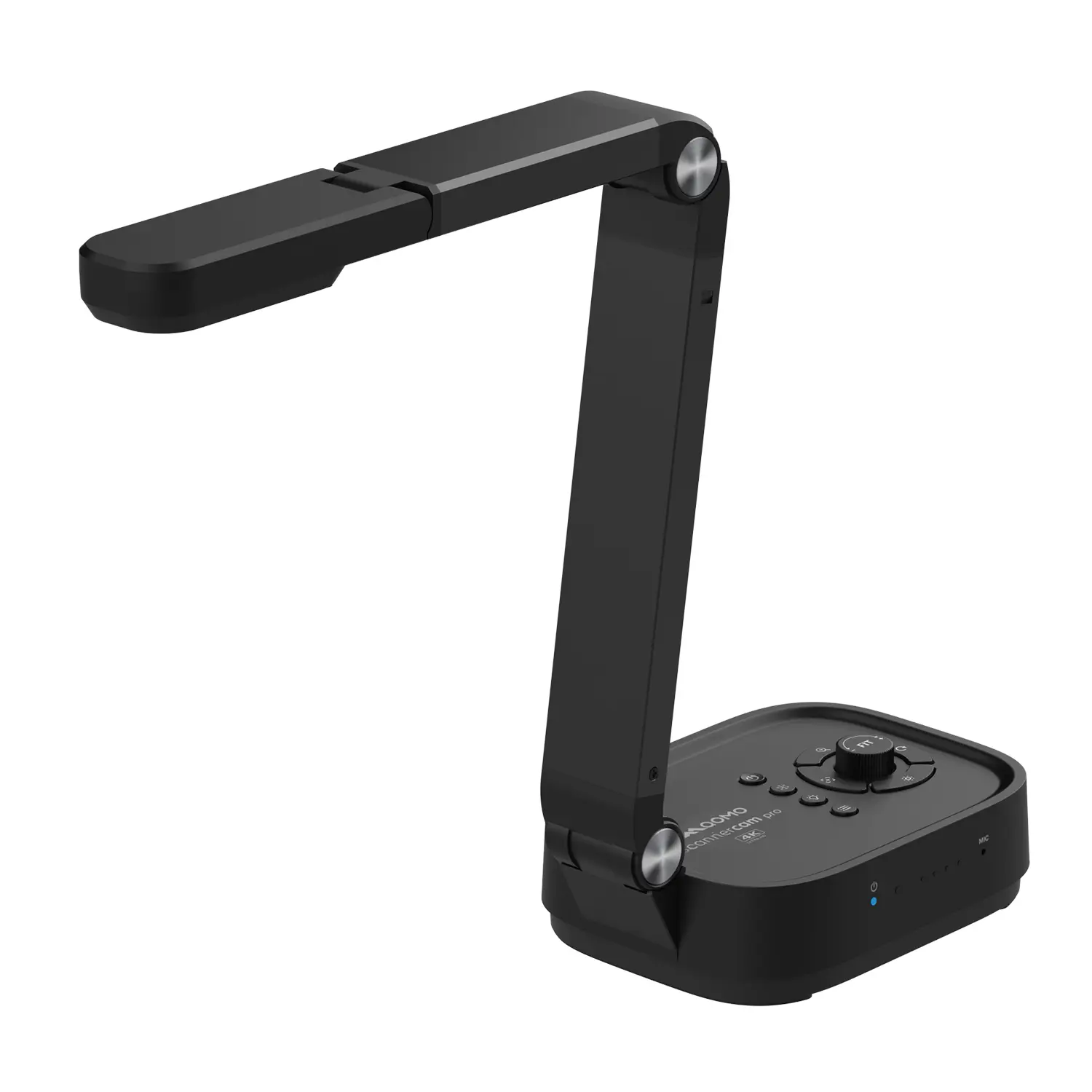
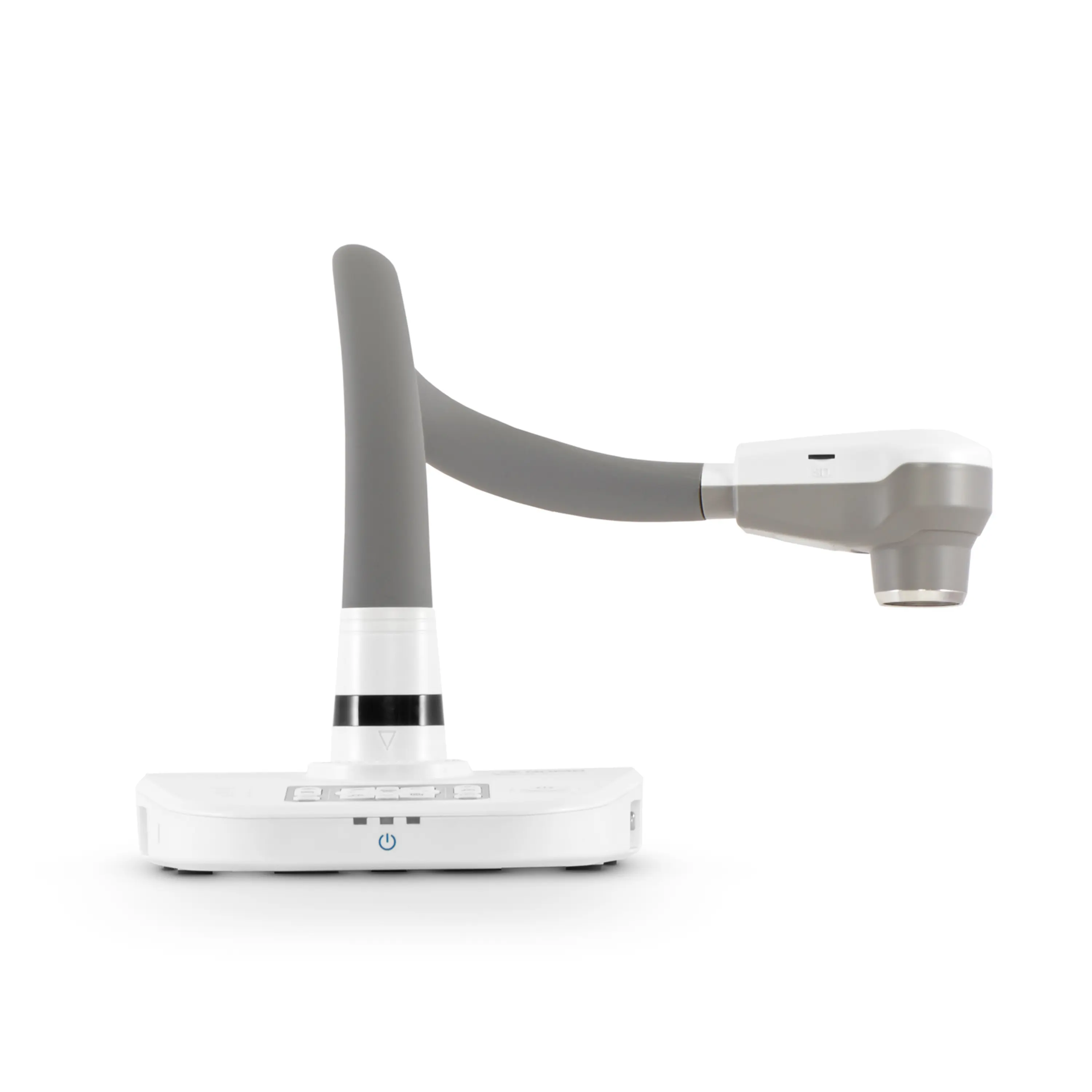
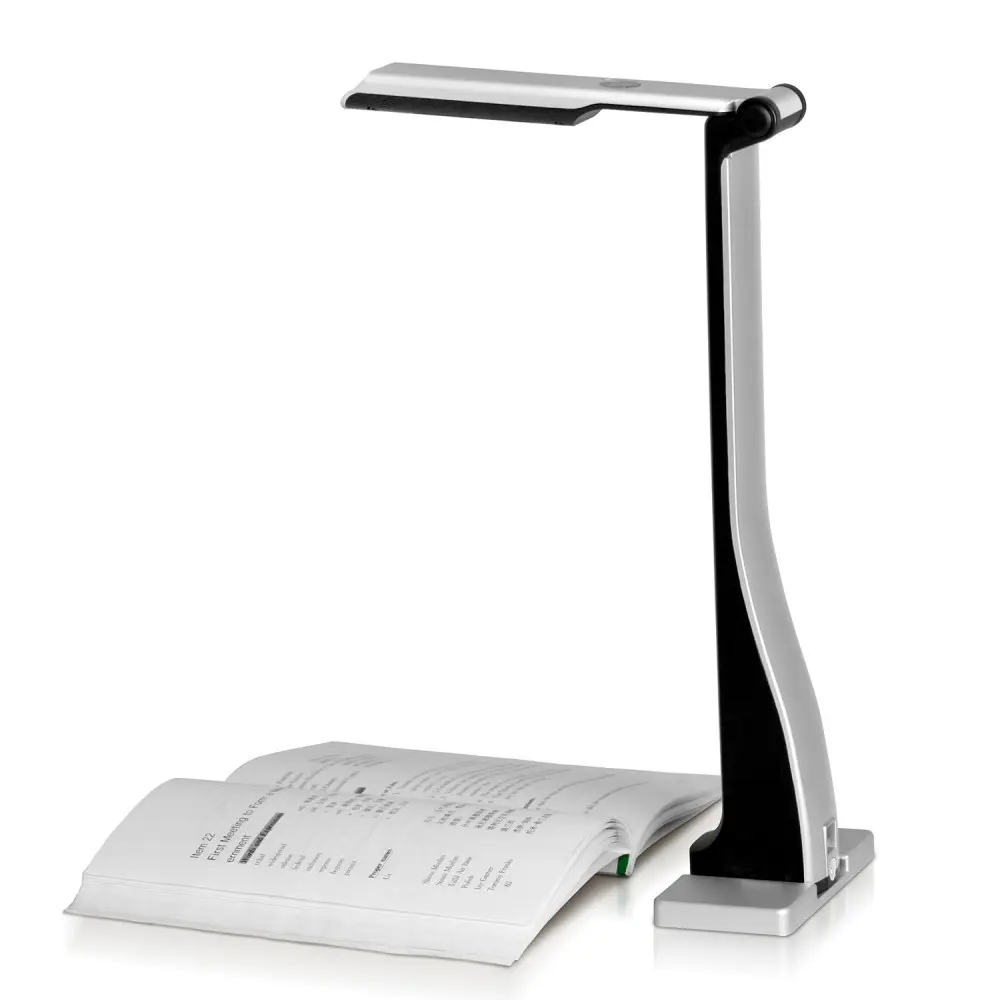
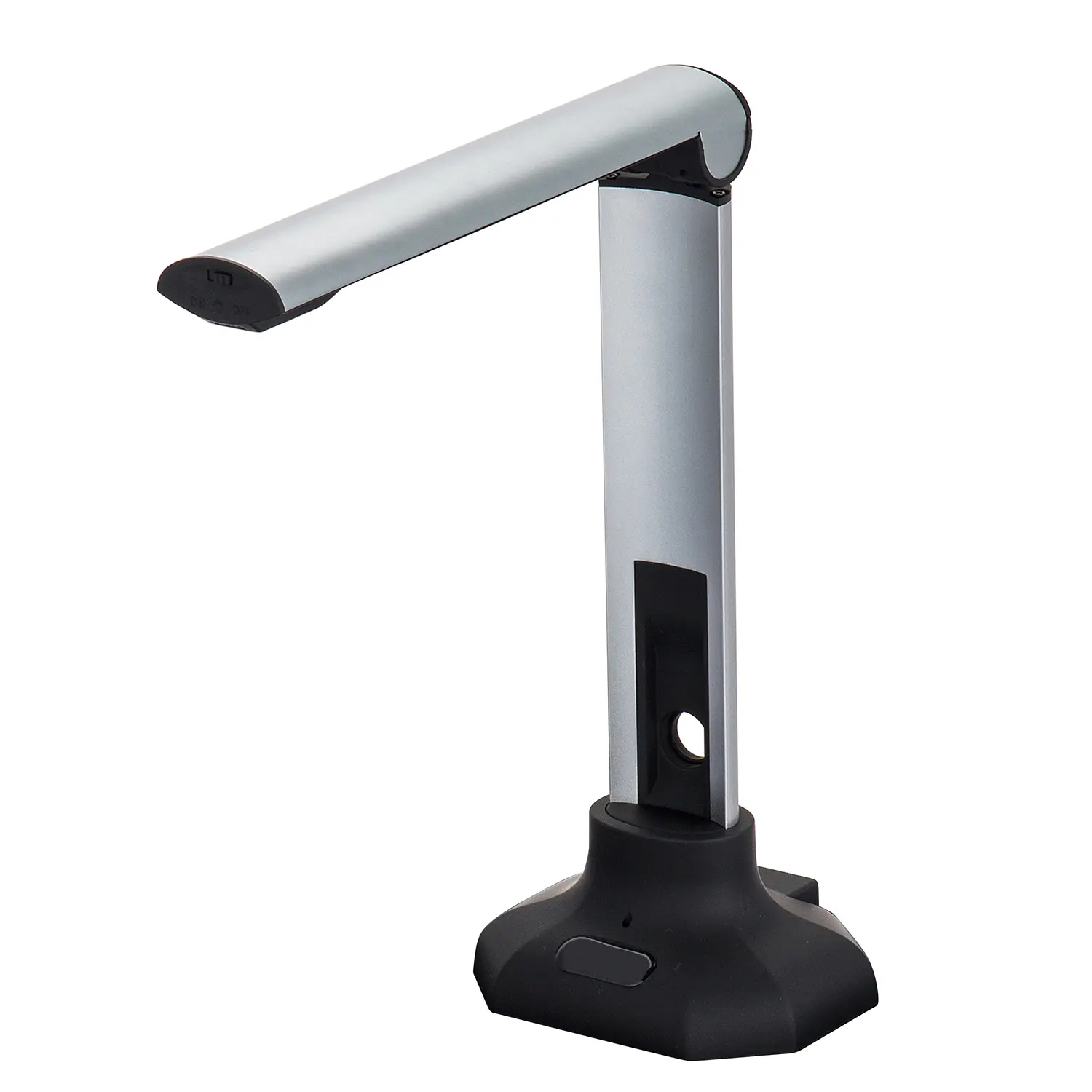
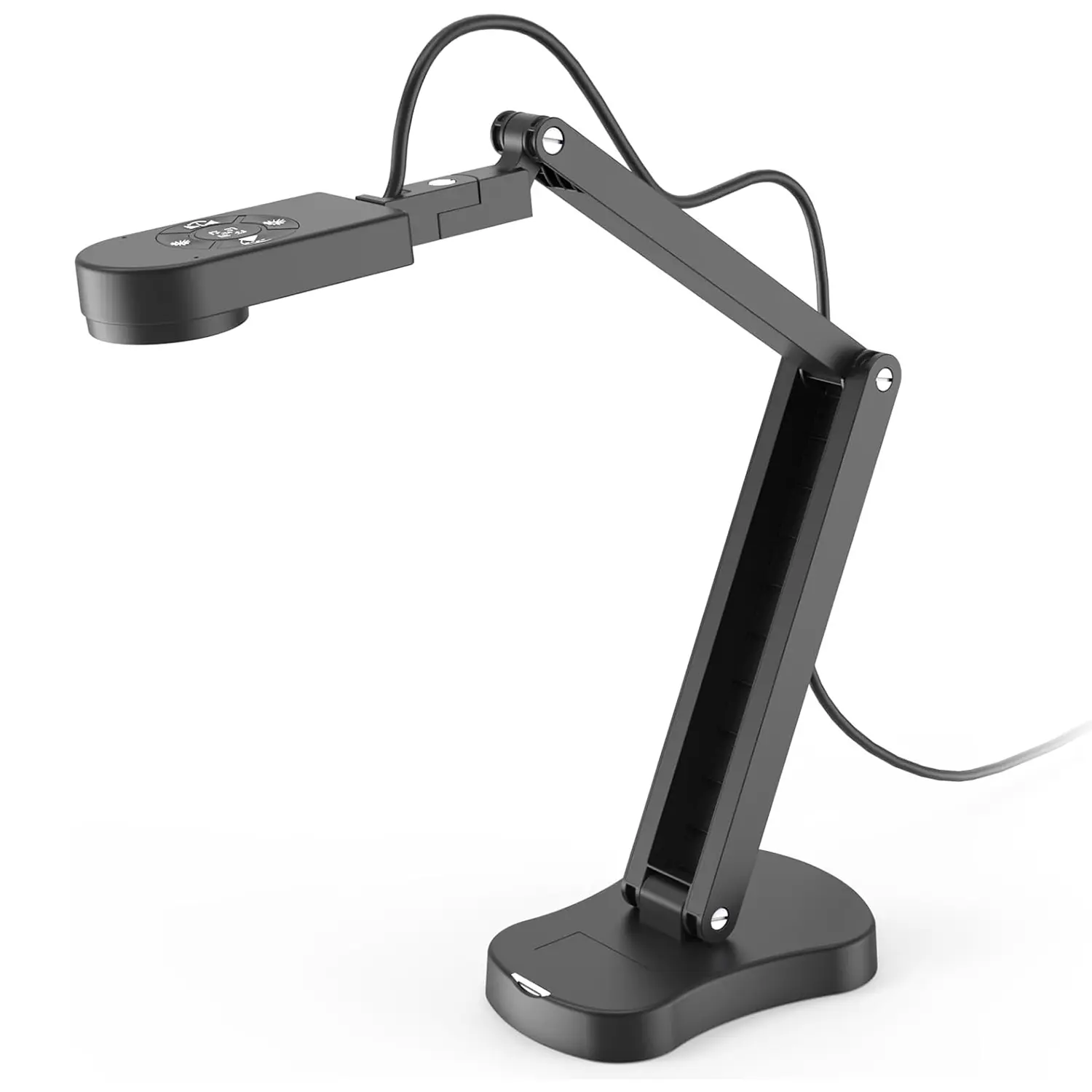
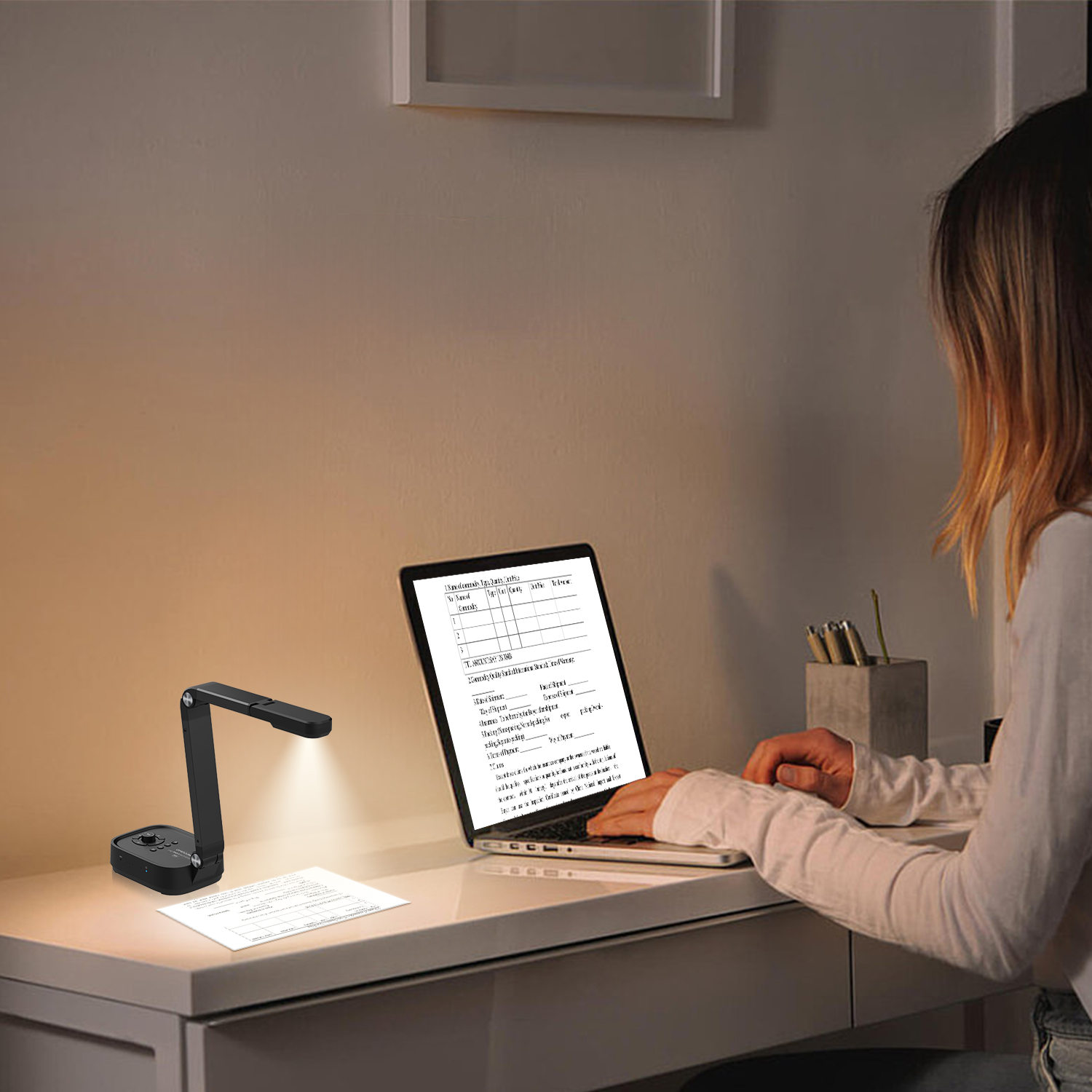
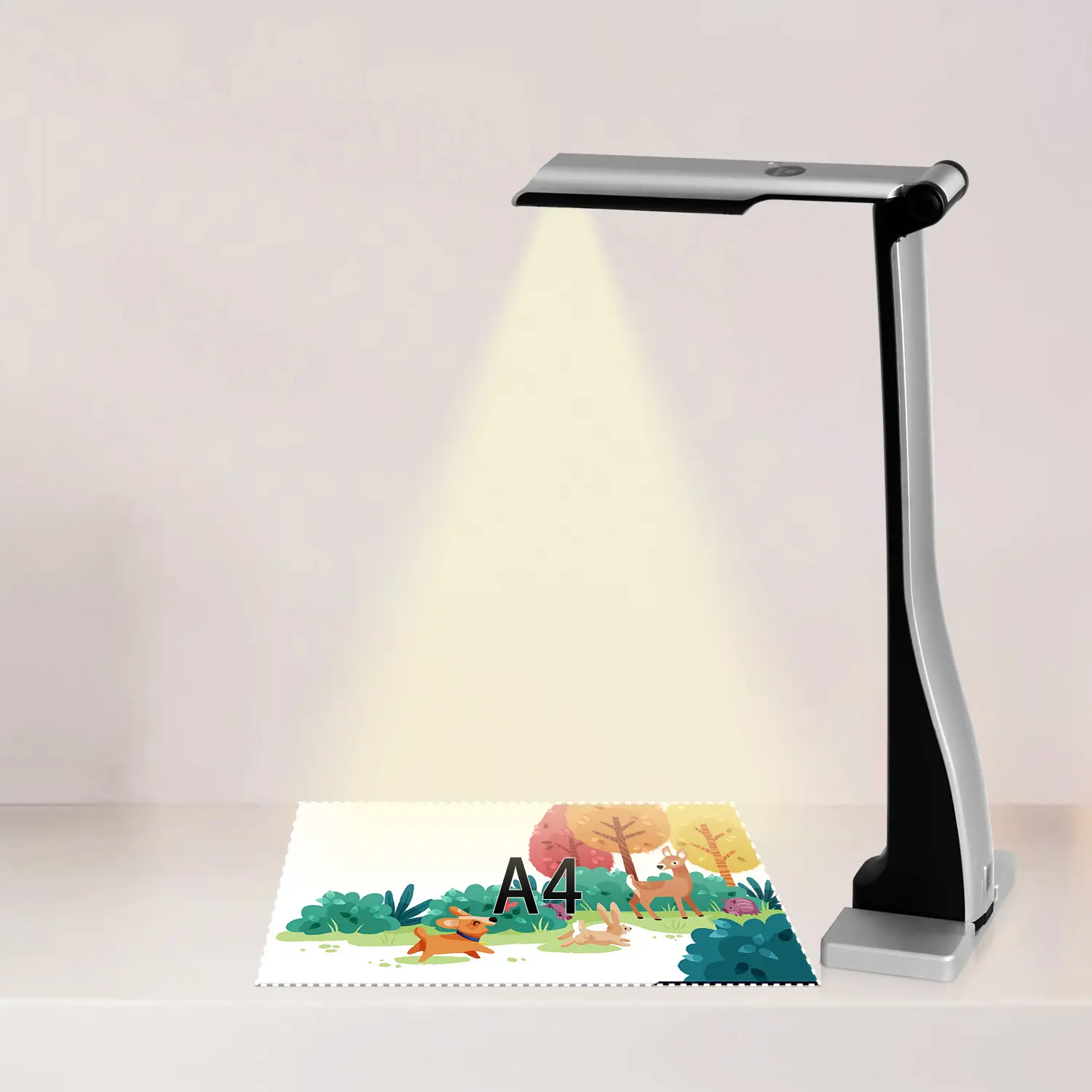
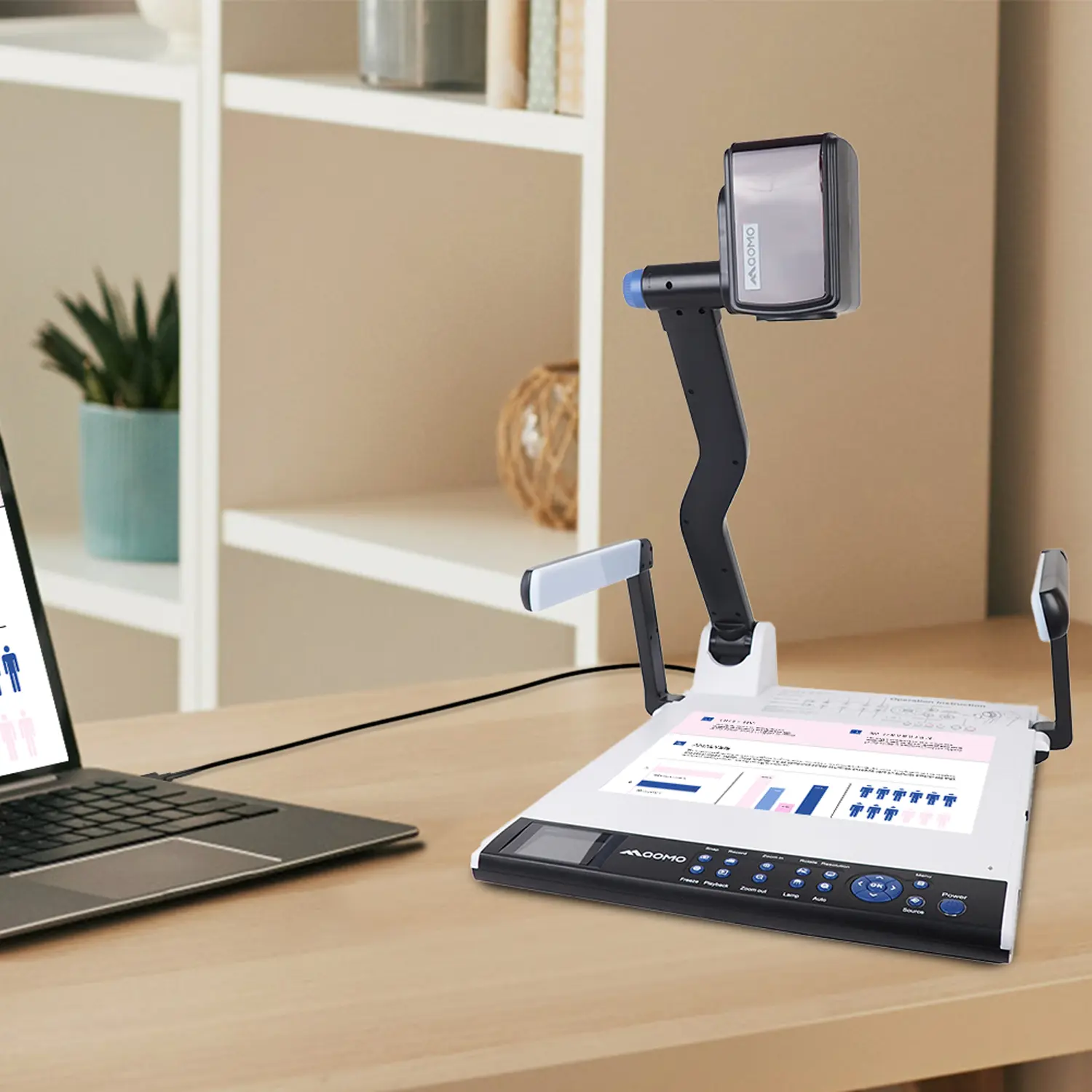
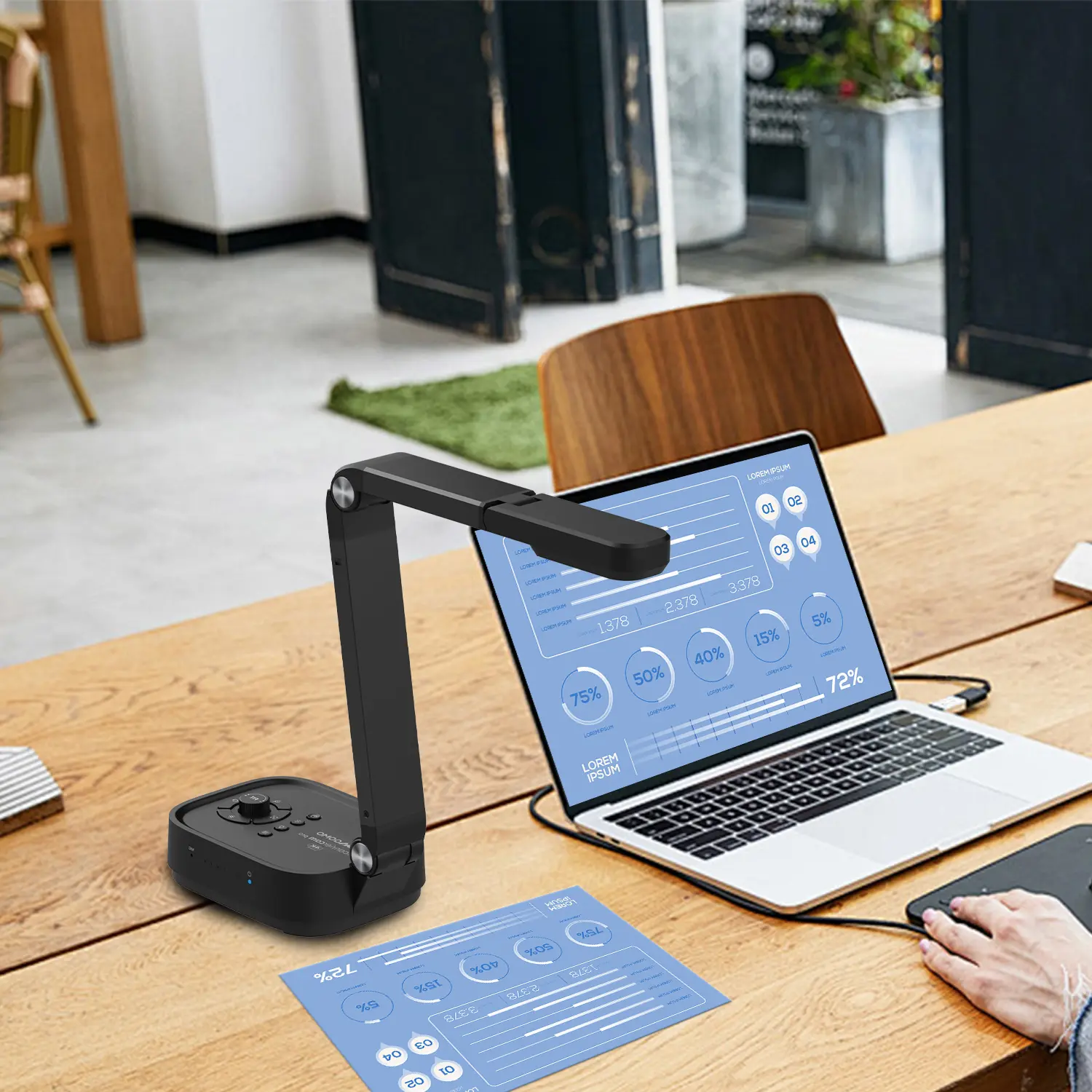
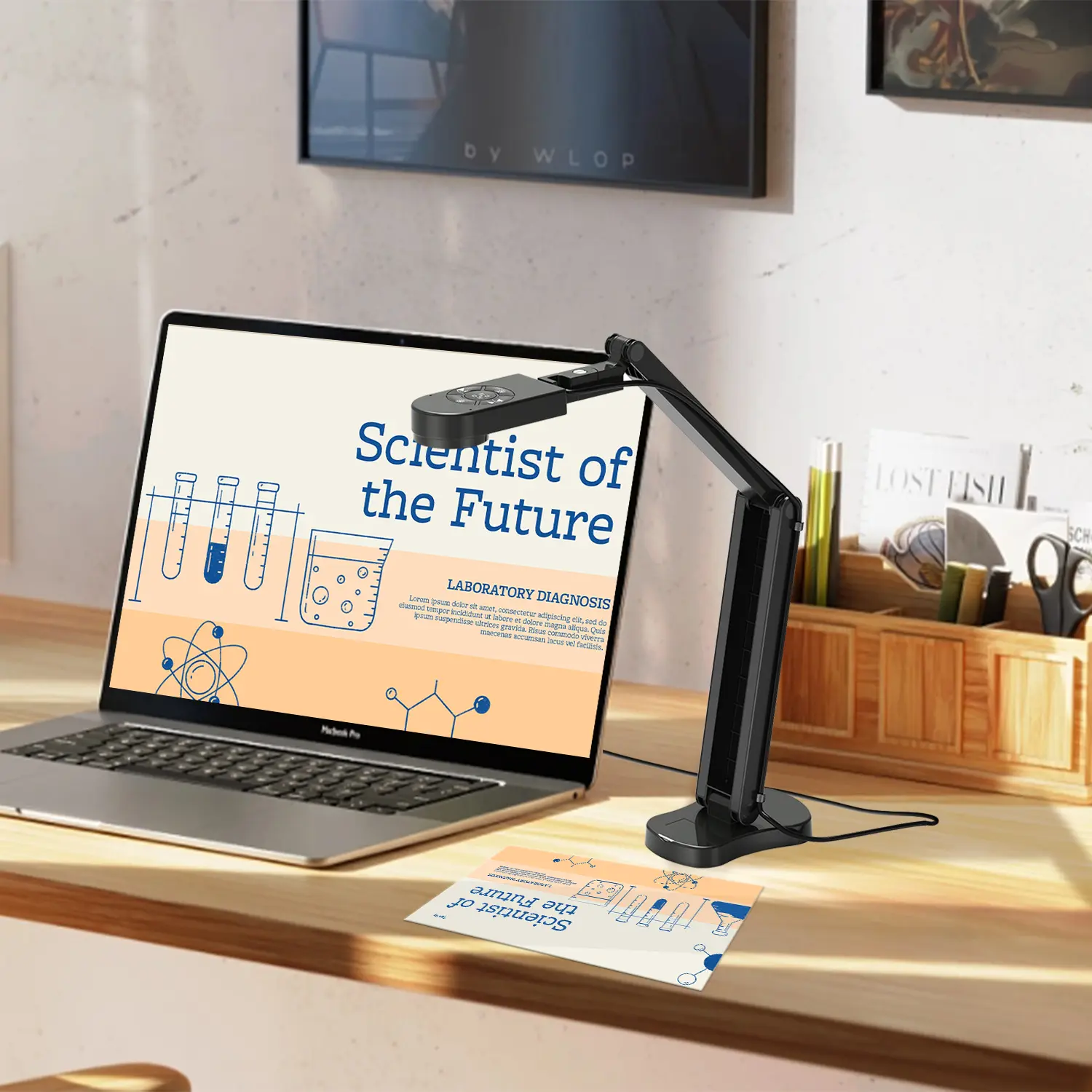
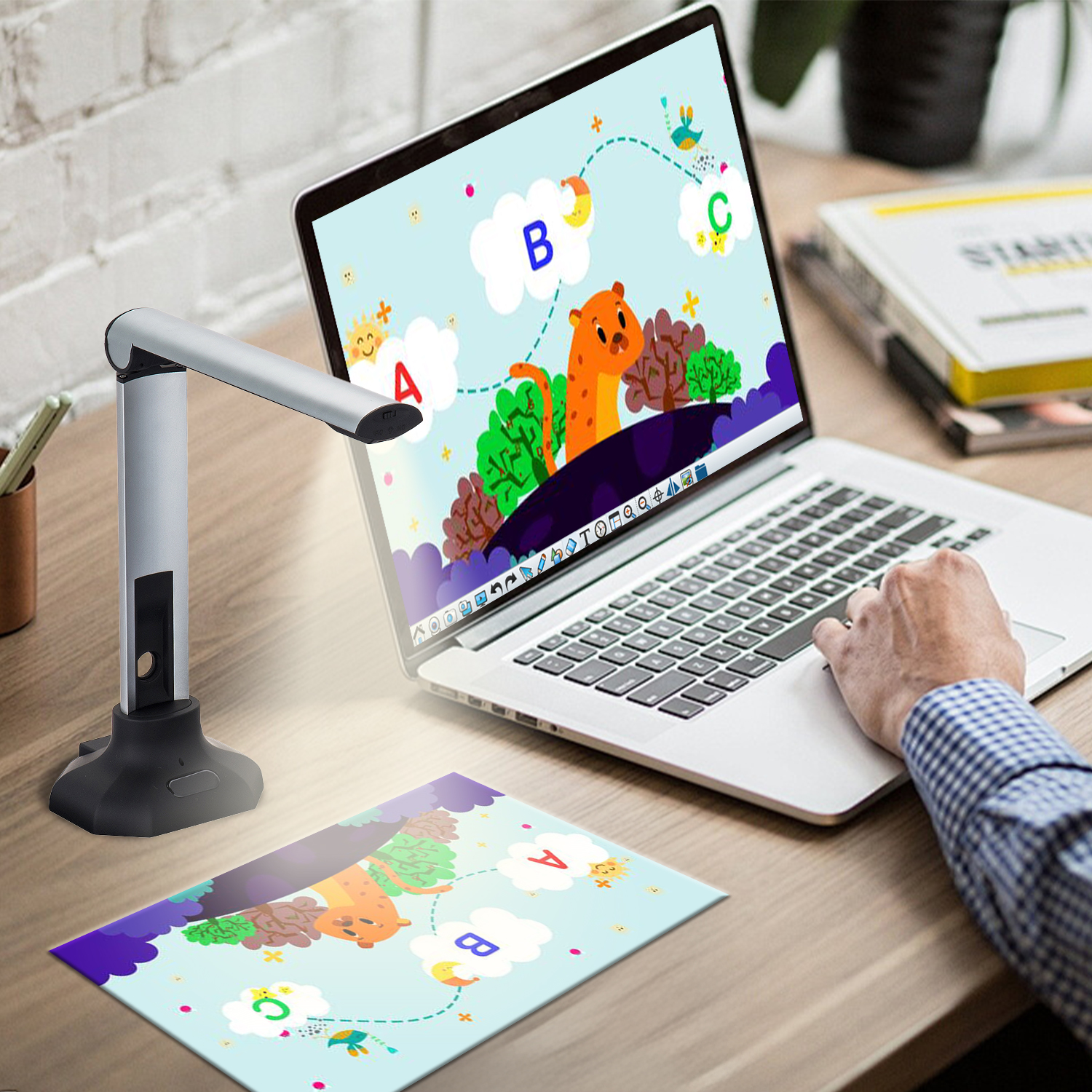
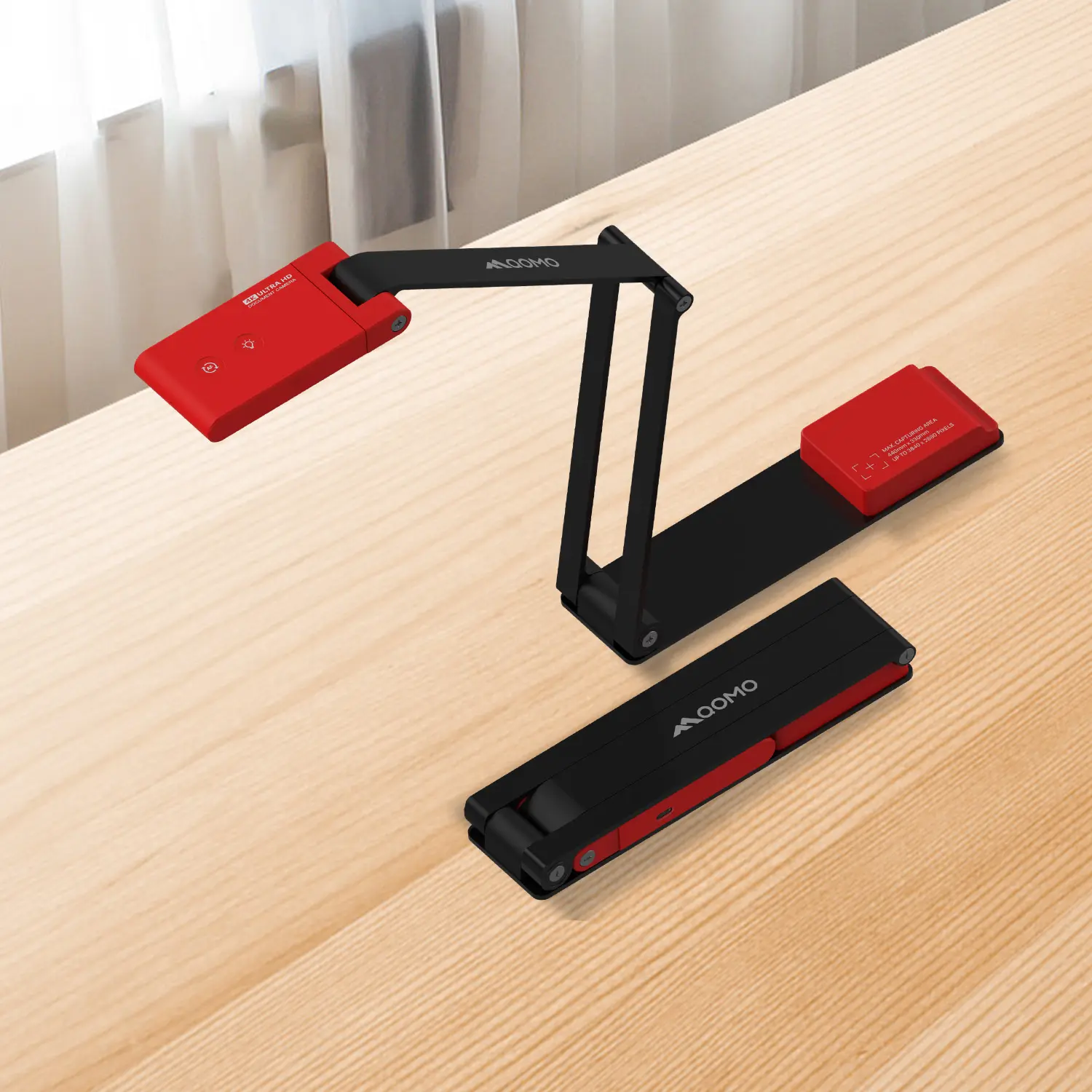
A portable document camera is a compact imaging device that displays physical materials on a larger screen. It captures books, worksheets, handwriting, objects, and small demonstrations in real time. A flexible neck or folding arm holds the camera above the subject. Many models connect through USB or wireless transmission. Some include built-in lights, image rotation, and autofocus.
In practice, its value comes from quick visual sharing. A teacher can place a student’s calculation under the lens and discuss each correction. A trainer can show a circuit board without passing it around. At home, a reader can enlarge a fragile page without touching it repeatedly. The camera also supports remote lessons, where clear framing matters more than decorative design.
Placement still requires care. Glossy paper may reflect light. Small text can become blurry when the camera moves. I sometimes expect autofocus to solve everything, but steady positioning remains important. A plain, stable desk often produces better results than a crowded setup. Check the camera’s resolution, connection type, operating compatibility, and working distance before choosing one. Portability is useful only when setup stays simple. Otherwise, the device may remain in a drawer.
A portable document camera works by turning physical objects into live digital images. Its lens captures a book page, circuit board, handwritten note, or small experiment. A light-sensitive sensor converts that view into video. The internal processor then adjusts exposure, focus, and color before sending the signal through USB, HDMI, or wireless connection.
In practical use, the camera sits above the subject. A flexible neck helps users change the viewing angle quickly. Many models also include autofocus and digital zoom. These features reveal pencil marks and tiny components, although zoom can soften the image. The 2023 UNESCO Global Education Monitoring Report found that technology supports learning only when teachers receive suitable training and use clear teaching goals. That warning matters. A document camera is not automatically effective. UNICEF and the International Telecommunication Union reported in 2020 that about 2.2 billion children and young people lacked internet access at home. Offline, shared-screen teaching can therefore remain valuable in classrooms with limited connectivity.
Tips: Place the subject under even light. Avoid glossy pages. Lock focus before demonstrations. Test the cable and display first. A slightly tilted page can confuse automatic framing. I still find this easy to overlook. Keep a printed backup nearby. The image may freeze, and real lessons rarely wait. Choose resolution based on viewing distance, not marketing claims. A clear 1080p feed is often enough for documents, diagrams, and most classroom objects.
Why Choose a Portable Document Camera?
When choosing a portable document camera, features matter more than appearance. In classroom trials, I look for sharp text at the page edges. A 1080p sensor is usually enough for worksheets, receipts, and handwriting. Autofocus should react quickly when a page is lifted. Delays interrupt explanation.
Frame rate also matters. A 30fps setting keeps demonstrations smooth. A flexible arm helps capture books, small objects, and three-dimensional models. Built-in lighting is useful in rooms with uneven daylight. However, stronger brightness can create glare on glossy pages. This is easy to overlook. USB-C, HDMI, and wireless support improve compatibility, but wireless connections may introduce delay. UNESCO’s 2023 Global Education Monitoring Report states that only 40% of primary schools globally had internet access. Therefore, offline operation remains a practical requirement, not a luxury. The OECD’s PISA 2022 report also found that about 30% of students were distracted by digital devices during mathematics lessons. Simple controls can reduce that problem.
Tips: Test the camera with faint pencil marks and glossy paper. Check whether OCR works without internet access. Confirm that the hinge feels stable after repeated folding. I once valued a lighter design too highly; the loose arm became frustrating during live demonstrations. Security deserves attention too. Choose models with clear permission settings, minimal software access, and reliable firmware updates. A good device should disappear into the lesson, not compete with it.
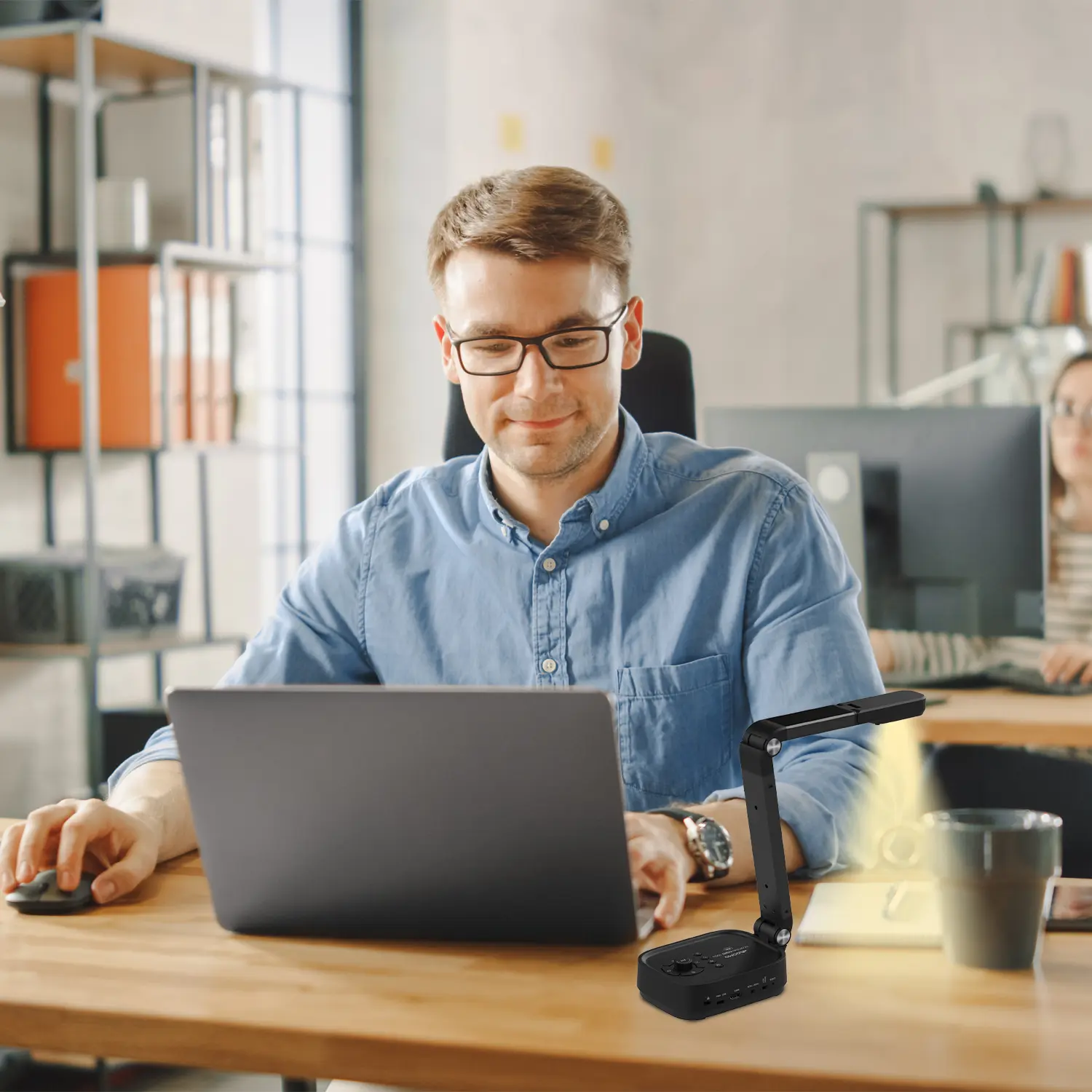
A portable document camera turns ordinary pages, objects, and demonstrations into clear live images. Its compact design makes it practical for classrooms, offices, training rooms, and remote lessons. You can carry it between desks, connect it to a computer, and display a worksheet within seconds.
Its main use is visual explanation. A teacher can enlarge a student’s handwriting, show the steps of a science experiment, or compare two pages on screen. In an office, staff can present signed forms, product samples, maps, or detailed diagrams without passing materials around. The flexible camera arm also captures three-dimensional objects, such as circuit boards or small mechanical parts. This reduces crowding around a desk.
The benefits are practical. A good model needs little setup and works well in changing locations. It can support online meetings, record demonstrations, and help viewers inspect fine details. Some devices offer image rotation, autofocus, and adjustable lighting. These features save time, especially when text is small or the room is dim.
It is not perfect.
Shiny pages may create glare. Fast movements can look blurred. I have also found that automatic focus sometimes chooses the wrong object. Clear positioning still matters. Users should test the camera, lighting, and connection before an important lesson or presentation. With careful handling, portability becomes more than convenience; it supports clearer communication and more active participation.
A portable document camera changes how quickly teachers can share physical materials. Compared with traditional document cameras, it needs less desk space and usually moves between rooms easily. In a classroom, an instructor can show a worksheet, microscope slide, or handwritten calculation within seconds. That convenience matters. Still, portability is not the same as perfect performance. A lightweight arm may shake when students touch the table, and small lenses can struggle under dim lighting.
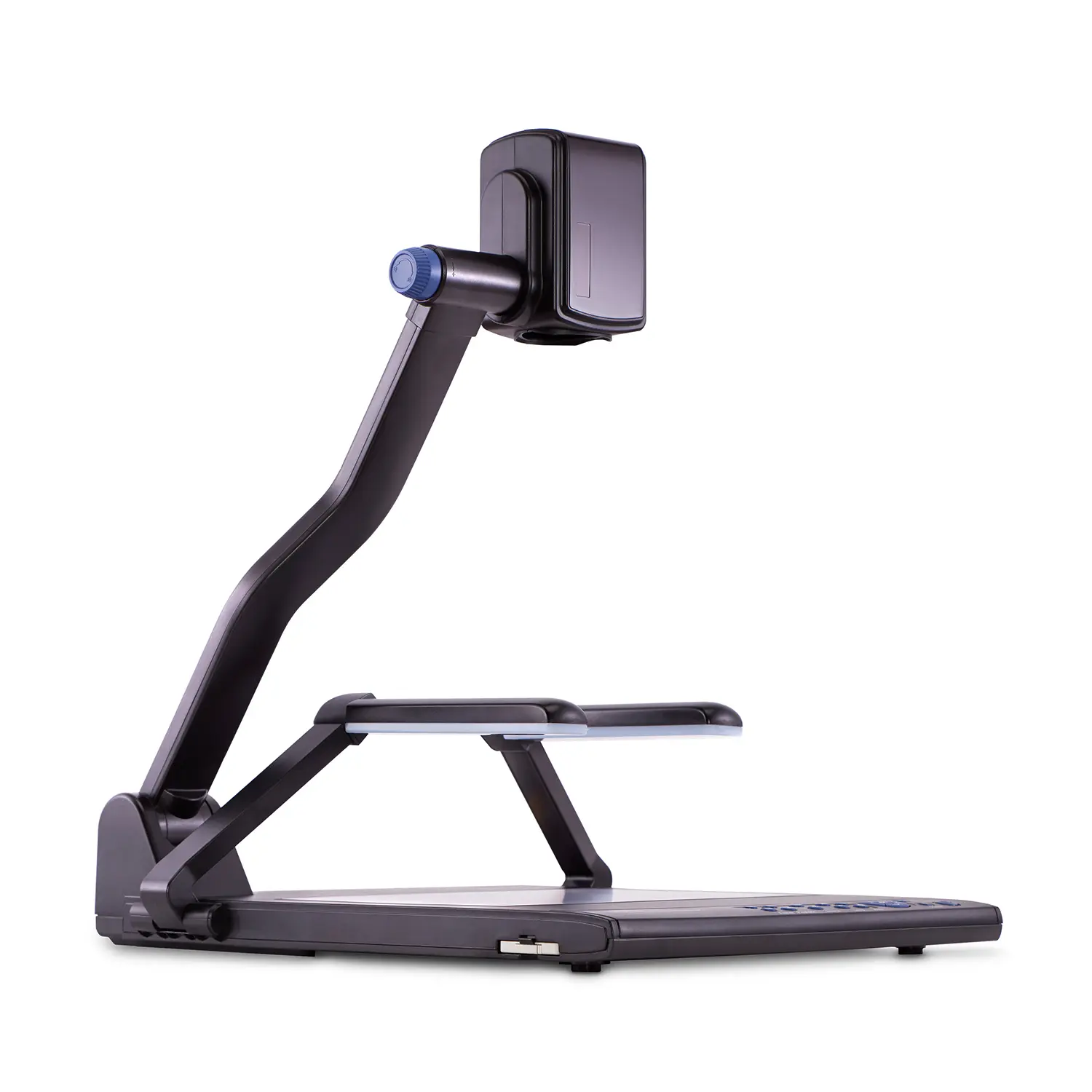
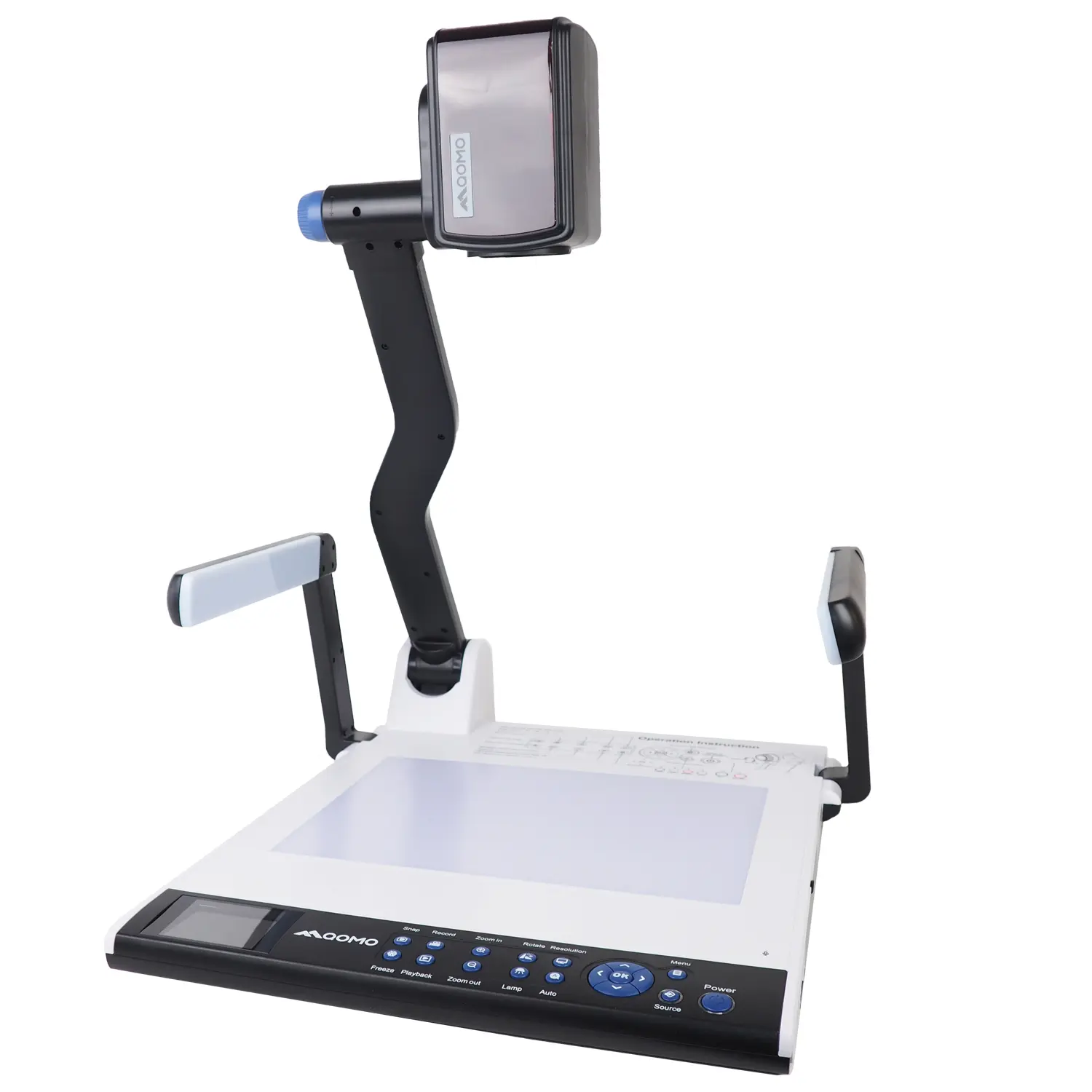
Traditional document cameras often provide a steadier image because they remain fixed in one position. Many models also include stronger lighting, larger capture areas, and smoother focus during live demonstrations. Their fixed design suits lecture halls, laboratories, and classrooms with permanent teaching stations. However, installation can require careful cable management and a dedicated workspace. A portable model may connect through a single cable, but connection problems can still interrupt a lesson.
I once assumed a portable camera would always be easier to use. That assumption was wrong. Moving between rooms saved time, but I sometimes needed extra seconds to adjust the angle and focus. Image quality also depended on the document’s surface, room lighting, and camera height. Practical testing suggests checking these conditions before purchase. A reliable choice should offer stable positioning, clear text capture, simple controls, and compatible connections. Teachers should also consider how often equipment moves, because repeated folding may affect durability over time. That trade-off deserves honest attention.
How Does It Compare with Traditional Document Cameras?
Portable document cameras typically use less storage space, weigh less, and require less setup time than traditional desktop document cameras. The figures shown are representative category-level values; actual specifications vary by model.